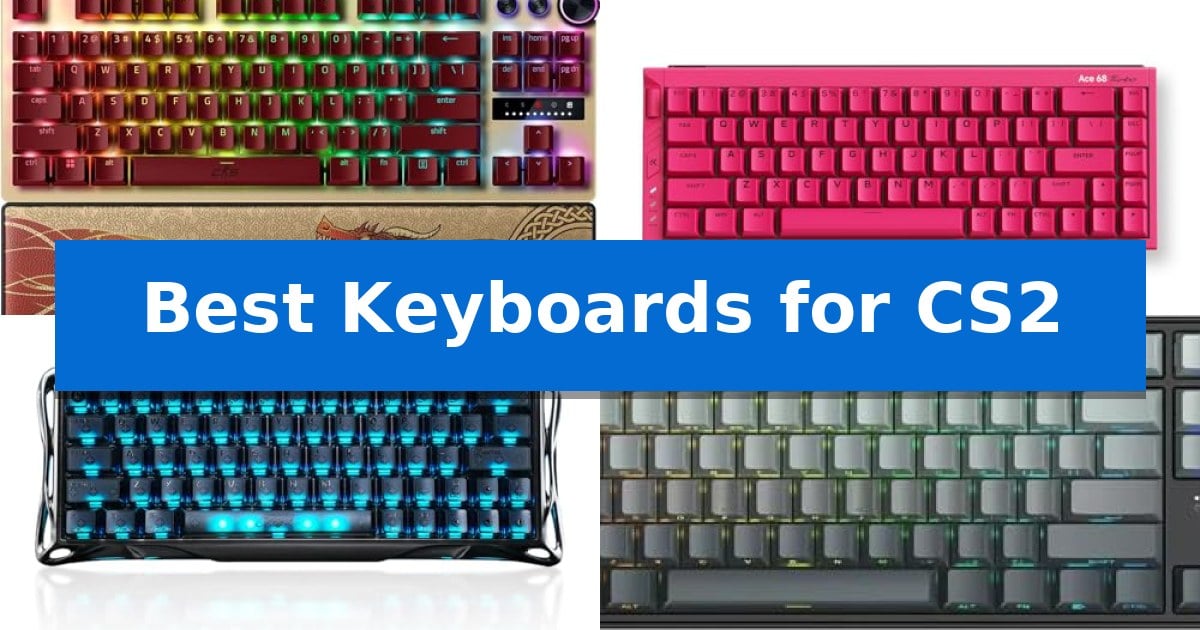
In the high-stakes environment of Counter-Strike 2, every millisecond of input latency can be the difference between a successful round and a lost match. Finding the Best Keyboards for CS2 requires looking beyond standard mechanical switches toward specialized hardware that prioritizes immediate response and precise movement control.
Modern competitive play demands features like rapid trigger and snap tap, which allow for near-instant directional changes and emergency stops. We have analyzed the latest magnetic switch keyboards to help you identify which hardware best supports your specific playstyle and desk setup.
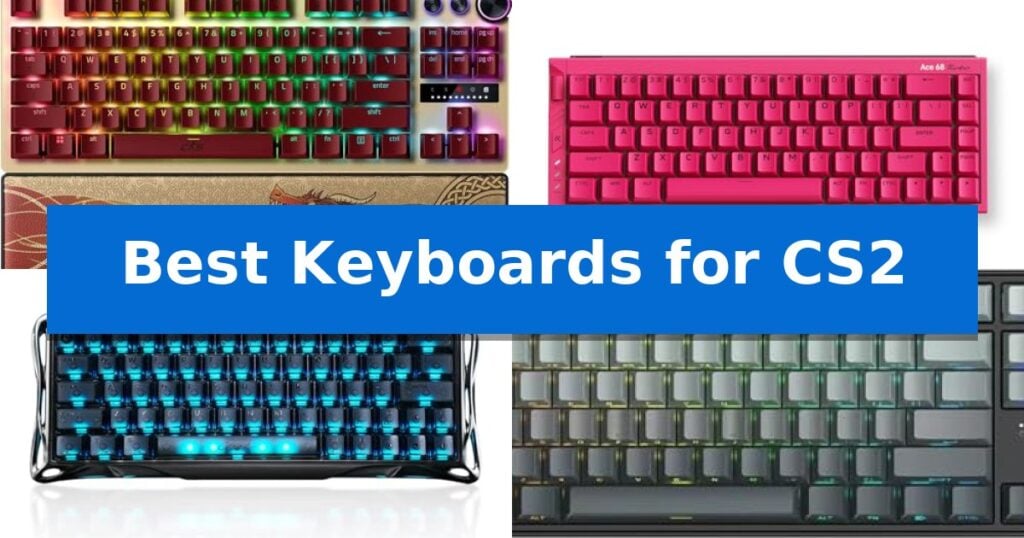
Best Keyboards for CS2 in 2026
Quick Comparison
| Product | Best For | Key Strength | Score |
|---|---|---|---|
| Razer Huntsman V3 Pro TKL Keyboard | Best Overall | Rapid Trigger and Snap Tap technology for near-instant input response. | 4.9 |
| MCHOSE Ace 68 Turbo Keyboard | Premium aluminum with 16K polling | Rapid Trigger and adjustable actuation for precise movement control. | 4.3 |
| GravaStar Mercury V60 Pro Keyboard | Ultra-fast 8kHz response time | True 8000Hz polling rate for ultra-low latency input. | 4.4 |
| Irock NA87 Pro Gaming Keyboard | High-performance magnetic switches | Rapid Trigger technology with 0.02 mm step distance for instant input. | 4.6 |
| EPOMAKER Aula MINI60 HE Keyboard | Versatile wireless rapid trigger | Adjustable Hall magnetic switches for precise actuation control. | 4.8 |
How We Chose
- Switch Technology: Prioritizing Hall Effect magnetic switches for adjustable actuation and rapid trigger capabilities.
- Input Responsiveness: Evaluating polling rates and scan rates to ensure minimal latency during intense firefights.
- Movement Optimization: Checking for firmware support for features like snap tap and SOCD for consistent counter-strafing.
- Build Quality: Assessing chassis materials and keycap durability for long-term reliability in competitive environments.
- Layout and Ergonomics: Considering the impact of form factor on mouse space and wrist comfort during extended sessions.
1 Razer Huntsman V3 Pro TKL Keyboard — Pro-grade movement with Snap Tap
Competitive FPS gaming demands hardware that translates intent into action with minimal delay. The Razer Huntsman V3 Pro TKL Keyboard is engineered specifically for this level of precision, featuring Analog Optical Switches Gen-2 that allow for a customizable 0.1–4.0 mm adjustable actuation range. This capability enables players to fine-tune exactly how deep a key must be pressed before it registers, providing a tailored feel for rapid movement and ability activation.
Central to its performance in titles like Counter-Strike 2 is the inclusion of Rapid Trigger and Razer Snap Tap technology. These features work in tandem to reset keys at the slightest lift of a finger, allowing for near-instant directional changes without the need to fully release the previous input. This hardware-level prioritization of the latest input is designed to provide a distinct advantage during intense, high-stakes movement scenarios.
Beyond its core performance switches, the keyboard is built for durability and convenience. It features textured doubleshot PBT keycaps designed to withstand heavy use, alongside a multi-function digital dial and dedicated media buttons for quick adjustments. Onboard memory allows users to save settings directly to the device, facilitating quick onboard adjustments to actuation height or sensitivity without requiring additional software.
The TKL form factor saves desk space, while the included magnetic firm leatherette wrist rest provides ergonomic support during extended sessions. With a 100 million keystroke lifespan, this keyboard is built to endure the rigors of competitive play while maintaining consistent input reliability.
Best for: Competitive FPS players who require rapid, customizable key actuation and advanced input prioritization for movement-heavy gameplay.
Skip if: Users who prefer a full-sized layout with a dedicated number pad or those who do not require advanced analog switch features for their specific gaming needs.
PROS
- Rapid Trigger and Snap Tap technology for near-instant input response.
- Adjustable actuation range (0.1–4.0 mm) for personalized switch sensitivity.
- Durable doubleshot PBT keycaps built for intense competitive use.
- Onboard LED array allows for software-free setting adjustments.
CONS
- TKL form factor lacks a dedicated number pad, which may limit utility for non-gaming tasks.
2 MCHOSE Ace 68 Turbo Keyboard — Premium aluminum with 16K polling
Competitive precision in shooters often hinges on the speed and consistency of your hardware. The MCHOSE Ace 68 Turbo Hall Effect Gaming Keyboard centers its design around magnetic switches, offering 0.1–3.4mm adjustable actuation and 0.001–3.4mm Rapid Trigger capabilities that allow for granular control over character movement and strafing in titles like CS2.
Built for high-frequency inputs, this keyboard features 16K polling on Windows and up to 8K on Mac, supported by a 256K scan rate to minimize input latency. The 65% CNC-machined aluminum body provides a rigid, stable foundation that maintains its position during intense gameplay, while the compact 68-key layout preserves essential navigation keys without sacrificing desk space for mouse movement.
The internal architecture utilizes a five-layer sound-damping structure paired with an aluminum plate to refine typing acoustics. Users can manage advanced competitive functions—including SOCD, RS, DKS, MT, and TGL—via the MCHOSE HUB or web driver. A dedicated button is included for rapid switching between three custom Rapid Trigger profiles, ensuring settings can be adjusted on the fly.
Connectivity is handled via a stable wired USB-C connection, which ensures consistent performance without the interference risks associated with wireless protocols. With south-facing RGB lighting and onboard memory for profile storage, the keyboard balances high-end technical specifications with a functional, esports-oriented aesthetic.
Best for: Competitive FPS players who require precise, customizable Rapid Trigger settings and high polling rates for movement-heavy games.
Skip if: Users who require a full-sized layout with a dedicated number pad or those who prioritize a wireless connection for their desk setup.
PROS
- Rapid Trigger and adjustable actuation for precise movement control.
- 16K polling rate for minimal input latency on Windows.
- Full CNC aluminum chassis for superior build quality and stability.
- Hot-swap magnetic switch support for customization.
CONS
- Wired-only connection limits desk placement flexibility.
- 65% layout lacks a dedicated number pad and function row.
3 GravaStar Mercury V60 Pro Keyboard — Ultra-fast 8kHz response time
Precision movement in competitive shooters relies on instantaneous input registration, a demand met by the GravaStar Mercury V60 Pro Keyboard. This compact 60% layout device utilizes Hall Effect magnetic switches to achieve a true 8000Hz polling rate, ensuring that every keystroke is reported with ultra-low latency for real-time responsiveness during high-speed gameplay.
The keyboard is engineered for the specific requirements of titles like CS2, featuring Dynamic Rapid Trigger technology. This allows for fully adjustable actuation points between 0.1mm and 4.0mm, enabling players to execute faster counter-strafing and precise tap-firing. The hardware also supports SOCD / LKP (Last Keystroke Prioritized) handling, which provides consistent movement control by prioritizing the most recent input.
Built for durability and stability, the GravaStar Mercury V60 Pro Keyboard features a CNC-machined 6063 aluminum body and frosted, translucent PBT keycaps. The design is strictly wired via a detachable USB-C connection, ensuring a stable link to Windows, macOS, or gaming consoles without the interference concerns of wireless alternatives.
Customization is handled through a web-based driver, eliminating the need for bulky software installations. Users can adjust per-key RGB lighting, macros, and actuation settings directly through a browser. This streamlined approach keeps the system lightweight while maintaining full control over the keyboard's performance characteristics.
Best for: Competitive FPS players who prioritize ultra-low latency, adjustable actuation, and rapid trigger functionality for precise movement in games like CS2.
Skip if: Users who require a full-sized layout with a dedicated number pad or those who prefer a wireless connection for their desktop setup.
PROS
- True 8000Hz polling rate for ultra-low latency input.
- Dynamic Rapid Trigger with adjustable 0.1mm to 4.0mm actuation.
- Durable CNC-machined 6063 aluminum frame.
- Web-based driver for easy customization without software bloat.
CONS
- 60% compact layout lacks dedicated arrow keys and a number pad.
- Wired-only connection limits desk placement flexibility.
4 Irock NA87 Pro Gaming Keyboard — High-performance magnetic switches
Precision in competitive shooters often hinges on the responsiveness of your hardware. The Irock NA87 Pro Gaming Keyboard integrates high-performance magnetic switches designed to eliminate physical input delay, providing a distinct mechanical advantage for players who prioritize rapid response times during intense firefights.
Engineered specifically for titles like CS2, this TKL wired mechanical keyboard features Rapid Trigger technology with an adjustable actuation point ranging from 0.02 mm to 4.0 mm. This capability allows for near-instantaneous input registration, which is particularly beneficial for executing precise emergency stops and peeking maneuvers. The keyboard also supports an 8K Hz polling rate, achieving latency as low as 0.3 milliseconds to ensure inputs are processed with minimal delay.
For users looking to optimize their movement, the keyboard allows for two actions in one tap via driver settings, enabling complex inputs to be mapped to a single key press. This feature is particularly useful for players who may struggle with the timing of manual AD emergency stops in tactical shooters.
With its hot-swappable magnetic switches, the device offers a balance of customization and performance. The design focuses on durability and speed, making it a specialized tool for those who demand high-frequency input accuracy in fast-paced tactical environments.
Best for: Competitive FPS players who require rapid actuation and customizable trigger points for precise movement and shooting.
Skip if: Users who prefer the tactile feedback of traditional mechanical switches or those who require a full-sized layout with a dedicated number pad.
PROS
- Rapid Trigger technology with 0.02 mm step distance for instant input.
- 8K Hz polling rate for ultra-low latency performance.
- Hot-swappable magnetic switches allow for key feel customization.
- Dual-action mapping enables complex inputs in a single tap.
CONS
- Wired-only connection limits desk setup flexibility.
- TKL layout lacks a dedicated number pad for non-gaming tasks.
5 EPOMAKER Aula MINI60 HE Keyboard — Versatile wireless rapid trigger
Precision is paramount in competitive shooters, and the EPOMAKER Aula MINI60 HE provides a distinct advantage through its Hall magnetic switches, which allow for a fully adjustable actuation point from 0.1mm to 3.4mm in 0.01mm increments. This level of customization ensures that every command is registered with exact intent, a critical requirement for high-stakes gameplay.
Designed for performance, this 60% ultra-compact keyboard features an 8000Hz polling rate in wired mode, minimizing input latency to help you stay ahead in fast-paced environments. The inclusion of Snap Tap technology further optimizes movement by prioritizing the latest input between two keys, while Dynamic Keystroke allows for up to four distinct actions within a single keypress, enabling complex macros and seamless combos.
The EPOMAKER Aula MINI60 HE is built for reliability and longevity, utilizing double-shot PBT keycaps that resist fading and wear over time. Its tri-mode wireless connectivity offers flexibility for various setups, while the power-saving design provides up to 44 hours of usage with the backlight disabled, ensuring your gear remains functional during extended sessions.
Customization is handled through an intuitive Chrome-based web driver, which functions both online and offline. This interface provides real-time visual feedback, allowing users to fine-tune sensitivity, polling rates, and advanced functions like SOCD without complex software installations. The minimalist 60% layout maximizes desk space, providing additional room for expansive mouse maneuvers essential for low-sensitivity aiming.
Best for: Competitive FPS gamers who require rapid trigger sensitivity, adjustable actuation, and a space-saving 60% form factor.
Skip if: Users who rely on a dedicated number pad, function row, or arrow keys for productivity tasks or specific game bindings.
PROS
- Adjustable Hall magnetic switches for precise actuation control.
- Snap Tap and Dynamic Keystroke features for advanced input management.
- 8000Hz polling rate for ultra-low latency performance.
- Durable double-shot PBT keycaps with long-lasting legends.
CONS
- 60% layout lacks dedicated arrow keys and a number pad.
- 8K polling is limited to wired mode on the Standard version.
Best Keyboards for CS2 Buying Guide
Understanding Magnetic Switches and Rapid Trigger
Unlike traditional mechanical switches that rely on a physical contact point, magnetic Hall Effect switches measure the distance of the keypress. This allows for adjustable actuation, where you can define exactly how far a key must be pressed to register, and rapid trigger, which resets the key the moment you begin to lift your finger.
For CS2 players, this technology is transformative. It eliminates the dead zone found in standard switches, allowing for faster counter-strafing and more responsive movement. When choosing a keyboard, ensure the software or onboard controls allow for fine-tuning these settings to match your muscle memory.
The Importance of Polling Rates
The polling rate determines how often the keyboard reports its state to the computer. While 1000Hz is standard, many competitive-grade keyboards now offer 8000Hz polling rates. This higher frequency reduces the time between your physical input and the game registering the action.
While the difference between 1000Hz and 8000Hz is measured in sub-millisecond intervals, it is a critical specification for players who demand the lowest possible input latency. Always verify if your system and game settings are optimized to take advantage of these high-speed reporting rates.
Layout Considerations for FPS Gaming
The physical size of your keyboard significantly impacts your gaming performance. A 60% or TKL (Tenkeyless) layout removes the number pad, providing significantly more room for wide mouse swipes. This is particularly important for low-sensitivity players who need a large surface area for aiming.
When selecting a layout, consider whether you need dedicated media keys or a volume dial. While these features are convenient, they increase the footprint of the device. If your desk space is limited, a compact layout is almost always the superior choice for competitive FPS titles.
Snap Tap and Movement Prioritization
Snap Tap is a specialized firmware feature that prioritizes the latest input between two selected keys. In CS2, this is used to perform near-instant directional changes without needing to fully release the previous key. It effectively automates the timing required for perfect peeking.
Check if your chosen keyboard supports this feature natively via firmware updates. Because this is a software-driven capability, some manufacturers may require you to use their specific hub software or a web-based driver to enable and configure these movement-prioritization settings.
Build Materials and Durability
Competitive gaming keyboards face intense use, making material quality essential. CNC-machined aluminum frames provide a rigid, stable base that resists flexing during aggressive play. This weight also helps keep the keyboard firmly in place on your desk.
Look for doubleshot PBT keycaps, which are more resistant to the shine and wear that develop on standard ABS plastic over time. A durable build ensures that your keyboard remains consistent and reliable throughout years of competitive matches.
Frequently Asked Questions
Do I need special software to use rapid trigger?
Most magnetic keyboards require either a manufacturer-specific hub or a web-based driver to adjust actuation and rapid trigger settings. Once configured, these settings are often saved to the keyboard's onboard memory, allowing you to use them without the software running in the background.
Is an 8000Hz polling rate noticeable?
An 8000Hz polling rate reduces input latency to sub-millisecond levels. While the difference may be subtle to casual players, it is a preferred specification for competitive gamers who want to eliminate every possible source of delay in their setup.
What is the benefit of a 60% layout for CS2?
A 60% layout removes the number pad and often the arrow keys, which creates more space for your mouse. This allows for a wider range of motion, which is crucial for players who use low sensitivity settings to maintain accuracy.
Can I swap the switches on these keyboards?
Many modern magnetic switch keyboards feature hot-swappable sockets. However, you must ensure that you are using compatible magnetic switches, as standard mechanical switches will not function with the Hall Effect sensors found in these specific gaming models.
Does the keyboard material affect gameplay?
While the material does not change the input speed, a heavy aluminum chassis prevents the keyboard from sliding during intense movement. This stability ensures that your keyboard stays exactly where you need it during high-pressure moments.
Conclusion: Our Top Pick
For players seeking the most comprehensive set of competitive features, the Razer Huntsman V3 Pro TKL Keyboard stands out as the top choice. Its integration of Analog Optical Switches Gen-2, combined with native support for Razer Snap Tap and Rapid Trigger, provides a distinct advantage for precise movement and rapid directional changes in CS2.
The inclusion of a dedicated digital dial and onboard LED array for making adjustments without software makes it a highly practical tool for competitive gamers. While other options offer excellent build quality and polling rates, the specific focus on FPS-centric firmware features makes this keyboard the most effective solution for those looking to elevate their performance.