
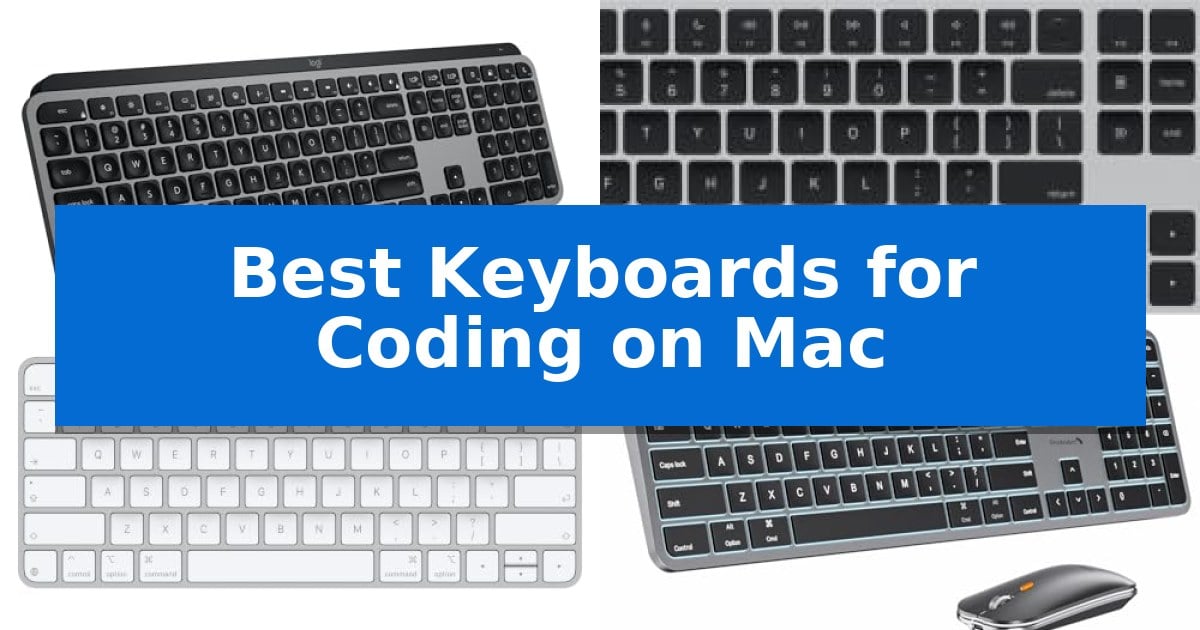
Finding the right hardware for a development environment is essential for maintaining focus during long programming sessions. When you spend hours writing code, the tactile feedback and layout of your input device directly impact your efficiency and comfort.
The Best Keyboards for Coding on Mac must balance native macOS compatibility with the specific needs of software engineers. Whether you prioritize mechanical precision, wireless flexibility, or seamless multi-device switching, selecting a tool that aligns with your workflow is a critical upgrade for any developer.
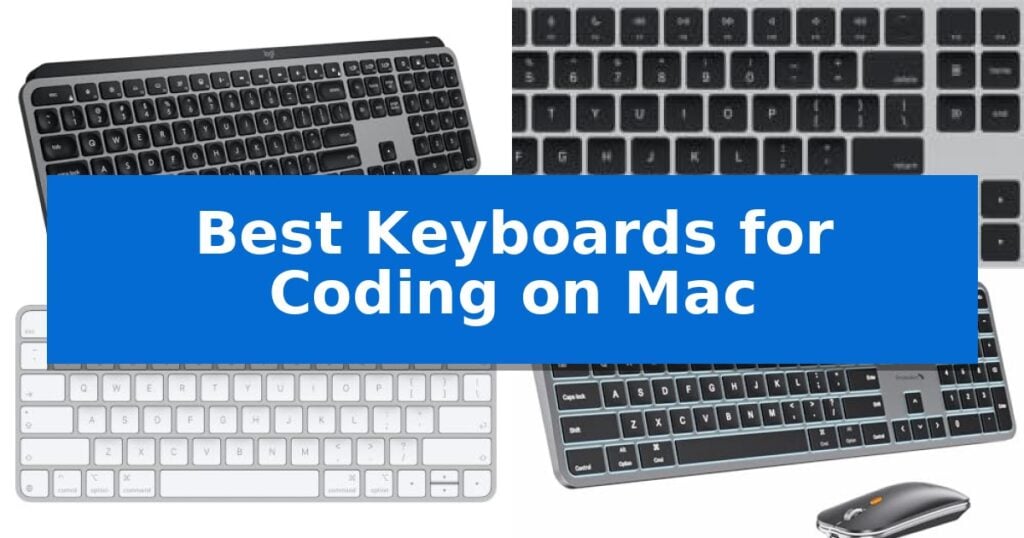
Best Keyboards for Coding on Mac in 2026
Quick Comparison
| Product | Best For | Key Strength | Score |
|---|---|---|---|
| Logitech MX Keys S Mac Keyboard | Best Overall | Mac-specific layout and design aesthetics for seamless integration. | 4.9 |
| Apple Magic Keyboard with Numeric Keypad | Seamless Native Apple Integration | Integrated Touch ID for secure and fast authentication. | 4.4 |
| Apple Magic Keyboard with Touch ID | Secure Instant Authentication | Integrated Touch ID for secure and rapid authentication. | 4.8 |
| ProtoArc KM100-A Mac Keyboard | Ergonomic Flat Profile Design | Full-size layout with a dedicated numeric keypad for improved data entry efficiency. | 4.7 |
| Macally Wired Keyboard with USB Hub | Integrated Peripheral Connectivity | Integrated 3-port USB hub (2x USB-A, 1x USB-C) for peripheral connectivity. | 4.3 |
How We Chose
- Native macOS layout compatibility and function key support.
- Connectivity options including Bluetooth stability and wired reliability.
- Ergonomic design features that promote neutral wrist posture.
- Build quality and key switch responsiveness for long-term durability.
- Integration with productivity software for custom shortcuts and automation.
1 Logitech MX Keys S Mac Keyboard — Fluid Typing for Long Sessions
The Logitech MX Keys S Mac Keyboard is engineered with a dedicated Mac-specific layout and aesthetic finishes that integrate directly into an Apple ecosystem. Its core functionality centers on a low-profile, laptop-style typing experience, utilizing spherically dished keys designed to match the natural shape of human fingertips for precise input.
For developers and power users, the keyboard supports the Logi Options+ app, which enables the creation of Smart Actions shortcuts. This feature allows users to map complex, repetitive workflows to a single keystroke, streamlining common coding or productivity tasks. The hardware also features smarter illumination that detects hand proximity, automatically adjusting backlighting based on the ambient environment.
Connectivity is handled via Bluetooth Low Energy, allowing for seamless switching between up to three devices, including Mac, iPad, and iOS hardware. When paired with an MX Master 3S for Mac mouse, users can leverage the ecosystem to transfer text and files between multiple Apple computers. The unit is USB-C rechargeable, offering a battery life of up to 10 days on a full charge.
Designed for long-term use, the keyboard features an optimized angle intended to support neutral wrist posture. The construction incorporates recycled plastic, with 26% post-consumer recycled content in the Space Gray model. It provides a stable, full-size typing platform while maintaining a slim profile that fits easily into most desk setups.
Best for: Developers and Mac power users who require a consistent, low-profile typing experience across multiple Apple devices with customizable workflow automation.
Skip if: Users who prefer the tactile feedback and deep travel of mechanical switches or those who require a wired-only connection for specific security environments.
PROS
- Mac-specific layout and design aesthetics for seamless integration.
- Smart Actions automation for streamlining repetitive coding tasks.
- Proximity-sensing backlighting that adapts to ambient light.
- Multi-device connectivity across three Apple devices via Bluetooth.
CONS
- Non-mechanical key switches may not suit those preferring high-travel tactile feedback.
- Fixed internal battery requires USB-C charging rather than swappable batteries.
2 Apple Magic Keyboard with Numeric Keypad — Seamless Native Apple Integration
The Apple Magic Keyboard with Touch ID and Numeric Keypad integrates directly with Apple Silicon Macs, utilizing Touch ID for secure, rapid authentication to unlock your device or authorize logins. This keyboard provides a stable, low-profile typing experience that is consistent with Apple's design standards, ensuring precision for long coding sessions.
Designed with an extended layout, this model includes dedicated document navigation controls and full-size arrow keys. These additions are particularly useful for developers who need to navigate large codebases or manage spreadsheets efficiently. The inclusion of a numeric keypad further enhances productivity for data-heavy tasks or financial applications.
Connectivity is handled wirelessly, supported by a rechargeable battery that provides approximately one month or more of usage on a single charge. This minimizes cable clutter on your desk while maintaining a reliable connection to your Mac. The keyboard's dimensions of 17.6 inches in length and 6 inches in width offer a spacious, full-sized footprint that remains relatively slim.
While this keyboard offers seamless integration with the Apple ecosystem, it is specifically optimized for Apple Silicon models. Users who prioritize a mechanical switch feel or require multi-device pairing across non-Apple hardware may find the fixed, membrane-style scissor mechanism and proprietary focus to be a specific trade-off compared to third-party mechanical alternatives.
Best for: Developers and power users who rely on Apple Silicon Macs and require a full-sized layout with integrated biometric security.
Skip if: Users who prefer mechanical switches, require multi-device Bluetooth switching, or are using non-Apple hardware.
PROS
- Integrated Touch ID for secure and fast authentication.
- Extended layout with a dedicated numeric keypad for efficient data entry.
- Long-lasting rechargeable battery providing over a month of use.
- Seamless native integration with Apple Silicon Mac models.
CONS
- Proprietary design limits compatibility with non-Apple devices.
- Fixed scissor-switch mechanism lacks the tactile customization of mechanical keyboards.
3 Apple Magic Keyboard with Touch ID — Secure Instant Authentication
Integrating biometric security directly into a desktop workspace, the Apple Magic Keyboard with Touch ID offers a streamlined solution for developers who prioritize both efficiency and security. By providing fast, easy, and secure authentication for system logins and app-based purchases, this keyboard removes the friction of manual password entry during long coding sessions.
Designed specifically for Mac models with Apple silicon, the keyboard pairs automatically upon connection, ensuring a seamless setup process. The device features a remarkably comfortable and precise typing experience, which is essential for maintaining focus during extended periods of writing code. Its low-profile design and stable key mechanism are engineered to support consistent, reliable input.
The Apple Magic Keyboard with Touch ID is both wireless and rechargeable, utilizing an incredibly long-lasting internal battery that provides power for about a month or more between charges. When it is time to recharge, the included woven USB-C Charge Cable allows for a direct connection to your Mac, enabling you to continue working while the device powers up.
This keyboard prioritizes a clean, minimalist aesthetic that complements the Mac ecosystem while delivering high-utility features. With its integrated USB-C port and seamless integration with macOS, it serves as a dedicated tool for professionals who require a stable, secure, and low-maintenance input device for their daily development environment.
Best for: Developers using Mac models with Apple silicon who require integrated biometric security and a reliable, low-profile typing experience.
Skip if: Users who prefer mechanical switches with high-travel keys or those who require a full-sized layout with a dedicated number pad.
PROS
- Integrated Touch ID for secure and rapid authentication.
- Wireless and rechargeable design with long-lasting battery life.
- Seamless automatic pairing with Mac systems.
- Includes a durable woven USB-C Charge Cable.
CONS
- Limited to Mac models with Apple silicon for full feature compatibility.
- Lacks the mechanical switch feel preferred by some programmers.
4 ProtoArc KM100-A Mac Keyboard — Ergonomic Flat Profile Design
The ProtoArc KM100-A Backlit Bluetooth Keyboard and Mouse for Mac prioritizes a neutral typing posture through its intentionally flat, low-profile design. This setup allows users to keep their wrists level with their fingers, aiming to reduce strain during extended coding sessions on macOS devices.
Equipped with soft white LED backlighting featuring three adjustable brightness levels, this keyboard ensures visibility in low-light environments without causing eye fatigue. The device utilizes responsive scissor switches designed for quiet operation, which helps maintain a focused workspace while providing a tactile feel for rapid input.
Connectivity is managed through triple Bluetooth channels, enabling seamless switching between up to three devices with a simple button press. The included mouse complements this functionality with adjustable DPI levels of 1000, 1600, and 2400, allowing for customized cursor sensitivity to match specific development workflows.
Both the keyboard and mouse feature built-in rechargeable batteries (1200mAh and 300mAh, respectively) and an automatic sleep mode after 60 minutes of inactivity to conserve power. While the full-size layout includes a dedicated numeric keypad for increased efficiency, it requires a larger desk footprint compared to compact alternatives.
Best for: Mac users who require a full-size, backlit wireless keyboard with a numeric keypad and multi-device switching capabilities.
Skip if: Users with limited desk space or those who prefer a mechanical switch feel over low-profile scissor switches.
PROS
- Full-size layout with a dedicated numeric keypad for improved data entry efficiency.
- Triple Bluetooth connectivity allows for quick switching between three separate devices.
- Adjustable LED backlighting provides visibility in dim environments.
- Flat, ergonomic design promotes a neutral wrist position during long typing sessions.
CONS
- Larger desk footprint due to the full-size form factor.
- Bluetooth-only connection means no USB dongle or wired mode is available.
5 Macally Wired Keyboard with USB Hub — Integrated Peripheral Connectivity
Managing multiple peripherals while maintaining a clean workspace is a common challenge for developers, and the Macally Wired Keyboard with USB Hub addresses this by integrating a 3-port USB hub directly into the chassis. This design allows users to connect a mouse, external drive, or other accessories through two USB-A ports and one USB-C port, effectively turning the keyboard into a central connectivity point for a Mac setup.
The keyboard features white LED backlit keys with three adjustable brightness levels, ensuring visibility in various lighting conditions. Its full-size layout includes 107 keys and 16 shortcuts, which are designed to work seamlessly across different operating systems. Thanks to auto OS detection, the keyboard automatically adapts its shortcuts when connected to Mac, Windows, Android, or iPad devices.
Versatility is further enhanced by the 2-in-1 USB plug, which provides both USB-C and USB-A connectivity options to accommodate a wide range of hardware. With dimensions of 16.85 inches by 4.61 inches and a slim profile, it fits comfortably on most desks while providing the tactile feedback expected from a wired peripheral.
For developers who prioritize a stable, wired connection and integrated port expansion, this unit offers a practical solution. The inclusion of a 2-year warranty provides additional support for the hardware, making it a reliable choice for those who need a consistent, plug-and-play typing experience without the need for external adapters.
Best for: Developers and power users who need an integrated USB hub to manage multiple peripherals directly from their keyboard.
Skip if: Users who prefer a wireless or mechanical typing experience, or those who require a compact, tenkeyless form factor.
PROS
- Integrated 3-port USB hub (2x USB-A, 1x USB-C) for peripheral connectivity.
- 2-in-1 USB plug ensures compatibility with both modern USB-C and legacy USB-A ports.
- White LED backlighting with three brightness levels for low-light environments.
- Auto OS detection simplifies switching between Mac, PC, and mobile devices.
CONS
- Wired-only connection limits desk placement flexibility compared to wireless models.
- Full-size footprint may be too large for minimalist or space-constrained workstations.
Best Keyboards for Coding on Mac Buying Guide
Keyboard Layout and Mac Compatibility
A dedicated Mac layout ensures that your modifier keys, such as Command and Option, are exactly where you expect them to be. This eliminates the need for remapping software and ensures that your muscle memory remains consistent across your development environment.
When choosing a keyboard, look for models that explicitly support macOS. This often includes specific function keys for brightness, volume, and Mission Control, which are essential for navigating your desktop efficiently while multitasking.
Connectivity and Multi-Device Support
For developers who use multiple machines, such as a MacBook Pro and an iPad, multi-device pairing is a significant advantage. Keyboards that allow you to switch between connected devices with a single keystroke help maintain a clean and efficient workspace.
Wireless connectivity via Bluetooth Low Energy provides a clutter-free desk, while wired options offer the advantage of never needing to worry about battery life. Consider your desk setup and whether you prefer the freedom of wireless or the reliability of a direct connection.
Ergonomics and Typing Comfort
Coding involves thousands of keystrokes daily, making ergonomics a top priority. A low-profile design often encourages a more neutral wrist position, which can help reduce strain during extended periods of intense programming.
Look for features like spherically dished keys or scissor switches that provide consistent tactile feedback. These design choices are intended to minimize finger fatigue and improve typing accuracy, allowing you to stay in the flow state longer.
Backlighting and Visibility
Working in various lighting conditions is common for many developers. A backlit keyboard with adjustable brightness levels ensures that your keys remain visible during late-night coding sessions or in dimly lit office environments.
Some advanced models include smart illumination that senses your hand proximity, automatically adjusting the light to save battery while ensuring you are never left in the dark when you reach for the keyboard.
Customization and Productivity Shortcuts
Modern keyboards often come with companion software that allows you to automate repetitive tasks. By assigning macros or custom shortcuts to specific keys, you can streamline your workflow and execute complex commands with a single press.
This level of programmability is particularly useful for developers who frequently use terminal commands, IDE shortcuts, or version control tools, as it reduces the time spent on routine manual inputs.
Frequently Asked Questions
Do I need a keyboard with a numeric keypad for coding?
A numeric keypad is beneficial if your development work involves heavy data entry, financial modeling, or spreadsheet management. If your workflow is primarily focused on writing code in an IDE, a compact layout may provide more desk space for your mouse.
Can I use a Windows keyboard with my Mac?
While most USB or Bluetooth keyboards will work with a Mac, the key mapping will be different. You may need to use system settings or third-party software to swap the Command and Option keys to match the standard Apple layout.
What is the advantage of a scissor-switch keyboard?
Scissor switches are known for their low-profile, stable, and quiet typing experience. They are often preferred by developers who enjoy the feel of a laptop keyboard and want a consistent, short-travel keystroke.
How often will I need to charge a wireless keyboard?
Battery life varies significantly based on usage and backlighting settings. Many modern rechargeable keyboards can last several weeks on a single charge, though heavy use of backlighting will reduce this duration.
Is Touch ID available on all Mac keyboards?
No, Touch ID is a proprietary feature found on specific Apple-branded keyboards designed for Mac models with Apple Silicon. Third-party keyboards generally do not include this biometric authentication feature.
Conclusion: Our Top Pick
Selecting the right keyboard is a personal decision that depends on your specific desk setup and typing preferences. After reviewing the available options, the Logitech MX Keys S Mac Keyboard stands out as the most versatile choice for developers due to its fluid typing experience, multi-device connectivity, and deep customization options through the Logi Options+ app.
While other models offer unique benefits like native Touch ID or integrated USB hubs, the balance of comfort and productivity features makes this model a reliable partner for any coding environment. Ensure you consider your specific need for a numeric keypad and desk space before making your final selection.