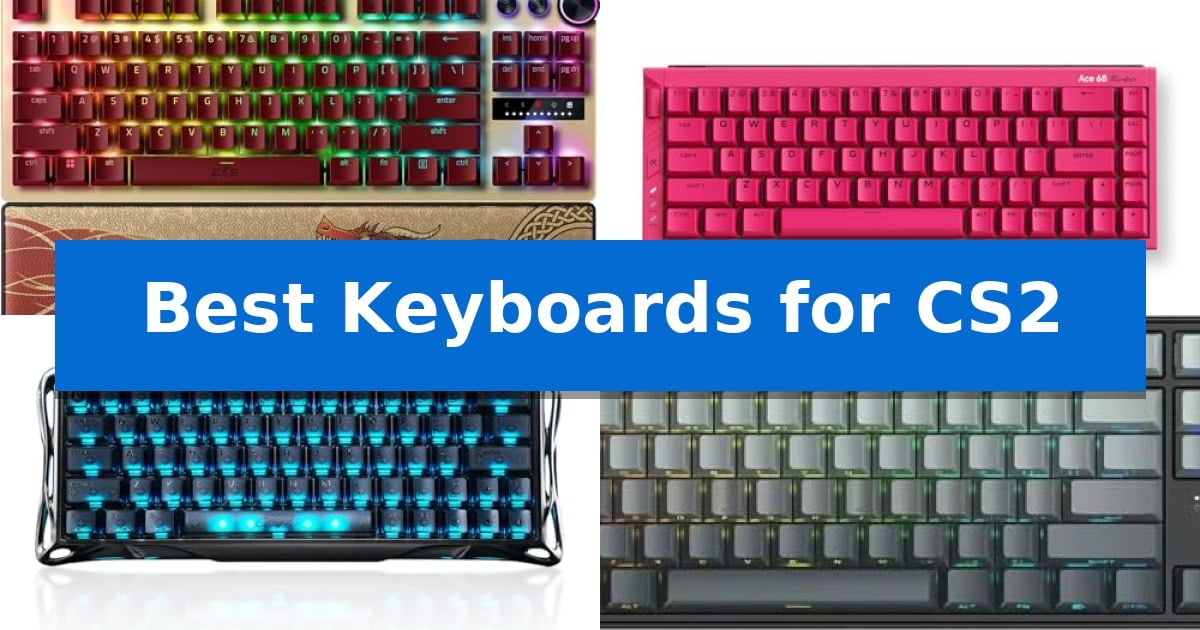
Best Keyboards for CS2 in 2026

Best Keyboards for CS2

In the high-stakes environment of Counter-Strike 2, every millisecond of input latency can be the difference between a successful round and a lost match. Finding the Best Keyboards for CS2 requires looking beyond standard mechanical switches toward specialized hardware that prioritizes immediate response and precise movement control.

Modern competitive play demands features like rapid trigger and snap tap, which allow for near-instant directional changes and emergency stops. We have analyzed the latest magnetic switch keyboards to help you identify which hardware best supports your specific playstyle and desk setup.
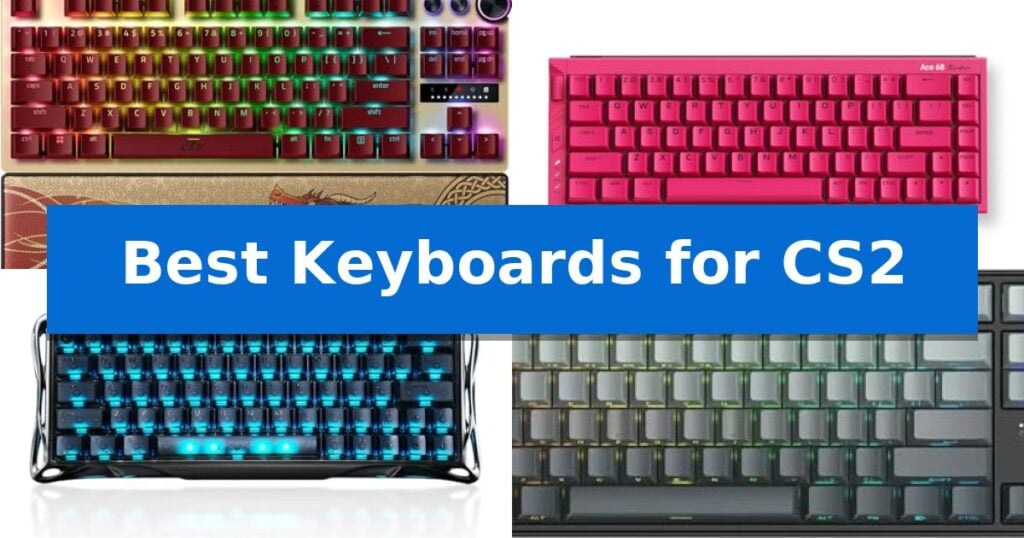
Best Keyboards for CS2 in 2026

Our Top Picks
  1. Premium aluminum with 16K polling MCHOSE Ace 68 Turbo Keyboard
  2. Ultra-fast 8kHz response time GravaStar Mercury V60 Pro Keyboard
  3. High-performance magnetic switches Irock NA87 Pro Gaming Keyboard
  4. Versatile wireless rapid trigger EPOMAKER Aula MINI60 HE Keyboard

Quick Comparison

Product Best For Key Strength Score
Razer Huntsman V3 Pro TKL Keyboard Best Overall Rapid Trigger and Snap Tap technology for near-instant input response. 4.9
MCHOSE Ace 68 Turbo Keyboard Premium aluminum with 16K polling Rapid Trigger and adjustable actuation for precise movement control. 4.3
GravaStar Mercury V60 Pro Keyboard Ultra-fast 8kHz response time True 8000Hz polling rate for ultra-low latency input. 4.4
Irock NA87 Pro Gaming Keyboard High-performance magnetic switches Rapid Trigger technology with 0.02 mm step distance for instant input. 4.6
EPOMAKER Aula MINI60 HE Keyboard Versatile wireless rapid trigger Adjustable Hall magnetic switches for precise actuation control. 4.8

How We Chose

  • Switch Technology: Prioritizing Hall Effect magnetic switches for adjustable actuation and rapid trigger capabilities.
  • Input Responsiveness: Evaluating polling rates and scan rates to ensure minimal latency during intense firefights.
  • Movement Optimization: Checking for firmware support for features like snap tap and SOCD for consistent counter-strafing.
  • Build Quality: Assessing chassis materials and keycap durability for long-term reliability in competitive environments.
  • Layout and Ergonomics: Considering the impact of form factor on mouse space and wrist comfort during extended sessions.

1 Razer Huntsman V3 Pro TKL Keyboard — Pro-grade movement with Snap Tap

Competitive FPS gaming demands hardware that translates intent into action with minimal delay. The Razer Huntsman V3 Pro TKL Keyboard is engineered specifically for this level of precision, featuring Analog Optical Switches Gen-2 that allow for a customizable 0.1–4.0 mm adjustable actuation range. This capability enables players to fine-tune exactly how deep a key must be pressed before it registers, providing a tailored feel for rapid movement and ability activation.

Central to its performance in titles like Counter-Strike 2 is the inclusion of Rapid Trigger and Razer Snap Tap technology. These features work in tandem to reset keys at the slightest lift of a finger, allowing for near-instant directional changes without the need to fully release the previous input. This hardware-level prioritization of the latest input is designed to provide a distinct advantage during intense, high-stakes movement scenarios.

Beyond its core performance switches, the keyboard is built for durability and convenience. It features textured doubleshot PBT keycaps designed to withstand heavy use, alongside a multi-function digital dial and dedicated media buttons for quick adjustments. Onboard memory allows users to save settings directly to the device, facilitating quick onboard adjustments to actuation height or sensitivity without requiring additional software.

The TKL form factor saves desk space, while the included magnetic firm leatherette wrist rest provides ergonomic support during extended sessions. With a 100 million keystroke lifespan, this keyboard is built to endure the rigors of competitive play while maintaining consistent input reliability.

Best for: Competitive FPS players who require rapid, customizable key actuation and advanced input prioritization for movement-heavy gameplay.

Skip if: Users who prefer a full-sized layout with a dedicated number pad or those who do not require advanced analog switch features for their specific gaming needs.

PROS

  • Rapid Trigger and Snap Tap technology for near-instant input response.
  • Adjustable actuation range (0.1–4.0 mm) for personalized switch sensitivity.
  • Durable doubleshot PBT keycaps built for intense competitive use.
  • Onboard LED array allows for software-free setting adjustments.

CONS

  • TKL form factor lacks a dedicated number pad, which may limit utility for non-gaming tasks.

2 MCHOSE Ace 68 Turbo Keyboard — Premium aluminum with 16K polling

Competitive precision in shooters often hinges on the speed and consistency of your hardware. The MCHOSE Ace 68 Turbo Hall Effect Gaming Keyboard centers its design around magnetic switches, offering 0.1–3.4mm adjustable actuation and 0.001–3.4mm Rapid Trigger capabilities that allow for granular control over character movement and strafing in titles like CS2.

Built for high-frequency inputs, this keyboard features 16K polling on Windows and up to 8K on Mac, supported by a 256K scan rate to minimize input latency. The 65% CNC-machined aluminum body provides a rigid, stable foundation that maintains its position during intense gameplay, while the compact 68-key layout preserves essential navigation keys without sacrificing desk space for mouse movement.

The internal architecture utilizes a five-layer sound-damping structure paired with an aluminum plate to refine typing acoustics. Users can manage advanced competitive functions—including SOCD, RS, DKS, MT, and TGL—via the MCHOSE HUB or web driver. A dedicated button is included for rapid switching between three custom Rapid Trigger profiles, ensuring settings can be adjusted on the fly.

Connectivity is handled via a stable wired USB-C connection, which ensures consistent performance without the interference risks associated with wireless protocols. With south-facing RGB lighting and onboard memory for profile storage, the keyboard balances high-end technical specifications with a functional, esports-oriented aesthetic.

Best for: Competitive FPS players who require precise, customizable Rapid Trigger settings and high polling rates for movement-heavy games.

Skip if: Users who require a full-sized layout with a dedicated number pad or those who prioritize a wireless connection for their desk setup.

PROS

  • Rapid Trigger and adjustable actuation for precise movement control.
  • 16K polling rate for minimal input latency on Windows.
  • Full CNC aluminum chassis for superior build quality and stability.
  • Hot-swap magnetic switch support for customization.

CONS

  • Wired-only connection limits desk placement flexibility.
  • 65% layout lacks a dedicated number pad and function row.

3 GravaStar Mercury V60 Pro Keyboard — Ultra-fast 8kHz response time

Precision movement in competitive shooters relies on instantaneous input registration, a demand met by the GravaStar Mercury V60 Pro Keyboard. This compact 60% layout device utilizes Hall Effect magnetic switches to achieve a true 8000Hz polling rate, ensuring that every keystroke is reported with ultra-low latency for real-time responsiveness during high-speed gameplay.

The keyboard is engineered for the specific requirements of titles like CS2, featuring Dynamic Rapid Trigger technology. This allows for fully adjustable actuation points between 0.1mm and 4.0mm, enabling players to execute faster counter-strafing and precise tap-firing. The hardware also supports SOCD / LKP (Last Keystroke Prioritized) handling, which provides consistent movement control by prioritizing the most recent input.

Built for durability and stability, the GravaStar Mercury V60 Pro Keyboard features a CNC-machined 6063 aluminum body and frosted, translucent PBT keycaps. The design is strictly wired via a detachable USB-C connection, ensuring a stable link to Windows, macOS, or gaming consoles without the interference concerns of wireless alternatives.

Customization is handled through a web-based driver, eliminating the need for bulky software installations. Users can adjust per-key RGB lighting, macros, and actuation settings directly through a browser. This streamlined approach keeps the system lightweight while maintaining full control over the keyboard's performance characteristics.

Best for: Competitive FPS players who prioritize ultra-low latency, adjustable actuation, and rapid trigger functionality for precise movement in games like CS2.

Skip if: Users who require a full-sized layout with a dedicated number pad or those who prefer a wireless connection for their desktop setup.

PROS

  • True 8000Hz polling rate for ultra-low latency input.
  • Dynamic Rapid Trigger with adjustable 0.1mm to 4.0mm actuation.
  • Durable CNC-machined 6063 aluminum frame.
  • Web-based driver for easy customization without software bloat.

CONS

  • 60% compact layout lacks dedicated arrow keys and a number pad.
  • Wired-only connection limits desk placement flexibility.

4 Irock NA87 Pro Gaming Keyboard — High-performance magnetic switches

Precision in competitive shooters often hinges on the responsiveness of your hardware. The Irock NA87 Pro Gaming Keyboard integrates high-performance magnetic switches designed to eliminate physical input delay, providing a distinct mechanical advantage for players who prioritize rapid response times during intense firefights.

Engineered specifically for titles like CS2, this TKL wired mechanical keyboard features Rapid Trigger technology with an adjustable actuation point ranging from 0.02 mm to 4.0 mm. This capability allows for near-instantaneous input registration, which is particularly beneficial for executing precise emergency stops and peeking maneuvers. The keyboard also supports an 8K Hz polling rate, achieving latency as low as 0.3 milliseconds to ensure inputs are processed with minimal delay.

For users looking to optimize their movement, the keyboard allows for two actions in one tap via driver settings, enabling complex inputs to be mapped to a single key press. This feature is particularly useful for players who may struggle with the timing of manual AD emergency stops in tactical shooters.

With its hot-swappable magnetic switches, the device offers a balance of customization and performance. The design focuses on durability and speed, making it a specialized tool for those who demand high-frequency input accuracy in fast-paced tactical environments.

Best for: Competitive FPS players who require rapid actuation and customizable trigger points for precise movement and shooting.

Skip if: Users who prefer the tactile feedback of traditional mechanical switches or those who require a full-sized layout with a dedicated number pad.

PROS

  • Rapid Trigger technology with 0.02 mm step distance for instant input.
  • 8K Hz polling rate for ultra-low latency performance.
  • Hot-swappable magnetic switches allow for key feel customization.
  • Dual-action mapping enables complex inputs in a single tap.

CONS

  • Wired-only connection limits desk setup flexibility.
  • TKL layout lacks a dedicated number pad for non-gaming tasks.

5 EPOMAKER Aula MINI60 HE Keyboard — Versatile wireless rapid trigger

Precision is paramount in competitive shooters, and the EPOMAKER Aula MINI60 HE provides a distinct advantage through its Hall magnetic switches, which allow for a fully adjustable actuation point from 0.1mm to 3.4mm in 0.01mm increments. This level of customization ensures that every command is registered with exact intent, a critical requirement for high-stakes gameplay.

Designed for performance, this 60% ultra-compact keyboard features an 8000Hz polling rate in wired mode, minimizing input latency to help you stay ahead in fast-paced environments. The inclusion of Snap Tap technology further optimizes movement by prioritizing the latest input between two keys, while Dynamic Keystroke allows for up to four distinct actions within a single keypress, enabling complex macros and seamless combos.

The EPOMAKER Aula MINI60 HE is built for reliability and longevity, utilizing double-shot PBT keycaps that resist fading and wear over time. Its tri-mode wireless connectivity offers flexibility for various setups, while the power-saving design provides up to 44 hours of usage with the backlight disabled, ensuring your gear remains functional during extended sessions.

Customization is handled through an intuitive Chrome-based web driver, which functions both online and offline. This interface provides real-time visual feedback, allowing users to fine-tune sensitivity, polling rates, and advanced functions like SOCD without complex software installations. The minimalist 60% layout maximizes desk space, providing additional room for expansive mouse maneuvers essential for low-sensitivity aiming.

Best for: Competitive FPS gamers who require rapid trigger sensitivity, adjustable actuation, and a space-saving 60% form factor.

Skip if: Users who rely on a dedicated number pad, function row, or arrow keys for productivity tasks or specific game bindings.

PROS

  • Adjustable Hall magnetic switches for precise actuation control.
  • Snap Tap and Dynamic Keystroke features for advanced input management.
  • 8000Hz polling rate for ultra-low latency performance.
  • Durable double-shot PBT keycaps with long-lasting legends.

CONS

  • 60% layout lacks dedicated arrow keys and a number pad.
  • 8K polling is limited to wired mode on the Standard version.

Best Keyboards for CS2 Buying Guide

Understanding Magnetic Switches and Rapid Trigger

Unlike traditional mechanical switches that rely on a physical contact point, magnetic Hall Effect switches measure the distance of the keypress. This allows for adjustable actuation, where you can define exactly how far a key must be pressed to register, and rapid trigger, which resets the key the moment you begin to lift your finger.

For CS2 players, this technology is transformative. It eliminates the dead zone found in standard switches, allowing for faster counter-strafing and more responsive movement. When choosing a keyboard, ensure the software or onboard controls allow for fine-tuning these settings to match your muscle memory.

The Importance of Polling Rates

The polling rate determines how often the keyboard reports its state to the computer. While 1000Hz is standard, many competitive-grade keyboards now offer 8000Hz polling rates. This higher frequency reduces the time between your physical input and the game registering the action.

While the difference between 1000Hz and 8000Hz is measured in sub-millisecond intervals, it is a critical specification for players who demand the lowest possible input latency. Always verify if your system and game settings are optimized to take advantage of these high-speed reporting rates.

Layout Considerations for FPS Gaming

The physical size of your keyboard significantly impacts your gaming performance. A 60% or TKL (Tenkeyless) layout removes the number pad, providing significantly more room for wide mouse swipes. This is particularly important for low-sensitivity players who need a large surface area for aiming.

When selecting a layout, consider whether you need dedicated media keys or a volume dial. While these features are convenient, they increase the footprint of the device. If your desk space is limited, a compact layout is almost always the superior choice for competitive FPS titles.

Snap Tap and Movement Prioritization

Snap Tap is a specialized firmware feature that prioritizes the latest input between two selected keys. In CS2, this is used to perform near-instant directional changes without needing to fully release the previous key. It effectively automates the timing required for perfect peeking.

Check if your chosen keyboard supports this feature natively via firmware updates. Because this is a software-driven capability, some manufacturers may require you to use their specific hub software or a web-based driver to enable and configure these movement-prioritization settings.

Build Materials and Durability

Competitive gaming keyboards face intense use, making material quality essential. CNC-machined aluminum frames provide a rigid, stable base that resists flexing during aggressive play. This weight also helps keep the keyboard firmly in place on your desk.

Look for doubleshot PBT keycaps, which are more resistant to the shine and wear that develop on standard ABS plastic over time. A durable build ensures that your keyboard remains consistent and reliable throughout years of competitive matches.

Frequently Asked Questions

Do I need special software to use rapid trigger?

Most magnetic keyboards require either a manufacturer-specific hub or a web-based driver to adjust actuation and rapid trigger settings. Once configured, these settings are often saved to the keyboard's onboard memory, allowing you to use them without the software running in the background.

Is an 8000Hz polling rate noticeable?

An 8000Hz polling rate reduces input latency to sub-millisecond levels. While the difference may be subtle to casual players, it is a preferred specification for competitive gamers who want to eliminate every possible source of delay in their setup.

What is the benefit of a 60% layout for CS2?

A 60% layout removes the number pad and often the arrow keys, which creates more space for your mouse. This allows for a wider range of motion, which is crucial for players who use low sensitivity settings to maintain accuracy.

Can I swap the switches on these keyboards?

Many modern magnetic switch keyboards feature hot-swappable sockets. However, you must ensure that you are using compatible magnetic switches, as standard mechanical switches will not function with the Hall Effect sensors found in these specific gaming models.

Does the keyboard material affect gameplay?

While the material does not change the input speed, a heavy aluminum chassis prevents the keyboard from sliding during intense movement. This stability ensures that your keyboard stays exactly where you need it during high-pressure moments.

Conclusion: Our Top Pick

For players seeking the most comprehensive set of competitive features, the Razer Huntsman V3 Pro TKL Keyboard stands out as the top choice. Its integration of Analog Optical Switches Gen-2, combined with native support for Razer Snap Tap and Rapid Trigger, provides a distinct advantage for precise movement and rapid directional changes in CS2.

The inclusion of a dedicated digital dial and onboard LED array for making adjustments without software makes it a highly practical tool for competitive gamers. While other options offer excellent build quality and polling rates, the specific focus on FPS-centric firmware features makes this keyboard the most effective solution for those looking to elevate their performance.
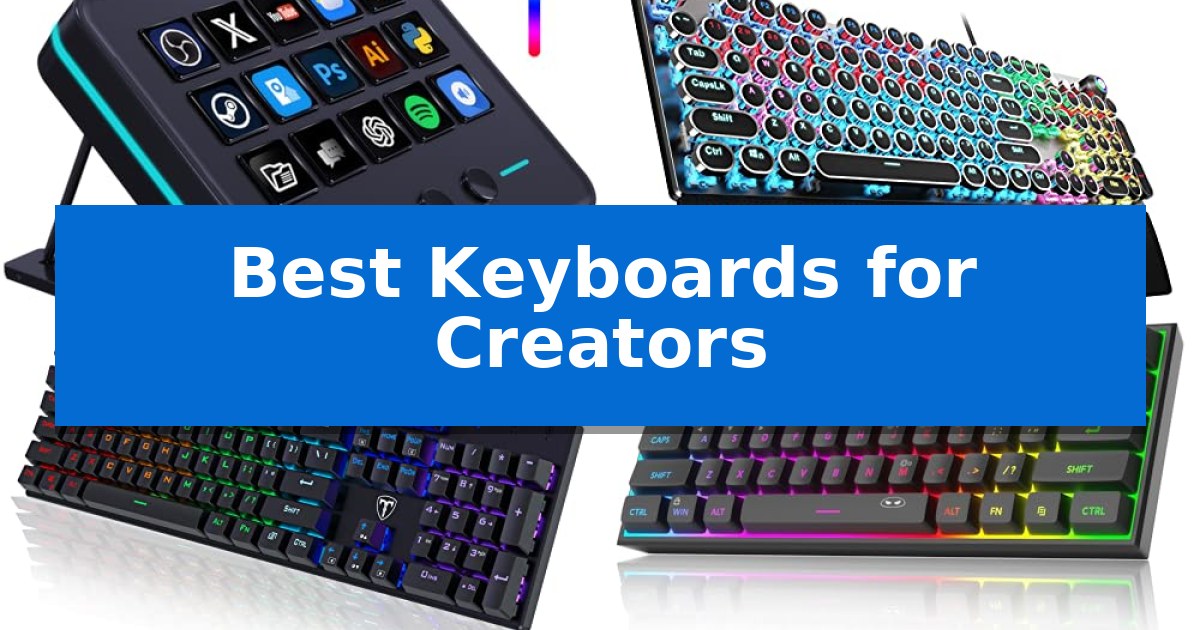
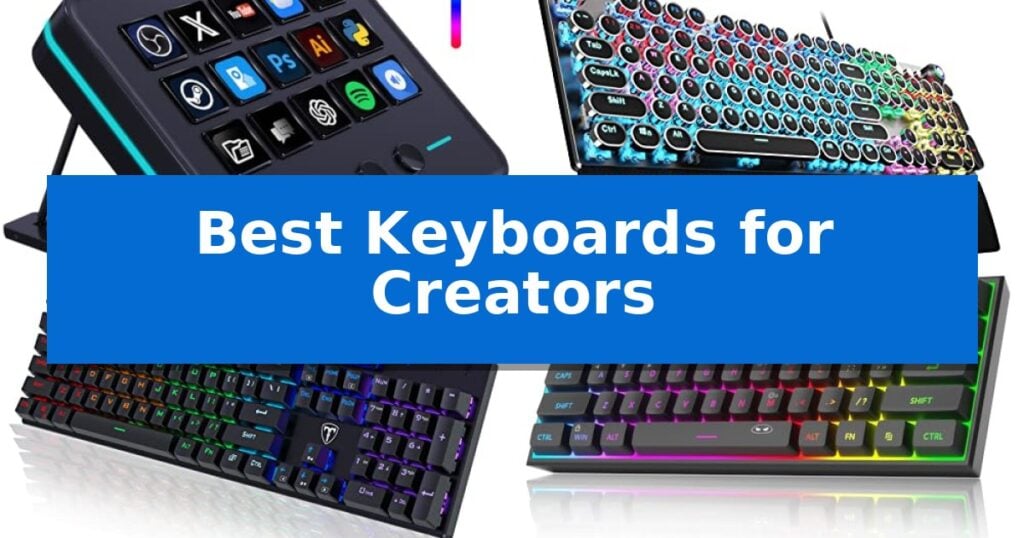
Best Keyboards for Creators in 2026

Best Keyboards for Creators

Finding the right input device is essential for maintaining a seamless creative flow, whether you are editing video, managing complex streaming scenes, or designing digital assets. The Best Keyboards for Creators are those that prioritize efficiency, tactile feedback, and customization to match your specific software requirements.

Our selection focuses on hardware that bridges the gap between standard typing and professional production needs. From programmable macro pads that trigger multi-step sequences to mechanical boards offering precise tactile feedback, these tools are designed to reduce repetitive strain and accelerate your daily creative output.

Best Keyboards for Creators in 2026

Our Top Picks
  1. Tactile Feedback for Precise Editing AULA F2088 Mechanical Keyboard
  2. Responsive Keys for Rapid Input RisoPhy Mechanical Gaming Keyboard
  3. Compact Design for Minimalist Desks MageGee TS91 Mechanical Keyboard
  4. Aesthetic Style for Creative Spaces MOFII Wired Computer Keyboard

Quick Comparison

Product Best For Key Strength Score
VSDINSIDE M18 Macro Pad Best Overall 15 customizable LCD keys for visual function mapping 4.9
AULA F2088 Mechanical Keyboard Tactile Feedback for Precise Editing Dedicated media control knob for quick adjustments 4.6
RisoPhy Mechanical Gaming Keyboard Responsive Keys for Rapid Input Tactile Blue switches provide clear feedback for high-accuracy typing. 4.8
MageGee TS91 Mechanical Keyboard Compact Design for Minimalist Desks 60% compact layout saves significant desktop space. 4.8
MOFII Wired Computer Keyboard Aesthetic Style for Creative Spaces Retro typewriter aesthetic with round keycaps. 4.4

How We Chose

  • Customization and Programmability: We assessed the ability to map complex shortcuts, macros, and multi-step sequences to dedicated keys.
  • Tactile Feedback and Typing Feel: We examined switch types and keycap designs that provide the necessary precision for long editing sessions.
  • Layout and Ergonomics: We prioritized designs that optimize desk space and provide comfort, including compact footprints and wrist support features.
  • System and Software Compatibility: We verified support for major creative platforms like OBS, Adobe Creative Cloud, and common productivity suites.
  • Build Quality and Durability: We looked for robust materials and features like spill resistance or high-grade aluminum panels that ensure long-term reliability.

1 VSDINSIDE M18 Macro Pad — Streamline Complex Production Workflows

Managing complex digital workflows requires precise control over multi-step sequences and media playback. The VSDINSIDE M18 Macro Pad addresses this by offering 18 programmable keys, including 15 customizable LCD visual keys that allow users to assign unique JPG, PNG, or GIF icons to specific functions for immediate visual identification.

This device simplifies professional tasks through its Single Tap Control capability, enabling users to trigger macros, launch applications, or switch scenes in software like OBS, Photoshop, and Excel with a single press. The Operation Follow function further enhances productivity by allowing for multi-step macro sequences to be executed in a custom or simultaneous order, which is particularly useful for video editing and content creation.

Designed for versatility, the unit features an adjustable RGB surround light ring that provides visual feedback and ambient lighting for dim workspaces. It connects via a standard USB-C cable and is compatible with Windows 11 and macOS 11.0 or newer, ensuring a straightforward setup for most modern desktop environments.

Beyond its primary input functions, the VSDINSIDE M18 Macro Pad includes built-in plugins for practical desktop utilities such as a clock, stopwatch, calendar, and weather module. While it offers robust secondary development options via provided SDK documents, users should note that it does not support native plug-and-play functionality for Linux systems.

Best for: Content creators and gamers who need a visual, customizable interface to trigger multi-step macros and manage streaming software workflows.

Skip if: Users who require native Linux support or those who prefer a traditional full-sized keyboard layout for typing-heavy tasks.

PROS

  • 15 customizable LCD keys for visual function mapping
  • Multi-shortcut macro programming with sequential execution
  • Wide software compatibility including OBS, Photoshop, and Discord
  • Built-in desktop utility plugins like clocks and calendars

CONS

  • No native Linux support out of the box
  • Requires USB-C connection for operation

2 AULA F2088 Mechanical Keyboard — Tactile Feedback for Precise Editing

The AULA F2088 Mechanical Keyboard distinguishes itself with a dedicated multimedia and backlight control knob, allowing users to toggle between media playback and lighting adjustments with a simple three-second long press. This tactile control center provides immediate access to volume, play/pause, and 19 distinct lighting effects, catering to creators who require efficient workflow management without navigating complex software menus.

Built for durability and stability, the keyboard features a top-grade aluminium alloy panel with a matte-finish texture. The design incorporates stepped floating keycaps in a retro typewriter style, which are double-shot injection molded for longevity. This high-low layout is engineered to fit fingertips precisely, aiming to reduce fatigue during extended typing or editing sessions.

Performance is supported by mechanical blue switches that deliver a crisp, tactile response and audible click, providing clear feedback for every keystroke. The inclusion of anti-ghosting technology ensures that simultaneous inputs are registered accurately, which is essential for maintaining precision during high-speed tasks.

Ergonomics are further addressed via a magnetic wrist rest that provides firm support at an elevated angle, helping to alleviate wrist pressure. The device is a plug-and-play solution, requiring no additional drivers or software, and maintains broad compatibility across Windows, Linux, and Mac OS systems via a reliable USB connection.

Best for: Creators who prioritize tactile feedback and physical media controls for an efficient, driver-free workflow.

Skip if: Users who require a silent typing environment or those who prefer a low-profile, membrane-style keyboard.

PROS

  • Dedicated media control knob for quick adjustments
  • Durable aluminium alloy panel construction
  • Tactile mechanical blue switches for precise feedback
  • Ergonomic magnetic wrist rest included

CONS

  • Clicky blue switches produce audible noise not suitable for quiet environments

3 RisoPhy Mechanical Gaming Keyboard — Responsive Keys for Rapid Input

The RisoPhy Mechanical Gaming Keyboard centers its design around responsive Blue switches, which provide a tactile, clicky feedback profile intended to enhance typing accuracy and speed. This full-size 104-key layout includes a dedicated number pad, making it a functional choice for creators who balance intensive typing tasks with creative workflows.

Built for durability and ease of maintenance, the keyboard features double injection ABS keycaps that allow for clear, uniform backlighting. The unit is engineered with 4 hydrophobic holes to help manage liquid spills, and it includes a keycap puller to simplify cleaning. For those working in low-light environments, the device offers 9 different backlights with adjustable speed and brightness levels.

Ergonomics are addressed through a stair-up keycap design and two foldable rear kickstands, which help position the wrists at a more natural angle during extended sessions. The base is stabilized by 4 rubber pads to prevent sliding on desk surfaces. Additionally, the keyboard supports 100% anti-ghosting to ensure simultaneous key registration, alongside 12 multimedia shortcuts for quick access to system controls.

Compatibility is broad, supporting Windows and Mac OS systems, making it a versatile peripheral for various workstation setups. By combining mechanical feedback with practical spill-resistant features and ergonomic adjustments, this keyboard provides a reliable input solution for users who prioritize tactile response and long-term utility.

Best for: Creators who prefer the tactile feedback of mechanical Blue switches and require a full-size layout with a number pad for productivity tasks.

Skip if: Users who require a silent typing experience or those who prefer a compact, tenkeyless, or wireless keyboard configuration.

PROS

  • Tactile Blue switches provide clear feedback for high-accuracy typing.
  • Spill-resistant design with integrated hydrophobic drainage holes.
  • Full-size layout includes a dedicated number pad for efficient data entry.
  • Customizable RGB lighting with multiple brightness and speed settings.

CONS

  • Wired-only connection limits desk placement flexibility.
  • Clicky switch profile may be too loud for shared office environments.

4 MageGee TS91 Mechanical Keyboard — Compact Design for Minimalist Desks

Maximizing workspace is often the primary challenge for creators, and the MageGee TS91 Mechanical Keyboard addresses this with its 60% compact layout. By removing the number pad, this device provides a smaller footprint that leaves more room on your desk for creative tools, tablets, or extra peripherals.

The MageGee TS91 Mechanical Keyboard features an ergonomic design with a specific key height intended to reduce fatigue during long sessions. While it utilizes membrane technology, it is engineered to provide a mechanical feeling for users who prefer tactile feedback without the noise or complexity of traditional mechanical switches.

Durability is integrated through an IPX4 certified waterproof circuit board. This design choice allows for easier cleaning and provides protection against minor spills, which is a practical consideration for those who keep drinks at their workstation. The interface itself remains standard, ensuring straightforward connectivity.

Customization is handled through RGB backlighting, offering multiple light colors and modes. Users can toggle between breathing or permanent lighting effects and adjust both brightness and speed to suit their environment, whether working in low-light conditions or focusing on a project.

Best for: Creators and typists who need to maximize desk space with a compact, spill-resistant keyboard.

Skip if: Users who require a dedicated number pad for data entry or those who prefer the specific actuation profile of true mechanical switches.

PROS

  • 60% compact layout saves significant desktop space.
  • IPX4 waterproof circuit board offers protection against accidental spills.
  • Adjustable RGB lighting provides multiple modes and brightness levels.
  • Ergonomic key height design helps reduce fatigue.

CONS

  • Membrane-based mechanical feeling may not satisfy users seeking authentic mechanical switch performance.
  • Lacks a dedicated number pad, which may limit productivity for specific data-heavy workflows.

5 MOFII Wired Computer Keyboard — Aesthetic Style for Creative Spaces

The MOFII Wired Computer Keyboard brings a distinct retro aesthetic to creative workspaces, featuring round keycaps that mimic the tactile charm of classic typewriters. Its design prioritizes both visual appeal and practical utility, incorporating an ergonomic foldable stand and anti-slip pads to maintain stability during extended creative sessions.

Designed to streamline workflows, this full-size keyboard includes a dedicated number pad and 12 multimedia shortcuts. These controls allow users to manage video playback, adjust volume, and navigate web browsers or email clients directly from the board, reducing the need to switch between devices or menus.

Compatibility is a core strength of this unit, as it functions across a wide range of systems including Windows, Chrome OS, Linux, and various TV platforms. Because it is a wired, plug-and-play device, it requires no drivers, battery replacements, or charging, ensuring a consistent connection without the risk of wireless interference.

Maintenance is simplified through the inclusion of a dedicated dust brush, helping users keep the retro-styled keys clean. The unit is backed by a 12-month warranty, providing support for its long-term use in diverse computing environments.

Best for: Creators who want a visually distinct, reliable wired keyboard with integrated multimedia controls for their desktop setup.

Skip if: Users who require a wireless connection, mechanical switches, or a low-profile, compact footprint for travel.

PROS

  • Retro typewriter aesthetic with round keycaps.
  • Plug-and-play wired connection eliminates battery or charging needs.
  • Integrated multimedia shortcuts for efficient workflow management.
  • Broad system compatibility across Windows, Chrome OS, and Linux.

CONS

  • Wired-only design limits desk cable management flexibility.
  • Full-size footprint may be too large for minimalist or small workspaces.

Best Keyboards for Creators Buying Guide

Understanding Switch Types

Mechanical switches are a cornerstone of the Best Keyboards for Creators because they offer distinct tactile and auditory feedback. Blue switches, often found in gaming-oriented boards, provide a crisp click and a springy response that many typists find satisfying for high-volume text entry.

However, the choice of switch should align with your environment. If you work in a shared studio space, you might prefer a quieter mechanical feel or a membrane-based design that mimics mechanical responsiveness without the loud audible click, ensuring your workflow remains unobtrusive.

The Role of Macro Customization

For video editors and streamers, a standard keyboard often lacks the necessary control for complex tasks. Dedicated macro pads allow you to assign specific functions—such as switching scenes in OBS or triggering complex Photoshop actions—to a single key press.

These devices often feature LCD keys that can display custom icons, making it easier to remember which button triggers which action. This level of customization significantly reduces the time spent navigating menus, allowing you to focus entirely on the creative process.

Ergonomics and Desk Space

Creative workspaces can quickly become cluttered with tablets, microphones, and multiple monitors. Choosing a compact keyboard, such as a 60% layout, can reclaim valuable desk space and bring your mouse closer to your center, which helps maintain a more natural arm position.

When opting for a smaller footprint, consider whether you can sacrifice the dedicated number pad. If your work involves heavy data entry or spreadsheet management, a full-size board with an ergonomic wrist rest might be a more sustainable choice for your long-term comfort.

Connectivity and Compatibility

Most creative keyboards utilize USB-C for a reliable, low-latency connection. While wireless options exist, wired connections are often preferred by creators to avoid the need for battery management or potential interference during critical production tasks.

Always verify that the device's software is compatible with your operating system. While many boards are plug-and-play, those offering deep macro customization often require specific software to be installed on Windows or macOS to unlock their full potential.

Aesthetic and Functional Design

Your keyboard is a central part of your creative environment, and its design can influence your mood and focus. Retro-style round keycaps or customizable RGB lighting can add a personal touch to your desk, turning a functional tool into an inspiring piece of hardware.

Beyond aesthetics, look for practical features like foldable stands that adjust the typing angle or spill-resistant circuit boards. These small design choices contribute to a more durable and pleasant user experience, especially during long hours of creative work.

Frequently Asked Questions

Do I need a macro pad if I already have a full-size keyboard?

A macro pad is a specialized tool that complements your existing setup. While a full-size keyboard handles typing, a macro pad provides dedicated, customizable keys for shortcuts that are otherwise difficult to trigger quickly, such as multi-step video editing commands.

Are mechanical keyboards better for creative work than membrane keyboards?

Mechanical keyboards are generally preferred for their durability, precision, and tactile feedback, which can improve typing accuracy. However, the 'best' choice depends on your personal preference for key feel and the noise level acceptable in your workspace.

Can I use these keyboards on both Mac and Windows?

Most modern keyboards are compatible with both systems. However, some advanced features, such as specific macro software or media control drivers, may be optimized for Windows, so it is important to check the manufacturer's specifications for your OS.

What is a 60% keyboard layout?

A 60% keyboard is a compact design that removes the number pad, arrow keys, and function row to save space. It is ideal for creators with limited desk space who prioritize a minimalist setup.

How do I clean a mechanical keyboard with round keycaps?

Most mechanical keyboards come with a keycap puller, which allows you to safely remove the caps for cleaning. You can then use a soft brush or compressed air to remove dust from the switch housings.

Conclusion: Our Top Pick

When selecting the right hardware for your creative studio, the VSDINSIDE M18 Macro Pad stands out as the most versatile addition to any production workflow. Its ability to handle complex, multi-step macros through 18 customizable keys makes it an invaluable asset for streamers and editors looking to simplify their daily tasks.

While mechanical keyboards like the AULA F2088 offer excellent tactile feedback for typing, the VSDINSIDE M18 provides the specific control needed to elevate your efficiency. We recommend this device for creators who need to trigger actions in OBS, Photoshop, or other production software with a single tap, ensuring your focus remains on your content rather than your menus.

Best Keyboards for Creatives in 2026

Best Keyboards for Creatives

Finding the right input device is essential for maintaining focus during complex digital tasks. The Best Keyboards for Creatives are those that bridge the gap between standard typing and specialized software navigation, offering tools that streamline repetitive actions and save valuable time.

Whether you are editing video, managing complex design layers, or coding, the right hardware can significantly reduce friction. We have analyzed current options to help you identify which features—from tactile dials to modular layouts—best suit your specific professional needs.

Best Keyboards for Creatives in 2026

Our Top Picks
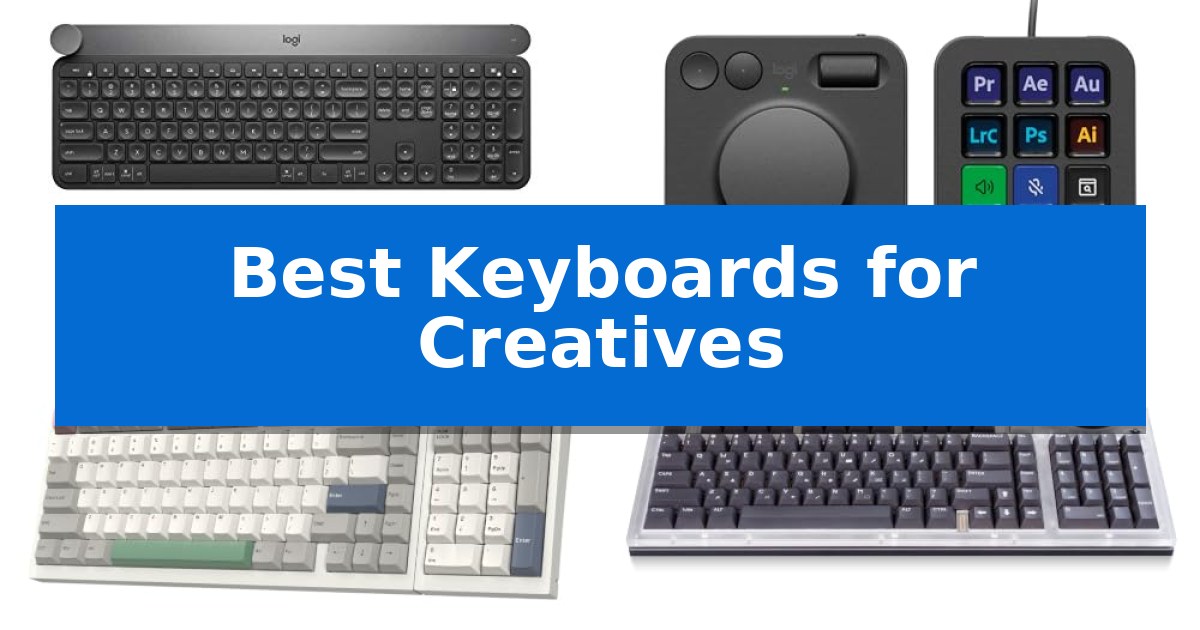
  1. Dedicated Workflow Control Interface Logitech MX Creative Console
  2. Repositionable Layout for Custom Workflows EPOMAKER RT98 Modular Keyboard
  3. Tactile Star Ring Control Lenovo Yoga Creative Keyboard
  4. Programmable Macros for Complex Tasks AULA S99 Wireless Keyboard

Quick Comparison

Product Best For Key Strength Score
Logitech Craft Advanced Keyboard Best Overall Creative Input Dial for precise, tactile control in design software. 4.9
Logitech MX Creative Console Dedicated Workflow Control Interface Tactile analog control dial and roller for precise adjustments. 4.9
EPOMAKER RT98 Modular Keyboard Repositionable Layout for Custom Workflows Repositionable numpad for customizable workspace ergonomics. 4.7
Lenovo Yoga Creative Keyboard Tactile Star Ring Control Star Ring control for tactile, multi-mode adjustments. 4.9
AULA S99 Wireless Keyboard Programmable Macros for Complex Tasks Full-key macro programming for complex command automation. 4.7

How We Chose

  • Software Integration and Programmability: We assessed the extent to which each device supports custom shortcuts and specialized app profiles.
  • Tactile Control Interfaces: We examined the inclusion of physical dials, rollers, or secondary displays that provide precise, non-keyboard input.
  • Layout Flexibility: We looked for modular or ergonomic designs that allow users to customize their physical workspace.
  • Connectivity and Multi-Device Support: We evaluated the reliability of wired and wireless connections across different operating systems.
  • Build Quality and Typing Feel: We considered the structural integrity and switch characteristics that impact long-term comfort during extended sessions.

1 Logitech Craft Advanced Keyboard — Precision Dial for Creative Apps

The Logitech Craft Advanced Keyboard with Creative Input Dial centers its design around a unique, touch-sensitive aluminum dial that integrates directly with creative software to provide precise control over brush sizes, saturation, and other frequently adjusted parameters. This specialized input tool is designed to streamline workflows for digital artists and designers by placing granular adjustments directly at their fingertips.

Beyond the dial, the keyboard features spherical key dishing which is engineered to improve typing accuracy and provide tactile feedback for blind navigation. The keys are built with increased key stability to reduce noise during rapid typing sessions, ensuring a quieter environment for focused creative work.

Practicality is enhanced through backlit keys that automatically adjust their brightness based on the ambient light in the room, maintaining visibility in various working conditions. The device connects wirelessly with a 10m range and utilizes wireless encryption to maintain a secure connection to your workstation.

While the keyboard offers a premium typing experience, its specialized feature set is tailored specifically for those who utilize the input dial within compatible creative applications. Users who do not require the dial or who prefer a more minimalist layout may find the physical footprint and specialized hardware to be more than their specific workflow requires.

Best for: Creatives who utilize compatible software and require a physical dial for precise, tactile control over digital tools.

Skip if: Users who do not use creative software that supports the input dial or those who prefer a compact, minimalist keyboard without extra hardware controls.

PROS

  • Creative Input Dial for precise, tactile control in design software.
  • Spherical key dishing improves typing accuracy and navigation.
  • Increased key stability reduces typing noise.
  • Automatic backlighting adjusts to ambient light conditions.

CONS

  • Specialized dial may be underutilized if your software is not supported.
  • Larger physical footprint due to the integrated dial and premium build.

2 Logitech MX Creative Console — Dedicated Workflow Control Interface

Streamlining complex digital workflows requires more than just standard input devices, and the Logitech MX Creative Console addresses this by providing a dedicated interface for granular application control. This system combines a programmable keypad with a tactile analog control dial and roller, allowing users to map specific tools and actions directly to their most-used creative software.

The console is designed to integrate seamlessly into professional environments, offering native support for applications including Adobe Photoshop, Premiere Pro, Illustrator, Lightroom, and Figma. By utilizing the customizable LCD display keys, users can assign up to 15 pages of actions per profile, ensuring that essential shortcuts are always within reach without cluttering the primary workspace.

Physical precision is a core component of the hardware, featuring a low-friction control dial that enables fine-tuned adjustments, such as scrubbing through timelines or modifying brush sizes. The inclusion of a stand for flexible placement ensures the device can be positioned ergonomically alongside existing keyboards and mice, maintaining a comfortable posture during extended editing sessions.

Beyond its hardware capabilities, the package includes a 3-month Adobe Creative Cloud membership, providing immediate access to a suite of industry-standard tools. With a compact footprint measuring approximately 10.79 by 5.28 inches, the console is built to occupy minimal desk space while offering significant functional expansion for creators who rely on high-frequency command execution.

Best for: Creative professionals and power users who require dedicated, tactile hardware controls for complex software workflows in Adobe Creative Cloud and similar applications.

Skip if: Users who prefer a minimalist desk setup or those who do not utilize the specific creative applications supported by the console's integration profiles.

PROS

  • Tactile analog control dial and roller for precise adjustments.
  • Customizable LCD display keys allow for personalized, app-specific workflows.
  • Includes a 3-month Adobe Creative Cloud membership.
  • Flexible placement via the included stand.

CONS

  • Limited to specific app integrations for full functionality.
  • Requires additional desk space for a secondary input device.

3 EPOMAKER RT98 Modular Keyboard — Repositionable Layout for Custom Workflows

The EPOMAKER RT98 Creative Modular Retro Gaming Keyboard distinguishes itself with a repositionable numpad that allows users to shift between a Southpaw configuration for increased mouse space or a traditional right-handed layout. This modularity is complemented by a magnetic Mini TV display that attaches via precision PogPin connectors, functioning as a customizable information hub for GIFs, time, and system status.

Engineered for a refined typing experience, the keyboard utilizes a gasket-mounted structure combined with a five-layer sandwich dampening system to achieve a soft, consistent feel and a distinct acoustic profile. The hot-swappable PCB accommodates both 3-pin and 5-pin mechanical switches, providing users the ability to modify their switches without soldering.

Connectivity is handled through a triple-mode interface, supporting wired USB-C, 2.4G wireless, and Bluetooth 5.1. The system enables simultaneous pairing with up to four devices, facilitating seamless transitions between Windows, macOS, iOS, and Android platforms. An integrated 8000mAh battery supports extended operation, rated for up to 45 days of typical use or 300 hours of continuous typing.

The EPOMAKER RT98 is built to accommodate diverse professional and creative workflows. Its combination of hardware customization, aesthetic personalization via the Mini TV, and high-capacity power management makes it a versatile tool for those requiring a tailored input device.

Best for: Creatives and professionals who require a modular layout and multi-device connectivity for varied workflows.

Skip if: Users who prefer a compact, minimalist form factor without a numpad or additional display modules.

PROS

  • Repositionable numpad for customizable workspace ergonomics.
  • Hot-swappable PCB supporting 3-pin and 5-pin switches.
  • 8000mAh high-capacity battery for long-duration wireless use.
  • Triple-mode connectivity for up to four simultaneous devices.

CONS

  • Modular design increases the overall footprint compared to standard compact keyboards.

4 Lenovo Yoga Creative Keyboard — Tactile Star Ring Control

The Lenovo Yoga Creative Keyboard AngryMiao Edition distinguishes itself with a signature Star Ring control, providing tactile adjustments for volume, brightness, and navigation modes directly from the keyboard surface. This interface is designed to streamline interactive workflows, offering creators a physical touchpoint for frequent adjustments without needing to navigate software menus.

Built for a refined typing experience, the keyboard utilizes an 8-layer gasket-mounted structure that absorbs vibration for a cushioned feel. It features Bsun Light Sakura Silent Linear switches, which incorporate an S-shaped damping stem to minimize noise while maintaining precise keystroke feedback. These switches are hot-swappable, allowing for future customization of the typing feel.

The chassis is constructed from premium CNC aluminum, housing a USB-C hub with two downstream 5 Gbps ports. This integration supports the connection of peripherals like storage drives, cameras, and wearables directly to the desk setup. The design is complemented by customizable RGB backlighting and a semi-transparent acrylic top cover, aligning with the Yoga CMF design language.

Designed for focused creative environments, the unit operates via wired USB-C connectivity with a 1000 Hz polling rate. It maintains broad compatibility across Windows and macOS systems, ensuring a consistent experience for users working within diverse creative ecosystems.

Best for: Creators who require a quiet, tactile mechanical typing experience with integrated peripheral connectivity and physical media controls.

Skip if: Users who prioritize wireless freedom or a compact, portable form factor will find the wired, aluminum-heavy design less suitable for their needs.

PROS

  • Star Ring control for tactile, multi-mode adjustments.
  • Silent linear, hot-swappable switches for a quiet and customizable feel.
  • Integrated USB-C hub for connecting creator peripherals.
  • 8-layer gasket-mounted structure for improved typing acoustics.

CONS

  • Wired-only connectivity limits desk placement flexibility.
  • Heavy aluminum construction makes it less portable than plastic alternatives.

5 AULA S99 Wireless Keyboard — Programmable Macros for Complex Tasks

Efficiency in a creative workflow often hinges on the ability to manage complex tasks through custom shortcuts. The AULA S99 Wireless Keyboard addresses this by integrating full-key macro programming, allowing users to map intricate command sequences to single keys. This capability is particularly useful for streamlining repetitive actions in professional software, providing a tangible way to accelerate production cycles.

Designed with a 96% layout, this keyboard retains a dedicated numeric keypad while maintaining a more compact footprint than standard full-sized models. The dual-mode rotary knob offers a tactile method for adjusting volume, audio, or lighting settings on the fly. Users can further customize their experience using three dedicated programmable shortcut keys (M1/M2/M3), which facilitate quick switching between different operational modes.

Connectivity is handled through a tri-mode interface, supporting Bluetooth 5.0, 2.4GHz wireless, and USB-C wired connections. This flexibility allows for seamless transitions between multiple devices, such as a primary workstation and a mobile tablet. The inclusion of a foldable two-stage stand enables users to adjust the typing angle, which helps in maintaining a more comfortable posture during extended creative sessions.

Built with a creamy silicone structure, the keyboard emphasizes a specific typing feel within a membrane-based design. While it does not support hot-swapping, the unit is compatible with a wide range of operating systems, including Windows, Mac, Android, and iOS. The package includes a 1-year manufacturer warranty to support long-term usage.

Best for: Creatives who require a compact, programmable keyboard with multi-device connectivity and macro support for complex software workflows.

Skip if: Users who prefer the tactile feedback of mechanical switches or require a hot-swappable board for custom switch configurations.

PROS

  • Full-key macro programming for complex command automation.
  • Tri-mode connectivity including Bluetooth, 2.4GHz, and USB-C.
  • 96% layout saves desk space while keeping the numeric keypad.
  • Dual-mode rotary knob for convenient media and lighting control.

CONS

  • Membrane design lacks the mechanical feel and customization of hot-swappable boards.
  • Non-hot-swappable switches limit future hardware modifications.

Best Keyboards for Creatives Buying Guide

Understanding Creative Input Interfaces

Modern creative keyboards often move beyond standard alphanumeric input by incorporating dedicated control surfaces. Features like precision dials or analog rollers allow for granular adjustments in software like Adobe Photoshop or Premiere Pro, enabling users to scrub timelines or adjust brush sizes without reaching for a mouse.

When choosing a device, consider how these controls map to your most-used applications. A keyboard with programmable macros or dedicated LCD keys can act as a secondary control console, significantly reducing the number of menu clicks required for common tasks.

The Importance of Modular Design

A modular layout provides the freedom to reposition components like the numeric keypad to better suit your desk space or dominant hand. This is particularly beneficial for those who use a large drawing tablet and need to minimize the distance between their keyboard and mouse.

By allowing for hardware adjustments, modular systems ensure that your input device adapts to your specific physical workflow rather than forcing you to conform to a rigid, standard configuration.

Connectivity Standards for Professional Setups

For professional environments, triple-mode connectivity—offering wired USB-C, 2.4GHz wireless, and Bluetooth—is a major advantage. Wired connections provide the lowest latency for high-speed tasks, while wireless options help maintain a clean, cable-free desk.

Ensure the keyboard you select is compatible with your primary operating system, whether Windows or macOS, and check if it supports simultaneous multi-device pairing for seamless switching between a workstation and a secondary laptop.

Switch Types and Typing Ergonomics

The typing experience is defined by the underlying switch technology. Silent linear switches are often preferred in shared office spaces to minimize noise, while tactile switches provide clear feedback that can help reduce typing errors during intense drafting sessions.

Ergonomic considerations, such as gasket-mounted structures or adjustable stands, help absorb vibration and reduce wrist strain. A well-damped keyboard can make a noticeable difference in comfort during long marathons of coding or content creation.

Power Management and Durability

For wireless models, battery capacity is a critical factor. Look for devices that offer long-lasting battery life, often supported by intelligent power-saving modes that automatically put the keyboard to sleep when not in use.

Durability is equally important, especially for keyboards featuring aluminum bodies or high-quality PBT keycaps. A robust build ensures that your investment remains reliable even under the demands of daily, heavy-duty usage.

Frequently Asked Questions

Can I use these keyboards with both Windows and Mac?

Most of the keyboards listed support both Windows and macOS, though the level of software customization for specific creative apps may vary depending on the manufacturer's driver support.

What is the benefit of a hot-swappable PCB?

A hot-swappable PCB allows you to change the mechanical switches without soldering. This enables you to customize the typing feel and sound of your keyboard to your exact preference.

Are membrane keyboards suitable for creative work?

Yes, membrane keyboards can be effective for creative work, especially if they offer programmable macros and ergonomic features. They often provide a quieter typing experience compared to some mechanical options.

How do I know if a keyboard has enough macro keys?

The number of macro keys you need depends on your workflow. If you rely heavily on complex shortcut combinations, look for keyboards that offer full-key programmability or dedicated macro pads.

Do I need a wired connection for creative tasks?

While modern 2.4GHz wireless technology is highly reliable, a wired USB-C connection is often preferred for gaming or high-precision tasks where absolute zero latency is required.

Conclusion: Our Top Pick

Choosing the right tool depends on your specific creative requirements. For those seeking an all-in-one solution that balances premium typing with integrated creative controls, the Logitech Craft Advanced Keyboard stands out as the most versatile option.

Its dedicated input dial provides intuitive control for a wide range of creative applications, while the stable, backlit keys ensure a comfortable experience during long work sessions. It remains a top recommendation for professionals who want to streamline their digital workflow without sacrificing typing quality.

Best Keyboards for Computers in 2026: Find Your Ideal Typing Match

Best Keyboards for Computers

Finding the right input device is essential for anyone spending hours at a desk. Whether you are typing documents, coding, or navigating daily tasks, the Best Keyboards for Computers can significantly impact your comfort and overall efficiency.

With a variety of layouts, connectivity options, and specialized features available, selecting the right model depends on your specific workspace needs. From spill-resistant designs for busy offices to backlit options for low-light environments, we have evaluated these selections to help you make an informed decision.

Best Keyboards for Computers in 2026: Find Your Ideal Typing Match

Our Top Picks
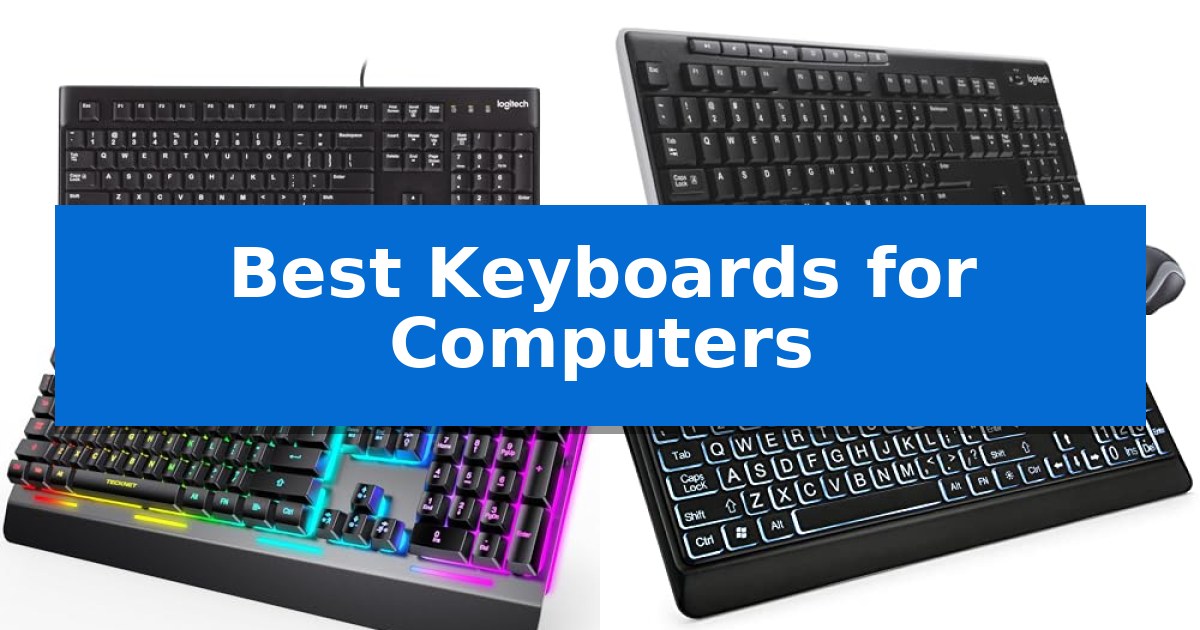
  1. Clutter-Free Desktop Solution Logitech MK270 Wireless Keyboard Combo
  2. Quiet Performance for Gamers TECKNET Wired Gaming Keyboard
  3. Enhanced Visibility for Easier Typing KOPJIPPOM Large Print Backlit Keyboard
  4. Silent Operation for Shared Spaces RECCAZR Wireless Keyboard and Mouse

Quick Comparison

Product Best For Key Strength Score
Logitech K120 Wired Keyboard Best Overall Plug-and-play USB connectivity for instant setup. 4.9
Logitech MK270 Wireless Keyboard Combo Clutter-Free Desktop Solution Reliable wireless connection via a single USB-A Nano Receiver. 4.5
TECKNET Wired Gaming Keyboard Quiet Performance for Gamers IP32 spill-resistant design with integrated drainage holes. 4.5
KOPJIPPOM Large Print Backlit Keyboard Enhanced Visibility for Easier Typing 4X larger font size for superior readability. 4.3
RECCAZR Wireless Keyboard and Mouse Silent Operation for Shared Spaces Silent operation for both keyboard and mouse buttons. 4.3

How We Chose

  • Connectivity type, focusing on the reliability of wired USB connections versus the convenience of wireless setups.
  • Ergonomic design features, including adjustable tilt legs and key profiles that support natural hand positioning.
  • Build quality and durability, specifically evaluating spill-resistant materials and key longevity.
  • Accessibility and visibility, assessing features like large-print keycaps and adjustable backlighting for various lighting conditions.
  • Compatibility with standard operating systems to ensure seamless integration with your existing desktop or laptop setup.

1 Logitech K120 Wired Keyboard — Reliable Standard for Daily Tasks

A reliable input device is the foundation of any efficient workspace, and the Logitech K120 Wired Keyboard offers a straightforward, full-size layout that prioritizes consistency for daily computing tasks. By utilizing a standard configuration that includes a dedicated number pad and full-sized F-keys, this keyboard ensures that users can transition seamlessly between data entry and general navigation without needing to adapt to a non-traditional key arrangement.

Designed for immediate productivity, the device features a simple USB plug-and-play connection. This eliminates the need for software installation or driver configuration, allowing it to function instantly upon connection to a desktop or laptop. The inclusion of adjustable tilt legs allows for ergonomic height customization, helping users find a comfortable typing angle for extended sessions.

Durability is integrated into the core design through a spill-resistant construction and anti-fade keys, which are engineered to withstand the rigors of long-term desk use. The keyboard is also constructed with 51% certified post-consumer recycled plastic, reflecting a focus on material efficiency. It is fully compatible with Windows 7, 8, 10, or later, and is supported by a 2-year warranty for added peace of mind.

Best for: Users seeking a durable, no-nonsense, full-size wired keyboard for standard office or home computing tasks.

Skip if: Users who require wireless connectivity, mechanical switches, or specialized programmable macro keys for gaming or advanced workflows.

PROS

  • Plug-and-play USB connectivity for instant setup.
  • Spill-resistant design for increased durability.
  • Full-size layout with a dedicated number pad.
  • Adjustable tilt legs for ergonomic height customization.

CONS

  • Wired connection limits desk placement flexibility.
  • Standard membrane keys lack the tactile feedback of mechanical alternatives.

2 Logitech MK270 Wireless Keyboard Combo — Clutter-Free Desktop Solution

The Logitech MK270 Wireless Keyboard Combo provides a reliable, clutter-free workspace by utilizing a single USB-A Nano Receiver to connect both the keyboard and the mouse. This setup ensures a stable wireless connection up to 33 feet, allowing for flexible placement on a desk or workstation without the interference of multiple cables.

Designed for daily utility, the keyboard features a full-size layout complete with a number pad, arrow keys, and full-size F-keys. It incorporates a spill-resistant design and sturdy tilt legs for adjustable height, enhancing durability and ergonomic comfort. The inclusion of 8 dedicated multimedia hotkeys provides instant access to volume controls, email, and media playback, streamlining common computer tasks.

The accompanying compact mouse is engineered for ambidextrous use, making it suitable for both left- and right-handed individuals. It offers smooth cursor control across most surfaces. Both devices are built with efficiency in mind, featuring on/off switches that support an extended battery life of up to 36 months for the keyboard and 12 months for the mouse.

Constructed with sustainability in mind, the plastic components of the Logitech MK270 Wireless Keyboard Combo include certified post-consumer recycled plastic, specifically 49% for the mouse and 54% for the keyboard. This combination serves as a straightforward, plug-and-play solution for users seeking a functional and durable peripheral set for their computer.

Best for: Users seeking a reliable, full-size wireless keyboard and mouse solution for general office or home productivity.

Skip if: Users who require advanced features like customizable mechanical switches, backlighting, or a dedicated palm rest.

PROS

  • Reliable wireless connection via a single USB-A Nano Receiver.
  • Long battery life with up to 36 months for the keyboard.
  • Spill-resistant design for increased durability.
  • Full-size layout including a number pad and 8 multimedia hotkeys.

CONS

  • Lack of advanced ergonomic features such as a built-in palm rest.
  • Basic design lacks customizable keys or backlighting.

3 TECKNET Wired Gaming Keyboard — Quiet Performance for Gamers

The TECKNET Wired Gaming Keyboard features a robust metal base and an ergonomic 7-degree input angle designed to support a natural hand position during extended use. This keyboard integrates a stepped key layout and built-in wrist rests to assist in reducing hand fatigue, making it a functional choice for both office tasks and gaming sessions.

Equipped with a whisper-quiet switch structure, the device is engineered for near-silent operation, rated for a lifespan of 50 million keystrokes. The unit includes 15-zone RGB illumination with 7 modes and 4 brightness levels, which automatically enters a sleep mode after 30 minutes of inactivity to manage power usage.

Durability and maintenance are addressed through its IP32 spill-resistant construction, which incorporates 4 drainage holes within the wrist rest to manage accidental liquid exposure. The keyboard also provides 25 anti-ghosting keys for simultaneous input and 12 dedicated multimedia keys for direct control over media playback, though these multimedia functions are not compatible with Mac systems.

This keyboard offers a balance of aesthetic customization and practical design, utilizing durable ABS plastic keycaps to ensure longevity. Its wired connectivity ensures a consistent link to your computer, while the removable key cover design simplifies the cleaning process for the user.

Best for: Users seeking a quiet, spill-resistant keyboard with ergonomic support and customizable RGB lighting for mixed office and gaming environments.

Skip if: Mac users who require full functionality of dedicated multimedia keys or those who prefer a wireless setup.

PROS

  • IP32 spill-resistant design with integrated drainage holes.
  • Whisper-quiet switches rated for 50 million keystrokes.
  • Ergonomic 7-degree angle with built-in wrist rest.
  • 15-zone RGB lighting with adjustable brightness and modes.

CONS

  • Multimedia keys are not compatible with Mac operating systems.

4 KOPJIPPOM Large Print Backlit Keyboard — Enhanced Visibility for Easier Typing

The KOPJIPPOM Large Print Backlit Keyboard is engineered for users who require enhanced visual clarity, featuring keycaps with fonts 4X larger than standard models. This full-size, 104-key QWERTY layout includes a dedicated numeric keypad, allowing for seamless integration into existing workflows without the need to relearn typing habits.

Designed for versatility in various lighting conditions, the keyboard incorporates a white LED backlight that can be toggled on or off and adjusted for brightness. This illumination is particularly beneficial for maintaining productivity in low-light environments, such as offices or studios. The wired USB connection provides a reliable, plug-and-play experience, eliminating the need for batteries or charging while ensuring broad compatibility with Windows systems, Raspberry Pi, and Mac OS.

The physical construction prioritizes comfort and longevity through an ergonomic layout that includes adjustable rear feet to help reduce hand fatigue during extended use. To protect against common workplace accidents, the unit features a spill-resistant design. With a rated key life of over 50 million keystrokes, the keyboard is built to withstand consistent daily operation in both home and professional settings.

Best for: Users with visual impairments or those who require high-contrast, large-font keys for easier typing.

Skip if: Users who require a wireless connection or those who rely on specific multimedia key functionality optimized for Mac OS.

PROS

  • 4X larger font size for superior readability.
  • Adjustable white LED backlight for low-light visibility.
  • Spill-resistant construction for increased durability.
  • Plug-and-play USB connectivity requires no drivers or batteries.

CONS

  • Multimedia keys may have limited compatibility with Mac OS systems.

5 RECCAZR Wireless Keyboard and Mouse — Silent Operation for Shared Spaces

Maintaining a quiet workspace is essential for focus, and the RECCAZR Wireless Keyboard and Mouse addresses this with a dedicated silent structure. Both the membrane keys and the mouse buttons are engineered to minimize noise, allowing for productive typing and clicking without disturbing others in shared office or home environments.

This full-size keyboard layout includes a dedicated numeric keypad and 12 multimedia shortcut keys, providing quick access to volume control and search functions to streamline daily tasks. The inclusion of adjustable height tilt legs allows users to customize the typing angle, which helps support wrist comfort during extended periods of use.

Connectivity is handled by a single 2.4G Nano USB receiver, which pairs both devices to your computer simultaneously. This plug-and-play system requires no additional software and works across a wide range of operating systems, including Windows, Mac OS, Chrome OS, and Linux. The receiver can be conveniently stored in the base of the mouse when not in use.

To manage power efficiency, the combo features an auto-sleep mode that activates after a period of inactivity, helping to extend battery life. The accompanying optical mouse offers three adjustable DPI settings (800, 1200, and 1600), allowing users to toggle between different levels of tracking sensitivity to suit specific work requirements.

The RECCAZR Wireless Keyboard and Mouse is backed by a 1-year warranty, providing support for the hardware. While the combo is designed for versatility, it relies on a USB-A port for the receiver, so users with devices limited to USB-C ports will need an appropriate adapter to maintain connectivity.

Best for: Users seeking a quiet, full-sized input solution for shared office or home workspaces.

Skip if: Users who require a Bluetooth-only connection or those who lack available USB-A ports on their computer.

PROS

  • Silent operation for both keyboard and mouse buttons.
  • Full-size layout with integrated numeric keypad and multimedia shortcuts.
  • Adjustable DPI settings on the mouse for customized tracking.
  • Plug-and-play connectivity via a single shared USB receiver.

CONS

  • USB-A receiver requires an adapter for computers with only USB-C ports.
  • Membrane key feel may not satisfy users who prefer mechanical switches.

Best Keyboards for Computers Buying Guide

Wired vs. Wireless Connectivity

Choosing between a wired and wireless keyboard often comes down to your workspace environment. Wired keyboards provide a consistent, plug-and-play experience that never requires battery changes, making them a reliable choice for fixed office desks.

Conversely, wireless keyboards offer a clutter-free desk and the flexibility to move your device as needed. When selecting a wireless model, consider the range of the receiver and the battery life to ensure it meets your productivity demands without frequent interruptions.

Ergonomics and Typing Comfort

Comfort is paramount during long typing sessions. Look for keyboards with adjustable tilt legs, which allow you to change the typing angle to reduce wrist strain. A stepped key layout or low-profile keys can also help maintain a more natural hand position.

If you frequently experience fatigue, consider models that include an integrated wrist rest or a design specifically engineered to promote a neutral posture. These features help mitigate the physical impact of repetitive typing tasks.

Durability and Spill Resistance

Accidental spills are a common hazard in any workspace. Many modern keyboards feature a spill-resistant design with internal drainage channels that allow liquids to pass through the device without damaging the sensitive electronic components.

In addition to spill resistance, look for anti-fade keys and robust housing materials. These features ensure that your keyboard remains functional and legible even after years of heavy daily use.

Visibility and Backlighting

Working in low-light conditions requires clear key visibility. Backlit keyboards provide illumination that makes it easy to identify keys, reducing errors and eye strain during late-night projects or in dim office settings.

For users with visual impairments, large-print keycaps offer a significant advantage. These high-contrast, oversized fonts make the keyboard much easier to navigate, ensuring that every keystroke is accurate and comfortable.

Layout and Multimedia Controls

A standard full-size layout includes a dedicated numeric keypad and function keys, which are essential for data entry and quick navigation. Many keyboards also feature multimedia shortcut keys that provide instant access to volume control, email, and media playback.

Before purchasing, verify that the keyboard's layout and multimedia keys are compatible with your operating system. While most are designed for Windows, some features may have limited functionality on macOS or other platforms.

Frequently Asked Questions

Do I need special software to install these keyboards?

Most of the keyboards listed are plug-and-play devices. You simply connect the USB cable or the wireless receiver to your computer, and the operating system will automatically recognize the device without requiring additional software.

How do I clean a spill-resistant keyboard?

While spill-resistant keyboards are designed to handle accidental liquid exposure, you should still unplug the device before cleaning. Use a damp cloth to wipe the surface and ensure the keyboard is completely dry before reconnecting it.

Are wireless keyboards compatible with all computers?

Most wireless keyboards use a standard USB-A nano receiver that works with any computer featuring a USB port. Always check the product specifications to ensure compatibility with your specific operating system, such as Windows, macOS, or Chrome OS.

What is the benefit of a full-size keyboard?

A full-size keyboard includes a dedicated numeric keypad on the right side. This is particularly beneficial for users who perform frequent data entry, accounting, or calculations, as it allows for faster number input compared to the top-row number keys.

How long do the batteries typically last in wireless combos?

Battery life varies significantly based on usage patterns and the specific model. Many modern wireless keyboards and mice feature auto-sleep modes to conserve power, often providing several months or even years of battery life.

Conclusion: Our Top Pick

Selecting the right keyboard is a balance of comfort, functionality, and your specific desk setup. For those seeking a dependable, no-nonsense solution for daily tasks, the Logitech K120 Wired Keyboard stands out as a reliable choice. Its spill-resistant design and full-size layout provide a consistent typing experience that fits seamlessly into any professional or home environment.

If you require more flexibility, wireless options or specialized ergonomic models may better suit your needs. Regardless of your choice, prioritizing features like adjustable height and clear key visibility will ensure your chosen keyboard supports your productivity for years to come.

Best Keyboards for Computer Typing in 2026

Best Keyboards for Computer Typing

Finding the right peripheral for your desk can significantly impact your daily comfort and productivity. Whether you are drafting long documents, managing data, or simply navigating your computer, the Best Keyboards for Computer Typing provide the tactile feedback and layout consistency needed to reduce fatigue.

Selecting the right tool involves balancing your specific workspace needs with features like key profile, connectivity, and ergonomic support. We have reviewed five distinct models to help you identify which design aligns best with your typing habits and office environment.

Best Keyboards for Computer Typing in 2026

Our Top Picks
  1. Simple plug and play setup Amazon Basics Wired Keyboard
  2. Includes integrated wrist support X9 Performance Ergonomic Keyboard
  3. Quiet keys for focused work TECKNET Wired Keyboard
  4. Ultra slim rechargeable design Arteck 2.4G Wireless Keyboard

Quick Comparison

Product Best For Key Strength Score
Logitech K120 Wired Keyboard Best Overall Plug-and-play USB connectivity eliminates the need for software setup. 4.9
Amazon Basics Wired Keyboard Simple plug and play setup Plug and play USB connectivity for immediate setup. 4.9
X9 Performance Ergonomic Keyboard Includes integrated wrist support Integrated wrist rest for enhanced comfort during extended use. 4.8
TECKNET Wired Keyboard Quiet keys for focused work Quiet membrane keys significantly reduce typing noise. 4.6
Arteck 2.4G Wireless Keyboard Ultra slim rechargeable design 6-month battery life on a single charge. 4.8

How We Chose

  • Layout and key profile for consistent typing feel.
  • Connectivity options including wired USB reliability and wireless freedom.
  • Ergonomic features such as wrist support and adjustable tilt legs.
  • Build quality and spill resistance for long-term durability.
  • Integrated media controls for efficient workflow management.

1 Logitech K120 Wired Keyboard — Reliable standard for daily typing

Reliability in a workspace often comes down to the tools that work without complication, and the Logitech K120 Wired Keyboard is built for exactly that purpose. By utilizing a simple plug-and-play USB connectivity, this peripheral removes the need for driver installations or software configuration, allowing users to connect to a Windows desktop or laptop and begin typing immediately.

The keyboard features a full-size layout that includes a dedicated number pad and standard F-keys, providing the complete set of inputs required for both intensive office productivity and general home computing. To support long-term use, the construction incorporates anti-fade keys and a spill-resistant design, which helps protect the internal components against accidental liquid exposure during daily operation.

Ergonomics are addressed through the inclusion of sturdy, adjustable tilt legs, which allow users to modify the typing angle to better suit their personal comfort and posture. Furthermore, the device reflects a commitment to sustainability, with 51% of its plastic components manufactured from certified post-consumer recycled plastic.

Designed for broad compatibility with Windows 7, 8, 10, and later versions, this keyboard serves as a stable, long-term solution for standard typing tasks. The unit is supported by a 2-year warranty, providing peace of mind for those seeking a durable and straightforward input device for their workstation.

Best for: Users seeking a reliable, no-fuss, full-size wired keyboard for standard office or home computing tasks.

Skip if: Users who require wireless connectivity, mechanical switches, or specialized programmable macro keys for advanced workflows.

PROS

  • Plug-and-play USB connectivity eliminates the need for software setup.
  • Spill-resistant design adds a layer of durability against accidental liquid exposure.
  • Full-size layout includes a number pad and standard F-keys for complete functionality.
  • Adjustable tilt legs offer customizable typing angles for improved comfort.

CONS

  • Wired connection limits placement flexibility compared to wireless alternatives.
  • Standard membrane keys lack the tactile feedback preferred by mechanical keyboard enthusiasts.

2 Amazon Basics Wired Keyboard — Simple plug and play setup

The Amazon Basics Wired Keyboard provides a straightforward, reliable typing solution for users who prioritize a full-sized QWERTY layout and immediate connectivity. By utilizing a simple USB wired connection, this device eliminates the need for battery management or wireless pairing, ensuring it is ready for use the moment it is plugged into a Windows-based computer.

Designed with both professional and personal utility in mind, the keyboard features integrated hot keys that offer quick access to essential functions such as Media controls, Mute, Volume adjustment, My Computer, and the Calculator. These additions streamline common desktop tasks, allowing for efficient navigation without requiring extra software installation.

The physical design of the Amazon Basics Wired Keyboard is characterized by a sleek black finish that integrates easily into various workspace aesthetics. Measuring approximately 17.39 inches in length, it offers a standard, familiar typing experience that accommodates long-form writing or data entry tasks comfortably.

Compatibility is a primary focus, as the keyboard is engineered to work seamlessly with multiple versions of the Windows operating system, including Vista, 7, 8, and 10. This broad support makes it a practical choice for users maintaining older hardware or those who prefer a consistent, plug-and-play peripheral across different workstation setups.

Best for: Users seeking a reliable, full-sized, plug-and-play wired keyboard for standard Windows desktop tasks.

Skip if: Users who require wireless connectivity, mechanical switches, or compatibility with non-Windows operating systems.

PROS

  • Plug and play USB connectivity for immediate setup.
  • Integrated hot keys for media and system control.
  • Full-sized QWERTY layout for a familiar typing experience.
  • Broad Windows compatibility across multiple versions.

CONS

  • Wired-only connection limits placement flexibility.
  • Lacks advanced features like backlighting or programmable macro keys.

3 X9 Performance Ergonomic Keyboard — Includes integrated wrist support

Maintaining comfort during extended typing sessions requires a setup that prioritizes physical support and accessible controls. The X9 Performance Ergonomic Keyboard addresses this by integrating a built-in wrist rest, which provides a stable platform for your hands, alongside an adjustable kickstand that allows users to find a more natural typing angle.

This full-size keyboard features 114 keys, including a dedicated number pad and 10 multimedia keys. These controls enable direct management of media playback and volume, streamlining your workflow without requiring additional software. The layout is designed to be a straightforward, plug-and-play solution for both desktop and laptop users.

Connectivity is handled via a 5ft USB-A cable, ensuring a consistent and reliable connection for office or home environments. By removing the need for batteries or wireless pairing, the device remains ready for immediate use, fitting well into setups where simplicity and reliability are the primary requirements.

The design balances functional utility with ergonomic considerations. By combining a full layout with integrated support features, the X9 Performance Ergonomic Keyboard serves as a practical tool for users who spend significant time at their computer and need a consistent, wired input device.

Best for: Office workers and home users seeking a reliable, full-size wired keyboard with integrated wrist support for long-term typing comfort.

Skip if: Users who require a wireless connection, a compact footprint, or mechanical switches for specific tactile feedback will find this model unsuitable.

PROS

  • Integrated wrist rest for enhanced comfort during extended use.
  • Dedicated multimedia keys for quick control of audio and video.
  • Plug and play functionality with a 5ft USB-A cable.
  • Full-size layout including a convenient number pad.

CONS

  • Wired-only connection limits desk placement flexibility.
  • Large footprint may not fit in compact workspaces.

4 TECKNET Wired Keyboard — Quiet keys for focused work

The TECKNET Wired Keyboard is engineered with low-profile membrane keys that prioritize a quiet typing experience, making it a suitable choice for shared workspaces or late-night environments where noise reduction is essential. Its focus on soft, hushed keystrokes helps maintain a focused atmosphere without sacrificing tactile feedback.

Designed for productivity, this full-size 104-key layout includes a dedicated 3-zone configuration that facilitates efficient data entry. The inclusion of adjustable tilt feet and anti-slip pads allows users to modify the typing angle, supporting ergonomic comfort during extended periods of use. The frame is also built with a spill-resistant conductive film, providing a layer of protection against accidental liquid contact.

Functionality is enhanced by 12 FN+F multimedia shortcuts, which offer immediate control over volume, media playback, and common applications like the calculator or email. These shortcuts are integrated to streamline workflow, allowing for quick adjustments without interrupting the typing process.

Setup is straightforward via a USB-A plug-and-play connection, which eliminates the need for batteries or external power sources. The keyboard is compatible with a wide range of systems, including Windows, Mac OS, and Raspberry Pi, ensuring broad utility across different computing environments. Each key is rated for a lifespan of up to 80 million keystrokes, reflecting a design focused on long-term durability.

Best for: Office professionals and students who require a quiet, full-sized, and reliable wired keyboard for daily typing tasks.

Skip if: Users who prefer the tactile feedback of mechanical switches or those who require a wireless, portable, or compact keyboard setup.

PROS

  • Quiet membrane keys significantly reduce typing noise.
  • Spill-resistant design protects internal components from accidental splashes.
  • 12 FN+F multimedia shortcuts for efficient workflow management.
  • Plug-and-play USB connection requires no drivers or battery management.

CONS

  • Wired connection limits portability and desk cable management.
  • Multimedia key functionality may be limited when used with Mac OS.

5 Arteck 2.4G Wireless Keyboard — Ultra slim rechargeable design

The Arteck 2.4G USB Wireless Keyboard offers a streamlined typing experience through its ultra-slim, stainless steel construction, which provides a durable, heavy-duty feel while maintaining a low-profile aesthetic. Designed for versatility, this full-size keyboard includes a dedicated numeric keypad and shortcut keys, making it a practical addition to any desk setup where space and functionality must coexist.

Performance is anchored by a rechargeable lithium battery that supports an industry-high capacity, rated for up to 6 months of use on a single charge based on a standard usage pattern of two hours per day. This longevity minimizes the need for frequent cable management, allowing for a cleaner workspace. The keyboard connects via a nano USB receiver, ensuring a straightforward, plug-and-play setup across various devices including PCs, laptops, and smart TVs.

The keys are engineered for quiet and comfortable typing, catering to users who prioritize a tactile yet unobtrusive input experience. Despite its compact dimensions of 16.9 x 4.9 x 0.6 inches and a lightweight profile of 14.9 ounces, the device maintains a full-size layout that does not compromise on essential navigation or data entry tasks. This balance of portability and utility makes it a suitable choice for both stationary office environments and mobile setups.

Included in the package are the keyboard, the nano USB receiver, and a USB charging cable, all backed by a 24-month warranty. The design emphasizes efficiency, providing a reliable interface for Windows-based systems without the complexity of intricate software installations.

Best for: Users seeking a slim, rechargeable, full-size wireless keyboard that offers a durable stainless steel build and long battery life for general office or home computing.

Skip if: Users who require a mechanical switch feel, backlighting, or multi-device Bluetooth connectivity will find this 2.4GHz-only membrane-style keyboard insufficient for their needs.

PROS

  • 6-month battery life on a single charge.
  • Durable stainless steel material for a premium feel.
  • Full-size layout including a numeric keypad in a slim form factor.
  • Quiet, low-profile keys suitable for shared workspaces.

CONS

  • 2.4GHz USB receiver requires an available USB-A port.
  • Non-mechanical keys may not satisfy users preferring tactile switch feedback.

Best Keyboards for Computer Typing Buying Guide

Wired vs. Wireless Connectivity

Choosing between a wired and wireless connection depends on your desk setup and preference for maintenance. A wired keyboard offers a consistent, battery-free experience, ensuring you never have to worry about charging or signal interference.

Conversely, a wireless keyboard provides a cleaner workspace by eliminating cable clutter. These models often utilize a USB receiver or Bluetooth, making them ideal for users who prefer a minimalist aesthetic or need to move their device frequently.

Ergonomics and Typing Comfort

Comfort is paramount during extended typing sessions. Features like integrated wrist rests help maintain a neutral wrist position, which can reduce strain over time.

Additionally, adjustable tilt legs allow you to customize the angle of the keyboard. Finding the right slope can make a significant difference in how your hands and wrists feel after hours of work.

Key Profile and Tactile Feedback

The profile of the keys—whether they are deep-profile or low-profile membrane keys—affects the typing sound and the amount of force required for each stroke.

Low-profile keys generally offer a quieter, softer typing experience, which is beneficial in shared office spaces or quiet environments. Deep-profile keys may provide more distinct tactile feedback, which some users prefer for accuracy.

Durability and Spill Resistance

Accidental spills are a common risk in any workspace. Many modern keyboards feature a spill-resistant design, which helps protect the internal electronics from minor liquid exposure.

Look for models with sturdy construction and high-rated keystroke durability. These features ensure that your investment remains functional even after years of daily, intensive use.

Layout and Productivity Shortcuts

A full-size layout includes a dedicated number pad and function keys, which are essential for data entry and complex software navigation.

Many keyboards also include multimedia shortcuts that allow you to control volume, playback, and system tools with a single press. These additions can streamline your workflow and save time on repetitive tasks.

Frequently Asked Questions

Are all these keyboards compatible with both Windows and Mac?

Most of these keyboards are designed primarily for Windows, though many offer basic functionality on Mac OS. Note that specific multimedia keys may have limited support on non-Windows operating systems.

Do I need to install software for these keyboards?

No, all the keyboards listed are plug-and-play devices. They do not require any specialized software installation; simply connect them to a USB port and they are ready to use.

What is the benefit of a spill-resistant design?

A spill-resistant design includes protective measures that allow liquids to drain away from the internal circuitry, reducing the risk of permanent damage from accidental spills.

How long do the batteries last in wireless models?

Battery life varies by model and usage. For example, some rechargeable wireless keyboards can last up to 6 months on a single charge based on moderate daily use.

Is a wired keyboard better for gaming?

While these models are designed for general typing and office work, a wired connection is often preferred for its reliability and lack of latency, which can be beneficial in various computer tasks.

Conclusion: Our Top Pick

For those seeking a dependable and straightforward typing experience, the Logitech K120 Wired Keyboard stands out as an excellent choice. Its full-size layout, comfortable key profile, and spill-resistant design make it a reliable partner for both home and office environments.

While it lacks the wireless freedom of some other models, its plug-and-play simplicity and durable construction ensure it performs consistently without the need for batteries or charging. It remains a highly practical solution for anyone prioritizing long-term reliability and ease of use.

Best Keyboards for Computer Editing in 2026

Best Keyboards for Computer Editing

Finding the right input device can significantly change how you interact with your creative software. Whether you are scrubbing through a video timeline or managing complex spreadsheets, the Best Keyboards for Computer Editing provide the specific shortcuts and tactile control needed to reduce repetitive strain and speed up your production.

Selecting the right tool depends on your specific editing environment and the software you use daily. From specialized macro pads that offer dedicated layers to reliable full-sized keyboards for standard data entry, this guide explores the options that help you maintain focus on your creative output rather than navigating menus.

Best Keyboards for Computer Editing in 2026

Our Top Picks
  1. LCD keys for rapid stream control VSDINSIDE M18 Macro Pad
  2. Dial controller for precise timeline navigation HUION Keydial Mini Programmable Keypad
  3. Reliable standard for professional typing Logitech K120 Full Size Keyboard
  4. Essential layout with media controls Amazon Basics Wired QWERTY Keyboard

Quick Comparison

Product Best For Key Strength Score
Doohoeek Tri-Mode Programmable Macro Keypad Best Overall Tri-mode connectivity allows for easy switching between three devices. 4.9
VSDINSIDE M18 Macro Pad LCD keys for rapid stream control 15 customizable LCD keys allow for unique visual icons and rapid identification of functions. 4.7
HUION Keydial Mini Programmable Keypad Dial controller for precise timeline navigation Integrated dial controller for precise brush and timeline adjustments. 4.5
Logitech K120 Full Size Keyboard Reliable standard for professional typing Plug-and-play USB connectivity requires no software installation. 4.7
Amazon Basics Wired QWERTY Keyboard Essential layout with media controls Plug and play USB connectivity for simple setup. 4.7

How We Chose

  • Programmability and Macro Support: We assessed how easily users can map complex software shortcuts to dedicated keys.
  • Connectivity and Compatibility: We prioritized devices that offer stable connections and broad support for Windows or macOS environments.
  • Ergonomic and Physical Design: We examined the layout, build quality, and physical controls like dials or LCD keys that assist in precise navigation.
  • Workflow Integration: We looked for features that allow for multi-layer configurations or specific software-driven optimizations.

1 Doohoeek Tri-Mode Programmable Macro Keypad — Customizable shortcuts for complex editing

Streamlining complex editing workflows requires precise control over repetitive tasks, and the Doohoeek Tri-Mode Programmable Macro Keypad is engineered specifically to consolidate these actions. By offering 25 fully programmable keys, this device allows users to map intricate shortcuts—such as undo/redo, cut/paste, or application-specific commands—directly to a dedicated hardware interface, effectively turning multi-step processes into single-click operations.

The keypad features a robust tri-mode connectivity system, supporting Bluetooth 5.0, 2.4GHz wireless via an included dongle, and a wired connection. This versatility enables seamless switching between up to three devices, such as a primary editing workstation and a secondary laptop, without the need for constant re-pairing. For users who require specialized setups for different software, the device supports four virtual keyboard layers, allowing for instant toggling between distinct configurations for tools like Premiere Pro, Excel, or general web browsing.

Customization is handled through dedicated software, which requires a wired connection for initial programming to ensure stability and secure data transfer. Once configured, settings are saved to the device's onboard memory, meaning the keypad retains its functionality across wireless modes without needing the software to remain active. The package includes customizable stickers to help users label their specific key assignments for quick visual reference during intense editing sessions.

Designed for low-light environments, the unit incorporates dynamic 7-color backlighting with adjustable brightness levels, ensuring visibility in dim studios or late-night sessions. While the device is built for high-performance productivity, it is important to note that it is compatible exclusively with Windows devices, making it a specialized tool for PC-based editors rather than a universal solution for all operating systems.

Best for: Windows-based editors and power users who need to map complex software shortcuts to a dedicated, portable hardware interface.

Skip if: Users working on macOS or Linux systems, as this device is designed exclusively for Windows compatibility.

PROS

  • Tri-mode connectivity allows for easy switching between three devices.
  • 25 fully programmable keys support complex macro assignments.
  • Four virtual layers enable software-specific key configurations.
  • Onboard memory stores settings for use without active software.

CONS

  • Windows-only compatibility limits use on other operating systems.
  • Wired-only programming is required for initial setup.

2 VSDINSIDE M18 Macro Pad — LCD keys for rapid stream control

Streamlining complex workflows requires precise, tactile control, and the VSDINSIDE M18 Macro Pad offers a dedicated interface for managing multi-step sequences. By providing 15 customizable LCD keys alongside three physical buttons, this device allows creators and editors to trigger specific actions in software like Photoshop, OBS, or video editing suites with a single tap.

The VSDINSIDE M18 Macro Pad functions as a versatile command center, supporting the execution of complex macros or multi-shortcut sequences. Users can assign custom imagery—including JPG, PNG, and GIF files—to each LCD key, providing immediate visual feedback for assigned tasks. This visual customization assists in maintaining an organized workspace during intensive editing or streaming sessions.

Designed for integration into modern desktop setups, the unit features an adjustable RGB surround light ring that provides ambient illumination. It connects via a standard USB-C cable and is compatible with Windows 11 and macOS 11.0 or newer. The hardware also includes built-in plugins for utility tasks, such as a clock, stopwatch, and calendar, which can be accessed alongside primary macro functions.

While the device offers significant flexibility for workflow automation, it is important to note that native Linux support is not provided. However, the manufacturer includes SDK development documentation to facilitate custom secondary development for those operating in specialized environments. The sturdy construction ensures stability during frequent use, making it a reliable addition for those seeking to reduce repetitive keyboard inputs.

Best for: Content creators, video editors, and streamers who need to trigger complex, multi-step software commands or shortcuts with a single, visually labeled button.

Skip if: Users who require native Linux compatibility or those who prefer a traditional full-sized keyboard layout without the need for dedicated macro-specific hardware.

PROS

  • 15 customizable LCD keys allow for unique visual icons and rapid identification of functions.
  • Multi-shortcut macro programming enables complex, multi-step sequences with a single tap.
  • Wide software compatibility with major creative and streaming applications like Photoshop and OBS.
  • Adjustable RGB lighting enhances visibility and aesthetics in dim working environments.

CONS

  • No native Linux support out of the box, requiring SDK development for custom integration.
  • Fixed 18-key layout may be limiting for users requiring a higher volume of simultaneous physical controls.

3 HUION Keydial Mini Programmable Keypad — Dial controller for precise timeline navigation

Precision control over creative workflows is essential for digital artists and editors, and the HUION Keydial Mini Programmable Keypad offers a specialized interface to streamline these tasks. By integrating a physical dial controller alongside 18 customizable keys, this device allows users to adjust brush sizes, navigate timelines, or trigger complex macros with a single touch, reducing the need for repetitive keyboard shortcuts.

The HUION Keydial Mini Programmable Keypad features Bluetooth 5.0 connectivity, providing a cable-free workspace with a reliable range of up to 10 meters. Its portable, thin design is built for one-handed operation, making it a practical addition to both desktop setups and mobile workstations. With a 70-hour battery life, it supports extended editing sessions without frequent recharging.

Customization is handled through the Huion driver, where users can map the 18 buttons to specific application shortcuts. The Setting Preview Function is a notable utility, allowing users to display a popup of current button and dial assignments on their screen, which eliminates the need to memorize complex key layouts. The device also includes anti-ghosting technology for up to 5 keys, ensuring accurate input during rapid command sequences.

Compatibility is broad, supporting Windows and Mac OS environments, including Surface Pro and MacBook models. It functions as a versatile creative add-on for software such as Photoshop, Premiere Pro, DaVinci Resolve, and Lightroom. Whether for digital painting or video editing, the HUION Keydial Mini Programmable Keypad serves as a dedicated control surface to supplement standard input devices.

Best for: Digital creators and video editors who require a dedicated, programmable interface for managing software shortcuts and timeline navigation.

Skip if: Users who prefer a full-sized mechanical keyboard or those whose primary creative software does not support custom shortcut mapping.

PROS

  • Integrated dial controller for precise brush and timeline adjustments.
  • 18 fully programmable keys for custom shortcut management.
  • Bluetooth 5.0 wireless connectivity with a 70-hour battery life.
  • Setting Preview Function to visualize button assignments on screen.

CONS

  • Requires driver installation to customize shortcut keys.
  • Software compatibility depends on the specific creative application's support for custom shortcuts.

4 Logitech K120 Full Size Keyboard — Reliable standard for professional typing

For professionals who require a dependable, no-nonsense input device, the Logitech K120 Full Size Wired Keyboard offers a straightforward, durable solution for intensive text-heavy workflows. By prioritizing a full-size standard layout—complete with a dedicated number pad and a full row of F-keys—this keyboard ensures that editors and writers have immediate access to the keys they need without navigating complex software or custom mapping.

Practicality is at the core of this device, featuring USB plug-and-play connectivity. This design eliminates the common frustrations of wireless pairing, battery management, or latency concerns, making it a reliable, low-maintenance tool for any workstation. It is compatible with Windows 7, 8, 10, or later, ensuring seamless integration into most professional environments.

Built for longevity, the keyboard incorporates a spill-resistant design and anti-fade keys, which help maintain legibility even after extensive daily use. The inclusion of sturdy tilt legs allows users to adjust the typing angle to suit their ergonomic preferences, which can reduce strain during long editing sessions. Furthermore, the construction reflects a commitment to sustainability, with plastic components containing 51% certified post-consumer recycled plastic.

While it lacks the specialized features of mechanical switches or programmable macros, the Logitech K120 Full Size Wired Keyboard excels as a consistent, high-utility peripheral. Its focus on core functionality and robust build quality makes it a practical choice for those who value reliability and simplicity in their editing setup.

Best for: Editors and professionals who require a reliable, full-sized, corded keyboard with a standard layout for consistent, long-term use.

Skip if: Users who require wireless connectivity, mechanical switches, or programmable macro keys for specialized editing workflows.

PROS

  • Plug-and-play USB connectivity requires no software installation.
  • Spill-resistant design and durable build quality.
  • Full-size layout includes a dedicated number pad and F-keys.
  • Adjustable tilt legs for customized typing ergonomics.

CONS

  • Wired-only connection limits desk placement flexibility.
  • Standard membrane switches lack the tactile feedback of mechanical alternatives.

5 Amazon Basics Wired QWERTY Keyboard — Essential layout with media controls

Reliable input is the foundation of any editing workflow, and the Amazon Basics Wired QWERTY Keyboard provides a straightforward, full-sized solution for those who prioritize a familiar typing experience. By utilizing a standard layout, this peripheral ensures that your muscle memory remains intact during long editing sessions, whether you are managing text-heavy documents or navigating complex software interfaces.

Designed for immediate usability, the device features a USB wired connection that eliminates the need for battery management or wireless pairing concerns. This plug-and-play functionality allows for a seamless transition between workstations, ensuring your input method is ready the moment it is connected to a Windows-based system.

The keyboard includes dedicated hot keys that streamline common tasks, offering quick access to media controls, volume adjustments, and system tools like the Calculator or My Computer. These integrated controls help maintain focus on your primary editing tasks by reducing the need to navigate through on-screen menus for basic system operations.

With its sleek black finish and standard dimensions, this unit fits cleanly into most professional or home office environments. Its full-sized QWERTY layout provides the necessary space for comfortable typing, making it a functional choice for users who require a dependable, no-nonsense tool for daily computer editing and general productivity.

Best for: Users who need a reliable, full-sized, plug-and-play keyboard for Windows-based editing and office tasks.

Skip if: Users who require wireless connectivity, mechanical switches, or compatibility with non-Windows operating systems.

PROS

  • Plug and play USB connectivity for simple setup.
  • Integrated media and system hot keys for efficient workflow.
  • Full-sized QWERTY layout for a familiar typing experience.
  • Broad compatibility with Windows versions.

CONS

  • Wired-only connection limits desk placement flexibility.
  • Lacks advanced customization or programmable macro keys.

Best Keyboards for Computer Editing Buying Guide

Understanding Macro Programmability

Programmable keys allow you to assign multiple keystrokes to a single button, which is essential for complex editing tasks like color grading or timeline trimming. By offloading these repetitive actions to a dedicated keypad, you can keep your primary hand on your mouse or drawing tablet, creating a more fluid and efficient workspace.

When choosing a device, consider whether it offers onboard memory. This feature ensures that your custom layouts remain saved on the hardware itself, allowing you to move your setup between different computers without needing to reconfigure your software settings.

The Role of Physical Controls

Physical dials and knobs provide a level of precision that standard keys cannot match. They are particularly useful for tasks that require incremental adjustments, such as changing brush sizes in photo editing software or scrubbing through video frames in a non-linear editor.

Look for devices that allow you to customize the function of these dials based on the active application. This versatility ensures that your hardware remains useful across different creative programs, from video production suites to graphic design tools.

Connectivity and Setup Stability

For professional editing, connection stability is paramount. Wired connections are often preferred for initial programming to ensure that macros are saved securely without wireless interference. Once configured, many modern devices offer Bluetooth or 2.4GHz wireless options for a cleaner desk setup.

Check the compatibility requirements carefully, as some specialized macro pads are designed exclusively for Windows, while others offer broader support for macOS. Ensuring your hardware matches your operating system is the first step in avoiding software conflicts.

Layout and Ergonomics

The physical layout of your keyboard or keypad determines how quickly you can access your most-used tools. Compact keypads are excellent for saving desk space and keeping your most critical shortcuts within reach, while full-sized keyboards are better suited for tasks that involve heavy typing or data entry.

Consider the tactile feedback of the keys. For long editing sessions, keys that provide clear, consistent feedback can help reduce fatigue and minimize errors during high-speed operations.

Software and Customization

The software interface provided by the manufacturer is just as important as the hardware itself. An intuitive configuration tool makes it easier to assign shortcuts, create custom layers, and update firmware. Some devices even include features like setting previews, which display your current key assignments on screen.

Always verify if the software supports the specific applications you use. While many macro pads are universal, some are optimized for specific creative software suites, offering deeper integration and more robust control options.

Frequently Asked Questions

Do I need special software to program these keyboards?

Most programmable macro pads require the manufacturer's configuration software to assign shortcuts and macros to the keys. Once programmed, many devices store these settings on internal memory.

Can I use these macro pads with any editing software?

Yes, most macro pads allow you to map standard keyboard shortcuts (like Ctrl+C or Alt+Tab) to their buttons, making them compatible with almost any software that uses keyboard commands.

Are wireless macro pads reliable for professional work?

Modern wireless macro pads using Bluetooth or 2.4GHz dongles are generally very reliable. However, for the initial programming of complex macros, manufacturers often recommend using a wired connection to ensure data integrity.

What is the benefit of a dial controller?

A dial controller provides analog-style control, which is ideal for tasks requiring fine adjustments, such as zooming in on a timeline, adjusting brush opacity, or scrubbing through video frames.

Can I use a macro pad alongside my regular keyboard?

Absolutely. Most users keep their standard keyboard for typing and use a dedicated macro pad as a secondary input device specifically for editing shortcuts and workflow automation.

Conclusion: Our Top Pick

For editors looking to streamline their workflow, the Doohoeek Tri-Mode Programmable Macro Keypad stands out as a highly versatile choice. Its ability to store four distinct virtual keyboard layers onboard allows you to switch between different software profiles instantly, making it a powerful tool for multitasking.

While it is designed specifically for Windows environments, its tri-mode connectivity and 25 fully programmable keys offer a significant advantage for complex editing tasks. If you need a reliable, customizable solution to manage your shortcuts and reduce repetitive inputs, this keypad provides the necessary control to enhance your creative output.

Best Keyboards for Coding on Mac in 2026

Best Keyboards for Coding on Mac

Finding the right hardware for a development environment is essential for maintaining focus during long programming sessions. When you spend hours writing code, the tactile feedback and layout of your input device directly impact your efficiency and comfort.

The Best Keyboards for Coding on Mac must balance native macOS compatibility with the specific needs of software engineers. Whether you prioritize mechanical precision, wireless flexibility, or seamless multi-device switching, selecting a tool that aligns with your workflow is a critical upgrade for any developer.

Best Keyboards for Coding on Mac in 2026

Our Top Picks
  1. Seamless Native Apple Integration Apple Magic Keyboard with Numeric Keypad
  2. Secure Instant Authentication Apple Magic Keyboard with Touch ID
  3. Ergonomic Flat Profile Design ProtoArc KM100-A Mac Keyboard
  4. Integrated Peripheral Connectivity Macally Wired Keyboard with USB Hub

Quick Comparison

Product Best For Key Strength Score
Logitech MX Keys S Mac Keyboard Best Overall Mac-specific layout and design aesthetics for seamless integration. 4.9
Apple Magic Keyboard with Numeric Keypad Seamless Native Apple Integration Integrated Touch ID for secure and fast authentication. 4.4
Apple Magic Keyboard with Touch ID Secure Instant Authentication Integrated Touch ID for secure and rapid authentication. 4.8
ProtoArc KM100-A Mac Keyboard Ergonomic Flat Profile Design Full-size layout with a dedicated numeric keypad for improved data entry efficiency. 4.7
Macally Wired Keyboard with USB Hub Integrated Peripheral Connectivity Integrated 3-port USB hub (2x USB-A, 1x USB-C) for peripheral connectivity. 4.3

How We Chose

  • Native macOS layout compatibility and function key support.
  • Connectivity options including Bluetooth stability and wired reliability.
  • Ergonomic design features that promote neutral wrist posture.
  • Build quality and key switch responsiveness for long-term durability.
  • Integration with productivity software for custom shortcuts and automation.

1 Logitech MX Keys S Mac Keyboard — Fluid Typing for Long Sessions

The Logitech MX Keys S Mac Keyboard is engineered with a dedicated Mac-specific layout and aesthetic finishes that integrate directly into an Apple ecosystem. Its core functionality centers on a low-profile, laptop-style typing experience, utilizing spherically dished keys designed to match the natural shape of human fingertips for precise input.

For developers and power users, the keyboard supports the Logi Options+ app, which enables the creation of Smart Actions shortcuts. This feature allows users to map complex, repetitive workflows to a single keystroke, streamlining common coding or productivity tasks. The hardware also features smarter illumination that detects hand proximity, automatically adjusting backlighting based on the ambient environment.

Connectivity is handled via Bluetooth Low Energy, allowing for seamless switching between up to three devices, including Mac, iPad, and iOS hardware. When paired with an MX Master 3S for Mac mouse, users can leverage the ecosystem to transfer text and files between multiple Apple computers. The unit is USB-C rechargeable, offering a battery life of up to 10 days on a full charge.

Designed for long-term use, the keyboard features an optimized angle intended to support neutral wrist posture. The construction incorporates recycled plastic, with 26% post-consumer recycled content in the Space Gray model. It provides a stable, full-size typing platform while maintaining a slim profile that fits easily into most desk setups.

Best for: Developers and Mac power users who require a consistent, low-profile typing experience across multiple Apple devices with customizable workflow automation.

Skip if: Users who prefer the tactile feedback and deep travel of mechanical switches or those who require a wired-only connection for specific security environments.

PROS

  • Mac-specific layout and design aesthetics for seamless integration.
  • Smart Actions automation for streamlining repetitive coding tasks.
  • Proximity-sensing backlighting that adapts to ambient light.
  • Multi-device connectivity across three Apple devices via Bluetooth.

CONS

  • Non-mechanical key switches may not suit those preferring high-travel tactile feedback.
  • Fixed internal battery requires USB-C charging rather than swappable batteries.

2 Apple Magic Keyboard with Numeric Keypad — Seamless Native Apple Integration

The Apple Magic Keyboard with Touch ID and Numeric Keypad integrates directly with Apple Silicon Macs, utilizing Touch ID for secure, rapid authentication to unlock your device or authorize logins. This keyboard provides a stable, low-profile typing experience that is consistent with Apple's design standards, ensuring precision for long coding sessions.

Designed with an extended layout, this model includes dedicated document navigation controls and full-size arrow keys. These additions are particularly useful for developers who need to navigate large codebases or manage spreadsheets efficiently. The inclusion of a numeric keypad further enhances productivity for data-heavy tasks or financial applications.

Connectivity is handled wirelessly, supported by a rechargeable battery that provides approximately one month or more of usage on a single charge. This minimizes cable clutter on your desk while maintaining a reliable connection to your Mac. The keyboard's dimensions of 17.6 inches in length and 6 inches in width offer a spacious, full-sized footprint that remains relatively slim.

While this keyboard offers seamless integration with the Apple ecosystem, it is specifically optimized for Apple Silicon models. Users who prioritize a mechanical switch feel or require multi-device pairing across non-Apple hardware may find the fixed, membrane-style scissor mechanism and proprietary focus to be a specific trade-off compared to third-party mechanical alternatives.

Best for: Developers and power users who rely on Apple Silicon Macs and require a full-sized layout with integrated biometric security.

Skip if: Users who prefer mechanical switches, require multi-device Bluetooth switching, or are using non-Apple hardware.

PROS

  • Integrated Touch ID for secure and fast authentication.
  • Extended layout with a dedicated numeric keypad for efficient data entry.
  • Long-lasting rechargeable battery providing over a month of use.
  • Seamless native integration with Apple Silicon Mac models.

CONS

  • Proprietary design limits compatibility with non-Apple devices.
  • Fixed scissor-switch mechanism lacks the tactile customization of mechanical keyboards.

3 Apple Magic Keyboard with Touch ID — Secure Instant Authentication

Integrating biometric security directly into a desktop workspace, the Apple Magic Keyboard with Touch ID offers a streamlined solution for developers who prioritize both efficiency and security. By providing fast, easy, and secure authentication for system logins and app-based purchases, this keyboard removes the friction of manual password entry during long coding sessions.

Designed specifically for Mac models with Apple silicon, the keyboard pairs automatically upon connection, ensuring a seamless setup process. The device features a remarkably comfortable and precise typing experience, which is essential for maintaining focus during extended periods of writing code. Its low-profile design and stable key mechanism are engineered to support consistent, reliable input.

The Apple Magic Keyboard with Touch ID is both wireless and rechargeable, utilizing an incredibly long-lasting internal battery that provides power for about a month or more between charges. When it is time to recharge, the included woven USB-C Charge Cable allows for a direct connection to your Mac, enabling you to continue working while the device powers up.

This keyboard prioritizes a clean, minimalist aesthetic that complements the Mac ecosystem while delivering high-utility features. With its integrated USB-C port and seamless integration with macOS, it serves as a dedicated tool for professionals who require a stable, secure, and low-maintenance input device for their daily development environment.

Best for: Developers using Mac models with Apple silicon who require integrated biometric security and a reliable, low-profile typing experience.

Skip if: Users who prefer mechanical switches with high-travel keys or those who require a full-sized layout with a dedicated number pad.

PROS

  • Integrated Touch ID for secure and rapid authentication.
  • Wireless and rechargeable design with long-lasting battery life.
  • Seamless automatic pairing with Mac systems.
  • Includes a durable woven USB-C Charge Cable.

CONS

  • Limited to Mac models with Apple silicon for full feature compatibility.
  • Lacks the mechanical switch feel preferred by some programmers.

4 ProtoArc KM100-A Mac Keyboard — Ergonomic Flat Profile Design

The ProtoArc KM100-A Backlit Bluetooth Keyboard and Mouse for Mac prioritizes a neutral typing posture through its intentionally flat, low-profile design. This setup allows users to keep their wrists level with their fingers, aiming to reduce strain during extended coding sessions on macOS devices.

Equipped with soft white LED backlighting featuring three adjustable brightness levels, this keyboard ensures visibility in low-light environments without causing eye fatigue. The device utilizes responsive scissor switches designed for quiet operation, which helps maintain a focused workspace while providing a tactile feel for rapid input.

Connectivity is managed through triple Bluetooth channels, enabling seamless switching between up to three devices with a simple button press. The included mouse complements this functionality with adjustable DPI levels of 1000, 1600, and 2400, allowing for customized cursor sensitivity to match specific development workflows.

Both the keyboard and mouse feature built-in rechargeable batteries (1200mAh and 300mAh, respectively) and an automatic sleep mode after 60 minutes of inactivity to conserve power. While the full-size layout includes a dedicated numeric keypad for increased efficiency, it requires a larger desk footprint compared to compact alternatives.

Best for: Mac users who require a full-size, backlit wireless keyboard with a numeric keypad and multi-device switching capabilities.

Skip if: Users with limited desk space or those who prefer a mechanical switch feel over low-profile scissor switches.

PROS

  • Full-size layout with a dedicated numeric keypad for improved data entry efficiency.
  • Triple Bluetooth connectivity allows for quick switching between three separate devices.
  • Adjustable LED backlighting provides visibility in dim environments.
  • Flat, ergonomic design promotes a neutral wrist position during long typing sessions.

CONS

  • Larger desk footprint due to the full-size form factor.
  • Bluetooth-only connection means no USB dongle or wired mode is available.

5 Macally Wired Keyboard with USB Hub — Integrated Peripheral Connectivity

Managing multiple peripherals while maintaining a clean workspace is a common challenge for developers, and the Macally Wired Keyboard with USB Hub addresses this by integrating a 3-port USB hub directly into the chassis. This design allows users to connect a mouse, external drive, or other accessories through two USB-A ports and one USB-C port, effectively turning the keyboard into a central connectivity point for a Mac setup.

The keyboard features white LED backlit keys with three adjustable brightness levels, ensuring visibility in various lighting conditions. Its full-size layout includes 107 keys and 16 shortcuts, which are designed to work seamlessly across different operating systems. Thanks to auto OS detection, the keyboard automatically adapts its shortcuts when connected to Mac, Windows, Android, or iPad devices.

Versatility is further enhanced by the 2-in-1 USB plug, which provides both USB-C and USB-A connectivity options to accommodate a wide range of hardware. With dimensions of 16.85 inches by 4.61 inches and a slim profile, it fits comfortably on most desks while providing the tactile feedback expected from a wired peripheral.

For developers who prioritize a stable, wired connection and integrated port expansion, this unit offers a practical solution. The inclusion of a 2-year warranty provides additional support for the hardware, making it a reliable choice for those who need a consistent, plug-and-play typing experience without the need for external adapters.

Best for: Developers and power users who need an integrated USB hub to manage multiple peripherals directly from their keyboard.

Skip if: Users who prefer a wireless or mechanical typing experience, or those who require a compact, tenkeyless form factor.

PROS

  • Integrated 3-port USB hub (2x USB-A, 1x USB-C) for peripheral connectivity.
  • 2-in-1 USB plug ensures compatibility with both modern USB-C and legacy USB-A ports.
  • White LED backlighting with three brightness levels for low-light environments.
  • Auto OS detection simplifies switching between Mac, PC, and mobile devices.

CONS

  • Wired-only connection limits desk placement flexibility compared to wireless models.
  • Full-size footprint may be too large for minimalist or space-constrained workstations.

Best Keyboards for Coding on Mac Buying Guide

Keyboard Layout and Mac Compatibility

A dedicated Mac layout ensures that your modifier keys, such as Command and Option, are exactly where you expect them to be. This eliminates the need for remapping software and ensures that your muscle memory remains consistent across your development environment.

When choosing a keyboard, look for models that explicitly support macOS. This often includes specific function keys for brightness, volume, and Mission Control, which are essential for navigating your desktop efficiently while multitasking.

Connectivity and Multi-Device Support

For developers who use multiple machines, such as a MacBook Pro and an iPad, multi-device pairing is a significant advantage. Keyboards that allow you to switch between connected devices with a single keystroke help maintain a clean and efficient workspace.

Wireless connectivity via Bluetooth Low Energy provides a clutter-free desk, while wired options offer the advantage of never needing to worry about battery life. Consider your desk setup and whether you prefer the freedom of wireless or the reliability of a direct connection.

Ergonomics and Typing Comfort

Coding involves thousands of keystrokes daily, making ergonomics a top priority. A low-profile design often encourages a more neutral wrist position, which can help reduce strain during extended periods of intense programming.

Look for features like spherically dished keys or scissor switches that provide consistent tactile feedback. These design choices are intended to minimize finger fatigue and improve typing accuracy, allowing you to stay in the flow state longer.

Backlighting and Visibility

Working in various lighting conditions is common for many developers. A backlit keyboard with adjustable brightness levels ensures that your keys remain visible during late-night coding sessions or in dimly lit office environments.

Some advanced models include smart illumination that senses your hand proximity, automatically adjusting the light to save battery while ensuring you are never left in the dark when you reach for the keyboard.

Customization and Productivity Shortcuts

Modern keyboards often come with companion software that allows you to automate repetitive tasks. By assigning macros or custom shortcuts to specific keys, you can streamline your workflow and execute complex commands with a single press.

This level of programmability is particularly useful for developers who frequently use terminal commands, IDE shortcuts, or version control tools, as it reduces the time spent on routine manual inputs.

Frequently Asked Questions

Do I need a keyboard with a numeric keypad for coding?

A numeric keypad is beneficial if your development work involves heavy data entry, financial modeling, or spreadsheet management. If your workflow is primarily focused on writing code in an IDE, a compact layout may provide more desk space for your mouse.

Can I use a Windows keyboard with my Mac?

While most USB or Bluetooth keyboards will work with a Mac, the key mapping will be different. You may need to use system settings or third-party software to swap the Command and Option keys to match the standard Apple layout.

What is the advantage of a scissor-switch keyboard?

Scissor switches are known for their low-profile, stable, and quiet typing experience. They are often preferred by developers who enjoy the feel of a laptop keyboard and want a consistent, short-travel keystroke.

How often will I need to charge a wireless keyboard?

Battery life varies significantly based on usage and backlighting settings. Many modern rechargeable keyboards can last several weeks on a single charge, though heavy use of backlighting will reduce this duration.

Is Touch ID available on all Mac keyboards?

No, Touch ID is a proprietary feature found on specific Apple-branded keyboards designed for Mac models with Apple Silicon. Third-party keyboards generally do not include this biometric authentication feature.

Conclusion: Our Top Pick

Selecting the right keyboard is a personal decision that depends on your specific desk setup and typing preferences. After reviewing the available options, the Logitech MX Keys S Mac Keyboard stands out as the most versatile choice for developers due to its fluid typing experience, multi-device connectivity, and deep customization options through the Logi Options+ app.

While other models offer unique benefits like native Touch ID or integrated USB hubs, the balance of comfort and productivity features makes this model a reliable partner for any coding environment. Ensure you consider your specific need for a numeric keypad and desk space before making your final selection.

Best Keyboards for Coding and Gaming in 2026: Versatile Hybrid Setups

Best Keyboards for Coding and Gaming

Finding the Best Keyboards for Coding and Gaming requires balancing tactile feedback for long typing sessions with the responsiveness needed for competitive play. Whether you are debugging complex scripts or navigating intense gaming lobbies, the right hardware can significantly impact your efficiency and comfort.

We have analyzed a selection of mechanical and membrane keyboards to help you identify which features—such as switch types, connectivity options, and layout sizes—best align with your specific workflow and desk space requirements.

Best Keyboards for Coding and Gaming in 2026: Versatile Hybrid Setups

Our Top Picks
  1. Full layout with wireless freedom AULA F99 Mechanical Keyboard
  2. Whisper quiet for shared spaces SteelSeries Apex 3 Gaming Keyboard
  3. Hot-swappable switches for customization Redragon K671 Mechanical Keyboard
  4. Compact design saves desk space GEODMAER 65% Gaming Keyboard

Quick Comparison

Product Best For Key Strength Score
AULA F75 Pro Mechanical Keyboard Best Overall Hot-swappable PCB allows for easy switch customization without soldering. 4.9
AULA F99 Mechanical Keyboard Full layout with wireless freedom Tri-mode connectivity supports up to five devices. 4.6
SteelSeries Apex 3 Gaming Keyboard Whisper quiet for shared spaces Whisper quiet gaming switches for near-silent operation. 4.7
Redragon K671 Mechanical Keyboard Hot-swappable switches for customization Hot-swappable switches allow for easy maintenance and customization. 4.4
GEODMAER 65% Gaming Keyboard Compact design saves desk space 65% compact footprint saves significant desk space. 4.4

How We Chose

  • Switch type and tactile feedback consistency
  • Connectivity options including wireless and wired modes
  • Layout efficiency and space-saving design
  • Customization features like hot-swappability and macro support
  • Build quality and ergonomic features like wrist rests

1 AULA F75 Pro Mechanical Keyboard — Creamy acoustics for long sessions

The AULA F75 Pro Mechanical Keyboard distinguishes itself with a refined, thocky acoustic profile achieved through an advanced internal structure featuring an extended integrated silicone pad and five layers of sound-dampening material. This 75% layout keyboard is engineered for both precision typing and responsive gaming, utilizing pre-lubricated LEOBOG reaper switches and a hot-swappable PCB that accommodates 3-pin or 5-pin switches without the need for soldering.

Designed for versatility, the keyboard supports a tri-mode connection system, allowing users to toggle between Bluetooth 5.0, 2.4GHz wireless, and USB-C wired modes across up to five devices. The inclusion of a multi-function knob provides granular control over media playback and lighting effects, while the side-printed PBT keycaps offer enhanced durability and a distinct aesthetic that allows RGB backlighting to shine through the font.

For competitive gaming, the device includes N-key rollover and a Windows key lock to prevent accidental interruptions during intense sessions. The 4000mAh high-capacity battery ensures extended usage, while the included driver software enables macro programming for custom key combinations, allowing users to tailor the interface to specific productivity workflows or gaming macros.

While the compact 75% form factor saves valuable desk space, it retains essential navigation keys, striking a balance between functionality and footprint. The combination of high-end internal dampening and customizable hardware makes it a robust choice for users seeking a professional-grade mechanical keyboard that adapts to both office and gaming environments.

Best for: Users seeking a compact, hot-swappable mechanical keyboard with premium sound dampening for both professional typing and gaming.

Skip if: Users who require a full-sized layout with a dedicated number pad for data entry or heavy spreadsheet work.

PROS

  • Hot-swappable PCB allows for easy switch customization without soldering.
  • Tri-mode connectivity supports up to five devices for seamless multi-tasking.
  • Advanced sound-dampening structure provides a solid, quiet, and creamy typing feel.
  • Multi-function knob enables quick adjustments for volume, media, and lighting.

CONS

  • 75% layout lacks a dedicated number pad, which may limit efficiency for specific data-heavy tasks.

2 AULA F99 Mechanical Keyboard — Full layout with wireless freedom

The AULA F99 Wireless Mechanical Keyboard integrates a sophisticated gasket structure and PCB single key slotting to provide a softer, more elastic typing experience that minimizes cavity noise. This 96% compact layout balances space efficiency with the inclusion of a dedicated number pad and arrow keys, making it a versatile tool for both intensive coding sessions and gaming.

Connectivity is a primary strength, offering tri-mode functionality via Bluetooth 5.0, 2.4GHz wireless, and USB-C wired connections. Users can pair up to five devices simultaneously, allowing for seamless transitions between different workstations or gaming setups. The inclusion of an 8000mAh battery ensures extended usage, while the hot-swappable PCB supports both 3-pin and 5-pin switches, providing customization options without the need for soldering.

For gaming performance, the keyboard features N-key rollover to ensure accurate registration of multiple simultaneous inputs. The pre-lubed linear switches are designed for a smooth, responsive feel, complemented by double-shot PBT keycaps that resist fading over time. Users can further tailor their environment using the driver to manage 16.8 million color RGB lighting and custom macro recording.

The internal construction utilizes five layers of silencer filling between the PCB and positioning plate, which effectively stabilizes the keys and reduces acoustic resonance. This design approach prioritizes a solid, consistent feel, catering to users who require both precision for programming and reliable performance during real-time gaming.

Best for: Users who need a versatile, compact mechanical keyboard that supports multi-device connectivity for both professional coding and gaming.

Skip if: Users who require a full-sized 100% layout or those who prefer tactile or clicky switches over the pre-lubed linear switches provided.

PROS

  • Tri-mode connectivity supports up to five devices.
  • Hot-swappable PCB allows for easy switch customization.
  • Gasket structure and internal silencing layers improve typing feel.
  • 8000mAh high-capacity battery for long-lasting wireless use.

CONS

  • 96% compact layout may require an adjustment period for users accustomed to standard full-sized spacing.

3 SteelSeries Apex 3 Gaming Keyboard — Whisper quiet for shared spaces

Maintaining a quiet workspace while ensuring responsive input is a common challenge for those who split their time between intensive coding sessions and gaming. The SteelSeries Apex 3 Gaming Keyboard addresses this by utilizing whisper quiet gaming switches, which are engineered to provide a soft, low-friction feel across 20 million keypresses, making it suitable for shared environments where noise is a concern.

Beyond its silent operation, the keyboard is built with IP32 water resistance, providing a layer of protection against accidental liquid spills that can occur during long hours at a desk. The inclusion of a premium magnetic wrist rest offers full palm support, which is designed to reduce strain during extended periods of typing or gameplay.

Customization is handled through 10-zone RGB illumination, allowing users to apply color schemes and reactive effects to their setup. For added efficiency, the device features dedicated multimedia controls located on the board, enabling quick adjustments to volume and other settings without needing to exit a game or minimize a coding window.

The SteelSeries Apex 3 Gaming Keyboard maintains broad utility through its compatibility with Windows, Mac OS X, and current gaming consoles including the Xbox Series S, Xbox Series X, PS4, and PS5. This cross-platform support ensures that the keyboard can serve as a central input device across various hardware configurations.

Best for: Users who require a quiet typing experience for shared workspaces and multi-platform compatibility for gaming.

Skip if: Users who prefer the distinct tactile feedback and audible click of mechanical switches, as this model uses silent, low-friction membrane-style switches.

PROS

  • Whisper quiet gaming switches for near-silent operation.
  • IP32 water resistance to protect against accidental spills.
  • Premium magnetic wrist rest for ergonomic support.
  • Dedicated multimedia controls for convenient on-the-fly adjustments.

CONS

  • Non-mechanical switch design may not satisfy users seeking traditional mechanical tactile feedback.

4 Redragon K671 Mechanical Keyboard — Hot-swappable switches for customization

The Redragon K671 Mechanical Gaming Keyboard centers its design around a hot-swappable linear red switch system, allowing users to physically replace switches for maintenance or customization. This mechanical foundation provides a smoother, lighter keystroke feel, which is particularly beneficial for users who require rapid, repetitive inputs during gaming sessions or extended typing tasks.

Beyond its core mechanical performance, the keyboard integrates full-key anti-ghosting technology, ensuring that simultaneous key presses are registered accurately without conflict. This is paired with macro editing support, which enables users to remap keys or combine multiple functions into a single command, streamlining workflows for both professional applications and complex gaming macros.

The physical build features double-shot PBT keycaps that are designed to maintain clarity for the integrated backlighting. Users can choose from 11 unique backlight modes and adjust both brightness and light speed across five levels, providing visual customization to suit different environments or aesthetic preferences.

Practicality is further enhanced by 12 multimedia shortcuts that offer immediate control over volume, media playback, and system tools like the calculator. The unit measures approximately 17.1 inches in length, providing a standard layout that incorporates these functional additions without requiring complex software configurations for basic operation.

Best for: Gamers and coders who prioritize switch customization and macro functionality in a full-sized wired layout.

Skip if: Users who require a wireless connection or a compact, tenkeyless form factor for limited desk space.

PROS

  • Hot-swappable switches allow for easy maintenance and customization.
  • Macro editing support enables efficient key remapping and shortcuts.
  • Full-key anti-ghosting ensures reliable input during intensive use.
  • Double-shot PBT keycaps provide durability and backlight clarity.

CONS

  • Wired-only connectivity limits placement options compared to wireless models.
  • Fixed color backlighting prevents users from changing the LED color scheme.

5 GEODMAER 65% Gaming Keyboard — Compact design saves desk space

The GEODMAER 65% Gaming Keyboard is engineered for users who need to reclaim desk space without sacrificing the essential functionality required for both gaming and coding. By utilizing a 65% compact design, this keyboard removes the numeric keypad while retaining dedicated arrow keys, making it a highly portable solution that fits easily into a backpack for travel or shared workspaces.

Connectivity is managed via a detachable Type-C cable, which provides a consistent, stable link to your PC or laptop. This wired connection is paired with 26-key anti-ghosting technology, ensuring that simultaneous key presses are registered accurately during intense gaming or rapid typing sessions. To further enhance the user experience, an FN+Win lockable key feature is included to prevent accidental interruptions by disabling the Windows key during gameplay.

Durability is a core focus, with the keyboard rated for a 10,000,000+ keystroke lifespan. The keys feature UV-coated surfaces to resist fading, and the LED backlit system includes adjustable brightness and breathing frequency settings. The transparent luminous characters ensure that keys remain legible in low-light environments, while the ergonomic keycap height is designed to provide wrist support during extended periods of use.

The device utilizes imitation mechanical technology to deliver a tactile typing experience that mimics the feel of mechanical switches while maintaining the quiet operation of a membrane keyboard. This makes it a practical choice for environments where noise levels are a concern, offering a balance between tactile feedback and acoustic discretion.

Best for: Users needing a space-saving, portable keyboard that combines a mechanical-like feel with the quiet operation of a membrane board.

Skip if: Users who require a dedicated numeric keypad for data entry or those who prefer the distinct tactile and auditory feedback of genuine mechanical switches.

PROS

  • 65% compact footprint saves significant desk space.
  • Detachable Type-C cable for reliable wired connectivity.
  • Quiet membrane technology with a mechanical-like feel.
  • Adjustable LED backlighting with breathing modes.

CONS

  • No dedicated numpad for intensive numerical input.
  • Membrane-based switches lack the specific feel of true mechanical hardware.

Best Keyboards for Coding and Gaming Buying Guide

Understanding Switch Types

Mechanical switches are the industry standard for those who prioritize tactile feedback and durability. They come in various types, often categorized as linear, tactile, or clicky, which determine how the key feels and sounds when pressed.

For coding, many users prefer a consistent, smooth feel that reduces fatigue. For gaming, fast response times and anti-ghosting capabilities are critical to ensure every input is registered accurately during high-speed actions.

Layout and Form Factor

The physical size of your keyboard, often referred to as the form factor, dictates how much desk space you have for your mouse. A 75% or 65% layout is increasingly popular because it retains essential keys while removing the bulky number pad.

If you rely heavily on data entry, a full-size layout might be necessary. However, if you are looking to optimize your ergonomics, a smaller footprint allows for a more natural arm position, which can help reduce strain during long sessions.

Connectivity and Multi-Device Support

Modern keyboards often offer tri-mode connectivity, allowing you to switch between Bluetooth, 2.4GHz wireless, and USB-C wired connections. This is particularly useful if you work across multiple devices, such as a laptop and a desktop.

Wireless freedom reduces cable clutter, but you must consider battery capacity. Keyboards with large-capacity batteries ensure you are not constantly tethered to a charging cable during critical tasks.

Customization and Hot-Swappability

A hot-swappable PCB is a significant advantage for users who want to customize their typing experience without soldering. It allows you to replace individual switches if they fail or if you simply want to try a different feel.

Beyond switches, look for keyboards that support macro programming. This allows you to map complex key combinations to a single press, which can be a game-changer for both coding shortcuts and gaming commands.

Build Quality and Keycaps

The material used for keycaps, such as PBT (polybutylene terephthalate), is generally more durable and resistant to the shine that develops on cheaper ABS plastic over time. Double-shot molding ensures that the legends on your keys will not fade.

Additional features like integrated silicone pads or sound-dampening layers can significantly improve the acoustics of your keyboard, providing a more solid and pleasant sound profile that is less distracting in shared environments.

Frequently Asked Questions

What is the benefit of a hot-swappable keyboard?

A hot-swappable keyboard allows you to change the mechanical switches without needing to solder them to the PCB. This makes it easy to repair a broken switch or experiment with different switch types to find your preferred typing feel.

Why choose a 65% or 75% layout over a full-size keyboard?

Smaller layouts like 65% or 75% save significant desk space, allowing for a wider range of motion for your mouse. This is particularly beneficial for gamers who need more room for large mouse movements.

Are wireless keyboards reliable for gaming?

Modern 2.4GHz wireless technology provides a connection that is virtually indistinguishable from a wired connection in terms of latency. As long as the keyboard supports a dedicated 2.4GHz dongle, it is suitable for competitive gaming.

What does 'N-key rollover' mean?

N-key rollover means the keyboard can register every single key press simultaneously, regardless of how many keys are held down at once. This is essential for gaming where complex key combinations are common.

How do I choose between linear and tactile switches?

Linear switches provide a smooth, consistent press without a bump, which many gamers prefer for speed. Tactile switches have a noticeable bump when the key is actuated, which many coders prefer for the physical feedback it provides during typing.

Conclusion: Our Top Pick

For those seeking the best balance of performance and customization, the AULA F75 Pro Mechanical Keyboard stands out as the top choice. Its 75% layout is ideal for saving desk space while retaining essential functionality, and the hot-swappable base ensures it can evolve with your preferences over time.

The combination of tri-mode connectivity, a large 4000mAh battery, and advanced sound-dampening features makes it a versatile tool for both professional coding and gaming. While it is a feature-rich option, users should ensure they are comfortable with the 75% layout if they rely heavily on a dedicated number pad.

Best Keyboards for Coding in 2026: Optimizing Your Typing Workflow

Best Keyboards for Coding

Finding the right tool for your development environment can significantly impact your daily efficiency and long-term comfort. The Best Keyboards for Coding are those that balance tactile feedback, reliable connectivity, and ergonomic layouts to support long hours of programming.

Whether you are building complex applications or managing server infrastructure, the right hardware should minimize fatigue and maximize input precision. We have analyzed five distinct mechanical keyboards to help you identify which features align best with your specific workspace requirements.

Best Keyboards for Coding in 2026: Optimizing Your Typing Workflow

Our Top Picks
  1. Full Layout with Wireless Freedom AULA F99 Wireless Mechanical Keyboard
  2. Compact Layout for Clean Desks Kisnt KN85 Wireless Mechanical Keyboard
  3. Dedicated Shortcuts for Faster Workflow Redragon K668 Hot-Swap Mechanical Keyboard
  4. Budget Friendly Portable Coding Deck MageGee MK-Box Mechanical Keyboard

Quick Comparison

Product Best For Key Strength Score
AULA F75 Pro Mechanical Keyboard Best Overall Tri-mode connectivity allows for easy switching between five devices. 4.9
AULA F99 Wireless Mechanical Keyboard Full Layout with Wireless Freedom Tri-mode connectivity allows for easy switching between five devices. 4.3
Kisnt KN85 Wireless Mechanical Keyboard Compact Layout for Clean Desks 75% space-saving layout retains essential function keys. 4.3
Redragon K668 Hot-Swap Mechanical Keyboard Dedicated Shortcuts for Faster Workflow Hot-swap sockets allow for easy switch customization without soldering. 4.8
MageGee MK-Box Mechanical Keyboard Budget Friendly Portable Coding Deck 60% compact layout saves significant desk space. 4.4

How We Chose

  • Switch Type and Tactile Feel: Assessing the responsiveness and sound profile of mechanical switches.
  • Layout and Ergonomics: Evaluating the efficiency of the key arrangement and overall footprint.
  • Connectivity Options: Checking for reliable wired and wireless integration across multiple devices.
  • Customization and Programmability: Reviewing the availability of software support, macro mapping, and hot-swappable PCB capabilities.
  • Build Quality and Materials: Examining the durability of keycaps and the structural integrity of the chassis.

1 AULA F75 Pro Mechanical Keyboard — Premium Thocky Feel for Developers

The AULA F75 Pro Mechanical Keyboard distinguishes itself for developers and power users through its advanced internal construction, utilizing an extended integrated silicone pad and PCB single key slotting to minimize cavity noise while providing a soft, elastic typing feel. This 75% layout keyboard balances a compact footprint with the inclusion of a dedicated multi-function knob, offering a refined tactile experience for long coding sessions.

Engineered for versatility, the device features a tri-mode connection system supporting Bluetooth 5.0, 2.4GHz wireless, and USB-C wired inputs. It allows for simultaneous connection to up to five devices, enabling seamless switching between workstations or mobile environments. The integrated 4000mAh battery provides substantial capacity for extended wireless use, while the hot-swappable base supports both 3-pin and 5-pin switches, allowing for future customization without the need for soldering.

The keyboard utilizes pre-lubricated LEOBOG reaper switches and stabilizers to ensure smooth actuation and a consistent sound profile. Its side-printed PBT keycaps, manufactured via double injection molding and heat sublimation, offer increased durability and sweat resistance. The side-engraved design allows RGB lighting to shine through the fonts, providing visibility in low-light environments without sacrificing the aesthetic of the gradient black finish.

Functionality is further enhanced by the multi-function control knob, which toggles between gaming and office modes. In office mode, the knob provides tactile control over volume and media playback. Users can also leverage the F75 driver to customize key macros, optimizing workflows and repetitive tasks. With N-key rollover and a dedicated Windows key lock, the keyboard ensures reliable input registration during intensive use.

Best for: Developers and professionals who require a compact, customizable mechanical keyboard with versatile multi-device connectivity and a refined typing sound profile.

Skip if: Users who require a full-sized layout with a dedicated number pad for data entry or those who prefer a low-profile, membrane-style typing experience.

PROS

  • Tri-mode connectivity allows for easy switching between five devices.
  • Hot-swappable PCB supports easy switch replacement for customization.
  • Advanced internal dampening with five layers of silencer material reduces cavity noise.
  • Multi-function knob provides quick access to media and lighting controls.

CONS

  • 75% compact layout lacks a dedicated number pad.
  • 6-month limited warranty period is relatively short.

2 AULA F99 Wireless Mechanical Keyboard — Full Layout with Wireless Freedom

The AULA F99 Wireless Mechanical Keyboard features a sophisticated gasket structure combined with PCB single key slotting and five layers of internal sound-dampening material to provide a refined, elastic typing experience. This 96% compact layout balances desktop efficiency with the inclusion of a dedicated number pad, making it a versatile tool for developers who require a full set of keys without sacrificing workspace.

Connectivity is a primary strength of this model, offering tri-mode functionality that includes BT5.0, 2.4GHz wireless, and USB-C wired connections. Users can pair and switch between up to five devices, facilitating a seamless transition between different workstations or operating systems. The inclusion of an 8000mAh high-capacity battery ensures extended usage time between charges, reducing the frequency of downtime.

Designed for customization, the AULA F99 Wireless Mechanical Keyboard utilizes a hot-swappable PCB that supports both 3-pin and 5-pin switches, allowing for personalized tactile or linear preferences without the need for soldering. The board comes equipped with pre-lubed linear switches and double-shot PBT keycaps, which are engineered for durability and resistance to fading over time.

For those who integrate visual customization into their workflow, the keyboard includes 16 RGB lighting effects and supports macro recording via driver software. The N-key rollover capability ensures that every input is registered accurately, providing reliable performance during intensive coding sessions or multitasking scenarios.

Best for: Developers and power users who need a compact, hot-swappable mechanical keyboard with multi-device connectivity and a long-lasting battery.

Skip if: Users who prefer a full-sized 100% layout or those who require a low-profile design rather than a standard mechanical height.

PROS

  • Tri-mode connectivity allows for easy switching between five devices.
  • Hot-swappable PCB supports easy switch customization without soldering.
  • 8000mAh battery provides significant power for wireless operation.
  • Gasket-mounted structure and sound-dampening layers offer a dampened, stable typing feel.

CONS

  • 96% layout may require an adjustment period for users accustomed to standard full-sized spacing.
  • High-capacity battery and internal structure contribute to a heavier overall weight.

3 Kisnt KN85 Wireless Mechanical Keyboard — Compact Layout for Clean Desks

The Kisnt KN85 Wireless Mechanical Keyboard utilizes a 75% layout to preserve essential navigation keys and function rows while reclaiming 25% of desk real estate compared to full-sized alternatives. This compact design is engineered for programmers and minimalists who require a dedicated arrow cluster and F-keys without the bulk of a number pad.

Performance is defined by the gasket mount architecture, which minimizes internal hollow echoes to produce a signature creamy, marbly sound profile. The board arrives with pre-lubed Bsun linear switches that offer a 45-50gf actuation force, providing a consistent, cushioned feel during long coding sessions. These switches are hot-swappable, supporting both 3-pin and 5-pin configurations for future customization without soldering.

Connectivity is handled via a tri-mode system featuring USB-C, 2.4GHz wireless, and Bluetooth 5.0. This versatility allows users to maintain low-latency connections across Windows, Mac, and mobile devices simultaneously. A 4000mAh rechargeable battery powers the unit, with the ability to continue operation via wired connection while charging.

The RGB backlighting provides an ambient glow through PBT keycaps, with customization options available via the proprietary driver software on Windows. For those focused on productivity, the software enables key remapping and macro creation, allowing for a tailored workflow that integrates directly into a development environment.

Best for: Programmers and hybrid workers who need a compact, multi-device mechanical keyboard with a quiet, cushioned typing feel.

Skip if: Users who require a dedicated number pad for frequent data entry should opt for a full-size layout instead.

PROS

  • 75% space-saving layout retains essential function keys.
  • Tri-mode connectivity supports seamless switching between three devices.
  • Gasket-mounted design delivers a quiet, cushioned typing experience.
  • Hot-swappable PCB allows for easy switch customization.

CONS

  • Windows-only driver limits macro and remapping software access for Mac users.
  • No dedicated number pad may hinder heavy numerical data entry.

4 Redragon K668 Hot-Swap Mechanical Keyboard — Dedicated Shortcuts for Faster Workflow

Efficiency in a coding environment often hinges on the ability to manage workflows without breaking focus, a task the Redragon K668 Hot-Swap Mechanical Keyboard addresses through its integrated hardware design. This full-size 108-key board features four dedicated hotkeys positioned for quick access to system-level tasks like calculator and desktop management, allowing developers to execute common commands without navigating through menus.

The keyboard utilizes stock Red linear switches, which are engineered to provide a smooth, quiet typing experience suitable for shared office environments. For those who prefer a specific tactile feel, the hot-swap socket design supports both 3-pin and 5-pin switches, enabling users to customize their typing experience without the need for soldering. The internal construction includes cushioned noise dampening to promote a quieter, more consistent sound profile during long coding sessions.

Customization extends beyond the physical hardware into the software layer, where the included PRO software allows for the reassignment of the four dedicated hotkeys to custom macros or specific application shortcuts. The board also features 19 preset RGB lighting modes, including a music-sync function, and comes with two sets of mixed-color keycaps to adjust the aesthetic of the workspace.

Ergonomics are supported by 2-stage adjustable feet, which help maintain a comfortable wrist angle during extended periods of use. The full-size layout ensures that all standard keys, including a dedicated number pad, are available for data entry or complex IDE keybindings, while the anti-ghosting technology ensures that rapid, multi-key combinations register accurately.

Best for: Developers and power users who require a full-size layout with programmable shortcut keys and the ability to customize switch types.

Skip if: Users who require a compact or tenkeyless form factor to save desk space or those who strictly prefer wireless connectivity.

PROS

  • Hot-swap sockets allow for easy switch customization without soldering.
  • Four dedicated hotkeys provide immediate access to system shortcuts.
  • Cushioned noise dampening creates a quieter typing experience.
  • PRO software enables deep macro and lighting customization.

CONS

  • Wired-only connection limits desk cable management options.
  • Full-size footprint occupies more desk space than compact alternatives.

5 MageGee MK-Box Mechanical Keyboard — Budget Friendly Portable Coding Deck

The MageGee MK-Box Mechanical Keyboard is a 60% compact layout device designed to maximize desk real estate while retaining essential functionality. By incorporating 68 keys, it provides a balance between a minimalist footprint and the inclusion of dedicated arrow keys and F1-F12 function keys, making it a practical choice for those who need a streamlined workspace without sacrificing necessary navigation controls.

Equipped with mechanical red switches, this keyboard offers a linear typing experience characterized by minimal resistance and a smooth, consistent feel. The design avoids a tactile bump, which facilitates faster input for users who prefer a fluid, quiet typing action. The build features ergonomic suspension double-color injection keycaps and a durable black and grey aesthetic that integrates well into various office or gaming environments.

Customization is handled through the integrated blue LED backlighting, which supports approximately 16 distinct modes. Users can adjust both the speed and brightness of the illumination directly via onboard function keys, allowing for visual personalization without the need for external software. The device is plug and play via a USB 2.0 connection, ensuring broad compatibility across Windows, Linux, and Mac operating systems.

Practicality is further enhanced by the full anti-ghosting capability, which ensures every keypress is registered accurately during intensive use. The inclusion of double kickstand feet allows for adjustable typing angles, while the detachable USB cable simplifies cable management and portability. With its 1-year warranty, the keyboard provides a reliable, driver-free solution for users seeking a compact, mechanical input device.

Best for: Coders and professionals who need a compact, space-saving mechanical keyboard with linear switches and essential navigation keys.

Skip if: Users who require a full-sized layout with a dedicated number pad or those who prefer tactile, clicky switches for typing feedback.

PROS

  • 60% compact layout saves significant desk space.
  • Linear red switches provide smooth, fast-action typing.
  • Full anti-ghosting ensures reliable input registration.
  • Plug and play compatibility requires no software or drivers.

CONS

  • Lacks a dedicated number pad due to the compact 68-key design.
  • Blue LED backlighting is limited to a single color rather than full RGB.

Best Keyboards for Coding Buying Guide

Understanding Mechanical Switch Types

Mechanical switches are the foundation of a high-quality coding experience. Linear switches offer a smooth, consistent keypress without a tactile bump, which is often preferred for rapid, quiet typing in shared office environments. Tactile switches provide a subtle physical bump that confirms the key has been registered, helping to reduce bottoming out and finger fatigue.

When choosing, consider the actuation force and the sound profile. Some developers prefer a "thocky" or marbly sound, while others prioritize silence. Hot-swappable PCBs are a significant advantage, as they allow you to change your switch type later without needing to solder, providing long-term flexibility for your setup.

Layout Considerations for Developers

The physical layout of your keyboard dictates how much desk space you have for your mouse and how easily you can reach essential keys. A 75% layout is a popular choice for coders because it retains the function row and arrow keys while removing the bulky number pad, saving valuable space.

If your workflow relies heavily on data entry or spreadsheet management, a full-size 108-key layout might be necessary. However, for most programming tasks, a compact layout that keeps essential navigation keys accessible is often more ergonomic, as it allows you to keep your mouse closer to your primary typing zone.

Connectivity and Multi-Device Support

Modern coding setups often involve multiple machines, such as a primary workstation and a laptop. Keyboards offering tri-mode connectivity—Bluetooth, 2.4GHz wireless, and USB-C wired—provide the most flexibility. This allows you to switch between devices seamlessly using shortcut keys.

Wireless performance is critical for a clean desk. Look for keyboards with a large rechargeable battery capacity to ensure you aren't frequently tethered to a cable. Wired mode remains the gold standard for zero-latency input, but high-quality 2.4GHz wireless dongles have largely closed the performance gap for most users.

Keycap Materials and Durability

The material used for keycaps affects both the longevity of the legends and the overall feel of the keyboard. PBT (Polybutylene Terephthalate) is widely considered the superior material for developers because it is more resistant to the shine that develops on cheaper ABS plastic over time.

Look for double-shot injection molding or heat sublimation processes, which ensure that the characters on your keys will not fade even after millions of keystrokes. Side-printed keycaps are another modern trend that can improve visibility and provide a cleaner aesthetic for your workspace.

Programmability and Macro Support

The ability to remap keys and create custom macros can drastically speed up repetitive coding tasks. Many mechanical keyboards now come with dedicated software that allows you to assign complex functions or shortcuts to specific keys, effectively turning your keyboard into a productivity tool tailored to your IDE.

Check if the keyboard supports N-key rollover, which ensures that every single keypress is registered correctly, even when you are typing at high speeds or using complex key combinations. This is essential for maintaining accuracy during intense programming sessions.

Frequently Asked Questions

Why should I choose a mechanical keyboard for coding?

Mechanical keyboards offer superior tactile feedback, durability, and customization compared to standard membrane keyboards. This can lead to increased typing accuracy and reduced strain during long coding sessions.

What is a hot-swappable keyboard?

A hot-swappable keyboard features a PCB that allows you to remove and replace mechanical switches without soldering. This makes it easy to experiment with different switch types or replace a faulty switch.

Is a 60% or 75% layout better for programming?

A 75% layout is generally better for coding because it retains the function row (F1-F12) and dedicated arrow keys, which are frequently used in IDEs, while still being more compact than a full-size board.

Do I need a wired connection for coding?

While wired connections offer the lowest latency, modern 2.4GHz wireless technology is extremely reliable and sufficient for almost all coding tasks. Wired mode is primarily useful for charging or if you prefer a permanent, battery-free connection.

What are PBT keycaps?

PBT is a high-quality, durable plastic used for keycaps. It is thicker and more textured than standard ABS plastic, making it more resistant to wear and shine over long-term use.

Conclusion: Our Top Pick

Selecting the right keyboard is a personal decision that depends on your specific desk setup and typing preferences. After reviewing the available options, the AULA F75 Pro Mechanical Keyboard stands out as the most balanced choice for developers.

Its combination of a 75% layout, tri-mode connectivity, and a high-quality gasket-mounted structure provides a premium typing experience that is both comfortable and efficient. While other models offer specific advantages like full-size layouts or budget-friendly pricing, the AULA F75 Pro offers the most versatile feature set for a professional coding environment.

Best Keyboards for Coders in 2026

Best Keyboards for Coders

Finding the right tool for long programming sessions is essential for maintaining focus and preventing strain. The Best Keyboards for Coders must balance tactile feedback, layout efficiency, and long-term reliability to support your daily workflow.

Whether you prioritize deep mechanical customization or ergonomic support for extended hours, selecting the right hardware can significantly impact your productivity. This guide evaluates five distinct options to help you identify which features align with your specific coding environment.

Best Keyboards for Coders in 2026

Our Top Picks
  1. Best for Extended Coding Comfort HP 960 Ergonomic Wireless Keyboard
  2. Best for Macro Efficiency AULA F108 Pro Mechanical Keyboard
  3. Best for Precision Typing Cherry G80-3000N RGB Keyboard
  4. Best for Low-Profile Portability X9 Slim Mechanical Keyboard

Quick Comparison

Product Best For Key Strength Score
Keychron V6 Mechanical Keyboard Best Overall Full QMK/VIA programmability for custom key mapping and macros. 4.9
HP 960 Ergonomic Wireless Keyboard Best for Extended Coding Comfort Split-zone layout and negative tilt reduce wrist and forearm strain. 4.8
AULA F108 Pro Mechanical Keyboard Best for Macro Efficiency Tri-mode connectivity supports up to five devices simultaneously. 4.9
Cherry G80-3000N RGB Keyboard Best for Precision Typing Original German-made CHERRY MX switches for high reliability. 4.5
X9 Slim Mechanical Keyboard Best for Low-Profile Portability Triple-mode connectivity allows instant switching between four devices. 4.3

How We Chose

  • Switch type and tactile feedback quality for precision typing.
  • Programmability and support for custom key mapping or macros.
  • Ergonomic features and physical layout for long-term comfort.
  • Connectivity options including wired, Bluetooth, and multi-device support.
  • Build quality and material durability for daily high-volume use.

1 Keychron V6 Mechanical Keyboard — Best for QMK/VIA Customization

The Keychron V6 Mechanical Keyboard distinguishes itself through a fully modular design that allows users to swap out keycaps, switches, gaskets, and even the case foam to suit specific typing preferences. This 108-key full-sized layout provides a dedicated knob for macro control and volume adjustment, making it a versatile tool for complex coding environments.

Built with QMK and VIA support, this keyboard offers deep programmability, enabling developers to remap keys, create custom shortcuts, and manage backlight effects through open-source firmware. The inclusion of pre-lubed mechanical tactile brown switches provides consistent responsiveness, while the hot-swappable PCB allows for the installation of almost any 3-pin or 5-pin MX mechanical switch without the need for soldering.

Designed for long-term comfort, the Keychron V6 features double-shot PBT keycaps in an OSA profile, which are resistant to oil buildup and provide a textured feel. The south-facing RGB lighting is specifically engineered to prevent interference with Cherry-profile keycaps, ensuring consistent illumination from the typist's perspective.

Compatibility is a core strength, as the keyboard includes a system toggle to switch between macOS and Windows layouts, complete with dedicated keycaps for both operating systems. The internal construction, featuring an acoustic silicone pad and screw-in stabilizers for larger keys, is designed to minimize wobbliness and improve overall typing stability during extended coding sessions.

Best for: Developers who require a full-sized, highly programmable layout with the flexibility to customize switches and keycaps.

Skip if: Users who prioritize a compact, tenkeyless, or wireless form factor for their workspace.

PROS

  • Full QMK/VIA programmability for custom key mapping and macros.
  • Hot-swappable PCB supports 3-pin and 5-pin MX switches.
  • Double-shot PBT keycaps offer high durability and oil resistance.
  • Dedicated knob for customizable macro or volume control.

CONS

  • Wired-only connectivity lacks Bluetooth or 2.4GHz wireless options.
  • Full-sized footprint occupies significant desk space.

2 HP 960 Ergonomic Wireless Keyboard — Best for Extended Coding Comfort

Long coding sessions demand equipment that prioritizes physical well-being without sacrificing utility. The HP 960 Ergonomic Wireless Keyboard addresses this through a specialized split-zone layout and negative tilt design, which work together to reduce forearm muscle activity and minimize lateral wrist deviation during extended typing tasks.

Beyond its ergonomic foundation, the keyboard offers significant customization for developers. It features 20 programmable keys that allow for personalized shortcut mapping, alongside a dedicated Copilot Key for streamlined workflow integration. The inclusion of a detached numeric keypad provides flexibility, enabling users to arrange their workspace to suit specific desk configurations and ergonomic preferences.

Connectivity is handled through a versatile system that supports up to three devices. Users can switch between connected hardware using Bluetooth with Swift Pair or the included HP Unifying Dongle for a secure, reliable connection. The device is also designed with sustainability in mind, constructed using at least 60% post-consumer recycled materials.

For those who type for hours, the high-density foam wrist rest provides essential support, while the finger-fit keycaps are engineered to enhance comfort. While the split design requires an adjustment period for those accustomed to traditional rectangular layouts, the combination of programmable controls and ergonomic features makes it a highly functional tool for professional coding environments.

Best for: Coders seeking a split-layout ergonomic keyboard with programmable shortcuts and multi-device connectivity.

Skip if: Users who prefer a traditional, compact, or non-split keyboard layout will likely find the ergonomic design and detached keypad cumbersome.

PROS

  • Split-zone layout and negative tilt reduce wrist and forearm strain.
  • 20 programmable keys allow for custom workflow shortcuts.
  • Multi-device connectivity supports up to three devices via Bluetooth or dongle.
  • High-density foam wrist rest provides comfort during long sessions.

CONS

  • Split design requires an adjustment period for touch typists.
  • Detached numeric keypad increases the total desk footprint.

3 AULA F108 Pro Mechanical Keyboard — Best for Macro Efficiency

Efficient coding workflows often depend on hardware that minimizes friction, and the AULA F108 Pro Mechanical Keyboard addresses this by integrating a smart TFT color display screen and a multi-function knob. These tools allow for real-time monitoring of connection modes, battery status, and system settings, providing a centralized interface for managing complex setups without leaving the keyboard environment.

Designed for versatility, this 104-key full-size mechanical keyboard utilizes a tri-mode connection system, supporting BT5.0, 2.4GHz wireless, and USB-C wired connectivity. This enables users to toggle between up to five devices, making it a practical choice for developers who switch between multiple machines or operating systems throughout the day.

The typing experience is refined through an advanced five-layer filling structure that includes an integrated silicone pad and PCB single-key slotting to reduce cavity noise. The board comes with pre-lubricated switches and stabilizers, delivering a consistent tactile feel. Furthermore, the hot-swappable base supports both 3-pin and 5-pin switches, allowing for hardware-level customization without the need for soldering.

For productivity-focused users, the AULA F108 Pro Mechanical Keyboard offers macro customization via dedicated software, enabling the automation of repetitive tasks. The chassis is built with durable two-colour injection-moulded PBT keycaps and houses a large 8000mAh battery, ensuring the device remains functional during long coding sessions or high-intensity work periods.

Best for: Developers who prioritize macro automation, multi-device connectivity, and a customized tactile typing experience.

Skip if: Users who require a compact, tenkeyless, or 60% layout to save desk space or those who primarily use Linux, as the driver software is Windows-exclusive.

PROS

  • Tri-mode connectivity supports up to five devices simultaneously.
  • Hot-swappable PCB allows for easy switch replacement without soldering.
  • Integrated TFT display provides real-time system and connection status.
  • Five-layer sound-dampening structure minimizes cavity noise for a smoother feel.

CONS

  • Software and driver features are limited to Windows systems.
  • Full-size 104-key layout occupies significant desk space.

4 Cherry G80-3000N RGB Keyboard — Best for Precision Typing

Precision and reliability define the Cherry G80-3000N RGB Keyboard, a mechanical board built on the foundation of the original Cherry design. It integrates state-of-the-art electronics into a compact housing, making it a focused tool for those who prioritize tactile consistency and build quality in their workspace.

At the core of this keyboard are the original CHERRY MX switches, manufactured in Germany using Gold Crosspoint precision technology. These switches are engineered for long-term reliability and consistent performance. The board features Full-N-Key rollover and anti-ghosting capabilities, ensuring that every keystroke is registered accurately, even during rapid input sessions common in programming or intensive typing tasks.

The design emphasizes durability with lasered key buttons that are abrasion-resistant, maintaining legibility over extended use. Users can customize their environment with RGB lighting that supports over 16 million colors, allowing for visual feedback or aesthetic preference. The keyboard is available in both Full Size and TenKeyLess (TKL) configurations, providing options for different desk space requirements.

This keyboard is a straightforward, cable-connected mechanical solution. It avoids unnecessary complexity, focusing instead on the mechanical feel and structural integrity that the brand is known for. With a weight of approximately 1.46 pounds and a height of 1.5 inches, it offers a stable footprint for any desk setup.

Best for: Coders and typists who prioritize mechanical switch precision and a durable, no-nonsense design.

Skip if: Users who require wireless connectivity or dedicated macro keys for complex software workflows.

PROS

  • Original German-made CHERRY MX switches for high reliability.
  • Full-N-Key rollover ensures every input is captured accurately.
  • Abrasion-resistant lasered keycaps built for long-term durability.
  • Compact TKL option available to maximize desk space.

CONS

  • Wired-only connection limits desk placement flexibility.
  • Lacks dedicated programmable macro keys for specialized software shortcuts.

5 X9 Slim Mechanical Keyboard — Best for Low-Profile Portability

The X9 Slim Mechanical Keyboard features a low-profile design that mimics the tactile, quiet feel of a premium laptop keyboard while providing the consistent, linear response of mechanical red switches. This combination allows for rapid, fatigue-free input during long coding sessions, ensuring that each keystroke is both precise and unobtrusive in a shared workspace.

Engineered for high-output environments, the keyboard offers a versatile triple-mode wireless connection, allowing you to switch instantly between two Bluetooth devices, a 2.4GHz wireless connection, and a wired USB-C mode. This multi-device capability eliminates the need for constant re-pairing when moving between workstations or testing across different operating systems.

The full-size 107-key layout is specifically tailored for productivity, incorporating a dedicated number pad, 15 shortcut keys, and a built-in volume knob. The inclusion of a dedicated Copilot key and a solid aluminum top case provides a stable, flex-free typing surface that remains professional and distraction-free, complemented by white backlighting with three brightness levels.

Power management is handled by a 2000mAh rechargeable battery, designed to support days of wireless operation without the need for disposable batteries. This focus on reliability and build quality makes it a practical choice for developers who require a stable, wired-or-wireless interface for complex data entry and media control tasks.

Best for: Developers and office professionals who require a quiet, low-profile mechanical typing experience with seamless multi-device connectivity.

Skip if: Users who prefer high-profile, clicky switches or a compact tenkeyless (TKL) footprint for limited desk space.

PROS

  • Triple-mode connectivity allows instant switching between four devices.
  • Low-profile red switches provide a quiet, linear typing experience.
  • Solid aluminum top case ensures a stable, wobble-free typing surface.
  • Full-size layout includes a dedicated volume knob and shortcut keys.

CONS

  • Full-size footprint may be too large for minimalist desk setups.

Best Keyboards for Coders Buying Guide

Mechanical Switches and Typing Feel

The choice of mechanical switches is the most critical factor for coders, as it dictates the physical response of every keystroke. Tactile switches, such as brown variants, provide a noticeable bump without the excessive noise of clicky switches, making them ideal for shared office spaces.

Linear switches offer a smooth, consistent press that many developers prefer for rapid typing. When selecting a board, consider whether you prefer a low-profile design for a laptop-like feel or a traditional high-profile switch that offers more travel distance.

Layout and Programmability

A full-size layout provides a dedicated number pad, which is beneficial for data-heavy tasks, while TenKeyLess (TKL) or compact layouts save desk space and bring your mouse closer to your hands. Many modern boards now include QMK/VIA support, allowing you to remap keys or create complex macros.

Programmability is a significant advantage for developers who frequently use specific IDE shortcuts or terminal commands. Being able to assign these functions to dedicated keys or layers can drastically reduce the time spent reaching for a mouse.

Ergonomics and Wrist Support

Coding often involves hours of continuous typing, making ergonomic design a vital consideration. Features like split-zone layouts, negative tilt, and integrated wrist rests help maintain a neutral wrist position and reduce forearm muscle activity.

If you experience discomfort during long sessions, look for keyboards that prioritize wrist alignment. A high-density foam wrist rest or an adjustable tilt mechanism can provide the necessary support to prevent fatigue and potential strain.

Connectivity and Multi-Device Use

Modern coding setups often involve multiple machines, such as a primary workstation and a laptop. Keyboards with multi-device connectivity allow you to switch between systems instantly via Bluetooth or a dedicated dongle, streamlining your workflow.

While wired connections offer the lowest latency and eliminate battery concerns, wireless options provide a cleaner desk aesthetic. Ensure that any wireless board you choose has a reliable battery life or a convenient charging method to avoid interruptions.

Build Quality and Keycaps

The materials used in a keyboard's construction affect both its longevity and the typing experience. Double-shot PBT keycaps are highly recommended for their oil resistance and durability, ensuring that legends do not fade over time.

A solid chassis, often reinforced with aluminum or high-quality plastics, prevents deck flex and provides a stable base. Investing in a well-built keyboard ensures that your primary tool remains consistent and reliable throughout years of intense development work.

Frequently Asked Questions

What is the benefit of hot-swappable switches?

Hot-swappable sockets allow you to replace mechanical switches without soldering. This enables you to experiment with different switch types to find your preferred feel or replace a faulty switch easily.

Are mechanical keyboards better for coding than membrane keyboards?

Many coders prefer mechanical keyboards because they offer consistent tactile feedback, higher durability, and the ability to customize layouts, which can improve typing accuracy and speed.

Does QMK/VIA support require technical expertise?

While QMK/VIA offers advanced customization, the software interfaces are designed to be user-friendly. You can remap keys and create macros through a web-based or desktop interface without needing to write complex code.

How do I choose between a full-size and a compact keyboard?

Choose a full-size keyboard if you frequently use a numeric keypad for data entry. Choose a compact or TKL layout if you want to save desk space and improve your ergonomic posture by reducing the distance between your keyboard and mouse.

Is a wrist rest necessary for coding?

A wrist rest is highly recommended for long coding sessions to help keep your wrists in a neutral position. It reduces the angle of your wrists, which can help prevent discomfort and strain over time.

Conclusion: Our Top Pick

For developers seeking the most versatile and customizable tool, the Keychron V6 Mechanical Keyboard stands out as the top choice. Its robust support for QMK/VIA customization, combined with a full-size layout and hot-swappable switches, provides the flexibility needed to tailor your input experience to your specific coding habits.

While other options offer specialized ergonomic or low-profile benefits, the Keychron V6 offers a comprehensive balance of build quality and programmability. It is an excellent foundation for any professional setup, though users who require extreme portability or specific ergonomic splits may want to consider the other specialized models in this guide.