
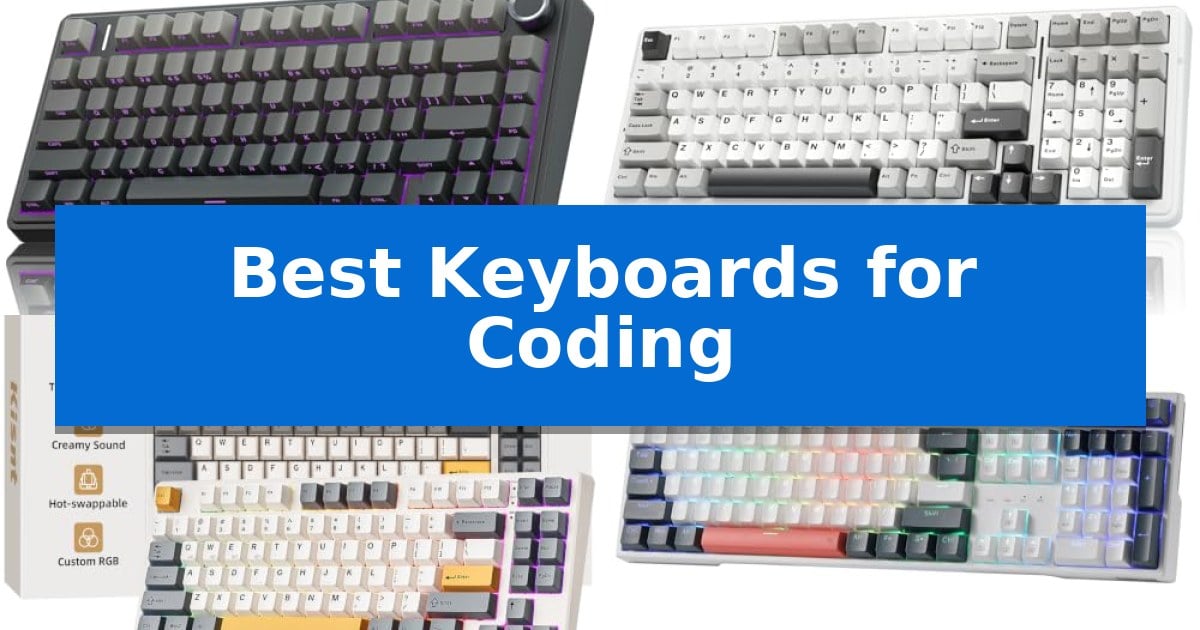
Finding the right tool for your development environment can significantly impact your daily efficiency and long-term comfort. The Best Keyboards for Coding are those that balance tactile feedback, reliable connectivity, and ergonomic layouts to support long hours of programming.
Whether you are building complex applications or managing server infrastructure, the right hardware should minimize fatigue and maximize input precision. We have analyzed five distinct mechanical keyboards to help you identify which features align best with your specific workspace requirements.
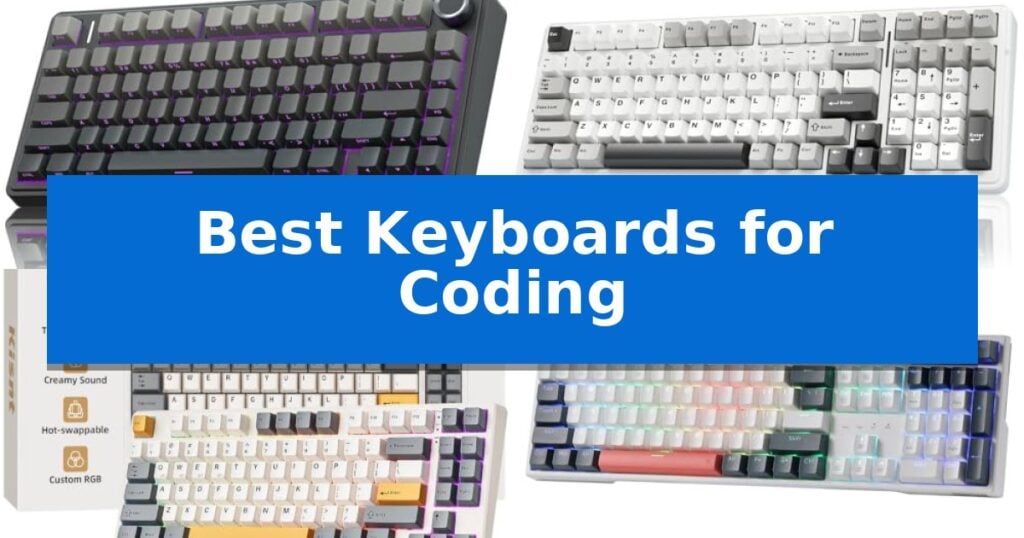
Best Keyboards for Coding in 2026: Optimizing Your Typing Workflow
Quick Comparison
| Product | Best For | Key Strength | Score |
|---|---|---|---|
| AULA F75 Pro Mechanical Keyboard | Best Overall | Tri-mode connectivity allows for easy switching between five devices. | 4.9 |
| AULA F99 Wireless Mechanical Keyboard | Full Layout with Wireless Freedom | Tri-mode connectivity allows for easy switching between five devices. | 4.3 |
| Kisnt KN85 Wireless Mechanical Keyboard | Compact Layout for Clean Desks | 75% space-saving layout retains essential function keys. | 4.3 |
| Redragon K668 Hot-Swap Mechanical Keyboard | Dedicated Shortcuts for Faster Workflow | Hot-swap sockets allow for easy switch customization without soldering. | 4.8 |
| MageGee MK-Box Mechanical Keyboard | Budget Friendly Portable Coding Deck | 60% compact layout saves significant desk space. | 4.4 |
How We Chose
- Switch Type and Tactile Feel: Assessing the responsiveness and sound profile of mechanical switches.
- Layout and Ergonomics: Evaluating the efficiency of the key arrangement and overall footprint.
- Connectivity Options: Checking for reliable wired and wireless integration across multiple devices.
- Customization and Programmability: Reviewing the availability of software support, macro mapping, and hot-swappable PCB capabilities.
- Build Quality and Materials: Examining the durability of keycaps and the structural integrity of the chassis.
1 AULA F75 Pro Mechanical Keyboard — Premium Thocky Feel for Developers
The AULA F75 Pro Mechanical Keyboard distinguishes itself for developers and power users through its advanced internal construction, utilizing an extended integrated silicone pad and PCB single key slotting to minimize cavity noise while providing a soft, elastic typing feel. This 75% layout keyboard balances a compact footprint with the inclusion of a dedicated multi-function knob, offering a refined tactile experience for long coding sessions.
Engineered for versatility, the device features a tri-mode connection system supporting Bluetooth 5.0, 2.4GHz wireless, and USB-C wired inputs. It allows for simultaneous connection to up to five devices, enabling seamless switching between workstations or mobile environments. The integrated 4000mAh battery provides substantial capacity for extended wireless use, while the hot-swappable base supports both 3-pin and 5-pin switches, allowing for future customization without the need for soldering.
The keyboard utilizes pre-lubricated LEOBOG reaper switches and stabilizers to ensure smooth actuation and a consistent sound profile. Its side-printed PBT keycaps, manufactured via double injection molding and heat sublimation, offer increased durability and sweat resistance. The side-engraved design allows RGB lighting to shine through the fonts, providing visibility in low-light environments without sacrificing the aesthetic of the gradient black finish.
Functionality is further enhanced by the multi-function control knob, which toggles between gaming and office modes. In office mode, the knob provides tactile control over volume and media playback. Users can also leverage the F75 driver to customize key macros, optimizing workflows and repetitive tasks. With N-key rollover and a dedicated Windows key lock, the keyboard ensures reliable input registration during intensive use.
Best for: Developers and professionals who require a compact, customizable mechanical keyboard with versatile multi-device connectivity and a refined typing sound profile.
Skip if: Users who require a full-sized layout with a dedicated number pad for data entry or those who prefer a low-profile, membrane-style typing experience.
PROS
- Tri-mode connectivity allows for easy switching between five devices.
- Hot-swappable PCB supports easy switch replacement for customization.
- Advanced internal dampening with five layers of silencer material reduces cavity noise.
- Multi-function knob provides quick access to media and lighting controls.
CONS
- 75% compact layout lacks a dedicated number pad.
- 6-month limited warranty period is relatively short.
2 AULA F99 Wireless Mechanical Keyboard — Full Layout with Wireless Freedom
The AULA F99 Wireless Mechanical Keyboard features a sophisticated gasket structure combined with PCB single key slotting and five layers of internal sound-dampening material to provide a refined, elastic typing experience. This 96% compact layout balances desktop efficiency with the inclusion of a dedicated number pad, making it a versatile tool for developers who require a full set of keys without sacrificing workspace.
Connectivity is a primary strength of this model, offering tri-mode functionality that includes BT5.0, 2.4GHz wireless, and USB-C wired connections. Users can pair and switch between up to five devices, facilitating a seamless transition between different workstations or operating systems. The inclusion of an 8000mAh high-capacity battery ensures extended usage time between charges, reducing the frequency of downtime.
Designed for customization, the AULA F99 Wireless Mechanical Keyboard utilizes a hot-swappable PCB that supports both 3-pin and 5-pin switches, allowing for personalized tactile or linear preferences without the need for soldering. The board comes equipped with pre-lubed linear switches and double-shot PBT keycaps, which are engineered for durability and resistance to fading over time.
For those who integrate visual customization into their workflow, the keyboard includes 16 RGB lighting effects and supports macro recording via driver software. The N-key rollover capability ensures that every input is registered accurately, providing reliable performance during intensive coding sessions or multitasking scenarios.
Best for: Developers and power users who need a compact, hot-swappable mechanical keyboard with multi-device connectivity and a long-lasting battery.
Skip if: Users who prefer a full-sized 100% layout or those who require a low-profile design rather than a standard mechanical height.
PROS
- Tri-mode connectivity allows for easy switching between five devices.
- Hot-swappable PCB supports easy switch customization without soldering.
- 8000mAh battery provides significant power for wireless operation.
- Gasket-mounted structure and sound-dampening layers offer a dampened, stable typing feel.
CONS
- 96% layout may require an adjustment period for users accustomed to standard full-sized spacing.
- High-capacity battery and internal structure contribute to a heavier overall weight.
3 Kisnt KN85 Wireless Mechanical Keyboard — Compact Layout for Clean Desks
The Kisnt KN85 Wireless Mechanical Keyboard utilizes a 75% layout to preserve essential navigation keys and function rows while reclaiming 25% of desk real estate compared to full-sized alternatives. This compact design is engineered for programmers and minimalists who require a dedicated arrow cluster and F-keys without the bulk of a number pad.
Performance is defined by the gasket mount architecture, which minimizes internal hollow echoes to produce a signature creamy, marbly sound profile. The board arrives with pre-lubed Bsun linear switches that offer a 45-50gf actuation force, providing a consistent, cushioned feel during long coding sessions. These switches are hot-swappable, supporting both 3-pin and 5-pin configurations for future customization without soldering.
Connectivity is handled via a tri-mode system featuring USB-C, 2.4GHz wireless, and Bluetooth 5.0. This versatility allows users to maintain low-latency connections across Windows, Mac, and mobile devices simultaneously. A 4000mAh rechargeable battery powers the unit, with the ability to continue operation via wired connection while charging.
The RGB backlighting provides an ambient glow through PBT keycaps, with customization options available via the proprietary driver software on Windows. For those focused on productivity, the software enables key remapping and macro creation, allowing for a tailored workflow that integrates directly into a development environment.
Best for: Programmers and hybrid workers who need a compact, multi-device mechanical keyboard with a quiet, cushioned typing feel.
Skip if: Users who require a dedicated number pad for frequent data entry should opt for a full-size layout instead.
PROS
- 75% space-saving layout retains essential function keys.
- Tri-mode connectivity supports seamless switching between three devices.
- Gasket-mounted design delivers a quiet, cushioned typing experience.
- Hot-swappable PCB allows for easy switch customization.
CONS
- Windows-only driver limits macro and remapping software access for Mac users.
- No dedicated number pad may hinder heavy numerical data entry.
4 Redragon K668 Hot-Swap Mechanical Keyboard — Dedicated Shortcuts for Faster Workflow
Efficiency in a coding environment often hinges on the ability to manage workflows without breaking focus, a task the Redragon K668 Hot-Swap Mechanical Keyboard addresses through its integrated hardware design. This full-size 108-key board features four dedicated hotkeys positioned for quick access to system-level tasks like calculator and desktop management, allowing developers to execute common commands without navigating through menus.
The keyboard utilizes stock Red linear switches, which are engineered to provide a smooth, quiet typing experience suitable for shared office environments. For those who prefer a specific tactile feel, the hot-swap socket design supports both 3-pin and 5-pin switches, enabling users to customize their typing experience without the need for soldering. The internal construction includes cushioned noise dampening to promote a quieter, more consistent sound profile during long coding sessions.
Customization extends beyond the physical hardware into the software layer, where the included PRO software allows for the reassignment of the four dedicated hotkeys to custom macros or specific application shortcuts. The board also features 19 preset RGB lighting modes, including a music-sync function, and comes with two sets of mixed-color keycaps to adjust the aesthetic of the workspace.
Ergonomics are supported by 2-stage adjustable feet, which help maintain a comfortable wrist angle during extended periods of use. The full-size layout ensures that all standard keys, including a dedicated number pad, are available for data entry or complex IDE keybindings, while the anti-ghosting technology ensures that rapid, multi-key combinations register accurately.
Best for: Developers and power users who require a full-size layout with programmable shortcut keys and the ability to customize switch types.
Skip if: Users who require a compact or tenkeyless form factor to save desk space or those who strictly prefer wireless connectivity.
PROS
- Hot-swap sockets allow for easy switch customization without soldering.
- Four dedicated hotkeys provide immediate access to system shortcuts.
- Cushioned noise dampening creates a quieter typing experience.
- PRO software enables deep macro and lighting customization.
CONS
- Wired-only connection limits desk cable management options.
- Full-size footprint occupies more desk space than compact alternatives.
5 MageGee MK-Box Mechanical Keyboard — Budget Friendly Portable Coding Deck
The MageGee MK-Box Mechanical Keyboard is a 60% compact layout device designed to maximize desk real estate while retaining essential functionality. By incorporating 68 keys, it provides a balance between a minimalist footprint and the inclusion of dedicated arrow keys and F1-F12 function keys, making it a practical choice for those who need a streamlined workspace without sacrificing necessary navigation controls.
Equipped with mechanical red switches, this keyboard offers a linear typing experience characterized by minimal resistance and a smooth, consistent feel. The design avoids a tactile bump, which facilitates faster input for users who prefer a fluid, quiet typing action. The build features ergonomic suspension double-color injection keycaps and a durable black and grey aesthetic that integrates well into various office or gaming environments.
Customization is handled through the integrated blue LED backlighting, which supports approximately 16 distinct modes. Users can adjust both the speed and brightness of the illumination directly via onboard function keys, allowing for visual personalization without the need for external software. The device is plug and play via a USB 2.0 connection, ensuring broad compatibility across Windows, Linux, and Mac operating systems.
Practicality is further enhanced by the full anti-ghosting capability, which ensures every keypress is registered accurately during intensive use. The inclusion of double kickstand feet allows for adjustable typing angles, while the detachable USB cable simplifies cable management and portability. With its 1-year warranty, the keyboard provides a reliable, driver-free solution for users seeking a compact, mechanical input device.
Best for: Coders and professionals who need a compact, space-saving mechanical keyboard with linear switches and essential navigation keys.
Skip if: Users who require a full-sized layout with a dedicated number pad or those who prefer tactile, clicky switches for typing feedback.
PROS
- 60% compact layout saves significant desk space.
- Linear red switches provide smooth, fast-action typing.
- Full anti-ghosting ensures reliable input registration.
- Plug and play compatibility requires no software or drivers.
CONS
- Lacks a dedicated number pad due to the compact 68-key design.
- Blue LED backlighting is limited to a single color rather than full RGB.
Best Keyboards for Coding Buying Guide
Understanding Mechanical Switch Types
Mechanical switches are the foundation of a high-quality coding experience. Linear switches offer a smooth, consistent keypress without a tactile bump, which is often preferred for rapid, quiet typing in shared office environments. Tactile switches provide a subtle physical bump that confirms the key has been registered, helping to reduce bottoming out and finger fatigue.
When choosing, consider the actuation force and the sound profile. Some developers prefer a "thocky" or marbly sound, while others prioritize silence. Hot-swappable PCBs are a significant advantage, as they allow you to change your switch type later without needing to solder, providing long-term flexibility for your setup.
Layout Considerations for Developers
The physical layout of your keyboard dictates how much desk space you have for your mouse and how easily you can reach essential keys. A 75% layout is a popular choice for coders because it retains the function row and arrow keys while removing the bulky number pad, saving valuable space.
If your workflow relies heavily on data entry or spreadsheet management, a full-size 108-key layout might be necessary. However, for most programming tasks, a compact layout that keeps essential navigation keys accessible is often more ergonomic, as it allows you to keep your mouse closer to your primary typing zone.
Connectivity and Multi-Device Support
Modern coding setups often involve multiple machines, such as a primary workstation and a laptop. Keyboards offering tri-mode connectivity—Bluetooth, 2.4GHz wireless, and USB-C wired—provide the most flexibility. This allows you to switch between devices seamlessly using shortcut keys.
Wireless performance is critical for a clean desk. Look for keyboards with a large rechargeable battery capacity to ensure you aren't frequently tethered to a cable. Wired mode remains the gold standard for zero-latency input, but high-quality 2.4GHz wireless dongles have largely closed the performance gap for most users.
Keycap Materials and Durability
The material used for keycaps affects both the longevity of the legends and the overall feel of the keyboard. PBT (Polybutylene Terephthalate) is widely considered the superior material for developers because it is more resistant to the shine that develops on cheaper ABS plastic over time.
Look for double-shot injection molding or heat sublimation processes, which ensure that the characters on your keys will not fade even after millions of keystrokes. Side-printed keycaps are another modern trend that can improve visibility and provide a cleaner aesthetic for your workspace.
Programmability and Macro Support
The ability to remap keys and create custom macros can drastically speed up repetitive coding tasks. Many mechanical keyboards now come with dedicated software that allows you to assign complex functions or shortcuts to specific keys, effectively turning your keyboard into a productivity tool tailored to your IDE.
Check if the keyboard supports N-key rollover, which ensures that every single keypress is registered correctly, even when you are typing at high speeds or using complex key combinations. This is essential for maintaining accuracy during intense programming sessions.
Frequently Asked Questions
Why should I choose a mechanical keyboard for coding?
Mechanical keyboards offer superior tactile feedback, durability, and customization compared to standard membrane keyboards. This can lead to increased typing accuracy and reduced strain during long coding sessions.
What is a hot-swappable keyboard?
A hot-swappable keyboard features a PCB that allows you to remove and replace mechanical switches without soldering. This makes it easy to experiment with different switch types or replace a faulty switch.
Is a 60% or 75% layout better for programming?
A 75% layout is generally better for coding because it retains the function row (F1-F12) and dedicated arrow keys, which are frequently used in IDEs, while still being more compact than a full-size board.
Do I need a wired connection for coding?
While wired connections offer the lowest latency, modern 2.4GHz wireless technology is extremely reliable and sufficient for almost all coding tasks. Wired mode is primarily useful for charging or if you prefer a permanent, battery-free connection.
What are PBT keycaps?
PBT is a high-quality, durable plastic used for keycaps. It is thicker and more textured than standard ABS plastic, making it more resistant to wear and shine over long-term use.
Conclusion: Our Top Pick
Selecting the right keyboard is a personal decision that depends on your specific desk setup and typing preferences. After reviewing the available options, the AULA F75 Pro Mechanical Keyboard stands out as the most balanced choice for developers.
Its combination of a 75% layout, tri-mode connectivity, and a high-quality gasket-mounted structure provides a premium typing experience that is both comfortable and efficient. While other models offer specific advantages like full-size layouts or budget-friendly pricing, the AULA F75 Pro offers the most versatile feature set for a professional coding environment.