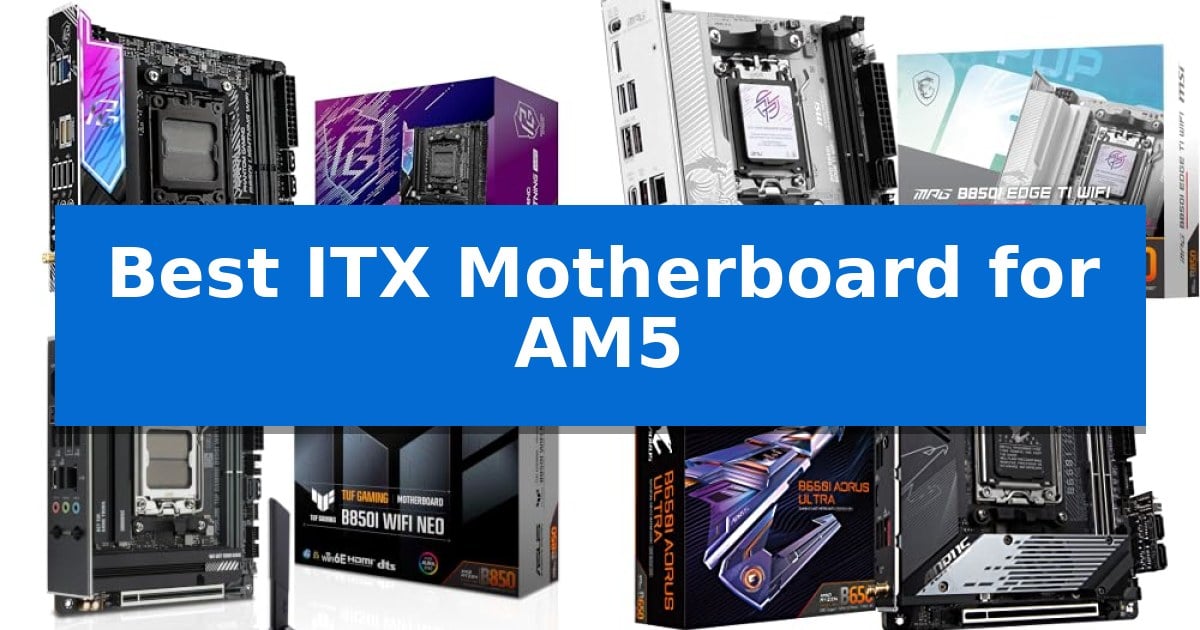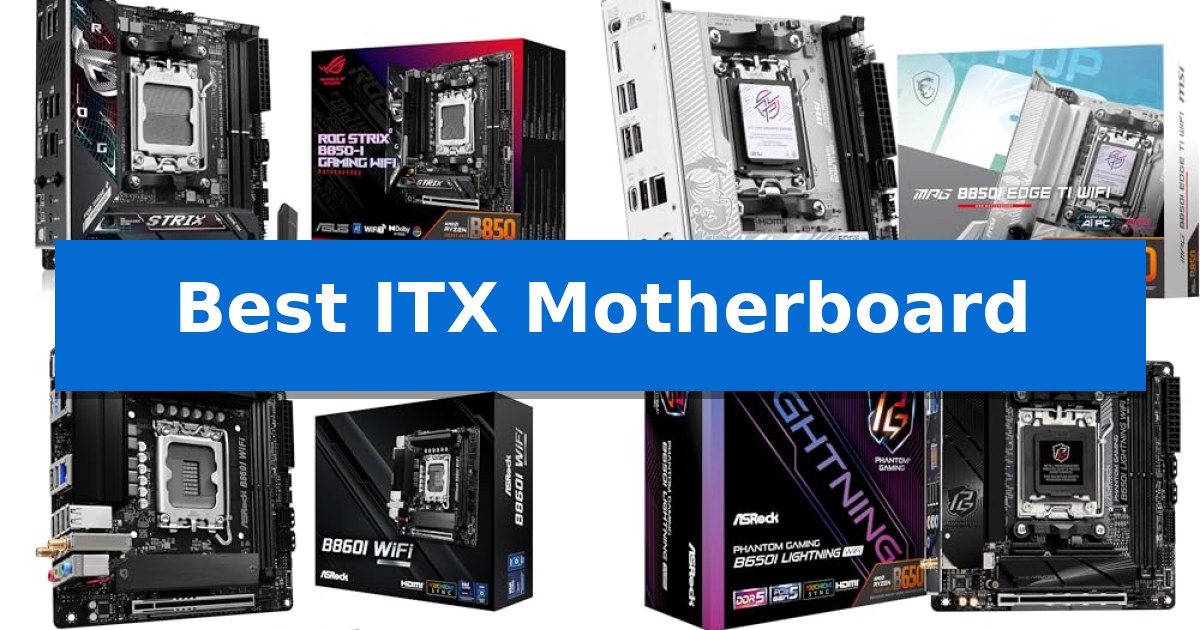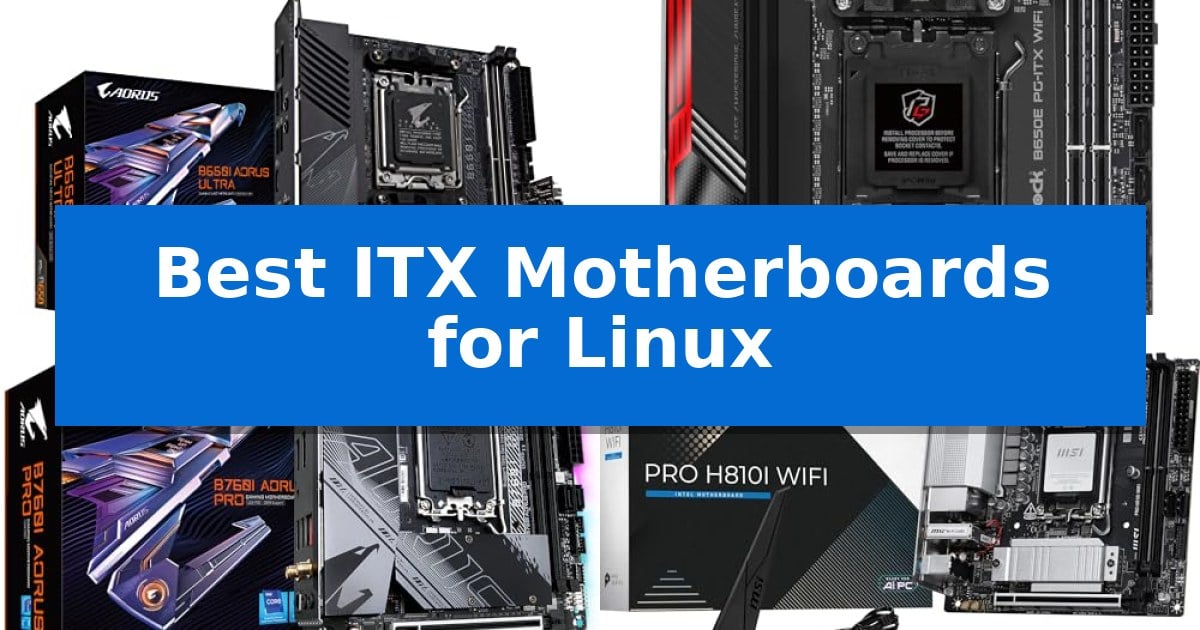
Best ITX Motherboards for Linux in 2026: Optimizing Your SFF Build

Best ITX Motherboards for Linux

Building a small form factor PC requires careful planning, especially when you intend to run a Linux distribution. Finding the Best ITX Motherboards for Linux means prioritizing hardware that offers reliable driver support, stable power delivery, and the specific connectivity options your build demands.

Whether you are assembling a compact workstation, a home server, or a high-performance gaming rig, the motherboard serves as the foundation for your entire system. We have analyzed current ITX options to help you identify which boards provide the best balance of thermal management, expansion capabilities, and Linux kernel compatibility for your unique project.
Best ITX Motherboards for Linux in 2026: Optimizing Your SFF Build

Our Top Picks
  1. High-Speed PCIe 5.0 Support ASRock B650E PG-ITX WiFi Motherboard
  2. Reliable Intel Performance GIGABYTE B760I AORUS Pro Motherboard
  3. Latest Intel Core Ultra Ready MSI PRO H810I WiFi Motherboard
  4. Optimized for Home Servers HKUXZR B760 NAS Motherboard

Quick Comparison

Product Best For Key Strength Score
GIGABYTE B650I AORUS Ultra Motherboard Best Overall Direct 8+2+1 Phases Digital VRM for stable power delivery. 4.9
ASRock B650E PG-ITX WiFi Motherboard High-Speed PCIe 5.0 Support PCIe 5.0 x16 support for future-ready expansion. 4.8
GIGABYTE B760I AORUS Pro Motherboard Reliable Intel Performance Q-Flash Plus enables BIOS updates without requiring a CPU or RAM. 4.5
MSI PRO H810I WiFi Motherboard Latest Intel Core Ultra Ready Wi-Fi 7 and 2.5G LAN for high-speed, modern networking. 4.7
HKUXZR B760 NAS Motherboard Optimized for Home Servers Eight SATA3.0 ports for extensive storage arrays. 4.8

How We Chose

  • Socket and Chipset Compatibility: Ensuring the board supports current processor generations and provides a stable foundation for Linux kernel operations.
  • Power Delivery and Thermal Design: Assessing VRM phases and heatsink coverage to maintain system stability under sustained workloads.
  • Connectivity and Expansion: Evaluating the availability of PCIe slots, M.2 storage options, and high-speed networking interfaces.
  • Form Factor and Layout: Confirming the ITX dimensions and header placement to ensure compatibility with compact chassis designs.
  • Memory Support: Verifying DDR5 compatibility and memory frequency support for efficient system performance.

1 GIGABYTE B650I AORUS Ultra Motherboard — Robust Power for Ryzen Builds

Building a compact Linux workstation requires a motherboard that balances physical space constraints with robust power delivery and modern connectivity. The GIGABYTE B650I AORUS Ultra Motherboard centers its design around a Direct 8+2+1 Phases Digital VRM Solution on a 12-layer 2X Copper PCB, providing the stable power delivery necessary for high-performance AMD Ryzen 9000, 8000, and 7000 series processors in an ITX form factor.

Thermal management is a critical consideration for small-chassis builds, and this board addresses it with an extended VRM heatsink featuring a heatpipe and fully covered MOSFET heatsinks. The M.2 Thermal Guard III includes active cooling to maintain performance for high-speed storage, while the Ultra Durable Memory Armor reinforces the two SMD DIMM slots, which support both AMD EXPO and Intel XMP memory profiles.

For Linux users prioritizing future-ready connectivity, the board offers PCIe 5.0 support for expansion cards and a PCIe 4.0 NVMe x4 M.2 slot for storage. Peripheral connectivity is handled by a USB 3.2 Gen 2 Type-C port with DP-Alt mode, alongside integrated WIFI6E and 2.5GbE networking, ensuring high-speed data transfer and stable connections without requiring additional expansion cards.

Usability in tight spaces is improved by the inclusion of the EZ-Latch mechanism for easier component installation and Q-Flash for simplified BIOS updates. These features, combined with the compact dimensions, make this motherboard a practical foundation for users who need a powerful, space-efficient Linux system without compromising on modern interface standards.

Best for: Users building a high-performance, compact Linux workstation who require robust power delivery and modern connectivity standards.

Skip if: Users who require more than two RAM slots or additional PCIe expansion slots for multi-GPU or specialized hardware configurations.

PROS

  • Direct 8+2+1 Phases Digital VRM for stable power delivery.
  • Active cooling on the M.2 Thermal Guard III to prevent storage throttling.
  • PCIe 5.0 support for future-proofing high-bandwidth components.
  • EZ-Latch and Q-Flash simplify the assembly and maintenance process.

CONS

  • Limited to two DIMM slots, restricting total memory capacity.
  • ITX form factor limits expansion options compared to larger ATX boards.

2 ASRock B650E PG-ITX WiFi Motherboard — High-Speed PCIe 5.0 Support

The ASRock B650E PG-ITX WiFi Motherboard centers its design around a robust 10+2+1 phase power design utilizing Smart Power Stage (SPS) technology, providing the stable power delivery required for high-performance AMD Ryzen 7000 Series processors. This Mini-ITX platform is engineered for users who need a compact footprint without sacrificing modern connectivity standards.

For those building a Linux-based workstation or compact server, the board offers significant expansion potential through its PCIe 5.0 x16 slot. This ensures compatibility with next-generation graphics cards or high-speed storage controllers, while the inclusion of two DDR5 DIMM slots supports memory speeds up to 6400+ MHz (OC), allowing for efficient multitasking and data-heavy operations.

The board prioritizes versatility in display and peripheral management, featuring dedicated HDMI and eDP graphics output options. Its specialized form factor is specifically tailored for space-constrained chassis, making it a practical choice for custom small-form-factor (SFF) builds that require reliable hardware support for open-source operating systems.

When integrating this motherboard into a Linux environment, users benefit from a straightforward hardware layout that minimizes complexity. The 3-year warranty provides long-term assurance for the core components, while the integrated design choices reflect a focus on balancing high-speed data throughput with the physical limitations of a Mini-ITX build.

Best for: Users building a high-performance, compact Linux workstation or SFF PC who require PCIe 5.0 support and robust power delivery.

Skip if: Users who require more than two RAM slots or additional PCIe expansion slots beyond what a single x16 interface provides.

PROS

  • PCIe 5.0 x16 support for future-ready expansion.
  • 10+2+1 Phase Power Design with SPS for stable performance.
  • DDR5 memory support up to 6400+ MHz.
  • Compact Mini-ITX form factor ideal for small builds.

CONS

  • Limited to two DDR5 DIMM slots.
  • Single PCIe x16 slot limits additional expansion cards.

3 GIGABYTE B760I AORUS Pro Motherboard — Reliable Intel Performance

Building a compact Linux workstation requires a motherboard that balances physical constraints with reliable hardware support. The GIGABYTE B760I AORUS Pro Motherboard simplifies this process through its Q-Flash Plus feature, which allows for BIOS updates without needing a CPU, memory, or graphics card installed—a significant advantage for users who need to ensure compatibility with newer Intel 13th or 12th Gen processors before assembly.

Designed for the LGA 1700 socket, this board features a Direct 8+1+1 Phases Digital VRM solution to manage power delivery efficiently. For memory-intensive Linux environments, it supports Dual Channel DDR5 across two DIMM slots, accommodating up to 96GB of RAM. The board's thermal management is handled by an extended MOSFET heatsink and a multi-layered PCH M.2 heatsink, which are essential for maintaining stability in the restricted airflow environments typical of ITX chassis.

Connectivity is a priority for this form factor, offering Intel 2.5GbE LAN and Wi-Fi 6E 802.11ax for high-speed networking. Storage expansion is supported via two PCIe 4.0 x4 M.2 connectors, providing ample space for fast NVMe drives. The rear I/O panel includes a USB-C 10Gb/s port, while the front panel header provides an additional USB-C connection, ensuring modern peripheral support.

The board also integrates Smart Fan 6, which utilizes multiple temperature sensors and hybrid fan headers with a FAN STOP function to minimize noise during low-load tasks. With its aluminum baseplate and addressable LED support via RGB FUSION, the motherboard provides a robust foundation for small-form-factor builds that require both functional reliability and aesthetic customization.

Best for: Users building a compact, high-performance Linux workstation who require modern DDR5 support and reliable power delivery in an ITX form factor.

Skip if: Users who require more than two DIMM slots for RAM or those needing extensive PCIe expansion beyond a single x16 slot.

PROS

  • Q-Flash Plus enables BIOS updates without requiring a CPU or RAM.
  • Dual Channel DDR5 support for up to 96GB of memory.
  • Dual PCIe 4.0 M.2 slots for high-speed storage configurations.
  • Robust thermal design with extended heatsinks and aluminum baseplate.

CONS

  • Limited to two DIMM slots, restricting total memory expansion compared to ATX boards.
  • Single PCIe x16 slot limits additional expansion card options.

4 MSI PRO H810I WiFi Motherboard — Latest Intel Core Ultra Ready

The MSI PRO H810I WiFi Motherboard provides a compact foundation for high-performance builds by supporting the latest Intel Core Ultra Processors (Series 2) via the LGA1851 socket. This ITX board integrates a Direct 6 Phase 55A DrMOS VRM with Core Boost architecture, ensuring stable power delivery for demanding tasks within a space-constrained chassis.

Thermal management is handled by the Frozr Guard suite, which includes an extended heatsink, a dedicated chipset heatsink, and 7W/mK MOSFET thermal pads. Storage and memory expansion are well-supported with two DDR5 DIMM slots capable of reaching speeds up to 7200 MT/s, alongside a single M.2 Gen4 x4 slot protected by an M.2 Shield Frozr to maintain drive performance.

Connectivity is a primary strength of this board, featuring a Wi-Fi 7 module with Bluetooth 5.4 and a 2.5Gbps LAN port for high-speed networking. The rear I/O panel includes a versatile USB 20Gbps Type-C port with display output capabilities, while the onboard Audio Boost system drives 7.1 HD audio for integrated sound requirements.

Designed for modern hardware, the board includes a PCIe 5.0 x16 slot reinforced with Steel Armor to support high-end graphics cards. Its small form factor makes it suitable for desktop builds where space is limited but high-speed data transfer and current-generation processing power are required.

Best for: Users building a high-performance, small-form-factor PC who require the latest connectivity standards like Wi-Fi 7 and PCIe 5.0.

Skip if: Users who require multiple M.2 storage slots or more than two DIMM slots for memory expansion.

PROS

  • Wi-Fi 7 and 2.5G LAN for high-speed, modern networking.
  • PCIe 5.0 x16 slot with Steel Armor for future-ready graphics support.
  • DDR5 memory support up to 7200 MT/s for high-bandwidth tasks.
  • Integrated Frozr Guard cooling for consistent thermal performance.

CONS

  • Limited expansion due to the ITX form factor, including only one M.2 slot.
  • Two DIMM slots restrict total memory capacity compared to larger ATX boards.

5 HKUXZR B760 NAS Motherboard — Optimized for Home Servers

Building a compact, high-density server requires hardware that balances physical constraints with robust connectivity, and the HKUXZR B760 NAS Motherboard addresses this by integrating eight SATA3.0 ports directly onto a 17cm x 17cm mini-ITX footprint. This specialized layout is engineered to support home server builds using Intel 12th, 13th, or 14th Gen processors, providing a foundation for users who need to maximize storage capacity within a small chassis.

The board features a single DDR5 memory slot supporting up to 32GB of RAM, alongside dual M.2 NVMe 2280 slots for fast boot or cache drives. Connectivity is prioritized for networking tasks, with four Intel 2.5G network ports included to facilitate high-speed data transfers or soft-router configurations. The inclusion of HDMI 2.1 and DP 1.4b ports allows for dual 4K@60Hz display output, which is useful for local management or monitoring.

Designed for industrial or home NAS applications, the board utilizes a moisture-proof fiber circuit board for improved durability. Powering the system requires both 24-pin and 4-pin connectors, and users should note that the board requires an LGA115X radiator with 75mm x 75mm hole spacing. The BIOS is accessed by pressing the 'DEL' key during boot, and the system may require a brief initialization period for memory detection upon the first power-up.

When selecting the Best ITX Motherboards for Linux server projects, this model serves as a dedicated solution for those prioritizing storage density and multi-port networking over expansion slots. Its specific focus on SATA connectivity and compact dimensions makes it a tailored choice for custom NAS builds rather than general-purpose desktop computing.

Best for: The HKUXZR B760 NAS Motherboard is best for users building a high-density, compact home NAS or soft-router server requiring multiple SATA and 2.5G network connections.

Skip if: Skip this motherboard if you require multiple PCIe expansion slots or more than one DDR5 memory channel for your workload.

PROS

  • Eight SATA3.0 ports for extensive storage arrays.
  • Four Intel 2.5G network ports for high-speed connectivity.
  • Compact 17cm x 17cm mini-ITX form factor for space-constrained server builds.
  • Dual 4K display support via HDMI 2.1 and DP 1.4b.

CONS

  • Single DDR5 memory slot limits total RAM capacity to 32GB.
  • Specific LGA115X radiator requirement may necessitate additional cooling hardware.

Best ITX Motherboards for Linux Buying Guide

Prioritizing Linux Compatibility

When selecting a motherboard for Linux, the most critical factor is the support for onboard components like Wi-Fi, Bluetooth, and Ethernet controllers. While most modern boards use standard chipsets, checking for recent kernel support for specific network modules can save you significant troubleshooting time during installation.

Look for boards that utilize well-supported chipsets for audio and networking. Using hardware with established open-source drivers ensures that your system remains stable after kernel updates and provides a smoother experience when configuring your desktop environment or server services.

Power Delivery for Compact Systems

Small form factor builds often struggle with heat dissipation due to limited airflow. A motherboard with a robust VRM (Voltage Regulator Module) design and high-quality heatsinks is essential for preventing thermal throttling during intensive tasks.

A well-designed power phase configuration ensures that your CPU receives clean, consistent power. This is particularly important if you plan to use higher-TDP processors in a confined space, as it helps maintain performance without pushing components beyond their safe operating temperatures.

Storage and Expansion Trade-offs

ITX motherboards are inherently limited by their physical size, meaning you must choose between storage density and expansion slots. Most boards offer at least one PCIe 5.0 or 4.0 M.2 slot, which is ideal for fast NVMe storage, but you should verify if additional SATA ports are available if you plan to build a NAS or media server.

Consider the layout of the M.2 slots, especially if they are located on the back of the motherboard. In some SFF cases, back-mounted drives may require extra cooling or may be difficult to access once the system is fully assembled.

Networking and Connectivity

For a Linux-based server or workstation, high-speed networking is often a priority. Boards featuring 2.5GbE LAN or higher are becoming the standard, providing the bandwidth necessary for fast file transfers and reliable network performance.

If you rely on wireless connectivity, ensure the board includes a modern Wi-Fi module. While many boards ship with Intel or MediaTek Wi-Fi chips, verifying that your chosen Linux distribution has the necessary firmware packages available will ensure seamless integration.

Physical Dimensions and Case Fit

While all ITX motherboards share the same 17cm x 17cm footprint, the placement of headers, SATA ports, and M.2 slots can vary significantly. Before purchasing, verify that your chosen case provides enough clearance for the motherboard's heatsinks and that cable management is feasible.

Pay close attention to the location of the front panel headers and USB connectors. In very tight cases, awkward header placement can make the assembly process frustrating and may interfere with your cooling solution or GPU installation.

Frequently Asked Questions

Are all ITX motherboards compatible with Linux?

Most modern ITX motherboards are compatible with Linux, but specific components like Wi-Fi modules and audio controllers may require proprietary firmware. Always check the Linux Hardware Database or community forums for your specific board model.

Does the motherboard chipset affect Linux performance?

The chipset primarily dictates the features and connectivity available. While it does not directly impact raw CPU performance, a chipset with better driver support in the Linux kernel will result in a more stable and reliable system.

Can I use an Intel-based ITX board for an AMD CPU?

No, motherboards are socket-specific. You must match the motherboard socket (e.g., AM5 for Ryzen 7000/8000/9000 series or LGA 1700 for Intel 12th/13th/14th gen) to your chosen processor.

Why is VRM cooling important in ITX builds?

Because ITX cases often have restricted airflow, the motherboard's VRM heatsinks are crucial for dissipating heat. Effective cooling prevents the system from slowing down under heavy, sustained loads.

Do I need special drivers for the motherboard's onboard features?

Most onboard features like USB ports and Ethernet are handled by the Linux kernel automatically. However, specific features like RGB lighting control or advanced fan management may require third-party software or kernel modules.

Conclusion: Our Top Pick

Selecting the right hardware is the first step toward a stable and efficient Linux experience in a compact form factor. By focusing on boards with reliable power delivery, well-supported networking components, and thoughtful layouts, you can build a system that meets your performance needs without compromising on space.

For most users looking for a balance of modern features and build quality, the GIGABYTE B650I AORUS Ultra Motherboard stands out as a versatile choice. Its robust power phase design and comprehensive connectivity options make it a reliable foundation for a wide range of Linux-based projects, from high-performance workstations to compact home servers.
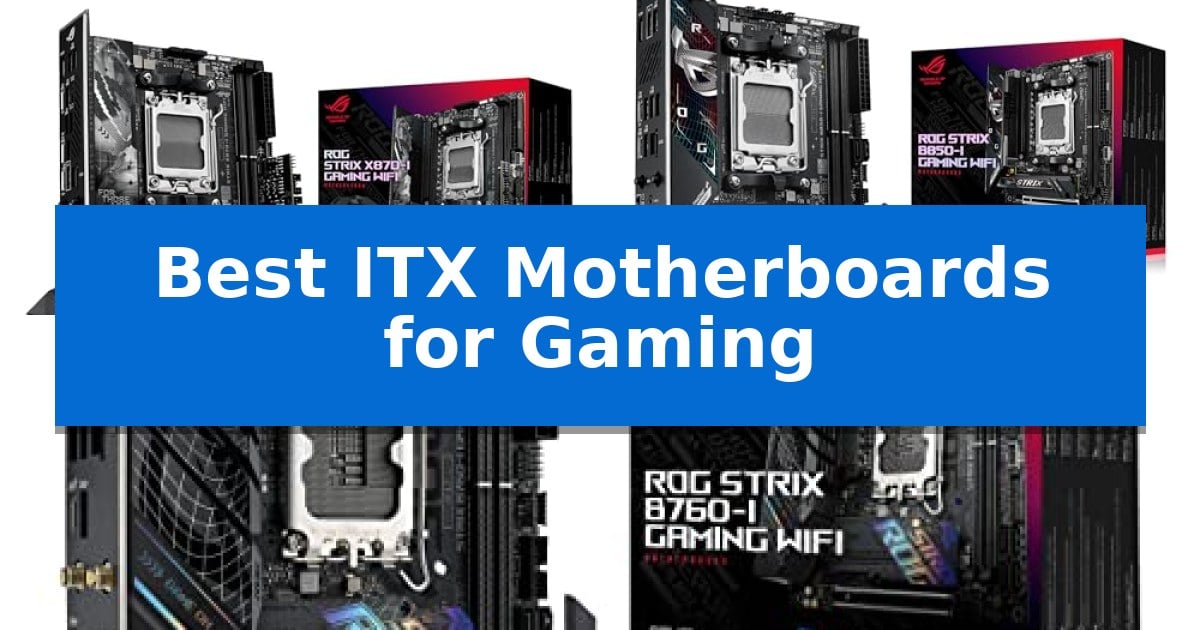
Best ITX Motherboards for Gaming in 2026

Best ITX Motherboards for Gaming

Building a compact gaming PC requires a balance of thermal management, power delivery, and connectivity. Finding the Best ITX Motherboards for Gaming is essential to ensure your small-form-factor build doesn't compromise on performance or stability when running demanding titles.

Whether you are targeting the latest AMD Ryzen processors or Intel Core chips, selecting the right foundation is critical. We have analyzed the latest ASUS ROG Strix offerings to help you identify which motherboard provides the necessary features, power stages, and connectivity for your specific gaming setup.

Best ITX Motherboards for Gaming in 2026

Our Top Picks
  1. Modern Connectivity for AM5 ASUS ROG Strix B850-I Gaming WiFi
  2. Efficient Intel Gaming Foundation ASUS ROG Strix B760-I Gaming WiFi

Quick Comparison

Product Best For Key Strength Score
ASUS ROG Strix X870-I Gaming WiFi Best Overall Robust 10+2+1 power solution rated for 110A per stage. 4.9
ASUS ROG Strix B850-I Gaming WiFi Modern Connectivity for AM5 Robust 10+2+1 power solution for stable CPU performance. 4.3
ASUS ROG Strix B760-I Gaming WiFi Efficient Intel Gaming Foundation Robust 8 + 1 power stages for stable CPU performance. 4.9

How We Chose

  • Power Stage Capability: Assessing the VRM design and power stages to ensure stable performance under heavy gaming loads.
  • Thermal Management: Reviewing integrated heatsinks and cooling solutions designed to handle the heat density of small cases.
  • Connectivity and Expansion: Evaluating the availability of PCIe 5.0 slots, M.2 storage support, and modern wireless networking standards.
  • Socket Compatibility: Confirming support for the latest CPU architectures to ensure your build remains relevant.
  • Intelligent Features: Identifying proprietary AI-driven tools that simplify overclocking and system optimization.

1 ASUS ROG Strix X870-I Gaming WiFi — Advanced AI-Ready Performance

Building a high-performance gaming rig in a compact chassis requires a foundation that does not compromise on power delivery or connectivity. The ASUS ROG Strix X870-I Gaming WiFi serves this purpose by integrating a robust 10+2+1 power solution rated for 110A per stage, ensuring stable power delivery for demanding multi-core processors within the constrained Mini-ITX form factor.

Designed for the AMD AM5 socket, this motherboard supports the latest Ryzen 7000, 8000, and 9000 series processors. It leverages advanced ROG Strix overclocking technologies, including the Dynamic OC Switcher and Core Flex, to provide users with granular control over system behavior. These features are complemented by AI Overclocking and AI Cooling II, which work to simplify the setup process while optimizing thermal and performance parameters automatically.

Connectivity is a primary focus, featuring WiFi 7 and USB4 support to ensure the system remains current for high-speed networking and peripheral data transfer. The board includes two M.2 slots and PCIe 5.0 support, providing the necessary bandwidth for modern storage and graphics configurations. The inclusion of the Q-Release Slim mechanism further enhances usability, allowing for easier hardware installation in tight spaces.

This motherboard is engineered for those who require the efficiency of a small-footprint build without sacrificing the feature set found in larger ATX boards. By balancing high-current power stages with intelligent software-based tuning, it provides a sophisticated platform for enthusiasts looking to maximize their gaming hardware.

Best for: Enthusiasts building high-performance, AI-ready gaming PCs in a compact Mini-ITX form factor.

Skip if: Users who require more than two M.2 storage slots or additional PCIe expansion slots found on larger ATX motherboards.

PROS

  • Robust 10+2+1 power solution rated for 110A per stage.
  • Advanced AI-driven tuning for overclocking, cooling, and networking.
  • Future-ready connectivity with WiFi 7 and USB4.
  • PCIe 5.0 support for high-bandwidth storage and GPU performance.

CONS

  • Mini-ITX form factor limits the total number of available M.2 and PCIe expansion slots.

2 ASUS ROG Strix B850-I Gaming WiFi — Modern Connectivity for AM5

Building a high-performance small-form-factor rig requires a foundation that does not compromise on modern standards, and the ASUS ROG Strix B850-I Gaming WiFi provides exactly that with its AMD AM5 socket compatibility. Designed for the latest Ryzen 9000, 8000, and 7000 series processors, this board integrates a 10+2+1 power solution rated for 70A per stage, ensuring stable power delivery for demanding gaming sessions in a compact footprint.

The board prioritizes thermal management and storage speed, featuring massive heatsinks with high-conductivity thermal pads to keep critical components cool. It includes two onboard PCIe 5.0 M.2 slots, with the primary slot shielded by a large heatsink to maintain peak drive performance. This layout is essential for users who need high-speed storage without sacrificing the space-saving benefits of the Mini-ITX form factor.

Connectivity and ease of use are central to the design, highlighted by the inclusion of WiFi 7 and 2.5G LAN for fast networking. ASUS integrates AI Overclocking and AI Networking II to simplify the tuning process, allowing users to optimize system performance and network traffic automatically. The board also supports Aura Sync, enabling full control over lighting aesthetics to match custom build themes.

While the ASUS ROG Strix B850-I Gaming WiFi is packed with advanced features, its Mini-ITX dimensions mean that space for expansion is inherently limited compared to larger ATX boards. It is a specialized tool for enthusiasts who prioritize a high-density, high-performance build where every millimeter of chassis space is accounted for.

Best for: Enthusiasts building a high-performance, compact gaming PC who require the latest connectivity standards like WiFi 7 and PCIe 5.0 support.

Skip if: Users who require multiple PCIe expansion slots or extensive storage arrays that exceed the capacity of a standard Mini-ITX motherboard.

PROS

  • Robust 10+2+1 power solution for stable CPU performance.
  • Dual PCIe 5.0 M.2 slots for high-speed storage.
  • Integrated WiFi 7 for cutting-edge wireless connectivity.
  • AI-driven optimization tools to simplify system setup.

CONS

  • Mini-ITX form factor limits total expansion and component clearance.
  • Single PCIe x16 slot restricts multi-card or additional expansion card configurations.

3 ASUS ROG Strix B760-I Gaming WiFi — Efficient Intel Gaming Foundation

Building a high-performance gaming PC in a compact chassis requires a foundation that balances thermal efficiency with connectivity, and the ASUS ROG Strix B760-I Gaming WiFi is engineered specifically for this challenge. By utilizing a robust 8 + 1 power stage design rated for 80A, this motherboard provides the stable power delivery necessary to support high-end 13th and 12th Gen Intel Core processors within the restricted footprint of a mini-ITX build.

Thermal management is a critical priority for small-form-factor systems, and this board addresses it through optimized VRM thermals. Thick heatsinks are bridged to the VRM using high-conductivity thermal pads, with the primary heatsink integrated directly into the I/O cover to maximize surface area for heat dissipation. This design ensures that the power delivery components remain cool even during extended gaming sessions.

Connectivity and storage flexibility are maintained despite the compact size. The board supports DDR5 memory up to 7600 MT/s and features two PCIe 4.0 M.2 slots. To save space, one slot is positioned on the rear of the board, while the primary slot is equipped with a dedicated heatsink to maintain drive performance. Networking is handled by on-board Intel Wi-Fi 6E and Intel 2.5G Ethernet, ensuring reliable high-speed connections for online gaming.

The ASUS ROG Strix B760-I Gaming WiFi offers a comprehensive set of modern interfaces, including USB 3.2 Gen 2×2 Type-C for fast data transfers and Aura Sync RGB for lighting customization. With its ProCool power connector and high-quality alloy chokes, the motherboard is built for durability, providing a reliable backbone for users who demand full-sized gaming performance in a space-saving mini-ITX configuration.

Best for: Gamers looking to build a high-performance, compact PC using 12th or 13th Gen Intel processors who require fast DDR5 memory support and integrated Wi-Fi 6E.

Skip if: Users who require more than two M.2 storage drives or those who prefer older DDR4 memory modules, as this board is exclusively designed for DDR5.

PROS

  • Robust 8 + 1 power stages for stable CPU performance.
  • Optimized VRM cooling with integrated I/O cover heatsinks.
  • High-speed DDR5 support up to 7600 MT/s.
  • Integrated Wi-Fi 6E and 2.5G Ethernet for fast networking.

CONS

  • Limited to two M.2 slots due to the mini-ITX form factor.
  • DDR5-only compatibility prevents the use of existing DDR4 memory.

Best ITX Motherboards for Gaming Buying Guide

Understanding ITX Form Factor Constraints

The Mini-ITX form factor is defined by its compact 6.7 x 6.7-inch dimensions. While this allows for ultra-portable or space-saving builds, it limits the physical space available for components. You must ensure your chosen case supports the specific layout of your motherboard, particularly regarding cable management and clearance for large CPU coolers.

Because space is at a premium, these boards often utilize daughterboards or vertical mounting for M.2 drives and audio components. Always verify that your CPU cooler and RAM modules are compatible with the specific layout of the motherboard to avoid installation conflicts.

Power Delivery and VRM Quality

Gaming motherboards require robust power stages to maintain stable voltages for high-end processors. In an ITX build, the VRM (Voltage Regulator Module) must be efficient to minimize heat output, as there is less airflow compared to larger ATX cases.

Look for boards that feature high-quality alloy chokes and durable capacitors. Features like ProCool II power connectors help ensure a secure connection and better heat dissipation, which is vital for long-term reliability during extended gaming sessions.

Storage and Expansion Options

Modern gaming requires fast storage, and most high-end ITX boards now include multiple M.2 slots. Some designs place these slots on the rear of the board to save space, while others stack them with dedicated heatsinks to prevent thermal throttling.

Ensure the board supports the PCIe 5.0 standard if you plan to use the latest high-speed NVMe SSDs or future graphics cards. This ensures your system can handle the data throughput required by modern games and creative applications.

Networking and Connectivity

For many gamers, the quality of onboard networking is just as important as the CPU. Look for boards equipped with WiFi 7 or WiFi 6E for low-latency wireless gaming, and high-speed 2.5G Ethernet ports for a stable wired connection.

Additionally, check for the number of USB4 or USB 3.2 Gen 2×2 ports. These high-bandwidth ports are essential for connecting external storage, high-resolution peripherals, and other demanding gaming accessories without bottlenecking your system.

AI-Driven Optimization

Many modern motherboards now include AI-assisted features to help users tune their systems. Tools like AI Overclocking and AI Cooling II automatically adjust settings based on your specific hardware and thermal environment, making it easier to extract maximum performance without manual tweaking.

These features are particularly beneficial in ITX builds where manual fan curve adjustments and voltage tuning can be time-consuming due to the sensitive thermal balance of the small chassis.

Frequently Asked Questions

Can I use a standard ATX power supply with these ITX motherboards?

While the motherboard itself is compatible with standard power supplies, your choice of PC case will determine if an ATX power supply will fit. Many ITX cases require an SFX or SFX-L form factor power supply.

Do I need to worry about RAM clearance on ITX boards?

Yes, because the RAM slots are physically closer to the CPU socket on ITX boards, you should check the compatibility list of your CPU cooler to ensure it does not overhang the memory slots.

Are these motherboards compatible with all Ryzen 9000 series processors?

The ASUS ROG Strix X870-I and B850-I are designed for the AM5 socket and support the Ryzen 9000, 8000, and 7000 series desktop processors.

What is the benefit of PCIe 5.0 on a motherboard?

PCIe 5.0 provides double the bandwidth of PCIe 4.0, allowing for significantly faster data transfer speeds for compatible NVMe SSDs and future-proofing your system for next-generation graphics cards.

How do I manage heat in such a small motherboard?

These boards feature massive heatsinks and high-conductivity thermal pads. It is also recommended to use a case with good airflow and high-quality case fans to assist the motherboard's integrated cooling solutions.

Conclusion: Our Top Pick

Selecting the right motherboard is the most important step in crafting a high-performance compact system. For those seeking the latest technology and the most robust feature set, the ASUS ROG Strix X870-I Gaming WiFi stands out as the premier choice. Its advanced power delivery, support for PCIe 5.0, and integrated AI-overclocking tools provide the stability and performance needed for demanding gaming environments.

While other models offer excellent value for specific socket requirements, this board provides the most comprehensive feature set for future-ready builds. By investing in this platform, you ensure your compact gaming rig remains capable and efficient for years to come.

Best ITX Motherboard Manufacturers in 2026

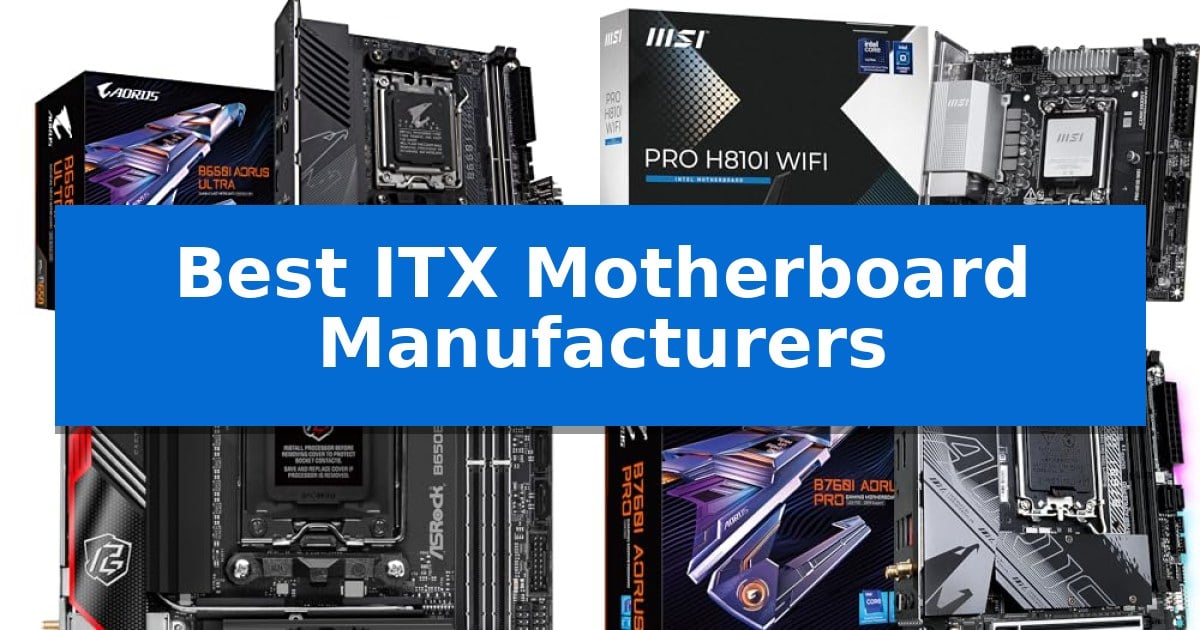
Best ITX Motherboard Manufacturers

Building a high-performance PC in a confined space requires careful planning, starting with the foundation of your system. Selecting the right hardware is essential to ensure your components fit perfectly while maintaining thermal stability and necessary connectivity.

Finding the Best ITX Motherboard Manufacturers involves evaluating how different brands balance power delivery, thermal management, and port density within the strict constraints of the Mini-ITX form factor. This guide highlights key options to help you choose a board that aligns with your specific build requirements.

Best ITX Motherboard Manufacturers in 2026

Our Top Picks
  1. Latest Intel Core Ultra Support MSI PRO H810I WiFi Motherboard
  2. High-Speed PCIe 5.0 Connectivity ASRock B650E PG-ITX WiFi Motherboard
  3. Efficient Intel 13th Gen Platform GIGABYTE B760I AORUS Pro Motherboard

Quick Comparison

Product Best For Key Strength Score
GIGABYTE B650I AORUS Ultra Motherboard Best Overall Direct 8+2+1 Phases Digital VRM for stable power delivery. 4.9
MSI PRO H810I WiFi Motherboard Latest Intel Core Ultra Support Support for Intel Core Ultra Processors (Series 2) ensures compatibility with current hardware. 4.6
ASRock B650E PG-ITX WiFi Motherboard High-Speed PCIe 5.0 Connectivity PCIe 5.0 x16 slot for high-bandwidth connectivity. 4.6
GIGABYTE B760I AORUS Pro Motherboard Efficient Intel 13th Gen Platform Direct 8+1+1 Phases Digital VRM for stable power delivery 4.3

How We Chose

  • Socket and chipset compatibility with current processor generations.
  • Power delivery architecture and VRM thermal management capabilities.
  • Memory support, including DDR5 speeds and DIMM slot configuration.
  • Expansion and storage connectivity, specifically PCIe generation and M.2 slot availability.
  • Integrated networking and rear I/O port versatility for peripheral management.

1 GIGABYTE B650I AORUS Ultra Motherboard — Robust Power for Ryzen Builds

Building a high-performance small form factor PC requires a foundation that balances thermal management with component density. The GIGABYTE B650I AORUS Ultra Motherboard addresses these constraints through a robust Direct 8+2+1 Phases Digital VRM Solution paired with a 12-layer 2X Copper PCB, ensuring stable power delivery for high-wattage Ryzen processors within the compact ITX footprint.

Thermal efficiency is a primary focus of this board, featuring an extended VRM heatsink with heatpipe and fully covered MOSFET cooling. For storage, the M.2 Thermal Guard III with active cooling helps maintain drive performance during intensive read/write operations. These design choices are essential for maintaining system stability in environments where airflow is naturally restricted by smaller chassis dimensions.

Connectivity options are comprehensive for a board of this size, incorporating PCIe 5.0 support for future-ready graphics and storage expansion. The rear I/O includes USB 3.2 Gen 2 Type-C with DP-Alt mode, providing versatile display and peripheral connectivity. System builders also benefit from the EZ-Latch mechanism, which simplifies component installation in tight spaces where traditional screw-based mounting can be difficult.

Memory support is handled by two SMD DIMM slots that accommodate DDR5 modules with AMD EXPO and Intel XMP profiles. This allows for high-speed memory configurations, provided the user selects compatible modules. With WIFI 6E and 2.5GbE networking, the board offers modern wireless and wired throughput, making it a capable hub for high-end gaming or productivity builds.

Best for: Enthusiasts building high-performance, compact ITX systems who require advanced thermal management and PCIe 5.0 support for modern Ryzen processors.

Skip if: Users who require more than two memory slots or additional PCIe expansion slots, as the ITX form factor inherently limits these physical configurations.

PROS

  • Direct 8+2+1 Phases Digital VRM for stable power delivery.
  • M.2 Thermal Guard III with active cooling for sustained storage performance.
  • PCIe 5.0 support for next-generation hardware compatibility.
  • EZ-Latch design for easier component installation in cramped cases.

CONS

  • Limited to two DIMM slots, restricting total memory capacity.
  • ITX form factor limits overall physical expansion options compared to larger boards.

2 MSI PRO H810I WiFi Motherboard — Latest Intel Core Ultra Support

Building a compact PC requires a foundation that balances space constraints with modern performance demands. The MSI PRO H810I WiFi Motherboard provides a specialized platform for small-form-factor builds by supporting the latest Intel Core Ultra Processors (Series 2) within an ITX footprint.

This motherboard centers its performance around a Direct 6 Phase (55A DrMOS) VRM design, which is engineered to maintain stability for high-performance processors. To manage heat in confined ITX cases, the board features the Frozr Guard cooling system, incorporating 7W/mK MOSFET thermal pads, an extended heatsink, and an M.2 Shield Frozr to ensure thermal regulation.

Connectivity and expansion are prioritized through modern standards. The board includes a PCIe 5.0 x16 SMT slot reinforced with Steel Armor for graphics card support, alongside two DDR5 DIMM slots capable of reaching speeds up to 7200 MT/s. Storage is handled by an M.2 Gen4 x4 connector, providing 64Gbps bandwidth for fast data access.

Networking and peripheral integration are addressed with a Wi-Fi 7 module, Bluetooth 5.4, and 2.5Gbps LAN. The rear I/O panel includes a high-speed USB 20Gbps Type-C port with display output capabilities, catering to users who need versatile connectivity in a minimal physical space.

Best for: Users building a high-performance, compact ITX system who require support for the latest Intel Core Ultra processors and modern connectivity standards like Wi-Fi 7.

Skip if: Users who require extensive multi-drive storage arrays or multiple PCIe expansion slots, as the ITX form factor limits physical connectivity options.

PROS

  • Support for Intel Core Ultra Processors (Series 2) ensures compatibility with current hardware.
  • Wi-Fi 7 and 2.5G LAN provide high-speed, modern networking capabilities.
  • DDR5 memory support up to 7200 MT/s allows for high-bandwidth memory configurations.
  • Frozr Guard cooling includes dedicated thermal solutions for MOSFETs and M.2 drives.

CONS

  • Limited expansion slots inherent to the ITX form factor restrict additional PCIe cards.
  • Single M.2 Gen4 slot may be insufficient for users needing multiple high-speed NVMe drives.

3 ASRock B650E PG-ITX WiFi Motherboard — High-Speed PCIe 5.0 Connectivity

Building a high-performance small-form-factor system requires a foundation that does not compromise on modern connectivity, and the ASRock B650E PG-ITX WiFi Motherboard addresses this by integrating a PCIe 5.0 x16 slot. This design choice ensures that the board is ready for the latest high-bandwidth expansion cards, providing a future-ready interface within the compact Mini-ITX footprint.

Power delivery is handled by a 10+2+1 Phase Power Design utilizing SPS (Smart Power Stage) components, which are engineered to provide stable current to AMD Ryzen 7000 Series Processors. This robust power architecture is essential for maintaining system stability during sustained workloads in a constrained thermal environment.

Memory support is provided through 2 x DDR5 DIMMs, which support speeds up to 6400+(OC). This allows users to leverage the increased bandwidth of the DDR5 standard, provided they use compatible memory modules. For visual output, the board includes both HDMI and eDP ports, offering flexibility for integrated graphics configurations.

The board is designed specifically for users who prioritize space-saving builds without sacrificing core functionality. With its focus on high-speed data transfer and efficient power management, it serves as a reliable core for compact workstation or gaming builds.

Best for: Users building a high-performance, compact Mini-ITX system who require PCIe 5.0 support for modern GPUs or storage.

Skip if: Users who need more than two memory slots or require a larger ATX form factor for extensive multi-GPU or multi-drive expansion.

PROS

  • PCIe 5.0 x16 slot for high-bandwidth connectivity.
  • 10+2+1 Phase Power Design with SPS for stable power delivery.
  • DDR5 memory support with overclocking capability up to 6400+.

CONS

  • Mini-ITX form factor limits expansion slots and memory capacity to two DIMMs.

4 GIGABYTE B760I AORUS Pro Motherboard — Efficient Intel 13th Gen Platform

The GIGABYTE B760I AORUS Pro Motherboard provides a compact foundation for high-performance builds by utilizing a Direct 8+1+1 Phases Digital VRM Solution to ensure stable power delivery for 12th and 13th Gen Intel processors. Its small-form-factor design integrates essential cooling through an extended MOSFET heatsink and a multi-layered PCH M.2 heatsink, maintaining thermal efficiency within the tight confines of an ITX chassis.

Connectivity is a primary focus of this board, featuring Intel 2.5GbE LAN and Wi-Fi 6E 802.11ax for high-speed networking. Users can manage storage through two PCIe 4.0 x4 M.2 connectors, while the inclusion of a rear USB-C 10Gb/s port and front-panel USB-C header supports modern peripheral standards. The board also simplifies maintenance with Q-Flash Plus, allowing for BIOS updates without the need for a CPU, memory, or graphics card installation.

System customization is supported via RGB FUSION, which provides multi-zone lighting control for addressable LED and RGB strips. Thermal management is further refined by Smart Fan 6, which utilizes multiple temperature sensors and hybrid fan headers with a FAN STOP function to balance cooling performance with noise levels during operation.

Choosing this motherboard requires consideration of its ITX form factor, which limits expansion compared to larger ATX boards. However, for users prioritizing a space-efficient build without sacrificing support for Dual Channel DDR5 memory and high-speed storage, this board offers a balanced set of features for modern desktop computing.

Best for: Users building a high-performance, space-efficient PC using 12th or 13th Gen Intel processors.

Skip if: Users who require multiple PCIe expansion slots or extensive storage connectivity beyond two M.2 and four SATA ports.

PROS

  • Direct 8+1+1 Phases Digital VRM for stable power delivery
  • Q-Flash Plus allows BIOS updates without a CPU or RAM
  • Integrated Wi-Fi 6E and 2.5GbE LAN for fast connectivity
  • Advanced thermal design with aluminum baseplate and extended heatsinks

CONS

  • Limited expansion capability due to the compact ITX form factor
  • Only two DIMM slots restrict total memory capacity compared to larger boards

Best ITX Motherboard Manufacturers Buying Guide

Power Delivery and Thermal Design

In a compact ITX chassis, airflow is often restricted, making the efficiency of your motherboard's power delivery system critical. Look for boards featuring robust Digital VRM solutions and high-quality MOSFETs to ensure stable power to your CPU under load.

Effective thermal management is equally important. Integrated heatsinks, heatpipes, and dedicated M.2 thermal guards help dissipate heat from critical components, preventing thermal throttling during intensive tasks or extended gaming sessions.

Form Factor and Component Clearance

The Mini-ITX form factor is strictly defined by its 6.7-inch by 6.7-inch dimensions. While this allows for incredibly small builds, it also means that component clearance is tight. Always verify the layout of your chosen motherboard to ensure it does not conflict with your CPU cooler or RAM modules.

Consider the placement of headers and connectors. A well-designed board will position front-panel, fan, and power connectors to minimize cable clutter, which is vital for maintaining airflow in a cramped, small-volume case.

Connectivity and Expansion

Despite their size, modern ITX boards offer impressive connectivity. Prioritize boards that include PCIe 5.0 support if you plan to use the latest graphics cards or high-speed NVMe storage, as this provides a path for future upgrades.

Evaluate the rear I/O panel for your specific needs. Look for a sufficient number of USB 3.2 Gen 2 ports, high-speed networking options like 2.5GbE LAN, and modern wireless standards such as Wi-Fi 6E or Wi-Fi 7 to ensure your system remains connected and capable.

Memory Compatibility

Most current ITX motherboards utilize two DIMM slots to save space. Ensure your chosen board supports the DDR5 memory standard and check the manufacturer's QVL (Qualified Vendor List) for compatibility with your specific RAM kit.

Memory overclocking capabilities can vary significantly between manufacturers. If you intend to push your system performance, look for boards that explicitly support AMD EXPO or Intel XMP profiles to simplify the process of achieving rated memory speeds.

BIOS and Ease of Use

The BIOS interface is your primary tool for system tuning and maintenance. Features like Q-Flash or similar BIOS flashback utilities are invaluable, allowing you to update your firmware without needing a CPU or memory installed.

A user-friendly BIOS layout makes it easier to manage fan curves, adjust power limits, and monitor system temperatures. Reliable software support from the manufacturer ensures that you can keep your system stable and up-to-date throughout its lifespan.

Frequently Asked Questions

Can I use a standard ATX power supply with an ITX motherboard?

While the motherboard itself is compatible with standard power supplies, the physical constraints of your ITX case will dictate whether a standard ATX power supply will fit. Many SFF cases require SFX or SFX-L power supplies.

Do I need to worry about VRM cooling on an ITX board?

Yes, especially if you are using high-TDP processors. Because ITX builds often have less airflow, a motherboard with robust heatsinks on the VRMs is essential to prevent performance degradation.

Are all ITX motherboards compatible with every CPU?

No. You must match the motherboard socket (e.g., AM5 or LGA1851) and chipset to your specific CPU generation. Always check the manufacturer's CPU support list before purchasing.

How many M.2 drives can I typically install on an ITX board?

Most ITX boards provide at least one M.2 slot, with many modern designs offering two. Check the specific board specifications to see if the slots support Gen4 or Gen5 speeds.

Is Wi-Fi included on most ITX motherboards?

Yes, the vast majority of ITX motherboards come with integrated Wi-Fi modules, as they are designed for compact systems where adding a separate PCIe Wi-Fi card is often not possible due to the single expansion slot.

Conclusion: Our Top Pick

Selecting the right motherboard is the most critical step in ensuring your small form factor build is both powerful and reliable. By prioritizing boards with robust power delivery, efficient thermal solutions, and the specific connectivity options you require, you can build a system that punches well above its weight class.

For those seeking a balance of performance and features, the GIGABYTE B650I AORUS Ultra Motherboard stands out as a top choice. Its combination of a strong 8+2+1 power phase design, comprehensive thermal management, and support for the latest PCIe 5.0 standards makes it a versatile foundation for high-performance Ryzen builds, provided your case can accommodate its specific thermal guard and heatsink profile.

Best ITX Motherboard for Ryzen 7 9800X3D in 2026: SFF Powerhouse

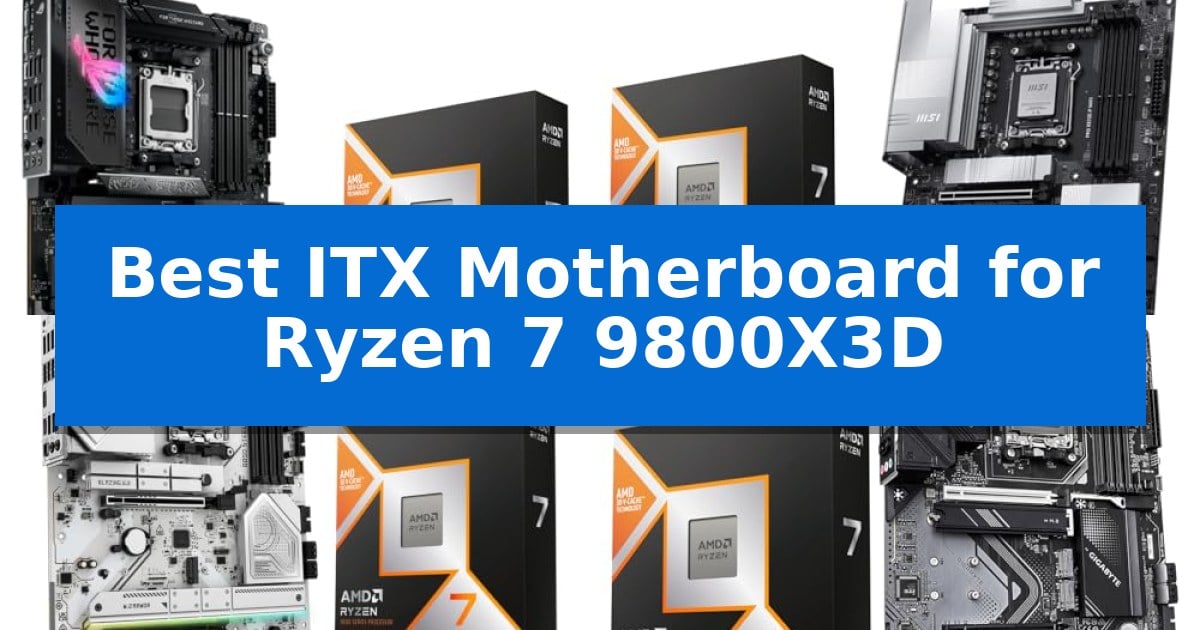
Best ITX Motherboard for Ryzen 7 9800X3D

Building a compact gaming rig requires balancing thermal management with uncompromising performance. When selecting the Best ITX Motherboard for Ryzen 7 9800X3D, you must prioritize a robust power delivery system and efficient layout to handle the high-speed demands of the Zen 5 architecture within a small footprint.

Our guide focuses on AM5 platforms that offer the necessary PCIe 5.0 support, DDR5 memory stability, and connectivity options essential for a modern SFF build. We examine how these boards manage heat and power to ensure your processor operates at its peak without sacrificing the benefits of a space-saving desktop configuration.

Best ITX Motherboard for Ryzen 7 9800X3D in 2026: SFF Powerhouse

Our Top Picks
  1. High-Speed PCIe 5.0 Performance MSI PRO X870E-P Motherboard Combo
  2. Robust Power for Stable Overclocking ASRock B850 Steel Legend Motherboard Combo
  3. Tool-Free Installation Features Gigabyte X870 Gaming Motherboard Combo
  4. Efficient Thermal Armor Design Gigabyte B850 Gaming Motherboard Combo

Quick Comparison

Product Best For Key Strength Score
ASUS ROG Strix X870E-E Motherboard Combo Best Overall Robust 18+2+2 power solution for stable overclocking. 4.9
MSI PRO X870E-P Motherboard Combo High-Speed PCIe 5.0 Performance 14 Duet Rail Power System for stable CPU power delivery 4.4
ASRock B850 Steel Legend Motherboard Combo Robust Power for Stable Overclocking 14+2+1 phase power design ensures stable power delivery for overclocking. 4.8
Gigabyte X870 Gaming Motherboard Combo Tool-Free Installation Features Tool-free EZ-Latch Plus system for easy component installation. 4.5
Gigabyte B850 Gaming Motherboard Combo Efficient Thermal Armor Design X3D Turbo Mode specifically tuned for 3D V-Cache processors. 4.9

How We Chose

  • Power Delivery: Assessing VRM phases and cooling solutions to ensure stable operation under heavy gaming loads.
  • Thermal Management: Reviewing heatsink design and thermal pad conductivity for critical components like MOSFETs and M.2 slots.
  • Connectivity and Expansion: Verifying the availability of PCIe 5.0 lanes, high-speed USB ports, and modern networking standards like Wi-Fi 7.
  • Memory Compatibility: Checking support for high-frequency DDR5 overclocking profiles to maximize system throughput.
  • Form Factor Integration: Evaluating layout efficiency for cable management and ease of installation in compact cases.

1 ASUS ROG Strix X870E-E Motherboard Combo — Premium AI-Ready Connectivity

The ASUS ROG Strix X870E-E R2 Gaming WiFi Motherboard serves as the foundation for this high-performance bundle, featuring a robust 18+2+2 power solution rated for 110A per stage. This configuration is engineered to handle the demands of the AMD Ryzen 7 9800X3D processor, which utilizes AMD Zen5 technology and Next Gen 3D V-Cache to deliver high-speed gaming performance.

Connectivity and future-proofing are central to this motherboard's design. It includes dual USB4 (40Gbps) ports, 2×2 Wi-Fi 7, and Bluetooth v5.4 for modern peripheral and network integration. For storage, the board provides three PCIe 5.0 x4 M.2 slots and two PCIe 4.0 x4 M.2 slots, all equipped with substantial heatsinks to manage thermal output during intensive tasks.

To simplify system management, the board incorporates Intelligent Control features such as AI Overclocking, AI Cooling II, and AI Networking. Advanced users can leverage ROG Strix Overclocking technologies like the Dynamic OC Switcher and Core Flex to fine-tune the processor's behavior, ensuring the system remains responsive under various workloads.

The ATX form factor ensures compatibility with standard mid-tower and full-tower cases, while the dual ProCool II power connectors and high-conductivity thermal pads support long-term stability. This bundle is positioned as an AI-ready platform, providing the necessary bandwidth and power delivery for both current gaming titles and future computing applications.

Best for: Enthusiast gamers and power users looking for a high-end, future-ready AM5 platform with extensive PCIe 5.0 storage support.

Skip if: Users requiring a compact PC build, as the ATX form factor will not fit in Small Form Factor (SFF) or ITX-specific chassis.

PROS

  • Robust 18+2+2 power solution for stable overclocking.
  • Extensive PCIe 5.0 support across three onboard M.2 slots.
  • Modern USB4 and Wi-Fi 7 connectivity for high-speed data transfer.
  • Comprehensive AI-assisted tuning tools for cooling and networking.

CONS

  • Large ATX footprint limits compatibility with compact cases.
  • Cooler and thermal solution for the CPU are not included in the bundle.

2 MSI PRO X870E-P Motherboard Combo — High-Speed PCIe 5.0 Performance

Building a high-performance system around the AMD Ryzen 7 9800X3D requires a platform capable of handling its advanced Zen5 architecture and Next Gen 3D V-Cache. The MSI PRO X870E-P Motherboard serves as a robust foundation for this processor, utilizing the state-of-the-art Socket AM5 platform to deliver comprehensive support for modern connectivity and high-speed data transfer.

The board is engineered for stability and power efficiency, featuring a 14 Duet Rail Power System (60A, SPS) VRM that ensures consistent delivery to the CPU. To manage thermal output during intensive tasks, it incorporates the FROZR GUARD cooling solution, which includes 7W/mK MOSFET thermal pads and an extended heatsink, alongside dedicated cooling for the chipset and M.2 slots.

For users prioritizing future-ready storage and graphics, the MSI PRO X870E-P Motherboard offers extensive expansion capabilities. It includes a PCIe 5.0 x16 slot with Steel Armor for heavy graphics cards and a dedicated M.2 Gen5 x4 slot that supports speeds up to 128Gbps. The board also supports DDR5 memory up to 8200+ MT/s via four SMT slots, allowing for significant memory overclocking headroom.

Connectivity is a major strength of this platform, providing Wi-Fi 7 and 5G LAN for high-speed networking. The rear I/O is equipped with USB 40Gbps Type-C ports, ensuring compatibility with the latest high-speed peripherals. This combination of power delivery, thermal management, and high-bandwidth interfaces makes it a suitable choice for users looking to maximize the potential of the Ryzen 7 9800X3D in an ATX form factor.

Best for: Users building a high-performance ATX desktop who require PCIe 5.0 support and advanced connectivity for the Ryzen 7 9800X3D.

Skip if: Users specifically looking for a compact ITX form factor, as this motherboard is strictly an ATX design.

PROS

  • 14 Duet Rail Power System for stable CPU power delivery
  • PCIe 5.0 support for both graphics and M.2 storage
  • Wi-Fi 7 and 5G LAN for high-speed connectivity
  • DDR5 memory support up to 8200+ MT/s

CONS

  • ATX form factor may be too large for small-case builds

3 ASRock B850 Steel Legend Motherboard Combo — Robust Power for Stable Overclocking

Building a high-performance system around the AMD Ryzen 7 9800X3D requires a platform that balances robust power delivery with modern connectivity. The ASRock B850 Steel Legend Motherboard Combo provides a comprehensive foundation for this processor, featuring a 14+2+1 phase power design with 80A Dr.MOS to ensure stable operation during demanding workloads and overclocking sessions.

This motherboard is engineered for the AM5 platform, offering PCIe 5.0 support for both the primary graphics slot and an ultra-fast NVMe M.2 slot. The inclusion of four DDR5 DIMM slots allows for dual-channel memory configurations, supporting overclocked speeds up to 8000+ (OC), which helps maximize the potential of the 2nd gen AMD 3D V-Cache technology found in the 9800X3D.

Connectivity is a highlight, with the board equipped with Wi-Fi 7 and 2.5G LAN for high-speed networking. The design also incorporates a toolless multi-layer M.2 heatsink and a bottom heatsink to manage thermal output from high-speed storage, ensuring consistent performance during extended use.

While this ATX-sized solution offers extensive expansion options, users should verify their case dimensions to accommodate the full-size form factor. The combination provides a reliable, feature-rich environment for enthusiasts looking to leverage the capabilities of the latest Ryzen 7 processor.

Best for: Enthusiasts seeking a stable, feature-rich ATX platform with advanced power delivery and modern connectivity for the Ryzen 7 9800X3D.

Skip if: Users specifically requiring a compact Small Form Factor (SFF) build, as this motherboard uses the larger ATX form factor.

PROS

  • 14+2+1 phase power design ensures stable power delivery for overclocking.
  • PCIe 5.0 support for both GPU and high-speed NVMe storage.
  • Wi-Fi 7 and 2.5G LAN provide cutting-edge networking speeds.
  • Toolless M.2 heatsinks simplify storage installation and thermal management.

CONS

  • ATX form factor may not fit in smaller ITX-specific PC cases.
  • Thermal solution (cooler) for the CPU is not included in the package.

4 Gigabyte X870 Gaming Motherboard Combo — Tool-Free Installation Features

The Gigabyte X870 Gaming Motherboard Combo simplifies the transition to the AM5 platform by bundling the AMD Ryzen 7 9800X3D with a feature-rich motherboard designed for high-performance gaming. This pairing leverages the AMD Zen5 architecture and Next Gen 3D V-Cache technology, providing a foundation for users who require a high-speed, multi-threaded processor alongside modern connectivity standards.

At the core of the motherboard is the Digital Twin 8+2+2 Phase VRM solution, which ensures stable power delivery for the processor. The board supports dual-channel DDR5 memory with AMD EXPO profiles, allowing for high-bandwidth performance. With PCIe 5.0 x16 support and three M.2 slots, the system is equipped to handle current and future high-speed storage and graphics requirements.

Usability is a primary focus of the GIGABYTE X870 Gaming WIFI6 design, highlighted by the EZ-Latch Plus system. This tool-free mechanism allows for quick installation and removal of PCIe cards and M.2 drives, including screwless heatsink attachment. The inclusion of dual USB4 Type-C ports and Wi-Fi 6 connectivity provides versatile options for high-speed data transfer and networking.

The motherboard includes a friendly BIOS and software UI that simplifies system management, featuring AIO fan controls and Q-Flash Auto Scan for straightforward updates. While the bundle offers a comprehensive starting point, users should note that a CPU cooler is not included, and liquid cooling is recommended to manage the thermal output of the 120W TDP processor effectively.

Best for: Gamers and enthusiasts looking for a pre-matched, high-performance CPU and motherboard bundle with tool-free assembly features.

Skip if: Users who already own a compatible AM5 cooler or those who prefer to select a specific motherboard chipset or form factor independently.

PROS

  • Tool-free EZ-Latch Plus system for easy component installation.
  • Dual USB4 Type-C ports for high-speed connectivity.
  • Digital Twin 8+2+2 Phase VRM for stable power delivery.
  • AMD EXPO support for optimized memory performance.

CONS

  • CPU cooler not included in the bundle.
  • Wi-Fi 6 standard is not the latest Wi-Fi 7 iteration.

5 Gigabyte B850 Gaming Motherboard Combo — Efficient Thermal Armor Design

Building a high-performance system around the AMD Ryzen 7 9800X3D requires a platform that balances thermal management with robust power delivery. The Gigabyte B850 Gaming Motherboard Combo centers on the Socket AM5 ecosystem, providing a foundation that supports the processor's 120W TDP while offering advanced features for enthusiasts.

This motherboard utilizes a digital 6+2+2 phases VRM solution paired with VRM Thermal Armor Advanced to maintain stability under load. For memory-intensive tasks, it supports DDR5 overclocking up to 8200MT/s, allowing users to push system bandwidth. The inclusion of X3D Turbo Mode is specifically engineered to optimize the performance characteristics of the 9800X3D, ensuring the 3D V-Cache technology is utilized effectively.

Connectivity and storage expansion are handled through a modern layout featuring three M.2 slots, including one dedicated PCIe 5.0×4 slot for high-speed NVMe drives. The board simplifies the build process with the PCIe EZ-Latch Plus for quick GPU removal and the WIFI EZ-Plug for antenna installation. Networking is supported by Wi-Fi 6 and Bluetooth 5.3, ensuring reliable wireless integration.

The BIOS interface is designed for accessibility, featuring Multi-Theme support, AIO Fan Control, and Q-Flash Auto Scan for streamlined maintenance. While this ATX-sized board offers extensive expansion, users should ensure their chassis accommodates the full-sized form factor to take advantage of the integrated thermal and connectivity features.

Best for: Enthusiasts looking for a pre-bundled, high-performance AM5 platform optimized for the Ryzen 7 9800X3D.

Skip if: Users specifically requiring a Small Form Factor (SFF) build, as this motherboard utilizes an ATX form factor.

PROS

  • X3D Turbo Mode specifically tuned for 3D V-Cache processors.
  • PCIe 5.0 support for both GPU and ultra-fast M.2 storage.
  • VRM Thermal Armor provides efficient cooling for power delivery components.
  • PCIe EZ-Latch Plus and WIFI EZ-Plug simplify component installation.

CONS

  • ATX form factor limits compatibility with compact ITX cases.
  • Cooler not included in the bundle, requiring separate liquid cooling purchase.

Best ITX Motherboard for Ryzen 7 9800X3D Buying Guide

Understanding AM5 Power Delivery

The Ryzen 7 9800X3D requires a stable power supply to maintain its boost clocks, especially during intense gaming sessions. ITX motherboards often use high-density VRM (Voltage Regulator Module) designs to deliver clean power efficiently. Look for boards with high-rated power stages to prevent thermal throttling under load.

Effective power delivery is not just about the number of phases; it is about the quality of components. Alloy chokes and durable capacitors are essential for long-term reliability. When choosing a board, ensure it features adequate heatsinks over the VRM area to dissipate heat generated during sustained operation.

Thermal Management in SFF Builds

In a small ITX case, airflow is restricted, making the motherboard's thermal design critical. Massive heatsinks and high-conductivity thermal pads help move heat away from the CPU socket and M.2 storage drives. Some boards include integrated heat-pipes that connect different thermal zones for better heat distribution.

Consider the placement of M.2 slots, as these drives can get quite hot. Boards that offer substantial cooling solutions for multiple M.2 slots ensure that your storage performance does not degrade during long gaming sessions or large file transfers.

Connectivity and Future-Proofing

Modern gaming setups rely on fast data transfer and low-latency networking. PCIe 5.0 support is a key feature for future-proofing, allowing you to use the latest high-speed graphics cards and NVMe SSDs. Ensure your board provides enough PCIe 5.0 lanes to handle your primary components without bandwidth bottlenecks.

Connectivity also extends to external peripherals. USB4 (40Gbps) ports provide the bandwidth needed for high-speed external storage and docking stations. Additionally, Wi-Fi 7 and Bluetooth 5.4 are becoming standard, offering faster wireless speeds and more reliable connections for your peripherals.

Memory Performance and DDR5

The AM5 platform is designed exclusively for DDR5 memory, which offers significant bandwidth improvements over previous generations. Look for motherboards that support AEMP (ASUS Enhanced Memory Profile) or similar overclocking technologies to easily push your RAM to higher speeds for better gaming performance.

Dual-channel memory support is standard, but the quality of the DIMM slots and the trace layout on the motherboard can affect stability at high frequencies. A well-engineered board will allow you to run high-speed memory kits with minimal configuration, ensuring a smooth and stable system.

Installation and Ease of Use

Working in a small case can be challenging, so features that simplify the build process are highly valuable. Tool-free M.2 installation and quick-release PCIe latches save time and reduce the risk of damaging components during assembly. These small design choices make a significant difference in the overall build experience.

A user-friendly BIOS interface with clear options for fan control and overclocking is also essential. Features like Q-Flash or automated BIOS updates allow you to keep your system firmware current without needing a CPU installed, which is a major convenience for new builds.

Frequently Asked Questions

Can I use an ATX motherboard for a Ryzen 7 9800X3D in a small case?

ATX motherboards are generally too large for ITX-specific cases. You must use a Mini-ITX motherboard to ensure proper fitment and compatibility with the mounting points of a small form factor chassis.

Is PCIe 5.0 necessary for gaming?

While current graphics cards may not fully saturate PCIe 5.0 bandwidth, it provides a buffer for future hardware upgrades and supports the latest ultra-fast NVMe Gen5 SSDs.

Does the Ryzen 7 9800X3D require a specific motherboard chipset?

The Ryzen 7 9800X3D is compatible with AM5 chipsets like X870E and B850. X870E boards typically offer more connectivity and expansion options, while B850 boards provide a balanced feature set for most users.

How do I ensure my RAM is compatible with my motherboard?

Check the motherboard manufacturer's Qualified Vendor List (QVL) to see which memory kits have been tested and verified for stability at their advertised speeds.

What is the benefit of Wi-Fi 7 on a motherboard?

Wi-Fi 7 offers significantly higher throughput, lower latency, and better interference management compared to previous Wi-Fi generations, which is beneficial for online gaming and streaming.

Conclusion: Our Top Pick

For those seeking the most robust feature set for a compact build, the ASUS ROG Strix X870E-E Motherboard Combo stands out as the premier choice. Its comprehensive power delivery, extensive PCIe 5.0 support, and advanced AI-ready connectivity make it exceptionally well-suited for the high performance of the Ryzen 7 9800X3D.

While other options like the MSI PRO X870E-P or ASRock B850 Steel Legend offer excellent value and stable performance, the ASUS board provides the most refined experience for users who demand top-tier connectivity and overclocking potential within a small form factor.

Best ITX Motherboard for NAS in 2026

Best ITX Motherboard for NAS

Building a compact server requires balancing physical space constraints with the need for reliable, high-speed data management. Finding the Best ITX Motherboard for NAS is the most critical step, as this component dictates your storage expansion options, networking throughput, and the type of processor you can utilize for your specific workload.

Whether you are planning a home media server or a professional-grade storage appliance, the right motherboard ensures your system remains stable during 24/7 operation. We have analyzed current mini-ITX options to help you identify a board that fits your chassis while providing the necessary SATA ports, M.2 slots, and connectivity for your storage array.

Best ITX Motherboard for NAS in 2026

Our Top Picks
  1. Fastest Networking for Large Transfers Mrroute N150 Dual 10GbE NAS Motherboard
  2. Compact Pick for High-Capacity Storage StoneStorm N150 8-Bay NAS Motherboard
  3. Reliable Support for ECC Memory UDPTCP C246 NAS Motherboard
  4. Powerful Processing for Virtualization MINISFORUM BD775i SE NAS Motherboard

Quick Comparison

Product Best For Key Strength Score
StoneStorm Q670 NAS Motherboard Best Overall 8-bay SATA connectivity via included SFF-8643 cables. 4.9
Mrroute N150 Dual 10GbE NAS Motherboard Fastest Networking for Large Transfers Dual 10GbE RJ45 ports for high-speed network throughput. 4.6
StoneStorm N150 8-Bay NAS Motherboard Compact Pick for High-Capacity Storage 8-bay SATA expansion via included SFF-8643 cables. 4.8
UDPTCP C246 NAS Motherboard Reliable Support for ECC Memory Four 2.5GbE network ports for high-speed connectivity. 4.8
MINISFORUM BD775i SE NAS Motherboard Powerful Processing for Virtualization High-performance AMD Ryzen 7 7745HX processor for intensive multitasking. 4.6

How We Chose

  • Storage Density: Evaluating the number of native SATA ports and M.2 NVMe slots available for cache or primary storage.
  • Networking Throughput: Assessing the presence of 2.5GbE or 10GbE ports to ensure network speed does not bottleneck your storage array.
  • Processor Compatibility: Verifying socket support and TDP handling for efficient, long-term server operation.
  • Form Factor Accuracy: Confirming true mini-ITX dimensions to ensure compatibility with standard SFF NAS chassis.
  • Expansion Capability: Checking for PCIe slots that allow for future upgrades like additional network cards or controllers.

1 StoneStorm Q670 NAS Motherboard — Best for High-Performance Desktop CPUs

The StoneStorm Q670 NAS Motherboard provides a specialized foundation for high-density storage builds by integrating an 8-bay SATA interface directly into a compact 6.7" x 6.7" mini-ITX form factor. Designed for users who require significant storage capacity without the footprint of a standard tower, this board utilizes two SFF-8643 cables to manage its extensive drive connectivity.

Performance is driven by the LGA1700 socket, which supports 12th, 13th, and 14th Gen Intel Core processors. The board features two U-DIMM DDR5 slots supporting up to 64GB of memory, with speeds reaching 5600MHz on compatible 13th Gen and newer CPUs. For high-speed caching or OS storage, it includes three M.2 NVMe PCIe 4.0 x4 slots, providing flexible configuration options for performance-critical data.

Networking and remote management are prioritized through dual 2.5GbE ports. Notably, the inclusion of an i226-LM port enables vPro functionality, allowing for remote system repair and management—a critical feature for headless NAS deployments. The board also offers versatile I/O, including a 20Gbps USB-C port and dual 4K display outputs via HDMI 2.0 and DP 1.4.

Expansion capabilities are bolstered by a PCIe 5.0 x16 slot, which can be bifurcated into two x8 signals using jumper caps to support additional network cards or controllers. Users should note that the board requires both 24-pin and 8-pin power connections to operate and may require a brief initialization period for memory detection upon the first boot.

Best for: Users building a high-density, compact NAS who require remote management via vPro and extensive SATA connectivity.

Skip if: Users who do not have a compatible LGA1700 processor or those who require more than two memory slots for high-capacity RAM configurations.

PROS

  • 8-bay SATA connectivity via included SFF-8643 cables.
  • Remote management support through the i226-LM vPro-enabled port.
  • Flexible expansion with a PCIe 5.0 x16 slot that supports signal bifurcation.
  • High-speed storage support with three PCIe 4.0 M.2 NVMe slots.

CONS

  • Specific power requirements necessitating both 24-pin and 8-pin connectors.
  • Limited memory capacity capped at 64GB across two slots.

2 Mrroute N150 Dual 10GbE NAS Motherboard — Fastest Networking for Large Transfers

Building a high-performance home server requires a foundation that balances power efficiency with robust connectivity, and the Mrroute N150 Dual 10GbE NAS Motherboard is engineered specifically for this 24/7 role. Featuring an integrated Intel N150 4-core processor, this board is designed to handle continuous storage tasks while maintaining minimal power draw, making it a suitable choice for those prioritizing energy-efficient, long-term operation.

The board distinguishes itself with dual Intel X550-AT2 10GBASE-T Ethernet ports, providing the high-speed throughput necessary for rapid data backups and intensive file sharing. Storage flexibility is equally prioritized, offering six SATA 3.0 ports and three M.2 2280 NVMe slots. This configuration allows users to mix high-capacity HDDs for mass storage with NVMe drives for cache acceleration, ensuring the system can scale alongside growing data requirements.

Designed for standard Mini-ITX enclosures, the Mrroute N150 Dual 10GbE NAS Motherboard includes a pre-installed dual copper tube cooler with a silent ball-bearing fan. Users requiring custom cooling can swap the bracket to support third-party LGA115X/1700 fans. The board also supports up to 48GB of DDR5 memory via a single SO-DIMM slot, providing sufficient headroom for modern NAS operating systems and containerized applications.

Practicality is integrated through a variety of expansion options, including an M.2 CNVio2 slot for wireless connectivity and dual display outputs (HDMI and eDP) for local management. Note that the board requires both 24-pin and 4-pin power connections to function. Upon initial boot, the system may take several minutes to initialize memory, a standard behavior for this specific hardware configuration.

Best for: Users building a compact, energy-efficient home NAS who require high-speed 10GbE networking and extensive storage expansion.

Skip if: Users who require ECC memory support or a multi-slot PCIe layout for additional hardware expansion cards.

PROS

  • Dual 10GbE RJ45 ports for high-speed network throughput.
  • Extensive storage options with 6 SATA ports and 3 M.2 NVMe slots.
  • Low-power Intel N150 CPU optimized for 24/7 operation.
  • Standard Mini-ITX form factor for broad chassis compatibility.

CONS

  • Single SO-DIMM slot limits memory configuration options.
  • Requires both 24-pin and 4-pin power connections for operation.

3 StoneStorm N150 8-Bay NAS Motherboard — Compact Pick for High-Capacity Storage

Building a high-density storage server requires a foundation that balances physical footprint with I/O throughput, and the StoneStorm N150 8-Bay NAS Motherboard addresses this by integrating 8-bay SATA support directly into a compact 6.7" x 6.7" mini-ITX form factor. This board is engineered for specialized network-attached storage, utilizing two SFF-8643 cables to manage high-capacity drive arrays while maintaining a small chassis profile.

Performance for data-heavy tasks is supported by an onboard 10GbE AQC113C network controller, providing significant bandwidth for professional multimedia environments or security appliances. For additional connectivity, the board includes dual 2.5GbE i226 ports, ensuring stable network redundancy. The system supports up to 48GB of DDR5 memory, allowing for efficient handling of concurrent file requests and background processes.

The board is built around an Intel N150 processor, featuring 4 cores and 4 threads with a 6MB cache, operating at a base TDP of 6W to maintain thermal efficiency. To manage heat during continuous operation, the package includes a dedicated cooling fan. Users can also leverage dual M.2 NVMe 2280 slots for high-speed caching, further optimizing read and write speeds for demanding storage workloads.

Connectivity options are extensive for a mini-ITX board, featuring USB 3.2 10Gbps ports, a Type-C interface, and dual 4K@60Hz display outputs via HDMI 2.0 and DP 1.4. An internal USB 2.0 port is specifically included to facilitate boot-loading for NAS operating systems, streamlining the setup process for custom server builds.

Best for: Users building a high-capacity, compact NAS server who require 10GbE networking and multi-drive expansion in a mini-ITX footprint.

Skip if: Users whose preferred NAS operating system or network environment lacks compatibility with the AQC113C 10GbE NIC chip.

PROS

  • 8-bay SATA expansion via included SFF-8643 cables.
  • Integrated 10GbE AQC113C and dual 2.5GbE ports.
  • Supports up to 48GB DDR5 memory for multitasking.
  • Compact mini-ITX form factor with dedicated cooling fan.

CONS

  • Specific NIC compatibility requirements for the AQC113C chip.
  • Requires 24PIN + 4PIN power connections.

4 UDPTCP C246 NAS Motherboard — Reliable Support for ECC Memory

The UDPTCP C246 NAS Motherboard provides a specialized foundation for high-density storage builds by supporting Intel Xeon E processors and 8th/9th Gen Core CPUs on the LGA1151 socket. This Mini-ITX board is engineered for professional-grade reliability, featuring a high-density moisture-proof fiber circuit board and a robust layout designed to manage intensive data operations in compact environments.

Connectivity is a primary focus for this board, which integrates four i226-V 2.5GbE RJ45 ports to facilitate high-speed data transfers and stable network performance. For storage-heavy configurations, it offers eight SATA3.0 6Gbps ports and two M.2 slots dedicated to NVMe3.0 drives, ensuring ample bandwidth for multi-drive arrays.

Memory management is handled via two DDR4 DIMM slots supporting up to 64GB of capacity, with a specific requirement for pure ECC memory to enhance system stability. The board also includes dual 4K@60Hz display outputs via HDMI and DP, alongside four USB3.0 ports for peripheral connectivity.

When assembling a system with this motherboard, note that it requires both 24-pin and 4-pin power connections. Users should allow for a brief initialization period during the first boot as the system detects memory configurations. This board is a focused choice for those prioritizing ECC support and multi-gigabit networking in a small form factor.

Best for: Users building a compact, high-performance NAS or network appliance that requires ECC memory support and multi-gigabit connectivity.

Skip if: Users who require standard desktop memory, as this board is strictly limited to pure ECC modules.

PROS

  • Four 2.5GbE network ports for high-speed connectivity.
  • Eight SATA3.0 ports supporting extensive storage arrays.
  • Support for pure ECC memory to ensure data integrity.
  • Dual 4K display support for versatile monitoring.

CONS

  • Strict memory compatibility limited to pure ECC modules.
  • Requires dual power inputs (24-pin and 4-pin) for operation.

5 MINISFORUM BD775i SE NAS Motherboard — Powerful Processing for Virtualization

The MINISFORUM BD775i SE NAS Motherboard centers its design around the high-performance AMD Ryzen 7 7745HX processor, featuring 8 cores and 16 threads with a boost clock up to 5.1 GHz. This platform provides the computational density required for demanding NAS environments, particularly for users running multiple virtual machines or containerized services alongside file storage.

Built for high-speed data management, the board includes dual M.2 2280 PCIe 4.0 SSD slots for rapid storage access and supports dual-channel DDR5-5200MHz memory expandable up to 96GB. The integration of a PCIe 5.0 x16 slot with reinforced metal fixings ensures compatibility with modern high-performance expansion cards, preventing physical stress on the slot during long-term operation.

Thermal management is addressed via a pre-installed custom 37mm heatsink, complemented by one 4-pin CPU fan header and two 4-pin system fan headers to support flexible cooling configurations. While the 12cm system fan is not included, the board is engineered to maintain stability under high-speed workloads through this dedicated cooling infrastructure.

Connectivity options are extensive, featuring a 2.5G RJ45 Ethernet port for high-bandwidth networking and triple video outputs (HDMI, DisplayPort, and USB-C) capable of 8K 60Hz resolution. The board also provides a dedicated base for users to install their preferred Wi-Fi card, offering flexibility for those who require specific wireless standards for their network environment.

Best for: Users requiring a high-performance, compact platform for self-built NAS systems that demand significant CPU power for virtualization or data processing.

Skip if: Users who require a pre-assembled, plug-and-play NAS appliance or those who do not have the technical expertise to source and install additional cooling fans and Wi-Fi modules.

PROS

  • High-performance AMD Ryzen 7 7745HX processor for intensive multitasking.
  • PCIe 5.0 x16 slot with reinforced metal fixings for heavy expansion cards.
  • Dual PCIe 4.0 M.2 slots and support for up to 96GB of DDR5 RAM.
  • 2.5G RJ45 Ethernet port for fast network throughput.

CONS

  • Requires separate purchase of a 12cm cooling fan for optimal operation.
  • No pre-installed Wi-Fi card, requiring manual selection and installation.

Best ITX Motherboard for NAS Buying Guide

Understanding Storage Interfaces

The Best ITX Motherboard for NAS must provide sufficient connectivity for your drives. Most compact boards utilize SFF-8643 cables to break out multiple SATA connections, which is essential when you have limited physical space on the PCB. Always verify if your chosen board includes these cables, as they are often required to reach the maximum drive count.

Additionally, consider the role of M.2 NVMe slots. While traditionally used for system drives, modern NAS builds increasingly use these for high-speed read/write caching. Ensure the board supports the appropriate PCIe generation to avoid limiting your SSD performance.

Networking and Data Transfer

For a NAS, the network interface is often the primary bottleneck. Look for boards featuring 2.5GbE or 10GbE ports to maximize the transfer speeds of your storage array. If you are handling large media files or frequent backups, a 10GbE connection can significantly reduce wait times compared to standard Gigabit Ethernet.

Some boards include specialized chips like the AQC113C or Intel i226-LM. These controllers are designed for stability and high-speed throughput, which is vital for maintaining a consistent connection in a server environment.

Processor and Power Efficiency

NAS systems often run 24/7, making power efficiency a key consideration. Many ITX boards are designed to work with T-Series desktop processors or low-power embedded CPUs, which provide a better balance of performance and thermal output for small, enclosed cases.

Always check the TDP support of the motherboard. A board that can handle a 65W processor comfortably will offer more flexibility for virtualization tasks, but ensure your cooling solution is rated to handle the heat generated by the CPU under load.

Form Factor and Chassis Compatibility

A true mini-ITX form factor measures 6.7" x 6.7". While most boards adhere to this, the placement of headers and the height of heatsinks can vary significantly. Before purchasing, verify the internal clearance of your NAS chassis, especially if you plan to use a third-party CPU cooler.

Pay attention to the power connection requirements. Many NAS-specific ITX boards require both a 24-pin and an additional 4-pin or 8-pin CPU power connector. Ensure your power supply unit (PSU) has the necessary cables to support the board's power delivery system.

Memory and ECC Support

Data integrity is paramount in a NAS. If your workload involves sensitive data, look for boards that support ECC (Error Correction Code) memory. This helps prevent data corruption by detecting and fixing memory errors in real-time.

Check the motherboard specifications carefully regarding memory compatibility. Some boards are restricted to DDR4 or DDR5 and may have specific requirements for unbuffered or registered modules. Using the correct RAM type is essential for system stability.

Frequently Asked Questions

Can I use a standard desktop CPU with these NAS motherboards?

Yes, many of these boards feature standard sockets like LGA1700, allowing for the use of compatible desktop processors. However, always check the motherboard's TDP rating and ensure your cooling solution fits the ITX footprint.

What is the benefit of SFF-8643 cables?

SFF-8643 cables allow for high-density storage connections in a compact space. They enable you to connect multiple SATA drives to a single port on the motherboard, which is critical for ITX boards that lack space for eight individual SATA headers.

Do I need a dedicated graphics card for these boards?

Most NAS motherboards include integrated graphics or support processors with integrated UHD graphics, which is sufficient for initial setup and BIOS configuration. A dedicated GPU is generally only needed if you plan to use the NAS for tasks like hardware-accelerated video transcoding.

Why does the motherboard take time to boot the first time?

It is common for these specialized boards to take several minutes to initialize memory training during the first boot. This is a normal part of the hardware detection process and does not indicate a fault.

Can I use these boards for virtualization?

Yes, boards with high core-count support and ample RAM capacity are excellent for virtualization. Features like vPro support on specific Intel controllers can also assist with remote management in a headless server setup.

Conclusion: Our Top Pick

Selecting the right foundation for your storage server is essential for long-term reliability. The StoneStorm Q670 NAS Motherboard stands out as our top recommendation due to its robust support for 12th through 14th Gen Intel processors and its extensive storage connectivity, including 8 SATA ports and 3 M.2 NVMe slots. It offers the best balance of performance and expandability for high-performance desktop CPUs in a compact ITX form factor.

While this board provides excellent features for high-capacity storage, ensure your chosen chassis has adequate airflow to manage the thermal output of a desktop-class processor. By pairing this motherboard with efficient memory and a reliable power supply, you can build a powerful, responsive NAS that meets your specific data management needs for years to come.

Best ITX Motherboard for i9-13900K in 2026

Best ITX Motherboard for i9-13900K

Building a high-performance small form factor PC requires a motherboard that can handle the intense power demands of an Intel Core i9-13900K without compromising on space. Finding the Best ITX Motherboard for i9-13900K means balancing robust power delivery with efficient thermal management to ensure your processor maintains stability under heavy workloads.

This guide examines top-tier ITX options designed for the LGA 1700 socket. We focus on critical factors such as VRM phases, memory support, and expansion capabilities to help you select a foundation that fits your specific build requirements while maximizing the potential of your high-end processor.

Best ITX Motherboard for i9-13900K in 2026

Quick Comparison

Product Best For Key Strength Score
GIGABYTE B760I AORUS PRO Motherboard Best Overall Direct 8+1+1 Phases Digital VRM for stable power delivery. 4.9
TYTMSCA Z690 Phantom Gaming-ITX Motherboard Stable Thermal Performance Stable Power Delivery via digital regulation for consistent performance. 4.4
THFKLXT Z690 Phantom Gaming-ITX Motherboard Efficient Data Processing Compact Mini-ITX form factor ideal for space-constrained builds. 4.5
Generic Z690 Phantom Gaming-ITX Motherboard Professional Network Connectivity Premium Thermal Solution with extended heatsink for improved heat dissipation. 4.6
Mother Board Fit for ASROCK Z690 DDR5 Phantom Gaming-ITX/TB4 Motherboard for Essential Multitasking Support Supports Core i9-13900K processors for high-end performance. 4.6

How We Chose

  • Power Delivery: Assessment of VRM phases and digital regulation to ensure consistent current for the i9-13900K.
  • Thermal Management: Evaluation of heatsink designs and aluminum baseplates to maintain safe operating temperatures.
  • Memory Support: Verification of DDR5 compatibility and XMP 3.0 support for high-speed data processing.
  • Connectivity: Analysis of available M.2 slots, PCIe 5.0 lanes, and high-speed networking options.
  • Form Factor Compatibility: Ensuring the board fits standard Mini-ITX specifications for easy installation.

1 GIGABYTE B760I AORUS PRO Motherboard — Reliable Power for Compact Builds

Building a high-performance compact system requires a foundation that balances thermal management with robust power delivery, and the GIGABYTE B760I AORUS PRO 1.1 addresses this with a Direct 8+1+1 Phases Digital VRM Solution. This design choice provides the necessary stability for demanding processors like the i9-13900K within the constraints of a small-form-factor chassis.

The motherboard integrates an Advanced Thermal Design featuring an extended MOSFET heatsink and an aluminum baseplate to manage heat dissipation effectively. For storage and memory, it supports Dual Channel DDR5 memory up to 96GB via two DIMM slots and includes two PCIe 4.0 x4 M.2 connectors for high-speed NVMe drives, ensuring the system remains responsive under heavy workloads.

Connectivity is a priority for modern builds, with the board offering Intel 2.5GbE LAN and Wi-Fi 6E 802.11ax for fast networking. The rear I/O includes a USB-C 10Gb/s port, while the front panel supports USB 3.2 Gen 1 USB-C, providing versatile options for external peripherals and high-speed data transfers.

Usability is enhanced through Smart Fan 6, which utilizes multiple temperature sensors and hybrid fan headers to automate cooling profiles. Additionally, the Q-Flash Plus feature allows users to update the BIOS without needing to install the CPU, memory, or graphics card, simplifying the initial setup process for custom builders.

Best for: Users building a high-performance, compact ITX system who require robust power delivery and modern connectivity for 13th Gen Intel processors.

Skip if: Users who require more than two RAM slots or additional PCIe expansion beyond the single x16 slot, as these are inherent limitations of the ITX form factor.

PROS

  • Direct 8+1+1 Phases Digital VRM for stable power delivery.
  • Advanced Thermal Design with aluminum baseplate and extended heatsinks.
  • Q-Flash Plus for convenient BIOS updates without a CPU.
  • Wi-Fi 6E and 2.5GbE LAN for high-speed networking.

CONS

  • Limited to two DIMM slots, restricting total memory expansion compared to ATX boards.

2 TYTMSCA Z690 Phantom Gaming-ITX Motherboard — Stable Thermal Performance

Building a high-performance compact system requires a foundation that balances power delivery with space constraints. The TYTMSCA Z690 Phantom Gaming-ITX Motherboard addresses this by integrating Stable Power Delivery through an optimized circuit layout and digital regulation technology, ensuring that high-end processors like the i9-13900K receive the consistent current necessary for demanding workloads.

Thermal management is a critical factor in small-form-factor builds where airflow is restricted. This motherboard features a systematic thermal solution designed to enhance heat conduction and dissipation, which helps maintain stable operating temperatures during extended use. This focus on thermal efficiency is essential for users looking to push their components without encountering thermal throttling.

Beyond its core performance capabilities, the board offers Broad Compatibility with mainstream hardware, providing the flexibility needed for various PC configurations and future upgrades. The inclusion of multiple circuit protection layers adds a layer of reliability, guarding against interference and supporting long-term stability for the system.

Installation is designed to be straightforward, even for those new to the ITX form factor. With a universal form factor and clearly labeled ports, the TYTMSCA Z690 Phantom Gaming-ITX Motherboard simplifies the assembly process, allowing builders to focus on cable management and component integration rather than troubleshooting complex layouts.

Best for: Builders seeking a reliable, thermally efficient foundation for a high-performance Mini-ITX system using Intel 12th or 13th Gen processors.

Skip if: Users requiring extensive multi-GPU support or a large number of expansion slots that exceed the physical limits of the Mini-ITX form factor.

PROS

  • Stable Power Delivery via digital regulation for consistent performance.
  • Efficient Thermal Performance through a dedicated heat dissipation design.
  • Broad Compatibility with various hardware configurations and future upgrades.
  • Hassle-Free Installation with clearly labeled ports for simplified assembly.

CONS

  • Mini-ITX form factor limits the number of available expansion slots compared to larger boards.

3 THFKLXT Z690 Phantom Gaming-ITX Motherboard — Efficient Data Processing

Building a high-performance compact system requires a foundation that balances space constraints with the power demands of modern processors. The THFKLXT Z690 Phantom Gaming-ITX Motherboard provides a specialized platform designed to support high-end CPUs, including the Intel Core i9-13900K, within a space-saving Mini-ITX form factor.

This motherboard is engineered for stability and efficiency, utilizing high-quality electronic components and advanced manufacturing processes to maintain optimal thermal conditions. The inclusion of excellent heat dissipation performance ensures that the system remains stable during intensive tasks, which is critical when housing a high-wattage processor in a restricted chassis.

Connectivity and data throughput are prioritized through a variety of integrated interfaces. The board features high-speed SATA interfaces and high-performance network card connectivity, facilitating efficient data transfer for external devices. Furthermore, the dual-channel memory design supports high-speed RAM, enhancing system responsiveness for professional software and demanding applications.

Compatibility is a central design focus, as the board supports multiple operating systems, including Windows and Linux, allowing for flexible integration into various computing environments. By combining PCIe 5.0 X16 support with a robust power delivery core, this motherboard serves as a reliable backbone for users looking to maximize performance in a compact build.

Best for: Users building a high-performance, compact Mini-ITX workstation or gaming PC who require support for Intel 12th and 13th Gen processors.

Skip if: Users who require extensive expansion slots, multiple M.2 drives, or a larger ATX form factor for multi-GPU setups.

PROS

  • Compact Mini-ITX form factor ideal for space-constrained builds.
  • PCIe 5.0 X16 support for modern high-speed graphics cards.
  • Advanced heat dissipation components for improved thermal stability.
  • Dual-channel memory support for increased data processing speed.

CONS

  • Limited physical space for additional expansion cards or components.
  • Mini-ITX layout may require more careful cable management during assembly.

4 Generic Z690 Phantom Gaming-ITX Motherboard — Professional Network Connectivity

Building a high-performance system within the constraints of a Mini-ITX chassis requires components that prioritize thermal efficiency and space-saving design. The Generic Z690 Phantom Gaming-ITX Motherboard is engineered specifically for these compact builds, providing a stable foundation for power-hungry processors like the i9-13900K through its Premium Thermal Solution. This includes an extended heatsink and high-performance thermal pads, which work together to dissipate heat effectively during intensive computing tasks, ensuring your system remains reliable without requiring the footprint of a full-size ATX board.

Connectivity is a central focus for this motherboard, which features an upgraded network solution designed to support professional and multimedia workflows. By delivering a secure and stable connection, this hardware helps minimize potential network bottlenecks, which is critical for users engaged in data-heavy operations or sustained gaming sessions. This integration ensures that the board can handle the high-bandwidth requirements often associated with modern professional setups.

The board is built to align with modern standards, supporting PCIe 5.0 x16 and DDR5 memory. These specifications allow users to leverage the capabilities of current-generation hardware, providing the necessary memory bandwidth and data transfer speeds for demanding applications. By combining these advanced interfaces with a Mini-ITX form factor, the motherboard enables a high-performance desktop experience while maintaining a small physical footprint.

Ultimately, this motherboard addresses the specific cooling and connectivity challenges inherent in compact PC configurations. By prioritizing thermal management and reliable networking, it serves as a practical choice for users who need to maintain non-stop operation in a space-constrained environment.

Best for: Users building a compact, high-performance PC who require reliable network connectivity and robust thermal management for intensive workloads.

Skip if: Users who require extensive expansion slots, multiple PCIe slots, or a full-size ATX form factor for multi-GPU or complex storage arrays.

PROS

  • Premium Thermal Solution with extended heatsink for improved heat dissipation.
  • Upgraded network solution optimized for professional and stable connectivity.
  • Supports modern PCIe 5.0 x16 and DDR5 standards for high-performance components.

CONS

  • Mini-ITX form factor limits expansion options compared to larger boards.

5 Mother Board Fit for ASROCK Z690 DDR5 Phantom Gaming-ITX/TB4 Motherboard for — Essential Multitasking Support

Building a high-performance compact system requires a foundation that can handle the thermal and power demands of modern processors. The Mother Board Fit for ASROCK Z690 DDR5 Phantom Gaming-ITX/TB4 Motherboard for is engineered to support the Core i9-13900K, providing a specialized platform for users who need to maximize power in a small form factor.

This motherboard focuses on stability through its integrated power supply module, which is designed to maintain consistent operation. Because of the high-load nature of the i9-13900K, the board relies on effective chassis heat dissipation to prevent thermal throttling during intensive tasks. Users should ensure their case airflow is optimized to support these components.

Installation requires precision, particularly when aligning the baffle and screws within a confined ITX space. To protect the integrity of the board, it is essential to discharge static electricity before handling the hardware. The design supports PCIe 5.0 x16 and M.2 interfaces, offering the necessary bandwidth for modern graphics cards and high-speed storage.

When setting up the system, secure wiring is paramount. The board is sensitive to connection quality, so users should prioritize troubleshooting memory and graphics card contact if the system fails to post. By maintaining clean, secure connections, this motherboard provides a reliable backbone for a powerful, space-efficient build.

Best for: Enthusiasts building a high-performance, small-form-factor workstation using an i9-13900K processor.

Skip if: Users who prefer a larger ATX motherboard with more expansion slots or those who are uncomfortable with the precise cable management required for ITX builds.

PROS

  • Supports Core i9-13900K processors for high-end performance.
  • Includes PCIe 5.0 x16 support for modern GPUs.
  • Compact Mini-ITX form factor for space-constrained builds.
  • Integrated power supply module stabilization.

CONS

  • Requires careful chassis heat dissipation management.
  • Demands precise installation and wiring techniques.

Best ITX Motherboard for i9-13900K Buying Guide

Understanding Power Delivery

The i9-13900K is a power-hungry processor that requires a motherboard with a strong Digital VRM Solution. Look for boards that feature multi-phase power delivery to ensure that the CPU receives a stable and clean current, even when running at maximum turbo frequencies.

In an ITX build, heat dissipation around the power delivery components is critical. A board with an extended MOSFET heatsink or a dedicated aluminum baseplate will help prevent thermal throttling during intensive tasks, which is essential for maintaining performance in a restricted airflow environment.

Memory and Storage Expansion

Modern ITX boards often utilize Dual Channel DDR5 memory slots. Since you are limited to two DIMMs in this form factor, choosing a board that supports high-speed XMP 3.0 profiles is vital for getting the most out of your system's memory bandwidth.

For storage, prioritize boards that offer multiple PCIe 4.0 x4 M.2 connectors. This allows you to utilize high-speed NVMe drives without needing extra cables, which is a significant advantage when trying to keep a small build organized and clutter-free.

Networking and Connectivity

A high-end build deserves high-speed networking. Look for integrated Intel 2.5GbE LAN and Wi-Fi 6E support to ensure your system remains responsive for both online gaming and large file transfers.

Connectivity also extends to your peripherals. Ensure the rear I/O panel includes sufficient USB 3.2 Gen 1 and Type-C ports to accommodate your external devices, as ITX boards have limited space for additional expansion cards.

Thermal Design and Airflow

Because ITX cases are compact, the motherboard's own thermal design is your first line of defense against overheating. Features like Smart Fan 6 with multiple temperature sensors allow you to monitor and adjust cooling dynamically based on the actual load.

Always check that the motherboard layout provides enough clearance for your chosen CPU cooler. Some larger air coolers may interfere with tall heatsinks or RAM modules, so verifying the physical dimensions of the board's components is a necessary step before assembly.

Installation and BIOS Features

For those new to SFF building, features like Q-Flash Plus are invaluable. This allows you to update your BIOS without needing a CPU, memory, or graphics card installed, which can save significant time if you are using a newer processor on an older board revision.

Proper cable management is easier when the board has clearly labeled headers. Take the time to plan your wiring path before securing the motherboard in the chassis to ensure that airflow is not obstructed by excess cabling.

Frequently Asked Questions

Can I use an i9-13900K with a B760 chipset?

Yes, many B760 ITX motherboards support 13th Gen processors. Ensure the board has a robust VRM design to handle the power requirements of the i9-13900K.

Does the motherboard size matter for my case?

Yes, you must ensure your case supports the Mini-ITX form factor. Most ITX boards follow a standard 17cm x 17cm dimension, but always check your case's clearance specifications.

Is DDR5 memory required for these boards?

Most modern ITX boards for the i9-13900K are designed for DDR5. Check the specific product specifications, as some boards are not compatible with older DDR4 modules.

How do I keep my i9-13900K cool in an ITX build?

Use a high-quality AIO liquid cooler or a low-profile air cooler designed for high-TDP CPUs, and ensure your case has adequate intake and exhaust fans.

What is the benefit of PCIe 5.0 on an ITX board?

PCIe 5.0 support provides future-proofing for next-generation graphics cards and high-speed storage devices, offering double the bandwidth of PCIe 4.0.

Conclusion: Our Top Pick

When selecting the GIGABYTE B760I AORUS PRO Motherboard for your i9-13900K, you are choosing a board that balances essential power delivery with a compact design. Its 8+1+1 phase digital VRM solution provides the stability needed for high-performance computing, while the integrated thermal heatsinks help manage heat in tight spaces.

While other options offer various connectivity configurations, this board stands out for its comprehensive feature set, including Wi-Fi 6E and multiple M.2 slots. It remains a reliable foundation for users who need to pack significant processing power into a minimal footprint without sacrificing system longevity.

Best ITX Motherboard for i7-13700K in 2026

Best ITX Motherboard for i7-13700K

Building a high-performance small form factor PC requires a foundation that can handle the thermal and power demands of modern processors. Finding the Best ITX Motherboard for i7-13700K involves balancing physical constraints with the need for robust power delivery and reliable connectivity.

Our guide examines specialized ITX motherboards designed to support the LGA1700 socket, ensuring your compact build remains stable under heavy workloads. We focus on essential features like thermal management and hardware compatibility to help you select the right platform for your specific system needs.

Best ITX Motherboard for i7-13700K in 2026

Quick Comparison

Product Best For Key Strength Score
ASRock Z690 Phantom Gaming-ITX/TB4 Motherboard Best Overall Compact Mini-ITX form factor ideal for space-constrained builds. 4.9
Placa Madre Fit for ASRock Z690 Phantom Gaming-ITX/TB4 Motherboard Support i9-14900KF i7-13700K i5-1 Reliable Foundation for Small Builds Efficient heat sink design for improved thermal regulation 4.6
CJWDPDSWEZ Mother Board Fit for ASRock Z690 Phantom Gaming-ITX/TB4 Motherboard Support i9-14900KF i7 Optimized for Efficient Data Flow LGA1700 socket compatibility for a wide range of modern processors. 4.3
Gaming Motherboard Fit for ASRock Z690 Phantom Gaming-ITX/TB4 Motherboard Support I9-14900KF I7-1370 Stable Platform for Gaming Systems Supports high-performance LGA1700 CPUs including the i7-13700K. 4.4
Placa Madre Fit for ASRock Z690 Phantom Gaming-ITX/TB4 Motherboard Support I9-14900KF I7-13700K I5-1 (B0HJVKQFJK) Efficient Thermal Design for ITX Efficient heat sink design for improved thermal regulation. 4.6

How We Chose

  • Socket and chipset compatibility with the LGA1700 standard.
  • Power delivery module stability for high-load CPU operation.
  • Thermal management features including integrated heat sinks.
  • Physical layout and clearance for standard ITX chassis components.
  • Connectivity options for storage and peripheral expansion.

1 ASRock Z690 Phantom Gaming-ITX/TB4 Motherboard — Compact Power for High-End CPUs

Building a high-performance compact system requires a foundation that balances thermal management with robust power delivery. The ASRock Z690 Phantom Gaming-ITX/TB4 Motherboard is engineered to support a wide range of processors, including the i7-13700K, within a space-saving Mini-ITX form factor. This board provides the necessary socket compatibility and power delivery architecture to handle intensive tasks in a confined footprint.

This motherboard prioritizes stability through its integrated power supply module and heat dissipation design. To maintain consistent operation under high loads, the manufacturer emphasizes the importance of effective chassis airflow. Proper thermal management is essential when utilizing high-performance CPUs in such a confined space, as the board relies on the surrounding environment to dissipate heat generated by the power delivery components.

Installation requires attention to detail, particularly regarding the alignment of the baffle and screws. Users should ensure they release static electricity before handling the board to prevent component damage. Secure wiring and careful seating of memory and graphics cards are critical steps for a successful build, as the compact layout leaves little room for error during the assembly process.

When troubleshooting, the board's design necessitates a methodical approach to hardware connections. Prioritizing the verification of wiring and component contact points helps resolve common startup issues. By adhering to these installation and maintenance guidelines, builders can leverage this platform for a capable and compact desktop configuration that supports modern, high-end Intel processors.

Best for: Builders looking to assemble a high-performance, compact Mini-ITX system using an i7-13700K processor.

Skip if: Users who prefer a larger ATX form factor for easier component installation or those who do not have a chassis optimized for high-load thermal dissipation.

PROS

  • Compact Mini-ITX form factor ideal for space-constrained builds.
  • Robust power supply module designed for stability with high-end processors.
  • Broad compatibility across multiple generations of Intel CPUs.

CONS

  • Requires careful chassis airflow planning to manage heat under heavy loads.
  • Demanding installation process requiring precise alignment and static discharge precautions.

2 Placa Madre Fit for ASRock Z690 Phantom Gaming-ITX/TB4 Motherboard Support i9-14900KF i7-13700K i5-1 — Reliable Foundation for Small Builds

Building a compact, high-performance system requires a foundation that balances thermal management with hardware support. The Placa Madre Fit for ASRock Z690 Phantom Gaming-ITX/TB4 Motherboard Support i9-14900KF i7-13700K i5-1 is engineered to provide a stable platform for high-end processors within the restricted confines of an ITX chassis.

This motherboard features an efficient heat sink design specifically intended to mitigate thermal buildup during operation. By prioritizing heat dissipation, it helps maintain system stability whether you are handling intensive office tasks or demanding gaming sessions. The board is designed to support a range of processors, including the i7-13700K, ensuring it remains a versatile choice for modern builds.

Compatibility is central to its design, offering support for DDR5 memory and PCIe 5.0 standards. These features allow users to integrate current-generation components, maximizing the potential of a small-form-factor build without sacrificing modern connectivity or bandwidth requirements.

Durability is addressed through rigorous factory testing, ensuring the board is built to withstand the demands of daily use. For those seeking a reliable, space-saving solution that does not compromise on core hardware support, this motherboard offers a balanced approach to ITX system construction.

Best for: Users building a high-performance, small-form-factor PC who require reliable thermal management and support for modern CPU and memory standards.

Skip if: Users who require extensive expansion slots, additional M.2 headers, or specific legacy connectivity not supported by this ITX form factor.

PROS

  • Efficient heat sink design for improved thermal regulation
  • Broad CPU compatibility including i7-13700K and 14th Gen processors
  • PCIe 5.0 and DDR5 support for modern high-speed components
  • Rigorous factory testing for enhanced reliability

CONS

  • Limited physical space inherent to the ITX form factor

3 CJWDPDSWEZ Mother Board Fit for ASRock Z690 Phantom Gaming-ITX/TB4 Motherboard Support i9-14900KF i7 — Optimized for Efficient Data Flow

Building a compact high-performance system requires a foundation that balances physical constraints with robust hardware support. The CJWDPDSWEZ Mother Board Fit for ASRock Z690 Phantom Gaming-ITX/TB4 Motherboard Support i9-14900KF i7-13700K i5-12400F i3-12100 CPU LGA1700 2xDDR5 M.2 PCIe 5.0 is engineered to provide the necessary connectivity for the LGA1700 socket, ensuring that high-end processors like the i7-13700K can be integrated into space-conscious builds.

This motherboard focuses on core hardware compatibility, featuring dedicated physical connection structures that align with modern CPU requirements. By supporting DDR5 memory, it facilitates efficient data transfer rates, which is essential for maintaining system responsiveness during intensive tasks. The inclusion of M.2 PCIe 5.0 support allows for high-speed storage configurations, catering to users who prioritize rapid data access.

When selecting a motherboard for a small form factor build, the primary trade-off involves balancing the limited physical footprint with the need for adequate expansion and cooling. This model is designed to maximize the utility of the ITX form factor, providing a stable platform for users who require a high-performance CPU in a minimal chassis. It is essential to ensure that your chosen cooling solution and case dimensions are compatible with this specific layout to maintain optimal thermal management.

The CJWDPDSWEZ motherboard serves as a reliable interface for your components, emphasizing stable power delivery and memory adaptation. Its design ensures that the CPU and memory operate within their intended specifications, reducing potential bottlenecks in data throughput. For those assembling a powerful workstation or gaming rig in a compact space, this board provides the necessary technical foundation.

Best for: Users building a high-performance small form factor PC who require LGA1700 socket compatibility and modern DDR5 memory support.

Skip if: Users who require extensive PCIe expansion slots or multi-GPU support, as the ITX form factor is physically limited to a single primary slot.

PROS

  • LGA1700 socket compatibility for a wide range of modern processors.
  • Support for DDR5 memory to enhance data read and write speeds.
  • Integrated M.2 PCIe 5.0 support for high-speed storage solutions.
  • Compact ITX form factor ideal for space-constrained builds.

CONS

  • Limited expansion capabilities inherent to the ITX design.
  • Requires careful planning for thermal management in small cases.

4 Gaming Motherboard Fit for ASRock Z690 Phantom Gaming-ITX/TB4 Motherboard Support I9-14900KF I7-1370 — Stable Platform for Gaming Systems

Building a compact yet powerful system requires a foundation that balances thermal management with expansion capabilities. The Gaming Motherboard Fit for ASRock Z690 Phantom Gaming-ITX/TB4 Motherboard Support I9-14900KF I7-13700K I5-12400F I3-12100 CPU LGA1700 2xDDR5 M.2 PCIe 5.0 is designed to serve as a reliable hardware carrier for high-performance builds, specifically accommodating the LGA1700 socket architecture.

This motherboard prioritizes long-term operational stability through integrated power supply and heat dissipation design. It supports modern memory standards with 2xDDR5 slots and provides future-ready storage and peripheral connectivity via PCIe 5.0 and M.2 support. These interface specifications are tailored for users who need to maximize functionality within the constraints of an ITX form factor.

Usability is centered around a comprehensive BIOS interface. Users can monitor hardware status, adjust boot configurations, and perform firmware upgrades directly through the system software. The board is engineered to simplify the setup process, provided that builders verify chassis compatibility and maintain standard electrostatic protection during the installation of components.

When integrating this board, success depends on meticulous attention to wiring and component seating. The design emphasizes a stable platform, though users should ensure their cooling solution is compatible with the compact layout to maintain performance during sustained workloads.

Best for: This motherboard is best for users building a high-performance, compact ITX gaming system who require PCIe 5.0 and DDR5 support for modern Intel processors.

Skip if: Skip this motherboard if you require more than two memory slots or need extensive PCIe expansion beyond what a single-slot ITX board can provide.

PROS

  • Supports high-performance LGA1700 CPUs including the i7-13700K.
  • Features PCIe 5.0 and M.2 support for high-speed storage expansion.
  • Utilizes DDR5 memory architecture for modern bandwidth requirements.
  • Includes a comprehensive BIOS for hardware monitoring and firmware management.

CONS

  • Limited to two memory slots due to the ITX form factor.
  • Requires careful chassis compatibility verification for heat dissipation.

5 Placa Madre Fit for ASRock Z690 Phantom Gaming-ITX/TB4 Motherboard Support I9-14900KF I7-13700K I5-1 (B0HJVKQFJK) — Efficient Thermal Design for ITX

Building a compact, high-performance system around the i7-13700K requires a motherboard capable of managing thermal output while maintaining a small footprint. The Placa Madre Fit for ASRock Z690 Phantom Gaming-ITX/TB4 Motherboard Support I9-14900KF I7-13700K I5-1 (B0HJVKQFJK) offers a specialized solution for users prioritizing space efficiency without sacrificing core hardware support.

This motherboard is engineered with an efficient heat sink design, which is critical for maintaining stability when paired with high-performance processors like the i7-13700K. By focusing on thermal management, it aims to reduce operating temperatures during intensive tasks, whether in a professional office environment or a gaming setup.

Compatibility is a core strength of this board, as it supports a wide range of processors within the LGA1700 socket series. It features DDR5 memory support and PCIe 5.0 capabilities, ensuring that the platform remains relevant for modern storage and high-speed component requirements. The board undergoes rigorous factory testing to ensure durability and consistent performance for daily use.

Choosing an ITX motherboard involves balancing feature density with physical constraints. This model provides the necessary foundation for a powerful, small-form-factor PC, provided the user ensures their case has adequate airflow to complement the board's integrated thermal solutions.

Best for: Users building a high-performance, small-form-factor PC who require LGA1700 compatibility and efficient thermal management.

Skip if: Users who require extensive multi-GPU support or a large number of expansion slots that only ATX or E-ATX motherboards can provide.

PROS

  • Efficient heat sink design for improved thermal regulation.
  • Broad compatibility with LGA1700 processors including the i7-13700K.
  • Modern connectivity standards including DDR5 and PCIe 5.0 support.
  • Rigorous factory testing for enhanced reliability.

CONS

  • Limited expansion capacity inherent to the ITX form factor.

Best ITX Motherboard for i7-13700K Buying Guide

Understanding ITX Compatibility

The Mini-ITX form factor is defined by its compact 170mm x 170mm dimensions, which significantly limits the available space for components. When selecting a motherboard, you must ensure that your chosen CPU cooler, RAM modules, and GPU do not physically interfere with the board's layout or the chassis walls.

Compatibility extends beyond physical size to include socket support. For the i7-13700K, you require an LGA1700 motherboard that supports the specific power requirements of 13th and 14th generation Intel processors. Always verify that the BIOS version is compatible with your specific CPU generation before assembly.

Power Delivery and Thermal Management

High-performance CPUs like the i7-13700K generate substantial heat and require stable power delivery. A motherboard with a robust power supply module (VRM) is critical to prevent throttling during intensive tasks. Look for boards that feature high-quality capacitors and efficient power stages to maintain consistent performance.

Because ITX cases often have restricted airflow, efficient heat sink design is a non-negotiable feature. Integrated heat sinks over the VRMs and M.2 slots help dissipate heat away from critical components, ensuring that your system remains reliable during prolonged gaming sessions or heavy productivity workloads.

Storage and Expansion

Despite their small size, modern ITX motherboards offer impressive expansion capabilities. Most boards include at least one PCIe 5.0 slot for high-speed graphics cards and multiple M.2 slots for NVMe storage. Ensure the board you choose provides enough headers for your specific storage configuration.

Consider the placement of these ports carefully. In a cramped ITX build, having M.2 slots on the front or back of the board can impact how easily you can upgrade or replace drives later. Proper cable management and strategic port placement are essential for maintaining a clean and functional build.

Installation Best Practices

Installing components in a Mini-ITX build requires patience and precision. Always release static electricity before handling the motherboard to avoid damaging sensitive electronic components. Use a grounded wrist strap or touch a metal surface on your chassis to discharge any built-up static.

When installing the motherboard, ensure the I/O shield and mounting screws are perfectly aligned before tightening. Avoid applying excessive force when plugging in hardware; if a connector does not seat easily, double-check the orientation and alignment to prevent bent pins or damaged ports.

Troubleshooting Common Issues

If your system fails to boot, the most common culprits are improperly seated memory or loose power cables. Start by verifying that your RAM is fully clicked into the slots and that the 24-pin and 8-pin power connectors are securely attached to the motherboard.

If issues persist, consult the motherboard's manual to understand the BIOS status indicators or debug LEDs. Many boards allow you to reset the BIOS settings to default, which can often resolve configuration conflicts caused by incorrect memory profiles or overclocking attempts.

Frequently Asked Questions

Can I use an i7-13700K with any LGA1700 ITX motherboard?

While most LGA1700 motherboards support the i7-13700K, you must ensure the BIOS is updated to a version that recognizes the processor. Always check the manufacturer's CPU support list before purchasing.

Why is thermal management so important in ITX builds?

ITX cases have less internal volume, which limits natural airflow. Effective heat sinks on the motherboard are essential to prevent components from overheating and throttling under load.

Do I need special RAM for these motherboards?

Most modern ITX motherboards for this socket use DDR5 memory. Verify the specific RAM type supported by your motherboard, as DDR4 and DDR5 are not interchangeable.

How do I handle the limited space for cable management?

Use custom-length cables or modular power supplies to reduce excess wiring. Plan your cable routing before installing the motherboard to ensure airflow is not obstructed.

What should I do if my GPU blocks the M.2 slot?

Some ITX boards place M.2 slots on the back of the PCB. If your GPU is large, ensure your case has enough clearance behind the motherboard tray for the drive and its heat sink.

Conclusion: Our Top Pick

Selecting the right motherboard is the most critical step in building a compact, high-performance PC. For users prioritizing stability and power efficiency, the ASRock Z690 Phantom Gaming-ITX/TB4 Motherboard stands out as a reliable foundation. Its design effectively balances the power requirements of high-end CPUs with the thermal constraints inherent in the Mini-ITX form factor.

While other options offer similar compatibility, the ASRock Z690 Phantom Gaming-ITX/TB4 Motherboard provides the necessary features to ensure your i7-13700K operates optimally. Remember to pair this board with adequate cooling and high-quality components to get the most out of your compact system.

Best ITX Motherboard for i7-8700K in 2026: Compact Power for SFF Builds

Best ITX Motherboard for i7-8700K

Building a high-performance small form factor PC requires a foundation that balances compact dimensions with robust power delivery. Finding the Best ITX Motherboard for i7-8700K is essential for users who want to harness the full potential of this processor without sacrificing space or thermal stability.

Our guide examines specialized Z370-based solutions designed to support 8th Gen Intel CPUs. We focus on boards that offer reliable power regulation and efficient thermal management, ensuring your compact system runs smoothly under demanding workloads.

Best ITX Motherboard for i7-8700K in 2026: Compact Power for SFF Builds

Our Top Picks
  1. Reliable Z370 Replacement Generic C7Z370-CG-IW Motherboard
  2. Smooth Performance Foundation Generic C7Z370-CG-IW Mini-ITX Board
  3. Hassle-Free Build Experience Generic C7Z370-CG-IW System Board
  4. Durable Small Form Factor Generic C7Z370-CG-IW Mainboard

Quick Comparison

Product Best For Key Strength Score
TYTMSCA C7Z370-CG-IW Motherboard Best Overall Stable digital power delivery for consistent CPU performance. 4.9
Generic C7Z370-CG-IW Motherboard Reliable Z370 Replacement Compact Mini-ITX form factor for space-constrained builds. 4.6
Generic C7Z370-CG-IW Mini-ITX Board Smooth Performance Foundation Compact Mini-ITX form factor ideal for space-constrained builds. 4.8
Generic C7Z370-CG-IW System Board Hassle-Free Build Experience Compact Mini-ITX form factor ideal for small-case builds. 4.8
Generic C7Z370-CG-IW Mainboard Durable Small Form Factor Compact Mini-ITX form factor ideal for space-constrained builds. 4.5

How We Chose

  • Power Delivery Stability: Assessing the circuit layout and digital regulation technology for consistent current output.
  • Thermal Management: Evaluating the effectiveness of integrated heat dissipation solutions under sustained loads.
  • Hardware Compatibility: Verifying support for DDR4 memory, M.2 NVMe storage, and standard ITX form factor requirements.
  • Installation Experience: Considering the clarity of port labeling and the overall layout for simplified assembly.
  • Build Durability: Reviewing the quality of components and the inclusion of circuit protection layers.

1 TYTMSCA C7Z370-CG-IW Motherboard — Optimized for 8th Gen Power

The TYTMSCA C7Z370-CG-IW Motherboard is engineered specifically to provide a stable foundation for 8th Generation Intel processors, including the i7-8700K. By utilizing an optimized circuit layout and advanced digital regulation technology, this board ensures consistent power delivery to the CPU, which is essential for maintaining system stability under varying workloads.

Designed with a focus on thermal management, the motherboard incorporates a systematic thermal solution that enhances heat dissipation. This design choice helps maintain reasonable operating temperatures during extended use, protecting core hardware from heat-related stress. The board also features high-standard components and multiple circuit protection layers to provide strong anti-interference capabilities.

For builders prioritizing a compact footprint, the TYTMSCA C7Z370-CG-IW Motherboard offers a universal Mini-ITX form factor that simplifies installation. The clearly labeled ports and intuitive layout make the assembly process accessible, even for those who are building their first small-form-factor PC. The board includes support for 2x DDR4 memory and M.2 NVMe storage, providing the necessary bandwidth for modern computing tasks.

Compatibility is a central feature of this mainboard, as it supports a wide range of mainstream hardware configurations. Whether you are setting up a high-performance workstation or a compact gaming rig, the board reserves ample expansion ports to accommodate future hardware upgrades, ensuring the system remains relevant as your needs evolve.

Best for: Users looking for a compact Mini-ITX foundation to support an 8th Gen Intel i7-8700K processor in a space-constrained build.

Skip if: Users who require extensive multi-GPU support or more than two DIMM slots, as the Mini-ITX form factor limits expansion compared to larger ATX boards.

PROS

  • Stable digital power delivery for consistent CPU performance.
  • Systematic thermal solution to manage heat effectively.
  • Compact Mini-ITX form factor ideal for small builds.
  • Broad hardware compatibility with M.2 NVMe and DDR4 support.

CONS

  • Limited expansion capacity inherent to the Mini-ITX design.

2 Generic C7Z370-CG-IW Motherboard — Reliable Z370 Replacement

Maintaining a high-performance system requires reliable hardware, and the Generic C7Z370-CG-IW Motherboard provides a dedicated foundation for users looking to support an i7-8700K processor. This Mini-ITX board is engineered for those who need a compact footprint without sacrificing the core functionality required for Intel's 8th generation CPUs.

The board features advanced connectivity options, ensuring compatibility with a wide range of peripherals to maintain productivity. Its design prioritizes simple and quick installation, which is particularly beneficial for users who want to get their system operational with minimal technical friction.

Built with a focus on durability and reliability, this motherboard serves as a dependable replacement component. It supports up to 32GB of DDR4 memory and includes an M.2 NVMe slot, providing the necessary bandwidth for modern storage solutions and system responsiveness.

While it offers a straightforward approach to system building, the Generic C7Z370-CG-IW Motherboard is best suited for users who prioritize a compact, stable, and easy-to-install platform. Its design reflects a focus on functional efficiency, making it a practical choice for specific replacement or small-form-factor builds.

Best for: Users seeking a compact, reliable Mini-ITX Z370 replacement board for an i7-8700K system.

Skip if: Users requiring extensive multi-GPU support, extreme overclocking headroom, or a full-ATX feature set.

PROS

  • Compact Mini-ITX form factor for space-constrained builds.
  • Simple and quick installation process.
  • M.2 NVMe support for modern storage speeds.
  • Reliable durability for long-term system stability.

CONS

  • Limited expansion slots due to the Mini-ITX footprint.
  • Generic branding may lack specific enthusiast-grade software utilities.

3 Generic C7Z370-CG-IW Mini-ITX Board — Smooth Performance Foundation

The Generic C7Z370-CG-IW Mini-ITX Board serves as a specialized foundation for compact PC builds centered around the i7-8700K processor. By utilizing the Mini-ITX form factor, this motherboard allows for significant space savings, making it a practical choice for users who need to house high-performance hardware in a restricted footprint without unnecessary bulk.

Engineered with high-quality materials, the board is designed to provide dependable operation and longevity. This focus on build quality is intended to minimize the risk of system instability, ensuring that the platform remains a reliable base for daily computing tasks. The board also features advanced connectivity options, which expand the range of compatible peripherals and help maintain a productive workflow within a small-chassis environment.

Installation is streamlined through a design that emphasizes quick and simple assembly. This approach benefits both professional system builders and DIY enthusiasts by reducing the time and complexity involved in setting up a new machine. The board is specifically configured to ensure a precise fit, facilitating a seamless integration process for those building with the i7-8700K and compatible processors.

As a dedicated ITX solution, this motherboard balances core functionality with the physical constraints of compact builds. It provides a straightforward path for users who prioritize stability and component compatibility over extensive expansion or specialized enthusiast-grade cooling features.

Best for: Users seeking a reliable, compact Z370-based Mini-ITX motherboard for an i7-8700K build.

Skip if: Users requiring advanced overclocking features, extensive PCIe expansion slots, or high-end integrated audio solutions not specified for this board.

PROS

  • Compact Mini-ITX form factor ideal for space-constrained builds.
  • Straightforward installation process for efficient system assembly.
  • Diverse connectivity options to support various peripherals.
  • High-quality build materials focused on long-term reliability.

CONS

  • Limited expansion capabilities inherent to the Mini-ITX form factor.
  • Generic feature set lacks specialized enthusiast-grade cooling or overclocking controls.

4 Generic C7Z370-CG-IW System Board — Hassle-Free Build Experience

The Generic C7Z370-CG-IW System Board is a specialized Mini-ITX solution engineered to support Intel processors including the i7-8700K, i5-8600K, and i3-8300. This motherboard is designed for users seeking a compact form factor without sacrificing essential connectivity, offering a focused feature set that includes M.2 NVMe support and dual DDR4 memory slots.

Built with an emphasis on durability and reliability, this board serves as a practical replacement option for aging Z370-based systems. The design incorporates robust power delivery systems and enhanced cooling solutions to manage the thermal requirements of compatible CPUs, ensuring stable operation during standard computing tasks.

Installation is streamlined through an intuitive layout and clear documentation, making it accessible for those performing their own system upgrades or repairs. The board provides advanced connectivity options to support various peripherals, aiming to maintain productivity in space-constrained builds.

Choosing this motherboard involves balancing its specific chipset compatibility against the requirements of your existing hardware. It is a targeted tool for those maintaining or building systems around the LGA 1151 socket, providing the necessary foundation for a functional and efficient small-form-factor PC.

Best for: Users needing a compact, reliable replacement motherboard for an existing Intel 8th generation processor build.

Skip if: Users requiring modern features like PCIe 5.0, DDR5 memory, or support for newer Intel processor generations.

PROS

  • Compact Mini-ITX form factor ideal for small-case builds.
  • M.2 NVMe support for faster storage interface connectivity.
  • Intuitive layout designed to simplify the installation process.
  • Robust power delivery tailored for 8th generation Intel CPUs.

CONS

  • Limited to 32GB maximum memory capacity via two DDR4 slots.
  • Legacy Z370 chipset restricts compatibility to older CPU generations.

5 Generic C7Z370-CG-IW Mainboard — Durable Small Form Factor

Building a compact system around the i7-8700K requires a reliable foundation that fits the Mini-ITX form factor while maintaining essential functionality. The Generic C7Z370-CG-IW Mainboard serves as a specialized replacement component designed to support this specific CPU generation, providing the necessary interface for a small-footprint build.

This motherboard is engineered for simple and quick installation, allowing users to integrate it into their chassis with minimal effort. Its design prioritizes convenience, making it a straightforward choice for those looking to maintain or repair an existing Z370-based system without navigating complex setup procedures.

Equipped with advanced connectivity options, the board supports a wide range of peripherals and devices to ensure your productivity remains uninterrupted. It features M.2 NVME support for modern storage speeds and provides the essential I/O required for standard desktop configurations, ensuring compatibility with the i7-8700K, i5-8600K, and i3-8300 processors.

Durability is a core focus of this Generic C7Z370-CG-IW Mainboard, which is built to provide a stable platform for your components. By offering a dedicated Z370 Mini-ITX solution, it addresses the specific space constraints of compact cases while delivering the reliability needed for consistent daily operation.

Best for: Users needing a direct, durable Z370 Mini-ITX replacement motherboard for an existing i7-8700K processor build.

Skip if: Users requiring modern features like Wi-Fi 6, PCIe 5.0, or extensive overclocking headers will find this board too basic for their needs.

PROS

  • Compact Mini-ITX form factor ideal for space-constrained builds.
  • Native support for i7-8700K and other 8th Gen Intel processors.
  • Includes M.2 NVME slot for high-speed storage integration.
  • Designed for simple and quick installation.

CONS

  • Limited expansion capacity due to the Mini-ITX footprint.
  • Generic feature set lacks advanced enthusiast-grade overclocking utilities.

Best ITX Motherboard for i7-8700K Buying Guide

Understanding Z370 Compatibility

The Z370 chipset is the standard for 8th Gen Intel processors like the i7-8700K. When selecting an ITX board, ensure the socket and chipset are fully compatible to avoid performance bottlenecks or boot issues.

Because ITX boards are limited in size, manufacturers use specific circuit layouts to fit necessary components. Always verify that your chosen case supports the specific layout and port placement of your motherboard.

Power Delivery and Thermal Efficiency

The i7-8700K can generate significant heat during intensive tasks. Look for motherboards that feature robust power delivery systems, often described as digital regulation or optimized circuit layouts, to maintain stability.

Efficient thermal solutions are critical in small cases where airflow is restricted. Motherboards with integrated heat conduction components help keep core hardware temperatures within safe operating limits.

Memory and Storage Expansion

Most ITX boards for this generation support two DDR4 memory slots. Ensure your RAM modules are compatible with the board's rated speed and capacity limits to maximize system responsiveness.

M.2 NVMe support is a standard feature on these boards, providing high-speed storage options that save space by eliminating the need for bulky SATA cables.

Installation and Ease of Use

Building in a small form factor case can be challenging. Boards with clearly labeled headers and a logical port arrangement significantly reduce the time and frustration involved in the assembly process.

If you are a first-time builder, prioritize boards that emphasize a hassle-free installation experience, as these often come with more intuitive layouts that accommodate standard PC components.

Durability and Protection

Long-term reliability depends on the quality of the components used on the board. Look for features like multiple circuit protection layers, which guard against electrical interference and potential hardware damage.

A durable motherboard acts as the backbone of your system. Investing in a board with high-standard components ensures that your build remains stable even after years of continuous operation.

Frequently Asked Questions

Does the i7-8700K require a specific motherboard socket?

Yes, the i7-8700K requires an LGA 1151 socket and is compatible with Z370 chipset motherboards.

Can I use standard DDR4 RAM with these ITX boards?

Yes, these boards are designed to support standard DDR4 memory modules, typically up to 32GB depending on the specific model.

Are these motherboards suitable for gaming builds?

These Z370-based ITX boards are well-suited for gaming builds, offering the necessary power delivery and expansion ports to support modern gaming hardware.

What is the benefit of the Mini-ITX form factor?

The Mini-ITX form factor allows for the creation of compact, space-saving PC builds without compromising on the performance capabilities of the i7-8700K.

How do I ensure my M.2 SSD is compatible?

Ensure your M.2 SSD uses the NVMe interface, which is supported by these Z370 boards for high-speed data transfer.

Conclusion: Our Top Pick

For those seeking a reliable and efficient foundation for their compact PC, the TYTMSCA C7Z370-CG-IW Motherboard stands out as the top choice. Its combination of stable power delivery and effective thermal management makes it an excellent match for the i7-8700K, ensuring consistent performance even in restricted airflow environments.

While other options provide similar Z370 functionality, this board excels in build quality and ease of installation. It provides the necessary durability and expansion capabilities to support a high-performance system, making it a dependable backbone for your next small form factor project.

Best ITX Motherboard for AM5 in 2026

Best ITX Motherboard for AM5

Building a small form factor PC requires balancing high-end performance with extreme space constraints. Finding the Best ITX Motherboard for AM5 is the most critical step, as this component dictates your CPU compatibility, memory overclocking potential, and overall connectivity in a compact chassis.

Whether you are targeting a high-performance gaming rig or a space-saving workstation, your choice of motherboard determines how effectively you can utilize the latest AMD Ryzen 9000, 8000, or 7000 series processors. We have analyzed the current market to identify which boards offer the most reliable power delivery, thermal management, and essential features for your specific build requirements.

Best ITX Motherboard for AM5 in 2026

Our Top Picks
  1. Advanced Wi-Fi 7 and 5G networking MSI MPG B850I Edge TI WiFi Motherboard
  2. AI-optimized cooling and performance ASUS TUF Gaming B850I WiFi NEO Motherboard
  3. Robust thermal design for small builds GIGABYTE B650I AORUS Ultra Motherboard
  4. Reliable foundation for compact systems ASRock B650I Lightning WiFi Motherboard

Quick Comparison

Product Best For Key Strength Score
ASRock B850I Lightning WiFi Motherboard Best Overall 10+1+1 phase power design with 110A SPS for stable performance 4.9
MSI MPG B850I Edge TI WiFi Motherboard Advanced Wi-Fi 7 and 5G networking Direct 8 phases (90A) VRM for stable high-performance power delivery. 4.9
ASUS TUF Gaming B850I WiFi NEO Motherboard AI-optimized cooling and performance Robust power solution with 80A DrMOS power stages for stable CPU operation. 4.9
GIGABYTE B650I AORUS Ultra Motherboard Robust thermal design for small builds Direct 8+2+1 Phases Digital VRM for stable power delivery. 4.9
ASRock B650I Lightning WiFi Motherboard Reliable foundation for compact systems PCIe 5.0 M.2 support for next-generation NVMe storage speeds. 4.4

How We Chose

  • Power Delivery: Assessing the phase design and amperage capacity for stable CPU operation.
  • Thermal Management: Reviewing the effectiveness of heatsinks and cooling solutions for VRMs and M.2 slots.
  • Connectivity and Networking: Comparing Wi-Fi standards, LAN speeds, and USB port configurations.
  • Memory and Storage Support: Verifying DDR5 frequency support and the availability of PCIe 5.0 slots.
  • Build Compatibility: Ensuring the layout supports standard SFF case clearances and cooling configurations.

1 ASRock B850I Lightning WiFi Motherboard — High-speed memory and power delivery

Building a high-performance system in a confined space requires a foundation that balances thermal management with modern connectivity. The ASRock B850I Lightning WiFi Motherboard addresses this by integrating a robust 10+1+1 phase power design with 110A Smart Power Stage (SPS), ensuring stable power delivery for demanding processors within a compact Mini-ITX 170x170mm footprint.

This board is engineered for speed and future-ready storage, supporting DDR5 memory up to 8200+ (OC) MHz and providing a PCIe 5.0 x16 slot for high-bandwidth graphics cards. To handle data-intensive tasks, it features a Blazing M.2 (PCIe Gen5x4) slot alongside a secondary Hyper M.2 (PCIe Gen4x4) slot, offering significant throughput for modern NVMe drives.

Connectivity is prioritized through Killer 2.5G LAN and WiFi 6E with Bluetooth, providing reliable networking options for both wired and wireless setups. The rear I/O includes a USB 3.2 Gen2 Type-C port capable of up to 40Gb/s, while HDMI and DisplayPort Alt-mode support allow for flexible multi-monitor configurations.

When planning a build with this motherboard, verify that your chosen small form factor chassis provides adequate clearance for your cooling solution. The inclusion of BIOS Flashback simplifies maintenance, allowing for updates without needing a processor installed, which is a practical utility for system builders.

Best for: Enthusiasts building high-performance, compact SFF systems who require PCIe 5.0 support and extreme memory overclocking capabilities.

Skip if: Users who require more than two DIMM slots or additional PCIe expansion slots for multi-GPU or specialized add-in card configurations.

PROS

  • 10+1+1 phase power design with 110A SPS for stable performance
  • PCIe 5.0 x16 slot for next-generation graphics card compatibility
  • Support for DDR5 memory up to 8200+ (OC) MHz
  • Blazing M.2 (PCIe Gen5x4) storage slot for maximum speed

CONS

  • Limited to two DIMM slots due to the Mini-ITX form factor
  • Requires careful chassis and cooler clearance verification

2 MSI MPG B850I Edge TI WiFi Motherboard — Advanced Wi-Fi 7 and 5G networking

Building a high-performance compact system requires a foundation that balances thermal management with cutting-edge connectivity. The MSI MPG B850I Edge TI WiFi Motherboard addresses this by integrating a robust Direct 8 phases power (90A, SPS) VRM design, ensuring stable power delivery for the latest AMD Ryzen 9000, 8000, and 7000 series processors.

Designed for efficiency in tight spaces, the board features the Frozr Guard cooling system, which includes an extended heatsink and high-conductivity 7W/mK MOSFET thermal pads. This thermal management is essential for maintaining performance during sustained workloads, while the M.2 Shield Frozr protects high-speed storage from heat-related throttling.

For users prioritizing future-ready bandwidth, the board supports PCIe 5.0 x16 graphics cards via a reinforced Steel Armor II slot and includes a dedicated M.2 Gen5 x4 storage interface. Memory performance is equally prioritized, with two SMT-reinforced DDR5 DIMM slots capable of reaching 8200+ MT/s overclocking speeds.

Connectivity is a highlight, featuring an integrated Wi-Fi 7 module for low-latency wireless networking and a 5Gbps LAN port for high-speed wired data transfer. The rear I/O panel includes a USB Type-C 20Gbps port and Audio Boost 5 for high-fidelity 7.1 channel output, providing a comprehensive feature set within the Mini-ITX form factor.

Best for: Enthusiasts building a high-performance, compact AM5 system who require PCIe 5.0 support and high-speed networking.

Skip if: Users who require more than two memory slots or additional PCIe expansion slots, as the Mini-ITX form factor limits physical connectivity.

PROS

  • Direct 8 phases (90A) VRM for stable high-performance power delivery.
  • Support for PCIe 5.0 and Gen5 M.2 storage for maximum bandwidth.
  • Advanced Wi-Fi 7 and 5Gbps LAN for high-speed connectivity.
  • DDR5 Memory Boost supporting extreme overclocking speeds up to 8200+ MT/s.

CONS

  • Mini-ITX form factor limits the number of available DIMM and expansion slots.
  • Requires careful cable management due to the compact layout.

3 ASUS TUF Gaming B850I WiFi NEO Motherboard — AI-optimized cooling and performance

Building a high-performance small form factor (SFF) system requires a motherboard that balances compact dimensions with robust power delivery. The ASUS TUF Gaming B850I WiFi NEO Motherboard addresses this by integrating an 8(80A)+2(80A)+1(80A) DrMOS power stage on a 10-layer PCB, providing the stability necessary for demanding AMD Ryzen 9000, 8000, and 7000 Series processors. These components are supported by 8-pin ProCool power connectors, ensuring reliable energy delivery to the CPU even under heavy computational loads.

Designed for modern connectivity, this board features WiFi 6E and Realtek 2.5Gb Ethernet for high-speed networking, which is essential for users who prioritize low-latency data transfers. Storage expansion is handled through a dedicated PCIe 5.0 M.2 slot alongside a secondary PCIe 4.0 M.2 slot, allowing for fast NVMe configurations within a space-constrained build. This dual-slot layout provides a clear path for high-bandwidth storage upgrades without requiring additional expansion cards.

The board simplifies the SFF assembly process with a pre-mounted I/O shield and several DIY-friendly features such as Q-Antenna, Q-Dashboard, and a BIOS FlashBack button. These additions help manage the complexities of cable routing and component installation in tight chassis environments, reducing the time spent on manual configuration. The inclusion of Q-LED diagnostics further aids in troubleshooting during the initial build phase.

To maintain thermal efficiency, the motherboard utilizes AI Cooling II and intelligent control software like AI Cache Boost and ASUS AI Advisor. These tools assist in optimizing system performance and thermals, ensuring the hardware remains responsive during intensive computing tasks. By leveraging these AI-driven features, users can achieve a balance between noise levels and cooling performance, which is critical in the restricted airflow environments typical of Mini-ITX cases.

Best for: Users building a high-performance, compact SFF PC who require PCIe 5.0 storage support and robust power delivery for AM5 processors.

Skip if: Users who require more than two M.2 slots or additional PCIe expansion slots beyond what a standard Mini-ITX form factor provides.

PROS

  • Robust power solution with 80A DrMOS power stages for stable CPU operation.
  • Future-ready storage with an onboard PCIe 5.0 M.2 slot.
  • DIY-friendly design including Q-Antenna and BIOS FlashBack for easier assembly.
  • Comprehensive connectivity with WiFi 6E and dual USB-C ports.

CONS

  • Mini-ITX form factor limits the number of available expansion slots and M.2 storage bays.

4 GIGABYTE B650I AORUS Ultra Motherboard — Robust thermal design for small builds

Building a high-performance small form factor system requires a foundation that balances thermal management with component density. The GIGABYTE B650I AORUS Ultra Motherboard addresses this through a Direct 8+2+1 Phases Digital VRM Solution paired with a 12-layer 2X Copper PCB, providing the necessary power delivery for demanding AMD Ryzen 9000, 8000, and 7000 series processors within an ITX footprint.

Thermal efficiency is a primary focus of this board's design. It features an extended VRM heatsink with heatpipe and fully covered MOSFET heatsinks to maintain stability under load. Storage performance is supported by a PCIe 5.0 M.2 slot, which includes the M.2 Thermal Guard III with active cooling to prevent throttling during intensive data operations.

Connectivity and ease of use are integrated into the compact layout. The board includes USB 3.2 Gen 2 Type-C with DP-Alt mode for versatile peripheral support and high-speed data transfer. Builders benefit from the EZ-Latch mechanism for simplified component installation, while Q-Flash allows for BIOS updates without needing a CPU or memory installed.

Memory performance is handled by two SMD DIMM slots that support AMD EXPO and Intel XMP profiles, allowing users to optimize DDR5 speeds. The inclusion of WIFI 6E and 2.5GbE networking ensures fast, reliable connectivity, making this motherboard a capable choice for users looking to maximize their compact build's potential.

Best for: This motherboard is best for users building a high-performance, compact ITX system who require robust power delivery and advanced thermal management for modern AMD Ryzen processors.

Skip if: Skip this if you require more than two DIMM slots for memory expansion or need additional PCIe expansion slots beyond the single primary slot provided by the ITX form factor.

PROS

  • Direct 8+2+1 Phases Digital VRM for stable power delivery.
  • PCIe 5.0 M.2 support with active cooling for high-speed storage.
  • EZ-Latch and Q-Flash for simplified assembly and maintenance.
  • WIFI 6E and 2.5GbE for high-bandwidth networking.

CONS

  • ITX form factor limits expansion options compared to larger ATX boards.
  • Two DIMM slots restrict total memory capacity and upgrade paths.

5 ASRock B650I Lightning WiFi Motherboard — Reliable foundation for compact systems

The ASRock B650I Lightning WiFi Motherboard is engineered specifically for space-constrained environments, utilizing a compact 170mm x 170mm Mini-ITX form factor that provides a robust foundation for small-form-factor builds. This board is built to support the AMD AM5 platform, ensuring compatibility with Ryzen 9000, 8000, and 7000 Series processors.

To maintain stability under load, the motherboard features an 8+2+1 phase power design with premium Dr.MOS components. Memory performance is supported through dual DDR5 DIMM slots, which are optimized for overclocked speeds reaching 7200+ (OC). For storage, the board includes a high-speed PCIe 5.0 x4 M.2 slot alongside a secondary PCIe 4.0 M.2 slot and two SATA3 ports, offering flexible configuration options.

Connectivity is handled by a comprehensive suite including Phantom Gaming 2.5G LAN and Intel WiFi 6E. The rear and front panel I/O includes multiple USB 3.2 Gen2 ports, featuring Type-C connectivity for modern peripherals. Audio is managed by the Realtek ALC897 7.1 CH HD Audio Codec, which is enhanced by Nahimic Audio for sound output.

Maintenance and setup are streamlined through user-centric features such as BIOS Flashback and the ASRock Auto Driver Installer. The board is backed by a 3-year manufacturer warranty, providing a reliable solution for users seeking to maximize performance within a restricted chassis footprint.

Best for: Builders creating high-performance, compact systems who require modern connectivity and support for the latest AMD Ryzen processors.

Skip if: Users who require more than two DIMM slots for memory expansion or those needing additional PCIe expansion slots beyond the single primary slot.

PROS

  • PCIe 5.0 M.2 support for next-generation NVMe storage speeds.
  • 8+2+1 phase power design for reliable power delivery.
  • Compact Mini-ITX form factor ideal for small builds.
  • Integrated WiFi 6E and 2.5G LAN for high-speed networking.

CONS

  • Limited to two DIMM slots, restricting total memory capacity compared to larger boards.

Best ITX Motherboard for AM5 Buying Guide

Socket and Processor Compatibility

The AM5 socket is the foundation of your build, supporting a wide range of modern AMD processors. When selecting a board, ensure it is compatible with your specific generation of Ryzen chips, as BIOS updates may be required for the latest 9000-series processors.

Mini-ITX boards are designed for efficiency, but they still require careful planning. Always verify that your chosen CPU cooler does not interfere with the RAM slots or the VRM heatsinks, which are often positioned closer together on smaller boards.

Power Delivery and Thermal Design

In a compact build, airflow is limited, making the power delivery system and thermal heatsinks vital. Look for boards with robust VRM phases and high-quality thermal pads to prevent throttling during intensive tasks.

Efficient heat dissipation ensures that your components maintain peak performance. Boards featuring extended heatsinks or active cooling for M.2 drives are particularly beneficial for SFF systems where heat buildup is a common challenge.

Memory and Storage Expansion

Most ITX boards feature two DIMM slots, which is standard for the form factor. Prioritize boards that support high-speed DDR5 memory profiles, as this can significantly impact system responsiveness and gaming performance.

Storage is equally important, with many boards now offering PCIe 5.0 M.2 slots. Ensure your board provides enough M.2 and SATA ports to accommodate your storage needs, keeping in mind that space for additional drives is often limited in small cases.

Networking and Connectivity

Modern connectivity is essential for a versatile PC. Look for boards equipped with Wi-Fi 6E or Wi-Fi 7 and high-speed LAN ports, such as 2.5Gb or 5Gb Ethernet, to ensure fast and stable network performance.

Consider the rear I/O panel configuration, specifically the number and type of USB ports. Having a mix of USB-C and USB-A ports is ideal for connecting peripherals, external drives, and other essential hardware without needing extra hubs.

Form Factor and Case Integration

The Mini-ITX form factor is strictly defined as 170x170mm, but the placement of headers and connectors can vary. Before purchasing, check the layout of your chosen case to ensure that cables for front-panel connectors and power supplies can reach their destinations easily.

Some boards include features like pre-mounted I/O shields or simplified BIOS flashback buttons, which can make the assembly process much smoother in tight spaces. These small design choices often save significant time during the build phase.

Frequently Asked Questions

Can I use a standard ATX power supply with these ITX motherboards?

While the motherboard itself is compatible with standard power supplies, your ability to use one depends entirely on your case. Many SFF cases require SFX or SFX-L power supplies to maintain proper clearance.

Do I need to update the BIOS for new Ryzen processors?

It is often necessary to update the BIOS to ensure compatibility with the latest CPU generations. Many of the boards listed feature BIOS Flashback, allowing you to update the firmware even without a CPU installed.

Are these motherboards suitable for overclocking?

Yes, many of these boards feature robust power delivery systems designed for memory and CPU overclocking. However, thermal headroom is limited in small cases, so ensure you have adequate cooling.

What is the benefit of a PCIe 5.0 M.2 slot?

A PCIe 5.0 M.2 slot supports the latest generation of NVMe SSDs, offering significantly faster read and write speeds compared to PCIe 4.0, which is beneficial for heavy data tasks.

Is Wi-Fi 7 necessary for a gaming build?

Wi-Fi 7 offers faster speeds and lower latency than previous standards. While not strictly necessary for gaming if you use a wired connection, it provides a more future-proof wireless experience.

Conclusion: Our Top Pick

Selecting the right foundation for your small form factor build is essential for long-term stability and performance. After reviewing the available options, the ASRock B850I Lightning WiFi Motherboard stands out as the most balanced choice for most users, offering a strong combination of power delivery, high-speed memory support, and essential connectivity.

While other boards provide specialized features like 5G networking or advanced AI cooling, the ASRock model delivers the core requirements for a high-performance AM5 system in a compact footprint. Ensure you verify your case dimensions and cooler clearance before finalizing your purchase to guarantee a smooth assembly experience.

Best ITX Motherboard in 2026: Optimizing Your Compact Build

Best ITX Motherboard

Building a high-performance PC in a confined space requires careful planning, starting with the foundation of your system. Selecting the Best ITX Motherboard is critical because it dictates your component compatibility, cooling potential, and overall connectivity in a chassis where every millimeter counts.

Whether you are prioritizing extreme memory overclocking, high-speed networking, or robust power delivery for the latest processors, the right board balances these features within a compact 170mm x 170mm footprint. We have analyzed the latest options to help you navigate the trade-offs between thermal management, storage expansion, and interface standards.

Best ITX Motherboard in 2026: Optimizing Your Compact Build

Our Top Picks
  1. High-Speed Wi-Fi 7 Connectivity MSI MPG B850I Edge TI WiFi
  2. Extreme Memory Overclocking Support ASRock B860I WiFi
  3. Reliable PCIe 5.0 Storage Access ASRock B650I Lightning WiFi
  4. Dual LAN Networking Flexibility ASRock A620AI WiFi

Quick Comparison

Product Best For Key Strength Score
ASUS ROG Strix B850-I Gaming WiFi Best Overall 10+2+1 power solution rated for 70A per stage 4.9
MSI MPG B850I Edge TI WiFi High-Speed Wi-Fi 7 Connectivity Direct 8-phase 90A power design for stable CPU performance. 4.3
ASRock B860I WiFi Extreme Memory Overclocking Support Extreme DDR5 memory support up to 8933+ MHz. 4.3
ASRock B650I Lightning WiFi Reliable PCIe 5.0 Storage Access PCIe 5.0 M.2 support for next-generation NVMe storage speeds. 4.9
ASRock A620AI WiFi Dual LAN Networking Flexibility 8+2+1 phase power design with 80A Dr.MOS for stable power delivery. 4.4

How We Chose

  • Socket and CPU compatibility to ensure support for the latest processor generations.
  • Power delivery stability, focusing on phase design and thermal management for sustained performance.
  • Connectivity options, specifically prioritizing Wi-Fi 7, 2.5G/5G LAN, and high-speed USB ports.
  • Storage and memory expansion, evaluating the availability of PCIe 5.0 slots and DDR5 overclocking headroom.
  • Physical layout and header placement to ensure compatibility with various compact cooling solutions and cases.

1 ASUS ROG Strix B850-I Gaming WiFi — Advanced AI-Driven Performance Tuning

Building a high-performance compact system requires a foundation that balances space constraints with modern connectivity. The ASUS ROG Strix B850-I Gaming WiFi provides this through its 10+2+1 power solution, which is engineered to handle the demands of the latest AMD Ryzen 9000, 8000, and 7000 series processors while maintaining a small Mini-ITX footprint.

This motherboard simplifies the assembly process with Intelligent Control features, including AI Overclocking and AI Networking II. These tools are designed to automate performance tuning and network optimization, reducing the manual configuration typically required when setting up a new build. The inclusion of AEMP further assists in optimizing memory performance for DDR5 modules.

Thermal management is addressed through a massive heatsink design that covers critical components, supported by high-conductivity thermal pads. This cooling array extends to the storage section, where one of the two onboard PCIe 5.0 M.2 slots is actively cooled to maintain performance during intensive data operations. The second M.2 slot offers additional storage flexibility for compact builds.

Connectivity is a primary focus, featuring WiFi 7 for high-speed wireless networking and a 2.5G LAN port for wired stability. The rear I/O is equipped with USB 20Gbps Type-C for fast peripheral data transfer. With its PCIe 5.0 x16 interface, the board is ready for the latest generation of graphics cards, ensuring the system remains relevant for high-end gaming or productivity tasks.

Best for: Enthusiasts building a high-performance, compact PC who require the latest connectivity standards like WiFi 7 and PCIe 5.0 support.

Skip if: Users who require more than two M.2 storage slots or additional PCIe expansion slots, as the Mini-ITX form factor limits physical connectivity options.

PROS

  • 10+2+1 power solution rated for 70A per stage
  • Integrated WiFi 7 and 2.5G LAN connectivity
  • PCIe 5.0 x16 and PCIe 5.0 M.2 support
  • AI-driven overclocking and networking tools

CONS

  • Limited expansion due to Mini-ITX form factor
  • Only two onboard M.2 slots available

2 MSI MPG B850I Edge TI WiFi — High-Speed Wi-Fi 7 Connectivity

Building a high-performance small form factor PC requires a foundation that does not compromise on power delivery or connectivity. The MSI MPG B850I Edge TI WiFi addresses this by integrating a robust Direct 8-phase power design with 90A Smart Power Stages, ensuring stable operation for the latest AMD Ryzen 9000, 8000, and 7000 series processors within the constraints of a Mini-ITX footprint.

Thermal management is handled by the integrated Frozr Guard system, which utilizes 7W/mK MOSFET thermal pads and an extended heatsink to dissipate heat effectively. For storage and memory, the board features two DDR5 DIMM slots capable of reaching speeds of 8200+ MT/s via overclocking, alongside a dedicated M.2 Gen5 x4 slot for high-speed NVMe drives and an additional M.2 Gen4 slot.

Connectivity remains a priority, with the board equipped with a Wi-Fi 7 module for modern wireless networking and a 5Gbps LAN port for high-bandwidth wired connections. The rear I/O panel includes a USB Type-C 20Gbps port and Audio Boost 5, providing 7.1 channel high-performance audio output to support demanding peripheral setups.

Designed for users who need a compact yet feature-rich system, the board includes a PCIe 5.0 x16 slot reinforced with Steel Armor II to support current and future graphics cards. This combination of high-speed standards and efficient power delivery makes it a versatile choice for those prioritizing space-saving builds without sacrificing component compatibility.

Best for: Users building a high-performance Mini-ITX system who require PCIe 5.0 support and advanced connectivity like Wi-Fi 7.

Skip if: Users who require more than two DIMM slots or additional PCIe expansion slots beyond the single x16 interface.

PROS

  • Direct 8-phase 90A power design for stable CPU performance.
  • PCIe 5.0 x16 support for modern high-bandwidth graphics cards.
  • Wi-Fi 7 and 5Gbps LAN for cutting-edge network connectivity.
  • DDR5 memory support with overclocking capabilities up to 8200+ MT/s.

CONS

  • Limited to two DIMM slots due to the Mini-ITX form factor.
  • Single PCIe expansion slot restricts the addition of secondary internal cards.

3 ASRock B860I WiFi — Extreme Memory Overclocking Support

The ASRock B860I WiFi provides a compact foundation for high-performance builds, centering its utility on extreme memory overclocking support with dual DDR5 slots capable of reaching speeds up to 8933+ MHz. This Mini-ITX motherboard is engineered for users who require a dense, feature-rich platform without sacrificing connectivity or expansion potential.

At the heart of its power delivery system, the board utilizes an 8+1+1+1+1 power phase design featuring Smart Power Stage (SPS) components for the VCore, GT, and SA, ensuring stable voltage regulation for demanding processors. Storage flexibility is addressed through a Blazing M.2 slot that supports PCIe Gen5 x4, allowing for the fastest available NVMe drive performance.

Audio and visual output options are well-integrated for a small-form-factor build. The board features the Realtek ALC1220 7.1 CH HD Audio Codec enhanced with Nahimic Audio for high-fidelity sound, while the rear I/O provides both HDMI and DisplayPort connectivity for flexible display configurations.

Designed with a 3-year manufacturer warranty, this board balances its advanced feature set with the physical constraints of the Mini-ITX form factor. It is a suitable choice for those prioritizing memory speed and modern storage interfaces in a space-conscious PC setup.

Best for: Enthusiasts building a high-performance, compact Mini-ITX system who prioritize extreme memory overclocking and PCIe 5.0 storage speeds.

Skip if: Users who require more than two DIMM slots for memory capacity or those who need extensive PCIe expansion slots beyond what a single Mini-ITX board can offer.

PROS

  • Extreme DDR5 memory support up to 8933+ MHz.
  • Blazing M.2 PCIe Gen5 x4 slot for high-speed storage.
  • Robust 8+1+1+1+1 power phase design with SPS.
  • Integrated Realtek ALC1220 7.1 CH HD Audio with Nahimic.

CONS

  • Limited to two DIMM slots due to Mini-ITX form factor.
  • Single PCIe x16 slot restricts additional expansion cards.

4 ASRock B650I Lightning WiFi — Reliable PCIe 5.0 Storage Access

Building a high-performance system in a restricted footprint requires a foundation that does not compromise on modern standards. The ASRock B650I Lightning WiFi is engineered specifically for this challenge, utilizing a compact 170mm x 170mm Mini-ITX form factor that fits into the most space-constrained chassis while maintaining full compatibility with AMD Ryzen 9000, 8000, and 7000 Series processors.

At the heart of its design is an 8+2+1 phase power delivery system featuring premium Dr.MOS components, which provides the stability necessary for demanding workloads. Memory performance is supported through dual DDR5 DIMM slots capable of reaching overclocked speeds of 7200+ (OC), allowing for high-bandwidth data processing in dual-channel configurations.

Storage and connectivity are prioritized to meet contemporary demands. The board includes a PCIe 5.0 x4 M.2 slot for high-speed NVMe storage, alongside a secondary PCIe 4.0 M.2 slot and two SATA3 ports for diverse drive setups. Networking is handled by a Phantom Gaming 2.5G LAN port and integrated Intel WiFi 6E, ensuring reliable data throughput.

Maintenance and system integration are simplified through user-centric additions like BIOS Flashback and the ASRock Auto Driver Installer. For audio, the board utilizes the Realtek ALC897 7.1 CH HD Audio Codec, further enhanced by Nahimic Audio for improved sound output in a small-scale build.

Best for: Users building a high-performance, small-form-factor PC who require PCIe 5.0 storage support and modern connectivity.

Skip if: Users who require more than two DIMM slots or additional PCIe expansion slots for multi-GPU or specialized add-in card configurations.

PROS

  • PCIe 5.0 M.2 support for next-generation NVMe storage speeds.
  • 8+2+1 phase power design ensures stable operation for high-end processors.
  • Compact Mini-ITX footprint ideal for space-constrained builds.
  • Comprehensive connectivity including 2.5G LAN and WiFi 6E.

CONS

  • Limited to two DIMM slots, restricting total memory capacity compared to larger boards.
  • Single PCIe x16 slot limits expansion options for additional hardware.

5 ASRock A620AI WiFi — Dual LAN Networking Flexibility

Building a high-performance system in a confined space requires a foundation that balances density with connectivity, and the ASRock A620AI WiFi is engineered specifically for this challenge. By utilizing a 170x170mm Mini-ITX form factor, this motherboard provides the essential infrastructure for AMD Ryzen 9000, 8000, and 7000 series processors without sacrificing the stability needed for compact builds.

At the heart of its design is an 8+2+1 phase power delivery system featuring 80A Dr.MOS components. This configuration is intended to maintain consistent power for VCore, SOC, and MISC, ensuring that even in a small chassis, the thermal and electrical demands of modern CPUs are managed effectively. For memory-intensive tasks, the board supports dual-channel DDR5 configurations with overclocked speeds reaching 8200+ (OC).

Connectivity is a primary focus, highlighted by Dual LAN capabilities that include both a Realtek 2.5G port and a standard Gigabit port. This setup offers flexibility for networking, whether for dedicated server tasks or link aggregation. Wireless needs are handled by integrated WiFi 6E and Bluetooth, while the rear I/O includes a USB 3.2 Gen2 Type-C port to accommodate modern high-speed peripherals.

Storage and expansion are handled through a PCIe 4.0 x16 slot, providing the necessary bandwidth for high-performance graphics cards. Storage expansion is supported by two M.2 slots—one PCIe Gen4x4 and one PCIe Gen3x4—alongside two SATA3 ports. The inclusion of BIOS Flashback simplifies maintenance, allowing for firmware updates without the need for a processor to be installed, which is a practical advantage for system builders.

Best for: Users building a high-performance, compact PC who require dual networking options and support for the latest AMD Ryzen processors.

Skip if: Users who require more than two DIMM slots for memory expansion or those needing more than two M.2 storage slots for complex drive arrays.

PROS

  • 8+2+1 phase power design with 80A Dr.MOS for stable power delivery.
  • Dual LAN connectivity featuring 2.5G and Gigabit ports.
  • BIOS Flashback support for convenient updates without a CPU.
  • WiFi 6E and Bluetooth integration for wireless peripheral and network support.

CONS

  • Mini-ITX form factor limits expansion slots compared to larger boards.
  • Two DIMM slots restrict maximum RAM capacity to dual-channel configurations.

Best ITX Motherboard Buying Guide

Form Factor and Case Compatibility

The defining characteristic of an ITX board is its 170mm x 170mm dimensions. While this size is standardized, the placement of headers, M.2 slots, and heatsinks can vary significantly between manufacturers. Always verify your case's clearance for tall heatsinks or specific cable routing paths before finalizing your purchase.

Some boards feature daughterboards for extra connectivity or M.2 expansion. While these add functionality, they can occasionally interfere with large air coolers or complex liquid cooling loops. Ensure your chosen cooling solution is compatible with the specific board layout.

Power Delivery and Thermal Management

In a small build, airflow is often restricted, making the VRM (Voltage Regulator Module) efficiency and thermal design of your motherboard vital. Look for boards with high-quality heatsinks and robust power stages that can handle the thermal output of high-end CPUs without throttling.

Integrated I/O covers and active cooling for M.2 slots are common features in premium ITX boards. These components help dissipate heat away from critical areas, maintaining system stability during extended gaming or productivity sessions.

Memory and Storage Standards

Modern ITX boards have largely transitioned to DDR5 memory, offering significant bandwidth improvements. Pay attention to the maximum supported overclocking speeds, as these can vary between models and impact overall system responsiveness.

Storage expansion is limited by the physical space available. Most boards now include at least one PCIe 5.0 M.2 slot, providing future-proof speeds for high-performance NVMe drives. Consider whether your workflow requires multiple M.2 slots or if you need to rely on SATA ports for bulk storage.

Networking and Peripheral Connectivity

Connectivity is often the biggest differentiator in ITX boards. With the rise of Wi-Fi 7, users can benefit from lower latency and higher throughput compared to older standards. Check for the inclusion of Bluetooth 5.4 and high-speed wired networking options like 2.5G or 5G LAN.

USB port selection on the rear I/O is crucial for peripheral-heavy setups. Look for boards that offer a mix of high-speed USB Type-C and Type-A ports to accommodate external drives, audio interfaces, and other high-bandwidth devices.

BIOS and Ease of Use

Building in a small case can make hardware troubleshooting difficult. Features like BIOS Flashback allow you to update your firmware without needing a CPU installed, which is a lifesaver if you are using a newer processor on an older board revision.

Software-based tuning tools, such as AI-driven overclocking or networking optimization, can simplify the setup process for less experienced builders. These tools help extract maximum performance without requiring deep manual configuration in the BIOS.

Frequently Asked Questions

Can I use a standard ATX power supply with an ITX motherboard?

Yes, you can use a standard ATX power supply, but you must ensure your chosen Mini-ITX case has the physical space to accommodate it. Many SFF builds prefer SFX or SFX-L power supplies to improve cable management and airflow.

Do all ITX motherboards support the same CPU coolers?

No. While the CPU socket (e.g., AM5) remains the same, the surrounding components like tall VRM heatsinks or M.2 covers can interfere with larger air coolers. Always check the cooler manufacturer's compatibility list for your specific motherboard model.

Is PCIe 5.0 necessary for my storage?

PCIe 5.0 offers significantly higher speeds for compatible NVMe SSDs, which is beneficial for professional workloads involving large file transfers. For gaming and general use, PCIe 4.0 is currently more than sufficient.

What is the benefit of Wi-Fi 7 on a motherboard?

Wi-Fi 7 provides faster data transfer rates, improved stability in congested wireless environments, and lower latency compared to Wi-Fi 6E. It is a worthwhile upgrade if you rely on wireless connectivity for gaming or streaming.

Can I overclock my CPU on an ITX motherboard?

Yes, most ITX motherboards support CPU overclocking. However, because of the limited space and potential for heat buildup, you should ensure your cooling solution is adequate to handle the increased power draw and thermal output.

Conclusion: Our Top Pick

When selecting the right foundation for your compact PC, the ASUS ROG Strix B850-I Gaming WiFi stands out for its comprehensive feature set and intelligent performance tuning capabilities. Its robust power solution and support for the latest AM5 processors make it a reliable choice for those who do not want to compromise on performance despite the small form factor.

While other options offer specific advantages like extreme memory overclocking or dual LAN ports, the balance of AI-driven optimization and thermal management found in this board provides a versatile platform for both gaming and productivity builds. Ensure your case and cooling components are compatible to take full advantage of its capabilities.