
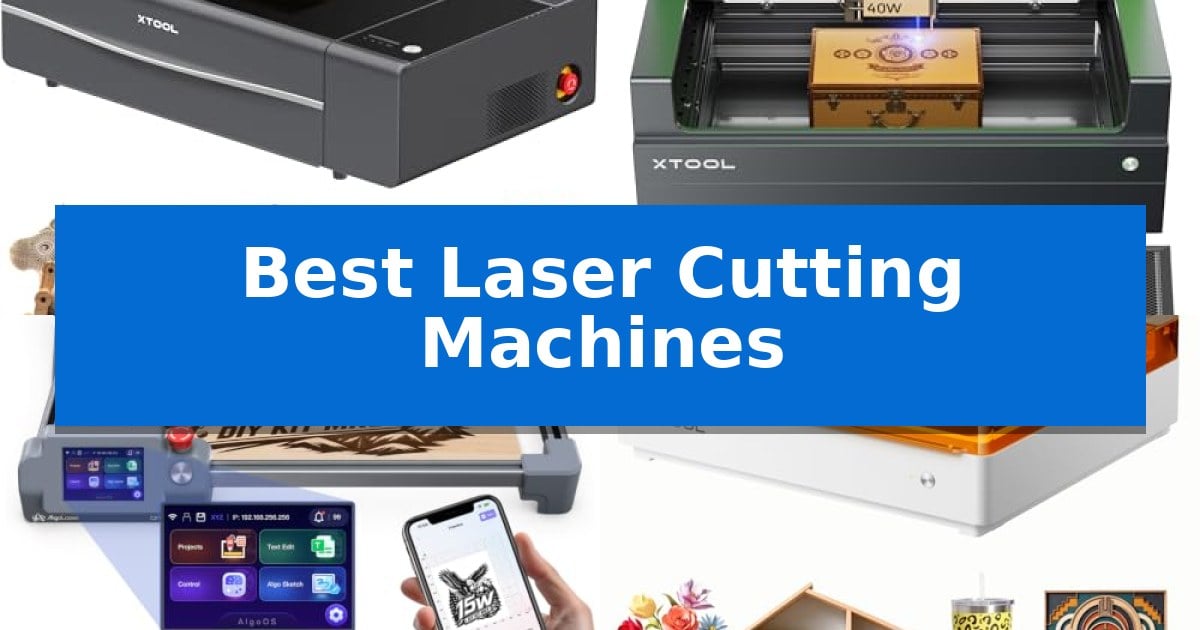
Finding the right equipment for your creative projects requires balancing power, material compatibility, and ease of use. Whether you are scaling a small business or refining home DIY crafts, the Best Laser Cutting Machines offer the precision necessary to turn raw materials like wood, acrylic, and metal into finished goods.
Selecting the right unit depends on your specific production needs, such as the thickness of materials you intend to cut or the level of automation required for batch processing. This guide examines current options to help you identify which machine aligns with your workshop requirements and creative goals.
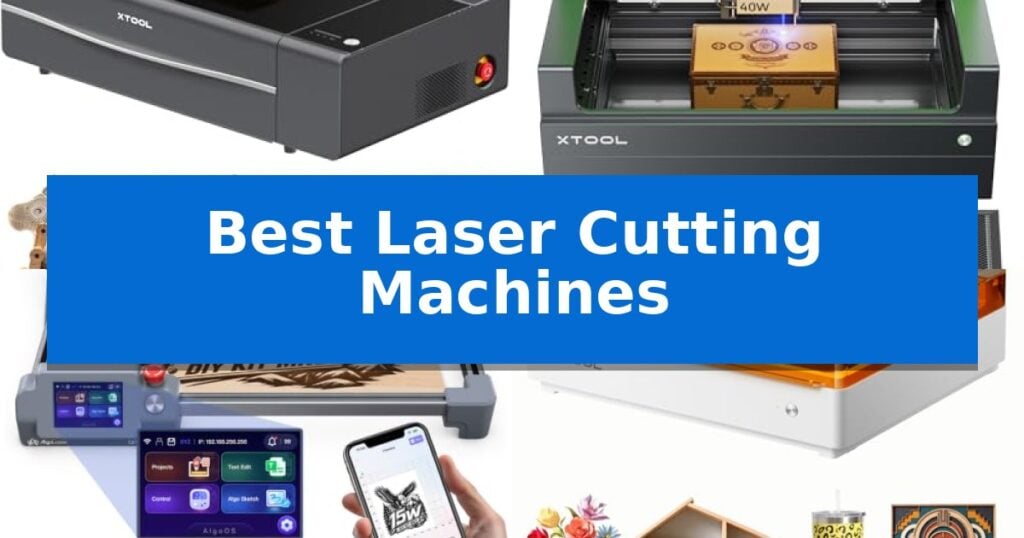
Best Laser Cutting Machines in 2026: Advanced Production Power
Quick Comparison
| Product | Best For | Key Strength | Score |
|---|---|---|---|
| xTool P2S CO2 Laser Cutter | Best Overall | 55W CO2 laser power for efficient single-pass cutting of thick materials. | 4.9 |
| xTool S1 Laser Cutter | Precision Cutting for Large Projects | 40W laser power for efficient single-pass cutting on thick materials. | 4.6 |
| AlgoLaser MK3 Laser Engraver | Offline Design with Touchscreen Control | 95% pre-assembled design reduces setup time. | 4.4 |
| xTool M2 Laser Engraver | Safe Enclosed Design for Beginners | Class 1 enclosed safety design protects users during operation. | 4.6 |
| Carverall K15 Pro Laser Engraver | Compact Footprint for Desktop Crafting | One-touch smart focus for rapid setup | 4.4 |
How We Chose
- Laser source type and output power for material capability
- Work area dimensions and material passthrough flexibility
- Integrated software features for design and batch processing
- Safety mechanisms including enclosure standards and fire detection
- Hardware versatility for rotary attachments and 3D engraving
1 xTool P2S CO2 Laser Cutter — Professional CO2 Power for Production
The xTool P2S CO2 Laser Cutter distinguishes itself with a robust 55W output and a high-efficiency custom CO2 laser tube, capable of slicing through 20mm acrylic or 18mm black walnut in a single pass. This desktop unit integrates advanced hardware, including dual 16MP cameras for real-time visual previews and a LiDAR Ranging System that achieves 0.001-inch autofocus precision, streamlining the setup process for complex projects.
Designed for versatility, the machine features a 26-inch by 14-inch working area that can be expanded via an Auto-Passthrough for materials up to 118 inches long. The inclusion of a Riser Base allows for the engraving of objects reaching 8.4 inches in height, while 3D Curve Engraving technology automatically maps curved surfaces to ensure consistent focus on cylinders like tumblers or mugs.
Productivity is enhanced by engraving speeds reaching 600mm/s and batch processing capabilities that simplify the production of serial numbers or custom designs. To maintain a clean workspace, the system utilizes a 233.3 CFM exhaust fan and adjustable air assist, which work in tandem with a dual-cylinder air pump to ensure sharper, cleaner cuts by managing smoke and debris effectively.
Safety remains a core focus, with the xTool P2S incorporating AI-driven fire detection, an automatic lid lock, and an emergency stop mechanism. As a Class 4 laser device, its fully enclosed design provides a controlled environment for working with various materials, including glass, ceramic, slate, and anodized aluminum, making it a comprehensive tool for both detailed engraving and heavy-duty cutting tasks.
Best for: Users requiring a high-powered, versatile desktop laser cutter capable of handling both large-format materials and curved objects with automated precision.
Skip if: Users with limited workspace who do not require the 55W power output or the advanced passthrough and riser capabilities for large-scale production.
PROS
- 55W CO2 laser power for efficient single-pass cutting of thick materials.
- Dual 16MP cameras and LiDAR for precise, real-time project alignment.
- Expandable workspace with Auto-Passthrough and Riser Base support.
- 3D Curve Engraving for accurate results on non-flat surfaces.
CONS
- Large physical footprint may require significant dedicated desk or workshop space.
- Class 4 laser classification necessitates strict adherence to safety protocols during operation.
2 xTool S1 Laser Cutter — Precision Cutting for Large Projects
The xTool S1 Laser Cutter distinguishes itself through its 40W laser power, which enables the device to slice through 18mm cherry wood in a single pass. This machine is engineered for high-volume and large-scale projects, offering a generous 23.93" x 15.16" bed size and the ability to reach engraving speeds of up to 600mm/s.
Precision is managed via xTool’s patented Pin-point Positioning technology, which allows for accurate alignment on complex or curved surfaces. For users working on extended materials, the AutoPassthrough Technology supports projects up to 118 inches in length, providing significant versatility for custom signage or long-format designs.
Safety is integrated into the hardware design, featuring a Class 1 protective cover that filters 99% of laser light, eliminating the need for external goggles. The unit includes 5 built-in flame sensors and an emergency stop button, while the enclosed structure effectively contains smoke and noise during operation.
Ease of use is supported by the xTool Creative Space (XCS) software, which comes with pre-tested parameters for over 400 materials. The machine is built with a 3mm aerospace-grade aluminum frame and has undergone over 71,830 hours of rigorous testing to ensure long-term stability and performance consistency.
Best for: Creators and small business owners requiring high-power cutting and engraving for large-format projects and curved materials.
Skip if: Users with limited workspace who do not require large-format passthrough capabilities or the high-power output of a 40W laser.
PROS
- 40W laser power for efficient single-pass cutting on thick materials.
- AutoPassthrough Technology for handling materials up to 118 inches long.
- Class 1 safety enclosure with integrated flame sensors and smoke containment.
- Pin-point Positioning for high-accuracy engraving on curved surfaces.
CONS
- Large physical footprint may be restrictive for smaller workshop environments.
3 AlgoLaser MK3 Laser Engraver — Offline Design with Touchscreen Control
The AlgoLaser MK3 15W Laser Engraver and Cutter Machine simplifies the transition from design to production by offering a 95% pre-assembled build that allows users to begin projects almost immediately. Equipped with a 3.5-inch touchscreen, this machine functions as an independent creative workspace, enabling users to execute engravings without needing a constant PC connection.
Designed for versatility, the AlgoLaser MK3 features a 15W diode laser capable of both detailed engraving and cutting across materials like wood, leather, acrylic, and metal. The inclusion of AlgoOS provides built-in creative tools, including AlgoType for text and AlgoSketch for manual drawing, while also offering access to over 400 built-in projects and parameters to streamline the setup process for beginners.
The machine provides a generous 400 x 400 mm work area, which is well-suited for batch processing or creating larger signs and coordinated craft collections. To ensure precision, a manual focus stick is integrated directly into the laser module, providing a consistent reference point for every project. For those requiring more complex design capabilities, the unit remains compatible with professional software such as LightBurn and LaserGRBL via a standard computer connection.
This system is a practical choice for makers scaling a hobby into a small business, as it balances ease of use with the capacity to produce custom gifts and decorative items. By combining on-screen positioning tools with a robust workspace, the AlgoLaser MK3 helps users maintain consistent quality across multiple pieces, making it a functional addition to a dedicated craft workspace.
Best for: Beginners and small business owners who need a versatile, pre-assembled laser cutter that supports both offline touchscreen operation and advanced PC-based design software.
Skip if: Users who require higher-power laser modules for industrial-grade cutting or those who strictly prefer a fully enclosed laser system for enhanced safety and fume extraction.
PROS
- 95% pre-assembled design reduces setup time.
- 3.5-inch touchscreen enables standalone operation without a PC.
- 400 x 400 mm work area supports batch production and larger projects.
- Built-in AlgoOS includes 400+ projects and presets for immediate use.
CONS
- 15W diode laser may limit the thickness of materials that can be cut in a single pass compared to higher-wattage industrial lasers.
4 xTool M2 Laser Engraver — Safe Enclosed Design for Beginners
The xTool M2 Laser Engraver distinguishes itself through a Class 1 enclosed design, providing a secure environment for home-based crafting without requiring additional safety shielding. This unit integrates built-in dual cameras that work with motion control to provide a real-time workspace preview, allowing users to align designs directly on materials like wood, leather, and fabric with high precision.
Designed for versatility, the machine features an innovative dual-mode architecture. While it comes standard with a 10W diode laser for engraving and cutting, it supports an optional CMYK Inkjet module for full-color printing. This modular approach enables a seamless print-to-cut workflow, allowing creators to personalize items ranging from stickers and home decor to custom gifts.
Usability is a core focus, supported by the xTool Studio software. This platform includes an integrated AI image generator and a library of ready-to-use templates, which helps reduce the learning curve for beginners. The "Place & Go" functionality further simplifies operation by automating alignment, effectively eliminating the guesswork often associated with manual laser setup.
The xTool M2 Laser Engraver is a comprehensive solution for those looking to start a side hustle or enhance their DIY projects. By combining safety features with advanced software and modular hardware, it offers a balanced toolset for various creative goals, provided the user understands that specific advanced capabilities require separate add-on modules.
Best for: Home crafters and DIY makers who prioritize safety and ease of use for personalized gifts and small-scale production.
Skip if: Users requiring high-speed industrial production or those who need full-color printing and rotary engraving capabilities without purchasing additional modules.
PROS
- Class 1 enclosed safety design protects users during operation.
- Dual-camera system enables accurate, real-time workspace preview.
- Beginner-friendly software with AI-integrated design templates.
- Modular architecture supports optional upgrades like CMYK printing.
CONS
- Essential modules like CMYK and rotary tools are sold separately.
- 10W diode laser may be limiting for those requiring heavy-duty industrial cutting speeds.
5 Carverall K15 Pro Laser Engraver — Compact Footprint for Desktop Crafting
Achieving precise, intricate designs on a variety of materials is simplified with the Carverall K15 Pro Laser Engraver, which features a one-touch smart focus system to eliminate manual calibration. This 2-in-1 diode laser unit is engineered for versatility, allowing creators to work with over 300 materials including wood, acrylic, leather, and coated metal.
The device is built for consistent performance, utilizing a dual-fan diode module designed to manage heat during extended batch projects. Its 11.8×7.9-inch A4 workbed provides a balanced footprint that fits on most desks while accommodating the majority of common DIY and small business tasks. For those requiring extra vertical clearance, the included four heightening columns allow for engraving on taller items like gift boxes or skateboards.
Software integration is a core strength, as the machine supports CutLabX for mobile and tablet control, alongside compatibility with industry-standard software like LightBurn and LaserGRBL. Users can also perform batch jobs offline by loading files directly onto a TF card. The system is designed for longevity, featuring a module life rated for 15,000 hours and an upgrade path that allows for the addition of an optional 1W IR laser head for bare metal engraving.
Precision is maintained through a 4K clarity output with 0.01mm precision and rapid movement speeds up to 15,000mm/min. The unit arrives as a starter kit including safety glasses and tools, with a 3-minute assembly process using only six screws, making it an accessible entry point for home studios and small-scale production.
Best for: Small business owners and hobbyists who need a compact, upgradeable, and beginner-friendly laser engraver for diverse material crafting.
Skip if: Users requiring large-format cutting or high-volume industrial production will find the A4 work area and diode power limitations restrictive.
PROS
- One-touch smart focus for rapid setup
- Compact A4 footprint suitable for home desks
- High-speed performance at 15,000mm/min
- Upgradeable design for future expansion
CONS
- Limited work area for large-scale projects
- Requires optional IR head for bare metal engraving
Best Laser Cutting Machines Buying Guide
Laser Source and Power Output
The laser source is the most critical component, typically categorized as either CO2 or diode. CO2 lasers are generally more powerful and efficient at cutting thicker materials like acrylic and wood in a single pass, making them ideal for high-volume production.
Diode lasers are often more compact and suitable for engraving or cutting thinner materials. When choosing, consider the maximum thickness of your target materials, as higher wattage directly correlates to the machine's ability to process dense substrates without requiring multiple passes.
Work Area and Material Handling
The physical dimensions of the work bed dictate the size of projects you can undertake. A larger bed allows for bigger signs or batch processing of multiple items, which is essential for small business efficiency.
Check for Auto-Passthrough capabilities if you plan to work with long materials that exceed the standard bed size. This feature allows the machine to feed material through, effectively removing the length limitation for specific project types.
Software and Workflow Integration
Modern laser cutters rely on software to translate designs into machine movements. Look for systems that offer intuitive interfaces, such as real-time previews via built-in cameras, which significantly reduce material waste by allowing precise placement.
Compatibility with industry-standard design software like LightBurn or LaserGRBL is a major advantage. Ensure the machine supports the workflow you are already comfortable with or provides a robust proprietary suite that simplifies the transition from design to final cut.
Safety and Environmental Controls
Operating a laser cutter involves heat and smoke, making safety features non-negotiable. An enclosed design is highly recommended to contain fumes and prevent accidental exposure to the laser beam.
Look for machines equipped with flame sensors, emergency stop buttons, and efficient exhaust systems. These features not only protect the user but also safeguard the machine from potential damage during long, unattended cutting sessions.
Expandability and Accessories
The ability to add accessories can extend the life and utility of your machine. Rotary attachments are essential if you plan to engrave cylindrical objects like tumblers, mugs, or rings.
Consider whether the machine supports future upgrades, such as different laser heads or specialized modules. A modular system allows you to start with basic capabilities and add advanced features as your business or hobby evolves.
Frequently Asked Questions
What is the difference between a CO2 and a diode laser?
CO2 lasers are generally faster and more powerful, capable of cutting thicker materials like acrylic and wood. Diode lasers are typically more compact and better suited for engraving or cutting thinner materials.
Do I need a computer to operate these machines?
Many modern laser cutters offer offline control options, such as touchscreens or mobile apps, allowing you to run projects without a dedicated PC connection.
What safety equipment is required?
While many machines are enclosed, you should always ensure proper ventilation to remove smoke. If using an open-frame machine, protective eyewear specific to the laser's wavelength is mandatory.
Can I engrave curved objects?
Yes, provided the machine is compatible with a rotary attachment. Some advanced models also feature 3D curve engraving technology to handle irregular surfaces automatically.
How do I know which laser power I need?
Power requirements depend on your material thickness. For light hobby work, 10W may suffice, while professional production involving thick wood or acrylic often requires 40W to 55W or more.
Conclusion: Our Top Pick
For those seeking a high-performance solution that balances speed, precision, and production capacity, the xTool P2S CO2 Laser Cutter stands out as the most capable option in our evaluation. Its 55W CO2 laser tube and dual-camera system provide a level of efficiency that is difficult to match for both batch processing and intricate detailing.
While other models offer excellent portability or entry-level simplicity, the xTool P2S provides the robust hardware necessary for serious makers. If your goal is to minimize material waste and maximize output quality, this machine offers the most comprehensive feature set for professional-grade results.