
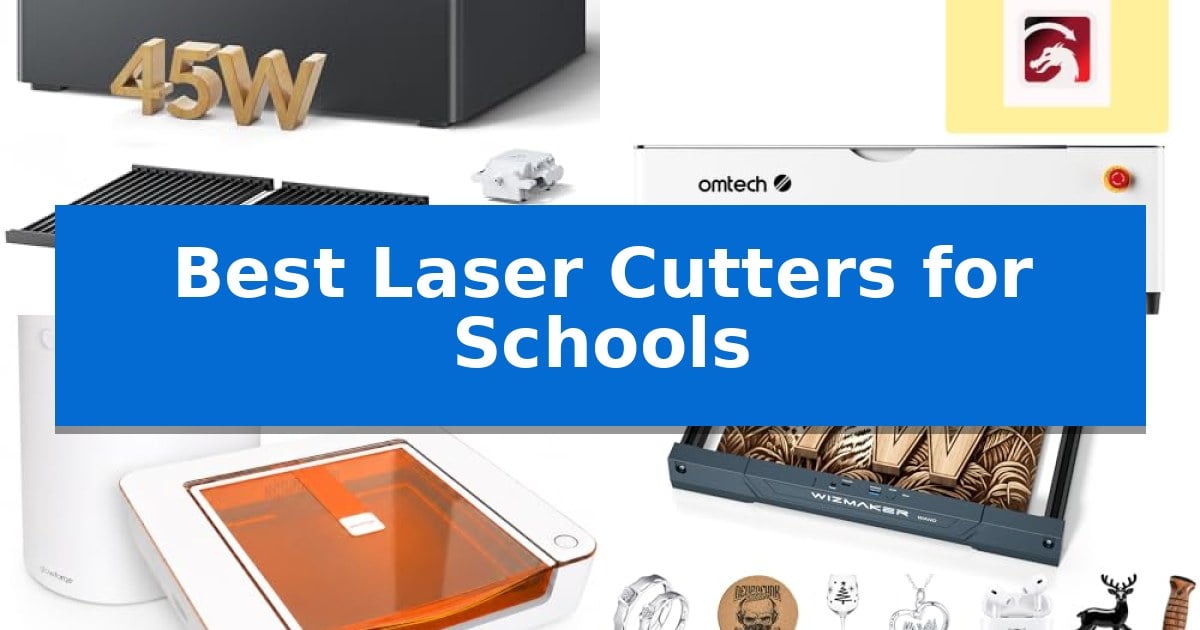
Integrating modern fabrication technology into the classroom requires a careful balance between high-performance capabilities and essential safety features. Educators need reliable equipment that can withstand the demands of a busy learning environment while ensuring that students of all skill levels can explore digital design and material science safely.
Finding the Best Laser Cutters for Schools involves prioritizing enclosed designs, intuitive software, and versatile material compatibility. Whether you are setting up a dedicated makerspace or upgrading an existing art department, the right machine should streamline the transition from digital concept to physical reality while maintaining a secure workspace for every student.
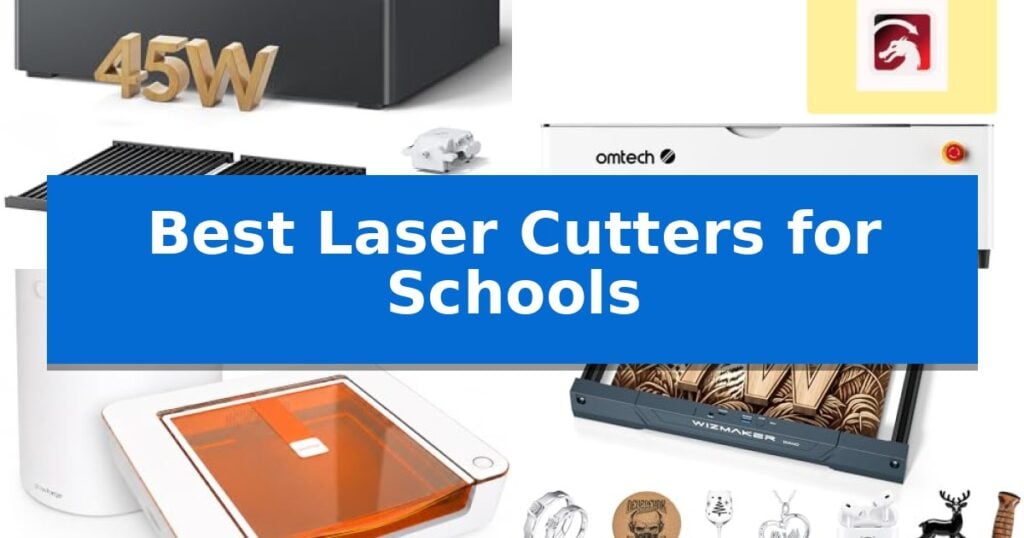
Best Laser Cutters for Schools in 2026
Quick Comparison
| Product | Best For | Key Strength | Score |
|---|---|---|---|
| WECREAT Vision Pro Laser Cutter | Best Overall | Class 1 safety certification with automatic lid-opening shutoff. | 4.9 |
| OMTech Polar2 CO2 Laser Cutter | Professional Performance for Advanced Labs | High-output 70W CO2 laser for versatile cutting and engraving. | 4.3 |
| Glowforge Aura Laser Cutter | Compact Desktop Choice for Makers | Indoor-friendly operation with the included activated carbon filter. | 4.6 |
| WIZMAKER Wand Laser Engraver | Accessible Entry for STEM Education | Fully pre-assembled design for immediate classroom use | 4.7 |
How We Chose
- Safety Enclosure and Certification standards for classroom environments.
- Software ease-of-use and compatibility with standard educational design tools.
- Material versatility to support diverse STEM and art curriculum projects.
- Maintenance requirements and long-term operational reliability.
- Workspace footprint and integration with existing classroom layouts.
1 WECREAT Vision Pro Laser Cutter — Safe Enclosed Design for Classrooms
Integrating a laser cutter into a school environment requires a balance of high-performance capabilities and stringent safety standards. The WECREAT Vision Pro Laser Cutter addresses this by utilizing a fully metal enclosed structure and a Class 1 certified design, which includes an automatic stop function that triggers immediately if the lid is opened during operation.
Beyond safety, the machine is engineered for versatility and precision. It features BeamFocus technology, allowing the 45W diode laser to achieve cutting performance comparable to a 60W machine, enabling it to slice through 25mm wood or 20mm black acrylic in a single pass. The LiDAR-powered auto-focus system maintains a 0.001" accuracy, removing the need for manual adjustments and ensuring consistent results across a wide range of materials.
For educational projects that require scale or complexity, the device offers a generous 22.83" x 15.75" workspace and an auto-lifting system that accommodates materials up to 140mm in height. The inclusion of an HD camera allows for precise material positioning, while the AirGuard Ultra fume extractor helps maintain air quality by removing odors during the cutting process.
The software ecosystem is designed to simplify the learning curve for students and instructors. It includes a QuickView Matrix for one-click material settings and a 3D preview feature for rotary projects. With the optional Rotary Pro attachment, users can engrave full-wrap designs on tumblers, further expanding the creative potential for classroom workshops.
Best for: Educational settings and workshops requiring a safe, enclosed, and versatile laser cutting solution for a wide variety of materials.
Skip if: Users who require a portable or open-frame laser system for extremely large-format projects that exceed the machine's internal bed dimensions and pass-through capabilities.
PROS
- Class 1 safety certification with automatic lid-opening shutoff.
- BeamFocus technology provides high-power cutting efficiency in a compact footprint.
- LiDAR-powered auto-focus ensures consistent accuracy without manual calibration.
- Integrated AirGuard Ultra fume extraction for a safer indoor work environment.
CONS
- 2W IR laser module must be purchased separately for specific material compatibility.
- Heavy-duty construction results in a significant footprint and weight for a desktop unit.
2 OMTech Polar2 CO2 Laser Cutter — Professional Performance for Advanced Labs
The OMTech Polar2 70W Desktop CO2 Laser Engraver & Cutter with LightBurn integrates a high-output 70W glass CO2 laser tube, providing the necessary power for schools to handle diverse materials including wood, acrylic, leather, and rubber. Its 28" x 14" working area and 125 mm material clearance allow for a wide range of project sizes, making it a versatile addition to educational makerspaces.
Efficiency is supported by production speeds reaching up to 1200 mm/s, which helps maintain workflow in busy classroom environments. The inclusion of a 16MP smart camera ensures precise material alignment with ±0.04" accuracy, reducing material waste during student projects. For cylindrical objects, the system includes a rotary attachment to expand engraving capabilities.
Connectivity options include USB, U-disk, Ethernet, and Wi-Fi, ensuring compatibility with various school network setups. The unit is fully equipped for professional-grade workflows with support for LightBurn and RDWorks V8 software. Safety is prioritized through Class I protection and an integrated water cooling system, designed for reliable operation in institutional settings.
While the OMTech Polar2 offers robust performance, its 220.5-pound weight and substantial footprint require a dedicated, stable workspace. The system is best suited for schools looking for a comprehensive, high-capacity tool that balances professional-grade cutting performance with classroom-ready safety features.
Best for: Educational makerspaces and workshops requiring a high-capacity, versatile laser cutter for diverse material projects.
Skip if: Users with limited floor space or those needing a highly portable, lightweight machine will find the 220-pound weight of this unit impractical.
PROS
- High-output 70W CO2 laser for versatile cutting and engraving.
- Smart 16MP camera for precise material alignment.
- Large 28" x 14" workspace with significant material height clearance.
- Comprehensive connectivity including Wi-Fi, Ethernet, and USB.
CONS
- Heavy 220.5 lb design limits portability within a school building.
- Large footprint requires a dedicated, permanent installation area.
3 Glowforge Aura Laser Cutter — Compact Desktop Choice for Makers
Integrating digital fabrication into the classroom requires tools that balance safety with ease of use, and the Glowforge Aura Laser Engraver & Cutter is designed specifically for this environment. Its included Craft Laser Filter allows for indoor operation without the need for complex window venting, making it a practical choice for schools that lack dedicated workshop ventilation systems.
The machine features a 12 x 12 inch work area and utilizes a 6W diode laser capable of cutting, scoring, and engraving a variety of materials for student projects. To simplify the learning curve, the Aura Vision live camera preview and autofocus capabilities allow students to visualize their designs on the material before the laser begins, reducing material waste and helping beginners align their work with precision.
Designed for a compact desktop workflow, the unit measures 22 x 20.5 x 5 inches, fitting easily on standard classroom tables. It operates via a web-based app compatible with Mac, PC, Chromebook, and tablets, ensuring that students can prepare files in common formats like JPEG, PNG, SVG, and PDF from various devices already present in most school settings.
While the Glowforge Aura Laser Engraver & Cutter offers a streamlined experience, it is important to note that the activated carbon filtration system requires a replaceable cartridge to maintain effectiveness. This maintenance aspect should be factored into long-term planning for schools intending to use the machine frequently for high-volume projects.
Best for: Schools and makerspaces seeking a compact, indoor-friendly laser cutter that integrates easily with existing classroom devices.
Skip if: Users requiring large-format cutting or high-speed industrial production capabilities will find the 12-inch work area and 6W diode laser limiting.
PROS
- Indoor-friendly operation with the included activated carbon filter.
- Live camera preview and autofocus for accurate design placement.
- Broad compatibility with web-based software on Chromebooks and tablets.
- Compact footprint suitable for standard classroom desks.
CONS
- Replaceable filter cartridges require ongoing maintenance and cost.
- 6W diode laser is optimized for craft projects rather than heavy-duty production.
4 WIZMAKER Wand Laser Engraver — Accessible Entry for STEM Education
Integrating digital fabrication into the classroom requires hardware that balances safety with ease of use, and the WIZMAKER Wand Laser Engraver is engineered specifically for this environment. As a fully pre-assembled unit, it eliminates the complex setup process often associated with desktop fabrication, allowing educators and students to begin projects immediately.
The machine offers multi-material compatibility, enabling the cutting and engraving of wood, leather, paper, MDF, and fabric. With a 7W laser module, it provides the precision necessary for detailed STEM projects, achieving a 0.1mm repeatable positioning accuracy and engraving speeds up to 10,000 mm/min. This performance level supports both rapid prototyping and intricate artistic designs.
Connectivity is a major strength, as the device supports Wi-Fi, hotspot, and USB cable connections across Windows, MacOS, Android, and iOS platforms. It is fully compatible with industry-standard software such as LightBurn and LaserGRBL, ensuring that students can learn professional-grade workflows. The system is also expandable, supporting optional accessories like rotary rollers for tumblers, honeycomb boards, and air assist to grow with the curriculum.
Safety is prioritized through a Class 4 laser system equipped with tilt detection and flame monitoring. These integrated features provide necessary safeguards for operation in school or home settings. Backed by a 12-month warranty, the unit is designed to be a reliable, long-term tool for educational and small-scale creative applications.
Best for: The WIZMAKER Wand Laser Engraver is best for educators, homeschool families, and beginners seeking a pre-assembled, safe, and versatile laser cutter for STEM projects and creative learning.
Skip if: Skip this model if you require high-power industrial cutting capabilities for thick materials or large-format production beyond its compact desktop footprint.
PROS
- Fully pre-assembled design for immediate classroom use
- Multi-material compatibility across wood, leather, and fabric
- Integrated safety features including tilt detection and flame monitoring
- Flexible connectivity via Wi-Fi and USB with broad software support
CONS
- Limited 7W power may not be suitable for heavy-duty industrial cutting tasks
Best Laser Cutters for Schools Buying Guide
Safety and Enclosure Requirements
In a school setting, safety is the primary concern. Look for machines that feature a fully enclosed structure and automatic lid sensors that halt operation if the unit is opened during a cycle. These features are critical for protecting students from laser exposure and potential fire hazards.
Additionally, consider the air filtration system. An integrated fume extractor with activated carbon filtration is essential for maintaining indoor air quality, especially when cutting materials like acrylic that can produce strong odors or harmful particulates.
Software and Educational Integration
The best machines for schools feature user-friendly software that supports a wide range of file types such as SVG, PNG, and PDF. Software that offers 3D previews and one-click material settings helps students focus on the design process rather than complex machine calibration.
Compatibility with common operating systems like Windows, macOS, and Chromebooks ensures that the laser cutter can be integrated into existing computer labs without requiring specialized hardware upgrades.
Material Versatility and Performance
A versatile laser cutter should handle a variety of materials, including wood, leather, paper, and acrylic. Machines with switchable laser modules or adjustable power settings allow educators to teach different fabrication techniques, from delicate paper scoring to deep wood cutting.
Consider the machine's material clearance and auto-lifting systems, which allow for engraving on objects of varying thicknesses, such as tumblers or thicker wood blocks, without the need for additional riser bases.
Workspace and Ergonomics
Classroom space is often limited, making the physical footprint of the machine a key factor. Desktop-sized units are generally preferred for schools, but they must still offer a sufficient working area to accommodate common student projects.
Look for features like built-in HD cameras for precise material alignment. This technology minimizes material waste by allowing students to see exactly where their design will be placed on the material before the cutting process begins.
Maintenance and Reliability
Educational equipment needs to be robust enough for frequent use. Machines with LiDAR-powered auto-focus reduce the need for manual adjustments, ensuring consistent results across multiple student projects and reducing the risk of operator error.
Check the availability of replacement parts and the manufacturer's warranty. A machine that is easy to maintain and supported by responsive customer service is a better long-term investment for a school budget.
Frequently Asked Questions
Are these laser cutters safe for younger students?
Yes, models featuring Class 1 safety certifications, fully enclosed metal structures, and automatic lid-stop sensors are designed to be safe for use in educational settings when supervised.
Do I need to vent these machines outside?
Many modern classroom laser cutters include advanced filtration systems like activated carbon filters, which allow for indoor use without the need for external window venting.
What kind of computer do I need to run these machines?
Most of these units are compatible with standard computers, including Windows PCs, Macs, and Chromebooks, using web-based apps or standard design software like LightBurn.
Can these machines cut metal?
While many can engrave coated metals, cutting through thick metal typically requires industrial-grade fiber lasers. Always check the specific material compatibility list for each model.
How do I handle maintenance for a school laser cutter?
Regular maintenance involves cleaning the lens, checking the exhaust filters, and ensuring the laser bed is free of debris. Most manufacturers provide clear maintenance guides for these tasks.
Conclusion: Our Top Pick
Selecting the right equipment for a school requires prioritizing safety, ease of use, and versatility. The WECREAT Vision Pro Laser Cutter stands out as the top choice for educational environments due to its Class 1 safety certification, user-friendly software, and robust auto-lifting system that accommodates a wide variety of student projects.
By choosing a machine that balances professional-grade performance with classroom-ready safety features, educators can provide students with a reliable platform for innovation. The WECREAT Vision Pro Laser Cutter offers the necessary tools to support diverse curriculum needs while maintaining a secure and productive learning space.