
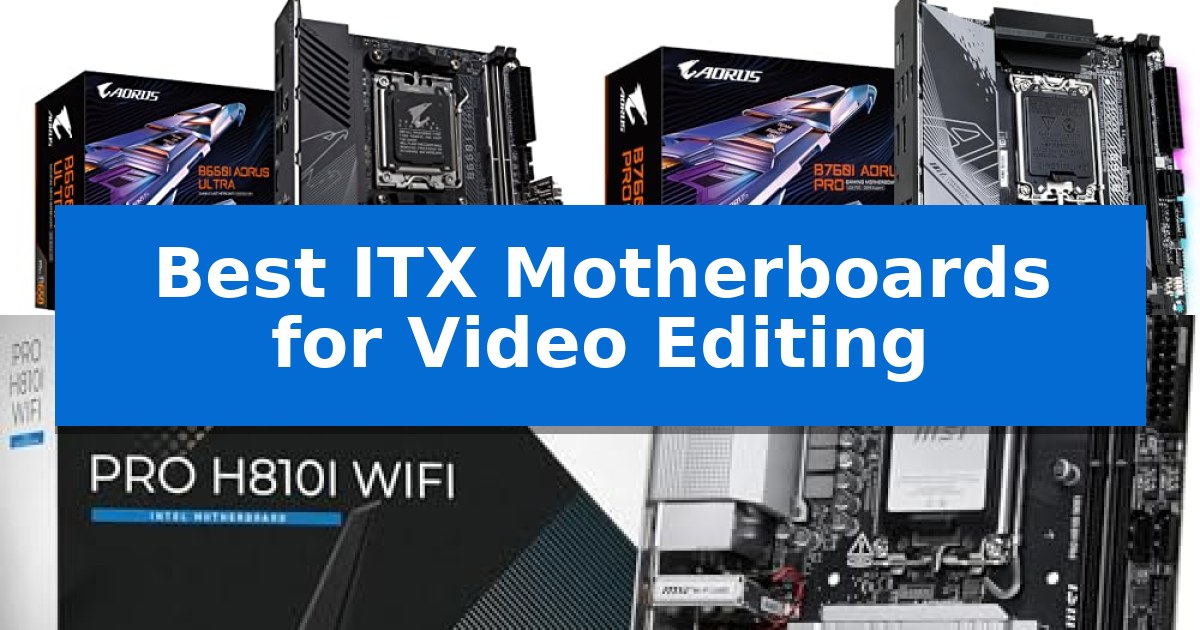
Building a compact workstation for creative tasks requires balancing thermal management with high-end component support. Finding the Best ITX Motherboards for Video Editing involves identifying platforms that can handle sustained heavy workloads without sacrificing stability in a small-form-factor chassis.
Whether you are rendering 4K footage or managing complex timelines, the right motherboard serves as the backbone of your system. We have analyzed current market offerings to highlight boards that provide the necessary power delivery, memory support, and connectivity for professional-grade editing workflows.
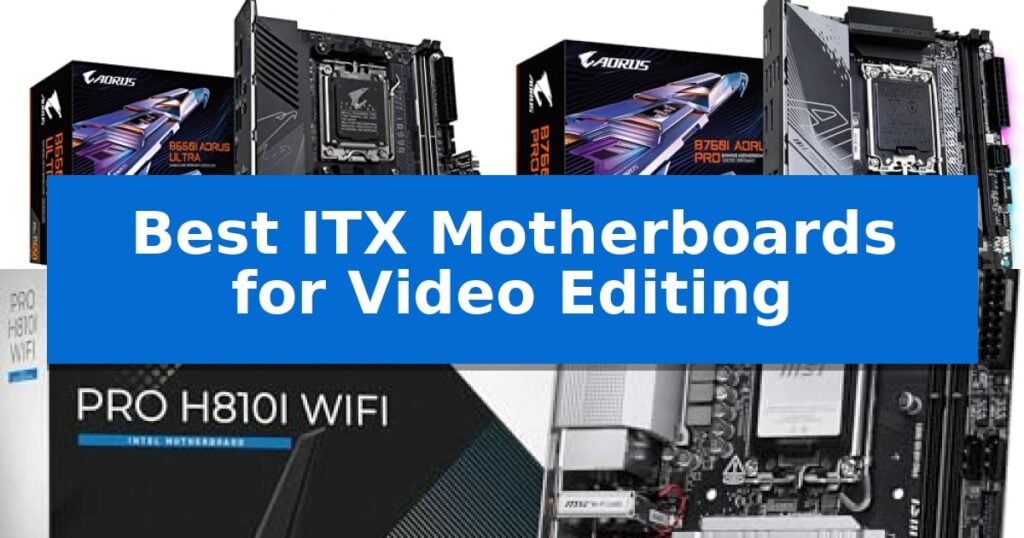
Best ITX Motherboards for Video Editing in 2026: Compact Power
Quick Comparison
| Product | Best For | Key Strength | Score |
|---|---|---|---|
| GIGABYTE B650I AORUS Ultra Motherboard | Best Overall | Direct 8+2+1 Phases Digital VRM for stable processing power. | 4.9 |
| GIGABYTE B760I AORUS Pro Motherboard | Reliable Foundation for Creative Work | Direct 8+1+1 Phases Digital VRM for stable power delivery | 4.3 |
| MSI PRO H810I WiFi Motherboard | Next-Gen Intel Support for Editing | Supports Intel Core Ultra Processors (Series 2) for modern computing power. | 4.3 |
How We Chose
- VRM and Power Phase Design: Assessing the ability to maintain stable voltage for high-core-count processors during long render sessions.
- Thermal Management: Evaluating the effectiveness of heatsinks and active cooling solutions for M.2 storage and VRM components.
- Memory Support: Confirming compatibility with high-speed DDR5 modules to facilitate faster data processing.
- Connectivity Standards: Verifying the presence of high-speed networking, such as 2.5GbE or Wi-Fi 7, and modern USB-C interfaces for external drive arrays.
- Expansion and Storage: Checking for PCIe 5.0 support and multiple M.2 slots to ensure future-proof storage configurations.
1 GIGABYTE B650I AORUS Ultra Motherboard — Robust Power for Demanding Edits
The GIGABYTE B650I AORUS Ultra Motherboard provides a compact foundation for video editing workstations by integrating a robust Direct 8+2+1 Phases Digital VRM power design on a 12-layer 2X Copper PCB. This configuration ensures stable power delivery for high-performance AMD Ryzen 9000, 8000, and 7000 series processors, which are essential for handling intensive rendering and encoding tasks in a space-constrained ITX build.
Thermal management is prioritized through an Extended VRM Heatsink with Heatpipe and fully covered MOSFET heatsinks. For storage-heavy editing workflows, the board includes M.2 Thermal Guard III with active cooling, preventing thermal throttling on high-speed NVMe drives during prolonged data transfers. The inclusion of PCIe 5.0 support ensures compatibility with the latest high-bandwidth storage and expansion devices.
Connectivity options are tailored for professional utility, featuring USB 3.2 Gen 2 Type-C with DP-Alt mode for versatile peripheral and display integration. The board supports DDR5 memory with AMD EXPO and Intel XMP profiles, allowing users to optimize system memory speeds for faster project timeline scrubbing and multi-tasking performance.
Usability is enhanced by hardware-level conveniences such as the EZ-Latch mechanism for simplified component installation and Q-Flash for efficient BIOS updates. With its WIFI 6E and 2.5GbE networking capabilities, this motherboard offers reliable high-speed data connectivity for network-attached storage or cloud-based collaboration.
Best for: Creators building high-performance, compact video editing workstations who require stable power delivery and advanced thermal management for intensive rendering tasks.
Skip if: Users who require multiple PCIe expansion slots for dedicated capture cards or additional storage arrays, as the ITX form factor limits physical connectivity options.
PROS
- Direct 8+2+1 Phases Digital VRM for stable processing power.
- M.2 Thermal Guard III with active cooling to maintain drive performance.
- PCIe 5.0 support for future-ready high-speed storage.
- EZ-Latch and Q-Flash for easier assembly and maintenance.
CONS
- ITX form factor limits expansion potential compared to larger ATX boards.
2 GIGABYTE B760I AORUS Pro Motherboard — Reliable Foundation for Creative Work
The GIGABYTE B760I AORUS Pro Motherboard provides a compact foundation for video editing workstations by integrating a Direct 8+1+1 Phases Digital VRM Solution to maintain stable power delivery for 13th and 12th Gen Intel processors. Its small-form-factor design does not sacrifice connectivity, offering dual-channel DDR5 memory support and two PCIe 4.0 x4 M.2 connectors to facilitate high-speed storage configurations essential for handling large media files.
Thermal management is addressed through an extended MOSFET heatsink and a multi-layered PCH M.2 heatsink with an aluminum baseplate, ensuring the board remains stable during intensive rendering tasks. The inclusion of Intel 2.5GbE LAN and Wi-Fi 6E 802.11ax provides fast networking options for transferring projects across local servers or cloud storage.
Usability is enhanced by Smart Fan 6, which utilizes multiple temperature sensors and hybrid fan headers to manage airflow dynamically. For system builders, the Q-Flash Plus feature allows for BIOS updates without the need to install a CPU, memory, or graphics card, simplifying the initial setup process in tight ITX cases.
Connectivity options are robust for an ITX board, featuring a rear USB-C 10Gb/s port and a front-panel USB 3.2 Gen 1 Type-C header. While the board offers significant performance potential, users should ensure their chosen ITX chassis provides adequate clearance for the heatsink assembly and sufficient airflow to support the high-performance components this board is designed to host.
Best for: Content creators and video editors building high-performance, space-constrained workstations using 12th or 13th Gen Intel processors.
Skip if: Users requiring more than two DIMM slots for memory expansion or those needing multiple PCIe x16 slots for additional expansion cards.
PROS
- Direct 8+1+1 Phases Digital VRM for stable power delivery
- Dual PCIe 4.0 M.2 slots for high-speed storage
- Q-Flash Plus for convenient BIOS updates without a CPU
- Wi-Fi 6E and 2.5GbE LAN for fast connectivity
CONS
- Limited to two DIMM slots due to the ITX form factor
- Single PCIe x16 slot restricts additional expansion options
3 MSI PRO H810I WiFi Motherboard — Next-Gen Intel Support for Editing
Building a compact workstation for high-resolution video editing requires a foundation that balances small-form-factor constraints with modern processing power. The MSI PRO H810I WiFi Motherboard addresses this by supporting the latest Intel Core Ultra Processors (Series 2) on the LGA1851 socket, providing a high-performance base for demanding creative workflows within an ITX footprint.
Performance stability is managed through a Direct 6 Phase (55A DrMOS) VRM design, which ensures consistent power delivery to the CPU. To maintain thermal efficiency during long rendering sessions, the board features Frozr Guard cooling, incorporating an extended heatsink, chipset heatsink, and dedicated M.2 Shield Frozr to keep storage and power components within optimal operating temperatures.
For memory-intensive editing tasks, the board includes two DDR5 DIMM slots that support extreme overclocking speeds up to 7200 MT/s (MAX). Graphics and storage expansion are handled by a PCIe 5.0 x16 slot reinforced with Steel Armor for structural rigidity, alongside an M.2 Gen4 x4 connector to facilitate fast data access for project files and media assets.
Connectivity is tailored for modern studio environments, featuring an integrated Wi-Fi 7 module with Bluetooth 5.4 and a 2.5Gbps LAN port for rapid network transfers. The rear I/O panel includes a USB 20Gbps Type-C port for high-speed peripheral support and display output, ensuring that this motherboard serves as a capable hub for professional video editing setups.
Best for: Content creators and video editors who need a high-performance, compact ITX workstation with support for the latest Intel Core Ultra processors.
Skip if: Users who require multiple M.2 storage slots or additional PCIe expansion cards will find the single M.2 Gen4 slot and single PCIe x16 slot limiting for complex storage arrays.
PROS
- Supports Intel Core Ultra Processors (Series 2) for modern computing power.
- DDR5 memory support up to 7200 MT/s for fast data handling.
- PCIe 5.0 x16 slot provides future-ready bandwidth for high-end graphics cards.
- Integrated Wi-Fi 7 and 2.5G LAN for high-speed connectivity.
CONS
- Single M.2 Gen4 slot limits internal storage expansion options.
- ITX form factor restricts the number of available expansion slots compared to larger boards.
Best ITX Motherboards for Video Editing Buying Guide
Power Delivery and Stability
Video editing is a CPU-intensive task that places significant demand on the motherboard's VRM (Voltage Regulator Module). A robust power phase design ensures that your processor receives clean, consistent power, which is critical for preventing thermal throttling during extended export times.
When selecting an ITX board, prioritize models with high-quality DrMOS stages and substantial heatsinks. These components are designed to dissipate heat efficiently, keeping the system stable even when the CPU is running at maximum load in a confined space.
Thermal Management in Small Spaces
Small-form-factor builds often suffer from limited airflow, making effective cooling a top priority. Look for motherboards that feature extended VRM heatsinks and dedicated M.2 thermal guards to protect your high-speed NVMe drives from overheating.
Some advanced boards include active cooling solutions, such as small fans or heatpipes, which can significantly lower temperatures for components located near the CPU socket. Proper thermal design is essential for maintaining the longevity of your hardware.
Memory and Storage Performance
Modern video editing software benefits greatly from high-bandwidth memory. Ensure your chosen motherboard supports the latest DDR5 standards and offers reliable XMP or EXPO profiles for easy memory optimization.
Storage speed is equally important for scrubbing through high-resolution footage. A board with PCIe 5.0 or Gen4 M.2 slots allows you to utilize the fastest available SSDs, drastically reducing load times and improving overall system responsiveness.
Connectivity for Creative Workflows
Professional editors often rely on external high-speed storage and high-resolution displays. A motherboard with USB 3.2 Gen 2 Type-C ports provides the necessary bandwidth for fast file transfers and peripheral connectivity.
Additionally, fast networking is vital for collaborative projects or cloud-based asset management. Look for boards equipped with 2.5GbE LAN or the latest Wi-Fi 7 modules to ensure your network connection does not become a bottleneck.
Form Factor and Compatibility
Since you are working within the constraints of an ITX build, verifying component clearance is essential. Check the layout of the motherboard to ensure that your chosen CPU cooler and graphics card will fit without interfering with the RAM slots or M.2 heatsinks.
Consider the placement of headers and connectors, as cable management in a small case can be challenging. Boards with well-placed headers and features like EZ-Latch make the assembly process much smoother and more efficient.
Frequently Asked Questions
Can I use an ITX motherboard for professional video editing?
Yes, modern ITX motherboards are capable of supporting high-end CPUs and massive amounts of RAM, making them perfectly suitable for professional video editing workflows.
Why is VRM cooling important for video editing?
Video editing involves long periods of high CPU usage. If the VRMs overheat, the motherboard may throttle power to the CPU, leading to slower render times and potential system instability.
Do I need PCIe 5.0 for my editing build?
PCIe 5.0 provides future-proofing for the latest high-speed NVMe drives and graphics cards, which can help reduce file transfer times and improve performance in demanding editing applications.
How does DDR5 memory affect editing performance?
DDR5 memory offers higher bandwidth and improved power efficiency compared to DDR4, allowing for faster data processing and smoother playback of complex video timelines.
Is Wi-Fi 7 necessary for a workstation?
While a wired 2.5GbE connection is preferred for stability, Wi-Fi 7 offers significant speed improvements and lower latency, which is beneficial if you frequently upload or download large project files.
Conclusion: Our Top Pick
Choosing the right foundation for your compact workstation is vital for a reliable editing experience. The GIGABYTE B650I AORUS Ultra Motherboard stands out as the top choice due to its robust power phase design and comprehensive thermal management, which are essential for handling demanding editing tasks in a small-form-factor build.
By prioritizing high-quality power delivery and modern connectivity, this board ensures that your system remains stable and responsive. While compact builds require careful planning regarding component clearance, the features provided here offer the performance necessary to support your creative projects effectively.