
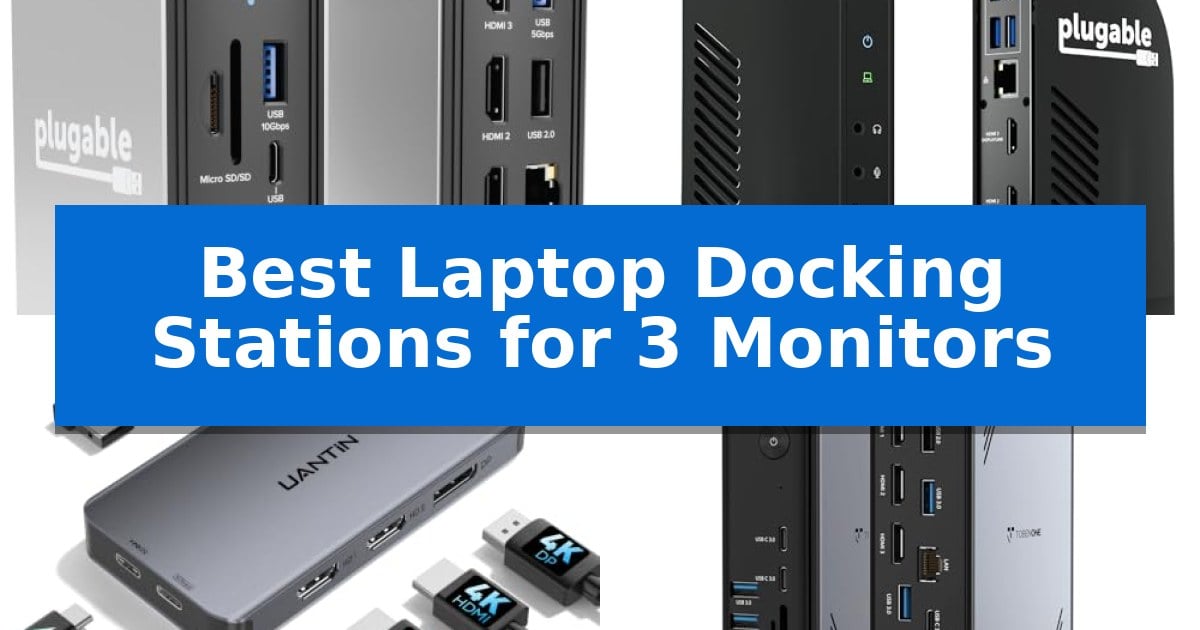
Managing three separate displays requires more than just a standard USB hub; it demands a reliable connection that maintains resolution and refresh rates across your entire workspace. Whether you are a financial analyst tracking multiple data streams or a creative professional juggling complex editing timelines, having the right hardware is essential to avoid lag and connectivity drops.
Finding the Best Laptop Docking Stations for 3 Monitors involves balancing port density, power delivery, and operating system compatibility. We have analyzed five leading models to help you identify which device fits your specific laptop setup and productivity needs without compromising on signal stability or charging efficiency.
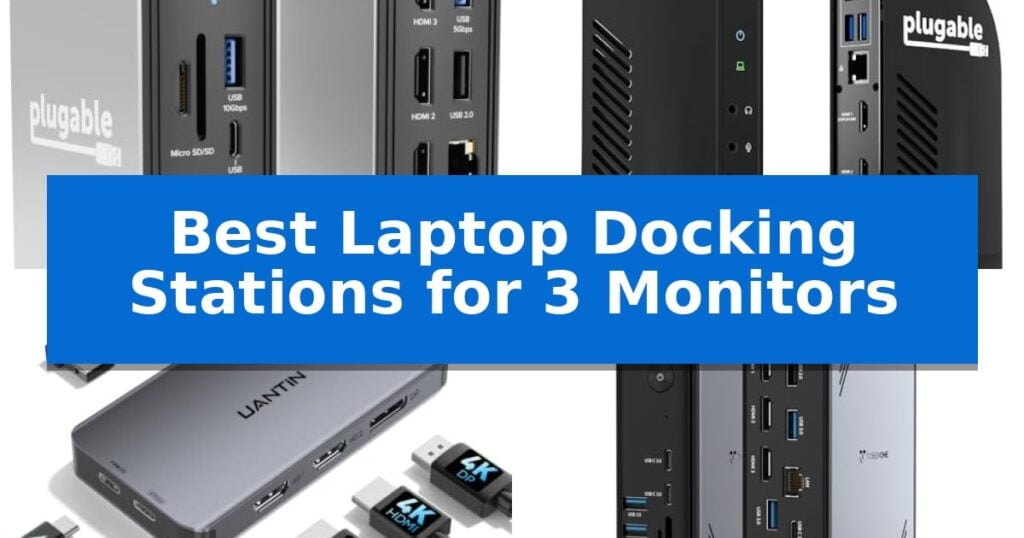
Best Laptop Docking Stations for 3 Monitors in 2026
Quick Comparison
| Product | Best For | Key Strength | Score |
|---|---|---|---|
| Plugable UD-MSTH3 Docking Station | Best Overall | 100W Power Delivery for efficient host laptop charging. | 4.9 |
| Plugable UD-ULTCDL Docking Station | Best for Mac Multi-Monitor | Triple monitor support via DisplayLink technology for extended desktop configurations. | 4.3 |
| UANTIN 8-in-1 Docking Station | Compact Triple 4K Output | Triple monitor support via dual HDMI and DisplayPort. | 4.6 |
| Tobenone 18-in-1 Docking Station | Maximum Port Expansion | 18-in-1 connectivity including triple 4K@60Hz display support. | 4.7 |
| Selore&S-Global 16-in-1 Docking Station | High-Speed Data Connectivity | Supports triple 4K display output for expanded screen real estate. | 4.8 |
How We Chose
- Display Output Capability: We evaluated each station based on its ability to support triple-monitor configurations, specifically checking for MST (Multi-Stream Transport) or DisplayLink support.
- Power Delivery: We assessed the wattage provided to the host laptop to ensure the dock can adequately charge your device while running multiple peripherals.
- Interface Versatility: We prioritized models that offer a mix of high-speed data ports, such as USB 3.1 or 3.2, alongside legacy connectivity options like Ethernet and audio jacks.
- System Compatibility: We verified which operating systems—Windows, ChromeOS, or macOS—are supported, noting specific driver requirements for multi-display functionality.
- Build and Thermal Design: We considered the physical construction and heat dissipation capabilities, which are critical for maintaining performance during long work sessions.
1 Plugable UD-MSTH3 Docking Station — Driverless Triple Display Setup
The Plugable UD-MSTH3 Docking Station provides a versatile solution for users needing to expand their workspace, featuring a 15-port design that supports up to three external displays. By utilizing Multi-Stream Transport (MST) technology, this dock enables a triple-monitor setup with one 4K 60Hz display and two 1080p 60Hz displays, or a dual 4K 60Hz configuration, all through a single USB-C connection.
Designed for efficiency, the unit delivers 100W of power delivery to the host laptop, ensuring your device remains charged during intensive tasks. It also includes a dedicated 30W USB-C charge-only port for fast-charging mobile devices, alongside a variety of connectivity options including six USB ports (10Gbps and 5Gbps variants), a 2.5Gbps Ethernet port, and integrated SD and microSD card readers.
The dock offers flexible desk placement, allowing for horizontal or vertical orientation to accommodate different workstation layouts. It is engineered for driverless, plug-and-play compatibility on Windows 11 and ChromeOS systems, making it a straightforward addition for professional environments that prioritize streamlined setup and reliable connectivity.
While the Plugable UD-MSTH3 Docking Station is a robust tool for data analysts and creatives, it is specifically optimized for Windows and ChromeOS environments. Users should note that it is not recommended for Mac or ARM-based systems, which may limit its utility in mixed-OS households or offices.
Best for: Windows and ChromeOS users who require a high-bandwidth, multi-monitor workstation with integrated fast-charging and legacy media support.
Skip if: Users operating Mac or ARM-based laptops, as this docking station is not designed for compatibility with those systems.
PROS
- 100W Power Delivery for efficient host laptop charging.
- Triple display support via MST technology.
- 15-port expansion including 2.5Gbps Ethernet and media card readers.
- Driverless installation for quick deployment on Windows and ChromeOS.
CONS
- Not compatible with Mac or ARM-based systems.
- Display resolution trade-off when running three monitors simultaneously.
2 Plugable UD-ULTCDL Docking Station — Best for Mac Multi-Monitor
Expanding your workspace to include three external displays requires a reliable interface that manages bandwidth and driver-based video output efficiently. The Plugable UD-ULTCDL Docking Station addresses this by utilizing DisplayLink technology, which enables multi-monitor setups even on hardware platforms that typically restrict external display count.
This 13-in-1 USB-C docking station serves as a centralized hub, providing 100W USB-C charging to power your laptop while simultaneously reducing cable clutter. It features three HDMI ports, with the primary port capable of 4K 30Hz output, while the secondary and tertiary HDMI ports support resolutions up to 1920×1200 at 60Hz. This configuration is specifically engineered to standardize enterprise or home office environments where multiple screens are essential for productivity.
Beyond display management, the dock includes four USB-A 5Gbps ports, a Gigabit Ethernet connection, an SD card reader, and dedicated audio input/output jacks. A front-facing USB-C port provides 20W charging for mobile devices, ensuring your peripherals remain powered without occupying additional wall outlets. The unit is TAA, NDAA, and Section 889 compliant, making it suitable for professional and government deployment environments.
Compatibility is broad, supporting Windows 10+, macOS 11+, and ChromeOS systems equipped with USB-C, USB4, or Thunderbolt ports. Note that macOS users must install the DisplayLink Manager software to enable the extended monitor functionality. Users should be aware that this dock does not support HDCP-protected content playback, such as streaming from services like Netflix or Hulu.
Best for: Users requiring a multi-monitor setup on macOS or Windows systems who need a single-cable solution for display expansion and laptop power delivery.
Skip if: Users who require HDCP-compliant playback for streaming services or those who need high-refresh-rate gaming performance across all three displays.
PROS
- Triple monitor support via DisplayLink technology for extended desktop configurations.
- 100W power delivery to charge the host laptop through a single USB-C connection.
- 13-in-1 connectivity including Gigabit Ethernet, SD card reader, and multiple USB ports.
- Enterprise-ready compliance with TAA and NDAA standards.
CONS
- No support for HDCP-protected content playback from streaming services.
- Driver installation required for macOS to enable multiple display outputs.
3 UANTIN 8-in-1 Docking Station — Compact Triple 4K Output
Managing a multi-display workspace requires reliable hardware that can handle high-resolution signals without compromising stability. The UANTIN 8-in-1 Docking Station addresses this by utilizing a single USB-C connection to drive three independent external displays, making it a practical choice for users looking to streamline their desktop configuration.
This dock features dual HDMI ports and a DisplayPort, each capable of supporting up to 4K@60Hz resolution. When configured for triple monitor setups via MST (Multi-Stream Transport) on Windows systems, it delivers 4K@30Hz across all three screens. This allows for expanded multitasking and data-heavy workflows without the need for multiple separate adapters.
Beyond display output, the device serves as a central hub for peripherals. It includes three USB-A 5Gbps ports and a dedicated USB-C 5Gbps data port, ensuring that high-speed external drives and standard input devices like keyboards and mice remain connected simultaneously. The integrated 100W Power Delivery pass-through ensures your laptop stays charged during operation, provided your power supply meets the requirement.
Designed for durability and portability, the dock is housed in an aluminum alloy case to facilitate heat dissipation. It comes with a 0.98FT nylon braided cable, which provides a tangle-resistant connection. Users should note that while it is compatible with both Windows and macOS, the triple-monitor MST functionality is exclusive to Windows, with macOS limited to extending up to two displays.
Best for: Windows users requiring a compact, single-cable solution to drive three 4K monitors while maintaining peripheral connectivity and laptop charging.
Skip if: Users with macOS devices who require triple-monitor extension, as this dock is limited to dual-display extension on Apple systems.
PROS
- Triple monitor support via dual HDMI and DisplayPort.
- 100W Power Delivery for efficient laptop charging.
- Dedicated USB-C data port for high-speed peripheral connectivity.
- Aluminum alloy construction for improved heat management.
CONS
- MST triple-monitor extension is restricted to Windows operating systems.
- Fixed 0.98FT cable length may limit placement options on larger desks.
4 Tobenone 18-in-1 Docking Station — Maximum Port Expansion
Managing a multi-display workspace requires a robust connection hub that can handle high-bandwidth video signals without compromising stability. The Tobenone 18-in-1 Docking Station addresses this by offering a comprehensive array of 18 ports, specifically engineered to support triple 4K@60Hz display configurations for Windows and Chrome OS environments.
This docking station serves as a centralized hub for peripherals, featuring 9 USB ports that accommodate keyboards, mice, and external storage drives. By consolidating these connections, it effectively reduces cable clutter on the desktop. The unit also includes an Ethernet port for wired network stability, alongside SD and microSD card slots for data transfer, and a 3.5mm audio jack.
Power management is a core component of its design, supporting 100W Power Delivery (PD) to keep a connected laptop charged during intensive tasks. Users should note that this device requires an external power supply of over 65W for stable operation, as the power adapter is not included in the package.
Designed for professional-grade setups, the Tobenone 18-in-1 Docking Station is tailored for users with full-featured USB-C ports on their laptops. While it excels in productivity-focused workflows like video editing and spreadsheet management, it is not recommended for Mac users, as its compatibility is specifically optimized for Windows and Chrome OS systems.
Best for: Windows and Chrome OS users who require a high-capacity hub to drive a triple 4K monitor setup while maintaining a single-cable connection for peripherals and power.
Skip if: Users operating on macOS or those who do not have a separate power adapter of at least 65W available for the dock.
PROS
- 18-in-1 connectivity including triple 4K@60Hz display support.
- 9 USB ports for extensive peripheral integration.
- 100W Power Delivery to maintain laptop battery levels.
- 2-year warranty provided by the manufacturer.
CONS
- Power adapter not included, requiring a separate purchase of a 65W+ supply.
- Compatibility limited to Windows and Chrome OS; not recommended for Mac systems.
5 Selore&S-Global 16-in-1 Docking Station — High-Speed Data Connectivity
The Selore&S-Global 16-in-1 Docking Station provides a comprehensive connectivity solution for users requiring a multi-display setup, featuring three HDMI ports capable of supporting 4K resolution at 60Hz for a single display or 4K at 30Hz when utilizing all three outputs simultaneously. This all-in-one hub simplifies complex workstation environments by consolidating video, data, and power delivery into a single USB-C connection.
Designed for versatility, the unit includes a wide array of ports, including 10Gbps USB-A 3.1 and USB-C ports, three USB 3.0 ports, and two USB 2.0 ports to accommodate various peripherals. It also integrates essential utility features such as an Ethernet port for 1000Mbps wired networking, SD and Micro SD card slots, and a 3.5mm audio jack, ensuring that users have immediate access to necessary inputs without needing multiple dongles.
Power management is a central component of this dock, as it supports 100W PD charging to keep compatible laptops powered during operation. To maintain full functionality across all ports, the manufacturer recommends pairing the device with an 87W or higher power adapter. The included USB-C to USB-C cable facilitates high-speed data transfer and video output, streamlining the setup process for compatible Thunderbolt 3 or USB-C devices.
While the dock offers broad compatibility with Windows and macOS, users should note that macOS devices are restricted to Mirror Mode, preventing the extension of three distinct screens. Furthermore, the DisplayPort Alternate Mode must be supported by the host laptop's USB-C port to enable the triple-monitor functionality. This device is backed by a two-year warranty and professional support, providing long-term assurance for professional or home office configurations.
Best for: Users with Windows-based laptops who require a high-bandwidth, 16-in-1 solution to manage three external displays and multiple high-speed peripherals simultaneously.
Skip if: Mac users who specifically require an extended desktop across three separate monitors, as this device is limited to Mirror Mode on macOS.
PROS
- Supports triple 4K display output for expanded screen real estate.
- Features high-speed 10Gbps data transfer ports for fast file management.
- Provides 100W Power Delivery to charge host laptops efficiently.
- Includes a comprehensive 16-in-1 port selection including Ethernet and dual SD card slots.
CONS
- Limited to Mirror Mode on macOS devices.
- Power adapter not included in the package.
- Requires host USB-C port to support DisplayPort Alternate Mode.
Best Laptop Docking Stations for 3 Monitors Buying Guide
Understanding Display Standards
The ability to drive three monitors depends heavily on your laptop's port capabilities, specifically whether it supports DisplayPort Alt Mode or Thunderbolt. Many docking stations rely on MST (Multi-Stream Transport) to split a single video signal into multiple streams, which is standard for most Windows-based workstations.
For users on platforms that do not natively support MST for multiple external displays, such as some macOS configurations, you may need a dock that utilizes DisplayLink technology. Always check your laptop's technical specifications to ensure the docking station's output method matches your hardware requirements.
Power Delivery and Charging
A primary benefit of a modern docking station is the ability to consolidate your power cables. Look for a dock that offers Power Delivery (PD) sufficient to charge your specific laptop model; many high-performance laptops require at least 65W to 100W to maintain battery levels under load.
Some docks include a dedicated charge-only port for peripherals like smartphones or tablets. This feature allows you to keep your mobile devices powered up without occupying a high-speed data port, keeping your desk organized and your devices ready for use.
Data Transfer and Peripheral Connectivity
Beyond video output, the number and speed of USB ports are vital for a productive environment. Docks with 10Gbps USB-C or USB-A ports are ideal for connecting external SSDs or high-speed storage drives, while USB 2.0 ports are sufficient for keyboards and mice.
If you frequently transfer media from cameras or drones, consider a dock with integrated SD and microSD card readers. This eliminates the need for external card adapters, streamlining your workflow and reducing the number of cables cluttering your workspace.
Network and Audio Stability
For professional environments where Wi-Fi might be inconsistent, a built-in Gigabit or 2.5Gbps Ethernet port provides a stable, low-latency connection. This is particularly important for video conferencing, large file transfers, and remote desktop tasks.
Integrated 3.5mm audio jacks allow you to connect wired headsets or speakers directly to the dock. This keeps your audio cables routed away from your laptop, ensuring a cleaner desk setup and easier access to your sound equipment.
Physical Footprint and Orientation
The physical design of your docking station can impact your desk ergonomics. Some models are designed to be placed horizontally, while others can be stood vertically to save space in tighter work areas.
Consider the length of the host cable provided with the dock. A longer, high-quality cable offers more flexibility in where you place the dock relative to your laptop, helping you manage cable tension and maintain a tidy, efficient workstation.
Frequently Asked Questions
Do all these docking stations work with Mac computers?
Compatibility varies significantly by model. While some docks are designed for Windows and ChromeOS, others require specific drivers like DisplayLink to function on macOS. Always check the product specifications for OS-specific limitations.
Can I use these docks to charge my phone?
Yes, many of these docking stations include dedicated USB-C or USB-A ports that support power delivery for charging phones, tablets, and other mobile accessories.
What is the difference between MST and DisplayLink?
MST (Multi-Stream Transport) splits a single video signal into multiple streams at the hardware level, typically for Windows. DisplayLink uses software drivers to compress and send video data over USB, which is often necessary for macOS multi-monitor support.
Do I need a separate power adapter for the dock?
Most high-performance docking stations require their own power supply to provide enough wattage for both the laptop and the connected peripherals. Some compact hubs may rely on your laptop's power adapter, but verify the requirements for your specific model.
Will these docks support 4K resolution on all three monitors?
Resolution support depends on the dock's bandwidth and the laptop's port capabilities. Some docks support triple 4K, while others may limit the resolution to 1080p when all three ports are in use. Check the specific resolution specs for each product.
Conclusion: Our Top Pick
Choosing the right docking station depends on your specific hardware and the number of peripherals you need to manage. For most users seeking a reliable, high-performance solution for a triple-monitor setup, the Plugable UD-MSTH3 Docking Station stands out for its driverless compatibility and robust 15-port expansion.
This dock provides the necessary bandwidth to support a triple display configuration while offering 100W power delivery to keep your laptop charged. Its versatile design and dedicated high-speed data ports make it an excellent choice for streamlining a professional workstation, provided your laptop supports the required display output standards.