
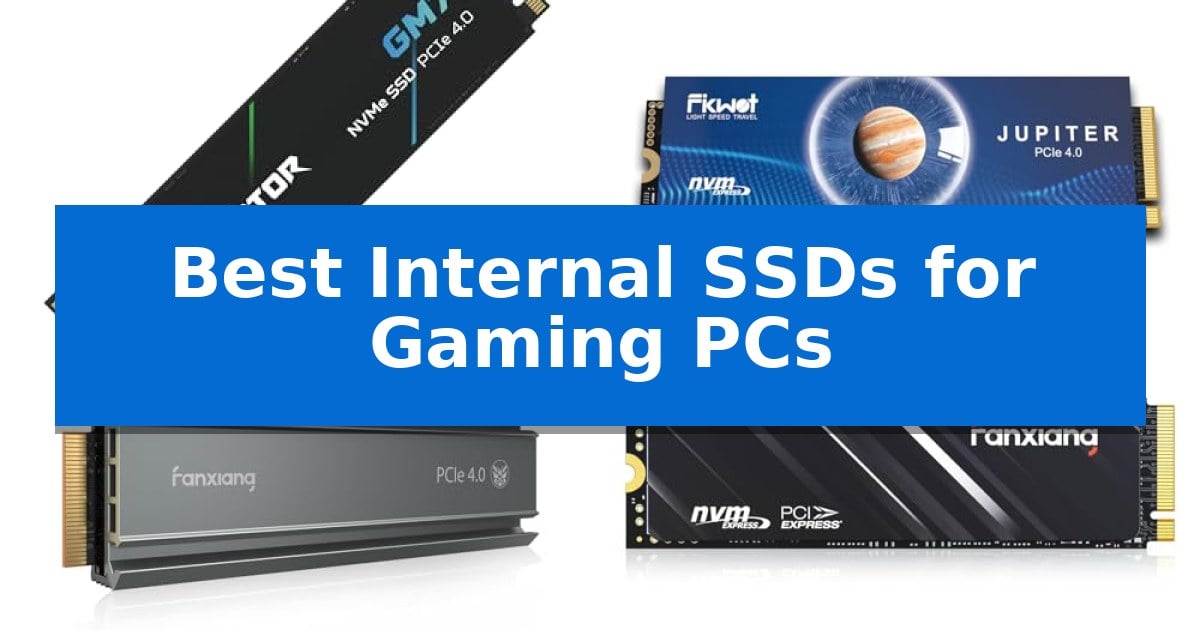
Upgrading your storage is one of the most effective ways to improve your gaming experience, reducing long loading screens and ensuring your system handles modern, high-fidelity assets with ease. Finding the Best Internal SSDs for Gaming PCs requires balancing raw data transfer speeds with thermal efficiency to ensure consistent performance during long sessions.
Whether you are building a new high-end rig or expanding the capacity of your existing setup, selecting the right drive depends on your specific interface and cooling requirements. We have analyzed current market options to help you identify which internal storage solution aligns with your hardware configuration and performance goals.
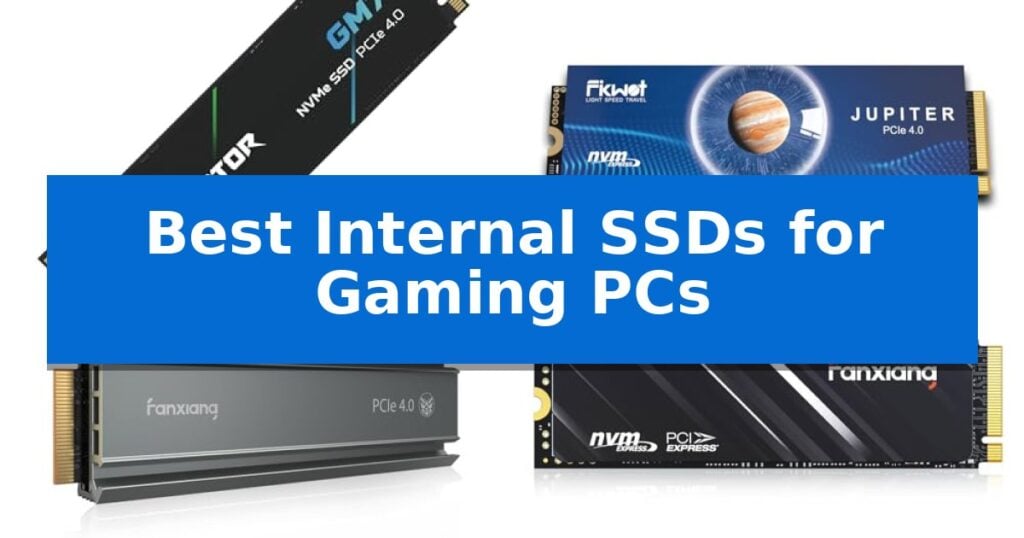
Best Internal SSDs for Gaming PCs in 2026
Quick Comparison
| Product | Best For | Key Strength | Score |
|---|---|---|---|
| Acer Predator GM7 SSD | Best Overall | High-speed PCIe 4.0 interface supporting up to 7400 MB/s read speeds. | 4.9 |
| Fikwot FX910 NVMe SSD | Integrated cooling for sustained play | Built-in graphite heatsink for effective thermal management | 4.7 |
| Fanxiang S660 NVMe SSD | Optimized thermal management | Unique heatsink design for efficient thermal management | 4.7 |
| Fanxiang S690Q NVMe SSD | Efficient Gen4 performance | PCIe Gen4 x4 interface for fast data transfer speeds up to 4800MB/s. | 4.8 |
How We Chose
- Interface Compatibility: We prioritize drives utilizing the PCIe 4.0 standard to ensure maximum bandwidth for modern gaming platforms.
- Thermal Management: We evaluate the presence of integrated heatsinks or efficient thermal throttling technology to prevent performance degradation under heavy workloads.
- Read and Write Speeds: We look for high-throughput capabilities that facilitate rapid game loading and smooth file transfers.
- Capacity Options: We consider the availability of diverse storage tiers to accommodate growing game libraries.
- Software Support: We assess the inclusion of management tools for data migration, drive cloning, and performance monitoring.
1 Acer Predator GM7 SSD — Top-tier speed for demanding titles
The Acer Predator GM7 1TB SSD utilizes a high-performance PCIe 4.0 Gen4 interface and NVMe 2.0 protocol to reach read speeds of up to 7400 MB/s. This internal drive is engineered for enthusiasts who require rapid game loading and efficient file transmission, making it a capable upgrade for desktops, laptops, and the PlayStation 5.
Performance is bolstered by the integration of HMB (Host Memory Buffer) and SLC Cache technology. These features work in tandem to optimize data throughput, ensuring that demanding gaming titles and creative workloads remain responsive. The drive is built with a modern controller and state-of-the-art NAND flash, which are designed to maintain high performance while operating at lower power levels.
Thermal management is a priority for this drive, which employs Thermal Throttling and active Power Management to regulate temperatures automatically. This proactive approach helps the hardware maintain stability even during extended, heavy workloads, mitigating potential heat-related performance dips.
For ongoing maintenance, the drive is compatible with Biwin Intelligence management software. This utility provides users with tools for performance testing, data migration, and drive cloning, simplifying the process of managing storage health and data integrity over the life of the product.
Best for: Gamers and content creators seeking high-speed PCIe 4.0 storage for demanding applications and console expansion.
Skip if: Users requiring a drive with an integrated physical heatsink for specific high-airflow desktop configurations or those needing capacities beyond 1TB.
PROS
- High-speed PCIe 4.0 interface supporting up to 7400 MB/s read speeds.
- Automatic thermal throttling for consistent temperature management.
- Comprehensive management software included for easy data migration and cloning.
- Efficient power consumption design to reduce heat generation.
CONS
- No pre-installed physical heatsink included for passive cooling.
- Limited to 1TB capacity in this specific model configuration.
2 Fikwot FX910 NVMe SSD — Integrated cooling for sustained play
Maintaining consistent system responsiveness during demanding gaming sessions requires effective thermal management. The Fikwot FX910 2TB M.2 NVMe SSD addresses this necessity with an integrated graphite heatsink, which works to dissipate heat and keep the drive stable under heavy workloads.
Engineered for high-performance environments, this PCIe 4.0 drive supports read speeds up to 7300MB/s and write speeds up to 6200MB/s. These specifications facilitate rapid boot-ups and smooth multitasking, providing the data throughput required for modern gaming titles and professional applications.
Designed for broad compatibility, the Fikwot FX910 2TB M.2 NVMe SSD acts as a plug-and-play solution for both desktop PCs and the PlayStation 5. The installation process requires no additional drivers, allowing for immediate integration into existing hardware setups without complex configuration.
To support long-term reliability, the manufacturer includes a 5-year guarantee with 24/7 support. This coverage provides peace of mind for users building high-capacity storage arrays, as the drive is available in capacities up to 4TB, ensuring it can accommodate extensive game libraries.
Best for: Gamers and PC users requiring high-speed PCIe 4.0 storage with integrated cooling for sustained performance.
Skip if: Users with systems limited to PCIe 3.0 interfaces or those requiring specialized form factors other than M.2 2280.
PROS
- Built-in graphite heatsink for effective thermal management
- PCIe 4.0 interface supporting high read/write speeds
- Plug-and-play installation with no drivers required
- 5-year guarantee included for long-term support
CONS
- Requires M.2 2280 slot compatibility
3 Fanxiang S660 NVMe SSD — Optimized thermal management
Maintaining stable temperatures during intense gaming sessions is a primary challenge for high-performance storage, and the Fanxiang S660 NVMe SSD addresses this with a dedicated unique heatsink design. This cooling solution is engineered to keep the drive operating at low temperatures, which is essential for sustained reliability when running demanding titles.
The Fanxiang S660 NVMe SSD utilizes a PCIe 4.0 interface to achieve read speeds up to 5000MB/s. This throughput is designed to facilitate swift game launches and reduce load times, providing a responsive experience for both console and PC users. The inclusion of NAND SLC cache further supports these performance targets.
Flexibility is a core aspect of this drive, as it is built to be compatible with the PlayStation 5 while remaining a versatile choice for custom PC builds. With storage capacities available from 500GB to 4TB, users can select the amount of space that fits their specific library size, effectively eliminating storage capacity constraints.
Durability and support are emphasized through a 5-year quality assurance period. This long-term commitment provides peace of mind for users who prioritize hardware longevity in their gaming setups, backed by professional after-sales support.
Best for: Gamers and IT professionals seeking a reliable, cooled storage upgrade for PS5 or PC systems.
Skip if: Users who require extreme high-end speeds exceeding 5000MB/s or those with extremely limited M.2 clearance where a pre-installed heatsink might not fit.
PROS
- Unique heatsink design for efficient thermal management
- PCIe 4.0 interface supporting speeds up to 5000MB/s
- Wide capacity range from 500GB up to 4TB
- 5-year quality assurance for long-term reliability
CONS
- Fixed heatsink may impact installation in ultra-slim laptop chassis
4 Fanxiang S690Q NVMe SSD — Efficient Gen4 performance
Expanding your gaming library often requires more than just raw processing power; it demands reliable, high-speed storage that keeps pace with modern titles. The Fanxiang S690Q NVMe SSD addresses this need by utilizing PCIe Gen4 x4 technology to deliver data transfer speeds reaching 4800MB/s. This architecture is designed to facilitate swift game launches and reduce load times, providing a more seamless experience for users looking to upgrade their internal storage.
Beyond its speed, the drive prioritizes thermal management through an integrated heat dissipation sticker. This component is engineered to maintain lower operating temperatures during intensive gaming sessions, which is essential for preserving performance stability. The drive is built to be versatile, offering wide compatibility that extends from the PS5 to various desktop and laptop configurations, making it a flexible solution for diverse hardware setups.
Storage capacity is a primary concern for modern gamers, and this drive provides options ranging from 500GB to 4TB. By leveraging 3D NAND SLC cache technology, the unit ensures efficient data handling. Furthermore, the manufacturer supports the hardware with a 5-year service commitment and lifetime technical support, offering a layer of long-term reliability for your internal storage investment.
Best for: Gamers and PC users seeking a reliable, high-speed PCIe Gen4 storage upgrade for their consoles or desktop systems.
Skip if: Users requiring extreme high-end speeds exceeding 5000MB/s or those specifically looking for drives with pre-installed, bulky aluminum heatsinks.
PROS
- PCIe Gen4 x4 interface for fast data transfer speeds up to 4800MB/s.
- Wide compatibility across PS5, desktop PCs, and laptops.
- 5-year manufacturer service and lifetime technical support.
- Integrated heat dissipation sticker for thermal management.
CONS
- Performance limited to 4800MB/s, which may not match the top-tier speeds of premium Gen4 drives.
Best Internal SSDs for Gaming PCs Buying Guide
Interface and Compatibility
The most critical factor when choosing an internal SSD is ensuring it matches your motherboard's interface. Most modern gaming systems utilize the PCIe 4.0 x4 NVMe standard, which provides the necessary bandwidth for high-speed data access.
Before purchasing, verify that your motherboard has an available M.2 2280 slot. While many drives are backward compatible with older PCIe generations, you will only achieve the advertised speeds when the drive and the motherboard interface align.
Thermal Management
High-performance SSDs generate heat during intensive tasks like loading large game files or moving data. Drives equipped with integrated heatsinks or specialized thermal stickers help dissipate this heat effectively.
Proper thermal management prevents the drive from entering a thermal throttling state, where it intentionally slows down to cool off. Maintaining stable temperatures is essential for consistent performance during long gaming sessions.
Storage Capacity Needs
Modern games often exceed 100GB in size, making storage capacity a primary concern for gamers. A 1TB drive is generally considered the baseline for a modern gaming PC, but 2TB or higher is recommended if you maintain a large library.
Consider your future needs when selecting a capacity. While some systems allow for multiple M.2 drives, choosing a higher capacity initially can save you the hassle of managing multiple partitions or upgrading later.
Performance Features
Features like SLC Caching and Host Memory Buffer (HMB) technology significantly enhance the responsiveness of your drive. These features allow the SSD to cache frequently accessed data, leading to faster boot times and snappier system performance.
Look for drives that utilize advanced controller technology, as this often correlates with better power efficiency and lower heat generation, which is beneficial for both desktop and laptop environments.
Management Software
Many manufacturers provide proprietary software to help you manage your storage. These tools often include features for data migration, which simplifies the process of moving your operating system or games from an old drive to a new one.
Additionally, these utilities allow you to monitor drive health, perform firmware updates, and run performance tests to ensure your SSD is operating at its peak potential throughout its lifespan.
Frequently Asked Questions
Do I need a heatsink for my M.2 SSD?
If your motherboard does not have built-in M.2 heatsinks, purchasing an SSD with an integrated heatsink is highly recommended to maintain performance and prevent thermal throttling.
Are these SSDs compatible with the PS5?
Many PCIe 4.0 NVMe SSDs are compatible with the PS5, provided they meet the console's speed and form factor requirements. Always check the specific drive's compatibility list.
What is the difference between PCIe 3.0 and 4.0?
PCIe 4.0 offers significantly higher bandwidth than PCIe 3.0, allowing for faster read and write speeds, which can reduce game loading times and improve file transfer efficiency.
Can I use an M.2 SSD in a laptop?
Yes, provided your laptop has an available M.2 2280 slot and sufficient physical clearance for the drive, including any attached heatsinks.
How do I migrate my data to a new SSD?
Most manufacturers provide dedicated software for data migration and drive cloning. This software allows you to transfer your existing files and operating system to the new drive without manual copying.
Conclusion: Our Top Pick
For gamers seeking a balance of high-speed performance and reliable thermal management, the Acer Predator GM7 SSD stands out as a top choice. Its support for PCIe 4.0 and NVMe 2.0 allows it to deliver impressive read speeds, making it well-suited for demanding titles and rapid asset loading.
The Acer Predator GM7 SSD also incorporates advanced power management and thermal throttling to maintain stability during heavy workloads. While it is an excellent option for most gaming setups, ensure your system has adequate space for the drive and that your motherboard supports the PCIe 4.0 interface to fully utilize its capabilities.