
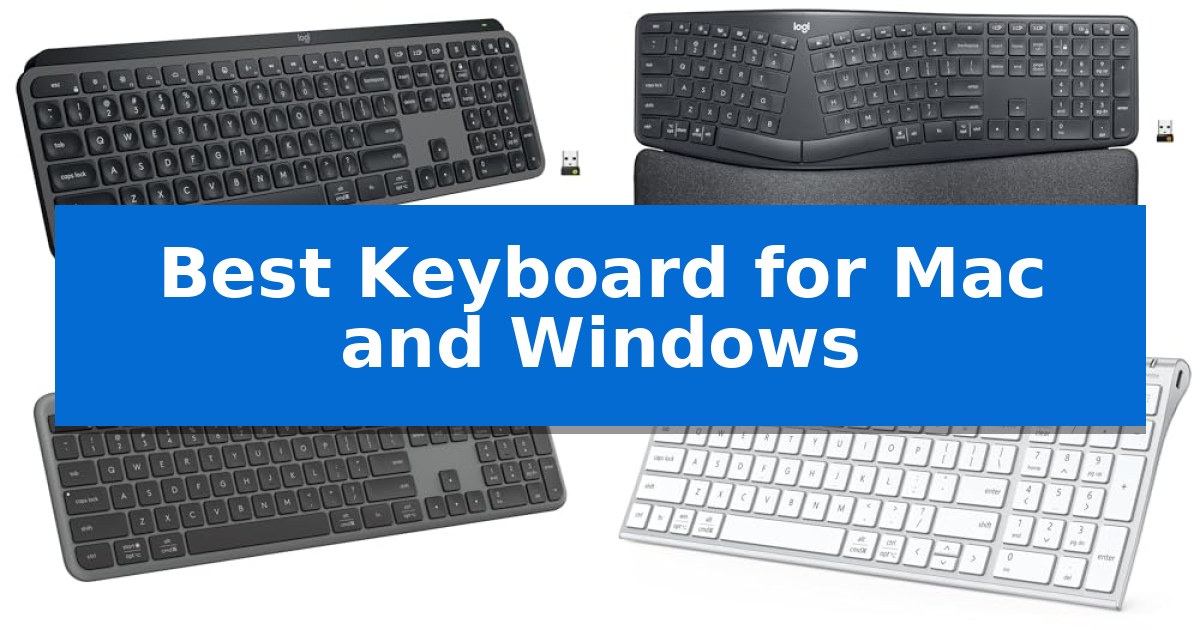
Finding the Best Keyboard for Mac and Windows requires balancing the distinct layout differences between operating systems. Whether you are a creative professional switching between a MacBook and a PC, or a home office user managing multiple devices, the right peripheral must offer reliable connectivity and intuitive key mapping.
Our guide focuses on keyboards that provide seamless transitions across platforms, ensuring your workflow remains uninterrupted regardless of your hardware. We examine essential factors like multi-device pairing, ergonomic design, and build quality to help you identify the hardware that best fits your specific desk setup.
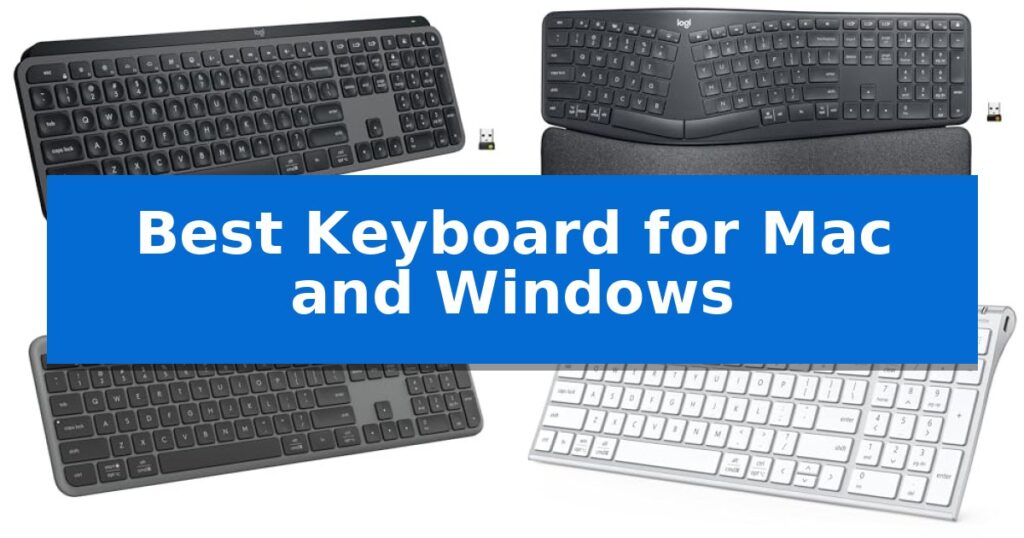
Best Keyboard for Mac and Windows in 2026: Seamless Multi-OS Switching
Quick Comparison
| Product | Best For | Key Strength | Score |
|---|---|---|---|
| Logitech MX Keys S Wireless Keyboard | Best Overall | Spherically-dished keys for a fluid and quiet typing experience | 4.9 |
| Logitech Ergo K860 Wireless Keyboard | Ergonomist Approved Wrist Support | Curved, split keyframe reduces muscle strain on wrists and forearms. | 4.8 |
| Logitech Signature Slim K950 Keyboard | Quiet Keys for Focused Work | Multi-device switching allows for instant toggling between three connected devices. | 4.3 |
| iClever BK10 SE Bluetooth Keyboard | Ultra-Slim Metal Design | Perforated base for reliable Bluetooth signal strength. | 4.6 |
| Logitech Pebble Keys 2 K380s | Portable Pick for Travel | Easy-Switch buttons for rapid toggling between three connected devices. | 4.8 |
How We Chose
- Multi-device pairing capability and ease of switching between OS environments.
- Key layout compatibility and support for both macOS and Windows shortcuts.
- Build quality, including key stability and overall frame durability.
- Ergonomic features and physical design for long-term typing comfort.
- Battery efficiency and charging methods for sustained daily use.
1 Logitech MX Keys S Wireless Keyboard — Premium Fluid Typing Experience
The Logitech MX Keys S Wireless Keyboard features a distinctive low-profile, laptop-like design with spherically-dished keys engineered to match the shape of your fingertips. This design choice aims to provide a fluid, precise, and quieter typing experience, making it a compelling option for those who prioritize comfort during long work sessions.
Beyond its physical build, this keyboard integrates deeply with the Logi Options+ app, allowing users to automate repetitive tasks through customizable Smart Actions. The device is built for versatility, offering multi-device connectivity for up to three systems across Windows, macOS, Linux, and Googlebook OS via Bluetooth Low Energy or the included Logi Bolt USB receiver.
The illumination system is designed to be reactive, with backlit keys that light up as your hands approach and automatically adjust to the ambient environment. Power management is handled via a USB-C rechargeable battery, which is rated to last up to 10 days on a full charge with backlighting enabled, or up to 5 months if the backlighting is turned off.
Constructed with a solid build and an optimized angle for wrist posture, the keyboard also incorporates sustainability into its design, utilizing certified post-consumer recycled plastic. It is specifically compatible with the Logi Options+ ecosystem, enabling seamless text and file transfers between up to three computers when paired with a compatible Logitech mouse.
Best for: Professionals and creators who require a multi-device, low-profile keyboard that offers seamless switching between Windows and macOS environments.
Skip if: Users who prefer the tactile feedback and deep travel distance of mechanical switches or those who require a full-sized numeric keypad layout in a more compact footprint.
PROS
- Spherically-dished keys for a fluid and quiet typing experience
- Multi-device pairing for up to three computers across different operating systems
- Smart illumination that adapts to ambient lighting conditions
- Automated workflows via customizable Smart Actions in Logi Options+
CONS
- Battery life is significantly reduced when backlighting is enabled
- Fixed low-profile design may not suit users who prefer mechanical switch travel
2 Logitech Ergo K860 Wireless Keyboard — Ergonomist Approved Wrist Support
Maintaining a natural typing posture across different operating systems requires hardware that prioritizes biomechanics without sacrificing cross-platform functionality. The Logitech Ergo K860 Wireless Ergonomic Split Keyboard addresses this through a curved, split keyframe designed to reduce muscle strain on the wrists and forearms during extended work sessions.
This keyboard features a pillowed wrist rest with a memory foam layer, providing 54 percent more wrist support compared to standard flat keyboards. To further accommodate individual desk setups, the adjustable palm lift offers tilt legs at 0, -4, and -7 degrees, ensuring a natural wrist position whether you are seated or standing.
Precision and fluidity are managed by Perfect Stroke keys, which feature a scooped design to match the natural shape of fingertips. The device is certified by United States Ergonomics for its ability to improve posture, making it a specialized tool for those focused on long-term comfort.
Connectivity is handled via Bluetooth or the included USB receiver, ensuring compatibility with both Windows and Mac environments. Users can further refine their experience using Logitech Options software to customize function keys and create shortcuts, while the build incorporates 71 percent certified post-consumer recycled plastic in its graphite components.
Best for: Professionals seeking an ergonomist-approved, split-key layout to reduce wrist and forearm strain during long hours of typing on Mac or Windows systems.
Skip if: Users who require a compact, portable keyboard or those who prefer a traditional, non-split mechanical key layout for gaming or rapid data entry.
PROS
- Curved, split keyframe reduces muscle strain on wrists and forearms.
- Pillowed wrist rest with memory foam provides significant palm support.
- Adjustable palm lift allows for three distinct tilt angles to suit different desk heights.
- Cross-platform compatibility with both Windows and Mac via Bluetooth or USB.
CONS
- Non-compact, full-size footprint may occupy significant desk space.
- Split-key layout requires a learning curve for those accustomed to standard rectangular keyboards.
3 Logitech Signature Slim K950 Keyboard — Quiet Keys for Focused Work
Managing multiple devices across different operating systems often leads to desk clutter and repetitive pairing processes. The Logitech Signature Slim K950 Keyboard addresses this by offering seamless multi-device switching between up to three connected computers, tablets, or phones with a single tap, allowing for a fluid transition between your workstation and mobile devices.
Designed with a full-size layout that includes a dedicated number pad, this keyboard provides a familiar laptop-style typing experience. Its quiet typing mechanism is engineered to minimize noise, making it suitable for shared workspaces or quiet home environments where discreet operation is preferred.
Compatibility is a core strength, as the device supports Windows, macOS, Chrome OS, Linux, iPadOS, iOS, and Android. Users can establish a worry-free wireless connection via Bluetooth or the included Logi Bolt receiver, ensuring reliable performance across nearly any modern platform, including full compatibility with Windows 11.
The Logi Options+ App allows for further customization, enabling users to assign specific functions to keys to streamline workflows, such as one-tap controls for music, volume, and screen snipping. Additionally, the keyboard is constructed with a minimum of 48% certified post-consumer recycled plastic, reflecting a focus on material efficiency in its sleek, solid design.
Best for: Users who frequently switch between multiple operating systems and devices throughout the workday.
Skip if: Users who require a mechanical keyboard with tactile switches or a specific ergonomic split design.
PROS
- Multi-device switching allows for instant toggling between three connected devices.
- Quiet typing design reduces noise for a more discreet workspace.
- Broad compatibility across Windows, macOS, Chrome OS, and mobile operating systems.
- Customizable keys via the Logi Options+ App for enhanced productivity.
CONS
- Laptop-style keys may not provide the tactile feedback preferred by mechanical keyboard enthusiasts.
- Full-size footprint occupies more desk space compared to compact or tenkeyless models.
4 iClever BK10 SE Bluetooth Keyboard — Ultra-Slim Metal Design
The iClever BK10 SE Bluetooth Keyboard is engineered with a perforated base that ensures consistent signal strength, addressing common connectivity concerns often found in metal-bodied peripherals. This design choice allows for reliable Bluetooth performance while maintaining a premium, durable aesthetic.
Designed for versatility, this full-size keyboard features multi-device connectivity, allowing users to pair up to three devices simultaneously. It automatically detects the operating system, ensuring correct key mapping across Windows, macOS, iOS, and Android platforms. The inclusion of a dedicated numeric keypad and integrated navigation keys provides a complete typing experience within a slim, space-saving footprint.
Typing comfort is supported by low-profile scissor-switch keys and 15mm standard-sized keycaps, which promote quiet and accurate keystrokes. The construction utilizes a combination of stainless steel and ABS plastic, resulting in a profile that measures only 0.16 inches at its thinnest point, making it suitable for minimalist desk setups.
Power efficiency is managed by an advanced Nordic chipset, which enables up to 180 days of use on a single USB-C rechargeable battery. The device includes an automatic sleep mode after two hours of inactivity to preserve charge, with instant wake functionality for immediate responsiveness.
Best for: Users who require a slim, multi-device wireless keyboard that maintains reliable connectivity across both Windows and Mac environments.
Skip if: Users who prefer the tactile feedback and travel distance of mechanical switches or those who require a dedicated, non-integrated layout for navigation keys.
PROS
- Perforated base for reliable Bluetooth signal strength.
- Multi-device switching for up to three devices.
- USB-C rechargeable battery with up to 180 days of life.
- Automatic system recognition for Windows and macOS.
CONS
- Integrated navigation keys may require an adjustment period for users accustomed to standard layouts.
- Non-mechanical switches offer a different typing feel compared to traditional mechanical keyboards.
5 Logitech Pebble Keys 2 K380s — Portable Pick for Travel
Maintaining a clean, efficient workspace requires equipment that adapts to your environment without adding unnecessary bulk. The Logitech Pebble Keys 2 K380s addresses this with a slim, compact, and portable design that fits easily into travel bags, making it a practical choice for users who frequently move between workstations.
Compatibility is central to this keyboard's utility. It features Easy-Switch buttons that allow you to connect up to three wireless devices simultaneously. Whether you are toggling between a Windows PC, a Mac, or an iPad, you can hop across operating systems with a single click. This Bluetooth connectivity ensures a cable-free setup, maintaining a minimalist aesthetic on your desk.
The typing experience is defined by scooped round keys that mimic the feel of a laptop, providing a quiet and comfortable interface for long typing sessions. To further enhance productivity, the keyboard includes 10 customizable Fn shortcut keys that provide instant access to search, screen capture, and the emoji menu. You can personalize these functions further using the Logi Options+ app.
Durability and sustainability are integrated into the build, as the device is constructed with a minimum of 49% certified post-consumer recycled plastic. Power management is equally focused on longevity; the keyboard includes an auto-sleep power-saving mode and is rated for up to a 3-year battery life, ensuring reliable performance without frequent maintenance.
Best for: Users who need a portable, multi-device keyboard that seamlessly switches between Windows, macOS, and mobile operating systems.
Skip if: Users who require a full-sized layout with a dedicated number pad or those who prefer mechanical switches for tactile feedback.
PROS
- Easy-Switch buttons for rapid toggling between three connected devices.
- Slim and compact profile optimized for portability and travel.
- Customizable Fn keys for personalized shortcut access via Logi Options+.
- Long-lasting battery life rated for up to 3 years.
CONS
- Lacks a dedicated number pad due to the compact, space-saving design.
- Laptop-style membrane keys may not satisfy users who prefer mechanical switch travel.
Best Keyboard for Mac and Windows Buying Guide
Connectivity and Multi-Device Support
The Best Keyboard for Mac and Windows must handle multiple devices simultaneously. Look for models that support Bluetooth Low Energy or dedicated USB receivers, allowing you to toggle between a desktop, laptop, or tablet with a single button press.
Reliable multi-device switching is critical for users who manage complex workflows. Ensure the keyboard you choose supports the specific operating systems you use, as some models offer optimized layouts for macOS and Windows that simplify navigation.
Ergonomics and Typing Feel
Typing comfort is determined by the key mechanism and the physical shape of the keyboard. Scissor-switch keys often provide a low-profile, laptop-like feel that is quiet and precise, while curved split keyframes can help reduce wrist strain during extended sessions.
Consider the wrist support options available. Keyboards with integrated or cushioned palm rests promote a more natural wrist posture, which is essential for maintaining focus and preventing fatigue throughout the workday.
Layout and Customization
A keyboard's layout should accommodate both Mac and Windows modifier keys. Many modern wireless keyboards feature dual-labeled keys or software-based customization that automatically maps commands correctly based on the connected device.
Look for customizable function keys that allow you to automate repetitive tasks. Software suites like Logi Options+ can significantly enhance productivity by letting you assign specific shortcuts to your most-used applications.
Build Quality and Materials
The durability of your keyboard depends on its construction materials and internal components. Models featuring stainless steel plates or high-quality recycled plastics offer a solid, stable typing platform that resists flexing under pressure.
A well-built keyboard should feel substantial on your desk. The weight and build quality contribute to the overall typing precision, preventing the device from sliding or vibrating during rapid data entry.
Battery Life and Charging
Wireless freedom is only as good as your battery life. Choose a keyboard that offers USB-C rechargeable capabilities, which eliminate the need for disposable batteries and provide a quick, convenient way to maintain power.
Pay attention to power-saving features like auto-sleep modes and proximity sensors for backlighting. These technologies extend the time between charges, ensuring your keyboard is ready whenever you need it.
Frequently Asked Questions
Can I use a Windows keyboard on a Mac?
Yes, most Bluetooth keyboards are compatible with both. However, you may need to adjust the modifier key settings in your Mac's System Settings to ensure the Command and Option keys function as expected.
What is the benefit of a split keyboard?
A split keyboard, like the Logitech Ergo K860, is designed to align your hands and wrists in a more natural position, which can help reduce muscle strain and improve overall typing posture.
How do I switch between devices on these keyboards?
Most multi-device keyboards feature dedicated 'Easy-Switch' buttons or function keys that allow you to toggle between up to three paired devices instantly.
Are backlit keys necessary?
Backlit keys are highly beneficial if you frequently work in low-light environments. Some models feature smart illumination that adjusts brightness based on ambient light to save battery.
Is a full-size keyboard better than a compact one?
A full-size keyboard includes a numeric keypad, which is essential for data entry. A compact keyboard is better for travel or smaller desk spaces where mouse room is a priority.
Conclusion: Our Top Pick
For users seeking the most versatile and reliable typing experience across both platforms, the Logitech MX Keys S Wireless Keyboard stands out as the premier choice. Its combination of a fluid, laptop-like typing feel, smart illumination, and seamless multi-device switching makes it an ideal centerpiece for any modern workspace.
While other options offer specialized benefits like ergonomic split frames or ultra-portable designs, the MX Keys S delivers the most consistent performance for daily productivity. Its robust build and deep integration with customization software ensure that it remains a top-tier tool for both Mac and Windows users.