
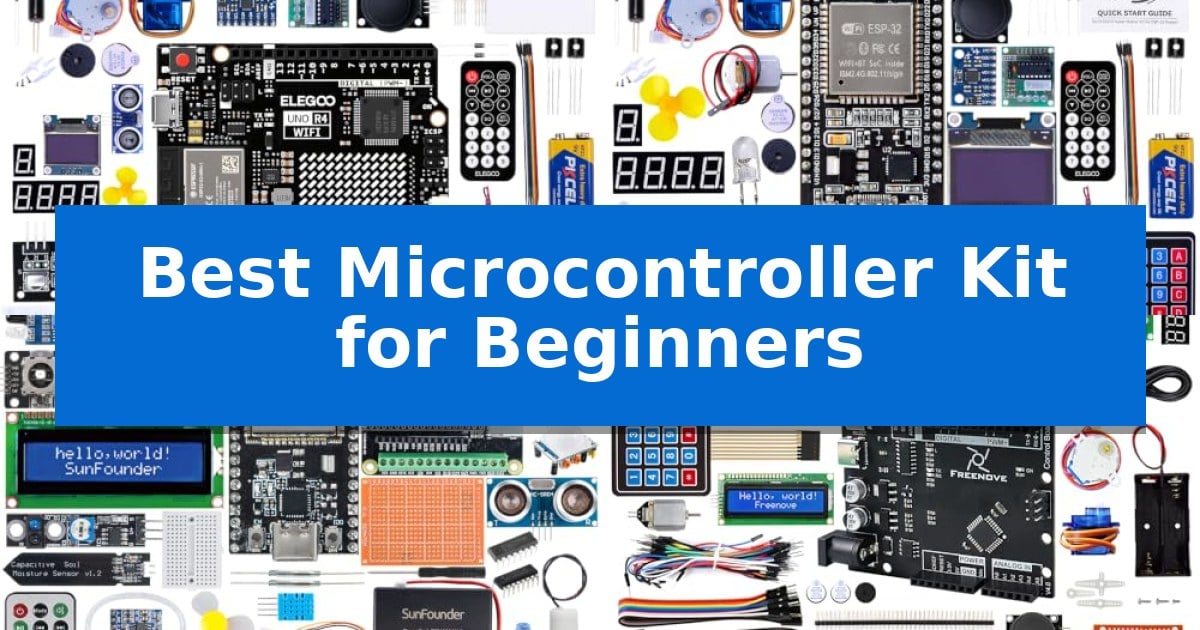
Stepping into the world of electronics and programming can feel overwhelming, but the right hardware makes all the difference. Whether you want to build a smart home device or learn the basics of circuit design, choosing the Best Microcontroller Kit for Beginners is the most critical first step to ensure your projects are both educational and fun.
We have analyzed several popular starter kits to help you identify which hardware ecosystem best aligns with your learning goals. From simple, plug-and-play boards to advanced IoT-ready platforms, these kits provide the essential components and guidance needed to turn your creative ideas into functional prototypes.
You may also want to compare Best Microcontroller Kit, Best Microcontroller for Wireless Communication, and Best Microcontroller for Wireless App Control.
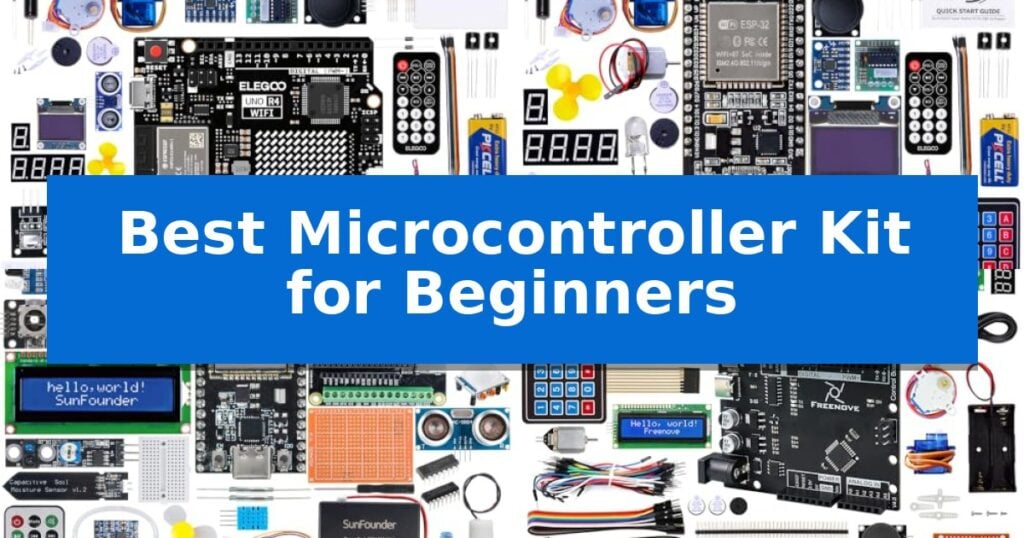
Best Microcontroller Kit for Beginners
Quick Comparison
| Product | Best For | Key Strength | Score |
|---|---|---|---|
| Elegoo UNO R4 WiFi Super Starter Kit | Best Overall | Integrated Wi-Fi and Bluetooth for modern IoT project development. | 4.9 |
| Elegoo ESP-32 Super Starter Kit | Easiest Entry into IoT Projects | Includes a powerful dual-core ESP-32 board with built-in Wi-Fi and Bluetooth. | 4.9 |
| SunFounder ESP32 Ultimate Starter Kit | Versatile Pick for Advanced Learners | Extensive component library with 320+ items for diverse project building. | 4.9 |
| Freenove Ultimate Starter Kit | Most Extensive Project Library | No soldering required for any of the 51 included projects. | 4.5 |
| Keyestudio Micro:bit V2.2 Go Kit | Simplest Coding for Beginners | All-in-one package includes the board, batteries, and cables for immediate use. | 4.3 |
How We Chose
- Hardware Compatibility: We assessed how well each board integrates with standard development environments like the Arduino IDE.
- Learning Path: We prioritized kits that offer structured, step-by-step tutorials suitable for those with no prior coding experience.
- Component Variety: We examined the breadth of included sensors, actuators, and modules to ensure a wide range of project possibilities.
- Support and Documentation: We looked for clear, accessible resources that help users troubleshoot common wiring and programming issues.
1 Elegoo UNO R4 WiFi Super Starter Kit — Best for Modern STEM Learning
Stepping into the world of electronics and coding requires a reliable foundation, and the ELEGOO UNO R4 WiFi Super Starter Kit provides exactly that by centering its design around the powerful 32-bit 48 MHz Renesas RA4M1 processor. This kit is built to bridge the gap between simple circuit experiments and complex, connected IoT projects, offering a comprehensive entry point for students and hobbyists alike.
The core of this set is the ELEGOO UNO R4 WiFi Control Board, which maintains full compatibility with the Arduino IDE and existing shields while introducing modern features like USB-C connectivity, a built-in 12 × 8 LED matrix, and integrated Wi-Fi and Bluetooth capabilities. These additions allow users to move beyond basic blinking lights and into wireless communication and advanced data handling without needing to upgrade their hardware immediately.
With over 200 components included, the kit ensures that learners have immediate access to a wide array of sensors and modules, such as an ultrasonic sensor, RFID module, OLED display, and various motors. By providing a structured path through professional online tutorials and graphical manuals, the kit helps beginners understand the logic behind each circuit, making it easier to modify code and build custom prototypes.
The inclusion of a Qwiic connector and broad compatibility with existing UNO R3 projects ensures that the hardware remains relevant as skills grow. By combining high-quality components with responsive technical support, the kit minimizes setup frustration, allowing users to focus on the practical application of electronics and programming in a controlled, educational environment.
Best for: Beginners and students looking for a comprehensive, all-in-one hardware platform to transition from basic electronics to connected IoT projects.
Skip if: Experienced engineers who require high-performance, specialized industrial-grade microcontrollers or those who already own a large collection of individual sensors and components.
PROS
- Integrated Wi-Fi and Bluetooth for modern IoT project development.
- Extensive component library including 200+ parts and modules.
- Full compatibility with Arduino IDE and legacy R3 shields.
- Beginner-friendly tutorials with clear wiring diagrams and sample code.
CONS
- Learning curve associated with transitioning from basic circuits to advanced wireless programming.
2 Elegoo ESP-32 Super Starter Kit — Easiest Entry into IoT Projects
Stepping into the world of embedded systems and IoT development is simplified with the Elegoo ESP-32 Super Starter Kit, which centers around a powerful dual-core ESP-32 development board. This kit is designed to bridge the gap between basic electronics and advanced connectivity, offering integrated Wi-Fi and Bluetooth 4.2 capabilities for building smart, cloud-connected devices.
The kit provides a comprehensive ecosystem for learning, featuring over 35 different modules and components. Users have access to a wide array of hardware, including sensors, displays, motors, and input devices like keypads and buttons. This variety ensures that beginners can experiment with diverse project types, from simple LED circuits to more complex interactive gadgets.
To facilitate a smooth learning curve, the package includes a detailed, step-by-step online tutorial. This guide covers more than 30 projects, providing complete code, clear circuit diagrams, and instructions that do not require prior experience. The Elegoo ESP-32 Super Starter Kit is fully compatible with the Arduino IDE, making it accessible for students, hobbyists, and engineers looking to refine their coding and hardware integration skills.
The hardware is built for versatility, allowing users to progress from fundamental circuit building to intermediate IoT applications like weather stations or smart home controllers. With a focus on quality and reliability, the included components are curated to ensure a consistent experience, supported by a dedicated technical team for those navigating their first projects.
Best for: Beginners and students who want an all-in-one hardware and tutorial package to start building IoT and connected electronics projects.
Skip if: Users who require a specific, standalone microcontroller board without the additional sensors, modules, and tutorial materials included in this comprehensive starter set.
PROS
- Includes a powerful dual-core ESP-32 board with built-in Wi-Fi and Bluetooth.
- Contains over 35 modules and components for diverse project experimentation.
- Features a beginner-friendly online tutorial with 30+ guided projects.
- Fully compatible with the Arduino IDE for streamlined programming.
CONS
- The large number of components may be overwhelming for users seeking a minimal, board-only setup.
3 SunFounder ESP32 Ultimate Starter Kit — Versatile Pick for Advanced Learners
The SunFounder ESP32 Ultimate Starter Kit provides a comprehensive entry point into electronics and IoT by bundling over 320 quality components, including a specialized ESP32 Camera Extension board for real-time video streaming and image capture. This all-in-one package is designed to support learners through 100+ hands-on projects, ranging from basic circuit building to complex home automation.
Versatility is a core strength of this kit, as it accommodates a wide range of skill levels and educational goals. Users can program the hardware using Arduino C++, MicroPython, or Scratch, making it suitable for beginners as young as eight, as well as students and engineers. The inclusion of a 3.7V 1000mAh rechargeable power pack adds a layer of portability, allowing for projects that are not tethered to a wall outlet.
Beyond the hardware, the kit integrates with popular IoT platforms such as MQTT, Home Assistant, Adafruit IO, and Telegram Bot, enabling the creation of connected, real-world solutions. To assist with the learning curve, the manufacturer provides 50+ video tutorials and dedicated technical support forums, ensuring that users have a structured path for troubleshooting and skill development.
As an RoHS compliant product, the kit emphasizes reliable and safe hands-on learning. While the sheer volume of components and project options offers significant long-term value, it is best suited for those who prefer a guided, project-based approach to mastering microcontroller programming and hardware integration.
Best for: Beginners, students, and educators seeking a comprehensive, all-in-one hardware and software ecosystem for learning IoT and programming.
Skip if: Users looking for a minimalist, single-board solution without the overhead of a large component library or educational project suite.
PROS
- Extensive component library with 320+ items for diverse project building.
- Multi-language support including Arduino C++, MicroPython, and Scratch.
- Integrated battery power for portable project development.
- ESP32 Camera Extension included for multimedia and vision-based IoT applications.
CONS
- High volume of components may be overwhelming for users seeking a simple, focused hardware platform.
4 Freenove Ultimate Starter Kit — Most Extensive Project Library
The Freenove Ultimate Starter Kit provides a comprehensive entry point for electronics enthusiasts by bundling a controller board with 217 common items and a 274-page detailed tutorial. This kit is designed to eliminate the need for soldering, allowing users to focus on building 51 interesting projects that range from basic circuits to advanced applications like virtual instruments and game consoles.
Each project within the kit includes verified code and circuit diagrams, ensuring that learners have clear guidance as they progress through the material. The 274-page tutorial covers fundamental electronics and programming concepts, making it a structured resource for those new to microcontroller development.
Because the kit includes all necessary components to complete the listed projects, it serves as a self-contained learning environment. Users can access technical support if they encounter difficulties, and the inclusion of advanced projects provides a path for growth beyond basic introductory exercises.
While the kit is extensive, it is important to note that the tutorial is provided via a download link found on the product box rather than in printed form. This digital-first approach ensures that the documentation remains accessible and up-to-date for the user.
Best for: Beginners seeking a comprehensive, all-in-one hardware and educational resource to learn electronics and programming without soldering.
Skip if: Users who prefer printed instructional manuals or those who already possess a large collection of electronic components and only require a standalone controller board.
PROS
- No soldering required for any of the 51 included projects.
- Extensive 274-page tutorial covering both electronics and programming.
- Complete hardware set with 217 common items included.
- Advanced project options like game consoles and virtual instruments.
CONS
- Digital-only tutorial requires downloading rather than a physical book.
5 Keyestudio Micro:bit V2.2 Go Kit — Simplest Coding for Beginners
The Keyestudio Micro:bit V2.2 Go Kit provides a comprehensive entry point into electronics by centering on a tiny, programmable computer designed to simplify the learning process. This kit is built to facilitate immediate engagement with hardware, offering a versatile platform that appeals to both beginner coders and those looking to advance their technical skills.
Included in the box is the official micro:bit v2.2 board, which serves as the core of the system. To ensure users can start projects right away, the package also contains a micro USB cable, a battery holder, and two AAA batteries. This all-in-one approach removes the need for sourcing individual components, allowing users to focus on exploring the board's integrated capabilities, such as its LED matrix, sound, light, and temperature sensors.
The platform is engineered for ease of use, making it a practical tool for introducing youth and young adults to the fundamentals of programming and electronics. By providing a Quick Start Guide and a straightforward setup process, the kit minimizes technical barriers, encouraging users to apply their imagination to create interactive projects.
While the kit is highly accessible, it remains a specialized educational tool. It is best suited for those who prioritize a guided, out-of-the-box experience for learning programming logic and sensor integration, rather than users seeking a general-purpose desktop computing environment.
Best for: Beginners and students looking for an all-in-one, easy-to-start kit for learning programming and basic electronics.
Skip if: Users who require a full-featured desktop computer or advanced processing power for complex software development.
PROS
- All-in-one package includes the board, batteries, and cables for immediate use.
- Integrated sensors like sound, light, and temperature allow for diverse project creation.
- Beginner-friendly design specifically tailored for educational purposes and ease of setup.
CONS
- Limited to educational and hobbyist projects rather than professional computing tasks.
Best Microcontroller Kit for Beginners Buying Guide
Understanding Microcontroller Boards
A microcontroller is the brain of your electronic project. For beginners, boards like the Arduino UNO or ESP32 are ideal because they have large communities and extensive online documentation. These boards allow you to connect sensors, motors, and displays to create interactive systems.
When selecting a board, consider whether you need Wi-Fi or Bluetooth connectivity. If you are interested in Internet of Things (IoT) projects, an ESP32-based kit is often the better choice, as it includes built-in wireless capabilities that allow your projects to communicate with the internet or mobile devices.
The Importance of Quality Components
A kit is only as good as the parts inside it. Look for sets that include a wide range of sensors, such as ultrasonic distance sensors, PIR motion sensors, and temperature modules. These components allow your projects to interact with the physical world.
Reliability is also key. High-quality breadboards and jumper wires prevent loose connections, which are a common source of frustration for new makers. Ensure your kit includes enough basic components like LEDs, resistors, and buttons to practice fundamental circuit theory before moving to more complex modules.
Evaluating Tutorial Resources
The best hardware is useless without clear instructions. Beginners should prioritize kits that provide step-by-step graphical manuals or video tutorials. These resources should not only show you how to wire a circuit but also explain the logic behind the code.
Check if the tutorials cover multiple programming languages if you are interested in expanding your skills. While C++ is the standard for most microcontroller programming, some kits also support MicroPython or Scratch, which can be more approachable for younger students or those new to text-based coding.
Scalability and Future-Proofing
As you gain confidence, you will likely want to build more advanced projects. A good kit should be compatible with standard shields and expansion boards, allowing you to add functionality without needing to replace your entire setup.
Consider the processor speed and memory of the board. A 32-bit processor, like those found in newer R4 or ESP32 boards, offers more headroom for complex calculations and data processing compared to older 8-bit models, ensuring your kit remains useful as your skills grow.
Power and Portability
Many projects are meant to be mobile. Kits that include battery holders or rechargeable power packs allow you to take your creations away from your desk. This is particularly important for robotics or wearable electronics projects.
Always verify the power requirements of your board. Some components require more current than a standard USB port can provide, so having a dedicated power source or a robust battery solution is essential for maintaining stable performance during extended project operation.
Frequently Asked Questions
Do I need to know how to solder to use these kits?
No. Most starter kits for beginners are designed to be used with breadboards, which allow you to plug components in and out without any soldering.
Can I use these kits on a Mac or a PC?
Yes. Most of these boards are compatible with the Arduino IDE, which runs on Windows, macOS, and Linux.
What is the difference between an Arduino UNO and an ESP32?
The Arduino UNO is a classic board known for its simplicity and ease of use, while the ESP32 is a more powerful, modern board that includes built-in Wi-Fi and Bluetooth for IoT projects.
Are these kits suitable for children?
Many kits are suitable for teens and older children, especially those with an interest in STEM. Kits that support visual programming languages like Scratch are particularly good for younger beginners.
What should I do if my project isn't working?
Start by double-checking your wiring against the provided diagrams. Most manufacturers offer online support forums or technical guides to help you troubleshoot common issues.
Conclusion: Our Top Pick
For those starting their journey, the Elegoo UNO R4 WiFi Super Starter Kit stands out as the most versatile option. Its combination of a powerful 32-bit processor, built-in wireless connectivity, and an extensive library of over 200 components provides a comprehensive platform that will grow with you as you advance from basic circuits to complex IoT prototypes.
While other kits offer specific advantages for IoT or simplified coding, this kit offers the best balance of modern hardware and educational resources. It is an excellent investment for anyone looking to build a strong foundation in electronics and programming.