
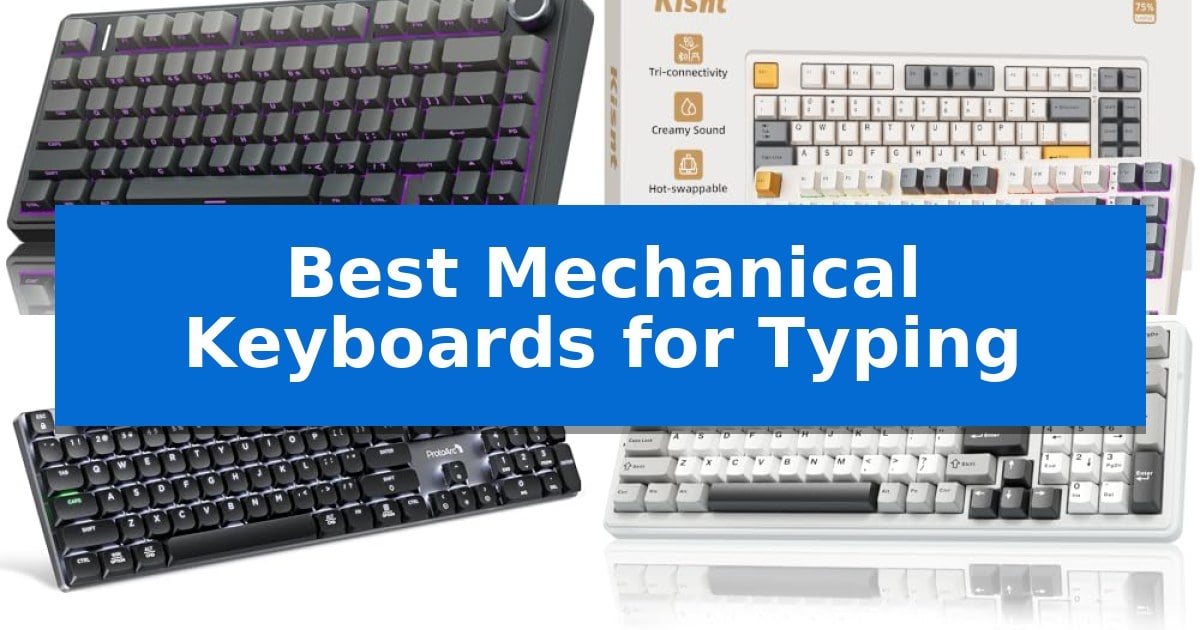
Finding the right tool for extended writing sessions can significantly reduce fatigue and improve your overall output. The Best Mechanical Keyboards for Typing are defined by their switch feel, structural dampening, and layout efficiency, which collectively transform a standard desk task into a more tactile and responsive experience.
Whether you are a professional writer, a student, or a hybrid worker, selecting the right board requires balancing sound profiles with ergonomic considerations. We have analyzed current market options to help you identify which features—from gasket-mounted structures to wireless connectivity—best align with your specific typing habits and workspace requirements.
You may also want to compare Best Mechanical Keyboards for the Money, Best Mechanical Keyboards for Speed, and Best Mechanical Keyboards for Software Development.
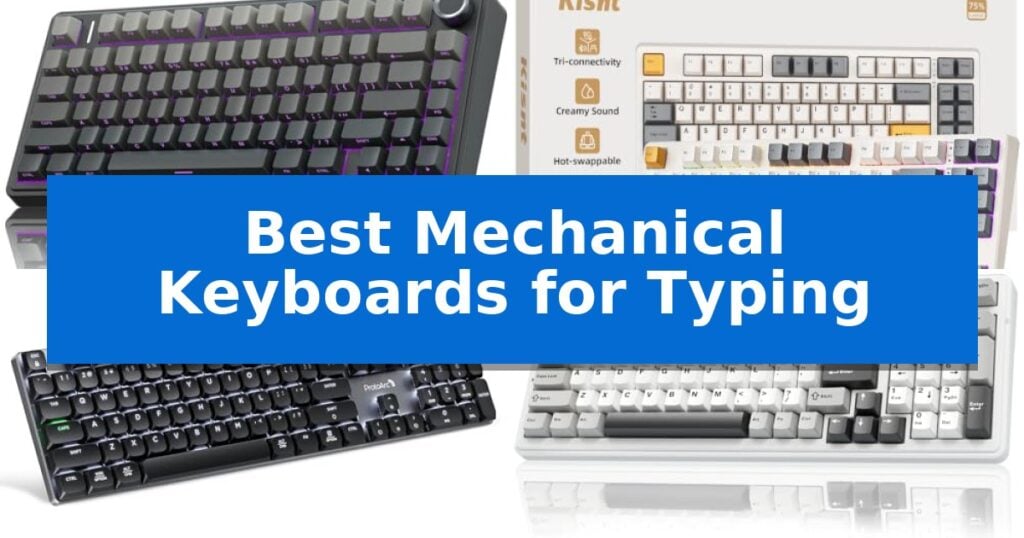
Best Mechanical Keyboards for Typing
Quick Comparison
| Product | Best For | Key Strength | Score |
|---|---|---|---|
| AULA F75 Pro Mechanical Keyboard | Best Overall | Tri-mode connectivity for seamless switching between five devices. | 4.9 |
| Kisnt KN85 Mechanical Keyboard | Gasket-Mounted for Soft Typing | Gasket-mounted design for a cushioned, marbly typing sound. | 4.7 |
| ProtoArc K310 Pro Mechanical Keyboard | Quiet Low-Profile Linear Switches | Low-profile linear red switches provide a quiet, smooth typing feel suitable for shared spaces. | 4.6 |
| AULA F99 Mechanical Keyboard | High-Capacity Battery for Long Use | 8000mAh high-capacity battery for extended usage | 4.6 |
| Redragon K768 PRO Mechanical Keyboard | Cushioned Feel with Control Knob | Cushioned 5-layer noise dampening for a refined typing sound. | 4.7 |
How We Chose
- Switch Feel and Sound: We prioritized models offering pre-lubricated switches and internal dampening layers to ensure a consistent, non-abrasive typing sound.
- Structural Integrity: We looked for gasket-mounted designs or integrated silicone padding that provides a softer, more elastic feel under the fingers.
- Connectivity Versatility: We assessed the reliability of tri-mode wireless options, including Bluetooth and 2.4GHz, to ensure seamless integration across multiple devices.
- Layout and Ergonomics: We favored compact or full-size layouts that retain essential keys while optimizing desktop space for better mouse movement.
- Build Quality and Customization: We evaluated the durability of PBT keycaps and the ease of hot-swappable PCB designs for long-term maintenance.
1 AULA F75 Pro Mechanical Keyboard — Creamy Sound in Compact Layout
The AULA F75 Pro Mechanical Keyboard distinguishes itself with an advanced internal architecture featuring an extended integrated silicone pad and PCB single key slotting, which works alongside five layers of filling silencer to minimize cavity noise and provide a soft, elastic typing feel. This 75% layout keyboard balances a compact footprint with the inclusion of essential arrow keys, making it a functional choice for those looking to reclaim desk space without sacrificing utility.
Designed for versatility, the keyboard supports tri-mode connectivity, allowing users to toggle between Bluetooth 5.0, 2.4GHz wireless, and USB-C wired connections across up to five devices. The inclusion of a 4000mAh battery supports extended use, while the hot-swappable base accommodates both 3-pin and 5-pin switches, enabling users to customize their typing experience without the need for soldering.
The typing experience is further refined by pre-lubricated stabilizers and LEOBOG Reaper switches, which contribute to a consistent, smooth actuation. Aesthetics and functionality are integrated through a multi-function knob that allows for quick adjustments to volume or lighting, and the side-printed PBT keycaps offer a durable, fade-resistant surface that allows RGB backlighting to shine through the fonts.
For users requiring specific configurations, the keyboard supports macro programming via the AULA driver, allowing for customized key combinations. The 16.8 million RGB lighting system includes 16 pre-set effects and music rhythm synchronization, providing significant visual customization options that can be adjusted on the fly using the integrated knob or shortcut keys.
Best for: Users seeking a compact, hot-swappable mechanical keyboard with versatile wireless connectivity and a dampened, quiet typing feel.
Skip if: Users who require a full-sized layout with a dedicated number pad for heavy data entry tasks.
PROS
- Tri-mode connectivity for seamless switching between five devices.
- Hot-swappable PCB supports easy switch customization.
- Advanced sound-dampening structure provides a soft, thocky typing feel.
- Multi-function knob offers convenient control over media and lighting.
CONS
- 75% compact layout lacks a dedicated number pad.
- 6-month warranty period is relatively short compared to some industry standards.
2 Kisnt KN85 Mechanical Keyboard — Gasket-Mounted for Soft Typing
The Kisnt KN85 Wireless Mechanical Keyboard utilizes a specialized gasket mount design to isolate the plate from the case, effectively absorbing hollow echoes and harsh vibrations. This structural choice results in a distinct, marbly thock sound profile that provides a cushioned feel during extended typing sessions, setting it apart from standard rigid-mounted keyboards.
Designed for efficiency, this 75% layout keyboard retains essential navigation keys and function rows while reclaiming 25% of desk space compared to full-sized models. The tri-mode connectivity—supporting USB-C, 2.4GHz wireless, and Bluetooth 5.0—allows for seamless switching between three devices, making it a versatile tool for hybrid workflows across Windows and Mac environments.
Customization is a core focus, featuring hot-swappable sockets that accommodate both 3-pin and 5-pin switches. Out of the box, the keyboard is equipped with pre-lubed Bsun linear switches that offer a 45-50gf actuation force for a consistent, buttery response. Users can further tailor their experience using the companion software to remap keys or configure macros when operating in wired or 2.4GHz modes.
To maintain a clean workspace, the Kisnt KN85 includes integrated RGB backlighting with adjustable hues and brightness levels. The internal 4000mAh rechargeable battery supports stable wireless operation, and the unit includes a 2-year manufacturer warranty to provide long-term support for the device's core components.
Best for: Hybrid workers and minimalists who require a compact, multi-device mechanical keyboard with a soft, dampened typing sound.
Skip if: Users who require a dedicated number pad for frequent data entry should opt for a full-size layout instead.
PROS
- Gasket-mounted design for a cushioned, marbly typing sound.
- Tri-mode connectivity for flexible multi-device integration.
- Hot-swappable PCB allows for solder-free switch customization.
- 75% space-saving layout optimizes desk real estate.
CONS
- Windows-only driver for advanced macro and key remapping.
- Animated RGB effects significantly impact battery longevity.
3 ProtoArc K310 Pro Mechanical Keyboard — Quiet Low-Profile Linear Switches
Achieving a consistent, quiet typing experience in a shared office environment often requires moving away from traditional high-profile switches. The ProtoArc K310 Pro Mechanical Keyboard addresses this by utilizing low-profile linear red switches, which provide a smooth, tactile-free keystroke while keeping noise levels significantly lower than standard mechanical alternatives.
Designed for versatility, this full-size 108-key keyboard features a modern aluminum top case that balances durability with a professional aesthetic. The inclusion of 2-level ergonomically adjustable tilt legs allows users to customize their typing angle, reducing strain during extended work sessions. Connectivity is handled through a flexible system supporting 3 devices via Bluetooth or 2.4G wireless, allowing for quick transitions between Windows, Mac, iOS, and Android platforms.
Productivity is further enhanced through macro customization, which enables users to record and edit specific key functions for repetitive tasks. While this feature is optimized for 2.4G USB connections, it provides a functional edge for both work and casual use. The keyboard is powered by a USB-C rechargeable battery, offering up to 150 days of standby time on a single 6-8 hour charge, ensuring that frequent downtime is avoided.
For those who enjoy a personalized workspace, the ProtoArc K310 Pro Mechanical Keyboard includes 10 adjustable backlight effects. Users can modify both the lighting speed and intensity to suit their environment. This combination of quiet performance, multi-device support, and customizable aesthetics makes it a practical tool for modern, multi-tasking workflows.
Best for: Office professionals and multi-device users who require a quiet, low-profile mechanical typing experience with seamless switching.
Skip if: Users who rely on multi-port hubs for their 2.4G connections or those who require Safari browser support for macro programming.
PROS
- Low-profile linear red switches provide a quiet, smooth typing feel suitable for shared spaces.
- Seamless multi-device connectivity allows switching between three devices via Bluetooth or 2.4G.
- USB-C rechargeable battery offers extended standby time of up to 150 days.
- Sleek aluminum top case construction provides a durable and professional build.
CONS
- Macro customization limitations prevent use with multi-port hubs and lack support for Safari.
- Full-size footprint may not be ideal for users with limited desk space.
4 AULA F99 Mechanical Keyboard — High-Capacity Battery for Long Use
The AULA F99 Wireless Mechanical Keyboard distinguishes itself through a high-capacity 8000mAh battery, providing extended power for long-term use without frequent recharging. This 96% layout keyboard balances desktop space efficiency with the inclusion of essential arrow keys and a number pad, catering to both productivity and gaming needs.
Engineered for a refined typing experience, the device utilizes a gasket structure combined with PCB single key slotting to enhance resilience and stability. A five-layer silencer system fills the gaps between the PCB, positioning plate, and switches, which effectively minimizes cavity noise. The pre-lubed linear switches offer a smooth actuation, while the double-shot PBT keycaps ensure that characters remain clear and fade-resistant over time.
Connectivity is highly versatile, featuring tri-mode support via Bluetooth 5.0, 2.4GHz wireless, and USB-C wired connections. Users can pair the keyboard with up to five devices simultaneously, switching between them using simple key combinations. For customization, the hot-swappable PCB supports both 3-pin and 5-pin switches, allowing for personalized switch configurations without the need for soldering.
The keyboard also functions as a gaming peripheral with N-key rollover and 16 RGB lighting effects. Through the included driver, users can record macros, edit key functions, and synchronize lighting with music rhythms. This combination of structural dampening, multi-device flexibility, and extensive customization makes it a robust tool for diverse computing environments.
Best for: Users who require a long-lasting battery and multi-device connectivity for both professional typing and gaming.
Skip if: Users who prefer a full-sized 100% layout or a minimalist 60% form factor, as the 96% layout may not fit specific ergonomic preferences.
PROS
- 8000mAh high-capacity battery for extended usage
- Tri-mode connectivity supporting up to five devices
- Gasket structure with five-layer silencer for reduced noise
- Hot-swappable PCB for easy switch customization
CONS
- 96% layout may require an adjustment period for users accustomed to standard full-sized keyboards
5 Redragon K768 PRO Mechanical Keyboard — Cushioned Feel with Control Knob
The Redragon K768 PRO Mechanical Keyboard distinguishes itself with a cushioned 5-layer noise dampening system, engineered to produce a distinctively soft, tactile typing experience often described as a creamy thocky sound. This 95% layout keyboard balances a compact footprint with the inclusion of a dedicated multi-function control wheel, allowing for immediate adjustments to backlight brightness and media playback without the need for complex key combinations.
Designed for versatility, the board features tri-mode connectivity, enabling seamless switching between USB-C, Bluetooth, and 2.4GHz wireless protocols. This flexibility is supported by an integrated 8000mAh battery, which provides significantly extended runtime compared to standard wireless mechanical boards. The inclusion of fade-resistant PBT keycaps ensures that the surface texture and color remain consistent over long-term use, resisting the common issue of keycaps turning glossy.
Customization is a core component of this model, as the upgraded socket supports both 3-pin and 5-pin mechanical switches, allowing for personalized switch swaps. Users can further tailor the board through professional software, which enables the creation of advanced macros and custom lighting effects. The combination of a gasket-mounted design and linear switches provides a consistent, bouncy feel that caters to both intensive typing tasks and gaming sessions.
This keyboard is a practical choice for those who prioritize a refined acoustic profile and flexible connectivity in a space-saving form factor. By integrating high-capacity power and modular switch compatibility, it offers a robust foundation for users looking to customize their typing environment while maintaining reliable performance across multiple devices.
Best for: Users seeking a quiet, cushioned typing feel with the flexibility of tri-mode wireless connectivity and a high-capacity battery.
Skip if: Users who require a full-sized layout with a dedicated number pad or those who prefer a traditional, non-gasket mounted typing experience.
PROS
- Cushioned 5-layer noise dampening for a refined typing sound.
- Massive 8000mAh battery for extended wireless usage.
- Tri-mode connectivity for easy switching between devices.
- Hot-swappable socket compatible with 3-pin and 5-pin switches.
CONS
- 95% layout may require adjustment for users accustomed to a standard full-sized keyboard.
Best Mechanical Keyboards for Typing Buying Guide
Understanding Switch Types
Mechanical switches are the heart of any keyboard, and they dictate the tactile feedback and noise level of your typing. Linear switches are generally preferred for typing because they offer a smooth, consistent press without a physical bump, which can reduce finger strain during long sessions.
When choosing between switches, consider the actuation force. A lighter switch requires less effort to register a keypress, while a slightly heavier switch can help prevent accidental inputs. Many modern boards come with pre-lubricated switches, which significantly smooth out the travel and reduce scratchiness.
Gasket Mounting vs. Traditional Mounts
The mounting style of a keyboard determines how much flex the plate has when you type. Gasket-mounted keyboards use soft materials to isolate the plate from the case, resulting in a cushioned, bouncy typing feel that absorbs harsh vibrations.
This design is particularly effective at eliminating the hollow, metallic ping often found in cheaper plastic boards. If you prioritize a deep, 'thocky' sound and a soft landing for your fingers, a gasket-mounted board is a superior choice over standard tray-mount alternatives.
Connectivity and Multi-Device Workflow
For users who switch between a desktop, laptop, and tablet, tri-mode connectivity is an essential feature. This allows the keyboard to maintain stable connections via Bluetooth, 2.4GHz wireless, and USB-C wired modes simultaneously.
Look for keyboards that offer quick-switch shortcuts, allowing you to jump between devices without needing to re-pair. A high-capacity battery is also critical for wireless users, ensuring you don't have to interrupt your workflow for frequent charging.
Keycap Material and Durability
The material of your keycaps affects both the longevity and the texture of your typing surface. PBT (polybutylene terephthalate) is the gold standard for mechanical keyboards because it is resistant to the shine that develops on cheaper ABS plastic over time.
Double-shot molding ensures that the legends on your keys will never fade, as they are part of the plastic structure itself. Side-printed keycaps are a modern trend that keeps the top surface clean while allowing RGB lighting to shine through the fonts effectively.
Layout Considerations
The layout you choose should reflect your specific space constraints and functional needs. A 75% layout is often considered the sweet spot for typists, as it retains the function row and arrow keys while removing the bulky number pad to save desk space.
If your work involves heavy data entry, a full-size or 96% layout might be necessary to maintain efficiency. Always consider whether you need dedicated media controls or a volume knob, which can simplify adjustments without requiring you to leave your typing position.
Frequently Asked Questions
What does 'hot-swappable' mean for a keyboard?
A hot-swappable PCB allows you to pull out and replace mechanical switches without soldering. This makes it easy to customize your typing feel or replace a faulty switch in seconds.
Are mechanical keyboards too loud for an office?
Not necessarily. Keyboards with linear switches and internal sound-dampening foam, such as gasket-mounted models, produce a much softer, lower-pitched sound that is generally acceptable in shared workspaces.
How long do these wireless keyboards last on a single charge?
Battery life varies based on usage and RGB settings. Models with large batteries, such as those with 4000mAh or 8000mAh capacities, can last for weeks or even months depending on how often you use the backlighting.
Do I need special software to use these keyboards?
Most of these keyboards are plug-and-play. While companion software is often available for advanced features like macro recording or custom RGB lighting, it is not required for basic typing functionality.
Can I use these keyboards with a Mac?
Yes, most modern tri-mode mechanical keyboards are compatible with Windows, macOS, Android, and iOS. Many offer specific key combinations to toggle between operating system layouts.
Conclusion: Our Top Pick
After reviewing the available options, the AULA F75 Pro Mechanical Keyboard stands out as the most balanced choice for typists who prioritize comfort and sound quality. Its gasket-mounted structure and pre-lubed switches provide a refined, creamy typing experience that is difficult to find at this price point, making it an excellent investment for anyone looking to upgrade their daily setup.
While the other models offer unique advantages—such as the massive battery life of the F99 or the low-profile design of the ProtoArc—the F75 Pro delivers the best overall combination of build quality, structural dampening, and versatile connectivity. It is a reliable, high-performing tool that adapts well to both professional work and casual use.