
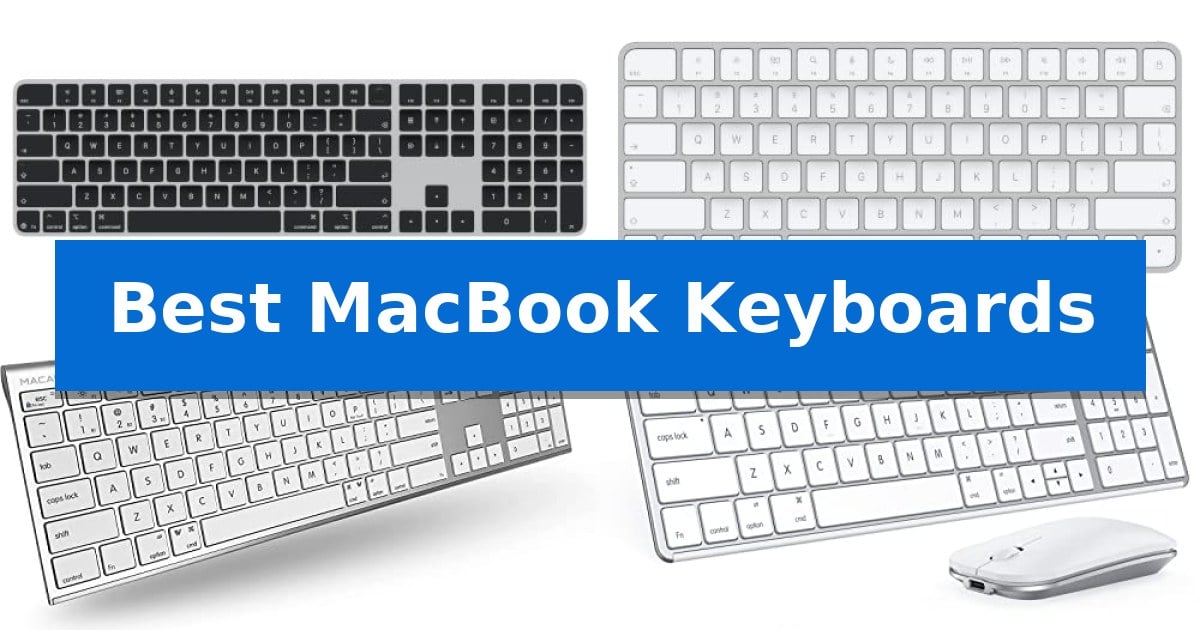
Finding the right external input device for your Mac can significantly improve your daily output. Whether you need a full-sized layout for data entry or a compact design for a minimalist desk, the Best MacBook Keyboards offer varied solutions to match your specific typing style and space constraints.
Selecting the right model involves balancing native macOS integration with your need for multi-device flexibility. This guide evaluates the top options currently available to help you identify which keyboard best supports your professional or personal computing needs.
You may also want to compare Best MacBook Headphones, Best MacBook Generation, and Best MacBook Gaming Mouse.
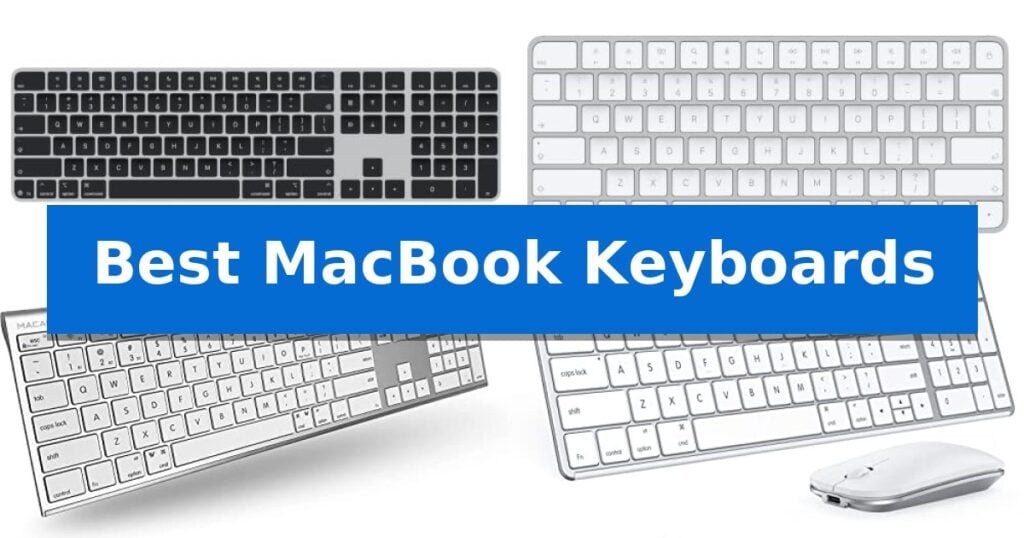
Best MacBook Keyboards
Quick Comparison
| Product | Best For | Key Strength | Score |
|---|---|---|---|
| Apple Magic Keyboard with Touch ID | Best Overall | Integrated Touch ID for secure and fast authentication. | 4.9 |
| Apple Magic Keyboard | Seamless Native Integration | Seamless automatic pairing with Mac and Apple Vision Pro. | 4.9 |
| Macally Bluetooth Extended Keyboard | Full Layout with Numeric Pad | Multisync connectivity for up to 3 devices | 4.8 |
| Seenda Bluetooth Keyboard and Mouse | Complete Multi-Device Desktop Set | Multi-device Bluetooth switching across three channels. | 4.4 |
| Macally Compact Bluetooth Keyboard | Space-Saving Multi-Device Switching | Multi-device switching between up to three Bluetooth devices. | 4.4 |
How We Chose
- Native macOS compatibility and shortcut support
- Connectivity options, including Bluetooth stability and multi-device switching
- Layout efficiency, specifically regarding numeric keypads and compact footprints
- Battery performance and charging convenience via USB-C
- Biometric authentication features for secure access
1 Apple Magic Keyboard with Touch ID — Secure Biometric Authentication
The Apple Magic Keyboard with Touch ID and Numeric Keypad integrates biometric security directly into your workspace, allowing for fast, easy, and secure authentication for logins and purchases. This wireless peripheral is designed specifically for Mac models with Apple silicon, ensuring seamless compatibility and automatic pairing.
Beyond its security features, the keyboard provides a remarkably comfortable and precise typing experience. The inclusion of an extended layout with dedicated document navigation controls and full-size arrow keys makes it a versatile tool for both productivity and gaming. For those handling data-heavy tasks, the integrated numeric keypad serves as an efficient solution for spreadsheets and finance applications.
Connectivity is streamlined through a USB-C port, and the package includes a woven USB-C Charge Cable for convenient pairing and power. The device is built for longevity, featuring a rechargeable battery that provides power for about a month or more between charges, reducing the frequency of maintenance.
This keyboard is a practical choice for users who prioritize a clean, wireless desk setup while requiring the added utility of a numeric keypad. Its combination of biometric security and extended layout offers a comprehensive input solution tailored for modern Mac environments.
Best for: Users who require a numeric keypad for data entry and value the convenience of integrated Touch ID biometric security.
Skip if: Users who prefer a compact tenkeyless design or those using older Mac models without Apple silicon.
PROS
- Integrated Touch ID for secure and fast authentication.
- Extended layout with a dedicated numeric keypad.
- Wireless connectivity with long-lasting rechargeable battery.
- Automatic pairing with Mac models featuring Apple silicon.
CONS
- Larger footprint compared to standard compact keyboards.
2 Apple Magic Keyboard — Seamless Native Integration
The Apple Magic Keyboard | (USB–C) is engineered for seamless integration with Mac and Apple Vision Pro, offering a refined typing experience through its low-profile design. By utilizing a USB-C port for both pairing and charging, it simplifies the connection process for users already invested in the USB-C ecosystem.
Designed with portability and longevity in mind, this keyboard features an incredibly long-lasting internal battery that provides approximately a month or more of use between charges. The inclusion of a woven USB-C Charge Cable ensures that users have the necessary hardware to maintain power without needing additional accessories.
Beyond its power management, the device is built for immediate productivity. It pairs automatically with your Mac, removing the need for manual configuration. Its compact dimensions of 12.13 inches in length and 0.73 inches in height allow it to fit easily into various workspace setups, maintaining a clean and minimalist aesthetic.
This keyboard represents a focused approach to input hardware, prioritizing native compatibility and reliable, wireless performance. By streamlining the charging interface to USB-C, it aligns with modern hardware standards, making it a practical choice for those who value consistent, plug-and-play functionality across their Apple devices.
Best for: Users seeking a dedicated, low-profile wireless keyboard that pairs automatically and charges via USB-C for Mac or Apple Vision Pro environments.
Skip if: Users who require a mechanical switch feel, a full-sized layout with a dedicated number pad, or multi-device switching capabilities beyond the Apple ecosystem.
PROS
- Seamless automatic pairing with Mac and Apple Vision Pro.
- Long-lasting internal battery providing over a month of use.
- USB-C charging interface for modern connectivity standards.
- Compact, low-profile design for a clean workspace.
CONS
- Lacks multi-device switching between non-Apple or multiple hardware platforms.
- Fixed, non-mechanical switch design may not suit users preferring tactile mechanical feedback.
3 Macally Bluetooth Extended Keyboard — Full Layout with Numeric Pad
Maintaining a clean, efficient workspace often requires hardware that balances a full-sized layout with a compact footprint. The Macally Bluetooth Extended Keyboard addresses this by integrating a complete 110-key layout, including a dedicated numeric keypad and 20 shortcut keys, into a chassis that measures just 15 millimeters in thickness.
Designed for versatility, this keyboard features Multisync technology, allowing users to pair and switch between up to three Bluetooth-enabled devices simultaneously. This functionality supports seamless transitions between different computing environments, such as a MacBook, a tablet, or a smart TV, without the need for constant re-pairing.
The typing experience is defined by fast scissor flexors paired with thin keycaps, engineered to provide a responsive touch while maintaining a quiet acoustic profile. This design choice aims to satisfy both casual users and those who require a more tactile, reliable input method for extended typing sessions.
Power management is handled by a built-in rechargeable battery, which is rated to last for up to 3 months based on an average daily usage of 3 hours. The device offers plug-and-play compatibility across various platforms, including macOS, Windows, and Chrome, requiring no additional drivers for setup.
Best for: Users who require a full-sized keyboard with a numeric keypad and the ability to switch between multiple devices wirelessly.
Skip if: Users who prefer a mechanical switch feel or those who require a wired-only connection for specific low-latency professional workflows.
PROS
- Multisync connectivity for up to 3 devices
- Ultra-slim 15mm profile for a compact desk footprint
- Long-lasting rechargeable battery providing up to 3 months of use
- Full-sized layout including a dedicated numeric keypad
CONS
- Bluetooth-only connectivity lacks a wired USB fallback option
4 Seenda Bluetooth Keyboard and Mouse — Complete Multi-Device Desktop Set
The Seenda Bluetooth Keyboard and Mouse offers a dedicated solution for Apple users by integrating a standard Mac layout with a slim, stainless steel design. This combo is engineered specifically to streamline workflows across multiple devices, allowing for seamless transitions between a MacBook, iPad, or iPhone using three distinct Bluetooth channels.
Designed for portability and efficiency, the keyboard measures just 0.12 inches in thickness, while the mouse maintains a low profile of 0.9 inches. The inclusion of Type-C rechargeability eliminates the need for disposable batteries, providing up to 200 hours of standby time. To further conserve power, the set incorporates an auto-sleep function and a manual on/off switch.
The keys are built for stability and responsiveness, featuring a whisper-quiet mechanism that minimizes noise during typing. This makes the set suitable for shared environments like libraries or quiet offices where sound management is a priority. The build quality utilizes a combination of stainless steel and premium ABS plastic to balance durability with a modern aesthetic.
Compatibility is focused strictly on the Apple ecosystem, supporting macOS 10.12+, iPadOS 13.0+, and iOS 13.0+ via Bluetooth 4.0 or higher. Because the system relies exclusively on Bluetooth connectivity, it does not include a USB receiver, ensuring a clean, cable-free desk setup that complements the minimalist design of modern Apple hardware.
Best for: Apple ecosystem users who need a slim, rechargeable, and quiet multi-device input solution for a MacBook and iPad.
Skip if: Users who require a wired USB connection, a USB receiver, or full compatibility with Windows-based operating systems.
PROS
- Multi-device Bluetooth switching across three channels.
- Type-C rechargeable design with long standby life.
- Whisper-quiet keys for noise-sensitive environments.
- Ultra-thin, durable stainless steel and ABS construction.
CONS
- No USB receiver or wired connectivity options.
- Limited compatibility as it is not designed for Windows systems.
5 Macally Compact Bluetooth Keyboard — Space-Saving Multi-Device Switching
Maintaining a clean, efficient workspace often starts with reducing cable clutter and optimizing desk real estate. The Macally Compact Bluetooth Keyboard addresses this by providing a wireless, multi-device interface that eliminates the need for multiple peripherals. Its slim, 78-key layout is specifically engineered to save space while retaining essential functionality for daily tasks.
Designed for versatility, this keyboard features multi-device connectivity, allowing users to pair and switch between up to three Bluetooth-enabled devices, such as a MacBook, iPad, or smartphone, within a 30-foot range. The auto OS detection ensures that the keyboard automatically adjusts its layout to match the connected device, whether it is running macOS, iOS, Windows, or Android, providing a seamless transition between platforms.
The hardware includes a built-in kickstand that elevates the typing angle, promoting a more comfortable posture during extended periods of use. Productivity is further supported by 13 dedicated shortcut keys, which provide quick access to common commands. These features are housed in a compact frame measuring 11.2 inches in length, making it a practical choice for users with limited desk space.
Power management is handled by an 800 mAh rechargeable battery, which is rated for up to 2 months of use on a single charge. The inclusion of a USB-C cable allows for efficient recharging, ensuring the device remains ready for use. With a manufacturer-backed warranty of up to 2 years, this keyboard offers a reliable solution for those seeking a streamlined, multi-platform typing experience.
Best for: Users who need a space-saving, multi-device keyboard that can seamlessly switch between Mac, iPad, and other mobile devices.
Skip if: Users who require a full-sized keyboard with a dedicated numeric keypad or those who prefer a wired connection for their setup.
PROS
- Multi-device switching between up to three Bluetooth devices.
- Space-saving 78-key layout with a slim profile.
- Long-lasting 800 mAh rechargeable battery with USB-C charging.
- Auto OS detection for compatibility across various platforms.
CONS
- Lacks a dedicated numeric keypad due to its compact design.
Best MacBook Keyboards Buying Guide
Connectivity and Compatibility
For any external keyboard, Bluetooth connectivity is the standard for a clean, cable-free workspace. When choosing, look for models that support multi-device switching, which allows you to toggle between your MacBook, iPad, or other devices with a single button press.
Ensure the keyboard supports native macOS layouts. While many keyboards are universal, those designed specifically for Mac will include the correct command and option keys, ensuring your muscle memory remains consistent across your devices.
Layout and Ergonomics
The choice between a full-sized layout and a compact design depends on your desk space and tasks. A full-sized keyboard with a numeric keypad is essential for finance and spreadsheet work, while a compact model saves space and is easier to transport.
Consider the scissor-switch mechanism if you prefer a low-profile, responsive typing experience similar to the internal keyboard of a MacBook. This design generally offers a quieter and more stable feel compared to traditional mechanical switches.
Power and Charging
Modern wireless keyboards should feature rechargeable batteries to reduce waste. Look for models that utilize USB-C charging, as this allows you to use the same cables you likely already have for your MacBook.
Battery longevity is a critical factor for productivity. Many high-quality options offer months of use on a single charge, minimizing the frequency of downtime needed to plug in your device.
Biometric Security
Some premium keyboards include Touch ID integration, which provides a significant convenience boost for Mac users. This feature allows for fast, secure authentication for system logins and online purchases without needing to reach for your laptop.
Note that Touch ID functionality is typically restricted to Mac models with Apple silicon. If your device is older, you may not be able to utilize this specific feature, making standard wireless models a more cost-effective choice.
Build Quality and Portability
The materials used in your keyboard affect both its durability and its aesthetic fit with your desk setup. Stainless steel and premium ABS constructions offer a sturdy, professional feel that resists wear over time.
If you travel frequently, look for an ultra-thin profile that fits easily into a laptop bag. A lightweight, slim design ensures you can maintain your preferred typing ergonomics whether you are at a coffee shop or a home office.
Frequently Asked Questions
Do I need special software to use these keyboards with my Mac?
Most of these keyboards are plug-and-play via Bluetooth. You generally do not need extra drivers to use basic typing functions or standard macOS shortcuts.
Can I use a Mac keyboard with a Windows PC?
Many third-party Bluetooth keyboards are compatible with multiple operating systems, including Windows. However, the key mapping may differ, and some Mac-specific keys may not function as expected.
How do I know if Touch ID will work on my Mac?
Touch ID on external keyboards is specifically designed for Mac models equipped with Apple silicon. It will not function on older Intel-based Macs.
How often will I need to charge these keyboards?
Battery life varies by usage, but most modern rechargeable keyboards provide between one to three months of use on a single charge.
Are these keyboards quiet enough for an office environment?
Yes, models featuring scissor-switch mechanisms are designed to provide a tactile, responsive feel while maintaining a quiet typing profile suitable for shared workspaces.
Conclusion: Our Top Pick
Selecting the right keyboard depends on your specific need for security and layout. For users fully integrated into the Apple ecosystem, the Apple Magic Keyboard with Touch ID stands out as the most capable option due to its seamless biometric authentication and reliable performance.
If you require a numeric keypad for data-heavy tasks, the version with the extended layout is an excellent investment. For those prioritizing space or multi-device switching, third-party options like the Macally series offer versatile alternatives that maintain a sleek, professional aesthetic.