
Finding reliable gear for a home studio doesn't have to break the bank. Whether you are tracking vocals, mixing a podcast, or practicing an instrument, the right pair of headphones provides the clarity needed to make informed creative decisions without the high price tag of professional-grade equipment.
In this guide, we examine the Best Low-Cost Recording Headphones currently available. By focusing on essential features like sound isolation, comfort, and connectivity, we help you identify which pair offers the best balance of performance and value for your specific recording workflow.
You may also want to compare Best Low-Cost Real Bluetooth Earbuds Under $50, Best Low-Cost Real Bluetooth Earbuds Under $30, and Best Low-Cost PTZ Webcams.
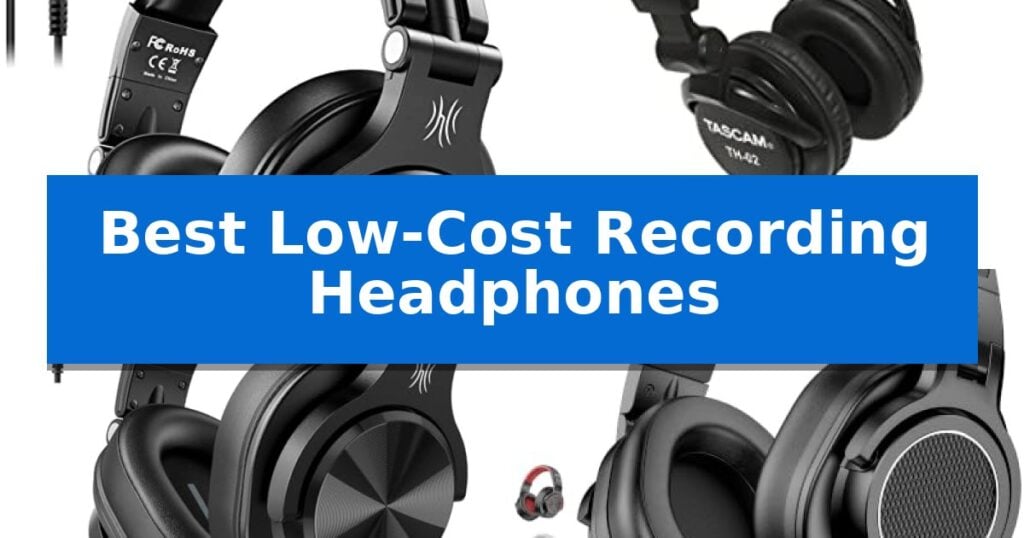
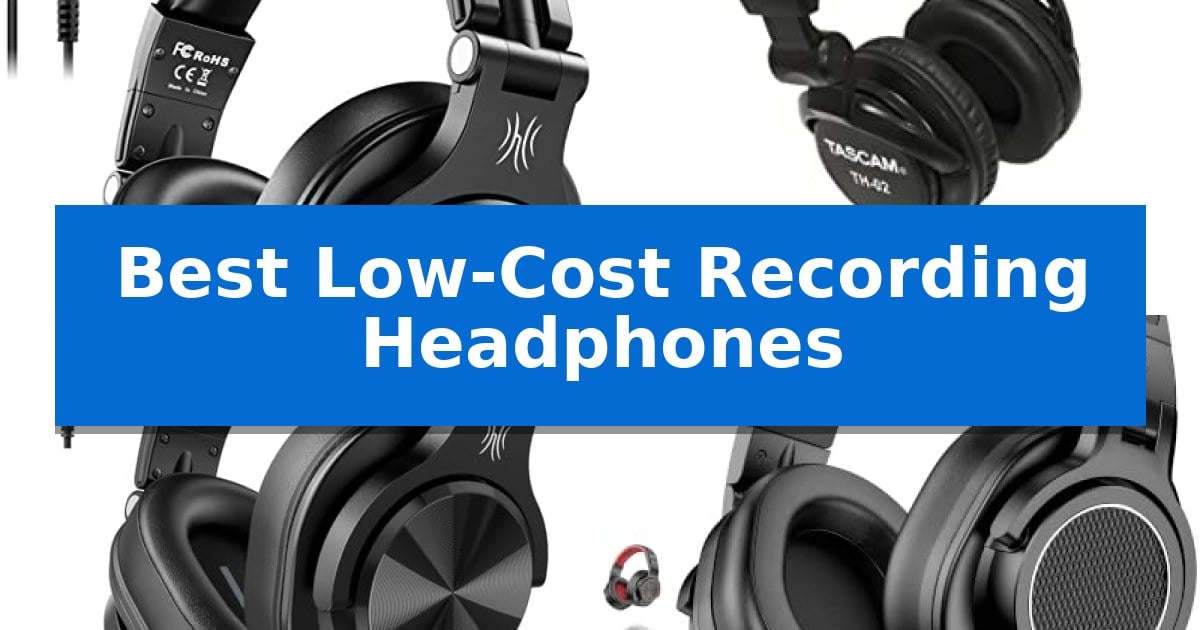
Best Low-Cost Recording Headphones
Quick Comparison
| Product | Best For | Key Strength | Score |
|---|---|---|---|
| OneOdio A71 Studio Headphones | Best Overall | Dual-jack compatibility with 3.5mm and 6.35mm plugs for direct connection to studio gear. | 4.9 |
| Tascam TH-02 Studio Headphones | Reliable Clarity for Vocal Tracking | Closed-back design provides effective sound isolation for recording. | 4.4 |
| OneOdio A71D Studio Headphones | Versatile Choice for Podcasting | Versatile connectivity with included 3.5mm and 6.35mm plugs for professional and consumer gear. | 4.9 |
| New Bee Studio Headphones | Lightweight Comfort for Long Sessions | Ultra-lightweight 210g design reduces neck and head fatigue. | 4.4 |
How We Chose
- Sound Accuracy: Assessing the driver quality for balanced frequency response during monitoring.
- Comfort and Ergonomics: Evaluating padding, weight, and adjustability for fatigue-free wear.
- Isolation: Checking the effectiveness of the closed-back design in preventing sound bleed.
- Connectivity and Versatility: Reviewing the inclusion of dual-jack adapters and cable types for studio compatibility.
- Build Quality: Considering the durability of materials and the utility of swiveling earcups for single-ear monitoring.
1 OneOdio A71 Studio Headphones — Precision Monitoring for Home Studios
Achieving precise audio monitoring on a budget requires equipment that balances clarity with practical studio utility. The OneOdio A71 Studio Headphones utilize 40mm drivers to deliver high-resolution audio, ensuring that nuances in mixing and recording are captured with the necessary detail for home studio environments.
Designed for long sessions, these headphones feature soft padded ear cushions and an adjustable, stretchable headband to maintain comfort during extended use. The 90° swiveling earcups facilitate single-sided monitoring, allowing users to keep one ear free for communication without removing the headset.
Connectivity is streamlined through a long-style 6.6-9.8 ft coiled cord that includes both 3.5mm and 6.35mm plugs, eliminating the need for external adapters when switching between computers, guitars, or amplifiers. Furthermore, the integrated share audio port allows for daisy-chaining a second pair of headphones, which is useful for collaborative monitoring sessions without requiring splitters.
These Best Low-Cost Recording Headphones offer a foldable design for portability and storage, making them a versatile choice for creators who move between different recording spaces. By focusing on essential monitoring features rather than extraneous extras, they provide a functional solution for those building a home studio setup.
Best for: Home studio creators and DJs who need reliable, wired monitoring with versatile connectivity for multiple audio devices.
Skip if: Users who require wireless connectivity or active noise cancellation for travel or commute, as this model is strictly a wired studio-focused device.
PROS
- Dual-jack compatibility with 3.5mm and 6.35mm plugs for direct connection to studio gear.
- Single-sided monitoring capability via 90-degree swiveling earcups.
- Share audio port allows for easy connection of a second pair of headphones.
- Coiled cord design provides a flexible 6.6-9.8 ft reach for studio movement.
CONS
- Wired-only operation limits mobility compared to wireless alternatives.
- No active noise cancellation features for high-noise environments.
2 Tascam TH-02 Studio Headphones — Reliable Clarity for Vocal Tracking
Achieving accurate monitoring during recording sessions requires equipment that balances isolation with comfort. The Tascam TH-02 Studio Headphones utilize a closed-back dynamic design to provide the necessary sound isolation for tracking vocals or instruments, ensuring that audio bleed is minimized while maintaining a focused listening environment.
These headphones are built for practical studio utility, featuring a foldable design that allows for compact transport between locations. The construction includes a tightly-stitched, padded headband and ear pads, which are intended to provide comfort during extended recording or mixing sessions. The unit weighs approximately 0.66 pounds, keeping the profile manageable for long-term wear.
Connectivity is streamlined through the inclusion of a snap-on 1/8-inch to 1/4-inch adapter, allowing for direct compatibility with both portable devices and professional audio interfaces or mixers. This versatility makes the Tascam TH-02 Studio Headphones a functional choice for various studio roles, including podcasting, music production, and guitar practice.
The audio profile is engineered with a focus on rich bass response and crisp highs, providing a clear monitoring experience for tracking. By prioritizing essential studio features like isolation and connectivity, these headphones offer a straightforward solution for those needing reliable monitoring gear without unnecessary complexity.
Best for: Home studio creators and podcasters who need an affordable, closed-back monitoring solution for tracking vocals and instruments.
Skip if: Users who require open-back headphones for a wider soundstage or those who prefer wireless connectivity for casual listening.
PROS
- Closed-back design provides effective sound isolation for recording.
- Foldable construction enables easy storage and portability.
- Includes a snap-on 1/4-inch adapter for broad interface compatibility.
- Padded headband and ear pads support comfort during extended use.
CONS
- Wired-only connection limits mobility compared to wireless alternatives.
3 OneOdio A71D Studio Headphones — Versatile Choice for Podcasting
Equipped with 40mm drivers, the OneOdio A71D Wired Over-Ear Headphones provide a versatile audio solution for those needing reliable monitoring without a premium price tag. These headphones are engineered to deliver deep bass, clear mids, and crisp highs, catering to the specific requirements of studio recording, mixing, and podcasting.
The design prioritizes functionality for active creators, featuring 90° swiveling ear cups that allow for convenient single-sided monitoring. This is a practical choice for DJs and producers who need to keep one ear open to their surroundings while tracking or mixing audio. The foldable monitor design also enhances portability, making it easier to transport between home studios and remote recording locations.
Comfort is addressed through ultra-soft padded ear muffs and an adjustable headband, which are intended to minimize fatigue during extended listening or editing sessions. The headphones include a 2.2m (7.2ft) cable that supports universal compatibility, connecting directly to mixers, amps, guitars, keyboards, and laptops via 3.5mm and 6.35mm plugs.
Built for both professional and home use, these headphones offer a durable construction suitable for various environments. Whether you are a musician tracking instruments or a podcaster monitoring live levels, the OneOdio A71D Wired Over-Ear Headphones provide a straightforward, wired connection that avoids the complexities of wireless pairing.
Best for: Musicians, podcasters, and home studio creators who require a reliable, wired monitoring solution with versatile connectivity options.
Skip if: Users who prioritize wireless freedom or active noise cancellation, as this model is strictly a wired, passive-isolation design.
PROS
- Versatile connectivity with included 3.5mm and 6.35mm plugs for professional and consumer gear.
- Single-sided monitoring capability via 90° swiveling ear cups.
- Foldable design for improved portability and storage.
- All-day comfort provided by soft padded ear muffs and an adjustable headband.
CONS
- Wired-only operation limits movement compared to wireless alternatives.
- Passive noise isolation only, lacking active noise cancellation features.
4 New Bee Studio Headphones — Lightweight Comfort for Long Sessions
Achieving high-fidelity audio for studio tasks does not require a massive investment, as evidenced by the New Bee Studio Headphones. These headphones prioritize a lightweight, fatigue-free experience for creators, weighing only 210g—significantly less than many standard studio monitors—while utilizing soft memory foam and skin-friendly protein leather to ensure comfort during extended recording or mixing sessions.
The core of their performance lies in the 50mm professional drivers, which are engineered to provide dynamic bass, balanced mids, and crystal-clear treble. This frequency response is designed to meet the precision requirements of producers working on podcasts, guitar tracking, or piano recording, ensuring that the audio output remains faithful to the source material.
Practicality for the studio environment is addressed through the 90° swiveling ear cups, which facilitate easy single-side monitoring for DJs and recording artists. The over-ear design also provides passive noise reduction, helping to isolate the user from ambient distractions in a home studio setting.
Connectivity is streamlined with a dual-connector design that includes both 3.5mm and 6.35mm gold-plated plugs. This feature allows users to switch between devices like laptops, audio interfaces, and guitar amplifiers without needing extra adapters, maintaining a reliable signal path for professional workflows.
Best for: Home studio creators and musicians who need a lightweight, versatile monitoring solution for long recording or mixing sessions.
Skip if: Users who require active noise cancellation or a wireless connection for mobile use, as these are strictly wired, passive-isolation headphones.
PROS
- Ultra-lightweight 210g design reduces neck and head fatigue.
- Dual-connector 3.5mm/6.35mm plugs eliminate the need for adapters.
- 50mm drivers provide a balanced sound profile for mixing.
- 90° swiveling ear cups allow for convenient single-ear monitoring.
CONS
- Wired-only connectivity limits mobility compared to Bluetooth alternatives.
- Passive noise isolation may not fully block loud external environments.
Best Low-Cost Recording Headphones Buying Guide
Understanding Closed-Back Design
For recording purposes, a closed-back design is essential. This construction prevents sound from leaking out of the headphones and into your microphone, which is critical when tracking vocals or acoustic instruments.
By sealing the earcups, these headphones also provide better passive noise isolation, allowing you to focus entirely on the mix without being distracted by ambient noise in your recording environment.
The Importance of Driver Size
The driver size—typically measured in millimeters—often dictates the depth and clarity of the sound. Larger drivers, such as the 50mm units found in some models, can often deliver a more robust bass response and a wider soundstage.
However, size isn't everything. The tuning of the drivers is what determines whether the headphones provide a 'flat' or 'neutral' sound, which is preferred for mixing, or a 'colored' sound that might be more enjoyable for casual listening.
Comfort for Long Sessions
Recording sessions can last for hours, making ergonomic comfort a top priority. Look for headphones that feature soft memory foam or protein leather padding on the ear cushions and headband.
The overall weight of the headset also plays a significant role. Ultra-lightweight designs reduce pressure on the head and neck, helping you stay focused on your performance rather than the discomfort of your gear.
Connectivity and Adapters
Studio equipment often uses different connection standards. Most professional audio interfaces and mixers require a 6.35mm (1/4 inch) jack, while consumer devices use a 3.5mm (1/8 inch) plug.
The best budget headphones include a dual-connector design or a reliable screw-on adapter, ensuring you can switch seamlessly between your laptop, guitar amp, and audio interface without needing extra cables.
Single-Sided Monitoring
Many producers and DJs prefer the ability to perform single-sided monitoring. This allows you to swivel one earcup away from your ear to hear your own voice or the room environment while keeping the other ear engaged with the mix.
This feature is particularly useful for podcasters and vocalists who need to maintain a natural sense of their own voice while monitoring the playback levels.
Frequently Asked Questions
Do I need an amplifier for these headphones?
Most budget-friendly recording headphones are designed with low impedance, meaning they can be driven easily by standard devices like laptops, audio interfaces, and smartphones without the need for a dedicated external amplifier.
What is the difference between open-back and closed-back headphones?
Closed-back headphones seal the ear, preventing sound leakage, which is necessary for recording. Open-back headphones allow air to pass through, providing a more natural soundstage but causing sound to bleed into your microphone.
Can I use these for casual listening?
Yes, while these are designed for studio monitoring, their clear sound profile and comfortable fit make them excellent for everyday music listening, gaming, and video editing.
Are the cables replaceable?
Most of the models mentioned feature wired connections. Depending on the specific model, some cables are fixed, while others may be detachable. Always check the product specifications for cable maintenance details.
How do I clean the ear cushions?
You can generally wipe the protein leather or synthetic ear cushions with a soft, slightly damp cloth. Avoid using harsh chemicals that could degrade the material over time.
Conclusion: Our Top Pick
After reviewing the options, the OneOdio A71 Studio Headphones stand out as the most balanced choice for home studio users. Their combination of high-resolution sound, comfortable design, and versatile connectivity makes them a reliable tool for both tracking and mixing.
While other models offer specific benefits like lower weight or larger drivers, the A71 provides the most consistent performance across a variety of studio tasks. It is an ideal entry point for anyone looking to upgrade their monitoring setup without overspending.