
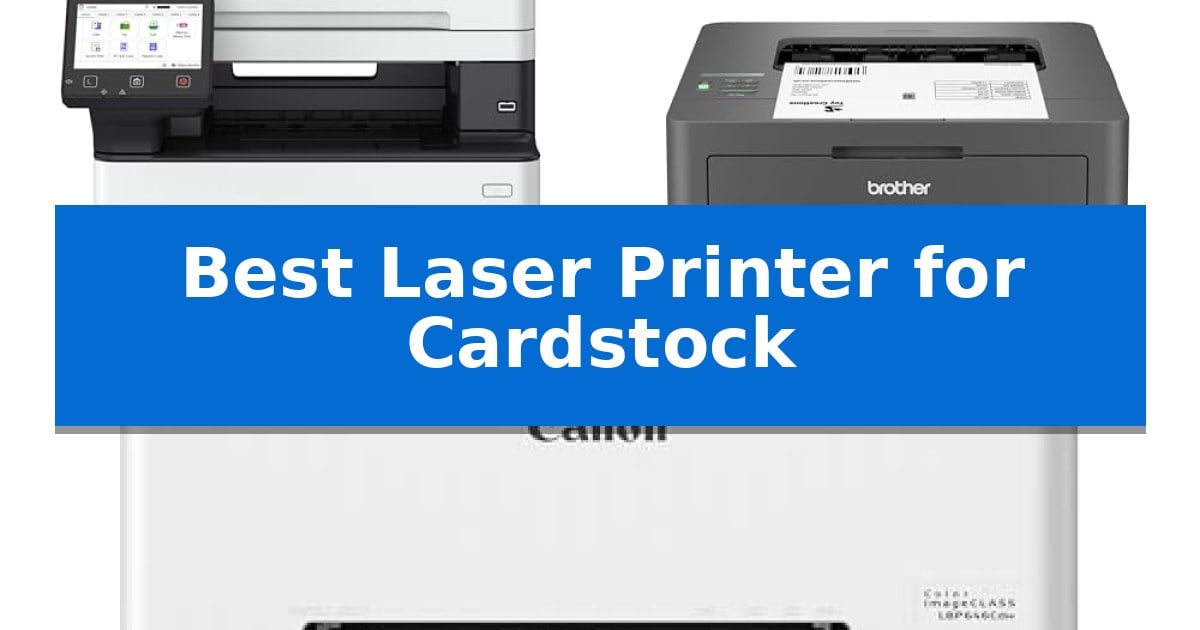
Printing on thicker media requires more than just standard office equipment. When searching for the Best Laser Printer for Cardstock, the primary challenge is finding a paper path that can accommodate heavier weights without jamming or curling the sheets.
A dedicated multipurpose tray or a straight-through manual feed slot is essential for handling cardstock effectively. These features allow the printer to bypass complex internal rollers, ensuring your thicker projects maintain their integrity and professional finish.
Best Laser Printer for Cardstock in 2026
Quick Comparison
| Product | Best For | Key Strength | Score |
|---|---|---|---|
| Canon imageCLASS MF462dw II Laser Printer | Best Overall | Dedicated 100-sheet multipurpose tray for easier cardstock and specialty media feeding. | 4.9 |
| Brother HL-L2405W Laser Printer | Includes manual feed slot | Manual feed slot for specialty media and cardstock | 4.9 |
| Canon Color imageCLASS LBP646Cdw Laser Printer | Reliable color cardstock handling | 1-sheet multipurpose tray for reliable cardstock feeding | 4.3 |
How We Chose
- Presence of a dedicated multipurpose tray or manual feed slot.
- Maximum paper weight support for specialty media.
- Reliability of the internal paper path for preventing jams.
- Overall print quality on non-standard paper textures.
- Connectivity options for seamless integration with design software.
1 Canon imageCLASS MF462dw II Laser Printer — Features dedicated multipurpose tray
Handling thicker media requires a printer with a reliable paper path and flexible handling options. The Canon imageCLASS MF462dw II addresses this need by incorporating a dedicated 100-sheet multipurpose tray, which provides a flatter feed path compared to standard cassettes, making it a suitable choice for cardstock and specialty media.
Beyond its media handling, this monochrome laser printer is built for high-volume environments, offering print speeds of up to 37 pages per minute. The inclusion of an automatic document feeder (ADF) that supports one-pass, two-sided scanning further enhances efficiency for users who frequently digitize multi-page documents.
Usability is managed through a 5-inch color touchscreen that integrates with the Canon Application Library, allowing for customizable shortcuts to frequently used tasks. For connectivity, the unit supports mobile device printing via the Canon PRINT app, Apple AirPrint, and Mopria Print Service, ensuring it fits into modern wireless workflows.
The device is designed for longevity and reduced maintenance, featuring a 3-year limited warranty and support for high-capacity toner cartridges. Its expandable paper capacity—which can be increased with an optional 550-sheet cassette—ensures that the printer can scale alongside growing office demands.
Best for: Small to medium office environments that require a reliable, high-speed monochrome printer capable of handling cardstock via a dedicated multipurpose tray.
Skip if: Users who require high-quality color output for graphics or photography will find this monochrome-only laser printer unsuitable for their needs.
PROS
- Dedicated 100-sheet multipurpose tray for easier cardstock and specialty media feeding.
- Fast print speeds of up to 37 pages per minute.
- One-pass duplex scanning via the automatic document feeder.
- 3-year limited warranty for added peace of mind.
CONS
- Monochrome-only output limits the device to black-and-white printing.
- Large physical footprint may require significant desk or floor space.
2 Brother HL-L2405W Laser Printer — Includes manual feed slot
Achieving consistent results when printing on thicker media requires a reliable paper path, a feature central to the Brother HL-L2405W Laser Printer. This monochrome machine incorporates a dedicated manual feed slot specifically designed to handle specialty paper, allowing users to bypass the standard tray for thicker stocks that might otherwise struggle with complex internal rollers.
Beyond its specialized paper handling, the Brother HL-L2405W Laser Printer is engineered for efficiency in home and small office environments. It delivers black and white documents at speeds up to 30ppm, ensuring that high-volume tasks are completed without significant downtime. The unit maintains a compact footprint, measuring approximately 14.2 inches in length and 7.2 inches in height, making it suitable for desks where space is at a premium.
Connectivity is a primary focus for this model, offering dual-band wireless (2.4GHz/5GHz) support alongside a standard USB interface. This flexibility allows for seamless integration into existing networks or direct connection to a single workstation. Users can also leverage the Brother Mobile Connect App to manage print jobs, track toner levels, and order supplies remotely from mobile devices.
Maintenance is streamlined through the Refresh EZ Print Subscription Service, which helps automate toner replacement. By utilizing Brother Genuine TN830 or TN830XL toner, the printer maintains its rated output quality while providing a path for potential cost savings. The device is supported by a 1-year limited warranty, providing a baseline of manufacturer assistance for long-term operation.
Best for: Home office users who require a compact, reliable monochrome printer capable of handling occasional specialty media like cardstock via a manual feed slot.
Skip if: Users who require color printing, high-volume duplexing, or a large-capacity paper input beyond the standard 250-sheet tray.
PROS
- Manual feed slot for specialty media and cardstock
- Dual-band wireless connectivity for flexible placement
- Compact design suitable for small workspaces
- Fast print speeds up to 30ppm
CONS
- Monochrome-only output limits creative projects
- Standard paper tray capacity may require frequent refilling for heavy users
3 Canon Color imageCLASS LBP646Cdw Laser Printer — Reliable color cardstock handling
Achieving consistent results on thicker media requires a machine that can handle varied paper weights without jamming. The Canon Color imageCLASS LBP646Cdw Wireless Laser Printer is built for these specific demands, offering a reliable 1-sheet multipurpose tray that provides a straight paper path for cardstock and specialty media, minimizing the risk of curling or misfeeds often found in standard cassette-only models.
Beyond its media handling, this single-function color laser printer prioritizes efficiency for high-volume workflows. It delivers print speeds up to 26 ppm in both color and monochrome, ensuring that professional-grade documents are ready in seconds. The unit is designed for connectivity, featuring easy wireless setup and support for mobile device printing via the Canon PRINT app, Apple AirPrint, and Mopria Print Service, allowing for seamless integration into existing office environments.
Usability is centered around a 5-inch LCD screen, which simplifies navigation through settings and maintenance tasks. The printer supports automatic 2-sided printing to reduce paper consumption, and it utilizes Canon Genuine Toner 075 high-capacity cartridges to maintain consistent output quality while extending the time between replacements. With its compact medium size, it fits effectively into workspaces where desk real estate is at a premium.
This device is rated ENERGY STAR and EPEAT Silver, reflecting a focus on power efficiency. It includes a 1-year limited warranty and ensures broad compatibility, including support for Chromebooks, making it a versatile addition to modern, cloud-based office setups.
Best for: Small offices or home-based professionals who need a reliable, compact laser printer for occasional cardstock printing and high-speed document production.
Skip if: Users requiring scanning, copying, or faxing capabilities, as this is a print-only device.
PROS
- 1-sheet multipurpose tray for reliable cardstock feeding
- Fast 26 ppm print speeds for both color and monochrome
- High-capacity toner support to reduce maintenance frequency
- Wireless and mobile printing compatibility
CONS
- Print-only functionality lacks integrated scanning or copying
- Limited multipurpose capacity requires manual feeding for multi-page cardstock jobs
Best Laser Printer for Cardstock Buying Guide
Understanding Paper Path Design
The most critical factor when printing on cardstock is the internal paper path. Standard laser printers often use a curved path that can cause thicker paper to bend, leading to jams or toner smudging. Models with a straight-through manual feed slot are superior because they allow the cardstock to enter and exit the printer with minimal bending.
Always check the manufacturer's specifications for the maximum paper weight supported. While many printers handle standard 20lb bond paper effortlessly, cardstock often requires support for 60lb to 110lb cover stock. Exceeding these limits can damage the fuser unit or cause internal mechanical failures.
The Role of Multipurpose Trays
A dedicated multipurpose tray is a significant advantage for frequent cardstock users. Unlike the main cassette, which is designed for high-volume standard paper, the multipurpose tray is specifically engineered to handle envelopes, labels, and heavy cardstock.
Using this tray ensures that your specialty media is fed directly into the print engine. This reduces the risk of the printer grabbing multiple sheets at once or failing to pick up the heavier stock, which is a common issue with standard bottom-loading trays.
Toner and Fuser Considerations
Laser printers use heat to fuse toner onto the page. Because cardstock is thicker, it requires more heat to ensure the toner adheres properly. If the fuser does not reach the correct temperature, you may notice the toner flaking off the cardstock after printing.
Some printers allow you to adjust the media type in the print settings. Selecting 'Heavy' or 'Cardstock' in the driver software often slows down the print speed, allowing the fuser more time to bond the toner to the thicker surface, resulting in a more durable, professional output.
Connectivity and Workflow
Modern printers offer wireless connectivity and mobile printing, which are essential for creative workflows. Being able to send a design directly from a laptop or tablet to the printer saves time and reduces the need for constant physical adjustments.
Look for models that support Apple AirPrint or Mopria Print Service. These standards ensure that your printer communicates reliably with your devices, allowing you to manage print settings like paper size and media type directly from your design application.
Maintenance for Heavy Media
Printing on cardstock can leave behind more paper dust than standard office paper. This residue can accumulate on the rollers and inside the printer, eventually leading to feed issues or print quality defects.
Regularly cleaning the paper feed rollers and the multipurpose tray area is vital for long-term reliability. Using a lint-free cloth to wipe down these components will help maintain consistent performance and extend the life of your printer.
Frequently Asked Questions
Can I use any laser printer for cardstock?
Not all laser printers are suitable for cardstock. You should specifically look for models that feature a manual feed slot or a multipurpose tray to avoid paper jams and damage to the internal rollers.
What is the maximum weight of cardstock I can use?
This varies by model. Always consult the printer's technical specifications to find the maximum paper weight (measured in gsm or lbs) supported by the multipurpose tray.
Why does my toner flake off the cardstock?
This usually happens because the printer is not set to the correct media type. Ensure you select 'Cardstock' or 'Heavy' in your printer settings so the fuser can apply enough heat to bond the toner.
Is color laser printing better for cardstock?
Color laser printers are excellent for creative projects, but they require careful media selection. Ensure the printer supports the specific weight and texture of your cardstock to achieve the best color accuracy.
How often should I clean my printer when using cardstock?
If you print on cardstock frequently, you should inspect and clean the multipurpose tray and feed rollers every few months to prevent the buildup of paper dust.
Conclusion: Our Top Pick
Selecting the right printer for cardstock depends on your specific volume and media requirements. For most users, a model with a dedicated multipurpose tray offers the best balance of convenience and reliability, ensuring that your specialty projects are completed without the frustration of constant paper jams.
The Canon imageCLASS MF462dw II Laser Printer stands out as the most versatile choice due to its robust paper handling capabilities and dedicated multipurpose tray. While other models are capable, the combination of high-speed output and specialized media support makes it a dependable solution for those who frequently work with heavy cardstock.