
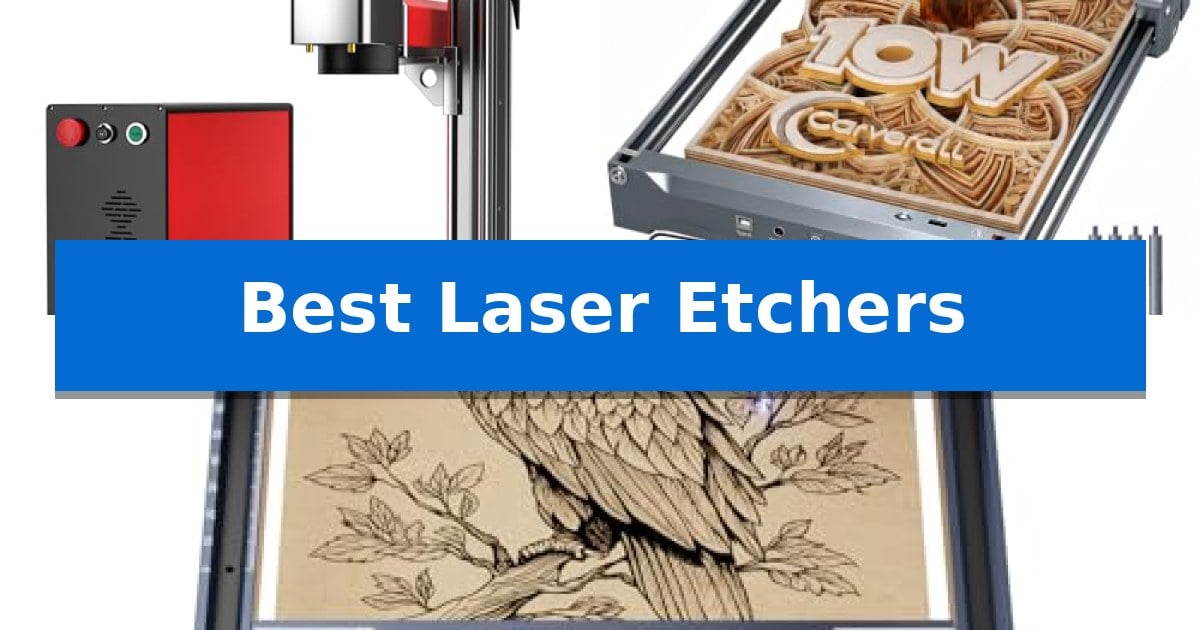
Finding the right equipment for your creative projects requires balancing material compatibility with workspace constraints. Whether you are looking to personalize metal components or need a reliable desktop machine for intricate wood designs, the Best Laser Etchers offer varying levels of power and precision to suit different production needs.
Selecting the ideal machine involves understanding how different laser types, such as fiber or diode, interact with your specific materials. This guide examines three distinct options, focusing on their technical capabilities and practical utility to help you make an informed decision for your home studio or small business.
Best Laser Etchers in 2026
Quick Comparison
| Product | Best For | Key Strength | Score |
|---|---|---|---|
| OMTech 30W Fiber Laser Engraver | Best Overall | MOPA laser technology enables advanced metal color marking. | 4.9 |
| Carverall K15 Pro Laser Engraver | Beginner-Friendly Desktop Power | One-touch smart focus simplifies setup and reduces calibration errors. | 4.4 |
| ACMER S1 Laser Engraver | Compact for Small Projects | 99% preassembled design allows for near-instant setup. | 4.4 |
How We Chose
- Material Compatibility: Assessing which substrates, such as metal, wood, or acrylic, each laser can effectively process.
- Precision and Speed: Analyzing the spot diameter and maximum engraving speeds to determine output quality and efficiency.
- Software Integration: Verifying compatibility with industry-standard control software like LightBurn for seamless workflow management.
- Workspace Footprint: Evaluating the physical dimensions and portability of each unit for home and small-shop environments.
- Ease of Setup: Reviewing assembly requirements and user-friendly features like red-dot focus indicators.
1 OMTech 30W Fiber Laser Engraver — Precision for Metal Marking
Achieving precise metal marking requires a machine that balances power with granular control, and the OMTech 30W Fiber Laser Engraver addresses this by integrating a MOPA laser system capable of metal color marking. This unit is designed for users who need to move beyond simple etching into more complex surface treatments on materials like aluminum and gold.
The machine features a 6.9" x 6.9" workbed and utilizes a field lens with an air-spaced design, which the manufacturer notes provides throughput with less than 1% distortion. With a spot diameter of 0.01 mm and a maximum engraving speed of 10000 mm/s, it is built for high-accuracy applications where speed is a priority.
Usability is enhanced through a red dot indicator that simplifies focus adjustment, allowing users to toggle the guide with a single finger. The system includes LightBurn and EzCad2 software compatibility, supporting both 32-bit and 64-bit Windows environments. To assist with setup, the manufacturer has placed text instructions directly on the machine body next to each control button.
OMTech supports this hardware with a 2-year support policy and a global service network. The company maintains a presence in the US, Philippines, and China, offering professional technical support and pre-sales guidance to help users integrate the device into their existing workflows.
Best for: Professional creators and small businesses requiring high-speed, precise metal marking and color-marking capabilities on various metallic surfaces.
Skip if: Users who require a larger work area than 6.9" x 6.9" or those who primarily work with non-metal materials like wood or acrylic, as this is a specialized fiber laser.
PROS
- MOPA laser technology enables advanced metal color marking.
- High-speed operation with up to 10000 mm/s engraving speed.
- 0.01 mm spot diameter ensures high-precision detail.
- Integrated red dot focus guide for simplified setup.
CONS
- Limited workbed size of 6.9" x 6.9" restricts the scale of projects.
- Specialized fiber laser is not suitable for non-metal materials.
2 Carverall K15 Pro Laser Engraver — Beginner-Friendly Desktop Power
The Carverall K15 Pro Laser Engraver streamlines the transition from digital design to physical creation with its one-touch smart focus system, eliminating the manual calibration steps often required by entry-level machines. This 2-in-1 diode laser engraver and cutter is built for versatility, featuring a dual-fan diode module designed to manage heat during extended batch projects, ensuring consistent performance across various materials.
Designed for efficiency, the device offers an 11.8×7.9-inch A4 workbed that fits most common DIY projects while remaining compact enough for desktop use. Users can operate the machine via the CutLabX software on computers, tablets, or phones, or utilize offline engraving by loading files directly onto a TF card. The unit supports multi-pass cutting on materials like 12mm plywood and 8mm acrylic, providing a balance between hobbyist accessibility and functional output.
Precision is a core focus, with the system capable of 4K clarity and speeds up to 15,000mm/min. To accommodate growing creative needs, the Carverall K15 Pro Laser Engraver is designed to be upgradeable; owners can add an optional 1W IR laser head to expand compatibility to stainless steel and aluminum. The inclusion of four heightening columns further allows for the engraving of taller items like gift boxes or skateboards without requiring additional hardware.
Maintenance and longevity are addressed through a 15,000-hour module life supported by high-speed cooling. The system is compatible with industry-standard software such as LightBurn and LaserGRBL, offering flexibility for creators who prefer specific workflows. With a 3-minute assembly time and a comprehensive starter kit, the machine is positioned as a practical entry point for those looking to produce branded merchandise or personalized gifts.
Best for: Beginners and small business owners looking for a compact, upgradeable laser engraver that handles a wide variety of materials with minimal setup.
Skip if: Users requiring large-format engraving areas or those who exclusively need to work with bare metals without purchasing additional IR laser modules.
PROS
- One-touch smart focus simplifies setup and reduces calibration errors.
- Compact A4 workspace fits easily on standard desks while handling most common projects.
- Upgradeable design allows for future expansion with IR laser heads and accessories.
- Offline engraving capability enables batch jobs without a constant PC connection.
CONS
- Requires optional IR laser head for engraving bare metals like stainless steel.
- Limited workspace size may restrict projects larger than the A4 footprint.
3 ACMER S1 Laser Engraver — Compact for Small Projects
Precision is the hallmark of the ACMER S1 Laser Engraver, which utilizes a 0.04mm fine spot and a 2mm focal length to deliver high-detail results on a variety of materials. This compact desktop unit is engineered for makers who need a reliable tool for engraving wood, acrylic, leather, and even ceramics without the complexity often found in industrial-grade systems.
Designed for accessibility, the machine arrives 99% preassembled, requiring only a one-minute installation of the laser head to begin operation. It features a 130 x 130mm working area within a durable aluminum alloy frame, weighing just 2kg. This portability makes it a practical choice for home workshops, STEM classrooms, or small-scale craft projects where space is at a premium.
The ACMER S1 Laser Engraver integrates seamlessly with beginner-friendly software that includes AI-driven design tools, allowing users to convert text or photos into engraving patterns quickly. For those with more specific workflow requirements, the hardware maintains compatibility with industry-standard programs like LightBurn and LaserGRBL, ensuring flexibility as your design skills grow.
Versatility is provided through its dual-function capability, which handles both intricate engraving and the cutting of thin materials like plywood and MDF. With a repeatable positioning accuracy of 0.01mm and engraving speeds reaching up to 10,000mm/min, it balances speed with the precision necessary for personalized gifts, holiday decor, and custom keepsakes.
Best for: Beginners and hobbyists looking for a compact, preassembled laser engraver for small DIY projects and personalized crafts.
Skip if: Users requiring a large working area for oversized materials or those needing high-power industrial cutting capabilities beyond thin plywood and acrylic.
PROS
- 99% preassembled design allows for near-instant setup.
- AI-integrated software simplifies the design process for beginners.
- 0.01mm repeatable positioning accuracy ensures high-detail results.
- Compact, portable aluminum frame is ideal for small workspaces.
CONS
- 130 x 130mm working area limits the size of projects you can engrave or cut at once.
Best Laser Etchers Buying Guide
Understanding Laser Types
The primary distinction in laser technology lies between fiber lasers and diode lasers. Fiber lasers are specialized for high-speed, high-precision marking on metals and some plastics, making them essential for professional-grade metal color marking and industrial-style etching.
Diode lasers are generally more accessible and versatile for hobbyists working with organic materials like wood, leather, and acrylic. While they may lack the raw metal-marking power of fiber systems, they are often more compact and easier to integrate into a home crafting setup.
Work Area and Scalability
Your choice of machine should align with the physical dimensions of your typical projects. A compact A4-sized workbed is often sufficient for small business merchandise like coasters, keychains, and pet tags, allowing the machine to fit easily on a standard desk.
For larger projects or batch production, consider machines that offer heightening columns or open-frame designs. These features allow you to accommodate taller items, such as tumblers or gift boxes, without needing a significantly larger footprint.
Software and Workflow
The efficiency of your etching process is heavily dependent on software compatibility. Look for machines that support LightBurn, as it is a widely used, cross-platform tool that simplifies the transition from design to execution.
Some modern units include AI-driven software or offline control capabilities via TF cards. These features can significantly reduce the learning curve for beginners and allow for repeatable batch jobs without requiring a dedicated computer connection.
Safety and Enclosures
Laser safety is paramount, especially in home or classroom environments. Many desktop diode lasers are designed to be paired with protective enclosures, which can upgrade a unit to a Class 1 laser system.
Always prioritize models that include safety glasses and features like red-dot indicators for focus. These tools help prevent accidental exposure and ensure that the laser is properly calibrated before the etching process begins.
Maintenance and Longevity
To ensure your machine remains a long-term partner, look for designs with active cooling systems, such as dual-fan diode modules. Proper heat management is critical for maintaining consistent performance during long engraving sessions.
Consider the upgrade path of your chosen device. Some systems allow for the addition of accessories like rotary rollers for tumblers, air purifiers, or even different laser heads, enabling you to expand your capabilities as your business or hobby grows.
Frequently Asked Questions
Can I use these laser etchers on bare metal?
Fiber lasers, like the OMTech 30W, are specifically designed for direct marking on metal. Most diode lasers require a coating or specific accessories to mark metal effectively.
Is software included with these machines?
Most models come with proprietary software or are compatible with industry standards like LightBurn and LaserGRBL, which support a wide range of image formats.
How much space do I need for a desktop laser engraver?
Compact models like the ACMER S1 or Carverall K15 Pro are designed for desktop use, often requiring less than a square foot of workspace, though you should account for ventilation and safety clearance.
Are these machines suitable for beginners?
Yes, many modern laser etchers feature pre-assembled components, one-touch focus, and intuitive software, making them accessible for hobbyists with no prior experience.
Can I engrave cylindrical objects like tumblers?
Some models support the addition of a rotary roller accessory, which allows the laser to rotate the object while engraving, enabling 360-degree designs on tumblers and bottles.
Conclusion: Our Top Pick
Choosing the right tool depends on your specific material needs and project scale. For those requiring high-speed, professional-grade metal marking, the OMTech 30W Fiber Laser Engraver stands out as the most capable option due to its specialized fiber technology and high-precision 0.01mm spot diameter.
If your focus is on a broader range of materials like wood, acrylic, and leather, the Carverall K15 Pro offers excellent versatility and a beginner-friendly interface. Regardless of your choice, ensure your workspace is well-ventilated and that you utilize the appropriate safety gear for your specific laser type.