
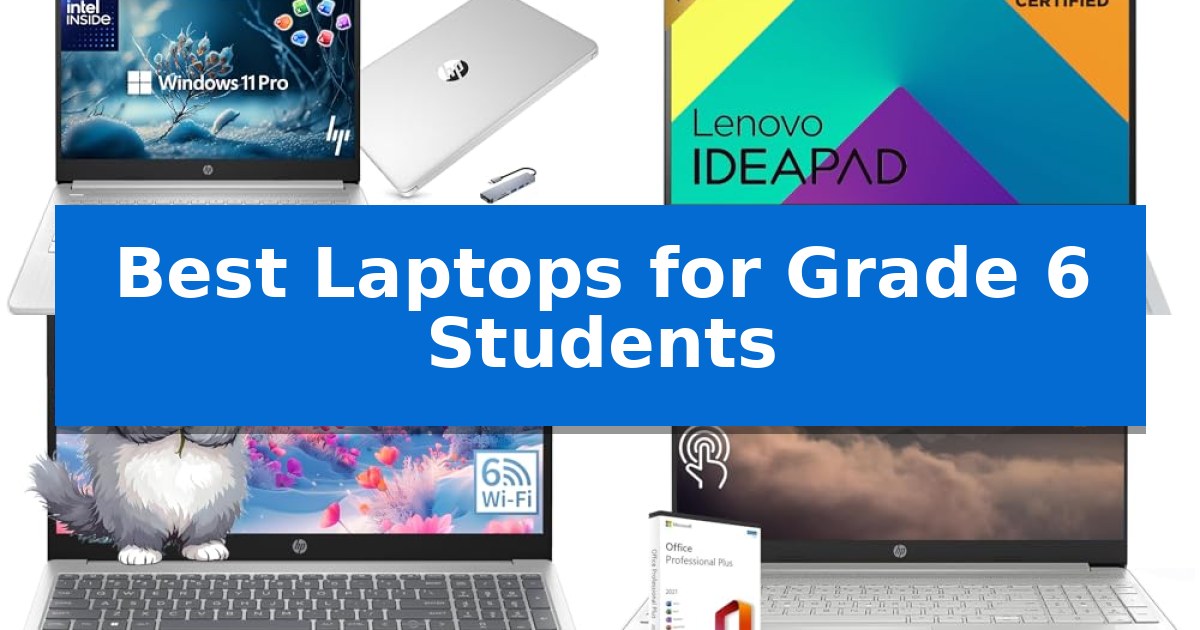
Selecting the right technology for a middle schooler involves balancing durability, ease of use, and the specific requirements of a modern classroom. As students transition into more complex assignments, finding the Best Laptops for Grade 6 Students becomes a critical step in supporting their academic growth and digital literacy.
Our guide focuses on reliable, portable, and efficient devices that handle daily school tasks, research, and collaborative projects. By evaluating key hardware specifications and design features, we aim to help parents and students identify a laptop that provides a stable foundation for their educational journey.
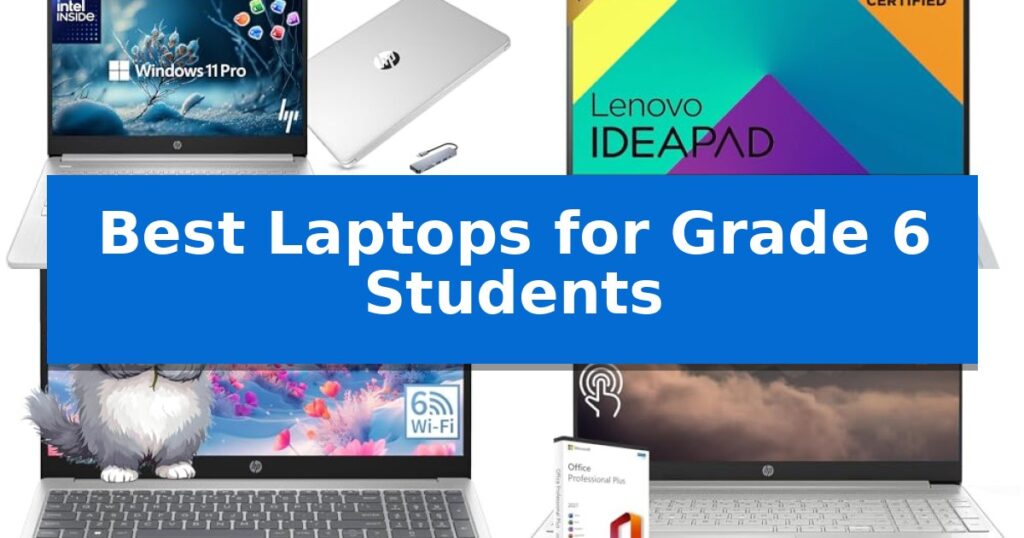
Best Laptops for Grade 6 Students in 2026
Quick Comparison
| Product | Best For | Key Strength | Score |
|---|---|---|---|
| HP 14 Laptop | Best Overall | Comprehensive bundle including a docking station, mouse, and external storage. | 4.9 |
| Lenovo IdeaPad Slim 3i Laptop | Durable Design for Daily Commutes | MIL-STD-810H military-grade durability for enhanced physical resilience. | 4.8 |
| HP Essential Laptop | Reliable Daily Study Companion | Intel N100 processor provides efficient multitasking for school tasks. | 4.8 |
| HP Touchscreen Laptop | Interactive Learning Interface | Interactive 15.6-inch touchscreen for intuitive navigation | 4.5 |
| HP 17 Inch Laptop | Expansive Screen for Research | Expansive 17.3-inch Full HD IPS display for comfortable viewing. | 4.8 |
How We Chose
- Processor efficiency for handling multitasking and web-based learning platforms.
- Portability and build quality to withstand the rigors of daily commutes and school bags.
- Display clarity and eye-comfort features for extended reading and research sessions.
- Connectivity options, including port variety and wireless standards for reliable classroom access.
- Storage capacity to accommodate growing digital portfolios and educational software.
1 HP 14 Laptop — Ultra-Portable for School Bags
The HP 14 Laptop provides a comprehensive, ready-to-use solution for students by including a 6-in-1 USB-C docking station, a wireless mouse, and a 500GB external drive alongside the core computer. This bundle is designed to support the diverse needs of modern education, from managing large file storage to connecting external peripherals for classroom presentations.
Powered by a Quad-Core Intel Processor N150 with speeds reaching 3.6 GHz, this device handles multitasking across web applications and educational software. The system is equipped with 4GB of high-bandwidth RAM and a 128GB SSD, which provides a responsive foundation for daily school tasks. For students who need more space for projects or media, the included 500GB external drive ensures that storage capacity is not a limiting factor.
The 14-inch HD display features a virtually bezel-free design, offering an expansive view for split-screen work or multi-monitor setups. Communication is supported by an integrated HP True Vision 720p HD camera and dual-array digital microphones, ensuring clarity during remote learning sessions or virtual group projects.
Running on Windows 11 Pro, the laptop includes built-in hardware-based isolation and encryption to help secure student data. The inclusion of Microsoft Office 2024 means the device is prepared for document creation, spreadsheets, and presentations immediately upon setup, making it a practical choice for academic environments.
Best for: Students requiring a complete, out-of-the-box computing package that includes essential accessories and pre-installed productivity software.
Skip if: Users who require high-performance hardware for intensive tasks like 3D rendering or professional video editing may find the 4GB RAM limitation restrictive.
PROS
- Comprehensive bundle including a docking station, mouse, and external storage.
- Pre-installed Microsoft Office 2024 for immediate academic utility.
- Windows 11 Pro provides enhanced security features.
- Ultra-portable design suitable for school bags.
CONS
- 4GB RAM may limit performance during heavy multitasking.
- 128GB internal SSD requires reliance on external storage for large files.
2 Lenovo IdeaPad Slim 3i Laptop — Durable Design for Daily Commutes
Equipped with MIL-STD-810H military-grade durability, the Lenovo IdeaPad Slim 3i Laptop is engineered to withstand the rigors of daily student life, from crowded backpacks to busy classroom environments. This device balances a slim, portable form factor with the structural integrity needed for consistent mobile use.
For academic tasks, the 15.6-inch Full HD display utilizes a 16:10 aspect ratio, providing an expanded vertical workspace that is well-suited for reading documents and managing multiple browser tabs simultaneously. To support extended study sessions, the screen includes TÜV-certified Low Blue Light technology, which is designed to help reduce eye strain.
Performance is driven by an Intel Processor N100 paired with LPDDR5 RAM, providing the necessary responsiveness for essential school activities like web research, word processing, and video conferencing. The inclusion of Wi-Fi 6 ensures reliable connectivity for online learning platforms and cloud-based collaboration.
Practicality is a core focus of the design, featuring a fingerprint reader integrated into the power button for secure, quick access. When battery levels run low, the Rapid Charge Boost capability allows students to gain up to 2 hours of usage from just a 15-minute charge, minimizing downtime during long school days.
Connectivity options are comprehensive for a modern student, including a full-function USB-C port, HDMI, and multiple USB-A ports. These interfaces allow for easy connection to external displays, peripherals, and storage devices, making it a versatile hub for various educational projects.
Best for: Students requiring a durable, portable, and reliable device for daily schoolwork, research, and collaborative online learning.
Skip if: Users who require high-performance hardware for intensive tasks like video editing, 3D rendering, or demanding gaming.
PROS
- MIL-STD-810H military-grade durability for enhanced physical resilience.
- Rapid Charge Boost provides quick power recovery for busy schedules.
- 16:10 aspect ratio display offers more vertical space for documents.
- Integrated fingerprint reader for secure and convenient login.
CONS
- Intel Processor N100 is optimized for light productivity rather than high-end computing.
- 4 GB RAM may limit performance during heavy multitasking.
3 HP Essential Laptop — Reliable Daily Study Companion
Equipped with an Intel N100 quad-core processor capable of reaching 3.4GHz, the HP Essential Laptop provides the necessary processing power for students to manage multiple browser tabs, Microsoft Office documents, and virtual classroom applications simultaneously. This hardware configuration is specifically selected to support the multitasking demands of middle school coursework without performance lag.
The device features a 15.6-inch anti-glare FHD display with a 1920×1080 resolution, designed to minimize eye strain during extended study sessions. Its thin-bezel design maximizes the available screen real estate, which is beneficial for side-by-side document viewing or referencing digital textbooks while drafting assignments.
For connectivity and storage, the laptop includes WiFi 6 for stable network access in busy environments like libraries or classrooms and Bluetooth 5.3 for peripherals. The system is configured with 8GB of RAM and a 256GB SSD, ensuring quick boot times and responsive file handling. A full-size keyboard with a dedicated numeric keypad is integrated to assist with data entry and typing tasks.
Portability is a key design focus, with the unit weighing 3.64 lbs. It comes pre-loaded with Windows 11 Home and includes access to Microsoft Office 365 for web, providing an immediate suite of tools for academic projects. The inclusion of HDMI and USB ports allows for easy connection to external monitors or classroom projectors.
Best for: Students requiring a reliable, portable device for word processing, research, and virtual learning.
Skip if: Users needing high-end graphical performance for video editing or demanding gaming, as this model is optimized for academic productivity.
PROS
- Intel N100 processor provides efficient multitasking for school tasks.
- Anti-glare FHD display reduces eye strain during long study sessions.
- WiFi 6 and Bluetooth 5.3 ensure modern, reliable connectivity.
- Full-size keyboard with numeric keypad improves typing ergonomics.
CONS
- 90-day limited warranty period is shorter than many new retail electronics.
- 256GB SSD capacity may require cloud storage for extensive media libraries.
4 HP Touchscreen Laptop — Interactive Learning Interface
The HP Laptop for Business and Student features a 15.6-inch HD touchscreen display, providing an interactive interface that allows students to navigate educational software and multimedia content with direct touch input. This design choice simplifies navigation for younger users, making it an intuitive tool for classroom assignments and digital learning.
Equipped with an Intel 6-Core i3-1215U processor reaching up to 4.4 GHz, this device is engineered for responsive performance during everyday academic tasks. The inclusion of 16GB of DDR4 RAM supports multitasking, allowing students to keep multiple browser tabs and applications open simultaneously without significant slowdowns.
Storage needs are addressed by a 512GB SSD, which provides ample space for school projects, documents, and media files while ensuring quick access to data. The system comes pre-installed with Windows 11 Home and includes a Microsoft Office Lifetime License, offering immediate access to essential productivity software required for writing reports and creating presentations.
Connectivity options include built-in WiFi and Bluetooth, along with a versatile port selection consisting of two USB-A 3.0 ports, one USB-C 3.0 port, and an HDMI output. For remote learning, the integrated HP TrueVision 720p HD camera features a privacy shutter and dual array digital microphones, ensuring students are prepared for virtual classroom participation.
Best for: Students who benefit from a large, interactive touchscreen display and pre-installed productivity software for schoolwork.
Skip if: Users who require a lightweight, highly portable device for frequent travel, as this model weighs 3.75 pounds.
PROS
- Interactive 15.6-inch touchscreen for intuitive navigation
- 16GB RAM enables smooth multitasking for school projects
- Includes Microsoft Office Lifetime License for immediate productivity
- Integrated privacy shutter on the HD camera for security
CONS
- 3.75-pound weight may be heavy for younger students to carry daily
- 15.6-inch form factor occupies significant desk space
5 HP 17 Inch Laptop — Expansive Screen for Research
A 17.3-inch display provides an expansive workspace for research and school projects, making the HP 17 Inch Laptop a practical choice for students who need to manage multiple windows or documents simultaneously. Its large screen size offers a clear, wide-angle view that helps with reading digital textbooks and organizing complex assignments.
Equipped with an AMD Ryzen 5 7430U processor, this machine handles multitasking and online learning applications with reliable efficiency. The inclusion of 16GB RAM and a 1TB SSD ensures that students have sufficient memory and storage space for their academic files and software, while the Copilot AI Key offers quick access to intelligent assistance for drafting emails or managing research workflows.
Designed for a modern classroom or home-study environment, the laptop features Wi-Fi 6 for stable connectivity during video conferencing. The full-size keyboard includes a dedicated numeric keypad, which is useful for data entry tasks, and the HP Fast Charge technology allows the battery to reach 50% capacity in approximately 45 minutes, reducing downtime between classes.
The Windows 11 Pro operating system provides professional-grade management and security features. With a variety of ports including USB-C, USB-A, and HDMI, the device connects easily to external monitors or other school peripherals, creating a versatile workstation for any grade 6 student.
Best for: Students who require a large, expansive display for research and multitasking in a home-study environment.
Skip if: Students who need a highly portable or lightweight device for daily travel between classrooms.
PROS
- Expansive 17.3-inch Full HD IPS display for comfortable viewing.
- 16GB RAM and 1TB SSD provide ample multitasking and storage capacity.
- HP Fast Charge enables quick battery restoration.
- Dedicated Copilot AI Key for integrated productivity assistance.
CONS
- Large form factor may be cumbersome for students frequently carrying the device in a backpack.
Best Laptops for Grade 6 Students Buying Guide
Prioritizing Portability and Durability
For a Grade 6 student, a laptop needs to be lightweight enough to carry between classes without causing strain, yet robust enough to handle the occasional bump. Look for models that emphasize a slimmer profile and durable chassis construction, as these features directly impact the device's longevity in a busy school environment.
Consider the weight of the unit and the quality of the hinges. A laptop that feels solid and well-balanced is less likely to suffer from wear and tear during the transition from home to the classroom and back again.
Understanding Processor and RAM Requirements
The processor acts as the brain of the computer, determining how quickly it can open applications and manage multiple browser tabs. For middle school work, a quad-core processor is generally sufficient to handle common tasks like word processing, online research, and virtual meetings without significant lag.
Equally important is the RAM, which allows the system to keep multiple programs running simultaneously. A minimum of 4GB to 8GB of RAM ensures that the student can switch between a research document, a video lecture, and a presentation tool seamlessly.
Display Quality and Eye Comfort
Students spend a significant amount of time looking at screens for reading and writing. An FHD (Full HD) display provides the necessary resolution for crisp text, which reduces eye strain during long study sessions. Features like anti-glare coatings and low blue light certification are also beneficial for maintaining comfort.
Screen size is a trade-off between workspace and portability. While a 14-inch display offers a great balance for most students, those who perform extensive research or side-by-side document viewing might prefer a larger 15.6-inch or 17-inch screen.
Connectivity and Peripheral Support
A student laptop should be ready to connect to various classroom tools, from projectors to external drives. Ensure the device includes a mix of USB-A and USB-C ports, as well as an HDMI output for presentations. Reliable Wi-Fi 6 connectivity is also essential for maintaining a stable internet connection in crowded school environments.
Bluetooth capability is another useful feature, allowing students to connect wireless mice or headphones for a more organized and distraction-free workspace.
Storage Solutions for Academic Growth
As students progress through middle school, their storage needs will increase. An SSD (Solid State Drive) is highly recommended over older hard drive technology because it offers faster boot times and improved durability. Look for at least 128GB to 256GB of internal storage.
If the internal storage is limited, consider how the laptop supports external expansion. Some models come with external drives or cloud integration, which can be a cost-effective way to manage large files and digital projects over several years.
Frequently Asked Questions
What is the ideal screen size for a Grade 6 student?
A 14-inch screen is often considered the 'sweet spot' for students because it balances a large enough workspace for schoolwork with the portability needed for carrying in a backpack.
Is 4GB of RAM enough for schoolwork?
Yes, 4GB of RAM is generally sufficient for basic school tasks like web browsing, word processing, and participating in video calls, provided the student does not have too many heavy applications open at once.
Why is an SSD better than a traditional hard drive?
An SSD (Solid State Drive) is significantly faster and more durable than a traditional mechanical hard drive, which helps the laptop boot up quickly and makes it more resistant to accidental drops.
Do students need a touchscreen laptop?
A touchscreen is not strictly necessary for most schoolwork, but it can provide an intuitive interface for certain educational apps and creative projects, making the learning experience more interactive.
What ports should I look for in a student laptop?
A versatile selection of ports, including USB-A for legacy devices, USB-C for modern accessories, and HDMI for connecting to external monitors or projectors, is ideal for school use.
Conclusion: Our Top Pick
When selecting the right device, the HP 14 Laptop stands out as a highly practical choice for middle school students. Its combination of an ultra-portable design, efficient quad-core processor, and included accessory bundle makes it a comprehensive solution for students who need a reliable machine for daily schoolwork and remote learning.
While other models offer larger screens or specific features like touchscreens, the HP 14 Laptop provides the best balance of essential performance and portability. It is well-suited for students who prioritize a lightweight device that can easily fit into a school bag while still delivering the power required for modern educational applications.