
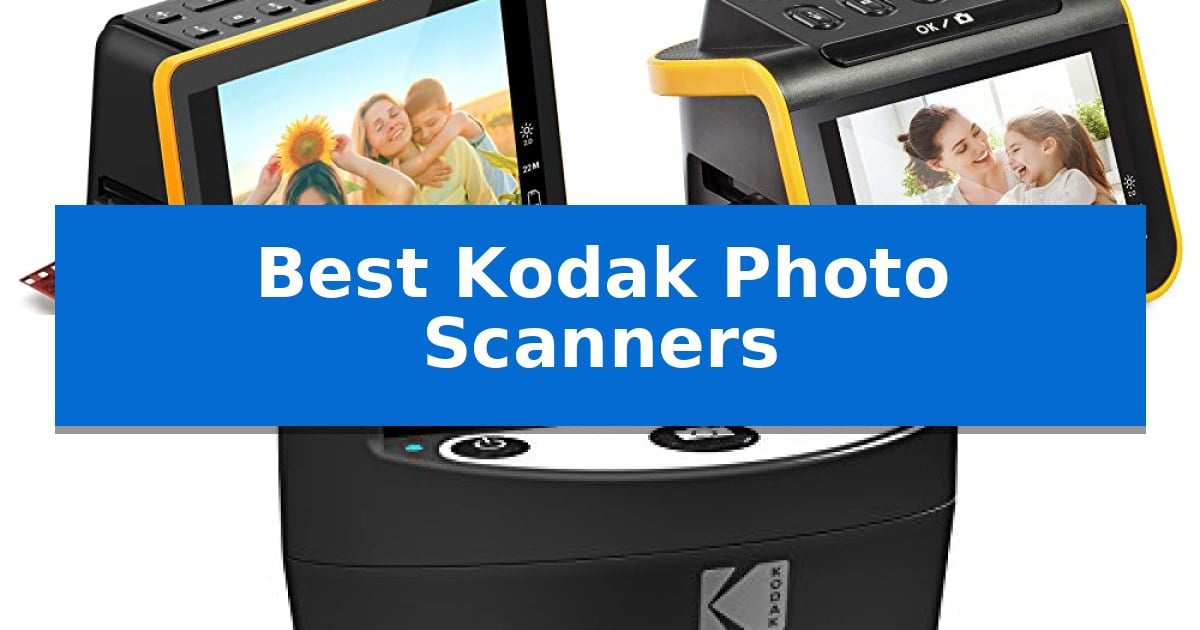
Preserving physical memories requires a reliable way to convert aging film and slides into high-quality digital files. Finding the Best Kodak Photo Scanners involves balancing your specific collection of film formats with the need for a streamlined, computer-free workflow.
Whether you are dealing with a large collection of 35mm slides or a mix of older negative formats, these devices offer dedicated hardware to simplify the digitization process. We have analyzed the current lineup to help you choose the right scanner for your archiving project.
Best Kodak Photo Scanners in 2026: Digitize Your Archives Efficiently
Quick Comparison
| Product | Best For | Key Strength | Score |
|---|---|---|---|
| KODAK Slide N Scan Max Film Scanner | Best Overall | Continuous scanning via the quick-feed tray. | 4.9 |
| KODAK Slide N Scan Film Scanner | Easiest for Quick Batch Conversion | Integrated 5-inch LCD screen for real-time preview and editing | 4.4 |
| KODAK SCANZA Film and Slide Scanner | Versatile Support for Multiple Formats | Supports multiple film formats including 35mm, 126, 110, Super 8, and 8mm. | 4.7 |
How We Chose
- Film Format Compatibility: Assessing which scanners support 35mm, 110, 126, and other specific negative or slide sizes.
- Display and Preview: Evaluating the size and tilt functionality of the integrated LCD screens for easier image review.
- Workflow Efficiency: Analyzing the inclusion of quick-feed trays and one-touch editing features that reduce manual repositioning.
- Storage and Connectivity: Checking for direct-to-SD card saving capabilities and the availability of USB or HDMI outputs for external viewing.
1 KODAK Slide N Scan Max Film Scanner — Best for Large-Screen Previewing
Preserving decades of family history requires a reliable method to convert physical media into digital files without the complexity of traditional flatbed scanners. The KODAK Slide N Scan Max Film Scanner simplifies this task by incorporating a 7-inch tiltable LCD screen, which acts as both a high-resolution preview monitor and a digital picture frame for immediate viewing.
Designed for high-volume digitization, the unit features a quick-feeding tray that allows for continuous scanning of slides and negatives without requiring the user to reposition every frame manually. This workflow is further enhanced by one-touch editing capabilities, enabling users to resize, convert, and adjust images directly on the device, bypassing the need for external photo-editing software.
The scanner offers broad compatibility, supporting 135mm, 110mm, and 126mm film formats, making it a versatile solution for households with mixed archival collections. Its SD/SDHC card compatibility—supporting cards up to 32GB—ensures that digital archives are saved directly to portable storage, providing a streamlined, computer-free experience.
With its compact footprint and integrated display, this device balances professional-grade film support with user-friendly operation. It is an efficient tool for those looking to secure physical memories in a digital format while maintaining a straightforward, accessible process.
Best for: Users who need to digitize large collections of mixed film formats without connecting to a computer.
Skip if: Users who require professional-grade restoration software or high-end archival resolution beyond standard consumer-grade scanning.
PROS
- Continuous scanning via the quick-feed tray.
- Computer-free operation with direct SD card saving.
- Wide format support for 135mm, 110mm, and 126mm film.
- Large 7-inch tiltable LCD for easy previewing and editing.
CONS
- Limited to 32GB SD card capacity for storage.
2 KODAK Slide N Scan Film Scanner — Easiest for Quick Batch Conversion
Preserving physical media is simplified with the KODAK Slide N Scan Film Scanner, which features a 5-inch LCD display that allows for immediate viewing and editing of images without needing a computer connection. This device serves as a standalone solution for digitizing legacy media, including 135, 110, and 126mm negatives and slides, directly onto an SD or SDHC card.
The unit utilizes Quick-Feeding Tray Technology to facilitate continuous loading, which streamlines the conversion process for large batches of film. Users can perform basic adjustments such as color and brightness tuning directly through the interface, and the single-touch scan button minimizes the complexity typically associated with digital conversion software.
Designed for versatility, the scanner includes specific adapters for various film formats and a 50mm slide holder. It supports connectivity via Type-C USB to computers or HDMI to televisions, allowing for flexible playback options. The compact, aesthetic design is intended to integrate into home environments, functioning as a digital picture frame when not actively scanning.
While the scanner provides a comprehensive suite of tools for digitizing, it requires a separate SD or SDHC card for operation, as one is not included in the package. The reliance on manual loading trays means that while the process is efficient, it remains a hands-on task for users managing extensive archives.
Best for: Users who need a standalone, screen-equipped device for quickly digitizing and previewing various film and slide formats.
Skip if: Users who require high-end professional archival restoration software or those who prefer a high-speed automatic feeder for thousands of slides.
PROS
- Integrated 5-inch LCD screen for real-time preview and editing
- Broad compatibility with 135, 110, 126mm film and 50mm slides
- Standalone operation with direct-to-SD card saving
- Simple interface with single-touch scanning
CONS
- SD card not included in the box
- Manual tray loading required for each slide or film strip
3 KODAK SCANZA Film and Slide Scanner — Versatile Support for Multiple Formats
The KODAK SCANZA Film and Slide Scanner simplifies the digitization of analog media by featuring a large, bright 3.5-inch TFT LCD that allows users to view and adjust images directly on the device. This unit is engineered to convert a variety of formats, including 35mm, 126, 110, Super 8, and 8mm negatives and slides, into digital JPEGs with selectable 14MP or 22MP resolution.
Operation is streamlined through an intuitive user interface and one-touch buttons that facilitate quick scanning and saving to an SD card (up to 128GB, not included). The scanner includes a comprehensive set of film inserts and adapters to accommodate different film types, ensuring flexible handling for various archival projects. Users can also perform basic image adjustments, such as modifying RGB levels and resolution, directly through the built-in menu.
Designed for immediate use, the package includes a USB power cable, HDMI cable, AC adapter, and video cable, providing compatibility with both Mac and PC systems. A free film cleaning brush is also provided, which serves the dual purpose of cleaning film strips and the internal light box to minimize dust and speckles on the final digital output.
While the device offers broad format support, it is important to note that the KODAK SCANZA Film and Slide Scanner is strictly limited to the specific film types listed and will not process other formats. Its compact dimensions of approximately 5 by 4.7 inches make it a space-efficient solution for those looking to preserve historical film collections without requiring a complex computer-based scanning setup.
Best for: Individuals looking to digitize a diverse collection of legacy film formats like 35mm, 126, 110, and 8mm film into high-resolution JPEGs.
Skip if: Users who need to scan film formats outside of the supported 35mm, 126, 110, Super 8, and 8mm specifications.
PROS
- Supports multiple film formats including 35mm, 126, 110, Super 8, and 8mm.
- Features a built-in 3.5-inch TFT LCD for real-time viewing and adjustments.
- Includes a complete accessory kit with cables, adapters, and a cleaning brush.
- Offers selectable 14MP or 22MP resolution for digital output.
CONS
- Strict format limitation; does not support film types outside of the listed specifications.
- SD card not included, requiring a separate purchase for storage.
Best Kodak Photo Scanners Buying Guide
Understanding Film Format Compatibility
Before purchasing, verify that the scanner supports the specific film formats in your collection. While many units handle standard 35mm slides and negatives, older or less common formats like 110 or 126 require specific adapters or tray inserts.
Some models are more specialized than others, so ensuring your scanner includes the correct holders for your specific negatives is essential for a successful digitization project.
The Importance of Integrated Displays
A built-in LCD screen is a significant advantage for standalone scanners. It allows you to preview, crop, and adjust color or brightness settings before committing to a final digital file, often without needing to connect to a computer.
Larger screens, such as those found on premium models, provide a better viewing experience and can even function as a digital picture frame, allowing you to share your memories immediately after scanning.
Workflow and Batch Scanning
If you have thousands of slides, the speed of your workflow is critical. Scanners equipped with quick-feed trays allow for continuous loading, which significantly reduces the time spent manually swapping individual slides.
Look for features like one-touch editing that allow you to make basic adjustments on the fly, keeping your momentum high as you work through large boxes of family archives.
Storage and Portability
Most modern film scanners save images directly to an SD or SDHC card. This portability means you can scan your collection in any room of the house without being tethered to a desktop computer or laptop.
Check the maximum SD card capacity supported by the device to ensure you have enough storage space for your entire collection before you begin your project.
Connectivity Options
While direct-to-SD saving is convenient, having additional connectivity options like HDMI or USB is beneficial. HDMI allows you to display your slides on a larger television for family viewing, while USB connectivity makes transferring files to your computer for long-term backup simple.
Always ensure the scanner comes with the necessary cables for your preferred method of file management and viewing.
Frequently Asked Questions
Do I need a computer to use these scanners?
No, these scanners are designed to save images directly to an SD or SDHC card, allowing you to digitize your collection without a computer.
Can these scanners handle all types of film?
Each model has specific supported formats, such as 35mm, 110, or 126. Always check the product specifications to ensure it matches the film types you own.
What is the benefit of a larger LCD screen?
A larger screen makes it easier to preview images, perform quick edits, and share photos with family members without needing to transfer them to another device first.
Are the film adapters included with the scanner?
Yes, these scanners typically arrive with a set of adapters and inserts designed for the specific film formats they support.
Can I edit the photos on the scanner?
Yes, these devices feature one-touch editing options that allow you to adjust color, brightness, and image orientation directly on the unit.
Conclusion: Our Top Pick
For those seeking the most immersive viewing experience and efficient workflow, the KODAK Slide N Scan Max Film Scanner stands out as the top choice. Its 7-inch tiltable screen provides superior clarity for previewing and editing, while the quick-feed tray system is designed to handle large volumes of slides and negatives with minimal effort.
While other models offer great versatility, the combination of the larger display and the streamlined, computer-free operation makes the Max version the most practical solution for digitizing extensive family archives. It effectively balances ease of use with the necessary features to ensure your memories are preserved in high quality.