
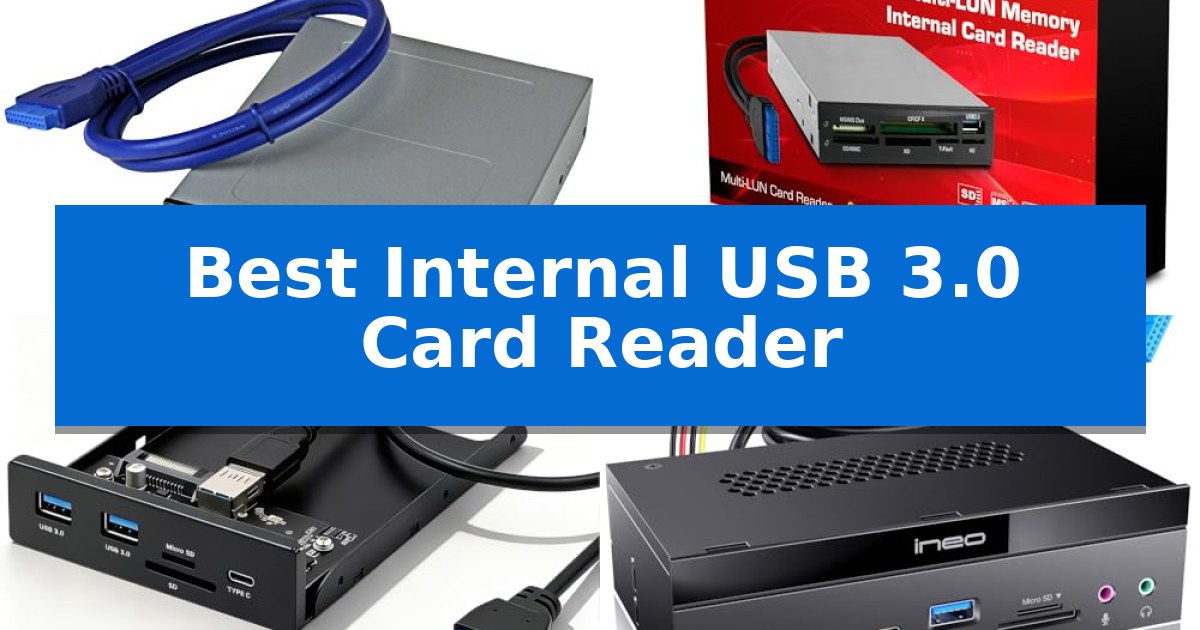
Managing high-resolution media files from cameras and drones requires a reliable, high-speed connection to your workstation. If you are tired of juggling external dongles and cable clutter, installing a Best Internal USB 3.0 Card Reader directly into your PC case provides a permanent, high-performance solution for your data transfer needs.
These internal devices integrate seamlessly into your desktop's drive bays, utilizing internal motherboard headers to deliver consistent power and data throughput. By choosing the right model, you can transform an unused drive bay into a versatile hub that supports multiple memory card formats and additional USB connectivity, keeping your workspace clean and efficient.
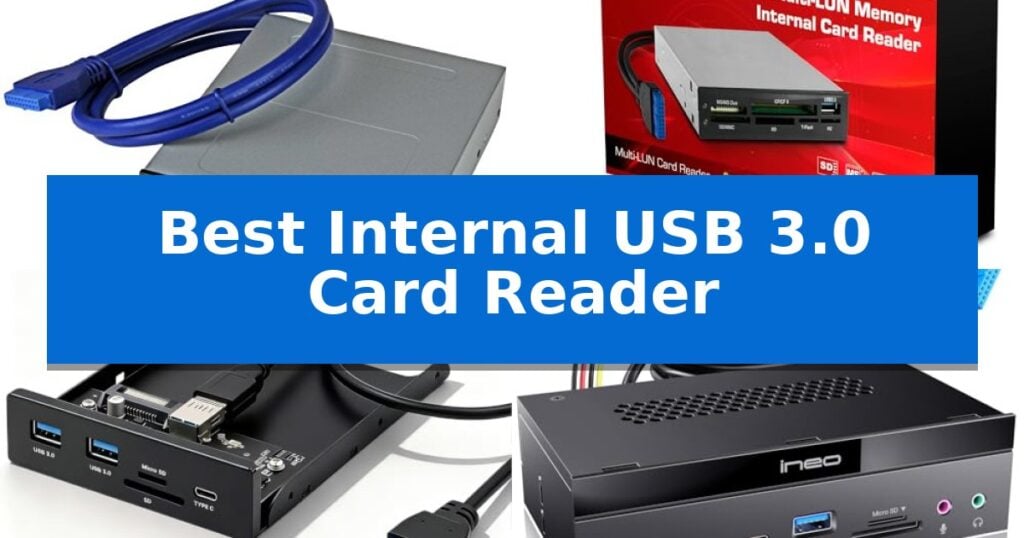
Best Internal USB 3.0 Card Reader in 2026
Quick Comparison
| Product | Best For | Key Strength | Score |
|---|---|---|---|
| StarTech Internal USB 3.0 Card Reader | Best Overall | Simultaneous slot access for four different card types | 4.9 |
| Vantec Link Internal USB 3.0 Reader | Wide Media Format Compatibility | Extensive media compatibility covering CF, SD, MMC, MS, and xD formats. | 4.7 |
| UTECHMIX 3.5-Inch Internal Front Panel | Adds Modern USB-C Connectivity | Adds USB-C and USB 3.0 connectivity to the front of the PC case. | 4.3 |
| ineo 5.25-Inch USB 3.2 Card Reader | Fast 10Gbps Data Transfer Speeds | 10Gbps data transfer speeds via USB 3.2 Gen 2. | 4.8 |
| Kingwin 5.25-Inch Internal USB Hub | All-in-One Expansion for Desktops | All-in-one connectivity with 11 total slots including USB-A, USB-C, and eSATA. | 4.3 |
How We Chose
- Drive Bay Compatibility: We verified whether each unit fits standard 3.5-inch or 5.25-inch front bays.
- Interface Standards: We prioritized models utilizing 19-pin USB 3.0 headers for reliable, high-speed data transfer.
- Media Format Versatility: We assessed the range of supported card types, including SD, microSD, and CompactFlash.
- Expansion Potential: We looked for additional front-facing ports like USB-C or extra USB-A ports that add value to the base reader.
- Build Quality: We considered the durability of the housing and the inclusion of necessary mounting hardware.
1 StarTech Internal USB 3.0 Card Reader — Reliable Choice for IT Pros
Integrating a high-speed data interface directly into your workstation, the StarTech Internal USB 3.0 Card Reader mounts into a standard 3.5-inch drive bay to provide immediate access to a wide array of flash media. By connecting via an internal 20-pin motherboard header, this device ensures a stable, dedicated connection for transferring files from cameras, drones, and mobile devices without relying on external dongles.
This multi-card reader supports a comprehensive list of formats, including CompactFlash Type I, SD, microSD, and various Memory Stick iterations. Its standout capability is simultaneous slot access, which allows users to read from or write to four different card types at once, provided they are not the same media format. This feature is particularly useful for managing multiple sources of content during post-production workflows.
Designed for durability and professional environments, the unit is TAA compliant and includes built-in Power and Activity LEDs to provide visual confirmation of data transfer status. The installation is straightforward, as the package includes the necessary 20-pin IDC cable and mounting screws, making it compatible with most desktop chassis featuring an available 3.5-inch bay.
The reader is OS independent, ensuring compatibility across Windows, macOS, and Linux systems without the need for specific driver installations. With a 2-year warranty and access to lifetime 24/5 multi-lingual technical support, it serves as a reliable utility for photographers, videographers, and IT professionals who require consistent, internal access to removable storage media.
Best for: Desktop users who need simultaneous access to multiple flash card formats directly from their computer's front panel.
Skip if: Users who do not have an available 3.5-inch drive bay or an internal 20-pin USB 3.0 motherboard header.
PROS
- Simultaneous slot access for four different card types
- Connects via internal 20-pin motherboard header for a clean, permanent setup
- Supports a wide range of card formats including CompactFlash and SD/microSD
- Includes Power and Activity LEDs for status monitoring
CONS
- Requires an available 3.5-inch drive bay and internal header
- Does not support simultaneous access to multiple cards of the same media type
2 Vantec Link Internal USB 3.0 Reader — Wide Media Format Compatibility
The Vantec Link Internal USB 3.0 Reader is designed for integration into a standard 3.5-inch drive bay, providing a centralized hub for a wide array of memory formats. This internal reader connects directly to your motherboard via a 20-pin USB header, ensuring a stable, clutter-free connection for users who frequently transfer data from various professional and consumer media cards.
Compatibility is the primary strength of this unit, as it supports an extensive range of standards including CompactFlash v6.0, SDXC up to 2TB, and various Memory Stick iterations. It also handles specialized formats like xD-Picture cards and embedded Multi Media Cards (eMMC), making it a versatile tool for photographers, videographers, and data professionals who manage diverse storage media.
Built for high-speed data access, the device supports Ultra High Speed (UHS-I) SD standards and quad data access for Memory Stick PRO-HG cards. The inclusion of support for PIO mode 6 and Ultra DMA mode 7 for CompactFlash ensures that the reader can keep pace with high-capacity cards, while the LBA48 support allows for addressing large storage volumes.
The Vantec Link Internal USB 3.0 Reader offers a streamlined solution for desktop workstations, eliminating the need for multiple external dongles. Its fixed installation ensures that ports are always accessible, providing a reliable interface for managing everything from legacy memory sticks to modern high-capacity SDXC cards.
Best for: Desktop users who require a permanent, multi-format card reading solution integrated directly into their PC chassis.
Skip if: Users who require a portable card reader for use with laptops or those who do not have an available 3.5-inch drive bay and internal USB 3.0 header.
PROS
- Extensive media compatibility covering CF, SD, MMC, MS, and xD formats.
- Internal 20-pin USB 3.0 connection for a permanent, organized workspace.
- High-capacity support including SDXC up to 2TB and CompactFlash up to 144PB.
- Dedicated slots for a wide variety of card types without needing adapters.
CONS
- Requires a 3.5-inch drive bay and an internal motherboard header for installation.
- Fixed internal design limits portability compared to external USB card readers.
3 UTECHMIX 3.5-Inch Internal Front Panel — Adds Modern USB-C Connectivity
Integrating modern connectivity into a legacy desktop setup is simplified with the UTECHMIX 3.5-Inch Internal Front Panel. This device mounts directly into an empty 3.5-inch drive bay, providing immediate access to high-speed ports and memory card slots without requiring users to reach behind their PC case.
The unit features a USB-C port alongside two USB 3.0 Type-A ports, facilitating efficient data transfers for content creators handling RAW photos or 4K video files. By connecting to the motherboard's internal 19-pin header, the front panel ensures consistent USB 3.0 speed standards for connected peripherals like cameras, keyboards, or external drives.
Constructed with a sturdy SPCC metal housing, the panel is designed for frequent use and long-term durability within a computer chassis. The installation process is straightforward, utilizing the included 19-pin cable and 15-pin SATA power cable to maintain stable power delivery to all connected devices.
Compatibility is a key consideration, as the device is specifically sized for a 3.5-inch bay. Users with a 5.25-inch optical bay will require an additional conversion bracket, which is not included in the package. Ensuring the presence of a free 19-pin USB 3.0 header on the motherboard is essential for successful integration.
Best for: Users looking to add modern USB-C and SD card accessibility to a desktop PC with an available 3.5-inch drive bay.
Skip if: Users whose PC cases lack a 3.5-inch drive bay or those whose motherboards do not have an available 19-pin USB 3.0 header.
PROS
- Adds USB-C and USB 3.0 connectivity to the front of the PC case.
- Integrated SD and microSD card slots for quick file transfers.
- Durable SPCC metal housing for long-term reliability.
- Includes necessary 19-pin and SATA power cables for installation.
CONS
- Requires an available 3.5-inch bay and internal 19-pin header.
- Conversion bracket not included for 5.25-inch optical drive bays.
4 ineo 5.25-Inch USB 3.2 Card Reader — Fast 10Gbps Data Transfer Speeds
Maximizing the utility of an empty 5.25-inch drive bay, the ineo 5.25-Inch USB 3.2 Card Reader transforms standard desktop storage space into a comprehensive connectivity hub. This internal device integrates multiple data and audio ports directly into the front of your PC chassis, providing immediate access to high-speed transfers and peripheral connections without reaching behind the tower.
Engineered for modern data demands, the unit supports 10Gbps high-speed performance via the USB 3.2 Gen 2 standard. It includes a versatile array of inputs, featuring two USB-C ports, two USB 3.0 ports, and dedicated slots for SD and microSD cards. The inclusion of microphone and audio output ports further expands its role as a central command station for desktop users.
Installation requires specific internal motherboard headers, specifically a 19-pin USB 3.0 header and a 20-pin USB 3.2 Key-A Type-E header. The device is constructed with a sturdy metal frame to ensure long-term durability and includes necessary mounting screws. For operational safety, the card reader requires a 15-pin SATA power connection and features integrated over-current, over-voltage, and short circuit protection.
Compatibility extends across most modern operating systems, including Windows 11, 10, 8.1, 8, 7, Vista, and XP. While the unit offers significant expansion, users with older motherboards lacking the required Type-E header may need to utilize a separate front panel adapter or a PCIe card to achieve full functionality.
Best for: Users looking to upgrade a desktop PC with front-facing high-speed USB-C connectivity and integrated memory card reading capabilities.
Skip if: Users with motherboards that lack the specific 19-pin USB 3.0 and 20-pin USB 3.2 Key-A headers, or those without an available 5.25-inch drive bay.
PROS
- 10Gbps data transfer speeds via USB 3.2 Gen 2.
- Comprehensive hub includes SD and microSD card slots.
- Integrated microphone and audio output ports.
- Durable sturdy metal construction for long-term use.
CONS
- Requires specific motherboard headers for full functionality.
- Mandatory SATA power connection for the card reader.
5 Kingwin 5.25-Inch Internal USB Hub — All-in-One Expansion for Desktops
Integrating high-speed data access directly into your workstation, the Kingwin 5.25-Inch Internal USB Hub occupies a standard 5.25-inch front drive bay to provide immediate access to a variety of ports and memory card slots. This all-in-one solution eliminates the need to reach behind a desktop chassis, centralizing connectivity for peripherals and media storage.
The device is equipped with a comprehensive array of interfaces, featuring three USB 3.0 Type-A ports and one USB-C port, all capable of supporting data transfer speeds up to 5Gbps. For users managing multiple storage formats, the unit includes six dedicated card reader slots that support a wide range of media, including SD, MMC, SDHC, CF, MS, and TF/T-Flash cards.
Beyond standard USB connectivity, the hub provides an eSATA port for additional storage flexibility. The unit is designed for internal installation and requires a 5.25-inch bay, ensuring a clean, integrated look for custom PC builds. It maintains backward compatibility with USB 2.0 and USB 1.1 standards, allowing it to function with older peripherals without issue.
This hub is a practical choice for users who frequently swap memory cards or require front-facing access to high-speed USB ports for external drives and accessories. By utilizing the internal SATA power connection, it ensures stable power delivery to connected devices, making it a reliable addition for those looking to maximize the utility of their desktop's front panel.
Best for: Desktop users who need front-panel access to multiple USB ports, a USB-C connection, and diverse memory card reader slots.
Skip if: Users without an available 5.25-inch external drive bay or those who prefer external, portable hubs that do not require internal installation.
PROS
- All-in-one connectivity with 11 total slots including USB-A, USB-C, and eSATA.
- High-speed data transfer up to 5Gbps via USB 3.0.
- Wide media support covering six different card reader formats.
- Front-bay integration for a clean, permanent desktop setup.
CONS
- Requires a 5.25-inch drive bay, which is not present in many modern, compact PC cases.
- Internal installation is required, making it less portable than external USB hubs.
Best Internal USB 3.0 Card Reader Buying Guide
Understanding Drive Bay Sizes
Internal card readers are designed to fit into specific front-facing drive bays on your computer case. Most modern readers are built for 3.5-inch bays, which were historically used for floppy drives. If your case only has 5.25-inch optical drive bays available, you will likely need a mounting bracket to secure a smaller 3.5-inch reader properly.
Before purchasing, check your PC case specifications to see which bays are accessible. Some larger multi-function hubs are designed specifically for 5.25-inch bays, offering more ports and features, so ensure you have the physical space required for the unit you select.
Motherboard Header Compatibility
The performance of an internal reader depends on how it connects to your motherboard. Most USB 3.0 readers require an available 19-pin USB 3.0 header on your motherboard. This internal connection ensures you get the full bandwidth of the USB 3.0 standard, which is significantly faster than older USB 2.0 connections.
Always inspect your motherboard layout before buying. If your motherboard lacks an available 19-pin header, you may need to purchase an internal USB expansion card or a PCIe-to-USB header adapter to provide the necessary connection point.
Supported Media Formats
Not all card readers support every type of memory card. If you frequently use specialized media like CompactFlash for professional photography or various Memory Stick formats, verify that the reader explicitly lists these formats in its specifications.
Most standard readers cover the basics, such as SD, SDHC, SDXC, and microSD. However, if you work with high-capacity cards or older legacy formats, double-check the compatibility list to ensure you won't need an additional adapter.
Data Transfer Speeds
While USB 3.0 provides a theoretical maximum speed of 5Gbps, the actual transfer rate is often limited by the card itself and the reader's controller. For users moving large 4K video files or high-resolution RAW photos, look for readers that support UHS-II or higher standards to maximize the speed of your memory cards.
Keep in mind that if you are using multiple slots simultaneously, the total bandwidth may be shared. Some high-end models are designed to handle simultaneous access to multiple slots more efficiently, which is a significant benefit for productivity.
Additional Connectivity Features
Many internal card readers do more than just read memory cards; they act as front-panel hubs. Features like USB-C ports or extra USB 3.0 Type-A ports can be incredibly convenient for plugging in flash drives, charging devices, or connecting peripherals without reaching behind your PC.
Consider how many extra ports you actually need. A simpler reader might be sufficient if you only need card access, but a multi-function hub can significantly reduce the need for external USB hubs on your desk.
Frequently Asked Questions
Can I install an internal card reader in any PC case?
Most internal card readers are designed for standard 3.5-inch or 5.25-inch drive bays. You must ensure your case has an externally accessible bay and that your motherboard has the required internal USB header.
Do I need extra power for an internal card reader?
While many readers draw power directly from the USB header, some high-performance models or those with multiple USB ports require a 15-pin SATA power connection from your power supply to ensure stability.
What is the difference between a 19-pin header and a 20-pin header?
In the context of internal PC headers, these terms are often used interchangeably to refer to the standard USB 3.0 front panel connector. Always check your motherboard manual to confirm the header pinout.
Will an internal card reader work with my operating system?
Most internal USB 3.0 card readers are plug-and-play devices that are OS-independent, meaning they should work with Windows, macOS, and Linux without requiring specific drivers.
Can I use all card slots at the same time?
Many modern internal card readers support simultaneous access to multiple slots, allowing you to copy files between different cards. Check the specific product features to confirm if simultaneous access is supported.
Conclusion: Our Top Pick
For those seeking a reliable and professional-grade solution, the StarTech Internal USB 3.0 Card Reader stands out as the top choice. Its robust design, TAA compliance, and broad support for various memory card formats make it an ideal addition to any workstation requiring consistent, high-speed data access.
While other models offer additional USB-C ports or extra hubs, the StarTech unit excels in its primary function of providing stable, multi-card compatibility. It is an excellent investment for photographers, videographers, and IT professionals who need a dependable, permanent way to manage their media files.