
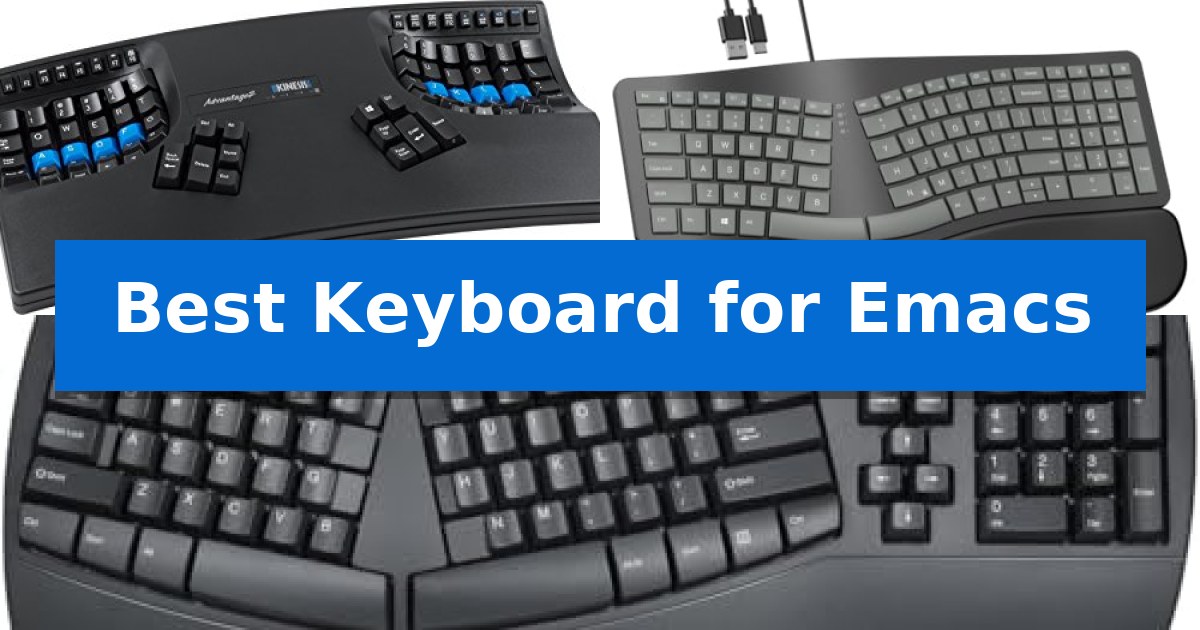
Finding the Best Keyboard for Emacs requires balancing complex keybinding requirements with the physical demands of long-term text editing. Because Emacs relies heavily on modifier keys like Ctrl and Meta, a keyboard that minimizes finger travel and wrist strain is essential for maintaining a productive coding environment.
Our selection focuses on hardware that supports high-volume typing through ergonomic design and programmable layouts. Whether you need a fully split configuration to open your chest or specialized thumb keys to offload modifier-heavy chord sequences, these options provide the physical foundation necessary for efficient Emacs usage.
Best Keyboard for Emacs in 2026: Ergonomic Layouts for Coding
Quick Comparison
| Product | Best For | Key Strength | Score |
|---|---|---|---|
| Kinesis Advantage2 Ergonomic Keyboard | Best Overall | Contoured split keywells reduce finger travel and wrist strain. | 4.9 |
| OMOTON Ergonomic Split Keyboard | Natural posture for long coding | Dual USB-A and USB-C interface for broad compatibility. | 4.7 |
| Perixx PERIBOARD-512B Ergonomic Keyboard | Split layout reduces wrist strain | Split-key ergonomic design reduces wrist strain. | 4.7 |
How We Chose
- Ergonomic geometry, including split layouts and tenting, to promote neutral wrist alignment.
- Programmability and key remapping capabilities to handle custom Emacs keybindings.
- Switch tactile feedback and travel distance to ensure consistent input during rapid editing.
- Build quality and stability to prevent movement during high-speed typing sessions.
- Interface compatibility to ensure seamless integration with various operating systems.
1 Kinesis Advantage2 Ergonomic Keyboard — Programmable keys for complex workflows
Navigating complex text-editing environments requires a tool that minimizes hand movement and maximizes efficiency. The Kinesis Advantage2 Ergonomic Keyboard addresses this through a unique contoured ergonomic shape featuring split keywells and an orthogonal layout, which aligns keys in vertical columns to reduce finger travel distance during long coding sessions.
For power users, the Driverless Smart Set engine offers full onboard programmability. This allows for one-touch key remapping and on-the-fly macro recording, enabling developers to map common Emacs commands directly to the keyboard's thumb keys. By offloading heavy modifier usage—like Ctrl or Meta—to the thumbs, users can reduce strain on their pinky fingers while maintaining high-speed input.
The hardware is built with genuine Cherry MX Brown mechanical switches, providing tactile feedback and a low activation force suitable for extended typing. These switches are rated for 50 million key presses, ensuring long-term durability. The keyboard also includes 20 degrees of tenting and integrated palm supports with cushioned pads to promote a neutral wrist position.
Compatibility is straightforward with plug-and-play support for major operating systems including Linux, Mac, and Windows. All custom layouts and macros are saved directly to the keyboard's 4MB flash memory, allowing settings to persist when moving between different workstations. Kinesis backs this design with a 3-year manufacturer's warranty.
Best for: Developers and power users who require extensive macro customization and ergonomic support for high-volume text editing.
Skip if: Users who prefer a traditional staggered key layout or those who require a wireless connection, as this model is wired.
PROS
- Contoured split keywells reduce finger travel and wrist strain.
- Thumb keys allow for efficient mapping of complex modifier-heavy shortcuts.
- Onboard programmability saves custom layouts directly to the device.
- Cherry MX Brown switches provide a tactile, durable typing experience.
CONS
- Non-standard layout requires a significant learning curve for new users.
- Wired-only connectivity limits desk placement options.
2 OMOTON Ergonomic Split Keyboard — Natural posture for long coding
Maintaining a natural hand position during extended coding sessions is essential for comfort, and the OMOTON Ergonomic Split Keyboard addresses this through its specialized curved split design. By guiding your hands into an open, natural resting position, this keyboard aims to reduce strain during long document or development tasks.
The OMOTON Ergonomic Split Keyboard features a dual interface with both USB-A and USB-C connectivity, allowing for immediate use across desktops and laptops without the need for drivers or pairing processes. This wired setup eliminates battery maintenance and connectivity interruptions, providing a consistent input experience.
Designed for stability and physical comfort, the unit includes adjustable tilts that allow for a 4.8° back tilt for higher desks or a 1.8° front tilt for lower surfaces. The integrated sweat-proof leather wrist rest features a soft sponge core, providing support that remains easy to clean and maintain throughout the workday.
For developers and analysts who frequently handle data, the inclusion of a full number pad facilitates efficient numeric entry. This layout reduces the need for excessive hand movement, streamlining workflows that involve spreadsheets or daily reconciliation tasks.
Best for: Developers and office professionals seeking a wired, ergonomic split layout with integrated wrist support and dual-interface connectivity.
Skip if: Users who require a wireless connection, mechanical switches, or a compact, tenkeyless form factor will find this full-sized, wired membrane-style keyboard unsuitable for their needs.
PROS
- Dual USB-A and USB-C interface for broad compatibility.
- Ergonomic split design promotes a natural hand posture.
- Sweat-proof leather wrist rest with a supportive sponge core.
- Adjustable tilt legs for customized typing angles.
CONS
- Wired-only connection lacks wireless flexibility.
- Full-sized layout requires significant desk space.
3 Perixx PERIBOARD-512B Ergonomic Keyboard — Split layout reduces wrist strain
The Perixx PERIBOARD-512B Ergonomic Keyboard utilizes a split-key ergonomic design to address the physical strain often associated with high-volume text editing. By dividing the keys into distinct left and right zones, the layout encourages a more natural hand position that reduces wrist bending, making it a specialized tool for those who spend long hours at a workstation.
This keyboard features membrane switches with a long key travel of 4.2 mm, providing tactile feedback that mimics the feel of brown mechanical switches. The stepped, curved row design is engineered to promote a natural typing posture, which helps mitigate fatigue during repetitive tasks. To further enhance comfort, the curved keycaps are shaped with flatter tops and back edges to better fit the contours of human fingertips.
Durability is a core component of the build, with the keys rated for up to 20 million keystrokes. The unit connects via a standard wired USB interface, ensuring a consistent and reliable connection for your workstation without the need for batteries or wireless pairing. While the ergonomic shape requires a natural learning curve, most users adapt to the split layout within one to two weeks of consistent use.
Best for: Users seeking a split-layout ergonomic keyboard to reduce wrist strain during long hours of text editing.
Skip if: Users who require a compact, portable keyboard or those who prefer the specific actuation feel of mechanical switches over membrane-based tactile feedback.
PROS
- Split-key ergonomic design reduces wrist strain.
- Long 4.2 mm key travel provides responsive tactile feedback.
- Stepped, curved row design promotes natural posture.
- Durable construction rated for 20 million keystrokes.
CONS
- Requires an adjustment period of 1-2 weeks.
- Wired-only connectivity limits desk placement flexibility.
Best Keyboard for Emacs Buying Guide
Understanding Ergonomic Layouts
The primary goal of an ergonomic keyboard is to reduce the strain caused by repetitive motion. Split layouts allow you to position each half of the keyboard at shoulder width, which helps keep your wrists straight and your shoulders relaxed. This is particularly beneficial for programmers who spend hours in front of a screen.
When choosing a layout, consider the tenting angle. A keyboard that allows you to tilt the halves inward can reduce forearm pronation. This adjustment is often subtle but can significantly impact comfort over long coding sessions, helping to prevent the fatigue commonly associated with flat, traditional keyboards.
The Importance of Programmability
Emacs users often rely on complex key chords. A keyboard with onboard programmability allows you to move modifier keys to more accessible locations, such as under your thumbs. By offloading the Ctrl or Meta keys to thumb clusters, you can reduce the strain on your pinky fingers, which are frequently overworked in standard layouts.
Look for hardware that supports driverless remapping. This ensures that your custom key configurations remain active regardless of the operating system or machine you are using. Saving these settings directly to the keyboard's memory provides a consistent experience across different development environments.
Switch Types and Tactile Feedback
Mechanical switches are preferred by many developers for their reliability and consistent feel. Cherry MX Brown switches, for instance, offer a tactile bump without the loud click of blue switches, providing enough feedback to know a key has registered without being disruptive in a quiet office.
Key travel is another critical factor. A deeper key travel distance can provide a more satisfying typing experience and help prevent bottoming out too hard, which can cause joint pain over time. Ensure the switch type matches your personal preference for resistance and actuation force.
Connectivity and Interface
While many modern keyboards offer wireless options, wired connections are often favored for their reliability and lack of battery maintenance. A dual interface (such as USB-A and USB-C) can be highly convenient if you frequently switch between a desktop workstation and a laptop.
Wired keyboards also eliminate the need for pairing or charging, ensuring that your input device is always ready when you sit down to code. If you choose a wired model, verify that the cable length and connector type are compatible with your current desk setup.
Wrist Support and Comfort
Integrated palm supports are vital for maintaining a neutral wrist position. A cushioned wrist rest made from durable, easy-to-clean material can prevent your wrists from resting on hard surfaces, which is a common cause of contact stress.
The height and padding of the rest should align with the keyboard's profile. Proper support keeps your wrists from hovering or bending at awkward angles, allowing you to maintain a relaxed posture while navigating through long files or complex codebases.
Frequently Asked Questions
Why is a split keyboard better for Emacs?
Split keyboards allow for a more natural hand position, which reduces the strain caused by the frequent use of modifier keys and complex chords required in Emacs.
Can I remap keys on these keyboards?
Yes, models like the Kinesis Advantage2 offer full onboard programmability, allowing you to remap keys and create macros that are saved directly to the device.
Do I need special software to use these keyboards?
Many of these keyboards are plug-and-play. While some offer optional GUI software for easier configuration, the hardware itself often handles the remapping internally.
Are mechanical switches necessary?
While not strictly necessary, mechanical switches are often preferred for their durability and consistent tactile feedback, which can improve typing accuracy during long coding sessions.
How long does it take to adapt to an ergonomic layout?
Most users report an adjustment period of one to two weeks. It is common to experience a temporary decrease in typing speed while your muscle memory adapts to the new key placement.
Conclusion: Our Top Pick
For users seeking the most robust solution for complex workflows, the Kinesis Advantage2 Ergonomic Keyboard stands out as the top choice. Its combination of a contoured, split-keywell design and advanced onboard programmability allows for the deep customization required to optimize Emacs keybindings while minimizing physical strain.
While the unique layout requires an adjustment period, the ability to offload modifier keys to dedicated thumb clusters provides a significant ergonomic advantage for heavy text editors. Its durable mechanical switches and driverless configuration ensure it remains a reliable tool for long-term coding projects.