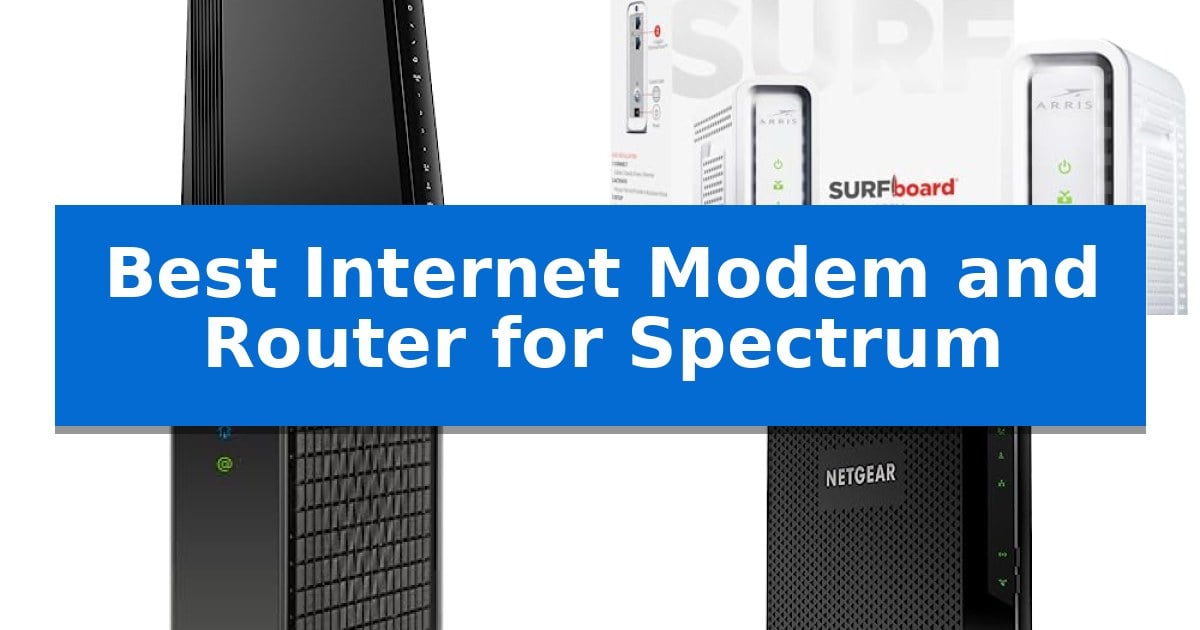
Best Internet Modem and Router for Spectrum in 2026

Best Internet Modem and Router for Spectrum

Finding the right hardware for your home network can be a challenge, especially with the specific requirements of cable internet providers. Whether you are looking to eliminate monthly rental fees or upgrade your home office for better stability, choosing the Best Internet Modem and Router for Spectrum requires balancing your current service plan with your long-term connectivity needs.

Our guide focuses on equipment that is officially compatible with Spectrum, ensuring you can achieve the speeds you pay for without unnecessary technical hurdles. We examine both all-in-one gateway units and standalone modem options to provide a clear path for upgrading your home network setup.
Best Internet Modem and Router for Spectrum in 2026

Our Top Picks
  1. Reliable Multi-Gig Wired Foundation ARRIS SURFboard SB8200 Cable Modem
  2. Future-Proof DOCSIS 3.1 Speed Hitron CODA56 Cable Modem
  3. All-in-One Home Connectivity NETGEAR Nighthawk C7000 Modem Router
  4. Optimized Signal Range Motorola MG7700 Modem Router

Quick Comparison

Product Best For Key Strength Score
NETGEAR Nighthawk CAX80 Modem Router Best Overall DOCSIS 3.1 support for Gigabit+ cable internet speeds. 4.9
ARRIS SURFboard SB8200 Cable Modem Reliable Multi-Gig Wired Foundation Supports DOCSIS 3.1 for multi-gigabit speeds. 4.5
Hitron CODA56 Cable Modem Future-Proof DOCSIS 3.1 Speed 2.5 Gbps Ethernet port for multi-gigabit speed support 4.4
NETGEAR Nighthawk C7000 Modem Router All-in-One Home Connectivity Two-in-one design reduces hardware clutter by combining modem and router functionality. 4.6
Motorola MG7700 Modem Router Optimized Signal Range Eliminates monthly rental fees by allowing users to own their modem hardware. 4.8

How We Chose

  • DOCSIS Compatibility: Ensuring each modem supports the necessary DOCSIS 3.1 or 3.0 standards required for Spectrum's network.
  • Network Throughput: Assessing the maximum speed capabilities of both the modem and the integrated or required router.
  • Port Configuration: Evaluating the availability of multi-gig or multiple Gigabit Ethernet ports for wired device stability.
  • Ease of Management: Reviewing the setup process and network management tools, such as mobile applications, for user-friendly control.
  • Security Features: Checking for integrated encryption standards like WPA3 and firewall protections to safeguard connected devices.

1 NETGEAR Nighthawk CAX80 Modem Router — Fastest Wi-Fi 6 Performance

Managing your home network efficiency starts with the hardware you choose to bridge your ISP connection. The NETGEAR Nighthawk DOCSIS 3.1 Modem Router Combo CAX80 integrates a high-performance cable modem and a powerful WiFi 6 router into a single chassis, designed to streamline your setup while supporting high-speed internet plans from providers like Spectrum.

This device leverages DOCSIS 3.1 technology to handle Gigabit+ cable internet plans, ensuring that data-heavy tasks like 4K streaming, online gaming, and video conferencing remain stable. By incorporating OFDMA technology, the unit improves response times during peak network congestion, helping to maintain consistent performance when multiple family members are online simultaneously.

For connectivity, the NETGEAR Nighthawk CAX80 offers a robust AX6000 dual-band WiFi 6 signal, providing coverage for up to 2,500 square feet and supporting over 30 connected devices. Wired performance is equally prioritized, featuring one 2.5 Gig Multi-Gig port alongside four standard Gigabit Ethernet ports, allowing you to hardwire high-bandwidth devices like gaming consoles or desktop computers for reduced latency.

Setup and ongoing management are handled through the Nighthawk app, which provides a guided installation process and tools for running speed tests, pausing devices, or configuring guest networks. Security is integrated through WPA3 WiFi encryption, firewall protection, and a trial of NETGEAR Armor to help monitor against potential digital threats.

While this all-in-one unit simplifies home networking, it is important to note that it is strictly for cable internet providers and is not compatible with fiber or DSL services like Verizon or AT&T. It serves as a comprehensive solution for users looking to replace their ISP-provided hardware with a single, high-capacity device.

Best for: Users seeking an all-in-one, high-performance upgrade for cable internet plans who want to reduce hardware clutter.

Skip if: Users with fiber, DSL, or satellite internet services, as this device is exclusively designed for cable internet infrastructure.

PROS

  • DOCSIS 3.1 support for Gigabit+ cable internet speeds.
  • Integrated 2.5 Gig Multi-Gig port for high-speed wired connections.
  • AX6000 WiFi 6 coverage for up to 2,500 sq ft.
  • Simplified management via the Nighthawk app.

CONS

  • Not compatible with non-cable internet providers like fiber or DSL.
  • Requires ISP activation after the initial setup.

2 ARRIS SURFboard SB8200 Cable Modem — Reliable Multi-Gig Wired Foundation

The ARRIS SURFboard SB8200 Cable Modem serves as a high-performance foundation for home networks by utilizing DOCSIS 3.1 technology, which supports internet plans up to 2 Gbps. This modem is engineered to handle the demands of ultra-fast streaming, gaming, and large file downloads, making it a suitable choice for users looking to maximize their high-speed cable service.

Designed for efficiency, this unit features a compact, modern footprint that integrates easily into existing setups. It includes two 1 Gigabit Ethernet ports that allow for wired aggregate speeds up to 2 Gbps when connected to a compatible router. The device uses discrete LED indicators to provide clear status updates for power, upstream and downstream connectivity, and online status.

Installation is straightforward: users connect the coaxial cable, power the device, and complete the activation process with their service provider. Because this is a modem-only device, it requires a separate Wi-Fi router or mesh system to provide wireless coverage throughout the home. It is CableLabs certified and qualified for use with major providers including Spectrum, Xfinity, and Cox.

By owning this modem, users can potentially avoid monthly equipment rental fees charged by their internet service provider. The device is built for reliability and comes with a 2-year limited warranty, providing long-term support for your wired connection infrastructure.

Best for: Users who want to eliminate monthly rental fees and require a high-performance DOCSIS 3.1 modem to support multi-gigabit internet plans.

Skip if: Users who require an all-in-one device with built-in Wi-Fi or those who use fiber, DSL, or satellite internet services.

PROS

  • Supports DOCSIS 3.1 for multi-gigabit speeds.
  • Includes two 1 Gigabit Ethernet ports for flexible connectivity.
  • Helps avoid monthly rental fees by allowing users to own their hardware.
  • Compact design with discrete LED indicators.

CONS

  • Requires a separate Wi-Fi router for wireless network coverage.
  • Not compatible with fiber, DSL, or satellite internet services.

3 Hitron CODA56 Cable Modem — Future-Proof DOCSIS 3.1 Speed

The Hitron CODA56 Cable Internet Modem provides a dedicated bridge for high-speed cable services, utilizing DOCSIS 3.1 technology to support multi-gigabit performance. This unit is specifically engineered for users who want to move beyond ISP-provided equipment, offering a 2.5 Gbps Ethernet port to accommodate high-bandwidth internet plans from providers like Spectrum, Xfinity, and Cox.

Because this device functions strictly as a modem, it does not include wireless networking capabilities. Users must pair it with a separate WiFi router to create a home network. This modular approach allows for greater flexibility, enabling the use of high-performance routers that can fully leverage the 2.5 Gbps throughput without the limitations often found in all-in-one gateway units.

Designed for reliability and efficiency, the modem is optimized for low-latency tasks, including 4K streaming, online gaming, and video conferencing. It maintains backward compatibility with DOCSIS 3.0 networks, ensuring it remains functional even if your specific cable infrastructure has not yet fully transitioned to the latest standards.

Installation requires active cable internet service and ISP activation. By owning your hardware, you may be able to eliminate recurring monthly equipment rental fees, depending on your provider's current policies. The device is backed by 7-day technical support and warranty coverage, providing a stable foundation for a high-speed home network.

Best for: Users with high-speed cable internet plans who prefer a dedicated modem to pair with their own high-performance WiFi router.

Skip if: Users seeking an all-in-one device that combines modem and WiFi router functionality in a single unit.

PROS

  • 2.5 Gbps Ethernet port for multi-gigabit speed support
  • DOCSIS 3.1 technology optimized for low-latency performance
  • Potential to eliminate monthly modem rental fees
  • Dedicated hardware allows for flexible router pairing

CONS

  • No built-in WiFi, requiring a separate router purchase
  • Not compatible with fiber, DSL, satellite, or fixed wireless services

4 NETGEAR Nighthawk C7000 Modem Router — All-in-One Home Connectivity

Managing home network traffic requires reliable hardware that bridges the gap between your cable provider and your wireless devices. The NETGEAR Nighthawk C7000 Modem Router integrates both functions into a single chassis, designed to handle cable internet plans up to 800Mbps for Xfinity or 500Mbps for Cox users.

This two-in-one device simplifies your setup by combining a DOCSIS 3.0 modem with an AC1900 dual-band WiFi router. It utilizes 24×8 channel bonding to maintain connection stability, while Beamforming+ technology works to focus wireless signals toward your mobile devices, supporting coverage areas up to 1,800 square feet. By consolidating hardware, users reduce cable clutter and power consumption compared to separate modem and router units.

For users prioritizing low-latency connections for gaming or high-bandwidth streaming, the unit features four Gigabit Ethernet ports. These wired connections provide a direct path for desktops, consoles, and streaming boxes, ensuring the most stable throughput available from your service plan. This is particularly beneficial for bandwidth-heavy activities like 4K streaming or competitive online gaming where wireless interference can impact performance.

Configuration and ongoing management are handled through the Nighthawk app, which provides guided setup, speed testing, and the ability to pause devices or manage guest networks. Security is maintained through WPA2 wireless encryption and built-in firewall protection, keeping your home network access controlled and private. This app-based interface allows for remote management, giving users control over their network settings from anywhere with an active internet connection.

Best for: Households seeking a space-saving, all-in-one solution for cable internet plans up to 800Mbps.

Skip if: Users with fiber internet, bundled voice plans, or those requiring compatibility with providers other than Xfinity or Cox.

PROS

  • Two-in-one design reduces hardware clutter by combining modem and router functionality.
  • Four Gigabit Ethernet ports provide stable, low-latency wired connections for high-demand devices.
  • Nighthawk app integration allows for convenient remote network management and guest access control.
  • AC1900 dual-band WiFi with Beamforming+ enhances signal strength for mobile devices.

CONS

  • Limited provider compatibility restricted to specific cable internet services.
  • DOCSIS 3.0 standard may not support the highest-tier multi-gigabit internet plans.

5 Motorola MG7700 Modem Router — Optimized Signal Range

Managing your home network efficiency starts with hardware that eliminates recurring monthly expenses. The Motorola MG7700 Modem Router provides a combined solution, integrating a 24×8 DOCSIS 3.0 cable modem with an AC1900 dual-band Wi-Fi router into a single chassis. This design helps users avoid ongoing equipment rental fees while maintaining a streamlined desktop footprint.

The device is engineered for service plans up to 800 Mbps, with a maximum modem capability of 1000 Mbps. Connectivity options include four Gigabit Ethernet ports for wired devices like gaming consoles or workstations, alongside high-performance Wi-Fi power amplifiers. These amplifiers, combined with Anybeam beamforming technology on both 2.4 GHz and 5 GHz frequencies, are designed to focus wireless signals toward connected clients to improve range and signal consistency.

Security and compatibility are central to its operation. The unit features a Broadcom cable modem chipset specifically included to provide protection against denial-of-service attacks. It is certified for use with major providers including Charter Spectrum, Comcast Xfinity, and Cox. Note that this hardware is strictly for cable internet services and is not compatible with DSL, fiber optic, or satellite connections.

Measuring 9 inches in height and 8.6 inches in length, the unit is built to occupy minimal space while consolidating networking tasks. The inclusion of integrated firewall security and dual-band wireless capabilities ensures that the device handles multiple household devices, such as smartphones and tablets, simultaneously.

Best for: Users looking to consolidate their networking hardware and eliminate monthly cable modem rental fees on compatible cable internet plans.

Skip if: Users who subscribe to fiber optic, DSL, or satellite internet services, as this modem is exclusively designed for cable infrastructure.

PROS

  • Eliminates monthly rental fees by allowing users to own their modem hardware.
  • Integrated AC1900 Wi-Fi router reduces the need for separate networking devices.
  • Four Gigabit Ethernet ports provide high-speed wired connectivity for multiple devices.
  • Anybeam beamforming technology helps focus signals for improved wireless range.

CONS

  • Not compatible with fiber, DSL, or satellite internet service providers.
  • DOCSIS 3.0 standard may not support the highest-tier multi-gigabit speeds offered by some modern cable plans.

Best Internet Modem and Router for Spectrum Buying Guide

Understanding Modem and Router Compatibility

The most critical step in selecting the Best Internet Modem and Router for Spectrum is verifying that the device is approved for your specific internet plan. Spectrum requires cable modems to be certified for their network, and using an incompatible device can lead to activation failures or inconsistent connection speeds.

When choosing between a combo unit and a separate modem and router, consider your space and technical needs. A combo unit, or gateway, saves physical space and simplifies the setup process, while a separate modem and router setup often provides more flexibility for future upgrades to your wireless network.

The Importance of DOCSIS Standards

DOCSIS (Data Over Cable Service Interface Specification) is the technology that allows high-speed data transfer over your cable line. For most modern high-speed plans, a DOCSIS 3.1 modem is highly recommended as it handles higher bandwidth more efficiently than older DOCSIS 3.0 units.

If you are on a gigabit plan, a DOCSIS 3.1 modem is essential to ensure you are not creating a bottleneck at the entry point of your home network. Always check if your chosen modem is backward compatible with DOCSIS 3.0 if you are on a lower-tier plan, as this ensures the device will still function correctly.

Wi-Fi Standards and Coverage

The router component of your setup determines the quality of your wireless coverage. Wi-Fi 6 is the current standard that offers better performance in homes with many connected devices, reducing latency and improving overall efficiency compared to older Wi-Fi 5 or AC standards.

When evaluating coverage, consider the layout of your home. While many routers claim a specific square footage, real-world performance is heavily influenced by walls, building materials, and the placement of the unit. Placing your router in a central, elevated location can significantly improve signal distribution.

Wired Connectivity for Stability

While wireless convenience is important, wired connections remain the gold standard for latency-sensitive activities like online gaming or professional video conferencing. Look for a device that offers multiple Gigabit Ethernet ports to hardwire your most critical devices.

Some advanced modems and routers now include Multi-Gig ports, which allow for speeds exceeding 1 Gbps. If your service plan supports these higher speeds, ensure your hardware has the corresponding port capacity to avoid limiting your potential bandwidth.

Security and Network Management

Modern networking hardware includes essential security features like WPA3 encryption and built-in firewalls to protect your home from unauthorized access. These features are vital for keeping your personal data and connected smart home devices secure.

Ease of use is another factor; many manufacturers now offer mobile applications that allow you to pause devices, set up guest networks, and run speed tests directly from your smartphone. This level of control makes managing your home network significantly more accessible for the average user.

Frequently Asked Questions

Can I use any modem with Spectrum?

No, you must use a modem that is approved for use on the Spectrum network. Always check the official Spectrum compatibility list before purchasing hardware to ensure it will activate correctly.

Is a modem-router combo better than separate devices?

It depends on your goals. A combo unit is easier to set up and takes up less space, while separate devices allow you to upgrade your router independently as wireless technology evolves.

What is the difference between DOCSIS 3.0 and 3.1?

DOCSIS 3.1 is the newer standard that supports much higher speeds and better network efficiency, making it the preferred choice for modern high-speed internet plans.

Do I need a Wi-Fi 6 router?

While not strictly required, a Wi-Fi 6 router is highly recommended if you have many devices connected to your network, as it handles traffic more efficiently than older standards.

How do I activate my new modem with Spectrum?

Activation typically requires you to contact Spectrum or use their online portal to register the MAC address of your new modem. Always keep your old equipment connected until the new one is fully activated.

Conclusion: Our Top Pick

Selecting the right hardware is a straightforward way to improve your home internet experience. For those seeking a high-performance, all-in-one solution, the NETGEAR Nighthawk CAX80 Modem Router stands out for its combination of DOCSIS 3.1 speed and Wi-Fi 6 coverage, making it a robust choice for households with multiple connected devices.

While this combo unit offers excellent performance, remember that your actual speeds will depend on your specific Spectrum service plan. Ensure your chosen hardware aligns with your plan's speed tier to get the most value out of your investment.
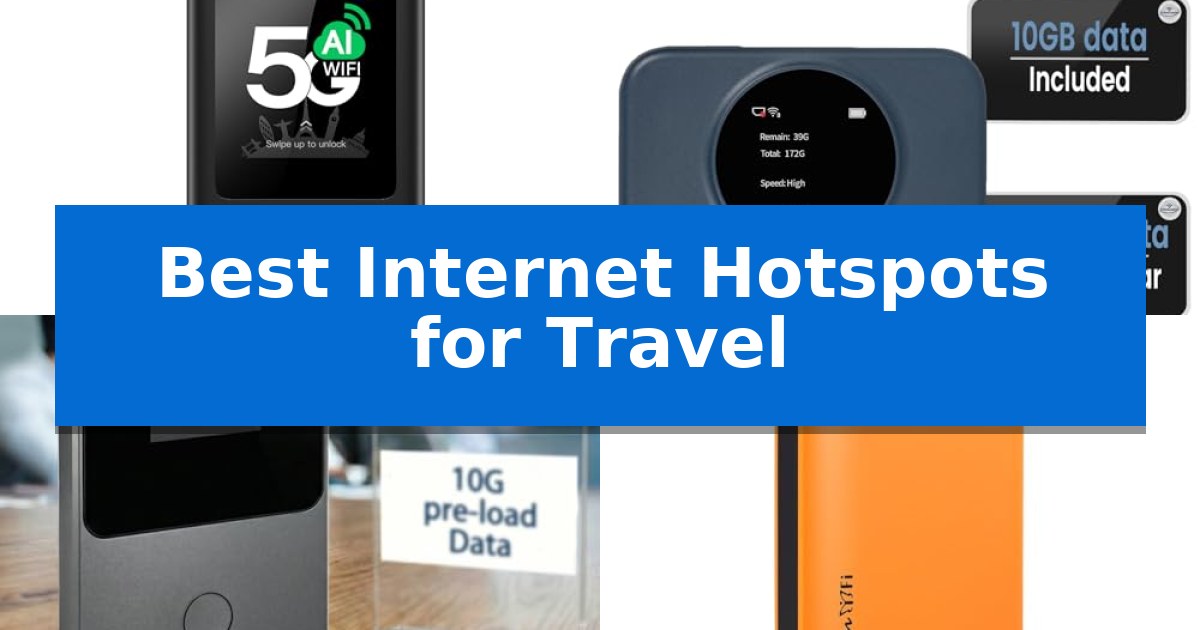
Best Internet Hotspots for Travel in 2026: Stay Connected Anywhere

Best Internet Hotspots for Travel

Finding a reliable connection while moving between borders can be a significant challenge for modern travelers. Whether you are navigating a new city or working remotely from a quiet cafe, having a dedicated device ensures you avoid the security risks and inconsistent speeds of public networks. We have analyzed the Best Internet Hotspots for Travel to help you find a solution that keeps your devices online without the headache of local SIM card hunting.

Selecting the right portable router involves balancing coverage, data flexibility, and battery longevity. This guide breaks down the top options currently available, focusing on devices that offer seamless roaming and user-friendly management. By choosing the right hardware, you can maintain a stable, private connection regardless of your destination.

Best Internet Hotspots for Travel in 2026: Stay Connected Anywhere

Our Top Picks
  1. Includes Recurring Free Monthly Data Statelinker S2 Portable WiFi Hotspot
  2. Longest Battery Life for All-Day Use BNBDE T8 Global Pocket WiFi Hotspot
  3. Seamless Connectivity in 170 Countries RoamWiFi Mobile Hotspot
  4. Compact Design for Frequent Travelers FIRSTNUM M5 Mobile Hotspot

Quick Comparison

Product Best For Key Strength Score
GlocalMe Numen Air 5G Mobile Hotspot Best Overall CloudSIM technology removes the need for physical SIM cards. 4.9
Statelinker S2 Portable WiFi Hotspot Includes Recurring Free Monthly Data No physical SIM card required for North American connectivity. 4.5
BNBDE T8 Global Pocket WiFi Hotspot Longest Battery Life for All-Day Use Preloaded 10GB of data for immediate use out of the box. 4.4
RoamWiFi Mobile Hotspot Seamless Connectivity in 170 Countries Global roaming capabilities covering 170+ countries without SIM changes. 4.8
FIRSTNUM M5 Mobile Hotspot Compact Design for Frequent Travelers Global coverage in over 160 countries. 4.5

How We Chose

  • Global coverage and network compatibility across multiple frequency bands.
  • Ease of data management, including support for eSIM or cloud-based SIM technologies.
  • Battery capacity and power management for extended daily use.
  • Device capacity for simultaneous connections to support multiple gadgets.
  • Portability and physical design for convenient transport in luggage or pockets.

1 GlocalMe Numen Air 5G Mobile Hotspot — Fastest 5G Speeds for Global Travel

Maintaining a reliable connection while traveling across international borders is simplified by the GlocalMe Numen Air 5G Mobile Hotspot. This device utilizes Patented CloudSIM Technology to eliminate the need for physical SIM cards, automatically selecting the network with the strongest signal across over 200 countries. By removing the logistical hurdle of sourcing local SIMs, it allows travelers to maintain consistent access to the internet immediately upon arrival.

Engineered for high-demand tasks, the hotspot supports 5G speeds up to 2.5 Gbps, providing a significant bandwidth increase for streaming and large file transfers. It manages network traffic across both 2.4GHz and 5GHz bands, which helps minimize interference in crowded public spaces or busy travel hubs. This dual-band capability ensures that users can prioritize speed or range depending on their immediate environment.

The hardware features a 2.4-inch LCD touch screen that allows users to monitor data consumption, signal strength, and connected devices in real-time. With the capacity to support up to 16 connected devices simultaneously, it serves as a central hub for multiple laptops, tablets, or smartphones, making it a practical solution for families or professional teams on the move.

Beyond its primary function, the device doubles as a power bank to keep mobile electronics charged during transit, adding utility to your travel kit. While it is designed for CloudSIM convenience, it also includes a physical SIM card slot, offering flexibility for users who prefer to utilize local data plans when available or when specific regional coverage is required.

Best for: International travelers who require high-speed 5G connectivity and the ability to manage multiple devices without the hassle of swapping physical SIM cards.

Skip if: Users who primarily travel within areas with poor 5G cellular coverage or those who do not require a multi-device, high-bandwidth mobile internet solution.

PROS

  • CloudSIM technology removes the need for physical SIM cards.
  • Supports 5G speeds up to 2.5 Gbps for fast data throughput.
  • Connects up to 16 devices simultaneously.
  • Integrated power bank functionality for charging other mobile devices.

CONS

  • Requires active data packages purchased via the GlocalMe platform for CloudSIM operation.
  • Performance is dependent on local cellular network availability and 5G infrastructure.

2 Statelinker S2 Portable WiFi Hotspot — Includes Recurring Free Monthly Data

Maintaining a reliable internet connection while traveling across North America is simplified by the Statelinker S2 Portable WiFi Hotspot, a dedicated 4G LTE device that eliminates the need for physical SIM cards. By removing the complexity of carrier contracts and roaming fees, this pocket-sized router provides a straightforward solution for staying online during road trips or remote work sessions.

The device integrates WiFi 6 technology, which enhances performance in crowded network environments and supports simultaneous connections for up to 8 devices. This capacity makes it a practical choice for families or small teams who need to stream, browse, and work concurrently without significant interruptions.

Portability is a core design focus, as the unit weighs only 100 grams and includes an internal battery capable of providing up to 15 hours of continuous use on a single charge. Users can monitor their data consumption directly through the built-in display screen, which provides real-time updates on remaining data usage.

Each unit arrives with 10GB of complimentary data valid for 30 days, alongside a recurring 2GB monthly allowance that features data rollover. To access the monthly data, users must complete an initial activation process, after which subsequent monthly allocations are applied automatically.

Best for: Frequent travelers and remote workers in North America who require a reliable, SIM-free mobile internet connection for multiple devices.

Skip if: Users traveling outside of North America or those who require high-speed 5G connectivity for data-intensive professional tasks.

PROS

  • No physical SIM card required for North American connectivity.
  • WiFi 6 support for improved efficiency with up to 8 connected devices.
  • 15-hour battery life suitable for all-day travel.
  • Data rollover feature for the recurring 2GB monthly allowance.

CONS

  • North America-exclusive coverage area.
  • Initial activation required to enable the recurring monthly data plan.

3 BNBDE T8 Global Pocket WiFi Hotspot — Longest Battery Life for All-Day Use

Maintaining a reliable connection while traveling often requires a dedicated solution that bypasses the limitations of local SIM cards and unpredictable roaming fees. The BNBDE T8 Global Pocket WiFi Hotspot addresses this by utilizing advanced eSIM (vSIM) technology to provide instant, seamless internet access across more than 140 countries and regions.

Designed for portability, this device weighs only 100g and features a high-capacity 3500mAh battery, which supports up to 15 hours of continuous use on a single charge. It is built to handle the demands of modern travel, allowing users to connect up to 8 devices simultaneously, including smartphones, laptops, and tablets.

Getting started is straightforward, as the unit comes with 10GB of preloaded US data, enabling immediate connectivity upon arrival without requiring an initial top-up or complex configuration. The device automatically detects and connects to the best available local network from over 300 global carriers, ensuring a stable 4G LTE signal for streaming, video calls, and general browsing.

Management of the hotspot is handled through a dedicated app, which allows users to monitor data usage in real-time, adjust network settings, and purchase additional data plans as needed. With 24/7 multilingual customer support included, the BNBDE T8 Global Pocket WiFi Hotspot offers a practical, all-in-one connectivity tool for both business travelers and families on the move.

Best for: Travelers who need a compact, plug-and-play internet solution that supports multiple devices across international borders without the need for physical SIM cards.

Skip if: Users who require ultra-high-speed 5G connectivity or those who prefer to manage their own local SIM cards for potentially lower data costs in specific regions.

PROS

  • Preloaded 10GB of data for immediate use out of the box.
  • eSIM (vSIM) technology eliminates the need for physical SIM card swaps.
  • Long-lasting 3500mAh battery provides up to 15 hours of continuous operation.
  • Supports up to 8 devices simultaneously for group or multi-device connectivity.

CONS

  • Limited to 4G LTE speeds, which may not match the performance of 5G-capable devices.
  • Dependent on the proprietary app for managing data plans and network settings.

4 RoamWiFi Mobile Hotspot — Seamless Connectivity in 170 Countries

Navigating international travel often involves the frustration of managing local SIM cards or expensive roaming fees, but the RoamWiFi Mobile Hotspot streamlines this process through its intelligent network selection technology. By automatically identifying and connecting to the most stable signal from local carriers, this device provides reliable internet access across more than 170 countries without requiring physical SIM cards or complex configuration.

Designed for high-mobility use, the RoamWiFi Mobile Hotspot features a compact, lightweight chassis that fits easily into a pocket or travel bag. It supports simultaneous connections for up to 10 devices, allowing families or groups to share a single data source across smartphones, tablets, and laptops. This multi-device capability makes it a practical tool for maintaining connectivity in diverse environments.

The device comes ready for immediate use with a built-in data plan that includes 1GB of local data valid for 30 days in the United States, Canada, and Mexico. Because it operates without contracts or the need to swap physical cards, users simply power on the unit to establish an automatic connection. This plug-and-play functionality is ideal for those who prioritize convenience over manual network management.

To support extended travel, the RoamWiFi Mobile Hotspot is engineered with a powerful battery, reducing the need for frequent charging. While it utilizes 4G LTE connectivity, which may offer different speeds compared to newer 5G standards, its focus on global roaming and ease of use provides a consistent solution for travelers who need a dependable, all-in-one connectivity tool.

Best for: International travelers and families who need a portable, multi-device internet solution that functions globally without the complexity of physical SIM cards.

Skip if: Users who require the highest available 5G speeds or those who prefer managing local physical SIM cards to potentially access lower-cost data plans in specific regions.

PROS

  • Global roaming capabilities covering 170+ countries without SIM changes.
  • Multi-device support for up to 10 concurrent connections.
  • Intelligent network selection for automatic signal optimization.
  • Compact and lightweight design optimized for travel portability.

CONS

  • Limited initial data (1GB) requiring additional plan purchases for long-term use.
  • 4G LTE connectivity may be slower than newer 5G-capable hotspots.

5 FIRSTNUM M5 Mobile Hotspot — Compact Design for Frequent Travelers

Maintaining a reliable connection while crossing borders is a primary challenge for modern travelers, and the FIRSTNUM M5 Mobile Hotspot addresses this with its ability to provide coverage in over 160 countries. This portable device is designed for those who need consistent internet access without the complications of swapping physical SIM cards or navigating complex international roaming contracts.

The FIRSTNUM M5 Mobile Hotspot features a 3000mAh battery that supports up to 6 hours of continuous use, making it suitable for half-day excursions or remote work sessions. Its ultra-compact design ensures it fits easily into pockets or small bags, while the Type-C charging port allows for efficient power replenishment when you are on the move.

Connectivity is a core strength of this device, as it allows up to 10 devices to connect simultaneously, enabling families or colleagues to share a single secure network. By utilizing advanced security protocols, the hotspot helps protect your data from the risks often associated with public WiFi networks, providing a private connection for your laptop, tablet, or smartphone.

The device operates on a flexible, prepaid model that eliminates long-term commitments, allowing users to select data packages based on their specific travel duration. It intelligently switches to the strongest available 4G LTE signal from local carriers, ensuring a stable output for tasks ranging from video calls to file sharing.

Best for: Frequent international travelers who require a secure, contract-free, and compact internet solution for multiple devices.

Skip if: Users who require high-speed 5G connectivity or those who need a battery that lasts for full-day, heavy-duty professional use.

PROS

  • Global coverage in over 160 countries.
  • Supports up to 10 simultaneous device connections.
  • No-contract prepaid model with flexible data packages.
  • Compact and lightweight design for easy portability.

CONS

  • Limited to 6 hours of battery life per charge.
  • Performance is dependent on local 4G signal strength.

Best Internet Hotspots for Travel Buying Guide

Global Network Coverage

The primary purpose of a travel hotspot is to provide access in foreign countries. Look for devices that support a wide range of global frequency bands to ensure you can connect to local networks in various regions, including North America, Europe, and Asia.

Many modern hotspots utilize CloudSIM or eSIM technology, which eliminates the need to purchase and swap physical SIM cards. This allows the device to intelligently select the strongest available local signal, providing a more reliable experience as you cross borders.

Data Flexibility and Plans

Travelers have different data needs, ranging from light browsing to heavy streaming. The best devices offer flexible data packages that can be purchased by the day, month, or gigabyte, allowing you to pay only for what you actually use.

Some hotspots include preloaded data or recurring free monthly allowances. Always check if the device requires a contract or if it operates on a pay-as-you-go model, as this significantly impacts the long-term cost of ownership.

Battery Life and Portability

Since you will likely be away from power outlets for long periods, battery capacity is a critical specification. A high-capacity battery, typically measured in mAh, should provide enough power for a full day of continuous use on a single charge.

The physical size and weight of the hotspot also matter. A compact and lightweight design ensures the device fits easily into a pocket or small bag, making it a convenient companion for daily errands or long-haul travel.

Device Connectivity and Management

Consider how many gadgets you need to connect at once. Most travel hotspots support multiple simultaneous connections, allowing you to share your internet with smartphones, tablets, and laptops. Ensure the device can handle your group's needs without compromising speed.

User-friendly management is essential for monitoring your data usage and signal strength. Devices with built-in LCD touch screens or dedicated mobile apps provide real-time updates, helping you manage your network settings and data consumption effectively.

Security and Privacy

Public WiFi networks are often insecure, leaving your sensitive data vulnerable to interception. Using a personal mobile hotspot provides a secure and private connection that is encrypted, protecting your information from unauthorized access.

By relying on your own hotspot, you avoid the risks associated with logging into shared networks at airports, hotels, or cafes. This added layer of security is vital for business travelers and anyone handling private information while on the move.

Frequently Asked Questions

Do I need a physical SIM card for these hotspots?

Most of the featured hotspots use CloudSIM or eSIM technology, which allows them to connect to networks automatically without a physical SIM card. However, some models also include a physical SIM slot if you prefer to use your own local data plan.

How many devices can I connect to a travel hotspot?

The number of devices varies by model, typically ranging from 8 to 16 simultaneous connections. Check the specific device specifications to ensure it meets the needs of your travel group.

Can I use these hotspots in any country?

Most travel hotspots cover a vast number of countries, often exceeding 140 to 200 nations. Always verify the coverage list for your specific destination before traveling to ensure the device supports local carriers.

What happens if I run out of data?

Most devices allow you to purchase additional data packages instantly via a companion app or a web portal. This ensures you can top up your balance whenever necessary without needing to visit a physical store.

Are these hotspots better than using my phone's roaming?

Dedicated hotspots often provide more stable connections and better battery management than using your phone as a hotspot. They also prevent your phone's battery from draining quickly and allow you to keep your primary SIM active for calls and texts.

Conclusion: Our Top Pick

For travelers prioritizing speed and global versatility, the GlocalMe Numen Air 5G Mobile Hotspot stands out as the top choice. Its ability to deliver 5G speeds up to 2.5 Gbps and support for over 200 countries makes it an exceptionally powerful tool for those who cannot afford downtime. The integration of CloudSIM technology and the ability to function as a power bank add significant value for long-distance trips.

While this device offers premium performance, users should ensure they are comfortable with the pay-as-you-go data model. For those who need a reliable, high-speed connection that works across multiple continents without the hassle of physical SIM cards, this hotspot provides a robust and user-friendly experience that justifies its place at the top of our list.

Best Internet Hotspot Plans in 2026: Reliable Connectivity Anywhere

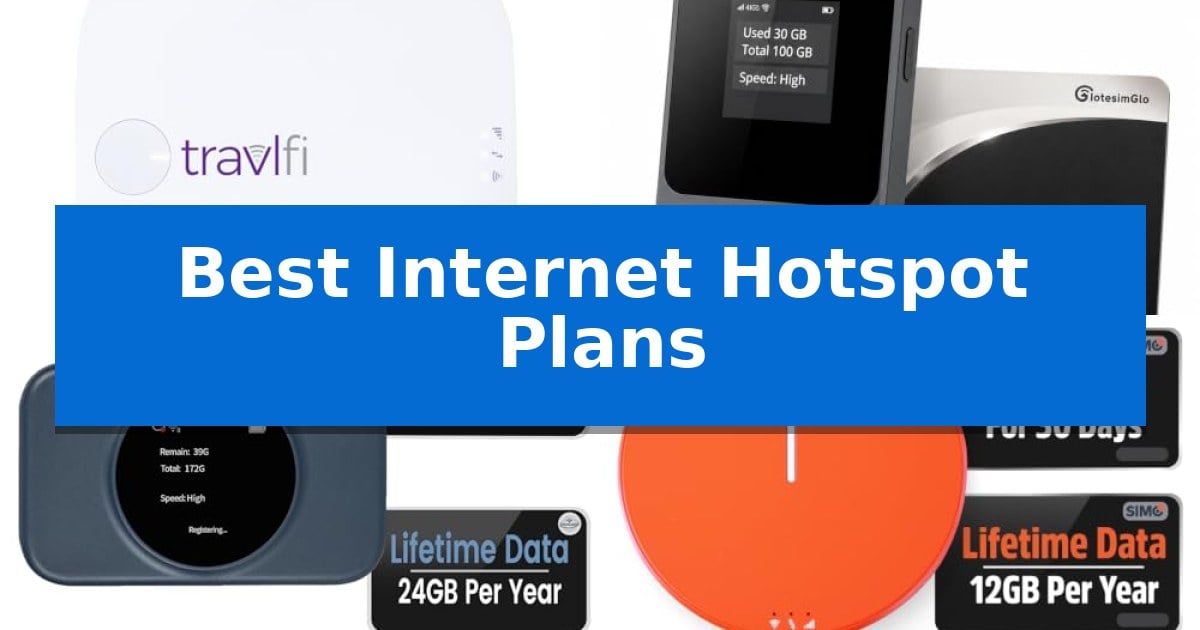
Best Internet Hotspot Plans

Finding reliable internet while traveling can be a significant challenge, especially when you rely on public Wi-Fi that is often slow or insecure. Whether you are working from an RV, camping in remote areas, or simply need a backup connection for your devices, having a dedicated mobile solution is essential.

We have analyzed the Best Internet Hotspot Plans and hardware to help you stay connected without the frustration of dead zones or restrictive contracts. Our guide focuses on devices that offer flexible data options and dependable signal performance for your specific lifestyle.

Best Internet Hotspot Plans in 2026: Reliable Connectivity Anywhere

Our Top Picks
  1. Best for Long-Term Data Needs IotesimGlo T8 Portable WiFi Hotspot
  2. Best for North American Travel Statelinker S2 Portable WiFi Hotspot
  3. Best for Global Roaming SIMO Solis Hero 4G Hotspot
  4. Best for High-Speed Connectivity Generic Unlocked Portable 4G Hotspot

Quick Comparison

Product Best For Key Strength Score
TravlFi Journey1 4G LTE Hotspot Best Overall Smart, patented network-switching automatically selects the strongest available signal. 4.9
IotesimGlo T8 Portable WiFi Hotspot Best for Long-Term Data Needs 100GB of data included with a full year of validity. 4.8
Statelinker S2 Portable WiFi Hotspot Best for North American Travel No physical SIM card required for operation. 4.8
SIMO Solis Hero 4G Hotspot Best for Global Roaming Integrated 5250mAH powerbank for charging devices on the go. 4.3
Generic Unlocked Portable 4G Hotspot Best for High-Speed Connectivity Supports up to 20 devices simultaneously. 4.6

How We Chose

  • Network coverage and signal-switching capabilities for consistent uptime.
  • Flexibility of data plans, including no-contract and pay-as-you-go options.
  • Device portability and battery longevity for all-day use.
  • Ease of setup and management without requiring complex software or physical SIM cards.
  • Capacity for simultaneous multi-device connections.

1 TravlFi Journey1 4G LTE Hotspot — Best for RV and Road Trips

Maintaining a reliable connection while traveling often proves difficult, but the TravlFi Journey1 4G LTE Hotspot simplifies this by utilizing smart, patented network-switching technology. This device automatically identifies and connects to the strongest available cellular signal across major networks, ensuring you stay online whether you are at a remote campground or a busy RV park.

Designed for life on the road, this pocket-size hotspot creates a private, secure network for all your devices, including laptops, tablets, and smart TVs. By avoiding public Wi-Fi, you gain a safer browsing environment for everyday tasks like checking email, shopping, or navigating to local points of interest.

The TravlFi Journey1 4G LTE Hotspot leverages eSIM technology, which eliminates the need for physical SIM cards. This integration supports flexible, prepaid data plans ranging from 2GB to unlimited, allowing you to manage your connectivity needs without long-term contracts. You only pay for the months you are traveling, making it a practical solution for seasonal trips.

Whether you need to stream entertainment, join online classes, or keep up with remote work, this device provides the necessary infrastructure to stay connected. Its multi-device support ensures that your entire mobile setup remains functional, providing a consistent internet experience regardless of your location in the U.S.

Best for: The TravlFi Journey1 4G LTE Hotspot is best for RV travelers and road trippers who require a flexible, no-contract internet solution that automatically switches between major cellular networks.

Skip if: Skip this device if you require a high-speed wired Ethernet connection or if you are looking for a stationary home internet solution that does not rely on cellular network switching.

PROS

  • Smart, patented network-switching automatically selects the strongest available signal.
  • No-contract, prepaid data plans offer flexibility with 30-day billing cycles.
  • eSIM technology removes the hassle of managing physical SIM cards.
  • Private, secure network protects your devices from the risks of public Wi-Fi.

CONS

  • Dependence on cellular coverage means performance is limited by the strength of local network signals.

2 IotesimGlo T8 Portable WiFi Hotspot — Best for Long-Term Data Needs

Maintaining connectivity during extended travel or remote work requires a reliable solution that avoids the complexities of traditional carrier contracts. The IotesimGlo T8 Portable WiFi Hotspot simplifies this by providing a pre-loaded 100GB USA data package with 365-day validity, ensuring you have a dedicated connection for your devices without the need for monthly billing cycles.

Designed for immediate use, this device operates on a no SIM, no app, no contract model. Users simply power on the unit to establish a connection, bypassing the typical setup hurdles associated with mobile networking. It supports 4G LTE speeds up to 150Mbps, allowing for simultaneous connectivity for up to 8 devices, including laptops, tablets, and phones.

The hardware features a built-in screen that displays real-time data usage, facilitating easy monitoring. When additional data is required, the interface allows for a quick QR code scan to purchase top-ups directly. With a 3500mAh battery providing up to 12 hours of runtime, the 106g frame is built for portability during road trips or hotel stays.

This hotspot is backed by a 3-year manufacturer warranty, emphasizing its role as a long-term backup internet solution. While it is strictly limited to USA data plans, its plug-and-play design and long-term validity make it a practical choice for those who need consistent, contract-free access.

Best for: Remote workers and travelers needing a contract-free, long-term 4G data solution within the United States.

Skip if: Users requiring international roaming capabilities or high-speed 5G connectivity will find this 4G-only, USA-exclusive device insufficient.

PROS

  • 100GB of data included with a full year of validity.
  • No contract or physical SIM installation required.
  • Compact and lightweight design at only 106g.
  • Integrated screen for simple data management and top-ups.

CONS

  • USA data only limits utility for international travel.
  • 4G LTE speed cap may not meet the needs of power users requiring 5G performance.

3 Statelinker S2 Portable WiFi Hotspot — Best for North American Travel

The Statelinker S2 Portable WiFi Hotspot provides a specialized solution for North American travelers by eliminating the need for physical SIM cards. This pocket-sized device leverages 4G LTE connectivity to offer a streamlined internet experience, specifically designed to bypass common carrier restrictions and roaming fees for users on the go.

Equipped with WiFi 6 technology, the device is engineered to maintain efficient performance even in crowded network environments. It supports simultaneous connections for up to 8 devices, making it a practical choice for small teams or families who need to stream, browse, or work remotely while traveling across the continent.

Portability is a core design focus, as the unit weighs only 100 grams (3.5 ounces). Despite its compact footprint, it houses a battery capable of providing up to 15 hours of continuous use on a single charge. Users can monitor their data consumption directly through the built-in display screen, which provides real-time updates on remaining data.

The device includes 10GB of complimentary data valid for 30 days, along with a recurring 2GB of free data every month that features a rollover policy for unused portions. This setup allows for immediate use out of the box, though initial activation is required to begin the monthly data cycle.

Best for: Frequent travelers and remote workers in North America who require a lightweight, SIM-free mobile internet solution for multiple devices.

Skip if: Users who require global connectivity outside of North America or those who need ultra-high-speed 5G performance for data-intensive professional tasks.

PROS

  • No physical SIM card required for operation.
  • WiFi 6 technology for improved efficiency with multiple devices.
  • 15-hour battery life for all-day connectivity.
  • Compact, 100g design for easy portability.

CONS

  • North America-exclusive coverage area.
  • Requires manual activation to initiate the monthly free data allotment.

4 SIMO Solis Hero 4G Hotspot — Best for Global Roaming

Maintaining a reliable connection while traveling requires hardware that adapts to local infrastructure without the need for physical cards. The SIMO Solis Hero 4G Hotspot simplifies this by utilizing SignalScan AI technology, which automatically identifies and connects to the strongest signal among 300+ mobile carriers across 140 countries. This intelligent switching ensures that users remain connected as they move between different network environments without manual intervention.

This device functions as a 2-in-1 solution by integrating a mobile hotspot with a 5250mAH powerbank. This dual-purpose design allows users to maintain internet access while simultaneously charging mobile devices, making it a practical choice for long transit days or remote work environments where power outlets are scarce. The inclusion of an integrated battery means one less accessory to carry, though users should utilize the provided charging cable to ensure optimal performance.

Usability is centered on a no-SIM, no-contract architecture that removes the complexity of purchasing local data cards. The unit is optimized to share WiFi with up to 10 devices simultaneously, providing enough capacity for multiple smartphones, tablets, or laptops to operate on a single connection. This makes it a versatile tool for small groups or individuals managing multiple pieces of hardware.

The package includes a recurring benefit of 1GB of free data every month, supplemented by a one-time 30GB global data pack valid for 30 days. This provides an immediate starting point for connectivity without requiring an upfront subscription commitment, offering a flexible entry point for those who need intermittent access while traveling.

Best for: Frequent international travelers who need a reliable, contract-free internet connection and an integrated power bank for their mobile devices.

Skip if: Users who require high-speed 5G connectivity or those who prefer a dedicated, high-capacity router for stationary home-office setups.

PROS

  • Integrated 5250mAH powerbank for charging devices on the go.
  • Global coverage across 140 countries with auto-switching carriers.
  • No-SIM, no-contract design simplifies setup and usage.
  • Supports up to 10 simultaneous device connections.

CONS

  • 4G connectivity may be slower than newer 5G-enabled hotspots.
  • 30GB data pack expires after 30 days.

5 Generic Unlocked Portable 4G Hotspot — Best for High-Speed Connectivity

Maintaining a reliable internet connection while traveling requires hardware that balances portability with multi-device support. The Generic Unlocked Portable 4G Hotspot addresses this by offering a compact, travel-ready design that enables users to stay online in diverse environments, from remote campsites to motorhomes, without the need for complex installations.

This device simplifies mobile connectivity through a straightforward Type-C interface and a plug-and-play setup. By inserting a SIM card, users can access LTE CAT4 technology, which supports network speeds up to 300Mbps. This performance level is tailored for browsing, streaming, and downloading across various locations, making it a functional tool for those who require consistent access on the move.

Designed for versatility, the hotspot allows for the simultaneous connection of up to 20 devices, including smartphones, tablets, and laptops. It supports multiple LTE bands (B1, B3, B5, B40), providing broad compatibility with various carriers. The inclusion of a 2100mAh battery offers over 10 hours of usage, with flexible charging options via USB ports on computers, mobile power supplies, or car chargers.

The physical design emphasizes mobility, featuring a lightweight, rugged build that fits easily into bags or pockets. This makes it a practical choice for international travelers or remote workers who need a dedicated, portable network source that does not rely on public Wi-Fi infrastructure.

Best for: Travelers and remote workers who need a portable, multi-device internet solution that works with various carriers via a SIM card.

Skip if: Users who require ultra-high-speed 5G performance or those who prefer a fixed home router with Ethernet-only connectivity.

PROS

  • Supports up to 20 devices simultaneously.
  • Long-lasting 2100mAh battery providing over 10 hours of use.
  • Universal SIM card slot for broad carrier compatibility.
  • Compact and lightweight design optimized for travel.

CONS

  • LTE CAT4 speed limitations compared to advanced 5G hardware.
  • Requires a separate SIM card and data plan to function.

Best Internet Hotspot Plans Buying Guide

Understanding Data Plan Flexibility

When choosing a hotspot, the structure of the data plan is often more important than the hardware itself. Many modern devices offer eSIM technology, which allows you to switch carriers or plans without needing a physical SIM card. This is particularly useful for travelers who move between regions with varying network strengths.

Look for commitment-free plans that allow you to pay only for the months you are actively traveling. This prevents you from paying for data during periods when your device is sitting idle at home, providing a more cost-effective approach to mobile connectivity.

Network Coverage and Signal Switching

The primary advantage of a high-quality hotspot is its ability to maintain a connection in diverse environments. Devices featuring smart network-switching technology automatically scan for the strongest available signal across multiple major carriers, re-optimizing your connection as you move.

This feature is critical for RVers and road trippers who frequently enter areas where one carrier might dominate while others fail. By prioritizing devices with multi-carrier support, you significantly reduce the risk of losing internet access in remote locations.

Battery Life and Portability

A portable hotspot is only as useful as its battery life. For long days of travel or remote work, prioritize devices that offer at least 10 to 15 hours of continuous use on a single charge. This ensures your connection remains stable throughout your workday without needing constant access to a power outlet.

Consider the physical dimensions and weight of the device. A compact, pocket-sized design is ideal for hikers and commuters, while slightly larger units often house larger batteries or more advanced antennas, which may be preferable for stationary RV setups.

Device Capacity and Connectivity

If you are traveling with a family or a team, the number of devices your hotspot can support is a key specification. Most modern hotspots allow for simultaneous connections for 8 to 20 devices, ensuring that laptops, tablets, and phones can all access the network at once.

Check for Wi-Fi 6 compatibility in newer models, as this technology provides better efficiency and performance in crowded network environments. This helps maintain stable speeds even when multiple users are streaming or video conferencing simultaneously.

Security and Private Networks

Public Wi-Fi networks at campgrounds or coffee shops are frequent targets for security breaches. Using a personal hotspot creates a private, secure network that protects your data from unauthorized access, which is essential for remote work and online banking.

By relying on your own dedicated hotspot, you avoid the risks associated with shared public infrastructure. This added layer of security provides peace of mind, allowing you to handle sensitive tasks securely from virtually anywhere.

Frequently Asked Questions

Do I need a physical SIM card for these hotspots?

Many of the modern hotspots featured here use eSIM technology, which eliminates the need for a physical SIM card and allows for easier plan activation.

Can I use these hotspots internationally?

Some models, like the SIMO Solis Hero, are specifically designed for global roaming in over 140 countries, while others are optimized for North American coverage.

How do I monitor my data usage?

Most of these devices feature a built-in display screen that provides real-time updates on your data consumption, allowing you to manage your plan effectively.

Are there long-term contracts required?

Most of the recommended options offer no-contract, pay-as-you-go, or prepaid data plans, giving you the flexibility to pay only for what you use.

Can I connect multiple devices at once?

Yes, these hotspots are designed to support multiple simultaneous connections, typically ranging from 8 to 20 devices depending on the specific model.

Conclusion: Our Top Pick

Selecting the right internet solution depends largely on your travel frequency and the type of data usage you require. For those who prioritize a seamless experience on the road, the TravlFi Journey1 4G LTE Hotspot stands out due to its patented network-switching technology and flexible, no-contract prepaid plans.

This device effectively balances the need for nationwide coverage with the convenience of a private, secure network. While other options may offer specific advantages like global roaming or high-speed 5G capabilities, the Journey1 provides the most consistent and user-friendly experience for RVers and road travelers who need reliable connectivity across the U.S.

Best Internet Enabled Radios in 2026: Access Global Stations

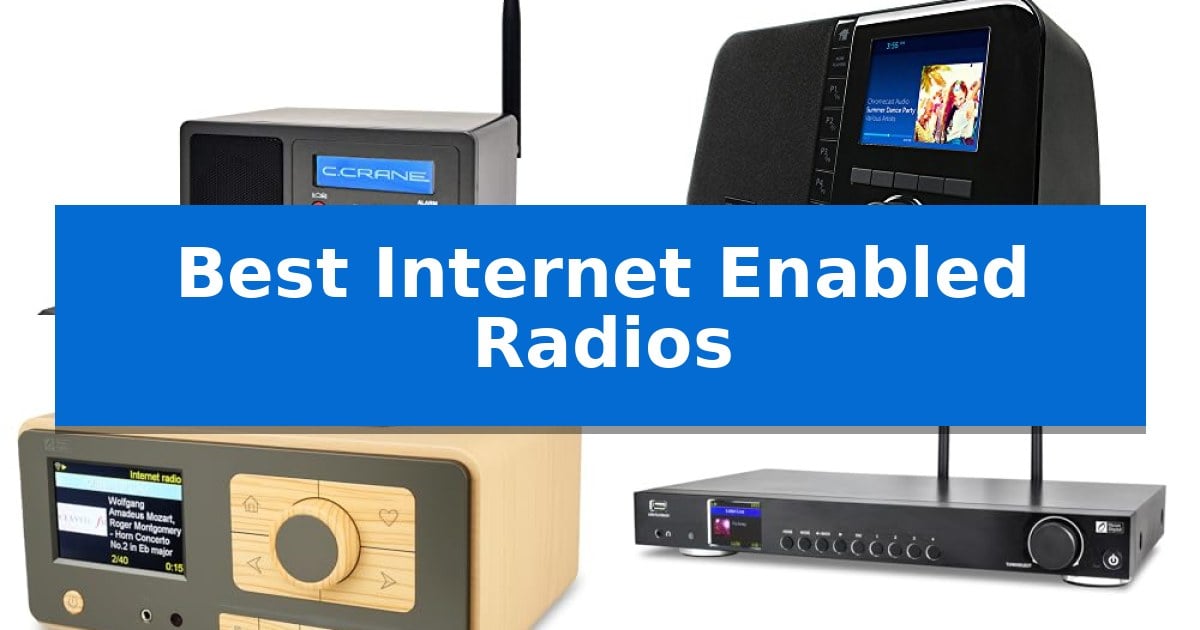
Best Internet Enabled Radios

Finding a reliable way to stream thousands of global broadcasts requires more than just a standard speaker. The Best Internet Enabled Radios bridge the gap between traditional radio aesthetics and modern digital connectivity, allowing you to access diverse content from around the world through a simple Wi-Fi connection.

Whether you are looking for a compact bedside companion or a high-fidelity component for your existing audio stack, these devices offer specialized features like Bluetooth streaming, customizable equalizers, and intuitive station management. We have analyzed the current market to help you select a device that matches your specific listening habits and home setup requirements.

Best Internet Enabled Radios in 2026: Access Global Stations

Our Top Picks
  1. Microphone-Free Privacy Focus Grace Digital Mondo Elite Smart Radio
  2. Easiest Navigation with Big Buttons Ocean Digital WR-393 Internet Radio
  3. Best for Home Audio Stacks Ocean Digital WR-50 Hi-Fi Tuner
  4. Portable Pick with True Stereo MangoKit SR20 Stereo Smart Radio

Quick Comparison

Product Best For Key Strength Score
C. Crane CC WiFi 3 Internet Radio Best Overall Access to 25,000+ internet radio stations worldwide. 4.9
Grace Digital Mondo Elite Smart Radio Microphone-Free Privacy Focus Microphone-free design ensures user privacy. 4.7
Ocean Digital WR-393 Internet Radio Easiest Navigation with Big Buttons Bluetooth V5.3 connectivity for high-quality wireless audio streaming. 4.4
Ocean Digital WR-50 Hi-Fi Tuner Best for Home Audio Stacks Standard 17-inch component width fits seamlessly into traditional stereo racks. 4.8
MangoKit SR20 Stereo Smart Radio Portable Pick with True Stereo True 2.0 Stereo sound with dual front-facing speakers. 4.7

How We Chose

  • Connectivity Reliability: Evaluating the stability of Wi-Fi and Bluetooth integration for seamless streaming.
  • Audio Customization: Assessing the presence of equalizers, line-out options, and speaker quality for personalized sound.
  • User Interface: Prioritizing devices with intuitive navigation, physical presets, and remote control support.
  • Form Factor and Integration: Categorizing models by their suitability for bedside, desktop, or home audio component use.
  • Privacy and Control: Identifying devices that offer robust station management without requiring intrusive microphones.

1 C. Crane CC WiFi 3 Internet Radio — Best for Clear Voice Clarity

Accessing global audio content is simplified with the C. Crane CC WiFi 3 Internet Radio, which provides a gateway to over 25,000 radio stations categorized by genre, location, and popularity. This compact device serves as a versatile bedside companion, featuring a built-in clock, dual alarm system, and a sleep timer with intervals ranging from 15 to 180 minutes.

Connectivity is a core strength of this unit, offering both Wi-Fi integration via an included 5dBi external antenna for stable 2.4 GHz reception and Bluetooth receiving capabilities to stream audio from smartphones or tablets. For those seeking a more robust audio experience, the radio includes a line-out port, allowing for connection to external amplified speaker systems or stereo receivers.

Customization is prioritized through an adjustable equalizer centered at 105, 300, 850, 2400, and 6800 Hz, complemented by a 3D depth setting. Users can navigate these features and manage up to 100+ presets using the included large-sized remote control, which ensures quick access to preferred stations without needing to interact directly with the console.

Designed for practical home use, the device measures 6.5 inches wide by 3.9 inches high and deep, weighing just over one pound. It includes an adjustable backlight for comfort in dark environments and comes with a 5-volt AC adapter. The unit is backed by a 2-year limited warranty and access to U.S.-based technical support.

Best for: Listeners who want a compact, dedicated radio for bedside use with advanced audio customization and global station access.

Skip if: Users who require a portable, battery-operated radio for outdoor use, as this model relies on a 5-volt AC power adapter.

PROS

  • Access to 25,000+ internet radio stations worldwide.
  • Bluetooth receiving allows for wireless audio streaming from mobile devices.
  • Advanced adjustable equalizer and 3D depth settings for personalized sound.
  • Includes a large-sized remote control for easy preset management.

CONS

  • Requires a constant AC power connection for operation.
  • Limited to 2.4 GHz Wi-Fi networks.

2 Grace Digital Mondo Elite Smart Radio — Microphone-Free Privacy Focus

The Grace Digital Mondo Elite Smart Internet Radio offers a privacy-focused audio solution by omitting an internal microphone while providing extensive connectivity options. This device serves as a central hub for streaming, featuring compatibility with Spotify Connect, Pandora, Amazon Music, iHeartRadio, SiriusXM, and NPR, alongside access to over 100,000 global internet radio stations.

Designed for versatility, the unit supports Bluetooth and Chromecast streaming, allowing users to cast audio directly from smartphones or computers. For those seeking a more permanent setup, the radio supports multi-room audio grouping and can be integrated into existing home automation systems for control via external voice assistants, ensuring functionality without compromising personal privacy.

Usability is prioritized through multiple control interfaces, including a front panel, an included IR remote, and dedicated mobile apps for iOS and Android. The display features a large clock with 30 backlight settings for day and night, while the 5-band equalizer allows for personalized sound adjustments. The system also includes a 7-day alarm clock with escalating volume and multiple wake-up options.

The hardware package includes two external antennas for stable Wi-Fi connectivity, with an optional USB-to-Ethernet dongle available for those preferring a hardwired RJ45 connection. This radio balances modern streaming capabilities with traditional alarm and playback features, making it a robust choice for bedside or kitchen environments.

Best for: Users who want a comprehensive internet radio and streaming hub that prioritizes privacy by excluding an integrated microphone.

Skip if: Users who require a device with a built-in microphone for direct voice command interaction without needing an external smart speaker.

PROS

  • Microphone-free design ensures user privacy.
  • Broad compatibility with major streaming services and 100,000+ radio stations.
  • Flexible control via IR remote, front panel, and mobile apps.
  • Supports multi-room audio grouping.

CONS

  • SiriusXM subscription is sold separately.
  • Hardwired Ethernet requires an optional dongle.

3 Ocean Digital WR-393 Internet Radio — Easiest Navigation with Big Buttons

The Ocean Digital WR-393 WiFi Internet Radio streamlines station discovery through a 3.5-inch color display that presents station logos and metadata with clarity. Designed for physical interaction, it features dual navigation knobs and 5 dedicated preset keys on the front panel, allowing for immediate access to saved content without navigating complex menus.

Beyond traditional radio, this device functions as a versatile audio hub. It supports Bluetooth V5.3 for wireless streaming from mobile devices and incorporates UPnP/DLNA compatibility to play audio files stored on local network devices. For users requiring a stable connection, the unit includes an external WiFi antenna socket to improve signal reception.

The radio offers extensive personalization for power users. You can store up to 150 favorite stations and organize them into custom categories. Management is simplified through a web browser interface, which allows for remote tuning and the addition of custom URLs via a PC or smartphone.

Equipped with a dual alarm clock and a sleep timer that functions for up to 180 minutes, the unit is well-suited for bedside or kitchen use. It also includes a dedicated kitchen timer for cooking tasks, while the included full-function remote control provides comprehensive operation from a distance.

Best for: Users who prefer tactile physical controls and a large color display for managing global internet radio and local network audio streaming.

Skip if: Users who require a battery-operated portable device, as this model is strictly mains-powered.

PROS

  • Bluetooth V5.3 connectivity for high-quality wireless audio streaming.
  • Easy-to-use physical interface with dedicated preset buttons and dual knobs.
  • Web-based management for organizing favorites and adding custom station URLs.
  • Versatile utility including dual alarms, sleep timer, and a dedicated kitchen timer.

CONS

  • Mains-powered only, limiting placement options to areas with accessible power outlets.

4 Ocean Digital WR-50 Hi-Fi Tuner — Best for Home Audio Stacks

Integrating a modern digital audio source into a traditional stereo setup requires hardware that respects the form factor of classic equipment. The Ocean Digital WR-50 Hi-Fi Tuner addresses this by offering a 17-inch wide full-size component design, complete with an aluminum front panel and metal housing that aligns visually with standard home audio stacks.

Beyond its physical build, this tuner provides extensive access to global audio content. Users can connect via Wi-Fi or wired Ethernet (RJ45) to stream from over 30,000 internet radio stations and podcasts. For those with local libraries, the device supports UPnP/DLNA streaming from NAS drives or PCs, alongside direct playback from a front-panel USB flash drive port.

Control and connectivity are prioritized through multiple hardware interfaces. The unit features a 2.4-inch color display for menu navigation, managed by an included full-function IR remote or the front control dial. For system integration, it offers optical (Toslink), coaxial S/PDIF, and stereo RCA outputs, ensuring compatibility with a wide range of amplifiers and DACs.

Wireless versatility is further enhanced by Bluetooth 5.0, allowing the tuner to act as a receiver for audio streamed from smartphones or tablets. The inclusion of a front-facing 3.5 mm headphone jack provides an option for private listening, while the 150 custom preset capacity allows for quick access to preferred stations without constant searching.

Best for: Audiophiles looking to add internet radio and network streaming capabilities to an existing traditional home stereo component stack.

Skip if: Users who require a compact, portable device or those who do not have an external amplifier or active speaker system to connect to the tuner's outputs.

PROS

  • Standard 17-inch component width fits seamlessly into traditional stereo racks.
  • Versatile output options including optical, coaxial, and RCA for broad system compatibility.
  • Dual connectivity via Wi-Fi and wired Ethernet for stable streaming.
  • Direct web management allows for custom station URL entry without phone app reliance.

CONS

  • Requires external amplification as it does not include built-in speakers.
  • Larger footprint may not be suitable for small desks or limited shelf space.

5 MangoKit SR20 Stereo Smart Radio — Portable Pick with True Stereo

The MangoKit SR20 Stereo Smart Radio distinguishes itself with a True 2.0 Stereo speaker configuration, utilizing dual front-facing drivers and a tuned amplifier to provide clear channel separation and a wider soundstage than typical mono-speaker radios. This design choice makes it a capable choice for users seeking an immersive audio experience in smaller rooms like kitchens or bedrooms.

Beyond its audio capabilities, the device offers extensive listening flexibility by providing access to over 30,000 Internet radio stations alongside traditional FM reception. Users can manage their content through 60 programmable presets, which are easily recalled using dedicated buttons. The inclusion of a built-in podcast player with bookmarking tools further expands its utility for daily media consumption.

Usability is enhanced by the OKTIV App, which allows for wireless control of modes, presets, and music libraries directly from a smartphone or tablet. For those who prefer physical interaction, the unit features independent dual alarms with customizable weekday and weekend settings, as well as a sleep timer and snooze function, positioning it as a functional bedside companion.

The radio offers versatile placement options, as it can be powered by an included mains adapter or 4×AA batteries for up to 11 hours of portable use. Its compact footprint, measuring 10 inches in length and 2.5 inches in height, ensures it fits easily on crowded surfaces while remaining light enough for transport to patios or gardens.

Best for: Users who want a compact, portable radio that offers both internet streaming and FM capability with true stereo sound.

Skip if: Users who require a high-fidelity sound system for large rooms or those who prefer a built-in rechargeable battery rather than relying on replaceable AA batteries.

PROS

  • True 2.0 Stereo sound with dual front-facing speakers.
  • Access to over 30,000 Internet radio stations plus FM.
  • Wireless control via the OKTIV App.
  • Portable operation using 4×AA batteries.

CONS

  • Batteries not included for portable operation.
  • Limited to 11 hours of battery life.

Best Internet Enabled Radios Buying Guide

Understanding Connectivity Standards

The primary advantage of these devices is their ability to connect to the internet via Wi-Fi, which opens access to tens of thousands of global stations. When choosing a model, consider whether it supports 2.4GHz Wi-Fi for better range or includes an Ethernet port for a more stable, hardwired connection in areas with high interference.

Additionally, Bluetooth receiver functionality is a critical feature for many users. This allows you to use the radio as a high-quality wireless speaker, streaming audio directly from your smartphone, tablet, or computer to the radio's own speaker system.

Audio Quality and Output Options

Not all radios are built for the same listening environment. If you prioritize audio fidelity, look for models that feature an adjustable equalizer and 3D sound settings. These allow you to fine-tune the frequency response to match your personal hearing preferences or the acoustics of your room.

For those with existing sound systems, a line-out or optical/coaxial output is essential. This feature enables you to bypass the built-in speakers and send the digital signal to an external amplifier or high-end stereo receiver, significantly enhancing the overall audio performance.

Navigation and Station Management

Managing thousands of stations can be overwhelming without the right interface. Look for devices that offer dedicated preset keys on the front panel for one-touch access to your favorite channels. This reduces the need to scroll through long digital menus every time you want to switch stations.

Advanced users should seek out radios that support web browser management. This allows you to organize your favorites, add custom stream URLs, and manage your station list from a PC or smartphone, which is often much faster than using a remote control or small screen.

Form Factor and Placement

The physical design of your radio should dictate where it fits in your home. Compact bedside models are typically designed with integrated clocks, dual alarms, and sleep timers, making them ideal for nightstands. These units often prioritize a small footprint and adjustable backlight settings to avoid disrupting your sleep.

Conversely, full-size Hi-Fi components are designed to fit into standard audio stacks. These units often feature metal housings and aluminum front panels, matching the aesthetic of traditional receivers and amplifiers while providing the modern convenience of internet streaming.

Privacy Considerations

In an era of voice-activated smart devices, some users prefer a more traditional approach to privacy. Several internet-enabled radios are specifically designed to be microphone-free, ensuring that your device cannot listen to ambient conversations in your home or office.

Choosing a model without a microphone does not mean sacrificing functionality. You can still enjoy extensive app compatibility, Bluetooth streaming, and multi-room audio grouping, all while maintaining complete control over your private environment.

Frequently Asked Questions

Do I need a subscription to use these radios?

Most internet radios provide free access to thousands of stations through databases like Skytune. However, if you choose to use built-in apps like SiriusXM or specific music services, those individual platforms may require their own subscriptions.

Can I add my own radio stations?

Yes, many of the models listed allow you to add custom stations by submitting a valid stream URL through the device's web management interface or the manufacturer's portal.

What is the benefit of a line-out connection?

A line-out connection allows you to connect the radio to an external amplifier, powered speakers, or a home stereo system, providing significantly better sound quality than the small internal speakers typically found in compact radios.

Are these radios compatible with 5GHz Wi-Fi?

Most internet radios are optimized for 2.4GHz Wi-Fi, which provides better range and signal penetration through walls. Always check the specific product specifications if you require 5GHz support.

Can I use these radios as a Bluetooth speaker?

Yes, models equipped with Bluetooth receiving capabilities allow you to pair your smartphone or tablet and stream audio directly to the radio, effectively turning it into a wireless speaker.

Conclusion: Our Top Pick

Selecting the right device depends largely on your intended use case, whether it is for a bedside alarm or a permanent addition to a home audio stack. For those seeking a versatile, reliable, and user-friendly experience, the C. Crane CC WiFi 3 Internet Radio stands out as the most balanced option.

The C. Crane CC WiFi 3 Internet Radio excels by offering clear voice reproduction, extensive station access, and a robust set of features including a customizable equalizer and a helpful remote control. Its compact size and dedicated bedside features make it an ideal choice for listeners who value both performance and simplicity.

Best Internet Dongles for TV Streaming in 2026

Best Internet Dongles for TV Streaming

Finding the right hardware to bridge the gap between your content sources and your television can significantly improve your viewing experience. Whether you are looking to cut the cord with live TV services or simply want a more reliable way to cast media from your mobile devices, the Best Internet Dongles for TV Streaming offer a variety of solutions tailored to different connectivity needs.

Selecting the right device depends on whether you prioritize integrated streaming platforms, simple screen mirroring, or long-range wireless transmission. This guide explores the technical capabilities and practical trade-offs of current streaming dongles to help you identify which hardware best fits your existing home entertainment ecosystem.

Best Internet Dongles for TV Streaming in 2026

Our Top Picks
  1. Simple Mobile Screen Mirroring SmartSee Anycast Wireless Display Adapter
  2. Seamless Laptop to TV Casting Tsemy Wireless Screen Mirroring Adapter
  3. Fast 5GHz Stable Streaming Tongtion Wireless Display Dongle
  4. Long Range Wireless Transmission HSJINHONG Wireless HDMI Extender

Quick Comparison

Product Best For Key Strength Score
DIRECTV Gemini Air Streaming Box Best Overall Unified interface combining live TV and streaming apps. 4.9
SmartSee Anycast Wireless Display Adapter Simple Mobile Screen Mirroring Dual-mode support for both AirPlay and Miracast ensures compatibility across iOS, Android, and Windows. 4.9
Tsemy Wireless Screen Mirroring Adapter Seamless Laptop to TV Casting Supports 4K Ultra HD resolution for high-clarity visuals. 4.9
Tongtion Wireless Display Dongle Fast 5GHz Stable Streaming Plug & Play functionality requires no apps or complex network setup. 4.9
HSJINHONG Wireless HDMI Extender Long Range Wireless Transmission Dual-band 2.4G+5.8G frequency for stable, anti-interference transmission. 4.6

How We Chose

  • Resolution and Decoding Support: Assessing the ability of the device to process 4K HDR or 1080P content without visual degradation.
  • Wireless Protocol Compatibility: Evaluating support for standard casting protocols like AirPlay, Miracast, and DLNA to ensure broad device integration.
  • Signal Stability and Range: Analyzing the use of 5GHz bands or specialized transmitter-receiver setups to minimize latency and connection drops.
  • Integration and Ease of Use: Determining whether the device requires specific apps or if it functions as a plug-and-play solution for immediate content access.
  • Form Factor and Power Requirements: Considering the physical footprint and power delivery methods to ensure the device fits neatly behind wall-mounted displays.

1 DIRECTV Gemini Air Streaming Box — Live TV and Apps Combined

Integrating live television and on-demand streaming into a single interface, the DIRECTV Gemini Air Streaming Box simplifies home entertainment by eliminating the need for a traditional satellite dish. This compact HDMI dongle connects directly to your television, providing a unified platform for accessing live channels alongside popular streaming services like Netflix, Prime Video, and Max.

Powered by Android TV 11, the device offers a customizable user experience with full access to the Google Play Store. The inclusion of a voice-enabled remote with Google Assistant allows for hands-free navigation, making it straightforward to search for specific content or manage connected smart home devices without navigating complex menus.

Visual fidelity is prioritized through support for 4K Ultra HD and High Dynamic Range (HDR) content, ensuring high-contrast, detailed imagery on compatible displays. For those who manage their viewing schedule, the system includes Cloud DVR and 72-hour lookback capabilities, allowing users to record programs or revisit content that has already aired.

Designed for immediate deployment, the unit features a simple plug-and-play setup via the HDMI port and relies on Wi-Fi for connectivity. As a product supported by an authorized dealer, it offers a streamlined alternative for users seeking a consolidated streaming solution without the hardware footprint of a standard cable box.

Best for: Users who want a consolidated interface for both live television subscriptions and third-party streaming apps in a compact, easy-to-install form factor.

Skip if: Users who do not have a DIRECTV Stream subscription or those who prefer a platform-agnostic streaming device that does not require a specific service provider account.

PROS

  • Unified interface combining live TV and streaming apps.
  • 4K HDR support for high-quality visual output.
  • Integrated Google Assistant for voice-controlled navigation.
  • Compact HDMI design that requires no bulky hardware.

CONS

  • Subscription dependency requiring an active DIRECTV Stream account.
  • Wi-Fi only connectivity which may limit placement options depending on home network strength.

2 SmartSee Anycast Wireless Display Adapter — Simple Mobile Screen Mirroring

The SmartSee Anycast Wireless Display Adapter enables direct 1080P wireless screen mirroring from mobile devices, laptops, and tablets to larger displays like TVs and projectors. By bypassing the need for physical cables, it transforms standard displays into interactive hubs for sharing photos, documents, and unencrypted media content.

Designed for versatility, the device features dual-mode functionality to support a wide range of hardware. It utilizes AirPlay for iOS devices and Miracast for Android and Windows 10 systems, with a physical mode switch button to toggle between connections. The setup process is straightforward, requiring only a connection to the display's HD port and power via the included USB WiFi antenna.

The adapter is built for both professional and personal environments, facilitating wireless presentations in offices or classrooms, as well as home media sharing. It supports automatic OTA firmware updates when connected to WiFi, ensuring the hardware remains compatible with evolving mobile operating systems. Users should note that the device is not compatible with encrypted streaming services such as Netflix, Amazon Video, or Hulu.

Compatibility is a primary consideration, as the adapter requires Miracast support on Android and Windows devices and does not support specific models like Google Pixel or Motorola phones. The compact design, measuring approximately 2.5 inches in length, makes it a portable solution for users who need to project content across various locations.

Best for: Users needing a portable, cable-free solution for mirroring personal documents, photos, and unencrypted media from mobile devices to a larger screen.

Skip if: Users who primarily intend to stream protected content from subscription services like Netflix, Hulu, or Amazon Prime Video, as this device does not support encrypted app playback.

PROS

  • Dual-mode support for both AirPlay and Miracast ensures compatibility across iOS, Android, and Windows.
  • Automatic OTA updates keep the device firmware current with the latest mobile OS versions.
  • No app or driver installation is required for operation, simplifying the initial setup.
  • Compact and portable form factor suitable for travel, business presentations, and educational use.

CONS

  • Incompatible with encrypted streaming apps such as Netflix, HBO, and Amazon Video.
  • Hardware limitations prevent use with specific mobile devices including Google Pixel and Motorola phones.

3 Tsemy Wireless Screen Mirroring Adapter — Seamless Laptop to TV Casting

Eliminating the need for tangled HDMI cables, the Tsemy Wireless Screen Mirroring Adapter enables users to cast content directly from smartphones, tablets, or laptops to a larger display. This compact device serves as a bridge for sharing media or presentations without requiring physical connections between the source device and the television.

The adapter features a straightforward Plug-Connect-Mirror process that avoids the need for external drivers or apps. It utilizes a built-in WiFi antenna integrated into the power cable to maintain a signal. Users can toggle between AirPlay Mode for iOS devices and Miracast Mode for Android and Windows systems using a dedicated physical button on the unit.

Visual output is supported up to 4K Ultra HD resolution, with 1080p Full HD guaranteed for standard streaming. To ensure a smooth viewing experience, the device incorporates advanced audio-video sync technology designed to prevent delays between the picture and sound. The unit is compact, measuring approximately one inch in width and height.

Compatibility is limited to specific operating systems, including iOS 9.0+, Android 5.0+, and Windows 10+. The device is not compatible with Google Pixel or Motorola phones and does not support DRM-protected streaming services such as Netflix, Hulu, or Amazon Video. Users must ensure their Android or Windows hardware supports the Miracast protocol for successful screen mirroring.

Best for: Users needing a wireless solution for mirroring personal media or business presentations from compatible mobile devices and laptops to a display.

Skip if: Users who primarily stream content from DRM-protected services like Netflix or Hulu, or those who own Google Pixel or Motorola smartphones.

PROS

  • Supports 4K Ultra HD resolution for high-clarity visuals.
  • Features advanced audio-video sync to prevent lip-sync delays.
  • Requires no app or driver downloads for setup.
  • Includes a dedicated mode switch button for easy toggling between AirPlay and Miracast.

CONS

  • Incompatible with DRM-protected apps like Netflix, Amazon Video, and Hulu.
  • Not compatible with Google Pixel or Motorola phones.
  • Requires source device support for Miracast on Android and Windows.

4 Tongtion Wireless Display Dongle — Fast 5GHz Stable Streaming

The Tongtion Wireless Display Dongle leverages 5G wireless transmission to provide a stable, low-latency connection for users who need to mirror their screens without the hassle of managing complex apps, Bluetooth, or local Wi-Fi networks. This device is a practical solution for those seeking a straightforward, plug-and-play method to project content during business presentations or multimedia education sessions.

Engineered with 4K decoding capabilities, this adapter supports high-definition output for compatible displays. Users can easily manage their viewing environment using a dedicated button that toggles between mirror and off-screen modes, while also providing a zoom function to adjust the display scale as needed. This flexibility ensures that users can optimize their visual output for different monitors or projectors.

Broad compatibility is a core strength, as the device supports AirPlay, DLNA, Miracast, and Cast protocols. It integrates seamlessly with iOS, Android, Windows, and macOS systems, allowing for the wireless streaming of photos, documents, and video content. Its compact design and reliance on direct wireless transmission make it a versatile tool for various professional and home entertainment setups.

While the device excels at general media streaming, it is important to note that it does not support paid apps protected by HDCP copyright encryption, such as Netflix, Hulu, or Amazon Prime Video. Furthermore, it is not optimized for gaming and lacks compatibility with certain Google-based devices, including the Pixel series. These limitations are essential considerations for users whose primary goal involves streaming protected subscription content or high-performance gaming.

Best for: Business presentations and general media streaming from mobile or PC devices to a larger display.

Skip if: You require a device specifically for streaming protected content from services like Netflix or Hulu, or if you are looking for a high-performance solution for gaming.

PROS

  • Plug & Play functionality requires no apps or complex network setup.
  • 5G wireless transmission ensures a stable and low-latency connection.
  • Supports 4K HD output for high-resolution display needs.
  • Broad compatibility with AirPlay, Miracast, and DLNA protocols.

CONS

  • Incompatible with HDCP-protected content from major streaming services.
  • Not suitable for gaming applications.
  • Limited support for certain Google-based devices.

5 HSJINHONG Wireless HDMI Extender — Long Range Wireless Transmission

Eliminating cable clutter in home theaters and conference rooms is the primary function of the HSJINHONG Wireless HDMI Extender, which utilizes advanced 2.4G+5.8G dual-band technology to maintain a stable signal. By bypassing the need for physical HDMI cables, this kit allows for seamless transmission of video and audio from sources like laptops, TV boxes, or Blu-ray players to a remote monitor or projector.

This system supports 4K decoding with a 1080P@60Hz output, ensuring high-definition content remains clear during wireless transit. A standout feature is its unique cooling design, which is engineered to operate at lower temperatures than standard kits to prevent signal loss and extend the overall lifespan of the hardware. For users requiring multi-device setups, the system supports a configuration of up to one receiver to eight transmitters, allowing for flexible switching between multiple sources without interference.

Designed for versatility, the unit offers a transmission range of up to 360ft/110m in open spaces and 165ft/50m indoors. The plug-and-play interface removes the need for software or Wi-Fi, while the inclusion of Micro HDMI and Mini HDMI 8K adapters ensures compatibility with a wide range of devices, from DSLRs to set-top boxes. Users can toggle between Mirror and Extend modes to suit either presentation or multitasking needs.

To ensure optimal performance, the manufacturer specifies that both the transmitter and receiver must be connected to a power source. The inclusion of an LED display provides real-time status monitoring, assisting with quick troubleshooting during setup. The kit is built to handle near-zero latency, making it a functional choice for live events, professional presentations, or gaming scenarios where synchronization is essential.

Best for: Users needing to transmit high-definition video wirelessly across large rooms or event spaces without the constraints of physical cabling.

Skip if: Users who do not have access to power outlets at both the source and display locations, as both units require external power.

PROS

  • Dual-band 2.4G+5.8G frequency for stable, anti-interference transmission.
  • Near-zero latency performance suitable for real-time video and presentations.
  • Broad compatibility with included Micro and Mini HDMI adapters.
  • Advanced cooling design to prevent overheating and maintain signal integrity.

CONS

  • Requires external power for both the transmitter and receiver units.
  • Obstacles like walls can impact the maximum transmission distance and speed.

Best Internet Dongles for TV Streaming Buying Guide

Understanding Streaming Protocols

Most wireless dongles rely on specific protocols to communicate with your source device. AirPlay is essential for Apple users, while Miracast and DLNA are the standard for Android and Windows environments. Understanding which protocol your smartphone or laptop supports is the first step in ensuring a successful connection.

Some devices offer multi-protocol support, which increases flexibility in households with mixed-brand hardware. However, always verify if the dongle requires a proprietary app, as some users prefer the simplicity of native OS integration over installing third-party software.

Resolution and Visual Quality

If you own a 4K television, selecting a dongle that supports 4K HDR decoding is critical to avoid upscaling artifacts. While many budget dongles are limited to 1080P, they may still be sufficient for secondary monitors or smaller displays where high-resolution detail is less critical.

Keep in mind that visual quality is also dependent on your network stability. A device that supports 5GHz Wi-Fi will generally provide a more stable stream than one restricted to the crowded 2.4GHz band, especially when streaming high-bitrate video.

Latency and Real-Time Performance

Latency is the delay between your source device and the TV screen. For presentations or static image sharing, minor latency is acceptable. However, for live events or video playback, you need a device designed for low-latency transmission.

Devices that utilize dedicated transmitter-receiver pairs often outperform standard Wi-Fi dongles in terms of sync. If you are planning to use your dongle for professional or educational environments, prioritize hardware that explicitly mentions low-latency technology.

Compatibility with Protected Content

A common limitation with wireless display adapters is the inability to stream DRM-protected content from services like Netflix, Hulu, or Prime Video. These platforms use HDCP protocols that many simple mirroring dongles cannot bypass.

If your primary goal is to stream subscription-based movies, look for dedicated streaming boxes that run an operating system like Android TV. These devices are licensed to handle encrypted content, whereas simple screen-mirroring dongles are generally intended for personal files and unencrypted media.

Installation and Physical Constraints

Streaming dongles vary significantly in size and power needs. Some plug directly into an HDMI port and draw power from a USB slot on the TV, while others require an external power adapter to maintain a stable signal.

Consider the space behind your TV. If your television is mounted flush against the wall, a compact dongle or one with a short HDMI extension cable may be necessary to ensure a proper fit without putting stress on the port.

Frequently Asked Questions

Can I use these dongles to watch Netflix?

It depends on the device. Dedicated streaming boxes like the DIRECTV Gemini Air support protected apps, whereas many simple screen-mirroring dongles are blocked by DRM protocols used by services like Netflix.

Do I need Wi-Fi to use a wireless display adapter?

Many adapters create their own direct wireless connection between your device and the TV, meaning you do not always need an existing home Wi-Fi network for basic screen mirroring.

What is the difference between 2.4GHz and 5GHz streaming?

5GHz provides faster data transfer and is less prone to interference from other household electronics, making it the preferred choice for high-definition video streaming.

Can I use these devices for gaming?

Most wireless dongles introduce some level of latency, which can make them unsuitable for fast-paced competitive gaming. They are best reserved for media consumption and presentations.

Will these dongles work with my older TV?

As long as your TV has an available HDMI port, these dongles should be compatible. If your TV is very old and lacks HDMI, you would need an additional HDMI-to-AV converter.

Conclusion: Our Top Pick

Choosing the right hardware depends on whether you need a full-featured media platform or a simple tool for screen sharing. For users seeking a seamless, all-in-one experience that handles both live television and popular streaming apps, the DIRECTV Gemini Air Streaming Box stands out as the most capable option. It eliminates the need for complex mirroring workarounds by providing a native Android TV interface that supports high-quality 4K HDR streaming.

While other dongles in this list are excellent for specific tasks like mobile screen casting or long-range transmission, the DIRECTV Gemini Air Streaming Box offers the most robust performance for those who want a reliable, integrated solution for their primary home theater setup. Ensure your TV supports 4K input to take full advantage of its visual capabilities.

Best Internet Direct Bookshelf Speakers in 2026

Best Internet Direct Bookshelf Speakers

Finding the right audio equipment can feel overwhelming when you are balancing sound quality, room size, and connectivity options. Whether you are setting up a dedicated listening station or upgrading your TV audio, choosing the right equipment is essential for a balanced soundstage.

Our guide explores the Best Internet Direct Bookshelf Speakers to help you distinguish between active monitors and passive systems. By understanding the technical differences between these models, you can select the setup that integrates seamlessly with your existing devices.

Best Internet Direct Bookshelf Speakers in 2026

Our Top Picks
  1. Dynamic Horn-Loaded Performance Klipsch R-51M Bookshelf Speakers
  2. Versatile Modern Connectivity VENTOSONIDO Active Bookshelf Speakers
  3. Flexible Wall-Mountable Design Edifier P12 Passive Bookshelf Speakers
  4. Compact High-Resolution Sound Klipsch R-41M Reference Bookshelf Speakers

Quick Comparison

Product Best For Key Strength Score
Edifier R1280T Powered Bookshelf Speakers Best Overall Dual AUX inputs allow for simultaneous connection of two audio sources. 4.9
Klipsch R-51M Bookshelf Speakers Dynamic Horn-Loaded Performance Horn-loaded tweeters for controlled high-frequency dispersion. 4.9
VENTOSONIDO Active Bookshelf Speakers Versatile Modern Connectivity Versatile connectivity including Bluetooth 5.4, USB, AUX, and dual RCA inputs. 4.8
Edifier P12 Passive Bookshelf Speakers Flexible Wall-Mountable Design Built-in wall-mount bracket for flexible placement options 4.5
Klipsch R-41M Reference Bookshelf Speakers Compact High-Resolution Sound LTS tweeter technology minimizes distortion for clearer high-frequency output. 4.3

How We Chose

  • Acoustic components including driver materials and tweeter technology.
  • Connectivity options such as Bluetooth, USB, and RCA inputs.
  • Power requirements, distinguishing between active internal amplification and passive external receiver needs.
  • Physical dimensions and mounting capabilities for various room layouts.
  • Build quality and cabinet materials that influence resonance and sound reproduction.

1 Edifier R1280T Powered Bookshelf Speakers — Reliable Active Near-Field Audio

Achieving a balanced audio profile in a compact workspace often requires equipment that prioritizes both footprint and fidelity. The Edifier R1280T Powered Bookshelf Speakers address this by integrating a 13mm silk dome tweeter and a 4-inch full-range unit within a classic MDF wood enclosure, designed to deliver natural sound reproduction without occupying excessive desk space.

These speakers function as an active 2.0 system, meaning the amplification is built directly into the housing. Users can manage audio output via side-mounted knobs that provide dedicated bass and treble adjustments, allowing for fine-tuning of the EQ to suit specific listening environments. A remote control is included to adjust volume levels without needing to reach for the physical controls on the primary speaker.

Connectivity is handled through dual AUX inputs, which support connections to devices equipped with 3.5mm headphone outputs or RCA outputs. This dual-input design allows for simultaneous connection to two different audio sources, eliminating the need to manually unplug and switch cables when moving between devices like a computer and a secondary media player.

With a total power output of 42 Watts RMS, these speakers are suited for near-field studio monitoring or general desktop audio setups. The combination of the wood-effect vinyl finish and the compact dimensions—measuring approximately 5.8 inches in height and 9.5 inches in width—allows them to integrate into various home decor styles while maintaining a stable, functional footprint.

Best for: Desktop users and home studio setups requiring a compact, active 2.0 speaker system with dual-source connectivity.

Skip if: Users who require high-wattage output for large rooms or those seeking built-in Bluetooth wireless connectivity.

PROS

  • Dual AUX inputs allow for simultaneous connection of two audio sources.
  • Side-mounted EQ controls provide quick access to bass and treble adjustments.
  • Included remote control enables convenient volume management.
  • Compact MDF wood enclosure offers a durable and aesthetically versatile design.

CONS

  • No wireless connectivity options such as Bluetooth are present.
  • Limited to 42 Watts RMS, which may not be sufficient for large-scale audio reinforcement.

2 Klipsch R-51M Bookshelf Speakers — Dynamic Horn-Loaded Performance

Achieving high-fidelity sound in a home audio setup often relies on the precision of the high-frequency driver, and the Klipsch R-51M Bookshelf Speakers utilize 1" Aluminum LTS tweeters paired with 90×90 Square Tractrix Horns to manage sound dispersion. This design choice aims to direct high-frequency energy toward the listener while minimizing artificial reverb caused by indirect sound bouncing off walls.

For low-frequency output, these speakers feature dual 5.25" Spun-Copper IMG Woofers, which provide a rigid yet lightweight cone structure. The integration of a rear-firing port allows for a bass-reflex design, which helps extend the low-end response within the compact 13.3" x 7" x 8.5" chassis. This configuration is intended for users who require a balance between physical footprint and audio presence.

The Klipsch R-51M Bookshelf Speakers are built to function as part of a larger component system, requiring an external amplifier or receiver to drive the passive units. With a 5-year limited warranty, they are positioned as a durable solution for those building a dedicated stereo or home theater environment where placement flexibility is a priority.

When integrating these into a room, the rear-firing port requires careful positioning. Placing the speakers too close to a wall can significantly alter the bass response, so users should allow for adequate clearance behind the cabinets to ensure the port functions as intended.

Best for: Listeners building a dedicated stereo or home theater system who prioritize horn-loaded high-frequency clarity and compact bookshelf dimensions.

Skip if: Users seeking an all-in-one powered solution with built-in amplification or those with extremely limited space that prevents proper clearance for rear-firing ports.

PROS

  • Horn-loaded tweeters for controlled high-frequency dispersion.
  • Spun-copper IMG woofers provide a rigid, lightweight driver design.
  • Compact footprint suitable for various shelving or stand configurations.
  • 5-year limited warranty for long-term support.

CONS

  • Rear-firing port requires specific placement to avoid bass interference.
  • Passive design necessitates an external amplifier or receiver.

3 VENTOSONIDO Active Bookshelf Speakers — Versatile Modern Connectivity

Achieving a balanced soundstage in a home office or entertainment space often requires equipment that bridges the gap between professional studio monitoring and casual listening. The VENTOSONIDO Active Bookshelf Speakers address this by utilizing an expanded 6.1"x6.1"x10.4" acoustic MDF wooden cabinet, which houses 5" carbon woofers and 1" silk tweeters to deliver 36W RMS of power.

These speakers are built for versatility, featuring 10-level bass and treble customization via side-mounted precision knobs. This allows users to fine-tune the frequency output to match specific audio sources, whether playing vinyl records, streaming digital media, or monitoring audio production. The inclusion of a smart noise elimination chip further supports the goal of clear, balanced audio reproduction.

Connectivity is a primary focus, with the system offering Bluetooth 5.4, USB, AUX, and dual RCA inputs. The direct USB DAC functionality provides a straightforward plug-and-play experience for PC and laptop users, while the wireless remote control adds convenience for adjusting volume and power from across the room.

Designed with a classic walnut aesthetic and a removable brown fabric mesh, the speakers are intended to integrate into various room decors. While they provide robust connectivity, it is important to note that the system does not support Dolby audio, and the USB connection requires host audio support to function correctly.

Best for: Users seeking a versatile, multi-input speaker system for PC audio, vinyl playback, and general media consumption in small to medium-sized rooms.

Skip if: Those requiring support for Dolby audio formats or seeking a strictly professional-grade studio monitor for high-end mastering environments.

PROS

  • Versatile connectivity including Bluetooth 5.4, USB, AUX, and dual RCA inputs.
  • Precision audio control with 10-level bass and treble adjustment knobs.
  • Acoustic MDF construction designed to reduce resonance for clearer sound.
  • Plug-and-play USB DAC functionality for seamless computer integration.

CONS

  • No support for Dolby audio formats.
  • USB connectivity is dependent on host device audio support.

4 Edifier P12 Passive Bookshelf Speakers — Flexible Wall-Mountable Design

The Edifier P12 Passive Bookshelf Speakers provide a flexible audio solution for those who prefer to curate their own sound system by selecting a preferred amplifier or receiver. Designed for versatility, these speakers feature a built-in wall-mount bracket, allowing them to function effectively as rear surround speakers in a home theater setup or as a standard bookshelf pair.

These speakers utilize a 2-way design to balance audio output. High-frequency details are handled by 19mm (3/4 inch) silk dome tweeters, while the 4-inch bass drivers paired with a bass reflex port work to deliver a balanced, natural sound profile. With a 6 ohm impedance, they are designed to integrate into various passive audio configurations.

Because these are passive speakers, they do not contain internal amplification. Users must connect them to an external receiver or amplifier to operate, which offers the benefit of tailoring the power and sound signature to specific preferences. The package includes the necessary speaker wires to facilitate setup.

Measuring approximately 7.2 inches in height and weighing 11.2 pounds, the compact footprint makes them suitable for placement on shelves or mounting on walls without dominating a room. Their wood-toned aesthetic provides a classic look that fits into most home environments.

Best for: Users who already own an amplifier or receiver and want a compact, wall-mountable speaker solution for home theater or stereo setups.

Skip if: Users looking for an all-in-one, plug-and-play solution with built-in Bluetooth or active amplification, as these require external power.

PROS

  • Built-in wall-mount bracket for flexible placement options
  • Silk dome tweeters for detailed high-frequency reproduction
  • Passive design allows for custom amplifier pairing
  • Compact 4-inch driver footprint saves space

CONS

  • External amplifier or receiver required for operation
  • No built-in wireless connectivity or active power

5 Klipsch R-41M Reference Bookshelf Speakers — Compact High-Resolution Sound

The Klipsch R-41M Reference Bookshelf Speakers utilize a 1" aluminum Linear Travel Suspension (LTS) tweeter mated to a 90×90 square Tractrix Horn, a design choice engineered to minimize distortion and provide high-resolution audio detail. This compact system is built with reinforced MDF construction to reduce cabinet vibration, ensuring sonic accuracy for listeners seeking a precise sound stage in a smaller footprint.

These speakers feature a single 4" spun-copper IMG woofer, which works in tandem with the horn-loaded tweeter to deliver a frequency response of 68 hertz to 21 kilohertz. With a sensitivity of 90dB and a nominal impedance of 8 ohms, they are designed to be efficient while handling up to 50W of continuous power. The integration of Kapton material in the tweeter suspension further enhances efficiency and resolution.

Measuring 11.3" in height and 5.75" in width, the Klipsch R-41M Reference Bookshelf Speakers are sized for versatile placement on desks, shelves, or stands. The black textured wood grain vinyl finish provides a durable exterior, while the internal crossover frequency of 1,730 hertz ensures a clean transition between the woofer and tweeter for a balanced performance across the audible spectrum.

When evaluating these speakers, consider the trade-off inherent in their compact 4" woofer design. While they offer detailed, high-efficiency output, they are best suited for near-field or smaller room environments where their specific dispersion characteristics can be fully utilized. They are backed by a 7-year warranty on parts and labor, reflecting the manufacturer's commitment to build quality.

Best for: These speakers are best for listeners in smaller rooms or desktop setups who prioritize high-efficiency, horn-loaded audio clarity.

Skip if: Skip these if you require deep, room-filling bass response, as the 4" woofer is physically limited in low-frequency extension compared to larger floor-standing models.

PROS

  • LTS tweeter technology minimizes distortion for clearer high-frequency output.
  • Reinforced MDF construction effectively reduces unwanted cabinet resonance.
  • High sensitivity (90dB) allows for efficient performance with various amplifiers.
  • Compact dimensions make them ideal for space-constrained environments.

CONS

  • Limited low-frequency range due to the 4" woofer size.
  • Requires external amplification as these are passive bookshelf speakers.

Best Internet Direct Bookshelf Speakers Buying Guide

Active vs. Passive Systems

The most critical decision when selecting speakers is choosing between active and passive designs. Active speakers contain built-in amplifiers, meaning they are self-contained units that only require a power source and an audio signal. This is ideal for users who want a simple, space-saving setup without needing an external receiver.

Passive speakers require an external amplifier or receiver to function. This design offers more flexibility for audiophiles who want to customize their signal chain or upgrade components individually over time. If you already own a high-quality receiver, passive speakers are often the better choice for your existing system.

Connectivity and Inputs

Modern bookshelf speakers offer a variety of ways to connect your devices. Bluetooth 5.4 and USB DAC inputs allow for seamless streaming from computers and smartphones, while traditional RCA and AUX inputs ensure compatibility with turntables and older audio equipment.

Consider how many devices you need to connect simultaneously. Some active models allow for dual-device connections, eliminating the need to manually switch cables. Always verify if your chosen speakers support the specific input types required by your primary audio sources.

Driver Technology and Sound Quality

The quality of sound reproduction is largely determined by the driver configuration. Silk dome tweeters are frequently used for their ability to reproduce detailed, smooth high frequencies, while spun-copper IMG woofers or carbon woofers are designed to provide punchy, controlled low-end response.

The size of the woofer also impacts the speaker's ability to fill a room. A 4-inch or 5-inch driver is standard for bookshelf applications, providing a balance between compact size and effective bass output. Look for models with bass-reflex ports if you prioritize deeper low-frequency performance.

Cabinet Construction and Resonance

The material of the speaker cabinet plays a significant role in sound clarity. MDF (Medium-Density Fiberboard) is the industry standard because it is dense and rigid, which helps minimize unwanted cabinet vibrations that can color the sound.

A well-built wooden enclosure not only reduces resonance but also adds a classic aesthetic to your home decor. When choosing, consider the weight and build quality, as heavier cabinets generally indicate better structural integrity and less internal vibration.

Placement and Mounting

Where you intend to place your speakers will dictate the necessary form factor. If you are limited on shelf space, look for models with built-in wall-mount brackets or compact footprints. Proper placement, such as keeping speakers at ear level, significantly improves the stereo imaging.

If you are using speakers as rear surrounds in a home theater, ensure they are compatible with your mounting hardware. Always check the dimensions of the speakers against your available space to ensure they fit comfortably without obstructing other equipment.

Frequently Asked Questions

Do I need an amplifier for all bookshelf speakers?

No. Active bookshelf speakers have built-in amplifiers and plug directly into a power outlet. Passive speakers require an external amplifier or receiver to provide power.

Can I connect these speakers to my turntable?

Yes, most active speakers with RCA inputs can connect to a turntable. If your turntable does not have a built-in preamp, you may need an external phono preamp between the turntable and the speakers.

What is the benefit of a silk dome tweeter?

Silk dome tweeters are known for producing detailed, clear, and smooth high-frequency sounds without the harshness sometimes found in metallic tweeters.

Are these speakers suitable for gaming?

Yes, many active bookshelf speakers are excellent for gaming. Models with USB or AUX inputs provide a direct, low-latency connection to your PC or console, offering a wider soundstage than standard monitor speakers.

How do I adjust the bass and treble?

Many active bookshelf speakers feature side-mounted or rear-mounted control knobs that allow you to fine-tune the bass and treble frequencies to match your room acoustics and personal preference.

Conclusion: Our Top Pick

Selecting the right audio setup depends on your specific connectivity needs and whether you prefer an all-in-one active system or a customizable passive configuration. For most users seeking a balance of ease-of-use and high-quality sound, active speakers provide the most straightforward path to improved audio.

The Edifier R1280T Powered Bookshelf Speakers stand out as a reliable choice for those who want a simple, active setup with versatile input options. Their classic wood finish and integrated controls make them a practical addition to any desk or living space, offering a clear, natural sound profile without the need for an external amplifier.

Best Internet Clock Radio in 2026: Stream Global Stations with Precision

Best Internet Clock Radio

Finding the right device to wake up to your favorite global broadcasts can transform your morning routine. A high-quality Best Internet Clock Radio bridges the gap between traditional radio convenience and the vast, limitless world of digital streaming, allowing you to wake up to news, music, or podcasts from anywhere on the planet.

Whether you prioritize a large, clear display for bedside visibility or need a compact unit that fits perfectly on a crowded nightstand, selecting the right model requires balancing connectivity with ease of use. We have analyzed the latest offerings to help you find a reliable, feature-rich companion for your bedside or kitchen.

Best Internet Clock Radio in 2026: Stream Global Stations with Precision

Our Top Picks
  1. Superior Audio Clarity C. Crane CC WiFi 3 Radio
  2. Portable Battery or Mains Power LEMEGA IR4S Internet Radio
  3. Microphone-Free Privacy Design Grace Digital Mondo Elite Radio
  4. Compact Design with Podcast Support Ocean Digital WR-336M Internet Radio

Quick Comparison

Product Best For Key Strength Score
Ocean Digital WR-393 Internet Radio Best Overall Large 3.5-inch color display for easy reading of station and track information. 4.9
C. Crane CC WiFi 3 Radio Superior Audio Clarity Extensive access to 25,000+ internet radio stations worldwide. 4.5
LEMEGA IR4S Internet Radio Portable Battery or Mains Power Dual power options allow for both stationary mains use and portable battery operation. 4.8
Grace Digital Mondo Elite Radio Microphone-Free Privacy Design Microphone-free architecture ensures total privacy from voice-activated listening. 4.6
Ocean Digital WR-336M Internet Radio Compact Design with Podcast Support Dedicated internet radio and podcast access without needing a phone. 4.4

How We Chose

  • Global Station Access: We prioritized models that provide seamless, categorized access to thousands of international radio stations and podcasts.
  • Display Clarity: We assessed the readability of screens, ensuring they provide essential information like station logos and time at a glance.
  • Alarm Versatility: We looked for dual alarm functionality with customizable wake-up options, including tones, favorite stations, or FM radio.
  • Connectivity Options: We evaluated the inclusion of Bluetooth, UPnP/DLNA streaming, and physical inputs for flexible audio playback.
  • Ease of Control: We prioritized devices with dedicated preset keys and intuitive navigation, including remote control support for convenience.

1 Ocean Digital WR-393 Internet Radio — Large Display for Easy Viewing

The Ocean Digital WR-393 WiFi Internet Radio centers its design around a large, clear 3.5-inch color display that provides immediate visual access to station logos, artist information, and clock settings. This device serves as a versatile audio hub, combining internet radio capabilities with traditional FM reception to ensure you have access to both global and local broadcasts.

Equipped with Bluetooth V5.3 technology, this unit functions as a wireless speaker for streaming audio from mobile devices. It also supports UPnP/DLNA streaming, allowing users to play music files stored on network-connected hardware. For signal stability, the radio includes an external WiFi antenna socket to improve connectivity in areas with weaker wireless coverage.

Usability is prioritized through dual navigation knobs and 5 dedicated preset keys located on the front panel, which allow for one-touch access to favorite stations. The included full-function remote control provides additional convenience for managing settings from across the room. Power users can further customize their experience by using a web browser on a PC or smartphone to manage station lists and add custom URLs.

Designed for bedroom or kitchen utility, the radio features dual alarms with multiple wake-up options, including tone, FM, or internet radio stations. It also includes a sleep timer adjustable up to 180 minutes and a dedicated kitchen timer for cooking tasks, making it a functional addition to any bedside table or countertop.

Best for: Users seeking a versatile bedside or kitchen audio device that combines global internet radio access with local FM and Bluetooth streaming capabilities.

Skip if: Those who require a battery-operated portable radio, as this device is strictly mains-powered and lacks an internal battery for cordless use.

PROS

  • Large 3.5-inch color display for easy reading of station and track information.
  • Bluetooth V5.3 enables high-quality wireless streaming from external devices.
  • Dual alarm and kitchen timer functionality for multi-room utility.
  • Web-based management allows for advanced customization of station favorites.

CONS

  • Mains-powered only, limiting placement options to areas near electrical outlets.
  • No built-in battery for portable or outdoor use.

2 C. Crane CC WiFi 3 Radio — Superior Audio Clarity

Accessing over 25,000 global radio stations via a simple Wi-Fi connection, the C. Crane CC WiFi 3 Internet Radio provides a versatile solution for those seeking diverse audio content. This compact device stands out by offering a 5dBi external antenna to ensure stable 2.4 GHz reception, making it a reliable choice for listeners who want to explore international news, talk shows, and music genres without the constraints of traditional broadcast signals.

Beyond its internet capabilities, the unit functions as a comprehensive bedside companion. It features a dual alarm system and a sleep timer with settings ranging from 15 to 180 minutes. The interface is designed for ease of use, supported by a large remote control that allows for quick access to your first 10 presets, while the device can store over 100 stations in a sequence list for broader navigation.

For those prioritizing audio quality, the radio includes an adjustable equalizer with five frequency bands centered at 105, 300, 850, 2400, and 6800 Hz, plus a 3D depth setting. If you prefer a more robust soundstage, the line-out jack allows you to connect the radio to an amplified speaker system or an existing stereo receiver, transforming it into a high-fidelity source for your home audio setup.

The device also supports modern connectivity through an integrated Bluetooth receiver, enabling you to stream audio directly from your smartphone or tablet. With its modest footprint of 6.5” W x 3.9” H x 3.9” D and an adjustable backlight for the display, it fits neatly onto nightstands or desks without occupying significant space.

Best for: Listeners who want a compact, versatile radio that combines global internet station access with the ability to stream via Bluetooth and connect to external audio systems.

Skip if: Users who require a battery-operated portable radio for outdoor use, as this unit relies on a 5-volt AC adapter for power.

PROS

  • Extensive access to 25,000+ internet radio stations worldwide.
  • Includes a 5dBi external antenna for improved Wi-Fi signal stability.
  • Flexible audio output options via line-out and Bluetooth receiving.
  • Customizable sound profile with an adjustable equalizer.

CONS

  • Requires a constant AC power connection for operation.
  • Limited to 2.4 GHz Wi-Fi networks.

3 LEMEGA IR4S Internet Radio — Portable Battery or Mains Power

The LEMEGA IR4S Internet Radio offers a versatile audio solution by combining traditional FM reception with extensive digital streaming capabilities. Designed for flexibility, this unit allows users to access over 30,000 internet radio stations and podcasts, alongside built-in Spotify Connect for seamless music streaming from your personal library.

Equipped with an acoustically tuned enclosure, the device features 2 x 2.5 inch full range drivers to deliver immersive stereo sound. Users can connect smartphones or tablets via Bluetooth to stream audio directly, or utilize the headphone-output for private listening sessions.

Portability is a core design choice, as the radio functions on either mains power or AA batteries, making it suitable for use in various locations around the home. Its compact dimensions of approximately 9.25 x 2.16 x 4.33 inches ensure it fits easily on bedside tables or kitchen counters.

For those using the device as a bedside companion, the dual independent alarms support customizable schedules for weekdays or weekends, with options for either music or buzzer alerts. The system also includes a snooze function and automatically updates the time and date via internet or FM signals.

Best for: Users seeking a compact, portable audio device that bridges the gap between traditional FM radio and modern internet streaming services.

Skip if: Those who require a high-fidelity home theater system or a device with built-in rechargeable batteries, as this model relies on standard AA batteries for portable power.

PROS

  • Dual power options allow for both stationary mains use and portable battery operation.
  • Wide-ranging connectivity includes Internet radio, Spotify Connect, FM, and Bluetooth.
  • Independent dual alarms provide flexible scheduling for daily routines.
  • Customizable station management via direct URL entry for specific internet radio streams.

CONS

  • Batteries are not included in the package, requiring a separate purchase for portable use.
  • Compact driver size may not satisfy users looking for deep bass performance.

4 Grace Digital Mondo Elite Radio — Microphone-Free Privacy Design

The Grace Digital Mondo Elite Radio prioritizes user privacy by offering a microphone-free design, ensuring that no voice-activated listening occurs in your bedroom or office. This dedicated internet radio device serves as a versatile audio hub, providing access to over 100,000 global AM, FM, and HD radio stations without requiring a smartphone or computer to function.

Beyond traditional radio, the unit integrates seamlessly with major streaming services including Spotify Connect, Pandora, Amazon Music, and SiriusXM. Users can manage their audio experience through the front panel controls, the included IR remote, or free mobile apps. For those with larger spaces, the device supports multi-room audio grouping, allowing you to synchronize playback across multiple units.

The clock functionality is highly customizable, featuring a 12 or 24-hour display with 30 distinct backlight settings for both daytime and nighttime use. Waking up is managed through five individual escalating volume alarms, which can be set to trigger via a buzzer, a specific radio station, or audio files stored on a USB thumb drive. A built-in 5-band equalizer allows for precise sound personalization.

Connectivity is robust, offering Wi-Fi and Bluetooth capabilities, along with support for Chromecast and UPnP media servers. While the device includes two external antennas for signal stability, users requiring a hardwired connection can utilize an optional USB-to-Ethernet dongle. The unit is backed by a 1-year warranty on parts and labor.

Best for: Users seeking a dedicated, privacy-focused internet radio and alarm clock that integrates with major streaming services and multi-room audio systems.

Skip if: Users who prefer a device with integrated voice assistant microphones or those who require a battery-powered portable radio for outdoor use.

PROS

  • Microphone-free architecture ensures total privacy from voice-activated listening.
  • Access to over 100,000 internet radio stations and major streaming platforms.
  • Multi-room audio grouping capabilities for synchronized home playback.
  • Highly adjustable 5-band equalizer and customizable alarm settings.

CONS

  • Requires an optional USB-to-Ethernet dongle for a hardwired network connection.
  • SiriusXM subscription is sold separately.

5 Ocean Digital WR-336M Internet Radio — Compact Design with Podcast Support

Waking up to a personalized audio stream or winding down with a specific podcast is made simple with the Ocean Digital WR-336M Internet Radio. This compact device serves as a versatile bedside companion, offering direct access to global internet radio stations and podcasts without requiring a smartphone connection for basic playback.

The unit features a 2.4-inch color display that provides clear visibility of station information and clock settings. Users can organize their listening habits by storing up to 150 stations in custom folders, such as 'News' or '80s Hits', and utilizing four one-touch presets for immediate access to frequently visited channels. The interface allows for browsing by genre or region, ensuring a tailored audio experience.

Beyond its primary radio functions, the device acts as a multi-purpose hub. It includes dual alarm clock settings, a sleep timer, and a kitchen timer, making it suitable for various rooms in the home. Connectivity is flexible, supporting Bluetooth speaker functionality, USB playback, and UPnP/DLNA network streaming. A 3.5mm headphone output is also included for private listening.

Managing the device is straightforward thanks to the included remote control and the intuitive menu system. While the Ocean Digital WR-336M Internet Radio is designed for convenience, its moderate size ensures it fits easily on a nightstand or kitchen counter, providing a dedicated interface for digital audio that avoids the distractions of a multi-purpose tablet or phone.

Best for: Users seeking a dedicated, compact bedside device for streaming internet radio and podcasts with physical controls and alarm functionality.

Skip if: Users who prefer a high-fidelity smart speaker with voice assistant integration or those who do not have a stable Wi-Fi network for streaming.

PROS

  • Dedicated internet radio and podcast access without needing a phone.
  • Flexible playback options including Bluetooth, USB, and network streaming.
  • Customizable organization with 150 station presets and folder management.
  • Integrated alarm and timer features for bedroom or kitchen utility.

CONS

  • Requires Wi-Fi connectivity for internet radio and podcast streaming.
  • Moderate physical footprint may not suit extremely cramped surfaces.

Best Internet Clock Radio Buying Guide

Connectivity and Streaming Standards

The core functionality of any internet radio relies on a stable WiFi connection. Most modern units operate on the 2.4GHz band, which is generally sufficient for streaming audio. Look for models that include an external antenna or a dedicated antenna socket, as these can significantly improve signal stability in rooms further away from your router.

Beyond internet streaming, consider if the device supports Bluetooth receiving. This allows you to use the radio as a high-quality wireless speaker for your smartphone or tablet. Additionally, UPnP/DLNA compatibility is a powerful feature for those who want to stream audio files directly from a network-connected PC or home server.

Display and User Interface

Because these devices often serve as bedside clocks, the display quality is paramount. A large, high-resolution color screen not only makes it easier to read the time from across the room but also provides a better visual experience when browsing station logos or podcast metadata.

Consider the physical controls available on the unit. Dedicated preset keys are essential for one-touch access to your most-listened-to stations. Furthermore, many users find that having a full-function remote control adds significant convenience, especially when the radio is placed on a nightstand or a high kitchen shelf.

Alarm and Timer Functionality

A true clock radio must excel at its primary job: waking you up reliably. Look for dual alarm settings, which allow you to set different times for weekdays and weekends. The ability to wake up to a specific internet radio station or a local FM broadcast provides a much more pleasant start to the day than a standard buzzer.

Additional features like a sleep timer are perfect for those who enjoy falling asleep to music or podcasts. Some models also include a dedicated kitchen timer, which is a highly useful utility if you plan to keep the radio in your cooking space.

Audio Performance and Output

While these devices are compact, audio quality varies significantly. If you are an audiophile, look for models that offer an adjustable equalizer or specific sound profiles. The ability to customize frequency settings—such as adjusting the bass and treble—can make a noticeable difference in voice clarity for talk radio.

For those who want to integrate the radio into a larger home setup, a line-out jack is a critical feature. This allows you to connect the radio to an external, amplified speaker system or a stereo receiver, bypassing the internal speakers for a much richer, room-filling sound.

Portability and Power Options

Most internet radios are designed to be plugged into a wall outlet, but some models offer battery-powered operation. This is a major advantage if you want to move your radio between the bedroom, the kitchen, or even the patio without worrying about finding an available power socket.

If you choose a portable model, verify the power requirements, such as whether it uses standard AA batteries or a rechargeable internal system. A compact, lightweight design is also beneficial if you intend to travel with your device or have limited shelf space.

Frequently Asked Questions

Do I need a subscription to listen to internet radio?

Most internet radio stations are free to access. However, some specific services integrated into these radios, such as SiriusXM or certain music streaming platforms, may require a separate subscription.

Can I add my own radio stations?

Many internet radios allow you to add custom stations by submitting a valid URL to the radio's streaming database, such as Skytune, via a web browser.

Will these radios work if my internet goes down?

If your internet connection is lost, you will not be able to stream internet stations. However, many models include a built-in FM tuner with a telescopic antenna, allowing you to continue listening to local offline broadcasts.

Are these radios private?

If privacy is a concern, look for models explicitly marketed as 'microphone-free.' These devices do not have built-in microphones, ensuring they cannot listen to your conversations.

Can I use these as a Bluetooth speaker?

Yes, most modern internet radios include Bluetooth receiving, which allows you to pair your smartphone or tablet and stream audio directly to the radio's speakers.

Conclusion: Our Top Pick

For those seeking the most versatile and user-friendly experience, the Ocean Digital WR-393 Internet Radio stands out as the top choice. Its combination of a large, clear 3.5-inch color display, intuitive navigation knobs, and five dedicated preset keys makes it exceptionally easy to manage your favorite global stations.

With the added benefits of Bluetooth V5.3, UPnP/DLNA streaming, and a robust dual alarm system, it provides a comprehensive solution for both the bedroom and the kitchen. While other models offer specific advantages like battery portability or specialized audio tuning, the overall feature set and ease of use of the Ocean Digital WR-393 make it the most well-rounded option for most listeners.

Best Internet Booster for Home WiFi in 2026: Eliminate Dead Zones

Best Internet Booster for Home WiFi

Struggling with weak signals in the far corners of your home can be incredibly frustrating, especially when you need a reliable connection for work or entertainment. Finding the Best Internet Booster for Home WiFi is the most effective way to bridge those connectivity gaps and ensure your devices stay online without constant buffering or drops.

Whether you are dealing with thick walls or a sprawling floor plan, the right signal booster can make a significant difference in your daily digital experience. We have analyzed several popular models to help you understand which features, such as dual-band support and mesh compatibility, will best suit your specific home network requirements.

Best Internet Booster for Home WiFi in 2026: Eliminate Dead Zones

Our Top Picks
  1. Simple Mesh-Compatible Setup TP-Link RE315 WiFi Extender
  2. Reliable Universal Router Compatibility NETGEAR EX5000 WiFi Extender
  3. Compact Dual-Band Solution TP-Link RE220 WiFi Extender
  4. Broad Coverage for Large Homes VERMEYEN WiFi Extender

Quick Comparison

Product Best For Key Strength Score
TP-Link RE550 WiFi Range Extender Best Overall EasyMesh compatibility for seamless network expansion 4.9
TP-Link RE315 WiFi Extender Simple Mesh-Compatible Setup Dual-band 1.2 Gbps total bandwidth for balanced traffic management. 4.3
NETGEAR EX5000 WiFi Extender Reliable Universal Router Compatibility Universal compatibility with any existing router or gateway. 4.5
TP-Link RE220 WiFi Extender Compact Dual-Band Solution Dual-band support provides increased bandwidth compared to single-band alternatives. 4.3
VERMEYEN WiFi Extender Broad Coverage for Large Homes Wide coverage area of up to 5000 square feet. 4.6

How We Chose

  • Coverage Area: We assessed the manufacturer-rated square footage to determine suitability for different home sizes.
  • Dual-Band Performance: We prioritized devices that support both 2.4GHz and 5GHz bands to balance range and speed.
  • Compatibility: We checked for universal router support and specific mesh-compatible standards like EasyMesh.
  • Connectivity Options: We looked for the inclusion of Ethernet ports, which allow for wired backhaul or connecting stationary devices.
  • Setup and Management: We evaluated the ease of installation through companion apps or simple one-touch pairing methods.

1 TP-Link RE550 WiFi Range Extender — High-Performance Dual-Band Coverage

Dealing with dead zones in your home network can be frustrating, but the TP-Link RE550 WiFi Range Extender offers a practical solution by extending your existing wireless signal. This device is designed to provide coverage for up to 2,200 sq. ft. and supports up to 32 devices, making it a viable option for households looking to eliminate connectivity gaps.

The TP-Link RE550 WiFi Range Extender operates as a dual-band repeater, delivering speeds of up to 1300 Mbps on the 5 GHz band and 600 Mbps on the 2.4 GHz band. It features three adjustable external antennas to help optimize signal reach. While it is important to note that range extenders are designed to improve coverage rather than increase your base internet speed, this unit helps maintain signal reliability throughout your home.

For those seeking a more integrated setup, the device is EasyMesh-compatible, allowing it to connect with other compatible routers for a unified network. It also includes a Gigabit Ethernet port, which serves two purposes: it provides a wired connection for devices like gaming consoles or PCs, and it can function in Access Point (AP) mode to turn a wired connection into a new Wi-Fi hotspot.

Setup and maintenance are managed through the Tether app, which includes an intelligent signal indicator to help you find the optimal location for the extender. TP-Link has also prioritized security, as the device is built in accordance with the CISA Secure-by-Design pledge. With its universal compatibility, it works with most standard routers and wireless devices.

Best for: Homeowners needing to extend Wi-Fi coverage to dead zones while maintaining compatibility with existing routers and wired devices.

Skip if: Users looking to increase their actual internet speed, as this device is designed for coverage extension rather than speed enhancement.

PROS

  • EasyMesh compatibility for seamless network expansion
  • Gigabit Ethernet port for wired device connectivity or AP mode
  • Intelligent signal indicator to assist with optimal placement
  • Dual-band performance with up to 1.9 Gbps total bandwidth

CONS

  • Does not increase internet speed; performance is dependent on the source signal
  • Not compatible with proprietary mesh systems like TP-Link Deco

2 TP-Link RE315 WiFi Extender — Simple Mesh-Compatible Setup

Dead zones in a home network often require a targeted solution to ensure consistent connectivity across multiple rooms. The TP-Link RE315 WiFi Extender addresses this by utilizing Adaptive Path Selection to maintain a stable connection, automatically routing traffic to the strongest available signal.

This device functions as a dual-band signal booster, offering total bandwidth of 1.2 Gbps—split between 867 Mbps on the 5 GHz band and 300 Mbps on the 2.4 GHz band. It is designed to cover up to 1,500 square feet and can support up to 32 devices simultaneously, making it a practical choice for households with multiple connected electronics.

For users who prefer a wired connection for stationary devices, the TP-Link RE315 WiFi Extender includes a dedicated fast Ethernet port. This allows for a direct, reliable link to game consoles, smart TVs, or desktop computers. The unit is also EasyMesh-compatible, enabling it to integrate with existing routers that support the same standard for a unified home network.

Security and setup are prioritized through the TP-Link Tether app, which provides a guided installation process and an intelligent signal indicator to help find the most effective placement. Furthermore, the manufacturer is a signatory of the CISA Secure-by-Design pledge, ensuring that advanced security is integrated into the device's core architecture.

Best for: Users looking to eliminate WiFi dead zones in a medium-sized home using an EasyMesh-compatible setup.

Skip if: Users who require a dedicated mesh system like TP-Link Deco or those seeking to increase their base internet speed, as this device only extends existing signal range.

PROS

  • Dual-band 1.2 Gbps total bandwidth for balanced traffic management.
  • EasyMesh compatibility for seamless network expansion.
  • Fast Ethernet port for reliable wired device connections.
  • Secure-by-Design architecture aligned with CISA standards.

CONS

  • Not compatible with proprietary mesh systems like TP-Link Deco.
  • Range extender functionality is limited to signal coverage and does not increase raw ISP speeds.

3 NETGEAR EX5000 WiFi Extender — Reliable Universal Router Compatibility

Eliminating connectivity gaps in remote areas of the home requires a reliable bridge between your primary router and distant devices. The NETGEAR EX5000 WiFi Extender addresses this by rebroadcasting your existing signal to cover up to 1,500 sq. ft., ensuring that bedrooms, basements, and garages remain connected.

This device supports WiFi 5 (AC1200) technology, delivering speeds up to 1.2 Gbps across dual bands. It is engineered to handle up to 25 devices simultaneously, making it suitable for households with multiple tablets, phones, and smart home peripherals that require steady access for browsing and streaming.

Installation is designed for simplicity, utilizing the NETGEAR Nighthawk app for guided setup or a one-touch WPS button for quick pairing with your current router. Its compact design plugs directly into a standard wall outlet, keeping your space tidy while extending the reach of any existing router or gateway from major service providers.

Security remains a priority with integrated WPA2 and WPA3 protocols to protect your network traffic. The unit also features automatic firmware updates to maintain security standards over time, providing a straightforward solution for those needing to fill coverage holes without replacing their primary networking hardware.

Best for: Homeowners needing to extend WiFi coverage to specific dead zones using their existing router setup.

Skip if: Users seeking a whole-home mesh system or those requiring high-performance WiFi 6/7 speeds for intensive gaming or professional data transfer.

PROS

  • Universal compatibility with any existing router or gateway.
  • Compact wall-plug design that saves counter and shelf space.
  • Dual-band AC1200 performance for smooth browsing and streaming.
  • Easy setup via the Nighthawk app or WPS button.

CONS

  • Limited to WiFi 5 standards, which may not match the speed of newer WiFi 6 routers.
  • Requires a wall outlet, which may occupy a power socket in tight spaces.

4 TP-Link RE220 WiFi Extender — Compact Dual-Band Solution

The TP-Link RE220 WiFi Extender provides a targeted solution for eliminating dead zones by extending your existing wireless signal across an area of up to 1200 square feet. This compact device is designed to integrate into your home network, offering a practical way to maintain connectivity for up to 30 devices simultaneously.

Equipped with dual-band technology, this extender operates on both 2.4GHz and 5GHz frequencies. By utilizing these bands, it offers up to 44% more bandwidth compared to standard single-band N300 extenders. This dual-band capability allows for a more efficient distribution of data, supporting speeds of up to 300Mbps on the 2.4GHz band and 433Mbps on the 5GHz band.

The unit features a dedicated Ethernet port, which allows you to connect a wired device directly to the extender, effectively turning it into a wireless bridge. This is particularly useful for stationary hardware like game consoles or desktop computers that require a stable connection but lack built-in wireless capabilities.

Designed for ease of use, the TP-Link RE220 WiFi Extender is compatible with OneMesh technology, which helps create a more unified network experience when paired with compatible routers. Its compact dimensions of 4.3 x 2.6 x 3 inches ensure it remains unobtrusive when plugged into a standard wall outlet, making it a functional addition to any room requiring improved signal strength.

Best for: Home users looking to extend their existing WiFi coverage to secondary rooms or areas up to 1200 square feet.

Skip if: Users requiring a high-performance mesh system for multi-gigabit internet plans or massive multi-story homes.

PROS

  • Dual-band support provides increased bandwidth compared to single-band alternatives.
  • Integrated Ethernet port allows for wired connections to non-wireless devices.
  • Compact design ensures it does not block adjacent wall outlets.
  • OneMesh compatibility supports seamless network integration with compatible routers.

CONS

  • Limited coverage area of 1200 square feet may not suffice for larger homes.
  • Maximum throughput is capped at AC750 speeds, which may bottleneck high-speed fiber connections.

5 VERMEYEN WiFi Extender — Broad Coverage for Large Homes

Persistent connectivity gaps in remote rooms or outdoor areas often disrupt productivity and streaming, but the VERMEYEN WiFi Extender is engineered to bridge these gaps by providing 360° full coverage across areas up to 5000 square feet. This device functions as a signal repeater, allowing users to extend their existing network into challenging spaces like basements, garages, or gardens where standard router signals typically fade.

The unit leverages dual-band technology to manage traffic efficiently, supporting speeds up to 300Mbps on the 2.4GHz band and 867Mbps on the 5GHz band. This 1200Mbps total bandwidth configuration is designed to minimize data transmission loss, providing a more reliable foundation for bandwidth-intensive tasks such as high-definition video streaming and online gaming.

Versatility is a core component of its design, offering three distinct operation modes: Repeater, AP, and a dedicated Ethernet port. The Ethernet port is particularly useful for integrating wired devices, such as smart TVs or game consoles, into a wireless network, effectively converting a wired signal into a stable wireless connection.

Installation is simplified through a WPS button or a web-based interface, making it accessible for users who prefer a straightforward setup process. To maintain network integrity, the device includes built-in network security features to prevent unauthorized access. The manufacturer supports the hardware with a 180-day return or replacement warranty and 24/7 technical support.

Best for: Homeowners needing to eliminate dead zones and extend wireless coverage to multiple rooms or outdoor spaces.

Skip if: Users who require a high-end mesh system for complex, multi-gigabit network environments or those who prefer a single-SSID seamless roaming experience.

PROS

  • Wide coverage area of up to 5000 square feet.
  • Dual-band 1200Mbps total rate for improved data transmission.
  • Versatile connectivity including Repeater, AP mode, and Ethernet port.
  • Simplified setup via WPS button or web interface.

CONS

  • Manual configuration may be required if WPS setup fails.
  • Limited to 1200Mbps total bandwidth, which may not satisfy ultra-high-speed fiber connections.

Best Internet Booster for Home WiFi Buying Guide

Understanding WiFi Range Extenders

A WiFi range extender, often called a signal booster, works by capturing your existing router's wireless signal and rebroadcasting it to areas where the signal is weak or non-existent. It is important to remember that these devices do not increase your internet service provider's speed; rather, they improve the reliability and reach of your existing network.

When selecting a device, consider the distance between your router and the dead zone. Placing the extender halfway between the two is generally the most effective strategy to ensure it receives a strong signal to repeat.

Dual-Band vs. Single-Band

Most modern boosters are dual-band, meaning they operate on both the 2.4GHz and 5GHz frequencies. The 2.4GHz band is better at penetrating walls and obstacles, making it ideal for longer distances, while the 5GHz band offers faster speeds for high-bandwidth activities like streaming or gaming.

Choosing a dual-band extender ensures that your devices can automatically switch to the most appropriate frequency, optimizing performance for your specific needs.

The Role of Ethernet Ports

Many extenders include a built-in Ethernet port, which is a highly versatile feature. You can use this port to connect a wired device, such as a desktop computer, smart TV, or gaming console, directly to the extender for a more stable connection.

Alternatively, some models allow you to use this port to connect the extender to your router via a wired cable, effectively turning the device into an Access Point (AP) for better performance.

Mesh Compatibility

If you have a modern router that supports mesh technology, such as EasyMesh, look for an extender that is compatible with that standard. This allows the extender to integrate seamlessly with your router to create a single, unified network name (SSID).

This prevents the need to manually switch networks as you move throughout your home, as your devices will automatically connect to the strongest available signal.

Placement and Setup

The effectiveness of any booster is heavily dependent on its placement. Avoid putting the device inside cabinets or behind large furniture, as these can block the signal and reduce performance.

Most devices today offer simple setup via a smartphone app or a WPS button. Following the manufacturer's instructions for initial configuration is crucial to ensure the device is correctly linked to your existing network.

Frequently Asked Questions

Will a WiFi extender increase my internet speed?

No, a range extender does not increase your internet speed. It is designed to extend the coverage of your existing signal to eliminate dead zones.

Where should I place my WiFi extender?

The ideal location is halfway between your router and the area with the weak signal, ensuring the extender is in an open space.

Can I use an extender with any router?

Most range extenders are designed for universal compatibility and will work with any standard wireless router or gateway.

What is the difference between an extender and a mesh system?

While both extend coverage, mesh systems are designed to work together as a single, integrated network, whereas traditional extenders often create a separate network or require specific compatibility to act as a unified system.

How many devices can connect to an extender?

Each device has a limit on the number of concurrent connections, which is usually specified by the manufacturer. Most standard home extenders support between 25 and 35 devices.

Conclusion: Our Top Pick

When choosing the right hardware to improve your home network, the TP-Link RE550 WiFi Range Extender stands out for its balance of coverage and ease of use. Its ability to provide up to 2100 sq. ft. of coverage and its inclusion of a Gigabit Ethernet port make it a versatile solution for most households looking to eliminate dead zones.

While no extender can replace the performance of a dedicated wired connection or a high-end mesh system, the TP-Link RE550 offers a reliable and straightforward way to extend your signal. Its compatibility with EasyMesh-enabled routers further enhances its value for users who want a more seamless transition between coverage areas.

Best Internet Bedside Radio in 2026: Stream Global Stations with Ease

Best Internet Bedside Radio

Finding the right audio companion for your nightstand can transform your morning routine and evening wind-down. A Best Internet Bedside Radio offers more than just local FM signals; it provides a gateway to thousands of global stations, podcasts, and personalized streaming services, all from a compact device designed for your bedroom.

Whether you are looking for a simple interface to wake up to your favorite international news or a versatile unit that doubles as a Bluetooth speaker, selecting the right model requires balancing connectivity, ease of use, and audio clarity. We have analyzed the leading options to help you find the perfect match for your bedside table.

Best Internet Bedside Radio in 2026: Stream Global Stations with Ease

Our Top Picks
  1. Versatile Streaming with Microphone-Free Privacy Grace Digital Mondo Elite Internet Radio
  2. Clear Display with Easy Navigation Knobs Ocean Digital WR-393 Internet Radio
  3. Battery-Powered for Flexible Bedroom Placement LEMEGA IR1 Portable Internet Radio
  4. Premium Sound with Rechargeable Battery LEMEGA IR6 Internet Radio

Quick Comparison

Product Best For Key Strength Score
C. Crane CC WiFi 3 Internet Radio Best Overall Access to over 25,000+ internet radio stations worldwide. 4.9
Grace Digital Mondo Elite Internet Radio Versatile Streaming with Microphone-Free Privacy Microphone-free design ensures complete privacy for bedside use. 4.3
Ocean Digital WR-393 Internet Radio Clear Display with Easy Navigation Knobs Access to 30,000+ global radio stations and podcasts. 4.9
LEMEGA IR1 Portable Internet Radio Battery-Powered for Flexible Bedroom Placement Dual-power flexibility with both mains and battery operation. 4.5
LEMEGA IR6 Internet Radio Premium Sound with Rechargeable Battery True 2.0 Stereo Sound with dual speakers for improved audio depth. 4.3

How We Chose

  • Streaming Reliability: Ability to maintain a stable connection to global internet radio databases and local FM signals.
  • Bedside Functionality: Inclusion of essential features like dual alarms, sleep timers, and adjustable display brightness.
  • Audio Quality and Control: Presence of equalizers, stereo output, or line-out options for personalized sound profiles.
  • Connectivity and Versatility: Availability of Bluetooth streaming, auxiliary inputs, and ease of preset management.
  • Design and Build: Physical footprint, display clarity, and the presence of physical controls for quick, late-night adjustments.

1 C. Crane CC WiFi 3 Internet Radio — Compact Design with Intuitive Controls

Waking up to global news or specialized talk radio requires a device that bridges the gap between traditional broadcast simplicity and modern digital connectivity. The C. Crane CC WiFi 3 Internet Radio offers immediate access to over 25,000 stations worldwide, allowing users to navigate content by location, genre, or popularity directly from their bedside.

Designed for the bedroom, this unit integrates a clock and dual alarm system alongside a sleep timer with intervals ranging from 15 to 180 minutes. The inclusion of a large-sized remote control ensures that adjusting volume or switching between presets does not require leaving the comfort of your bed, while the adjustable backlight prevents the display from becoming a distraction in a dark room.

Beyond its primary function, the device serves as a versatile audio hub. It features Bluetooth receiving capabilities, enabling you to stream audio from a smartphone or tablet through the radio. For those seeking higher fidelity, a line-out jack allows for connection to an external amplified speaker system or an existing stereo receiver, supported by an adjustable equalizer that lets users fine-tune audio frequencies at 105, 300, 850, 2400, and 6800 Hz.

Reliability is supported by a 5dBi external antenna intended to optimize 2.4 GHz Wi-Fi reception throughout the home. The device is compact, measuring 6.5 inches wide and under 4 inches in height and depth, making it a space-efficient addition to any nightstand. It comes with a 2-year limited warranty and access to U.S.-based technical support.

Best for: Listeners who want a dedicated, remote-controlled bedside device to access global internet radio stations and stream local audio via Bluetooth.

Skip if: Users who prefer a battery-powered portable radio, as this unit requires a 5-volt AC adapter for power.

PROS

  • Access to over 25,000+ internet radio stations worldwide.
  • Includes Bluetooth receiving for streaming from mobile devices.
  • Adjustable equalizer and 3D settings for customized audio output.
  • Convenient large-sized remote control for bedside operation.

CONS

  • Requires a wired power connection via the included AC adapter.
  • Limited to 2.4 GHz Wi-Fi networks.

2 Grace Digital Mondo Elite Internet Radio — Versatile Streaming with Microphone-Free Privacy

Waking up to your preferred audio stream is a seamless experience with the Grace Digital Mondo Elite Smart Internet Radio, which offers access to over 100,000 global radio stations without requiring a built-in microphone. This device prioritizes user privacy while providing a robust suite of streaming options, including Spotify Connect, Pandora, Amazon Music, and SiriusXM.

Designed for the bedside, the unit features a large, customizable clock display available in blue or red, with 30 distinct brightness settings for both day and night. Users can set up to 5 individual escalating volume alarms, choosing from eight buzzer options, USB-stored audio, or specific station presets to ensure a personalized wake-up routine.

The Grace Digital Mondo Elite Smart Internet Radio integrates easily into modern home setups via Wi-Fi or Bluetooth, and it supports multi-room audio by grouping multiple units together. For those who prefer a stable, hardwired connection, an optional USB-to-Ethernet dongle can be utilized to ensure consistent streaming performance.

Control is flexible, allowing users to manage playback through the front panel, the included IR remote control, or dedicated mobile apps for iOS and Android. With a built-in 5-band equalizer, you can fine-tune the audio output to suit your listening preferences, making it a versatile addition to any bedroom or office environment.

Best for: Listeners who prioritize privacy and want a versatile, microphone-free bedside device with extensive streaming and alarm customization options.

Skip if: Users who require a built-in voice assistant for hands-free control or those who prefer a compact, battery-powered portable unit for travel.

PROS

  • Microphone-free design ensures complete privacy for bedside use.
  • Extensive compatibility with major streaming services and internet radio databases.
  • Highly customizable escalating volume alarms and display settings.
  • Supports multi-room audio grouping and flexible control via remote or app.

CONS

  • No built-in voice assistant functionality due to the microphone-free design.
  • Requires an optional dongle for hardwired Ethernet connectivity.

3 Ocean Digital WR-393 Internet Radio — Clear Display with Easy Navigation Knobs

Waking up to a personalized audio stream or falling asleep to a curated playlist is made simple with the Ocean Digital WR-393 Internet Radio. This device serves as a comprehensive bedside companion, offering access to over 30,000 global radio stations and podcasts via a stable 2.4GHz WiFi connection.

The unit features a clear 3.5-inch color display that provides essential information like station logos, song titles, and a prominent clock, making it easy to read in low-light bedroom environments. Navigation is intuitive, utilizing dual control knobs and five dedicated preset keys for quick access to your most-listened-to content.

Beyond its radio capabilities, the Ocean Digital WR-393 Internet Radio functions as a versatile Bluetooth V5.3 speaker, allowing for seamless audio streaming from mobile devices. It also supports UPnP/DLNA for playing local files from your network, ensuring you have multiple ways to enjoy your media.

Designed for the bedroom, it includes a dual alarm clock with flexible wake-up options, including tone, FM, or internet radio stations. A sleep timer (up to 180 minutes) and a dedicated kitchen timer add to its utility, while the included remote control ensures you can manage settings without leaving your bed.

Best for: Users seeking a versatile bedside device that combines global internet radio access, Bluetooth streaming, and customizable alarm functions in one compact unit.

Skip if: Users who require a battery-operated portable radio for travel, as this model is exclusively mains-powered.

PROS

  • Access to 30,000+ global radio stations and podcasts.
  • Integrated Bluetooth V5.3 for wireless speaker functionality.
  • Large 3.5-inch color display for easy visibility.
  • Flexible dual alarm and sleep timer settings.

CONS

  • Requires mains power for operation.
  • Limited to 2.4GHz WiFi connectivity.

4 LEMEGA IR1 Portable Internet Radio — Battery-Powered for Flexible Bedroom Placement

The LEMEGA IR1 Portable Internet Radio offers a distinct advantage for bedside use through its dual-power design, allowing you to switch between mains power and 4 x AA batteries for up to 12 hours of portable listening. This flexibility means you can easily move the device from your nightstand to the kitchen or garden without losing your connection to global radio stations.

Beyond its portability, this unit serves as a comprehensive media hub. It features WIFI-enabled Internet Radio for accessing thousands of digital stations, alongside Bluetooth connectivity for streaming music and podcasts directly from your phone. Users can manage settings, presets, and the music library wirelessly via the OKTIV App, simplifying the control interface.

The device is equipped with a 2.4" full-colour display that provides clear visual information, including station details and artist artwork. With 40 preset modes, you can quickly save and access your preferred radio stations and podcast episodes. For late-night listening, the inclusion of a headphone jack allows for private audio playback without disturbing others.

Designed for practical bedroom integration, the radio includes dual alarms and a sleep/snooze timer. Its compact dimensions of 6.9" x 1.85" x 4.53" ensure it fits comfortably on most bedside tables. While it offers versatile streaming options, the ability to manually add radio stations via URL provides an extra layer of customization for specific digital streams.

Best for: Listeners who need a compact, battery-powered radio that combines traditional FM with modern internet streaming and podcast capabilities.

Skip if: Users who require high-fidelity stereo speakers or a larger, permanent home audio system for primary music listening.

PROS

  • Dual-power flexibility with both mains and battery operation.
  • Extensive station access via WIFI internet radio and FM.
  • Wireless control through the dedicated OKTIV App.
  • Private listening enabled by the integrated headphone jack.

CONS

  • Battery life limitation of 12 hours requires periodic replacement or recharging of AA cells.
  • Compact speaker size may not match the audio depth of larger, non-portable units.

5 LEMEGA IR6 Internet Radio — Premium Sound with Rechargeable Battery

Waking up to a personalized stream of global audio is made seamless with the LEMEGA IR6 Internet Radio, which provides direct access to over 50,000 stations and podcasts without requiring a smartphone connection. This device serves as a versatile bedside companion, combining a premium wooden cabinet with a functional alarm clock that allows you to wake to your choice of internet radio, FM, or a standard buzzer.

The audio experience is driven by True 2.0 Stereo Sound featuring dual speakers, which provides better channel separation and fuller mids compared to single-speaker alternatives. For those who prefer private listening, a headphone jack is integrated into the chassis. The unit is designed for flexibility, featuring an inbuilt lithium battery that offers over 10 hours of playtime, allowing you to move the radio from the bedroom to other living spaces without being tethered to a power outlet.

Usability is enhanced by an intuitive interface and a full-color display, making it easy to navigate through 150 presets or switch between FM and internet sources. The inclusion of Bluetooth streaming and an AUX-in port ensures you can play audio from external devices, while the USB-C charging port provides a modern standard for power replenishment. An aluminium carry handle adds a practical touch for portability.

This radio balances aesthetic appeal with functional utility, utilizing a sturdy wooden build and aluminium front panel. It is well-suited for users who want a dedicated, all-in-one audio solution for their nightstand that avoids the complexity of constant menu switching or reliance on secondary mobile apps.

Best for: Users seeking a dedicated, portable bedside radio that combines internet streaming, FM reception, and a premium wooden aesthetic.

Skip if: Users who require a compact, ultra-minimalist device or those who prefer a smart speaker integrated into a broader home automation ecosystem.

PROS

  • True 2.0 Stereo Sound with dual speakers for improved audio depth.
  • Rechargeable lithium battery providing over 10 hours of wireless use.
  • Versatile connectivity including Internet Radio, FM, Bluetooth, and AUX-in.
  • Premium build quality featuring a wooden cabinet and aluminium handle.

CONS

  • Larger footprint compared to basic, single-speaker bedside alarm clocks.

Best Internet Bedside Radio Buying Guide

Connectivity and Streaming Options

The primary advantage of an internet radio is its access to global content. Look for devices that support a wide range of stations via Wi-Fi, as this ensures you are not limited by local broadcast range. Many modern units also include Bluetooth receiving, allowing you to stream podcasts or music directly from your smartphone.

Consider whether you need a device that supports UPnP or DLNA streaming, which enables you to play audio files stored on your home network. This is particularly useful if you have a large library of digital music files that you want to access without relying on external streaming services.

Alarm and Sleep Features

Since these devices are intended for the bedroom, dual alarm clocks are a critical feature, especially if you and a partner have different schedules. Ensure the radio allows you to wake up to a variety of sources, such as a specific internet station, FM radio, or a standard buzzer.

A sleep timer is equally important for those who enjoy falling asleep to music. Look for models that offer a range of intervals, typically from 15 to 180 minutes, ensuring the device shuts off automatically after you have drifted off.

Display and Interface Design

A clear, readable display is essential for a bedside device. Look for models with adjustable backlight settings so the screen does not disturb your sleep at night. Some units offer color displays that show station logos and album art, which can be a nice aesthetic touch.

Physical controls, such as navigation knobs and dedicated preset buttons, are often more convenient than touchscreens when you are groggy in the morning or reaching for the radio in the dark. Quick access to your favorite stations via presets can save you time and frustration.

Audio Performance and Customization

While bedside radios are generally compact, sound quality remains a priority. Features like an adjustable equalizer allow you to tailor the bass and treble to your preference, which is helpful for clear voice reproduction in talk radio or depth in music.

If you desire a more robust sound, check for a line-out jack. This allows you to connect the radio to an external amplified speaker system or a home stereo, effectively turning your compact bedside unit into a high-fidelity audio source.

Portability and Power

While most bedside radios are mains-powered, some models offer battery-powered operation. This can be a significant advantage if you want to move the radio to a kitchen, garden, or other rooms during the day without losing your connection.

Consider the type of battery used, such as rechargeable lithium-ion or standard AA batteries. A rechargeable battery is generally more convenient and cost-effective over time, especially if you plan to use the radio away from a power outlet frequently.

Frequently Asked Questions

Can I add my own radio stations if they are not in the database?

Many internet radios allow you to add your own favorite stations by submitting a valid URL through the device's web management portal or the specific radio service provider, such as Skytune.

Do these radios require a subscription?

Most internet radios provide free access to thousands of global stations. However, some built-in apps for services like Spotify or SiriusXM may require their own separate subscriptions.

Are these radios compatible with 5GHz Wi-Fi?

Most internet radios are designed to work on the 2.4GHz Wi-Fi band, which offers better range and stability through walls. Always check the specific product specifications to confirm your network compatibility.

Can I use these radios as a Bluetooth speaker?

Yes, many models include Bluetooth receiving, which allows you to pair your smartphone or tablet and use the radio as a speaker for your own music or podcast apps.

What happens if my internet connection drops?

If the internet connection is lost, the radio will stop streaming. Many models include an FM tuner as a backup, ensuring you can still listen to local broadcasts even without a Wi-Fi signal.

Conclusion: Our Top Pick

Choosing the right device for your bedroom depends on your specific needs for connectivity and audio quality. For most users, the C. Crane CC WiFi 3 Internet Radio stands out as the most balanced option due to its intuitive controls, compact footprint, and reliable access to global stations.

While other models offer features like larger color displays or built-in batteries for portability, the C. Crane model excels in its core function as a dependable, easy-to-use bedside companion. Its inclusion of an adjustable equalizer and a dedicated remote control makes it a highly practical choice for those who prioritize ease of use and clear, customizable audio.

Best Internet AV Receivers in 2026: Streamline Your Home Theater Setup

Best Internet AV Receivers

Finding the right foundation for your home theater requires balancing high-resolution video support with immersive audio processing. Modern systems demand more than just power; they require seamless connectivity to streaming services, gaming consoles, and smart home ecosystems to function as the central hub of your entertainment space.

We have analyzed the current market to identify the Best Internet AV Receivers that offer the most reliable performance for 8K video, multi-room audio, and intuitive setup. Whether you are building a dedicated cinema room or upgrading a living room system, these units provide the necessary technical standards to keep your media experience current.

Best Internet AV Receivers in 2026: Streamline Your Home Theater Setup

Our Top Picks
  1. THX Certified Cinematic Sound Onkyo TX-NR6100 AV Receiver
  2. Premium Build with AI Optimization Yamaha RX-A4A AVENTAGE AV Receiver
  3. Optimized for Modern Gaming Denon AVR-S970H AV Receiver
  4. Streamlined High-Fidelity Performance JBL MA510 AV Receiver

Quick Comparison

Product Best For Key Strength Score
Denon AVR-X1700H AV Receiver Best Overall Award-winning on-screen setup guide simplifies complex installation. 4.9
Onkyo TX-NR6100 AV Receiver THX Certified Cinematic Sound THX Certified Select amplification for high-fidelity sound. 4.8
Yamaha RX-A4A AVENTAGE AV Receiver Premium Build with AI Optimization Surround:AI real-time audio optimization 4.6
Denon AVR-S970H AV Receiver Optimized for Modern Gaming 8K/60Hz pass-through for high-resolution video support 4.6
JBL MA510 AV Receiver Streamlined High-Fidelity Performance 8K video support for high-resolution display compatibility. 4.5

How We Chose

  • Video Processing: Ability to handle 8K/60Hz and 4K/120Hz pass-through for high-fidelity gaming and cinema.
  • Audio Standards: Support for immersive formats like Dolby Atmos and DTS:X to ensure spatial sound accuracy.
  • Connectivity: Availability of multiple HDMI 2.1 inputs and eARC support for seamless smart TV integration.
  • Network Features: Integration with multi-room streaming platforms and voice control compatibility.
  • Setup Experience: Presence of guided on-screen interfaces and room calibration tools to optimize sound output.

1 Denon AVR-X1700H AV Receiver — Best for Intuitive Setup

Setting up a modern home theater often involves managing multiple high-resolution sources, which is where the Denon AVR-X1700H AV Receiver simplifies the process through its award-winning on-screen quick setup guide. This interface provides clear, color-coded instructions for cable management and speaker optimization, ensuring that even complex 7.2 channel configurations are accessible for home users.

The receiver is engineered for high-performance audio and video, supporting Dolby Atmos, DTS:X, and DTS Virtual:X for immersive 3D soundscapes. Its advanced 8K HDMI video section includes three dedicated 8K inputs and one output, offering 8K/60Hz and 4K/120Hz pass-through capabilities. This makes it a capable hub for high-refresh-rate gaming and high-fidelity movie playback, with support for HDR10, HDR10+, and Dolby Vision to maintain visual clarity.

Beyond its primary theater functions, the unit excels in versatility through multi-room and multi-source streaming. Users can broadcast audio from services like Spotify or Amazon Music HD to different zones via Wi-Fi, AirPlay 2, or Bluetooth. The integration of Amazon Alexa and Siri allows for hands-free voice control over volume, track selection, and input switching, while IP control features facilitate integration with broader home automation systems.

Connectivity remains a strong suit, featuring six HDMI inputs and a dedicated Phono Input for turntable enthusiasts. The inclusion of eARC (Enhanced Audio Return Channel) ensures simplified audio transmission from a connected TV. While it offers robust power at 80W per channel, users should ensure their space accommodates the 17.1-inch width to maintain proper ventilation for the internal amplifier.

Best for: Home theater enthusiasts who prioritize an intuitive, guided setup process and broad compatibility with 8K video and multi-room streaming.

Skip if: Users requiring more than 80 watts per channel or those who need a compact form factor smaller than 17 inches in width.

PROS

  • Award-winning on-screen setup guide simplifies complex installation.
  • Advanced 8K HDMI support with 4K/120Hz pass-through for gaming.
  • Multi-room streaming via HEOS, AirPlay 2, and Bluetooth.
  • Full voice control compatibility with Alexa and Siri.

CONS

  • 80W per channel may be insufficient for very large rooms or low-sensitivity speakers.
  • Physical dimensions require significant shelf space for proper ventilation.

2 Onkyo TX-NR6100 AV Receiver — THX Certified Cinematic Sound

The Onkyo TX-NR6100 AV Receiver centers your home theater around a robust 210 W/Ch THX Certified Select Dynamic Audio Amplification system, designed to deliver high-output sound for demanding cinematic experiences. This unit is built to handle modern high-resolution content, supporting 5.2.2-channel Dolby Atmos and DTS:X playback to create an immersive, multidimensional audio environment.

Connectivity is a primary focus, featuring three HDMI 2.1 inputs that support 8K resolution and a 40Gbps bandwidth, ensuring compatibility with high-performance gaming consoles and modern media players. The inclusion of THX Select Certification serves as a technical benchmark, indicating the receiver meets specific performance standards for volume and sound quality in typical home viewing distances.

For multi-room setups, the receiver offers Discrete Zone 2 Audio and Video capabilities, allowing users to route different media sources to a secondary location independently of the main room. This flexibility makes it a practical choice for households looking to centralize their entertainment hardware while maintaining control over multiple zones.

The Onkyo TX-NR6100 AV Receiver provides a comprehensive foundation for a modern home theater, balancing high-power amplification with advanced video standards. While it offers extensive features for enthusiasts, its physical footprint and channel configuration should be considered to ensure it fits your specific room layout and speaker setup requirements.

Best for: Home theater enthusiasts requiring THX-certified audio, 8K video support, and multi-zone distribution.

Skip if: Users with smaller living spaces or those who do not require advanced multi-zone video routing or 8K HDMI 2.1 connectivity.

PROS

  • THX Certified Select amplification for high-fidelity sound.
  • HDMI 2.1 support with 8K capability for modern gaming and video.
  • Discrete Zone 2 functionality for flexible multi-room audio and video.
  • 5.2.2-channel immersive audio support.

CONS

  • Large physical footprint may limit placement options in compact media centers.

3 Yamaha RX-A4A AVENTAGE AV Receiver — Premium Build with AI Optimization

The Yamaha RX-A4A AVENTAGE AV Receiver centers your home theater around Surround:AI technology, which automatically analyzes and optimizes sound effects in real-time to match the content being played. As part of the premium AVENTAGE line, this 7.2-channel receiver is engineered for high-fidelity performance, supporting immersive audio formats including Dolby Atmos, DTS:X, and Auro-3D.

Connectivity is a primary focus, featuring 7 HDMI inputs and 3 outputs that support 8K60 and 4K120 pass-through at 40 Gbps. This makes it a capable hub for next-generation gaming, as the unit includes support for ALLM (Auto Low Latency Mode) and VRR (Variable Refresh Rate). For video enthusiasts, it handles Dolby Vision, HDR10+, and HLG to ensure high-quality visual output.

Setup and integration are streamlined through the YPAO R.S.C. (Reflected Sound Control) system, which uses multipoint measurement and precision EQ to calibrate audio based on your specific room acoustics. The receiver also offers extensive streaming options via Wi-Fi, Bluetooth, and AirPlay 2, and integrates with ecosystems like MusicCast and Sonos (via a Sonos Port).

Beyond digital media, the unit includes a dedicated phono input for vinyl playback, catering to users with analog collections. While it provides a robust feature set for modern media, users should ensure their space accommodates the unit's dimensions of 17.125 inches in width and 7.5 inches in height, as its premium build quality results in a weight of approximately 41 pounds.

Best for: Home theater enthusiasts requiring high-bandwidth 8K/120Hz gaming support and AI-driven audio optimization.

Skip if: Users with limited shelf space or those who do not require advanced gaming features like VRR and 4K/120 support.

PROS

  • Surround:AI real-time audio optimization
  • Full 8K60 and 4K120 support across all HDMI inputs
  • Advanced YPAO R.S.C. room calibration
  • Comprehensive streaming via MusicCast and AirPlay 2

CONS

  • Heavy 41-pound chassis requires sturdy shelving
  • Sonos integration requires an additional Sonos Port purchase

4 Denon AVR-S970H AV Receiver — Optimized for Modern Gaming

The Denon AVR-S970H AV Receiver serves as a central hub for modern home entertainment, specifically engineered to handle high-bandwidth signals with its 8K/60Hz pass-through capability. Designed to anchor a medium-sized room, this 7.2 channel unit delivers 90W per channel, providing the necessary power for immersive surround sound configurations like 7.2 or 5.2.2 setups.

Gamers benefit from a suite of integrated technologies designed to minimize visual artifacts and latency. The receiver supports Variable Refresh Rate (VRR), Quick Frame Transport (QFT), and Auto Low Latency Mode (ALLM), ensuring smooth motion during high-intensity gaming sessions. These features, combined with 8K support, make it a versatile choice for users connecting next-generation consoles to high-resolution displays.

Connectivity is a primary strength, featuring 8 HDMI ports—including three dedicated 8K inputs—to accommodate multiple consoles, Blu-ray players, and streaming devices. Beyond video, the unit integrates HEOS multi-room streaming, allowing users to extend audio playback to compatible speakers throughout the home via Wi-Fi or Bluetooth. Analog and digital inputs, including a dedicated phono input, ensure compatibility with traditional audio equipment like turntables.

While the device offers robust performance for audio and video enthusiasts, potential users should consider the physical footprint of the unit, which measures approximately 20.5 inches in length and 9.6 inches in height. The Denon AVR-S970H AV Receiver provides a comprehensive solution for those looking to unify their gaming, cinematic, and music streaming experiences into a single, high-performance system.

Best for: Users seeking a central hub for 8K gaming and multi-room audio streaming in medium-sized home theater environments.

Skip if: Users with limited shelf space or those who do not require advanced gaming-specific HDMI features like VRR and ALLM.

PROS

  • 8K/60Hz pass-through for high-resolution video support
  • Advanced gaming features including VRR, QFT, and ALLM
  • HEOS multi-room streaming integration
  • 8 HDMI ports for extensive device connectivity

CONS

  • Large physical dimensions may require significant cabinet space

5 JBL MA510 AV Receiver — Streamlined High-Fidelity Performance

The JBL MA510 5.2 Channel AV Receiver serves as a centralized hub for home entertainment, offering 5.2-channel audio output with 75 watts per channel to drive a surround sound system. Its design prioritizes versatility, incorporating 4 HDMI inputs and 1 HDMI output with eARC support, which allows for a single-cable connection to transmit high-quality audio from a smart TV back to the receiver, simplifying the setup for gaming consoles and streaming devices.

Engineered for modern media, the receiver supports 8K video passthrough, ensuring compatibility with high-resolution visual sources and displays. It features native 5-channel decoding for Dolby and DTS formats, providing a foundation for immersive audio playback in both music and movie applications. This decoding capability ensures that the receiver correctly interprets multi-channel soundtracks, delivering a balanced soundstage for home cinema enthusiasts.

For users who prioritize wireless convenience, the unit includes integrated Bluetooth alongside Apple AirPlay 2 and Google Chromecast network streaming. These features allow for direct audio playback from mobile devices and streaming platforms without requiring additional hardware, making it easy to integrate the receiver into a home network for seamless music listening.

The chassis measures 17 inches in width and 4.3 inches in height, providing a compact footprint for standard media consoles. With a weight of approximately 11.9 pounds, it balances structural stability with ease of installation in most home theater setups. This size is particularly beneficial for users with limited shelf space who still require dedicated amplification for their surround speakers.

Best for: Users seeking a compact, modern receiver for 5.2-channel home cinema setups with integrated support for 8K video and wireless streaming.

Skip if: Users requiring more than 5 channels of amplification or those with complex multi-zone audio requirements beyond a single room.

PROS

  • 8K video support for high-resolution display compatibility.
  • Integrated wireless streaming via AirPlay 2, Chromecast, and Bluetooth.
  • eARC functionality for simplified single-cable TV audio connection.
  • Native decoding for standard Dolby and DTS audio formats.

CONS

  • Limited to 5.2 channels, which may not suit larger surround sound configurations.
  • Fixed power output of 75 watts per channel may be insufficient for very large rooms or low-sensitivity speakers.

Best Internet AV Receivers Buying Guide

Understanding HDMI 2.1 and 8K Compatibility

The most critical factor for a modern receiver is its ability to handle high-bandwidth signals. HDMI 2.1 is the current standard that enables 8K resolution at 60Hz and 4K at 120Hz, which is essential for users with the latest gaming consoles or high-end displays.

When selecting a receiver, ensure it features dedicated 8K inputs. This prevents bottlenecks in your signal chain, ensuring that your video source—whether a streaming box or a console—maintains its full quality before reaching your television.

Immersive Audio Formats

Spatial audio is the hallmark of a modern home theater. Look for receivers that support Dolby Atmos and DTS:X, which allow for height-based sound effects that create a three-dimensional listening environment.

If you do not have the space for ceiling-mounted speakers, some receivers offer Height Virtualization Technology. This feature simulates the effect of overhead speakers using your existing floor-level speaker configuration, providing a more immersive experience without complex installation.

Multi-Room Streaming and Ecosystems

Internet-connected receivers often act as the primary audio source for the entire home. Features like HEOS or MusicCast allow you to sync audio across different rooms using compatible wireless speakers.

Check for support for popular streaming services like Spotify, Pandora, and Amazon Music HD. A receiver that integrates these services directly reduces the need for external devices and simplifies your daily listening routine.

Room Calibration and Setup

Every room has unique acoustic properties that can negatively impact sound quality. Advanced room calibration systems, such as YPAO or similar proprietary tools, use microphones to measure your room's dimensions and speaker placement.

These systems automatically adjust EQ settings and delay times to ensure a balanced soundstage. Prioritize models that include a clear, color-coded on-screen setup guide, as this significantly reduces the complexity of initial installation.

Voice Control and Smart Home Integration

Modern receivers are increasingly part of the smart home. Compatibility with Amazon Alexa, Siri, and Google Assistant allows you to adjust volume, switch inputs, or change tracks using simple voice commands.

For those with advanced home automation systems, look for receivers that offer IP control capabilities. This allows for seamless integration with third-party controllers, enabling remote monitoring and centralized management of your entire home theater setup.

Frequently Asked Questions

What is the benefit of eARC on an AV receiver?

Enhanced Audio Return Channel (eARC) allows your TV to send high-quality, uncompressed audio back to the receiver through a single HDMI cable, simplifying your setup while maintaining support for formats like Dolby Atmos.

Do I need an 8K receiver if I only have a 4K TV?

While not strictly necessary for 4K, an 8K-capable receiver often includes the latest HDMI 2.1 features, such as 4K/120Hz support and Variable Refresh Rate (VRR), which are highly beneficial for modern gaming.

Can I use my existing speakers with these receivers?

Yes, most modern AV receivers are compatible with standard passive speakers. Ensure your speakers meet the impedance requirements specified by the receiver's manual to avoid damaging the amplifier.

What does THX certification mean for an AV receiver?

THX certification indicates that the receiver has met specific performance standards for sound quality, power output, and distortion levels, ensuring a cinematic audio experience as intended by the filmmakers.

How do I stream music through my receiver?

Most internet-connected receivers support Wi-Fi, Bluetooth, and AirPlay 2. You can use the receiver's dedicated app or built-in streaming platforms to play music directly from your smartphone or tablet.

Conclusion: Our Top Pick

For most users seeking a balance of performance, ease of use, and future-ready features, the Denon AVR-X1700H AV Receiver stands out as the most practical choice. Its intuitive on-screen setup guide and color-coded back panel make it exceptionally accessible for those new to home theater systems, while its 8K video support and 3D audio capabilities ensure it remains relevant for years to come.

While other models offer specialized features like THX certification or advanced AI sound optimization, the Denon provides a comprehensive feature set that addresses the primary needs of a modern home theater without unnecessary complexity. It serves as a reliable, high-performance hub that integrates seamlessly with both your entertainment devices and your smart home network.