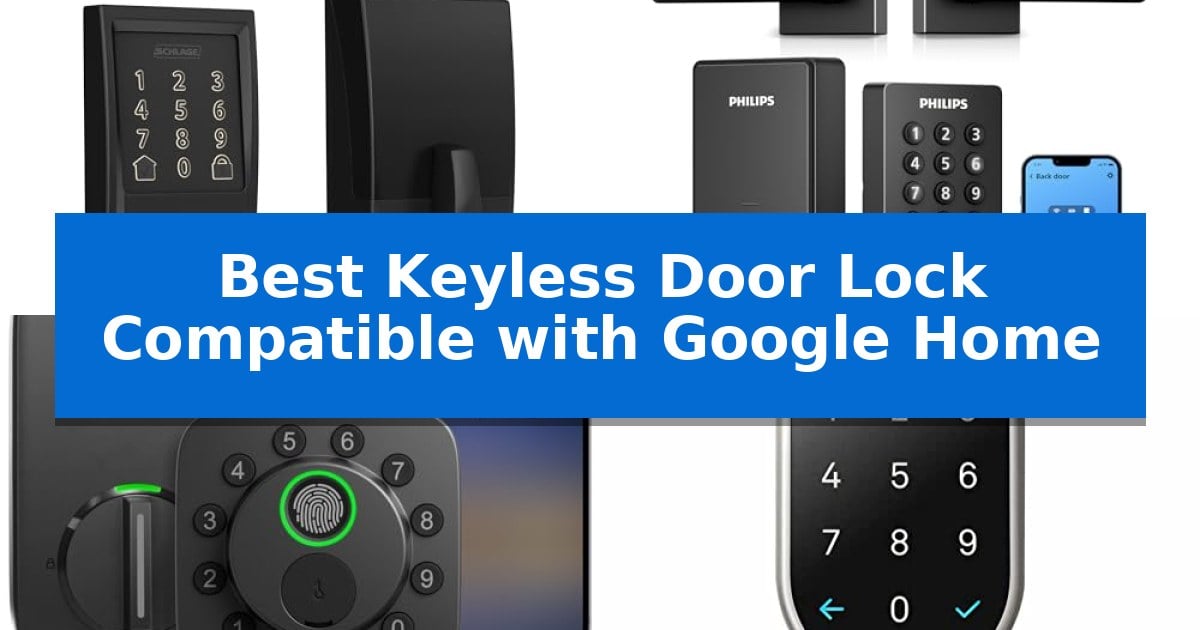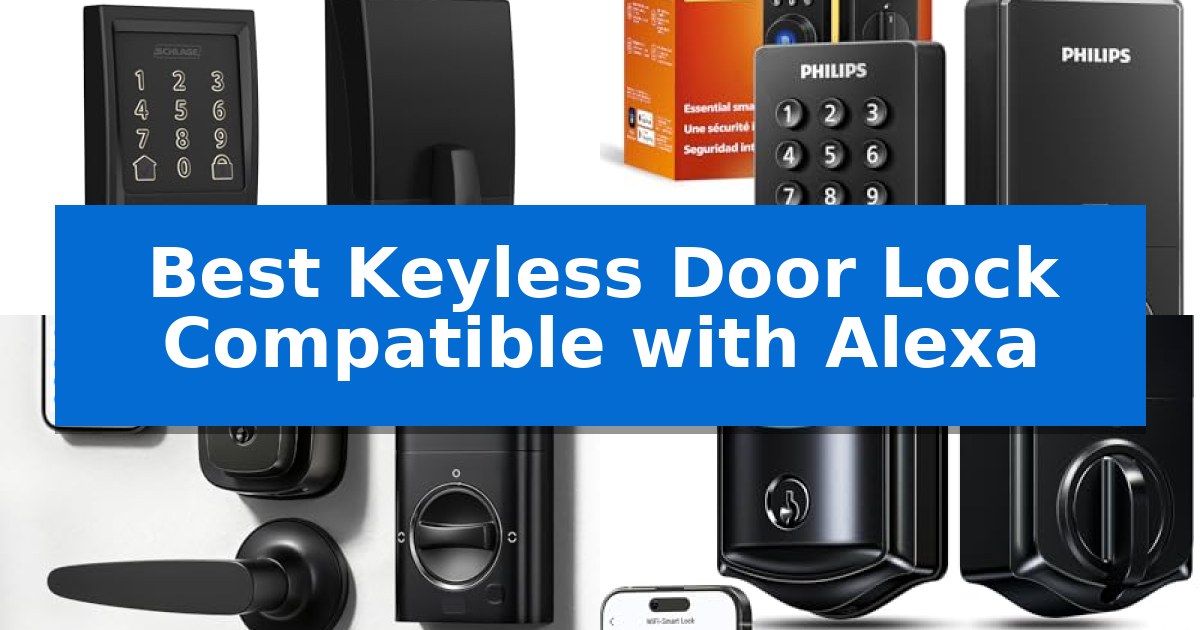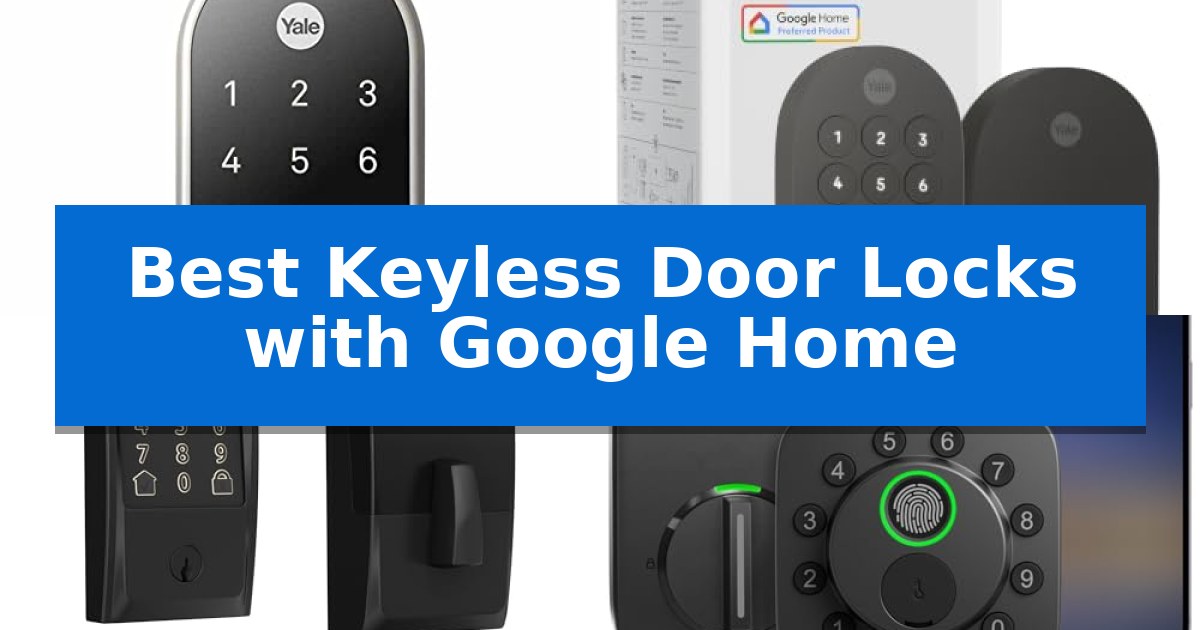
Best Keyless Door Locks with Google Home in 2026: Unlock Smarter

Best Keyless Door Locks with Google Home

Finding the right smart lock can transform how you manage your home's entry, providing both convenience and peace of mind. The Best Keyless Door Locks with Google Home allow you to integrate your front door security directly into your existing smart home ecosystem, enabling voice commands and remote management without needing multiple apps.

Whether you are looking for biometric access, Matter-enabled connectivity, or a simple keypad interface, these devices offer flexible ways to secure your property. We have analyzed the leading options to help you identify which lock best fits your specific door hardware and smart home requirements.
Best Keyless Door Locks with Google Home in 2026: Unlock Smarter

Our Top Picks
  1. Seamless Matter and Google Integration Yale Smart Lock Deadbolt
  2. Reliable Performance for Busy Homes Schlage Encode Smart WiFi Deadbolt
  3. Longest Battery Life Ultraloq Bolt SE Smart Deadbolt
  4. Fast Biometric Access Philips Wi-Fi Smart Deadbolt

Quick Comparison

Product Best For Key Strength Score
Google Nest x Yale Smart Lock Best Overall Keyless entry via LED keypad eliminates the need for physical keys. 4.9
Yale Smart Lock Deadbolt Seamless Matter and Google Integration Matter over Thread support for efficient connectivity and battery longevity. 4.9
Schlage Encode Smart WiFi Deadbolt Reliable Performance for Busy Homes Built-in WiFi eliminates the need for a separate smart home hub. 4.6
Ultraloq Bolt SE Smart Deadbolt Longest Battery Life 7-in-1 keyless entry including fingerprint, app, and voice control options. 4.5
Philips Wi-Fi Smart Deadbolt Fast Biometric Access Biometric fingerprint scanner for rapid, keyless entry. 4.6

How We Chose

  • Google Home ecosystem compatibility and voice control responsiveness.
  • Access methods including fingerprint, keypad, app, and mechanical key backup.
  • Physical installation requirements and compatibility with standard door hardware.
  • Battery efficiency and the availability of low-battery alerts.
  • Connectivity protocols such as Wi-Fi, Matter, and Thread support.

1 Google Nest x Yale Smart Lock — Best for Native Google Ecosystem

Modern home security relies on seamless integration, and the Google Nest x Yale Smart Lock simplifies access by replacing your existing deadbolt with a keyless LED keypad. This device allows you to manage your front door entry through a dedicated interface, providing a streamlined way to secure your home without the need for physical keys.

The lock offers robust control options, including the ability to unlock the door from anywhere using the Nest app. For added convenience, you can assign unique passcodes to family members and guests, while setting schedules to determine exactly when those codes remain active. If you require extra security, Privacy Mode disables the keypad entirely, preventing entry via code until you choose to re-enable it.

Integration with your existing smart home setup is a primary focus, allowing you to check the status of your door lock remotely or utilize auto-lock functionality to ensure the door secures itself when you are away. The system provides real-time alerts for locking and unlocking events, as well as notifications if someone attempts to tamper with the hardware, keeping you informed of your home's security status.

Installation is designed to be straightforward, as the unit is built to swap out with your current deadbolt hardware. Before purchasing, it is essential to measure your door's backset, cross bore, and thickness to confirm compatibility with your specific door configuration, ensuring a proper fit for the lock's dimensions.

Best for: Homeowners already invested in the Google Nest ecosystem who want a secure, keyless entry solution with remote app management.

Skip if: Users who require physical key backup as a primary entry method or those whose door specifications do not align with the required backset and cross bore measurements.

PROS

  • Keyless entry via LED keypad eliminates the need for physical keys.
  • Remote access and status monitoring through the Nest app.
  • Customizable passcodes and scheduling for family and guests.
  • Tamper alerts provide immediate notification of unauthorized activity.

CONS

  • No physical key override means entry depends entirely on the keypad or app.
  • Strict installation requirements necessitate precise measurement of door dimensions.

2 Yale Smart Lock Deadbolt — Seamless Matter and Google Integration

Managing home access becomes significantly more streamlined with the Yale Smart Lock Deadbolt, which offers multiple entry methods including phone-based unlocking, a physical keypad, and voice commands via Google Assistant. This device is specifically engineered to integrate into existing smart home setups, providing a cohesive way to monitor and control entry points.

The inclusion of Matter technology allows this lock to communicate across various platforms, including Google TV and Nest Hub, without forcing users into a single ecosystem. By utilizing Matter over Thread, the lock benefits from an energy-efficient mesh network that helps preserve battery life, ensuring the device remains operational for longer periods between maintenance.

Designed for versatility, the lock is BHMA Grade 2 certified and built to withstand temperatures ranging from -22 to 140°F, making it suitable for diverse climates. Users can manage access, share entry permissions, and track activity directly through the Yale Access App or the Google Home interface, keeping security management centralized.

While the lock offers robust digital features, it also includes a backup key for manual entry, providing a reliable fail-safe. Its matte black finish and compact dimensions make it a discreet addition to most front door aesthetics, balancing modern connectivity with traditional hardware reliability.

Best for: Homeowners who want a secure, keyless entry system that integrates natively with Google Home and Matter-enabled smart devices.

Skip if: Users who do not have a Matter-compatible hub or a Google Home ecosystem will not be able to utilize the full range of remote access and smart features.

PROS

  • Matter over Thread support for efficient connectivity and battery longevity.
  • Multiple entry methods including keypad, app, voice, and physical key.
  • Seamless integration with Google Home and other Matter-enabled ecosystems.
  • BHMA Grade 2 certification for verified durability.

CONS

  • Remote access requires a Matter hub, which is sold separately.
  • Google Home features are currently restricted to US and Canada users.

3 Schlage Encode Smart WiFi Deadbolt — Reliable Performance for Busy Homes

Managing home security requires a reliable, integrated solution that fits into your existing digital ecosystem. The Schlage Encode Smart WiFi Deadbolt streamlines entry by offering built-in WiFi compatibility, allowing you to monitor and control your door lock directly from the Schlage Home app without needing a separate hub.

This device is designed for convenience, supporting voice control through Google Home and Alexa for hands-free operation. Users can manage up to 100 unique access codes, making it a practical choice for households that need to grant temporary or permanent access to family members or guests. The system also provides customizable notifications and detailed lock history, ensuring you stay informed about your home's security status in real-time.

Durability and ease of installation are central to its design. The lock features a fingerprint-resistant touchscreen and is certified for high residential security and durability by BHMA experts. Its Snap ‘n Stay design simplifies the installation process, allowing you to secure the deadbolt to the door using only a screwdriver. The unit is powered by four AA batteries, which offer up to six months of typical use, and includes a low-battery indicator to prevent lockouts.

For added peace of mind, the Schlage Encode Smart WiFi Deadbolt includes a built-in, customizable alarm that detects forced entry attempts or door movement. The auto-lock functionality can be configured with various time delays or disabled entirely, providing flexibility for different daily routines. While it relies on battery power, the inclusion of a physical backup key ensures you maintain manual access if necessary.

Best for: Homeowners seeking a robust, WiFi-enabled deadbolt that integrates directly with Google Home for remote management and voice control.

Skip if: Users who prefer a lock that relies on Z-Wave or Zigbee protocols rather than a direct WiFi connection, or those who require a lock compatible with doors thinner than 1-3/8 inches.

PROS

  • Built-in WiFi eliminates the need for a separate smart home hub.
  • Voice control integration with Google Home and Alexa.
  • High-security certification with a built-in forced entry alarm.
  • Easy installation with the Snap ‘n Stay design.

CONS

  • Battery-dependent operation requires monitoring for replacement.
  • Limited to standard door thicknesses between 1-3/8 and 1-3/4 inches.

4 Ultraloq Bolt SE Smart Deadbolt — Longest Battery Life

Securing your home with the ULTRALOQ Bolt SE Smart Deadbolt offers a versatile entry experience, featuring a 7-in-1 keyless entry system that includes fingerprint recognition for up to 50 users and remote management via a smartphone app. This deadbolt is engineered for modern convenience, allowing you to grant access to guests or service providers through temporary or scheduled codes without needing to be physically present.

Built for seamless smart home integration, this lock supports Matter over Thread, ensuring a stable and responsive connection when paired with a compatible Thread Border Router. By utilizing this low-energy mesh network, the device achieves an ultra-long 18-month battery life, reducing the frequency of maintenance. It integrates directly with major ecosystems, enabling voice control through Google Assistant, Alexa, and Apple Home.

The hardware is constructed from solid zinc alloy and carries an ANSI BHMA certification, providing a durable, weather-resistant build suitable for exterior doors with an IP65 waterproof rating. Installation is designed to be a straightforward DIY task, typically requiring only 10 minutes to complete with the provided instructions.

For those seeking a reliable, hub-free experience, the built-in WiFi allows for remote locking, unlocking, and activity monitoring directly from your phone. Whether you are managing access for family or automating your home security, this deadbolt provides a robust, future-ready solution that prioritizes both connectivity and physical security.

Best for: Homeowners who want a versatile, keyless entry system with long battery life and seamless integration into a Matter-enabled smart home ecosystem.

Skip if: Users who do not have a 2.4 GHz Wi-Fi network or a compatible Matter over Thread hub, as these are required for remote connectivity and advanced smart features.

PROS

  • 7-in-1 keyless entry including fingerprint, app, and voice control options.
  • 18-month battery life enabled by efficient Thread mesh networking.
  • Durable zinc alloy construction with IP65 weather resistance.
  • Hub-free remote management via built-in 2.4 GHz Wi-Fi.

CONS

  • Requires a Thread Border Router to utilize Matter-over-Thread functionality.
  • 2.4 GHz Wi-Fi only compatibility for direct app control.

5 Philips Wi-Fi Smart Deadbolt — Fast Biometric Access

The Philips Wi-Fi Smart Deadbolt streamlines home security by offering multiple entry methods, including a backlit touchscreen for passcodes and a biometric fingerprint scanner for instant, one-touch access. This device integrates directly with Google Home and Alexa, allowing for voice-controlled locking and unlocking without the need for an additional hub.

Designed for versatility, this lock supports up to 100 custom passcodes, making it suitable for managing access for family members, guests, or service providers. The built-in Wi-Fi connectivity enables remote access via a smartphone app, providing real-time alerts and a full history of door activity so you can monitor your home from anywhere.

For added convenience, the Auto-Lock feature can be configured to secure the door automatically after 10 to 180 seconds, ensuring the home remains locked even when you are in a rush. When traveling, the Away Mode provides an extra layer of security by disabling all unlock methods except for the master code.

Installation is straightforward, requiring only a screwdriver to fit doors between 1-3/8" and 2" thick. The unit operates on AA alkaline batteries and includes a physical key backup, ensuring that you maintain access even if the electronic systems are unavailable. The Philips support team provides dedicated assistance for setup and troubleshooting.

Best for: Homeowners seeking a versatile, keyless entry solution with integrated voice control and remote monitoring capabilities.

Skip if: Users who require a door sensor for status monitoring or those who prefer a system that does not rely on a 2.4GHz Wi-Fi network.

PROS

  • Biometric fingerprint scanner for rapid, keyless entry.
  • Built-in Wi-Fi eliminates the need for a separate smart home hub.
  • Flexible access options including app, voice, code, and physical key.
  • Remote management and real-time activity notifications.

CONS

  • Requires 2.4GHz network and proximity to the router for optimal remote performance.
  • Lacks a built-in door sensor to detect if the door is physically open or closed.

Best Keyless Door Locks with Google Home Buying Guide

Understanding Smart Lock Connectivity

Smart locks utilize different protocols to communicate with your home network and Google Home. Wi-Fi-enabled locks typically connect directly to your router, offering remote access without the need for an additional hub. This simplifies the setup process but can sometimes lead to higher battery consumption.

Newer devices supporting Matter and Thread provide a more energy-efficient and reliable mesh network. These locks are designed to work seamlessly across different platforms, ensuring your smart home remains responsive even if one device goes offline.

Installation and Door Compatibility

Before purchasing, it is critical to measure your door's backset, cross bore, and thickness. Most smart deadbolts are designed to replace standard hardware, but checking these dimensions ensures the lock will fit securely without requiring professional modification.

Consider whether you want a full replacement of your existing deadbolt or an add-on device. A full deadbolt replacement usually offers a cleaner aesthetic and more robust security features, while add-on units may preserve your existing exterior key hardware.

Access Methods and Security Features

The primary benefit of a keyless lock is the variety of entry options. Biometric fingerprint scanners provide the fastest access, while LED keypads allow for guest codes that can be scheduled or revoked remotely. This is particularly useful for managing access for service providers or visitors.

Look for security-focused features like auto-lock timers and tamper alerts. These tools ensure your door is never left unlocked accidentally and notify you immediately if someone attempts to force entry or manipulate the lock.

Battery Life and Maintenance

Smart locks are battery-operated, so longevity is a key factor in daily usability. Locks utilizing Thread technology often boast significantly longer battery life compared to standard Wi-Fi models, reducing the frequency of maintenance.

Always monitor the low-battery indicators provided in your app. Most locks also include a physical backup key or external terminals to jump-start the lock with a 9V battery, ensuring you are never locked out if the internal power fails.

Privacy and Data Management

When integrating a lock with Google Home, consider how your access logs and user data are managed. High-quality smart locks provide encrypted connections to protect your entry history and passcode data from unauthorized access.

Review the app permissions and settings to ensure you are comfortable with how your lock shares information with your smart home hub. Many systems allow you to disable certain features like remote unlocking if you prefer a more localized security setup.

Frequently Asked Questions

Do I need a hub for these smart locks?

It depends on the model. Some locks feature built-in Wi-Fi for direct connection, while others require a Matter hub or specific bridge to communicate with Google Home.

Can I still use a physical key?

Most of the locks listed include a physical keyway as a backup, though some minimalist designs prioritize keyless entry entirely.

How do I manage guest access?

Most smart locks allow you to generate unique passcodes or digital keys via their respective apps, which you can share with guests and revoke at any time.

What happens if my Wi-Fi goes down?

The keypad and physical key will continue to function, ensuring you are not locked out of your home during an internet outage.

Are these locks weather-resistant?

Many models are designed for exterior use with weather-resistant ratings, but always verify the specific IP rating or temperature range for your climate.

Conclusion: Our Top Pick

For those seeking the most reliable integration with their existing smart home, the Google Nest x Yale Smart Lock stands out as the premier choice. Its native compatibility with the Google ecosystem ensures a smooth setup and consistent performance, making it an ideal upgrade for users already invested in Nest products.

While other models offer advanced features like fingerprint scanning or Matter support, the Google Nest x Yale Smart Lock provides a balance of security and ease of use that is hard to beat. Ensure you verify your door's dimensions before installation to guarantee a perfect fit.
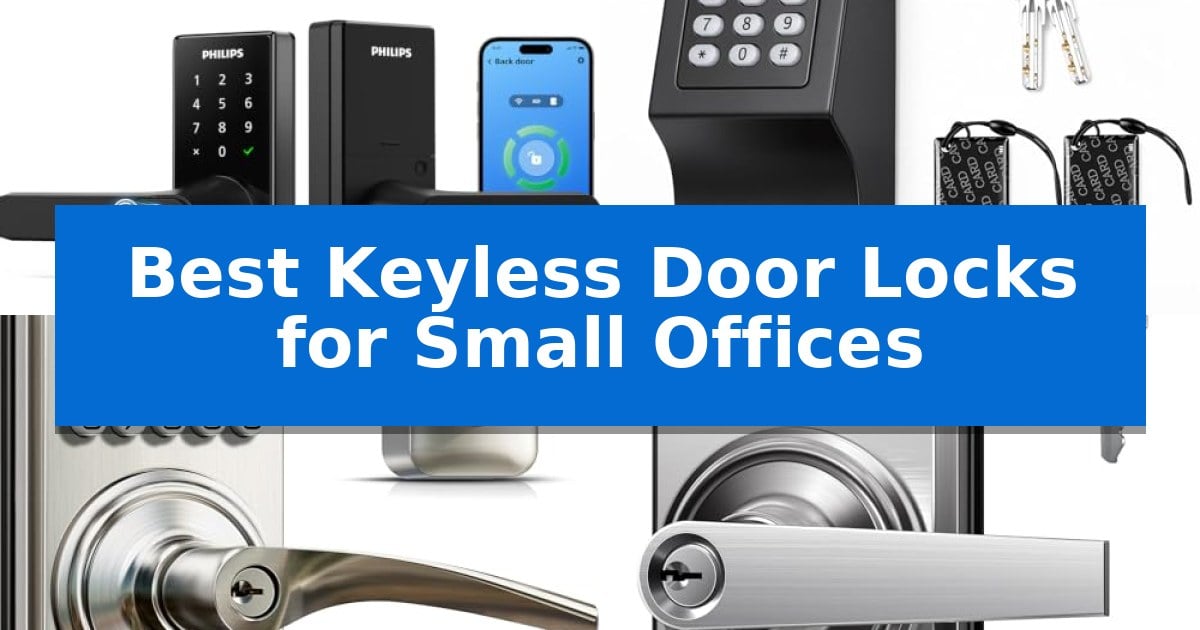
Best Keyless Door Locks for Small Offices in 2026: Secure Access

Best Keyless Door Locks for Small Offices

Managing access in a busy workplace requires a balance between security and convenience. Traditional keys are often lost, misplaced, or difficult to track, creating unnecessary friction for employees and visitors alike. Upgrading to a modern entry system can streamline your daily operations while providing a clear audit trail of who enters your space and when.

We have evaluated the Best Keyless Door Locks for Small Offices to help you find a reliable solution that fits your specific security needs. Whether you require remote management, high-traffic durability, or simple keypad access, these models offer professional-grade features designed to secure your workspace effectively.

Best Keyless Door Locks for Small Offices in 2026: Secure Access

Our Top Picks
  1. Durable Build for High-Traffic Entry Hicarer Commercial Keyless Door Lock
  2. Passage Mode for Frequent Access Veise KS04 Keypad Door Lock
  3. Simple Setup for Shared Workspaces TEEHO TE004 Keyless Door Lock
  4. Reliable Security for Light Commercial Schlage Electronic Keypad Door Lock

Quick Comparison

Product Best For Key Strength Score
Philips Wi-Fi Smart Door Lock Best Overall Single-motion fingerprint entry for rapid access. 4.9
Hicarer Commercial Keyless Door Lock Durable Build for High-Traffic Entry 3-in-1 entry options including codes, cards, and keys 4.3
Veise KS04 Keypad Door Lock Passage Mode for Frequent Access 4-in-1 entry options including 21 user codes and backup keys. 4.8
TEEHO TE004 Keyless Door Lock Simple Setup for Shared Workspaces Supports up to 20 unique user PIN codes for flexible access management. 4.8
Schlage Electronic Keypad Door Lock Reliable Security for Light Commercial Auto-Lock functionality ensures the door is always secured after entry. 4.4

How We Chose

  • Access Methods: We prioritized locks offering multiple entry options, such as fingerprint, PIN codes, and physical keys, to ensure redundancy.
  • Durability and Build: We evaluated the material construction, focusing on zinc alloy and metal bodies capable of withstanding high-traffic environments.
  • Management Features: We assessed the availability of remote management, audit logs, and passage modes for shared workspaces.
  • Installation Compatibility: We reviewed the door hole and thickness requirements to ensure the locks fit standard commercial and office door configurations.
  • Security Protocols: We looked for features like anti-peep technology, auto-lock timers, and break-in detection alarms.

1 Philips Wi-Fi Smart Door Lock — Integrated Wi-Fi for Remote Management

Managing office security requires a balance of convenience and control, and the Philips Wi-Fi Smart Door Lock addresses this by integrating a fingerprint sensor directly into the handle. This design allows for a single-motion entry, reading a fingerprint in just 0.3 seconds to unlock the door as the handle is turned, which is ideal for high-traffic office environments where efficiency is essential.

The lock offers five distinct entry methods, including app-based remote control, PIN codes, voice commands, and a physical key backup. For small business owners, the ability to store up to 100 unique passcodes is a significant advantage. This feature allows for the creation of permanent codes for staff, scheduled codes for recurring services like cleaning, or one-time passwords for temporary visitors, all managed via a built-in 2.4GHz Wi-Fi connection that requires no additional hub.

Operational flexibility is further enhanced by the Auto-Lock feature, which can be set to secure the door automatically after 5 to 180 seconds. For meetings or busy workdays, the Passage Mode can be activated with a 3-second hold, keeping the door unlocked until manually secured. Additionally, the Privacy Mode provides an extra layer of security for sensitive areas by preventing outside access when the office is occupied.

Installation requires a standard 2-1/8 inch door hole and a door thickness between 1-3/8 and 2 inches. Users should ensure there is at least 4.53 inches of clearance between the deadbolt and the handle set to accommodate the hardware. The system is powered by 8 AA LR6 alkaline batteries, ensuring reliable operation without complex wiring.

Best for: Small office managers who need a flexible, keyless access system that supports multiple users and remote monitoring without requiring a separate network hub.

Skip if: You have a door with non-standard dimensions or insufficient clearance between the deadbolt and handle, as this model requires specific spacing to function correctly.

PROS

  • Single-motion fingerprint entry for rapid access.
  • Built-in Wi-Fi eliminates the need for an external bridge or hub.
  • Supports up to 100 unique passcodes for diverse user management.
  • Passage and Privacy modes provide versatile control over office security.

CONS

  • Requires 8 AA batteries which are not included in the package.
  • Strict installation clearance requirements of 4.53 inches between deadbolt and handle.

2 Hicarer Commercial Keyless Door Lock — Durable Build for High-Traffic Entry

Managing access to shared workspaces requires a balance between security and convenience, especially when high staff turnover makes traditional key management impractical. The Hicarer Commercial Keyless Door Lock addresses this by providing a 3-in-1 keyless entry system that allows for individual access codes, access cards, or a physical backup key, eliminating the need to rekey locks when personnel changes occur.

Designed for high-traffic environments, this lock features a matte black finish that resists smudges and marks from frequent daily use, maintaining a professional appearance without requiring constant polishing. The construction utilizes a metal lock body and zinc alloy keypad panel, ensuring durability in busy office, apartment, or warehouse settings.

Installation is straightforward for standard pre-drilled doors, accommodating thicknesses between 1.18 and 2.36 inches. The reversible handle design ensures compatibility with both left and right-handed door configurations. Because the system operates on batteries and does not require Wi-Fi, apps, or subscriptions, it functions as a reliable, standalone solution that remains operational even during network outages.

The package includes all necessary hardware, including the lock set, access cards, and a screwdriver, simplifying the setup process for facility managers. By allowing user codes to be added or deleted directly on the keypad, administrators can manage access permissions in seconds, providing a practical security upgrade for small office environments.

Best for: Small offices and shared commercial spaces requiring flexible, standalone access control without the complexity of network-connected systems.

Skip if: Facilities requiring remote access management, audit logs, or integration with smart home ecosystems, as this unit operates strictly offline.

PROS

  • 3-in-1 entry options including codes, cards, and keys
  • No subscription or Wi-Fi required for operation
  • Reversible handle fits various door orientations
  • Durable metal and zinc alloy construction

CONS

  • Requires manual code management directly on the device
  • Not compatible with smart home apps or remote monitoring

3 Veise KS04 Keypad Door Lock — Passage Mode for Frequent Access

Managing access in a professional environment requires reliable hardware that balances security with ease of use. The Veise KS04 Keypad Door Lock offers a versatile solution for small offices, featuring 4-in-1 keyless entry that supports up to 21 unique user codes and unlimited one-time codes for temporary visitors.

Designed for high-traffic areas, this lock includes a Passage Mode that allows for continuous access during business hours, which can be disabled for after-hours security. The heavy-duty zinc alloy construction meets ANSI Grade 3 standards, providing a durable barrier that is further reinforced by an IP55 weather-resistant rating.

For offices prioritizing discretion, the Silent Mode ensures quiet operation, while the backlit keypad remains visible in low-light conditions. Users can also enable Away Mode to disable all standard user codes, providing an extra layer of security during holidays or extended office closures.

Installation is straightforward, requiring only a screwdriver to fit standard door thicknesses between 1-3/8’’ and 2’’. The unit is powered by 4 AA alkaline batteries, offering up to 365-day battery life with integrated low-battery alerts to prevent lockouts.

Best for: Small office managers needing a secure, keyless entry system with flexible access modes for employees and temporary guests.

Skip if: Offices requiring remote Wi-Fi management, mobile app integration, or biometric fingerprint scanning, as this model relies strictly on physical keypad entry.

PROS

  • 4-in-1 entry options including 21 user codes and backup keys.
  • Passage Mode allows for easy, continuous access during office hours.
  • ANSI Grade 3 zinc alloy construction for physical durability.
  • 365-day battery life reduces the frequency of maintenance.

CONS

  • No Wi-Fi or Bluetooth connectivity for remote management.
  • Requires manual battery replacement rather than rechargeable power.

4 TEEHO TE004 Keyless Door Lock — Simple Setup for Shared Workspaces

Managing access in a professional environment requires a balance of security and convenience, which is exactly what the TEEHO TE004 Keyless Door Lock provides through its versatile 20 user PIN code capacity. This lock eliminates the need for physical keys, allowing office managers to grant unique access to staff or temporary visitors while maintaining a professional appearance with its satin nickel finish.

The TEEHO TE004 Keyless Door Lock is built for high-traffic areas, featuring a durable zinc alloy construction that meets ANSI Grade 3 security standards. Its IP54 weather-resistant rating ensures reliable operation even in varied environments, while the anti-peeping password function adds a layer of security by allowing random digits to be entered alongside the real code to prevent unauthorized observation.

For shared workspaces, the Passage Mode is a standout feature, allowing the door to remain unlocked for frequent access during business hours, which can be toggled off for security after work. The auto-lock function provides peace of mind by securing the door automatically between 10 and 99 seconds, ensuring the office is never left vulnerable.

Installation is straightforward, requiring only a standard screwdriver to fit doors between 1-3/8" and 2" thick. The system is powered by 4 AA batteries, offering up to 1 year of battery life, with a clear low-battery indicator that flashes red when power drops below 15%, ensuring you are never locked out unexpectedly.

Best for: Small offices needing a secure, keyless entry solution with temporary access codes for staff and visitors.

Skip if: Users requiring remote smartphone app control or Wi-Fi integration, as this model relies exclusively on keypad and physical key access.

PROS

  • Supports up to 20 unique user PIN codes for flexible access management.
  • Includes one-time temporary codes that automatically delete after use.
  • Features Passage Mode for convenient access during business hours.
  • Durable zinc alloy construction with IP54 weather resistance.

CONS

  • Requires 4 AA batteries which are not included in the package.
  • Lacks smart home connectivity or remote mobile app management.

5 Schlage Electronic Keypad Door Lock — Reliable Security for Light Commercial

Maintaining secure access in a professional environment requires a balance of convenience and reliability, which is where the Schlage Electronic Keypad Door Lock excels. This unit features an Auto-Lock function that automatically secures the door five seconds after a code is entered, ensuring that office spaces remain protected even during busy workdays without requiring manual intervention.

Designed for durability, the lock is built with high-quality metal construction and carries a Grade 2/AAA rating, making it suitable for both residential and light commercial applications. The silicone-coated keypad is illuminated, allowing for easy code entry in low-light conditions, while the 9V battery power source provides up to two years of operation under typical use. A dedicated low-battery indicator helps prevent unexpected lockouts, providing a reliable way to maintain security in a small office setting.

Installation is straightforward, requiring only a screwdriver to replace existing hardware without the need for complex hardwiring. This makes it a practical solution for offices looking to upgrade their security without professional assistance. While this lock offers robust physical security, it is a standalone electronic device. It does not include remote connectivity or smart-home integration, which may be a consideration for offices requiring centralized access management or audit logs.

The Best Keyless Door Locks for Small Offices must prioritize both ease of use and consistent security. By focusing on mechanical strength and simple, battery-powered operation, this model provides a dependable entry solution that avoids the complexities of network-dependent systems.

Best for: Small offices seeking a reliable, standalone keyless entry solution that prioritizes automatic locking and ease of installation.

Skip if: Offices that require remote access, mobile app control, or detailed entry logs will find this standalone keypad model insufficient for their needs.

PROS

  • Auto-Lock functionality ensures the door is always secured after entry.
  • Grade 2/AAA rating provides high-quality metal durability for commercial use.
  • Illuminated keypad allows for easy operation in dark environments.
  • Simple installation requires no hardwiring or professional tools.

CONS

  • No remote connectivity or smart-home integration features.
  • Standalone operation lacks digital audit logs for tracking entries.

Best Keyless Door Locks for Small Offices Buying Guide

Understanding Access Control Needs

Before selecting a lock, determine how many people need access and how often that access changes. For offices with high staff turnover, a lock that allows for the quick addition and deletion of unique PIN codes is essential. This eliminates the need for rekeying when an employee leaves.

Consider whether you need remote management capabilities. Wi-Fi-enabled locks allow you to monitor entry logs and issue temporary codes from anywhere, which is particularly useful for managing deliveries or after-hours access for contractors.

Material and Durability

Office doors often experience significantly more cycles than residential doors. Look for locks constructed from durable zinc alloy or stainless steel to ensure the handle and keypad can withstand constant daily handling without showing excessive wear.

A matte finish is often a practical choice for high-traffic areas, as it tends to hide fingerprints and minor scuffs better than polished or bright finishes, keeping your office entrance looking professional.

Installation and Compatibility

Most office doors are pre-drilled with standard bore holes. Always measure your door thickness and the backset (the distance from the edge of the door to the center of the hole) before purchasing to ensure a proper fit.

Check the door handing requirements. While many modern keyless locks feature reversible handles, confirming compatibility with your specific door swing direction will save time during the installation process.

Security Features for the Workplace

Features like auto-lock timers provide peace of mind by ensuring the door is secured shortly after it is closed. This is a critical safety feature for offices that may be left unattended during the day.

Anti-peep technology and break-in alarms add a layer of protection against unauthorized entry. These features discourage tampering and provide an immediate alert if someone attempts to guess a code repeatedly.

Battery Life and Maintenance

Since these locks are battery-operated, consider the expected battery life and the presence of low-battery alerts. A lock that provides a clear visual or audible warning before the power fails prevents accidental lockouts.

Always keep a set of physical backup keys in a secure, off-site location. Even with reliable electronic systems, having a mechanical override is a vital safety precaution for any business.

Frequently Asked Questions

Can I install these locks on my own?

Most of these keyless locks are designed for DIY installation and typically require only a standard screwdriver. They are compatible with most pre-drilled doors, though you should verify your door's thickness and backset measurements first.

What happens if the batteries die?

Most models include a low-battery indicator that warns you well in advance. In the event of a total power failure, all listed models include a physical key override, ensuring you are never locked out of your office.

Are these locks suitable for exterior office doors?

Many models feature weather-resistant ratings, such as IP54 or IP55, which protect against rain and cold. Always check the specific weather-resistance rating of a model if it will be exposed to the elements.

How many users can these locks support?

Support varies by model. Some units support up to 20 PIN codes, while others, like the Philips Wi-Fi Smart Lock, can manage up to 100 unique passcodes, making them suitable for larger teams.

What is Passage Mode?

Passage Mode allows you to keep the door unlocked for a set period, which is ideal for meetings, deliveries, or times when you need frequent access to the office without entering a code every time.

Conclusion: Our Top Pick

For businesses seeking a blend of advanced technology and reliable security, the Philips Wi-Fi Smart Door Lock is our top recommendation. Its integrated Wi-Fi allows for seamless remote management, while the fingerprint-on-handle feature provides rapid, secure access for staff.

While other models like the Hicarer or TEEHO offer excellent durability and simple setup for specific office needs, the Philips lock stands out for its comprehensive feature set, including detailed activity logs and flexible access methods that adapt to the evolving needs of a small office.

Best Keyless Door Locks for Front Doors in 2026: Upgrade Entry Security

Best Keyless Door Locks for Front Doors

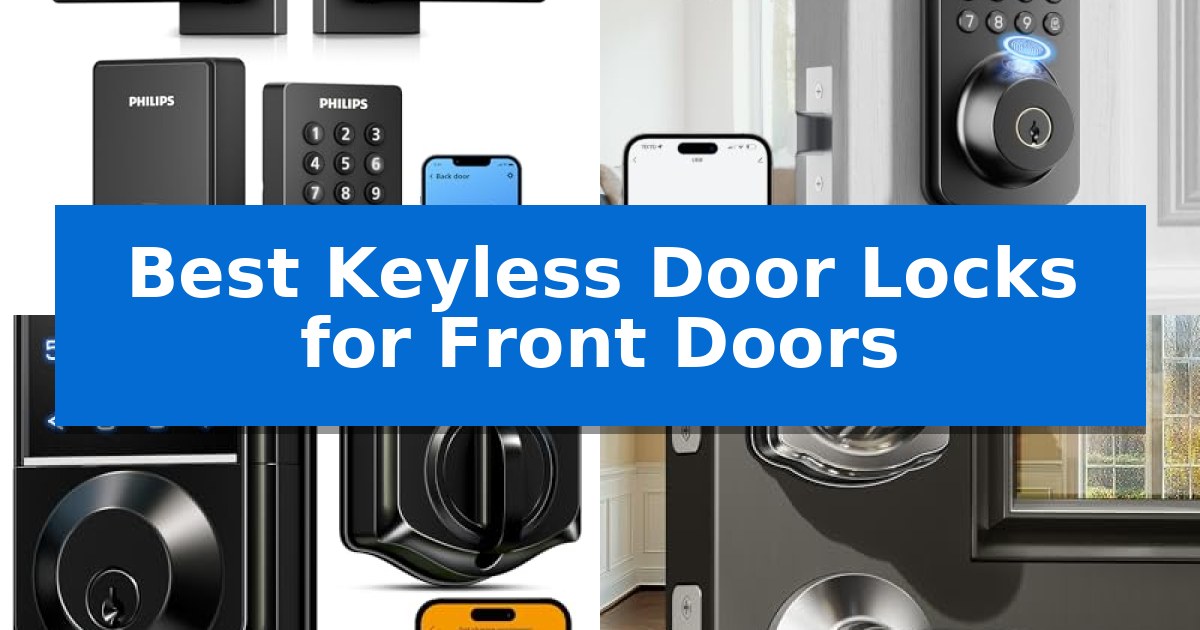
Upgrading your home entry to a modern system offers a blend of convenience and security that traditional keys simply cannot match. Whether you are tired of fumbling for keys in the dark or need to grant temporary access to guests, the Best Keyless Door Locks for Front Doors provide a reliable, high-tech solution for your household.

Selecting the right model requires balancing your specific needs for remote management, biometric speed, or simple physical keypad reliability. We have analyzed the leading options on the market to help you determine which lock integrates best with your existing door hardware and daily routine.

Best Keyless Door Locks for Front Doors in 2026: Upgrade Entry Security

Our Top Picks
  1. Ultra-Fast Biometric Entry Ulecoce U68 Fingerprint Deadbolt Lock
  2. AI-Powered Recognition Accuracy Veise VE017 Fingerprint Smart Lock
  3. Reliable Physical Keypad Security Veise KS01B Keypad Door Lock
  4. Simple DIY Installation Yamiry YR04 Smart Knob Lock

Quick Comparison

Product Best For Key Strength Score
Philips 4200 Series WiFi Smart Lock Best Overall Built-in WiFi eliminates the need for additional hubs. 4.9
Ulecoce U68 Fingerprint Deadbolt Lock Ultra-Fast Biometric Entry Ultra-fast 0.3-second fingerprint recognition for rapid entry. 4.4
Veise VE017 Fingerprint Smart Lock AI-Powered Recognition Accuracy 8-in-1 entry methods including AI-powered fingerprint recognition. 4.7
Veise KS01B Keypad Door Lock Reliable Physical Keypad Security Supports up to 20 unique user codes for flexible family and guest access. 4.3
Yamiry YR04 Smart Knob Lock Simple DIY Installation Easy 15-minute installation using only a screwdriver. 4.9

How We Chose

  • Access Versatility: We assessed the number of entry methods, such as fingerprint scanning, PIN codes, and mobile app control.
  • Connectivity and Remote Management: We prioritized models that offer seamless WiFi or app-based monitoring for real-time access logs.
  • Installation and Compatibility: We reviewed the hardware requirements to ensure compatibility with standard door thicknesses and ease of DIY setup.
  • Security Features: We examined the inclusion of anti-peep codes, auto-lock timers, and physical backup key options.
  • Build Quality and Weather Resistance: We looked for materials and IP ratings that ensure reliable performance in various environmental conditions.

1 Philips 4200 Series WiFi Smart Lock — Built-in WiFi for Remote Access

The Philips 4200 Series WiFi Smart Lock simplifies home entry by integrating a built-in 2.4GHz WiFi module, allowing users to manage access remotely without the need for an external hub or bridge. This all-in-one solution includes a matching handle set, providing a cohesive aesthetic upgrade for front doors while offering multiple entry methods to suit various household needs.

Security and convenience are central to its design, featuring a 0.3-second fingerprint sensor for rapid biometric access. The device supports a variety of PIN code types, including permanent, one-time, periodic, and recurring options, which are managed through the Philips Home Access App. This app also provides real-time monitoring of access history and door lock status, ensuring users remain informed whether they are at home or away.

For those with busy schedules, the auto-lock feature—adjustable from 0 to 180 seconds—removes the worry of leaving the door unsecured. The lock is also compatible with voice assistants like Alexa and Google Assistant, enabling hands-free status checks or locking commands. The system is powered by standard 1.5V alkaline batteries, which provide up to 6 months of battery life with an integrated low-battery alert.

Installation is designed for DIY convenience, fitting most doors between 1-3/8" and 1-3/4" thick using only a screwdriver. While the unit is pre-configured for right-opening doors, it can be reset to accommodate left-opening configurations. Users should ensure the lock is positioned within 33 feet of their router to maintain a stable connection, as physical obstacles can impact signal strength.

Best for: Homeowners seeking an all-in-one smart lock solution with integrated WiFi, biometric entry, and remote management capabilities.

Skip if: Users who require compatibility with rechargeable or high-power lithium batteries, or those with doors outside the 1-3/8" to 1-3/4" thickness range.

PROS

  • Built-in WiFi eliminates the need for additional hubs.
  • Fast 0.3s fingerprint recognition for secure and efficient entry.
  • Comprehensive handle set included for a complete hardware upgrade.
  • Flexible PIN management supports recurring and temporary access codes.

CONS

  • Battery restrictions require the use of standard 1.5V alkaline batteries only.
  • Signal sensitivity requires proximity to the router for optimal performance.

2 Ulecoce U68 Fingerprint Deadbolt Lock — Ultra-Fast Biometric Entry

The Ulecoce U68 Fingerprint Deadbolt Lock streamlines home entry by utilizing a biometric sensor that identifies fingerprints in as little as 0.3 seconds. This deadbolt provides a high-speed, keyless solution for those seeking to eliminate the need for physical keys while maintaining a secure, modern aesthetic for their front door.

Beyond its biometric capabilities, this device offers a 5-in-1 unlocking system that includes keypad passcodes, app-based access, and traditional physical keys. The smartphone app integration allows for remote management, enabling users to generate temporary or scheduled codes for guests and monitor access logs in real-time. For added security, the lock features anti-peep code technology, which helps prevent unauthorized individuals from guessing your passcode by observing the keypad.

Installation is designed to be straightforward, requiring only a screwdriver to fit standard left-hand or right-hand door configurations. The unit includes a customizable auto-lock function, which can be set to engage between 5 and 60 seconds after the door closes. For those who prefer voice commands, the lock supports integration with Alexa and Google Assistant when paired with a separately sold gateway.

The hardware is built for reliability, backed by a 3-year product warranty and 24/7 support. Whether you are managing access for family members or service personnel, the system provides a flexible, secure, and user-friendly interface for modern home security.

Best for: Homeowners seeking a versatile, high-speed biometric entry system with remote app management capabilities.

Skip if: Users who require a fully integrated smart home setup without purchasing an additional gateway for voice control or remote connectivity.

PROS

  • Ultra-fast 0.3-second fingerprint recognition for rapid entry.
  • Comprehensive 5-in-1 unlocking methods including app, keypad, and biometric access.
  • Remote management and real-time alerts via smartphone app.
  • Customizable auto-lock settings for enhanced security.

CONS

  • Gateway required for voice control and advanced remote features.
  • Separate purchase necessary for full smart home ecosystem integration.

3 Veise VE017 Fingerprint Smart Lock — AI-Powered Recognition Accuracy

The Veise VE017 Fingerprint Smart Door Lock provides a versatile 8-in-1 keyless entry system, allowing access via fingerprint, app, fob card, code, or mechanical key. This deadbolt is designed for both residential and multi-tenant use, featuring a self-learning AI fingerprint chip that verifies identity in under 0.2 seconds with 99.99% accuracy, refining its recognition patterns over time.

Security is managed through the KK Home App, which offers comprehensive smart user management. Owners can remotely grant or revoke access, pause permissions, and view detailed activity logs. For added privacy, the lock utilizes AES128 encrypted local storage for all credentials, ensuring data remains on the device rather than the cloud. The Anti-Peeping Privacy Code feature further protects users by allowing the entry of random digits before or after the actual PIN.

Built for durability, the Veise VE017 Fingerprint Smart Door Lock is constructed from all-zinc alloy and features an IP55 waterproof and dustproof rating, enabling it to withstand temperatures ranging from -35℉ to 160℉. Installation is a straightforward 15-minute DIY process that requires only a screwdriver, with the unit automatically detecting left- or right-handed door orientations.

The lock operates on 4 AA alkaline batteries, providing approximately 12 months of battery life with low-power alerts. In emergency situations, a USB-C port allows for external power, ensuring the lock remains functional even if the batteries are fully depleted. For users requiring remote monitoring or voice control via Alexa and Google Assistant, the Veise G1 Gateway is available as a separate accessory.

Best for: Homeowners and property managers seeking a versatile, high-security keyless entry solution with remote management capabilities.

Skip if: Users who require built-in Wi-Fi connectivity without purchasing an additional gateway for remote access.

PROS

  • 8-in-1 entry methods including AI-powered fingerprint recognition.
  • Local AES128 encryption for enhanced data privacy.
  • IP55 weather-resistant construction for extreme temperatures.
  • Remote user management and activity tracking via the KK Home App.

CONS

  • G1 Gateway required for remote access and voice assistant integration.
  • Batteries not included with the initial purchase.

4 Veise KS01B Keypad Door Lock — Reliable Physical Keypad Security

Managing home access without physical keys is simplified by the Veise KS01B Keypad Door Lock, which offers a robust entry solution featuring a backlit keypad and anti-peeping technology. This unit allows homeowners to secure their front doors using one master code and up to 20 permanent user codes, effectively eliminating the need to hide spare keys.

Designed for versatility and security, the lock includes an auto-lock function that can be set to engage between 10 and 99 seconds, ensuring the door is never left unsecured. For added peace of mind, the anti-peeping code feature allows users to enter random digits before or after their actual passcode to prevent unauthorized observers from identifying the correct sequence. If an intruder attempts to guess the code, the system triggers a wrong entry limit that disables the keypad for 3 minutes after 10 failed attempts.

The Veise KS01B Keypad Door Lock is built for durability, having passed ANSI Grade 3 and BHMA testing with an IP54 water and dust resistance rating. It operates reliably in temperatures ranging from -31℉ to 158℉, making it suitable for various exterior environments. The unit is powered by 4 AA alkaline batteries, which provide over a year of operation, and it features a low-battery alert that blinks red to notify users before power is lost.

Installation is straightforward, requiring only a screwdriver to fit standard U.S. doors between 1-3/8" and 2" thick. The system also includes specialized modes such as Vacation Mode, which disables all user codes, and Passage Mode, which keeps the door unlocked for frequent entry and exit. Backed by a 2-year total warranty upon registration, this lock provides a comprehensive, tool-friendly security upgrade for residential entryways.

Best for: Households seeking a reliable, keyless entry system with multiple user codes and durable, weather-resistant construction.

Skip if: Users requiring smart-home integration, Wi-Fi connectivity, or remote app-based monitoring, as this model operates exclusively via physical keypad inputs.

PROS

  • Supports up to 20 unique user codes for flexible family and guest access.
  • Includes anti-peeping technology to prevent passcode theft.
  • Features IP54 weather resistance for reliable outdoor performance.
  • Offers auto-lock and passage modes for customizable security.

CONS

  • Requires manual battery replacement and lacks remote smart-home connectivity.
  • Does not include batteries in the package.

5 Yamiry YR04 Smart Knob Lock — Simple DIY Installation

Upgrading to the Yamiry YR04 Smart Knob Lock offers a straightforward approach to home security, featuring a backlit keypad that ensures visibility in low-light conditions. This electronic lock is constructed from durable aluminum alloy and carries an IP54 weather-resistant rating, making it suitable for front door applications where exposure to the elements is a concern.

Installation is designed for simplicity, requiring only a standard screwdriver and approximately 15 minutes of time. Once installed, the system supports up to 20 unique user codes, ranging from 4 to 8 digits, allowing for personalized access for family members. For added convenience, the unit includes two backup keys to ensure entry remains possible even if the batteries are depleted.

The device incorporates flexible security settings, including an auto-lock function that can be programmed to engage between 5 and 99 seconds after closing. If preferred, this feature can be disabled entirely. The system also includes an anti-prying user code feature to enhance protection against unauthorized access attempts.

Maintenance is simplified by a low battery indicator, which alerts users when power is running short. The manufacturer provides a 30-day money-back guarantee and 1-year product coverage, supported by lifetime after-sales assistance to address technical inquiries.

Best for: Homeowners seeking a quick, DIY-friendly keyless entry solution with multiple user code options.

Skip if: Users requiring advanced smart-home integration, such as Wi-Fi connectivity, mobile app control, or remote access features.

PROS

  • Easy 15-minute installation using only a screwdriver.
  • Durable aluminum alloy construction with IP54 weather resistance.
  • Supports up to 20 programmable user codes plus physical backup keys.
  • Customizable auto-lock timer ranging from 5 to 99 seconds.

CONS

  • Lacks smart connectivity features like Wi-Fi or Bluetooth app control.
  • Requires manual code entry or physical keys for all operations.

Best Keyless Door Locks for Front Doors Buying Guide

Understanding Access Methods

Keyless locks typically offer multiple ways to enter, including biometric fingerprint scanners, digital keypads, and smartphone applications. Fingerprint recognition is often the fastest method, allowing for entry in under a second, while PIN codes provide a reliable backup for guests or family members who prefer not to use biometrics.

When choosing, consider who needs access to your home. Systems that allow for temporary or recurring PIN codes are particularly useful for homeowners who frequently host guests, hire housekeepers, or manage short-term rentals, as these codes can be set to expire automatically.

Connectivity and Remote Control

Advanced smart locks often feature built-in WiFi or Bluetooth connectivity, enabling you to manage your door from anywhere. This allows you to check your lock status, view access history, or grant remote entry to visitors even when you are not at home.

If you choose a model that requires a separate gateway for remote features, ensure you factor that into your total cost and setup time. Models with direct WiFi connectivity simplify the process by removing the need for an extra bridge device.

Installation and Door Compatibility

Most modern keyless locks are designed for DIY installation using only a standard screwdriver. Before purchasing, it is critical to verify your door's thickness and whether it is a right-hand or left-hand opening door, as some models require specific settings or resets to function correctly.

Check the product dimensions to ensure the lock will cover existing holes from your previous deadbolt. A complete handle set is often the most convenient choice if you are looking to replace your entire entry hardware for a cohesive, modern look.

Security and Privacy Features

Look for features like anti-peeping codes, which allow you to enter random digits before or after your actual PIN to prevent onlookers from guessing your password. This is a simple but effective way to enhance your privacy.

Auto-lock functionality is another essential security feature. By setting a timer, you can ensure your door locks automatically after a specific period, providing peace of mind if you frequently forget to secure the door when leaving in a hurry.

Battery Life and Maintenance

Smart locks are typically battery-powered, with many models offering 6 to 12 months of performance on a standard set of alkaline batteries. Always look for locks that provide low-battery alerts, ensuring you are notified well before the power runs out.

In the event of a total battery failure, most models include a mechanical backup key or an emergency power port, such as USB-C, to allow you to unlock the door. Regularly check these emergency features to ensure you are never locked out.

Frequently Asked Questions

Can I install these locks myself?

Yes, most of the models reviewed are designed for DIY installation and can be set up in minutes using only a standard screwdriver.

What happens if the batteries die?

Most smart locks include a physical backup key or an emergency power port that allows you to power the lock externally to gain entry.

Are these locks weather-resistant?

Many models feature IP54 or IP55 ratings, making them suitable for exterior use and resistant to rain, dust, and temperature fluctuations.

Do I need a hub for remote access?

It depends on the model. Some locks have built-in WiFi for direct connection, while others may require a separate gateway device to enable remote app control.

Can I use these for Airbnb or guest access?

Yes, many models support the creation of temporary, one-time, or recurring PIN codes, which are ideal for managing guest access.

Conclusion: Our Top Pick

For those seeking the most versatile and convenient entry solution, the Philips 4200 Series WiFi Smart Lock stands out as our top recommendation. Its built-in WiFi eliminates the need for extra hubs, while the combination of fingerprint access and a complete handle set makes it a comprehensive upgrade for any front door.

While this model offers excellent remote management and ease of use, always ensure your WiFi signal is strong near the door to maintain a stable connection. If you prefer a simpler, non-WiFi alternative or have specific aesthetic preferences, the other models in our list provide reliable biometric and keypad security tailored to different installation needs.

Best Keyless Door Locks for French Doors in 2026: Secure Dual Entry

Best Keyless Door Locks for French Doors

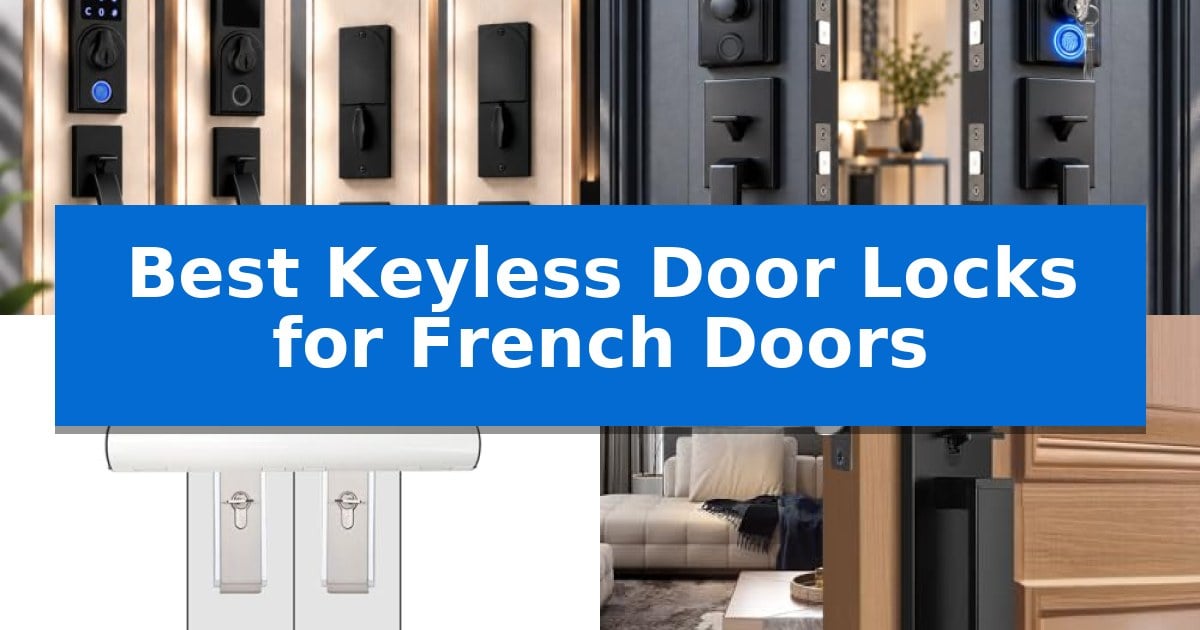
Securing double doors presents a unique challenge because standard smart locks are often designed for single-entry points. Finding the Best Keyless Door Locks for French Doors requires hardware that can accommodate both an active door and a stationary or dummy secondary door without compromising your home's security.

Whether you are looking for a smart handleset that integrates with your existing home security or a robust physical barrier for your patio, selecting the right hardware is essential. We have analyzed current market options to help you identify which systems offer the best balance of convenience, installation flexibility, and reliable protection for your specific door setup.

Best Keyless Door Locks for French Doors in 2026: Secure Dual Entry

Our Top Picks
  1. Adjustable Hole Spacing Design NEWBANG Digital Fingerprint Door Lock Set
  2. Built-in Alarm for Patio Doors Yallmie French Door Security Lock
  3. Full Escutcheon French Style Tinewa Smart Keyless Entry Handleset
  4. Dual Lever Handle Convenience Veise Keypad Door Lock Set

Quick Comparison

Product Best For Key Strength Score
NEWBANG Fingerprint Smart Door Lock Set Best Overall Complete double door set includes both an active smart lock and a matching dummy handle. 4.9
NEWBANG Digital Fingerprint Door Lock Set Adjustable Hole Spacing Design Complete double door set includes both an active smart lock and a matching dummy handle. 4.7
Yallmie French Door Security Lock Built-in Alarm for Patio Doors Built-in 20-second alarm to alert household members of forced entry. 4.5
Tinewa Smart Keyless Entry Handleset Full Escutcheon French Style Full escutcheon design provides a clean, unified aesthetic for double doors. 4.5
Veise Keypad Door Lock Set Dual Lever Handle Convenience Dual ergonomic lever handles provide a uniform aesthetic for French door installations. 4.6

How We Chose

  • Compatibility with double-door setups including active and dummy handle requirements.
  • Ease of installation for standard door thicknesses and varying hole spacings.
  • Security features such as anti-peep keypads, alarm integration, and mechanical durability.
  • Access methods including fingerprint, keypad, and physical key overrides.
  • Battery efficiency and long-term reliability of the locking mechanism.

1 NEWBANG Fingerprint Smart Door Lock Set — Complete Active and Dummy Set

Managing access for double doors requires a specialized approach that balances security with the convenience of a single entry point. The NEWBANG Fingerprint Smart Door Lock Set addresses this by providing a comprehensive solution that includes one active smart lock for the primary door and a matching dummy handle for the secondary door, ensuring a cohesive aesthetic and functional setup.

The active unit features three distinct access methods: a fingerprint scanner, an illuminated touchscreen keypad, and emergency keys. To protect against unauthorized observation, the keypad includes anti-peep technology, which allows users to enter random digits before and after their actual code. This ensures that bystanders cannot discern the correct sequence during entry.

Usability is enhanced through voice-guided programming, which provides audible feedback for every configuration step. This feature allows users to complete the setup process in under two minutes without needing to consult a manual. The lock is also designed for versatility, featuring an adjustable backset (60mm/70mm) and adjustable hole spacing (210-250mm), making it compatible with a wide range of door configurations.

The system utilizes a semi-automatic motor that focuses exclusively on credential verification, requiring the user to manually rotate the thumb turn to lock or unlock the door. This design choice significantly reduces mechanical wear and extends battery life, providing over 12 months of operation from six AA batteries. With a 5-year replacement warranty, this set offers a durable, long-term solution for securing French doors.

Best for: Homeowners looking for a complete, integrated security solution for French doors that combines biometric access with a matching dummy handle.

Skip if: Users who require a fully automatic locking mechanism or those with door thicknesses exceeding 2 inches.

PROS

  • Complete double door set includes both an active smart lock and a matching dummy handle.
  • Voice-guided programming simplifies the initial setup process.
  • Semi-automatic operation extends battery life to 12+ months.
  • Anti-peep protection enhances security on the touchscreen keypad.

CONS

  • Manual thumb turn operation is required rather than fully automatic locking.
  • Limited to door thicknesses up to 2 inches.

2 NEWBANG Digital Fingerprint Door Lock Set — Adjustable Hole Spacing Design

Securing French doors requires a specialized approach, as these double-door configurations demand both a functional lock and a matching aesthetic partner. The NEWBANG Digital Fingerprint Door Lock Set addresses this by providing a complete, coordinated solution: one active touchscreen smart lock for the primary door and a fixed dummy handle for the secondary door, ensuring a uniform look across the entryway.

The active unit prioritizes both security and convenience through three distinct entry methods: a responsive fingerprint scanner, an illuminated touchscreen keypad, and physical emergency keys. To prevent unauthorized observation of entry codes, the system includes an anti-peep mode that allows users to input random digits before and after their actual code. Setup is streamlined via voice-guided programming, which provides audible instructions for every configuration step, allowing for installation and setup without requiring technical expertise.

Designed for longevity, the lock features semi-automatic operation that significantly extends battery life. By utilizing a motor only for credential verification and requiring the user to manually rotate the thumb turn, the device achieves over 12 months of operation on just 6 AA batteries. This design choice also reduces mechanical wear, supporting the lock's long-term reliability.

Installation flexibility is a core feature, as the lock includes an adjustable backset (60mm/70mm) and adjustable hole spacing (210-250mm) to accommodate various door preparations. The reversible lever design ensures compatibility with both left and right-swing doors, fitting thicknesses up to 2 inches.

Best for: Homeowners with French doors who need a coordinated set containing both a functional smart lock and a matching dummy handle.

Skip if: Users who require a fully automatic locking mechanism or have doors thicker than 2 inches.

PROS

  • Complete double door set includes both an active smart lock and a matching dummy handle.
  • Voice-guided programming simplifies the setup process for users without technical backgrounds.
  • Semi-automatic operation extends battery life to over 12 months.
  • Adjustable hole spacing and backset provide broad compatibility with existing door preparations.

CONS

  • Manual thumb turn operation is required to engage the deadbolt, unlike fully automatic smart locks.
  • 2-inch maximum door thickness limits compatibility with extra-thick or custom entry doors.

3 Yallmie French Door Security Lock — Built-in Alarm for Patio Doors

Securing French doors requires a specialized approach, and the Yallmie French Door Security Lock offers a direct solution by utilizing a built-in alarm function that triggers a 20-second alert upon detecting forced entry. This device is designed to provide an immediate deterrent, combining physical reinforcement with an audible warning system to protect your home.

The lock features a universal 30mm tube design that fits most standard horizontal handles, making it a versatile choice for patio doors. Its reinforced dual-layer structure provides a balance of strength and surface protection, with an inner layer specifically intended to prevent scratches on your existing door hardware while the outer layer maintains a clean, white aesthetic.

Installation is straightforward, requiring only three steps to secure or release the bar. The sleek white powder coating ensures the unit blends discreetly with common door finishes, avoiding the bulky appearance often associated with security bars. By covering both horizontal handles, it prevents the doors from being pried open, adding a layer of physical resistance to your entry points.

Compatibility is the most critical factor for this product. It is engineered exclusively for doors equipped with two horizontal handles and will not function on vertical or curved handle configurations. Before installation, users must verify their door hardware matches these specific requirements to ensure the locking mechanism functions as intended.

Best for: Homeowners with dual horizontal-handle French doors seeking a combined physical barrier and audible alarm deterrent.

Skip if: Users with vertical or curved door handles, as the device is not compatible with those hardware configurations.

PROS

  • Built-in 20-second alarm to alert household members of forced entry.
  • Dual-layer structure provides both physical strength and scratch protection for handles.
  • Quick three-step installation and removal process for daily convenience.
  • Universal 30mm tube fits a wide range of standard horizontal door handles.

CONS

  • Strict compatibility requirements limit use to dual horizontal handles only.

4 Tinewa Smart Keyless Entry Handleset — Full Escutcheon French Style

Securing double-entry doors requires a solution that balances aesthetics with robust access control. The Tinewa Smart Keyless Entry Handleset offers a full escutcheon design that integrates a digital keypad and deadbolt into a single cohesive unit, providing a streamlined appearance suitable for both residential and commercial French door configurations.

This system prioritizes flexible installation through adjustable hole distance slides, which accommodate spacing between 203mm and 245mm. Designed for standard door thicknesses of 1-3/8" to 1-3/4", the hardware is reversible, allowing it to be mounted on either left or right-handed door orientations without specialized modifications.

Security and convenience are managed via a 3-in-1 access system, supporting passcode entry, app-based control, and traditional key access. The unit features an auto-locking function that can be configured to engage between 5 and 60 seconds after the door is closed, ensuring the entry remains secured even if manually locking is overlooked.

For temporary access, the system allows for the creation of unique codes, including a one-time password that deletes automatically after use. The lock meets ANSI Grade 3 certification standards, providing a baseline level of security for standard-sized exterior doors.

Best for: Homeowners seeking a cohesive, smart-enabled handleset for standard-sized French or double-door entryways.

Skip if: Users requiring high-security commercial-grade hardware or those with non-standard door thicknesses outside the 35-45mm range.

PROS

  • Full escutcheon design provides a clean, unified aesthetic for double doors.
  • Adjustable hole distance allows for flexible installation across various door configurations.
  • Auto-locking functionality enhances security by ensuring the door locks automatically after a set duration.
  • Versatile 3-in-1 access includes app, keypad, and key options for varied user needs.

CONS

  • ANSI Grade 3 certification is intended for standard residential use rather than high-security applications.
  • Limited to standard door thicknesses of 1-3/8" to 1-3/4".

5 Veise Keypad Door Lock Set — Dual Lever Handle Convenience

Securing French doors requires a balance between aesthetic appeal and robust locking mechanisms. The Veise Keypad Door Lock Set addresses this by providing a comprehensive solution that includes both the electronic deadbolt and dual ergonomic lever handles, ensuring a consistent look across both door panels.

This system offers flexible entry options, featuring one master code and up to 20 permanent user codes. For visitors, the unit allows for the generation of one-time passwords that expire after a single use. Security is further bolstered by an anti-peeping code function, which lets users input random digits before or after their actual password to prevent unauthorized observation.

Designed for durability, the lock has passed ANSI Grade 3 and BHMA testing and features IP54 water and dust resistance. It is engineered to operate in temperatures ranging from -31℉ to 158℉. The zinc alloy lock cylinder is built to resist prying, and the system includes a wrong entry limit that triggers a 3-minute lockout after 10 failed attempts.

Installation is straightforward, fitting standard U.S. door thicknesses between 1-3/8" and 2". The unit operates on 4 AA alkaline batteries, which provide over a year of power, and includes a backlit keypad for visibility in low-light conditions. Users can also utilize Passage Mode to disable auto-locking when free movement between rooms is required.

Best for: Homeowners seeking a cohesive, keyless entry solution for French doors that includes matching lever handles and multiple access codes.

Skip if: Users who require smart home integration or remote mobile app control, as this model relies on physical keypad entry and manual code management.

PROS

  • Dual ergonomic lever handles provide a uniform aesthetic for French door installations.
  • Multiple entry methods including 20 user codes and one-time guest passwords.
  • Anti-peeping and intrusion protection features enhance security against unauthorized access.
  • IP54 weather resistance ensures reliable operation in varied environments.

CONS

  • No smart home connectivity or remote app-based management features.
  • Batteries are not included in the package.

Best Keyless Door Locks for French Doors Buying Guide

Understanding Double Door Hardware

When upgrading to keyless entry, you must distinguish between your active door and the inactive or dummy door. The active door requires a fully functional smart lock, while the secondary door needs a matching dummy handle that remains fixed in place. Many of the Best Keyless Door Locks for French Doors are sold as sets to ensure the finish and design remain consistent across both sides.

Always verify your door's thickness and the existing hole spacing before purchasing. While many modern locks offer adjustable backsets, some require specific measurements to function correctly. Ensuring your hardware matches these dimensions prevents unnecessary modifications to your door frame.

Access Methods and Security

Modern keyless locks offer multiple ways to gain entry, such as fingerprint scanners, digital keypads, and traditional keys. Look for features like anti-peep protection, which allows you to enter random digits before or after your actual code to prevent onlookers from memorizing your sequence.

For added peace of mind, some physical security bars for French doors include built-in alarms. These devices provide a secondary layer of protection by sounding an alert if they detect forced entry, acting as a powerful deterrent for patio or back door access points.

Power Management and Reliability

Smart locks rely on battery power to operate their internal motors. To maximize battery life, look for semi-automatic operation designs. These systems use the motor only to verify credentials, while the user manually rotates the thumb turn, significantly reducing mechanical strain and extending the time between battery changes.

Always check for low-battery alerts. Most reliable models will provide visual or audible warnings when power is running low, ensuring you are never locked out of your home unexpectedly. Keeping a set of physical backup keys in a safe location is also a recommended best practice.

Installation and Compatibility

Most keyless locks for French doors are designed for DIY installation using only a screwdriver. Features like reversible levers allow the lock to be installed on both left-handed and right-handed doors, making them highly versatile for various home configurations.

If you are choosing a security bar, ensure it is compatible with your specific handle type. Many bars are designed specifically for horizontal handles and may not fit vertical or curved designs. Always confirm the tube diameter and clearance requirements before finalizing your purchase.

Durability and Environmental Resistance

Since French doors are often located at the rear of a home or on a patio, the hardware must withstand the elements. Look for locks with IP54 water and dust resistance and robust zinc alloy construction to ensure they can handle temperature fluctuations and moisture.

High-quality locks are often tested for thousands of cycles to ensure long-term performance. Choosing a product with a solid warranty provides additional protection against mechanical failure, giving you confidence in your investment over the long term.

Frequently Asked Questions

Can I use a standard smart lock on French doors?

Standard smart locks are typically designed for single doors. For French doors, you need a set that includes both an active smart lock and a matching dummy handle to ensure both doors look and function correctly.

What is a dummy handle?

A dummy handle is a non-functional handle used on the inactive side of a double door. It matches the aesthetic of the active lock but does not contain a locking mechanism or latch.

How do I know if my door is compatible with a security bar?

Most security bars for French doors require two horizontal handles. If your handles are vertical, curved, or do not align horizontally, the bar may not fit properly.

Are keyless locks difficult to install?

Most modern keyless locks are designed for easy installation and can be set up in under 20 minutes using basic household tools like a screwdriver.

What happens if the battery dies?

Most smart locks include a physical key override or an external power port that allows you to jump-start the lock with a battery if the internal power is completely depleted.

Conclusion: Our Top Pick

Choosing the right hardware for double-door entry is a critical step in home security. The NEWBANG Fingerprint Smart Door Lock Set stands out as the most comprehensive solution because it provides a dedicated active smart lock paired with a matching dummy handle, ensuring a seamless and secure installation for your French doors.

With its voice-guided programming, anti-peep protection, and efficient semi-automatic motor, this set balances advanced features with long-term reliability. It is an excellent choice for homeowners seeking a professional-grade upgrade that simplifies access while maintaining the aesthetic integrity of their double-door entryway.

Best Keyless Door Locks for Business in 2026: Streamline Access Control

Best Keyless Door Locks for Business

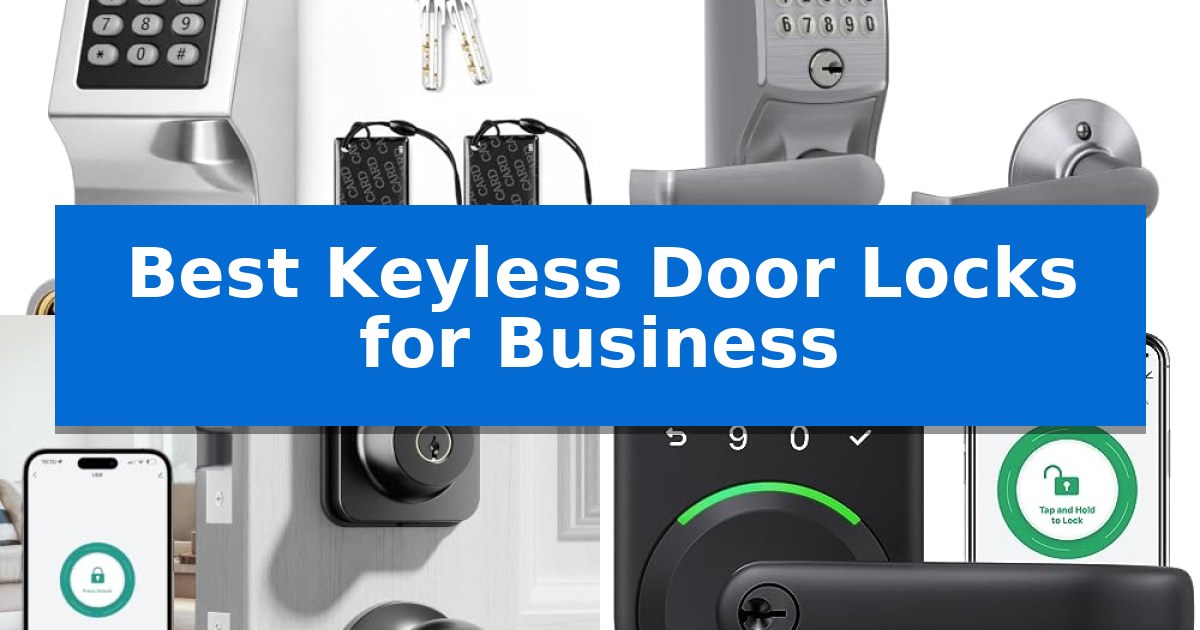
Managing access in a professional environment requires balancing security with the convenience of high-traffic entry. Traditional keys often lead to logistical headaches, including the need for rekeying when staff changes or the risk of lost physical copies. Upgrading to the Best Keyless Door Locks for Business allows for controlled, efficient entry that scales with your operational needs.

Whether you are securing a shared office space, a warehouse, or a rental property, selecting the right hardware is essential for maintaining a smooth workflow. We have analyzed five distinct locking solutions to help you identify which features—such as biometric recognition, keypad codes, or app-based management—best fit your specific security requirements and door configurations.

Best Keyless Door Locks for Business in 2026: Streamline Access Control

Our Top Picks
  1. Trusted Grade 2 Security Schlage Electronic Keypad Lock
  2. Fast Biometric Entry for Staff Ulecoce U68 Fingerprint Deadbolt
  3. Ideal for Rental Property Management Yamiry Smart Door Handle Lock
  4. Flexible Multi-Mode Entry Colosus Electronic Keyless Door Lock

Quick Comparison

Product Best For Key Strength Score
Hicarer Commercial Keyless Door Lock Best Overall 3-in-1 entry methods provide flexible access options for staff and tenants. 4.9
Schlage Electronic Keypad Lock Trusted Grade 2 Security Auto-Lock functionality ensures consistent security. 4.3
Ulecoce U68 Fingerprint Deadbolt Fast Biometric Entry for Staff Ultra-fast 0.3-second fingerprint recognition for efficient entry. 4.8
Yamiry Smart Door Handle Lock Ideal for Rental Property Management 6-in-1 unlocking versatility including fingerprint and app access. 4.5
Colosus Electronic Keyless Door Lock Flexible Multi-Mode Entry Four entry modes including PIN, RFID, remote, and physical key. 4.7

How We Chose

  • Entry Versatility: Assessing the variety of access methods, including PIN codes, fingerprints, and physical key backups.
  • Installation Compatibility: Reviewing door thickness requirements, bore hole sizes, and the ease of retrofitting existing hardware.
  • Management Features: Evaluating the presence of app-based control, audit logs, and the ability to issue temporary or recurring access codes.
  • Build Quality: Considering the material construction and suitability for high-frequency, commercial-grade use.
  • Standalone Reliability: Prioritizing systems that function independently of complex network setups or subscription services.

1 Hicarer Commercial Keyless Door Lock — Best for Shared Office Access

Managing access for multiple staff members or tenants requires a reliable system that eliminates the need for physical key management. The Hicarer Commercial Keyless Door Lock simplifies this by offering 3-in-1 keyless entry, allowing users to gain access via a personal code, an access card, or a traditional backup key.

This electronic lock is designed for standalone operation, meaning it functions without the need for Wi-Fi, apps, or recurring subscription fees. All user codes are stored directly within the lock, enabling administrators to add or delete access credentials instantly on the keypad. This feature is particularly useful for offices, warehouses, or apartments where personnel turnover is frequent and rekeying is not a viable option.

Constructed with a stainless steel body and a zinc alloy keypad panel, the hardware is built to withstand the demands of high-traffic doorways. The reversible lever design ensures compatibility with both left and right-handed doors, making it a versatile choice for various entryways. Installation is straightforward for standard pre-drilled doors, provided the door thickness falls between 1.18 and 2.36 inches.

By removing the reliance on physical keys, this system reduces the administrative burden of tracking and collecting keys from departing staff. The inclusion of all necessary mounting hardware and a screwdriver in the box provides a complete solution for immediate deployment in a professional or residential setting.

Best for: Small business owners or property managers needing a secure, standalone access control system without the complexity of network or app integration.

Skip if: Users who require remote access, activity logging, or integration with smart home ecosystems will find this standalone model too limited for their needs.

PROS

  • 3-in-1 entry methods provide flexible access options for staff and tenants.
  • Standalone operation eliminates the need for Wi-Fi, apps, or monthly subscriptions.
  • Reversible lever design ensures compatibility with various door swings.
  • Durable metal construction is suited for frequent daily use in commercial environments.

CONS

  • No network connectivity means remote management or real-time activity tracking is not possible.
  • Specific door requirements regarding bore hole and backset dimensions may necessitate drilling for non-standard doors.

2 Schlage Electronic Keypad Lock — Trusted Grade 2 Security

Securing a commercial workspace requires reliable access control, and the Schlage Electronic Keypad Lock offers a streamlined solution through its Auto-Lock feature, which automatically re-locks the door five seconds after a code is entered. This functionality ensures that entry points remain secure even during busy periods, providing consistent protection without requiring manual locking.

Built for durability, this lock features high-quality metal construction and carries a Grade 2/AAA rating, indicating it is engineered to withstand the demands of light commercial applications. The design includes a silicone-coated keypad that illuminates upon contact, facilitating easy code entry in low-light environments, which is particularly useful for businesses operating outside of standard daylight hours.

Installation is designed for simplicity, allowing for a direct replacement of existing lever or knob hardware using only a standard screwdriver. The system operates on a 9V battery, which supports up to two years of typical use. To prevent unexpected lockouts, the device includes a dedicated low-battery indicator that alerts users when it is time to replace the power source.

The Schlage Electronic Keypad Lock balances robust physical security with the convenience of keyless entry. By eliminating the need for physical keys, businesses can reduce the risks associated with lost or duplicated keys while maintaining a professional appearance with its Satin Chrome finish.

Best for: Small businesses or light commercial offices seeking a durable, keyless entry solution that automatically secures the door after each use.

Skip if: Businesses requiring audit trails, remote access, or integration with smart building management systems, as this model operates as a standalone keypad lock.

PROS

  • Auto-Lock functionality ensures consistent security.
  • Grade 2/AAA rating provides durability for light commercial use.
  • Illuminated keypad allows for easy operation in the dark.
  • Simple installation requires no hardwiring.

CONS

  • Standalone operation lacks advanced network or remote management features.

3 Ulecoce U68 Fingerprint Deadbolt — Fast Biometric Entry for Staff

Managing access for staff and visitors requires a system that balances security with operational efficiency. The Ulecoce U68 Fingerprint Deadbolt addresses this by offering an ultra-fast biometric sensor capable of recognizing fingerprints in as little as 0.3 seconds, ensuring that authorized personnel can enter without the friction of traditional keys.

Designed for versatility, this keyless entry door lock provides five distinct unlocking methods, including fingerprint, keypad passcodes, app-based access, and physical backup keys. The system supports up to 512 sets of fingerprints and codes, making it suitable for businesses that need to manage access for multiple employees or temporary guests. Administrators can generate temporary passwords with adjustable validity periods directly through the smartphone app, providing a granular level of control over who enters and when.

The Ulecoce U68 Fingerprint Deadbolt integrates seamlessly into a professional environment with features like real-time access logs and remote management capabilities. When paired with a separate Ulecoce gateway, the lock supports remote lock and unlock functions, voice control via Alexa and Google Assistant, and instant door-open alerts. These features allow business owners to monitor entry points 24/7, even when off-site.

Installation is straightforward, requiring only a screwdriver to fit standard left-hand or right-hand doors. The auto-lock function can be customized to engage between 5 and 60 seconds after closing, reducing the risk of doors being left unsecured. With a 3-year product warranty and 24/7 support, this lock is built to provide long-term reliability for commercial or home-office settings.

Best for: Small business owners or office managers needing fast, multi-user biometric access control with remote logging capabilities.

Skip if: Businesses requiring integration with existing enterprise-grade security software or those that need a hardwired power connection rather than battery-operated systems.

PROS

  • Ultra-fast 0.3-second fingerprint recognition for efficient entry.
  • Comprehensive app management with temporary password generation and access logs.
  • Flexible 5-in-1 unlocking methods to accommodate various user needs.
  • Customizable auto-lock feature for enhanced security.

CONS

  • Gateway sold separately for remote and voice control features.
  • Battery-powered operation requires monitoring for power levels.

4 Yamiry Smart Door Handle Lock — Ideal for Rental Property Management

Managing access for multiple properties requires a streamlined approach, and the Yamiry Smart Door Handle Lock offers a versatile solution for landlords and property managers. This device simplifies entry management by providing 6-in-1 unlocking versatility, allowing access via fingerprint, mobile app, passcode, key fob, mechanical key, or voice commands when paired with a separately sold WiFi gateway.

Designed for efficiency, the lock features a 10-minute DIY installation process that fits most standard American wooden doors without requiring additional drilling. Its reversible handle design ensures compatibility with both left and right-handed door configurations, making it a flexible choice for various rental setups.

The integration with a dedicated mobile app allows for comprehensive control, including the ability to generate one-time passcodes for visitors and track entry records remotely. This capability is particularly useful for Airbnb hosts and apartment supervisors who need to manage access across multiple units from a single interface.

For those managing high-traffic environments, the inclusion of a Passage Mode and an Auto Lock feature provides added convenience and security. By centralizing access monitoring, this lock serves as a practical tool for maintaining order in short-term rentals and residential properties.

Best for: Landlords and property managers who need a versatile, easy-to-install keyless entry system for multiple rental units.

Skip if: Users who require a standalone smart lock without the need for a separate WiFi gateway to enable remote features or voice control.

PROS

  • 6-in-1 unlocking versatility including fingerprint and app access.
  • 10-minute DIY installation compatible with standard door preps.
  • Remote access management via mobile app for temporary passcodes.
  • Reversible handle design for universal door orientation.

CONS

  • WiFi gateway sold separately for remote and voice control features.

5 Colosus Electronic Keyless Door Lock — Flexible Multi-Mode Entry

Managing access to a professional space requires a balance of convenience and security, and the Colosus Electronic Keyless Door Lock addresses this by offering four distinct entry methods. This system allows for access via PIN code, RFID card, remote control, or a physical key, providing flexibility for staff or visitors who may not have a digital credential on hand.

Designed for standard door thicknesses between 35mm and 60mm, this unit requires a single hole to be drilled for installation. The package includes four key fobs and one remote control, ensuring multiple users can enter without needing to manage traditional metal keys. It is important to note that the two provided metal keys are not replaceable and cannot be duplicated, which serves as a security measure for the primary access point.

The Colosus Electronic Keyless Door Lock is built for indoor use and is not waterproof, meaning it should be installed in locations protected from direct weather exposure. For those managing the device, the manufacturer provides access to an English-speaking support team based in the USA, available seven days a week to assist with programming or troubleshooting the unit.

While this lock simplifies entry, it is a specialized piece of hardware that requires specific door preparation. By integrating multiple electronic modes, it removes the reliance on physical keys that are often lost or forgotten in a busy office environment, making it a practical choice for businesses looking to streamline their entry process.

Best for: Small businesses or offices seeking a versatile, multi-mode entry system that supports both digital credentials and physical backups.

Skip if: Outdoor environments or areas exposed to rain, as the device is not waterproof and requires a sheltered installation location.

PROS

  • Four entry modes including PIN, RFID, remote, and physical key.
  • Includes four key fobs and a remote control for immediate multi-user access.
  • Dedicated USA-based customer support available seven days a week.
  • Flexible installation for standard door thicknesses from 1.38 to 2.36 inches.

CONS

  • Not waterproof, limiting installation to indoor or sheltered areas.
  • Physical keys are not replaceable or copyable, requiring careful management of the provided set.

Best Keyless Door Locks for Business Buying Guide

Evaluating Door Compatibility

Before purchasing, it is critical to measure your existing door's specifications. Most commercial locks require a specific door thickness range, typically between 1.18 and 2.36 inches. Additionally, verify the backset and bore hole diameter to ensure the new hardware will fit without requiring extensive modifications or new drilling.

Consider the door handing as well. While many modern locks feature a reversible lever for both left and right-handed doors, confirming this compatibility upfront prevents installation delays. Always check if the lock is designed for standard pre-drilled doors or if your specific setup requires a custom cutout.

Access Control Methods

The Best Keyless Door Locks for Business offer multiple entry methods to accommodate different user roles. Keypad entry is a staple for shared spaces, allowing you to assign unique codes to employees or tenants. This eliminates the need for physical keys and makes it easy to revoke access by simply deleting a code.

For higher security or faster throughput, biometric fingerprint scanners provide near-instant access. These systems are ideal for staff who frequently enter and exit with their hands full. Some models also support RFID cards or fobs, which are excellent for quick, contactless entry in busy office environments.

Management and Audit Capabilities

For landlords and property managers, the ability to manage access remotely is a significant advantage. Locks with mobile app integration allow you to generate temporary passwords for guests or service personnel from anywhere. This feature is particularly useful for Airbnb hosts or those managing multiple rental properties.

Look for models that provide access logs or activity history. Being able to track who entered and when adds a layer of accountability that is often missing from traditional lock systems. Ensure the system allows for scheduled or recurring codes if you need to grant access only during specific business hours.

Power and Reliability

Most electronic locks are battery-powered, which simplifies installation by removing the need for hardwiring. However, it is important to choose a model with a low-battery indicator to prevent accidental lockouts. High-quality units often provide months or even years of battery life under typical usage conditions.

Always prioritize locks that include a physical backup key. Even the most reliable electronic system should have a mechanical override for emergency situations or power failure. This dual-layer approach ensures that you are never locked out of your business premises.

Construction and Durability

Commercial environments subject door hardware to heavy daily use. Opt for locks constructed from stainless steel or zinc alloy to ensure long-term durability. These materials are more resistant to wear and tear than plastic components, making them a better investment for high-traffic areas.

Check the product's security rating, such as Grade 2, which indicates that the lock has been tested for strength and durability. A robust build not only protects against physical tampering but also ensures the internal electronic components are shielded from the rigors of a busy workplace.

Frequently Asked Questions

Do I need Wi-Fi for these locks to work?

Not necessarily. Many commercial keyless locks operate as standalone units, storing codes and data directly on the device. While some models offer app connectivity via Bluetooth or Wi-Fi for remote management, others function perfectly without any network connection.

Can I install these locks myself?

Most of the locks reviewed are designed for DIY installation and can be fitted using only a screwdriver. They are intended to replace standard existing hardware, provided your door meets the specific dimension requirements.

What happens if the batteries die?

Most electronic locks feature a low-battery warning system. In the event the batteries are completely drained, they typically include a physical backup key override or an external power port for emergency charging.

Are these locks suitable for outdoor use?

It depends on the model. Some locks are designed for interior entryways and are not waterproof. Always check the manufacturer's specifications regarding weather resistance if you plan to install the lock on an exterior door exposed to the elements.

How many users can these locks support?

Capacity varies by model. Some locks support a limited number of PIN codes, while others, particularly those with biometric or app-based systems, can store hundreds of fingerprints or unique user codes, making them suitable for larger teams.

Conclusion: Our Top Pick

Selecting the right access control system depends on your specific operational needs, whether that involves high-volume staff entry or managing short-term rental guests. By prioritizing features like standalone reliability, durable construction, and flexible access methods, you can significantly improve the security and efficiency of your business premises.

For most professional applications, the Hicarer Commercial Keyless Door Lock stands out as the top choice. Its 3-in-1 entry versatility, robust stainless steel build, and simple, network-free operation make it an ideal, low-maintenance solution for offices and warehouses where reliable, shared access is a priority.

Best Keyless Door Lock with Time-Sensitive Codes in 2026

Best Keyless Door Lock with Time-Sensitive Codes

Managing access to your home or rental property requires a balance between convenience and security. A Best Keyless Door Lock with Time-Sensitive Codes allows you to grant temporary entry to guests, service providers, or tenants without the risk of lost physical keys or the need for constant manual coordination.

These systems provide a modern solution for homeowners and property managers who need to track entry logs and issue temporary credentials remotely. By leveraging digital passcodes, you can ensure that access is strictly limited to authorized individuals for a specific duration, enhancing your overall property security.

Best Keyless Door Lock with Time-Sensitive Codes in 2026

Our Top Picks
  1. Versatile Multi-Method Entry Evanshow Biometric Door Knob
  2. Simple Temporary Guest Access Zowill Keyless Entry Deadbolt
  3. Reliable Security for Rentals Veise KS04 Keypad Door Lock
  4. Quick Setup for Frequent Visitors TEEHO TE004 Keyless Entry Handle

Quick Comparison

Product Best For Key Strength Score
Yamiry Smart Door Handle Lock Best Overall 6-in-1 unlocking methods including fingerprint and app control 4.9
Evanshow Biometric Door Knob Versatile Multi-Method Entry 5-in-1 entry versatility including fingerprint, keypad, IC card, and app access. 4.8
Zowill Keyless Entry Deadbolt Simple Temporary Guest Access Supports 20 unique user codes plus a dedicated one-time code for temporary visitors. 4.4
Veise KS04 Keypad Door Lock Reliable Security for Rentals Unlimited one-time codes for secure, temporary guest access. 4.3
TEEHO TE004 Keyless Entry Handle Quick Setup for Frequent Visitors One-time temporary codes for secure guest access 4.4

How We Chose

  • Credential Management: We prioritized locks that offer robust app-based control for generating and revoking temporary codes.
  • Installation Complexity: We assessed whether the hardware fits standard door preps without requiring professional locksmith services.
  • Durability and Weather Resistance: We checked for materials like zinc alloy and IP-rated weather protection suitable for exterior use.
  • Access Versatility: We looked for secondary entry methods such as biometric sensors or physical keys to ensure reliability during power or network outages.
  • Security Standards: We evaluated features like anti-peeping technology and auto-lock functions that prevent unauthorized entry.

1 Yamiry Smart Door Handle Lock — Best for Remote Access Management

Managing property access remotely requires a reliable system that balances security with guest convenience. The Yamiry Smart Door Handle Lock addresses this need by offering 6-in-1 versatility, allowing entry through fingerprint recognition, mobile app control, personalized passcodes, key fobs, or mechanical keys. For those managing short-term rentals, the ability to remotely generate one-time passcodes ensures visitors can enter without the need for physical key exchanges.

Designed for straightforward implementation, the unit features DIY installation that fits most standard American wooden doors in approximately 10 minutes using only a screwdriver. The hardware includes a reversible handle, making it compatible with both left and right-handed door configurations. This flexibility simplifies the setup process for property managers overseeing multiple locations.

The integrated mobile app serves as a centralized hub for access management. Users can grant permanent or temporary access to family members and track unlock records in real-time. By utilizing the app, landlords and property managers can monitor multiple locks seamlessly, providing a scalable solution for apartment supervisors or Airbnb hosts.

While the lock offers robust features for remote management, full remote control functionality requires a separately sold WiFi gateway. This is an important consideration for users who prioritize off-site connectivity as a primary requirement for their security setup.

Best for: Landlords, Airbnb hosts, and property managers who need a scalable, remote-managed entry solution for multiple properties.

Skip if: Users who require full remote connectivity out of the box without purchasing an additional WiFi gateway.

PROS

  • 6-in-1 unlocking methods including fingerprint and app control
  • Remote passcode generation for temporary visitor access
  • DIY-friendly installation compatible with standard door preps
  • Centralized app management for multiple locks

CONS

  • WiFi gateway sold separately for remote control features

2 Evanshow Biometric Door Knob — Versatile Multi-Method Entry

Managing access for guests or service providers often requires a flexible solution that moves beyond traditional keys. The Evanshow Biometric Door Knob addresses this by integrating five distinct entry methods into a single unit, including fingerprint scanning, keypad codes, IC cards, and app-based control, allowing for specific access management.

Designed for versatility, this smart lock allows users to store up to 100 fingerprints and 50 passwords, making it suitable for shared living spaces or offices. The Tuya App integration provides a centralized interface for tracking entry logs and assigning temporary access, though it is important to note that remote Wi-Fi or voice control functionality requires the purchase of a separate gateway.

Installation is straightforward, as the unit is designed to fit standard wooden doors between 1.18 and 1.97 inches thick without the need for drilling or complex wiring. For added security, the system features a silent mode and an emergency USB port that allows for external power bank connection if the internal batteries are depleted, ensuring you are not locked out during power failures.

Security-conscious users should prioritize the initial setup, which requires registering an administrator fingerprint immediately. Until this step is completed, the lock remains in a default state where any fingerprint can trigger the mechanism. By following the provided video tutorials and setup instructions, users can ensure their space remains protected with this robust, multi-method entry system.

Best for: Homeowners or office managers who need a versatile, multi-method entry system with the ability to manage temporary access for guests.

Skip if: Users who require built-in Wi-Fi or voice control without purchasing additional hardware, as this model necessitates a separate gateway for those features.

PROS

  • 5-in-1 entry versatility including fingerprint, keypad, IC card, and app access.
  • Easy installation that requires no drilling or professional assistance.
  • Emergency power access via an external USB port for battery depletion scenarios.
  • Detailed access management through the Tuya App for tracking entry logs.

CONS

  • Requires a separate gateway for Wi-Fi and voice control functionality.
  • Security risk during setup if an administrator fingerprint is not registered immediately.

3 Zowill Keyless Entry Deadbolt — Simple Temporary Guest Access

Managing temporary access for guests, cleaners, or family members requires a reliable method for granting entry without the hassle of physical keys. The Zowill Keyless Entry Deadbolt simplifies this process by allowing for the creation of a one-time code alongside up to 20 unique user passwords, providing a straightforward way to manage access for different visitors.

Built for durability, this ANSI Grade 3 certified lock is constructed from a robust alloy and has undergone testing for up to 100,000 cycles. It features an IP54 weatherproof rating, ensuring the keypad remains functional in various outdoor conditions. For added security, the device includes an anti-peeping password function, which allows users to enter random digits before or after their actual code to prevent onlookers from guessing the sequence.

The lock offers flexible installation and operation, suitable for front, side, or back doors in private homes or rental properties. Users can customize the auto-lock function, which can be set to engage automatically between 10 and 99 seconds after closing, or manually triggered by holding any key for two seconds. The unit is powered by 4 AA batteries, which are designed to last for over one year, and includes a low battery alert to ensure you are never caught off guard.

In addition to the keypad, the system includes two physical backup keys for emergency access. The design is finished in a matte black aesthetic, making it a versatile choice for various home decor styles. With its combination of back-lit keys for nighttime visibility and dedicated vacation and mute modes, the lock provides a practical balance of security and convenience for everyday use.

Best for: Homeowners or short-term rental hosts who need a reliable, keyless entry solution with temporary access codes for guests.

Skip if: Users who require advanced smart-home integration, such as Wi-Fi connectivity, mobile app remote control, or voice assistant compatibility.

PROS

  • Supports 20 unique user codes plus a dedicated one-time code for temporary visitors.
  • Features a durable ANSI Grade 3 certified alloy construction with an IP54 weatherproof rating.
  • Includes an anti-peeping password function to enhance security against unauthorized observers.
  • Offers flexible auto-lock timing ranging from 10 to 99 seconds.

CONS

  • Requires 4 AA batteries which are not included in the package.
  • Lacks remote connectivity features like Wi-Fi or Bluetooth app control.

4 Veise KS04 Keypad Door Lock — Reliable Security for Rentals

Managing access for guests, service providers, or family members often requires a balance between convenience and security. The Veise KS04 Keypad Door Lock addresses this by providing a robust 4-in-1 entry system that supports 21 unique user codes and unlimited one-time codes, allowing homeowners to grant time-sensitive access without handing out physical keys.

Designed for versatility, this lock features a heavy-duty zinc alloy construction with an ANSI Grade 3 rating, ensuring it stands up to daily wear. Its IP55 weather-resistant rating makes it suitable for various environments, from front doors to garages. For those who prioritize peace of mind, the Away Mode feature disables all standard user codes, while the built-in alarm provides an audible deterrent after 10 failed entry attempts.

Usability is a core focus of the Veise KS04 Keypad Door Lock, which includes a backlit keypad for visibility in low light and a Silent Mode for quiet operation. Installation is straightforward, requiring only a screwdriver to fit standard door thicknesses between 1-3/8" and 2". The system is powered by 4 AA batteries, offering up to 365 days of battery life with convenient low-battery alerts.

The lock also offers flexibility through its Passage Mode, which disables the auto-lock function for situations like parties or moving days. With a 1-year limited warranty and a free 1-year extension upon registration, it provides a reliable solution for those seeking a secure, keyless entry experience.

Best for: Homeowners and rental property managers who need a secure, keyless entry solution with the ability to grant temporary access via one-time codes.

Skip if: Users who require advanced smart home integration, remote app control, or Wi-Fi connectivity will find this standalone keypad lock insufficient for their needs.

PROS

  • Unlimited one-time codes for secure, temporary guest access.
  • 365-day battery life reduces the frequency of maintenance.
  • ANSI Grade 3 zinc alloy construction for durable protection.
  • Silent Mode and backlit keys for discreet, easy operation.

CONS

  • No smart home connectivity or remote mobile app management.
  • Batteries not included in the package.

5 TEEHO TE004 Keyless Entry Handle — Quick Setup for Frequent Visitors

Managing access for temporary visitors, service providers, or guests requires a balance between security and convenience. The TEEHO TE004 Keyless Entry Handle addresses this by offering one-time temporary codes that delete automatically after use, ensuring that access is granted only for the intended duration without compromising long-term entry security.

Beyond temporary access, this lock supports up to 20 user PIN codes, providing flexibility for family members and frequent visitors. The backlit keypad simplifies nighttime entry, while the anti-peeping password feature allows users to enter random digits before or after their actual code to prevent onlookers from identifying the correct sequence. For added peace of mind, the system includes break-in detection that shuts down the keypad for 3 minutes after 10 consecutive failed attempts.

Designed for versatility, the TEEHO TE004 Keyless Entry Handle features both Privacy Mode and Passage Mode. The former allows for quick manual locking from the inside, while the latter disables auto-lock functionality for high-traffic situations. The unit is built from durable zinc alloy with an IP54 weather-resistant rating, making it suitable for various environments, including front doors, garages, and basements.

Installation is straightforward, requiring only a screwdriver to fit standard door thicknesses between 1-3/8" and 2". The device operates on 4 AA batteries and includes a low-battery indicator that flashes red when power drops below 15%, providing ample time for replacement. With its ANSI Grade 3 security certification and included physical backup keys, it provides a reliable, multi-layered approach to home access.

Best for: Homeowners and rental property managers who need a secure, flexible way to grant temporary access to guests or service personnel.

Skip if: Users who require remote Wi-Fi connectivity, smartphone app integration, or voice assistant compatibility will find this keypad-only model insufficient for their needs.

PROS

  • One-time temporary codes for secure guest access
  • Anti-peeping password technology for enhanced security
  • IP54 weather-resistant construction
  • Easy 10-minute installation with standard tools

CONS

  • No smart home or Wi-Fi connectivity for remote management
  • Batteries not included in the package

Best Keyless Door Lock with Time-Sensitive Codes Buying Guide

Understanding Time-Sensitive Access

Time-sensitive codes are digital credentials that expire after a set period or a single use. This feature is essential for short-term rentals, allowing hosts to provide unique codes for each guest that automatically deactivate after checkout.

When choosing a lock, verify if the system requires a WiFi gateway for remote code generation. While many locks support local code management via Bluetooth, remote management often depends on an internet bridge to sync your smartphone app with the lock in real-time.

Installation and Compatibility

Most modern keyless locks are designed for DIY installation on standard American doors. Before purchasing, confirm the door thickness compatibility, as most models support a range between 1-3/8 inches and 2 inches.

Check the backset measurement—the distance from the edge of the door to the center of the borehole. Standard locks typically fit 2-3/8 inch or 2-3/4 inch backsets. Reversible handles are also a key feature to look for if your door swings to the left or right.

Security and Durability Features

Look for ANSI Grade 3 certification or higher, which indicates the lock has undergone rigorous testing for pressure and usage. Solid zinc alloy construction provides the necessary physical strength to resist forced entry attempts.

Weather resistance is critical for front door applications. An IP54 or IP55 rating ensures the internal electronics are protected against rain, dust, and temperature fluctuations, maintaining reliable operation throughout the seasons.

Battery Life and Emergency Power

Most keypad locks operate on 4 AA batteries, often providing up to one year of usage. It is important to monitor the low-battery indicator, which usually triggers a visual or audible alert when power drops below 15%.

In the event of a total battery failure, look for a lock that includes a USB emergency power port or a physical key override. These features ensure you are never locked out of your property if you forget to replace the batteries.

Managing Multiple Users

If you manage multiple properties, look for an app that supports centralized management. This allows you to monitor entry logs across several locks from a single interface, streamlining your administrative tasks.

Consider the number of user codes supported. While 20 codes may be sufficient for a private home, rental properties often benefit from models that allow for a higher volume of unique PINs to avoid code sharing among guests.

Frequently Asked Questions

Do these locks require a WiFi connection to function?

Most functions like keypad entry and auto-lock work offline. However, remote features such as generating temporary codes from a distance or viewing real-time logs usually require a WiFi gateway.

Can I install these locks on my own?

Yes, these locks are designed for easy installation using only a screwdriver. They typically fit standard door boreholes and do not require additional drilling.

What happens if the batteries die while I am away?

Most models feature an emergency USB port on the exterior that allows you to power the lock temporarily with a power bank, or they include a physical backup key.

Are these locks suitable for outdoor use?

Yes, most models listed are built with weather-resistant materials and carry an IP rating to protect against rain and environmental elements.

How many user codes can I store?

Capacity varies by model, ranging from 20 to 50 unique user codes, plus additional one-time codes for temporary visitors.

Conclusion: Our Top Pick

For those seeking the most comprehensive management tools, the Yamiry Smart Door Handle Lock stands out as the top choice. Its 6-in-1 versatility, including fingerprint and app-based remote access, provides the flexibility needed for both private homes and rental properties.

While it offers advanced features like remote passcode generation, remember that full WiFi-enabled remote control may require a separately sold gateway. Its straightforward installation and robust app management make it an efficient solution for anyone prioritizing secure, time-sensitive access.

Best Keyless Door Lock with Camera in 2026

Best Keyless Door Lock with Camera

Managing home access often feels like a balancing act between convenience and security. Traditional keys are easily lost, and standard deadbolts offer no insight into who is standing on your porch. A Best Keyless Door Lock with Camera solves this by integrating high-definition video monitoring with multiple secure entry methods, ensuring you always know who is at your door before you grant access.

Whether you are looking for rapid biometric fingerprint scanning or remote app-based control, these devices provide a modern solution for front-door awareness. By combining a smart deadbolt with an integrated doorbell camera, you can monitor deliveries, welcome guests, and secure your home from anywhere in the world, all while eliminating the need for physical keys.

Best Keyless Door Lock with Camera in 2026

Our Top Picks
  1. Best for Facial Recognition Access CHAMBERLAIN myQ Secure View Smart Lock
  2. Best for Flexible Voice Control Modnlock Smart Lock with Camera
  3. Best for 24/7 Live Monitoring ARPHA WiFi Video Smart Lock
  4. Best for Rapid Biometric Entry CEMANTA Smart Lock with Camera

Quick Comparison

Product Best For Key Strength Score
eufy Security Video Smart Lock E331 Best Overall 2K HD camera with f/1.6 lens for clear visibility 4.9
CHAMBERLAIN myQ Secure View Smart Lock Best for Facial Recognition Access 3-in-1 design combines a deadbolt, doorbell, and 2K camera in one unit. 4.7
Modnlock Smart Lock with Camera Best for Flexible Voice Control 6-in-1 entry methods including fingerprint and remote app access. 4.6
ARPHA WiFi Video Smart Lock Best for 24/7 Live Monitoring Integrated 150° wide-angle camera for 24/7 doorstep visibility. 4.8
CEMANTA Smart Lock with Camera Best for Rapid Biometric Entry 5-in-1 entry methods including biometric and remote app access. 4.4

How We Chose

  • Video Quality and Field of View: We assessed the camera resolution and lens clarity to ensure clear identification of visitors in various lighting conditions.
  • Entry Versatility: We prioritized locks offering multiple access methods, including biometric fingerprint sensors, PIN codes, and remote app management.
  • Power Management: We analyzed battery capacity and charging convenience to determine how often maintenance is required for daily operation.
  • Installation and Compatibility: We reviewed the physical installation requirements to ensure compatibility with standard US door setups and deadbolt configurations.
  • Smart Ecosystem Integration: We looked for native support for voice assistants like Alexa and Google Assistant to ensure seamless smart home connectivity.

1 eufy Security Video Smart Lock E331 — Best for High-Definition Clarity

The eufy Security Video Smart Lock E331 integrates a 2K HD camera with an f/1.6 lens directly into a deadbolt, providing a clear view of your entryway even in low-light conditions. This device combines physical security with digital monitoring, allowing you to manage access and view activity through the eufy Security app.

Designed for versatility, the lock offers multiple entry methods including fast fingerprint recognition, a keypad, physical keys, and voice control via Alexa or Google Assistant. The system is powered by a 10,000mAh rechargeable battery, ensuring the lock and camera remain operational for daily use.

Installation is straightforward, requiring no new drilling on most standard US deadbolt setups, and the unit is built to withstand the elements with IP65 weather resistance and BHMA Grade 3 certification. With 8GB of built-in storage and remote notification capabilities, it provides a comprehensive approach to front-door awareness.

The system is also expandable, working with eufy Chime, HomeBase 3, and other compatible eufy cameras to create a unified home security ecosystem. This makes it a practical choice for those looking to consolidate their doorbell camera and smart lock into a single, cohesive hardware solution.

Best for: Homeowners seeking an all-in-one security solution that combines high-definition video monitoring with multiple keyless entry options.

Skip if: Users who require integration with non-eufy smart home ecosystems or those who prefer a traditional lock without integrated camera hardware.

PROS

  • 2K HD camera with f/1.6 lens for clear visibility
  • Fast fingerprint recognition for convenient access
  • 10,000mAh rechargeable battery for reliable power
  • No-drill installation on standard US deadbolt setups

CONS

  • Requires separate eufy accessories for expanded ecosystem features
  • Cloud storage for thumbnails is temporary

2 CHAMBERLAIN myQ Secure View Smart Lock — Best for Facial Recognition Access

Managing home entry requires balancing security with convenience, and the CHAMBERLAIN myQ Secure View Smart Lock integrates a 2K HDR video doorbell directly into the deadbolt hardware. This 3-in-1 design eliminates the need for separate devices, providing a unified system for monitoring your front door through the myQ app.

The device offers five ways to enter, including Face Access, which uses facial recognition to unlock the door automatically when you approach. For manual or alternative access, users can utilize a fingerprint scanner, PIN codes, app-based remote control, or a traditional key. This flexibility ensures that homeowners and guests have multiple reliable methods for entry.

Visibility is maintained through a wide-angle lens with 2K HDR video and color night vision, allowing for clear monitoring at any hour. The system supports two-way audio, enabling communication with visitors directly from a smartphone. For those seeking advanced monitoring, the unit supports AI-powered alerts for people, packages, and vehicles, though these features require a subscription.

Installation is designed for standard tools, and the rechargeable battery is rated to last between 4 and 6 months. The battery is removable, allowing for quick recharging without taking the entire lock off the door. Users can also pair the device with a separately sold myQ Chime for audible alerts inside the home.

Best for: Homeowners who want a unified entry and security system that prioritizes hands-free facial recognition access.

Skip if: Users who prefer a standalone video doorbell or those who do not wish to manage a rechargeable battery system.

PROS

  • 3-in-1 design combines a deadbolt, doorbell, and 2K camera in one unit.
  • Face Access provides hands-free entry via facial recognition.
  • Five entry methods offer significant flexibility for different users.
  • Color night vision and 2K HDR video ensure clear visibility.

CONS

  • Subscription required for AI-powered smart detection features.
  • Battery maintenance requires periodic removal and recharging.

3 Modnlock Smart Lock with Camera — Best for Flexible Voice Control

Managing home security requires a balance of convenience and visibility, and the Modnlock Smart Lock with Camera addresses this by integrating a high-definition camera directly into the entry hardware. This device provides real-time monitoring with clear night vision and accurate human/package detection, ensuring you can verify visitors or deliveries through the Tuya or SmartLife app from anywhere.

The Modnlock Smart Lock with Camera offers a 6-in-1 keyless entry system, including fingerprint access, custom keypad codes, temporary guest codes, IC card unlock, app remote control, and a physical backup key. This flexibility allows for secure, temporary access for guests or service personnel without compromising your primary passcode.

Designed for durability, the unit features an IP65 water-resistant rating and operates in extreme temperatures ranging from -22°F to 158°F. The dual battery system utilizes two 5,000mAh rechargeable batteries, allowing for a hot-swap design where one battery can charge while the other maintains power for 3-4 months, supported by a USB emergency power port.

Installation is straightforward for standard US doors, fitting thicknesses between 1-1/2" to 2" with a 2-1/8" bore hole. The no-drill, 20-minute DIY installation process requires only basic household tools, making it a practical upgrade for front, side, or garage entry doors.

Best for: Homeowners seeking a versatile, multi-method entry system with integrated remote monitoring and flexible voice control compatibility.

Skip if: Users who require a lock compatible with non-standard door thicknesses or those who prefer a system that does not rely on third-party app ecosystems.

PROS

  • 6-in-1 entry methods including fingerprint and remote app access.
  • Hot-swap dual battery system ensures continuous operation.
  • Integrated HD camera with human and package detection.
  • Wide operating temperature range for year-round reliability.

CONS

  • Requires third-party app (Tuya/SmartLife) for full camera functionality.

4 ARPHA WiFi Video Smart Lock — Best for 24/7 Live Monitoring

Monitoring your home entrance requires more than just a standard lock; it demands a system that integrates visual oversight with physical security. The ARPHA WiFi Video Smart Lock distinguishes itself by incorporating a 150° wide-angle camera directly into the deadbolt assembly, allowing for 24/7 live monitoring of your doorstep without requiring a doorbell press.

This device functions as a comprehensive 5-in-1 entry solution, combining a fingerprint scanner, keypad, and remote app control. The inclusion of AI fingerprint recognition and an anti-peeping keypad ensures that access remains restricted to authorized users. Because it connects via 2.4GHz WiFi to the TUYA App, users can manage two-way audio communication and remote unlocking from any location, facilitating package deliveries or guest entry.

Designed for durability, the lock features an IP54 waterproof rating and operates within a temperature range of -4°F to 122°F, making it suitable for various exterior environments. Installation is straightforward for standard doors, as the unit is powered by a 7800mAh rechargeable lithium battery, eliminating the need for frequent AA battery changes.

While the system offers robust features, users must ensure their home network supports a 2.4GHz connection, as 5GHz bands are not compatible. The integration with Alexa and Google Assistant provides additional hands-free convenience, while the adjustable auto-lock timer—ranging from 10 to 99 seconds—adds a layer of automated security for busy households.

Best for: Homeowners and apartment dwellers who require constant, proactive visual monitoring of their front door alongside multiple secure entry methods.

Skip if: Users who rely exclusively on 5GHz WiFi networks or those who prefer a traditional mechanical lock without camera or app-based features.

PROS

  • Integrated 150° wide-angle camera for 24/7 doorstep visibility.
  • 5-in-1 entry versatility including fingerprint, keypad, app, voice, and key access.
  • Rechargeable 7800mAh battery reduces maintenance compared to standard alkaline batteries.
  • Weather-resistant IP54 construction suitable for diverse outdoor climates.

CONS

  • 2.4GHz WiFi requirement limits compatibility with 5GHz-only home networks.
  • No support for 5GHz bands may require network adjustments for some users.

5 CEMANTA Smart Lock with Camera — Best for Rapid Biometric Entry

Security at your front door begins with the CEMANTA 5 in 1 Smart Lock with Camera & Doorbell, which integrates a high-definition camera directly into a deadbolt housing. This device captures a clear snapshot of visitors the moment the doorbell is triggered, sending the image immediately to your phone to provide visual confirmation of who is at your entrance.

Beyond its visual capabilities, the CEMANTA Smart Lock with Camera offers versatile access methods including fingerprint recognition, passcode entry, IC card, mechanical key, and remote app control. The biometric sensor is engineered for speed, claiming recognition in less than 0.5 seconds with an anti-spoofing algorithm designed to filter out unauthorized prints.

Privacy and convenience are addressed through features like the Anti-Peep Virtual Code, which allows users to input random digits before or after their actual password to prevent onlookers from identifying the sequence. For remote management, the lock supports two-way audio and a voice changer, enabling you to communicate with visitors or deter unwanted individuals from anywhere via the mobile app.

Designed for durability, the unit is weather-resistant to handle rain, dust, and temperature fluctuations, making it suitable for various outdoor installations. It is powered by a rechargeable lithium battery and integrates with Alexa for voice commands, while the app provides real-time alerts for tampering, forced entry, or low battery status to ensure continuous operation.

Best for: Homeowners seeking an all-in-one security solution that combines keyless biometric entry with remote visitor monitoring.

Skip if: Users who prefer a traditional non-electronic deadbolt or those who lack a stable Wi-Fi connection required for the remote camera and app features.

PROS

  • 5-in-1 entry methods including biometric and remote app access.
  • Integrated HD camera and doorbell for real-time visitor identification.
  • Anti-peep technology to enhance passcode security.
  • Weather-resistant construction suitable for outdoor front door use.

CONS

  • Requires Wi-Fi connectivity for camera and remote features to function.
  • Battery-dependent operation necessitates periodic recharging.

Best Keyless Door Lock with Camera Buying Guide

Understanding Smart Lock Connectivity

Most modern smart locks rely on 2.4GHz Wi-Fi to maintain a connection with your home network. This allows for real-time video streaming and remote unlocking capabilities. It is essential to ensure your router provides a stable signal at your front door, as a weak connection can lead to delayed notifications or intermittent video feeds.

Some models also offer integration with proprietary hubs or bridges. While these can provide a more stable, dedicated connection, they often require additional hardware. Always verify if your chosen lock supports your existing smart home ecosystem, such as Alexa or Google Assistant, to enable voice-controlled locking and status checks.

Biometric Security and Access Control

Fingerprint recognition is a standout feature for many users, offering a rapid, keyless entry experience. High-quality sensors typically use anti-spoofing algorithms to distinguish between real skin and fake replicas, significantly enhancing your home's security profile compared to traditional mechanical keys.

Beyond biometrics, look for locks that support temporary guest codes. This feature is invaluable for Airbnb hosts, dog walkers, or service personnel, as it allows you to grant time-limited access without sharing your permanent master password or creating security risks.

Power and Battery Longevity

Because these devices power both the locking mechanism and the camera, battery life is a critical factor. Many newer models utilize rechargeable lithium batteries with capacities ranging from 5,000mAh to 10,000mAh, which can last several months on a single charge depending on usage frequency.

Always consider the ease of the charging process. Some designs feature hot-swap battery systems, allowing you to charge one battery while the lock remains powered by a second, ensuring your door is never left unsecured during the downtime.

Weather Resistance and Durability

Since your lock is exposed to the elements, IP-rated weather resistance is non-negotiable. An IP65 or IP54 rating indicates the device is protected against dust and water ingress, such as rain or snow. This ensures the internal electronics remain functional even in harsh, fluctuating climates.

Look for construction materials that resist tampering and physical force. BHMA Grade 3 certification or similar standards provide a baseline for mechanical durability, ensuring the deadbolt can withstand the rigors of daily use and potential forced entry attempts.

Installation Requirements

Most smart locks are designed for DIY installation on standard US doors, typically fitting 1-1/2" to 2" thick doors with a standard 2-1/8" bore hole. This design philosophy eliminates the need for professional locksmith services and specialized tools, allowing for a setup that usually takes under 20 minutes.

Before purchasing, measure your door's backset—the distance from the edge of the door to the center of the bore hole. Most smart locks feature adjustable backsets (60mm or 70mm) to accommodate common variations in residential door construction.

Frequently Asked Questions

Do these smart locks work if the Wi-Fi goes down?

Yes, the primary locking functions, such as the keypad, fingerprint scanner, and physical key, will continue to work offline. However, remote features like app-based unlocking and live video streaming will be unavailable until the connection is restored.

Can I still use a traditional key?

Most smart locks with cameras include a backup mechanical key slot. This serves as a fail-safe in the event of a complete battery failure or electronic malfunction.

Are these locks compatible with 5GHz Wi-Fi?

Most smart locks currently operate exclusively on 2.4GHz Wi-Fi networks. Ensure your router is configured to support 2.4GHz devices for a successful setup.

How do I know when the battery is low?

Most smart locks will send a low-battery notification directly to your smartphone via the companion app. Some models also provide audible alerts or visual indicators on the lock itself.

Do I need a subscription for video storage?

This depends on the manufacturer. Some locks offer local storage options, such as built-in memory or SD card slots, while others may require a cloud subscription for extended video history and advanced AI detection features.

Conclusion: Our Top Pick

Selecting the right security device depends on your specific needs for video clarity, entry methods, and smart home integration. After reviewing the available options, the eufy Security Video Smart Lock E331 stands out as the most balanced choice for most homeowners. Its combination of a 2K HD camera, fast fingerprint recognition, and robust, weather-resistant construction provides a comprehensive security solution that is both easy to install and reliable for daily use.

While other models offer unique features like facial recognition or specific voice control flexibility, the E331 provides the most consistent performance for those prioritizing high-definition visibility and long-term battery life. It effectively bridges the gap between a standard deadbolt and a full-featured home security system, making it our top recommendation for a modern, connected entryway.

Best Keyless Door Lock for Existing Hardware in 2026

Best Keyless Door Lock for Existing Hardware

Upgrading your home security does not always require a complete overhaul of your door hardware. If you are looking for the Best Keyless Door Lock for Existing Hardware, you can find solutions that integrate seamlessly with your current deadbolt or handle, saving you time and the expense of professional installation.

Whether you prefer the convenience of remote access or the simplicity of a mechanical keypad, there are several ways to modernize your entry. We have analyzed the top options to help you identify which device best fits your specific door configuration and security needs.

Best Keyless Door Lock for Existing Hardware in 2026

Our Top Picks
  1. Reliable push-button entry Schlage Electronic Keypad Lever
  2. Battery-free mechanical security JOUNJIP Mechanical Keyless Door Lock
  3. Simple code-based access Yamiry Keypad Smart Door Knob
  4. Weather-resistant keypad entry iulock Keypad Smart Door Lock

Quick Comparison

Product Best For Key Strength Score
InstaLock Smart Remote Door Lock Best Overall Tool-free installation that works with your existing deadbolt hardware. 4.9
Schlage Electronic Keypad Lever Reliable push-button entry Auto-Lock functionality ensures the door re-locks automatically after five seconds. 4.4
JOUNJIP Mechanical Keyless Door Lock Battery-free mechanical security Battery-free operation eliminates maintenance costs and power-related failures. 4.6
Yamiry Keypad Smart Door Knob Simple code-based access Fast, 15-minute installation using only a standard screwdriver. 4.9
iulock Keypad Smart Door Lock Weather-resistant keypad entry 50 customizable user codes for flexible access management. 4.8

How We Chose

  • Compatibility with existing deadbolt or handle dimensions
  • Ease of installation without requiring specialized tools
  • Reliability of the access method, whether electronic or mechanical
  • Durability of materials in various environmental conditions
  • Flexibility of user management and entry options

1 InstaLock Smart Remote Door Lock — Upgrades existing deadbolts instantly

Upgrading to a smart home entry system does not require replacing your existing deadbolt hardware or calling a professional for complex installation. The InstaLock Smart Remote Door Lock mounts directly onto the interior side of your door, allowing you to maintain your current exterior lock while adding modern, automated functionality.

Designed for simplicity, this device offers a tool-free installation process that takes approximately 30 seconds. It functions as a wireless deadbolt upgrade, providing remote access via two included pre-programmed key fobs. This setup is particularly well-suited for apartment dwellers or renters who need a non-permanent, hassle-free smart lock solution that keeps the original key fully functional for backup.

Security is managed through advanced rolling code encryption, which protects against unauthorized access. The unit is powered by four replaceable AA batteries, ensuring reliable, uninterrupted operation without requiring hardwired power. With a remote control range of up to 80 feet, it provides convenient, keyless entry for modern households looking to enhance their existing door security.

The InstaLock Smart Remote Door Lock serves as an ideal bridge for those who want smart features without the commitment of a full hardware replacement. By retaining your existing deadbolt, you preserve the aesthetic and security of your original door setup while gaining the flexibility of remote, keyless operation.

Best for: Renters and apartment dwellers who want to add remote, keyless entry to an existing deadbolt without replacing hardware or using tools.

Skip if: Users who require smartphone app integration, Wi-Fi connectivity, or voice assistant compatibility, as this system relies exclusively on physical remote key fobs.

PROS

  • Tool-free installation that works with your existing deadbolt hardware.
  • Advanced rolling code encryption for secure remote access.
  • Dual access capability allows for both remote key fob use and original key usage.
  • Apartment-friendly design that requires no permanent modifications.

CONS

  • Limited to remote key fob control with no smartphone or Wi-Fi smart home integration.
  • Battery-dependent operation requires periodic replacement of four AA batteries.

2 Schlage Electronic Keypad Lever — Reliable push-button entry

Upgrading to a Schlage Electronic Keypad Lever allows for keyless entry without the need to modify your existing door hardware, as it is designed to replace standard lever or knob installations directly. This unit provides a streamlined approach to home security by utilizing a silicone-coated keypad that illuminates for visibility in low-light conditions.

The Schlage Electronic Keypad Lever features an Auto-Lock function that engages five seconds after a code is entered, ensuring the door remains secured even if you forget to lock it manually. Built with high-quality metal construction, the lock carries a Grade 2/AAA security rating, suitable for both residential and light commercial applications.

Reliability is supported by a 9V battery power source, which provides up to 2 years of battery life under typical usage conditions. A dedicated low-battery indicator helps prevent unexpected lockouts, and the installation process is straightforward, requiring only a screwdriver and no complex hardwiring.

While this lock offers convenience and robust construction, it is a mechanical-electronic hybrid that relies on physical keypad input rather than remote smart-home connectivity or app-based management. Users should note that the Elan Lever design is specific to the hardware configuration provided, making it a direct replacement for compatible existing door hardware.

Best for: Homeowners seeking a reliable, keyless entry solution that installs easily onto existing door hardware without requiring complex modifications.

Skip if: Users who require remote smartphone control, Wi-Fi integration, or smart-home ecosystem compatibility will find this standalone keypad lock insufficient for their needs.

PROS

  • Auto-Lock functionality ensures the door re-locks automatically after five seconds.
  • Grade 2/AAA security rating provides verified durability and strength.
  • Easy installation requires only a screwdriver with no hardwiring necessary.
  • Illuminated keypad allows for simple code entry in dark environments.

CONS

  • No smart-home connectivity or remote app-based access features.
  • Battery-dependent operation requires monitoring of the 9V power source.

3 JOUNJIP Mechanical Keyless Door Lock — Battery-free mechanical security

Securing outdoor gates and fences requires hardware that can withstand the elements without the maintenance overhead of electronic components. The JOUNJIP Mechanical Keyless Door Lock eliminates the need for batteries, wiring, or Wi-Fi connectivity, relying instead on a purely mechanical combination system to control access.

Designed for durability, this lock features a square spindle design that facilitates a smoother installation process while enhancing the structural integrity of the handle mechanism. Because it lacks a traditional keyhole, the unit is inherently resistant to lock picking and bump key attacks, providing a robust security barrier for exterior entry points.

The lock is engineered for versatility, accommodating door thicknesses ranging from 1 3/8 inches to 2 3/8 inches. It integrates seamlessly with specialized hardware like the JOUNJIP Metal Gate Box, making it a practical choice for retrofitting existing gate setups. Users benefit from a set-and-forget security solution that remains functional regardless of power outages or software failures.

Prospective buyers should note that this lock is strictly for flat, centered door edges. It is not compatible with recessed doors or those featuring offset latch holes, which limits its application to specific door configurations. By focusing on mechanical simplicity, it offers a reliable alternative for those prioritizing low-maintenance, physical security.

Best for: Homeowners and property managers seeking a battery-free, weather-resistant security solution for flat-edged outdoor gates and fences.

Skip if: You have a recessed door or an offset latch hole, as this model requires a flat, centered installation surface.

PROS

  • Battery-free operation eliminates maintenance costs and power-related failures.
  • Pick-proof design due to the absence of a traditional keyhole.
  • Durable square spindle construction for improved installation and longevity.
  • Weather-resistant mechanical build suitable for outdoor environments.

CONS

  • Limited compatibility with non-flat or recessed door edges.
  • No key override means access is strictly limited to the mechanical combination.

4 Yamiry Keypad Smart Door Knob — Simple code-based access

Securing your home without replacing existing door hardware is simplified by the Yamiry Keypad Smart Door Knob, which offers a straightforward, code-based entry system designed for quick integration. This electronic knob replaces standard hardware in under 15 minutes using only a screwdriver, providing an immediate upgrade to keyless convenience.

The Yamiry Keypad Smart Door Knob features a durable aluminum alloy construction and is rated IP54 weather-resistant, making it suitable for front door applications. Users can manage access through a backlit keypad that supports up to 20 unique user codes, including the ability to set one-time codes for temporary guests. For traditionalists or emergency situations, the unit includes two backup keys.

Operational flexibility is a core component of this lock, featuring an auto-lock function that can be customized from 5 to 99 seconds, or disabled entirely for periods when frequent access is required. The system also includes a low battery indicator to ensure you are alerted before power levels become critical, maintaining consistent security for your household.

Designed for ease of use, the 4-8 digit code programming process is intuitive, allowing for rapid setup of family member access. With a focus on long-term support, the manufacturer provides a 30-day money-back guarantee, 1-year product coverage, and lifetime after-sales support to assist with any technical inquiries.

Best for: Homeowners seeking a quick, drill-free upgrade to keyless entry that retains a traditional knob aesthetic.

Skip if: Users requiring remote smartphone app control, Wi-Fi connectivity, or biometric fingerprint scanning will find this keypad-only model too limited.

PROS

  • Fast, 15-minute installation using only a standard screwdriver.
  • Durable aluminum alloy build with IP54 weather resistance.
  • Supports up to 20 unique user codes for flexible access management.
  • Includes two backup keys for manual override.

CONS

  • Lacks smart home connectivity such as Wi-Fi or Bluetooth app integration.
  • Keypad-only entry limits options compared to biometric or remote-access models.

5 iulock Keypad Smart Door Lock — Weather-resistant keypad entry

The iulock Keypad Smart Door Lock simplifies home access by allowing users to assign up to 50 unique 1-15 digit codes, providing a flexible solution for managing entry without physical keys. Designed for versatility, this electronic lock features a detachable silicone grip and an ergonomic handle that fits a wide range of residential and commercial doors, including wooden, metal, and screen varieties.

Built for durability, the unit features a premium metal construction with a plating finish and a solid lock cylinder. It is engineered to withstand harsh conditions, boasting an IP65 weather-resistance rating and the ability to function in temperatures ranging from -22F to 176F. For added convenience, the keypad includes a soft backlight for nighttime operation and a dedicated silent mode to minimize noise.

Installation is straightforward, requiring only a screwdriver to fit doors between 1-3/8" to 2-1/2" in thickness. The lock is compatible with 2-3/8" or 2-3/4" adjustable latches and supports both left and right-handed orientations. Power is managed by 4 AAA batteries, which offer an estimated 18-month lifespan, supplemented by a Type-C USB backup port to ensure entry remains possible even if the batteries are fully depleted.

This lock prioritizes both security and ease of use through features like an auto-lock function and a passage mode for when frequent entry is required. The inclusion of two physical keys provides a reliable mechanical backup, ensuring that the iulock Keypad Smart Door Lock remains a dependable choice for homes, offices, or rental properties.

Best for: Homeowners and property managers seeking a durable, weather-resistant keyless entry solution that fits standard door hardware.

Skip if: Users who require advanced smart home integration, such as Wi-Fi connectivity, mobile app control, or biometric fingerprint scanning.

PROS

  • 50 customizable user codes for flexible access management.
  • IP65 weather resistance suitable for extreme temperatures.
  • 18-month battery life with a Type-C USB emergency backup.
  • Easy DIY installation compatible with most standard door thicknesses.

CONS

  • Lacks wireless connectivity or mobile app integration for remote monitoring.

Best Keyless Door Lock for Existing Hardware Buying Guide

Compatibility and Installation

The primary advantage of choosing a lock designed for existing hardware is the ability to retain your current door setup. Most of these devices are engineered to replace only the interior thumb-turn or the exterior handle, meaning you do not need to drill new holes or alter the door frame.

Before purchasing, verify the door thickness and the latch backset requirements. Some models are strictly for deadbolts, while others replace the entire knob or lever, so ensuring the device matches your current setup is essential for a smooth installation process.

Electronic vs. Mechanical Access

Electronic locks typically offer features like backlit keypads and auto-locking capabilities, which are convenient for daily use. These usually require batteries and may include low-battery indicators to prevent lockouts, providing a modern, user-friendly experience.

Mechanical locks, by contrast, operate without batteries or Wi-Fi. These are often preferred for outdoor gates or secondary entrances where power is unavailable. While they lack smart features, they offer bump key proof security and are immune to electronic hacking.

Security and Encryption

When selecting a smart lock, look for advanced encryption standards, such as rolling codes, which protect against unauthorized access. These features ensure that your digital entry remains secure while providing the convenience of remote or code-based access.

For mechanical options, the absence of a traditional keyhole is a significant security benefit. By removing the physical keyway, you eliminate the risk of lock picking or bumping, providing a robust, tamper-resistant barrier for your home.

Weather Resistance

If the lock is intended for an exterior door, weather resistance is a critical factor. Many electronic keypads are rated for IP54 or higher, meaning they are designed to withstand rain, sun, and temperature fluctuations without compromising performance.

Ensure the model you choose is rated for your local climate. High-quality metal construction and protective finishes help prevent corrosion, ensuring that the keypad remains responsive and the internal components stay protected over time.

User Management

Consider how many people need access to your home. Some locks support a limited number of codes, while others allow for dozens of customizable user codes, making them ideal for families, guests, or rental property management.

Features like passage mode allow you to keep the door unlocked during specific times, which is useful for events. Always check if the lock allows for temporary or one-time codes, as this adds a layer of convenience for visitors without compromising long-term security.

Frequently Asked Questions

Will these locks work with my existing deadbolt?

Many models, such as the InstaLock, are specifically designed to install over your existing deadbolt. However, always check the product specifications to ensure compatibility with your specific lock brand and door thickness.

Do I need an electrician to install these?

No, most keyless locks for existing hardware are designed for DIY installation. They typically require only a standard screwdriver and can be installed in minutes without hardwiring.

What happens if the batteries die?

Electronic locks usually feature low-battery warnings. Some models include a physical key backup or a USB-C port for emergency power, ensuring you are never locked out.

Are mechanical locks as secure as electronic ones?

Mechanical locks are highly secure because they have no electronic components to hack and no keyhole to pick. They are excellent for outdoor environments where batteries might fail.

Can I still use my original key?

Yes, many smart upgrades allow you to keep your original key as a backup, providing dual access flexibility for your household.

Conclusion: Our Top Pick

For those seeking the most seamless transition to keyless entry, the InstaLock Smart Remote Door Lock stands out as the top choice. Its ability to install directly over your existing deadbolt without tools makes it an ideal solution for renters and homeowners alike who want to avoid complex modifications.

By combining the convenience of remote key fobs with the reliability of your original key, this system offers a balanced approach to home security. While it is a smart upgrade, its focus on simplicity and ease of use ensures that you can enjoy modern access control without the hassle of changing your door hardware.

Best Keyless Door Lock Compatible with Google Home in 2026

Best Keyless Door Lock Compatible with Google Home

Managing home access has evolved significantly, moving away from traditional keys toward smart systems that offer both security and convenience. Finding the Best Keyless Door Lock Compatible with Google Home allows you to integrate your front door into your existing smart home ecosystem, enabling features like remote locking, voice-activated status checks, and automated access management.

Whether you are looking to simplify entry for family members or need to grant temporary access to guests, the right smart deadbolt provides peace of mind through real-time notifications and activity logs. We have evaluated the latest models to help you identify which lock offers the most reliable connectivity and user-friendly features for your specific household needs.

Best Keyless Door Lock Compatible with Google Home in 2026

Our Top Picks
  1. All-in-One Handle and Lock Set Philips 4200 Series WiFi Deadbolt
  2. Matter-Enabled for Future-Proof Integration Ultraloq Bolt SE Smart Deadbolt
  3. Seamless Native Google Home Experience Google Nest x Yale Smart Lock
  4. Direct Remote Access Without Gateways Sifely S WiFi Smart Door Lock

Quick Comparison

Product Best For Key Strength Score
Schlage Encode Smart WiFi Deadbolt Best Overall Built-in WiFi for direct connection without extra hubs 4.9
Philips 4200 Series WiFi Deadbolt All-in-One Handle and Lock Set No hub or bridge required for Wi-Fi connectivity. 4.6
Ultraloq Bolt SE Smart Deadbolt Matter-Enabled for Future-Proof Integration 7-in-1 keyless entry options including fingerprint and app access. 4.8
Google Nest x Yale Smart Lock Seamless Native Google Home Experience Keyless entry via a convenient LED keypad. 4.3
Sifely S WiFi Smart Door Lock Direct Remote Access Without Gateways Built-in WiFi removes the requirement for a separate gateway. 4.5

How We Chose

  • Native Google Home and voice assistant compatibility for hands-free operation.
  • Connectivity method, prioritizing built-in WiFi solutions that eliminate the need for extra bridges or hubs.
  • Security features, including BHMA certification, tamper alerts, and encrypted data transmission.
  • User access management, such as the capacity for multiple unique PIN codes, fingerprint storage, and remote eKey sharing.
  • Physical design and installation requirements, focusing on compatibility with standard door thicknesses and backsets.

1 Schlage Encode Smart WiFi Deadbolt — Built-in WiFi for Seamless Connectivity

The Schlage Encode Smart WiFi Deadbolt simplifies home security by integrating directly with your existing wireless network, eliminating the need for a separate hub or bridge. This built-in WiFi compatibility allows you to monitor and control your entry point from anywhere using the Schlage Home app, providing a streamlined experience for those already invested in smart home ecosystems.

Designed for versatility, this deadbolt supports voice control through integration with Google Home and Alexa, enabling hands-free operation when paired with a voice-enabled device. The fingerprint-resistant touchscreen keypad offers a clean aesthetic while allowing for the management of up to 100 unique access codes, making it suitable for managing guest access or frequent visitors without needing physical keys.

Installation is designed to be straightforward, requiring only a screwdriver and no complex hardwiring. The Snap ‘n Stay design holds the lock in place on the door during the setup process, which fits standard door thicknesses between 1-3/8 inches and 1-3/4 inches. For added convenience, the auto-lock feature can be customized with various time delays or disabled entirely to suit your specific household traffic patterns.

Security is a core focus, as evidenced by the lock's certified highest residential Security, Durability and Finish rating from BHMA. The unit includes a built-in, customizable alarm that detects door movement or forced entry attempts. Powered by four AA batteries, the system provides up to six months of typical use, with low-battery indicators provided both on the touchscreen and within the mobile app.

Best for: Homeowners seeking a hub-free, WiFi-enabled smart lock that integrates directly with Google Home for remote management and voice control.

Skip if: Users who prefer a lock that relies on Zigbee or Z-Wave protocols rather than a direct WiFi connection, or those with non-standard door thicknesses outside the 1-3/8 to 1-3/4 inch range.

PROS

  • Built-in WiFi for direct connection without extra hubs
  • Voice control compatibility with Google Home and Alexa
  • High-security certification with built-in forced entry alarms
  • Easy installation with Snap ‘n Stay design

CONS

  • Battery-operated requirement necessitates periodic maintenance
  • WiFi-only connectivity may not suit users requiring Z-Wave or Zigbee integration

2 Philips 4200 Series WiFi Deadbolt — All-in-One Handle and Lock Set

Securing your home with a modern entry system requires a balance of convenience and integration, and the Philips 4200 Series WiFi Deadbolt addresses this by offering a complete, all-in-one hardware solution that includes a matching door lever. This smart lock eliminates the need for a separate hub or bridge, as it connects directly to your 2.4GHz Wi-Fi network, allowing for remote management and status monitoring through the Philips Home Access App.

The device prioritizes rapid access with a 0.3-second fingerprint scanner, providing a seamless alternative to traditional keys. For guests or service providers, the system supports versatile PIN code options, including permanent, one-time, periodic, and recurring codes. These settings are easily managed via the app, ensuring you maintain control over who enters your home and when.

Integration with smart home ecosystems is a core feature, as the lock is compatible with Google Assistant and Alexa, enabling hands-free voice commands to check the lock status or secure the door. The unit also includes an auto-lock feature, which can be configured to engage between 0 and 180 seconds, providing peace of mind for those who frequently worry about whether the door was left unlocked.

Designed for DIY installation, the lock fits most standard doors between 1-3/8" and 1-3/4" thick and requires only a screwdriver to set up. It is powered by standard 1.5V alkaline batteries, which offer up to 6 months of battery life with daily use. The system also features a low-battery alert to ensure you are notified before power runs out, keeping your home security reliable and consistent.

Best for: Homeowners seeking an all-in-one smart lock and handle set that integrates directly with Google Home without requiring an external hub.

Skip if: Users who require rechargeable battery options or have doors outside the 1-3/8" to 1-3/4" thickness range.

PROS

  • No hub or bridge required for Wi-Fi connectivity.
  • 0.3-second biometric fingerprint access.
  • All-in-one hardware set including a matching door lever.
  • Voice assistant compatibility with Google Home and Alexa.

CONS

  • Battery restrictions prohibit the use of rechargeable or high-power lithium batteries.
  • Installation sensitivity requires careful screw tension to avoid mechanical binding.

3 Ultraloq Bolt SE Smart Deadbolt — Matter-Enabled for Future-Proof Integration

Securing your home with the Ultraloq Bolt SE Smart Deadbolt offers a versatile approach to access, featuring a 7-in-1 keyless entry system that accommodates fingerprints, passcodes, smartphone app control, and traditional mechanical keys. This deadbolt is designed for those who prioritize flexibility, allowing you to store up to 50 fingerprints and 50 unique passcodes for family members, guests, or service providers.

Integration into your existing smart home ecosystem is a primary strength of this device. By supporting Matter over Thread, the lock provides a stable, responsive connection that works seamlessly with Google Home, Alexa, and Apple Home. The built-in Wi-Fi capability enables remote management from anywhere without requiring a separate hub, provided your router remains within a 70-foot range.

Built for durability and longevity, the lock is constructed from solid zinc alloy and features an IP65 weather-resistant rating, making it suitable for exterior doors in various climates. The system is engineered for efficiency, utilizing a low-energy mesh network that can extend battery life up to 18 months, reducing the frequency of maintenance.

Installation is straightforward, requiring no professional assistance, and the device includes an auto-lock feature with a customizable timer for added peace of mind. With lifetime mechanical coverage and 18-month electronic protection, the lock serves as a reliable, modern upgrade for residential security.

Best for: Homeowners seeking a versatile, Matter-compatible smart lock that integrates directly with Google Home and offers multiple entry methods.

Skip if: Users who do not have a 2.4 GHz Wi-Fi network or those who require a lock that does not rely on a Thread Border Router for advanced Matter functionality.

PROS

  • 7-in-1 keyless entry options including fingerprint and app access.
  • Matter over Thread support for stable smart home integration.
  • 18-month battery life due to low-energy mesh networking.
  • IP65 weather-resistant zinc alloy construction.

CONS

  • 2.4 GHz Wi-Fi only connectivity requirement.
  • Thread Border Router required for full Matter functionality.

4 Google Nest x Yale Smart Lock — Seamless Native Google Home Experience

Managing home security often requires balancing convenience with reliable access control, and the Google Nest x Yale Smart Lock simplifies this by integrating directly into your existing entryway. This device replaces your standard deadbolt, offering a keyless entry experience through an illuminated LED keypad that provides audible chimes to confirm locking, unlocking, or the activation of Privacy Mode.

Designed for seamless interaction, this lock allows you to grant access to visitors from anywhere using your phone. You can manage security by creating unique passcodes for family members or guests, and even set specific schedules to dictate when those codes remain active. For added peace of mind, the system sends real-time alerts whenever the door is locked, unlocked, or if someone attempts to tamper with the hardware.

The lock features a Privacy Mode that effectively disables the keypad, ensuring that no one can enter via passcode when you prefer to remain undisturbed. Installation is straightforward, as it is designed to replace your current deadbolt, though users should verify their door's backset, cross bore, and thickness specifications before beginning the setup process.

Beyond manual entry, the device supports auto-lock functionality, which secures the door automatically when you are away from home. You can also monitor the status of your door lock remotely through the Nest app, providing a centralized way to ensure your home is secure regardless of your physical location.

Best for: Homeowners already invested in the Google Nest ecosystem who want a streamlined, keyless entry solution with remote management capabilities.

Skip if: Users who require a physical key backup or those whose door dimensions do not meet the specific backset and thickness requirements for this deadbolt replacement.

PROS

  • Keyless entry via a convenient LED keypad.
  • Remote access and status monitoring through the Nest app.
  • Customizable passcodes and scheduling for guests or family.
  • Privacy Mode to disable keypad access when desired.
  • Tamper alerts for enhanced security awareness.

CONS

  • No physical key backup included for emergency entry.
  • Specific door measurement requirements must be met for proper installation.

5 Sifely S WiFi Smart Door Lock — Direct Remote Access Without Gateways

Securing your home entrance with modern convenience, the Sifely S WiFi Smart Door Lock integrates directly into your existing network via built-in WiFi, eliminating the need for an external gateway. This design choice simplifies the setup process for those looking to manage their front door remotely through a dedicated app, providing a streamlined solution for homeowners and rental property managers alike.

Access control is handled through multiple methods, including a fast fingerprint biometric sensor that identifies users in just 0.3 seconds. For added flexibility, the system supports passcode entry, physical FOBs, and traditional mechanical keys. The heavy-duty deadbolt construction provides a robust physical barrier, while the auto-lock feature adds a layer of security by ensuring the door does not remain unlocked unintentionally.

Compatibility with Amazon Alexa and Google Assistant allows for hands-free voice control, fitting well into a broader smart home ecosystem. Users can monitor activity through the app, which provides access logs and user management tools. These features make it a practical choice for those who need to grant temporary access or track entry history without physical presence.

The Sifely S WiFi Smart Door Lock balances advanced digital features with a durable physical build. While it offers extensive remote capabilities, it is important to ensure the door setup accommodates the dimensions of the handle and keypad unit. This lock provides a comprehensive, all-in-one approach to keyless entry for those prioritizing remote management and multiple access options.

Best for: Homeowners and rental property managers seeking a remote-managed, keyless entry system that integrates with Google Home without requiring extra hardware.

Skip if: Users who prefer a purely offline, non-networked lock or those whose door hardware configuration is incompatible with the specific dimensions of this handle and deadbolt assembly.

PROS

  • Built-in WiFi removes the requirement for a separate gateway.
  • Fast 0.3-second fingerprint recognition for rapid access.
  • Multiple unlock methods including app, passcode, FOB, and key.
  • Smart home integration with Google Assistant and Alexa.

CONS

  • Requires specific door dimensions for proper installation of the handle and deadbolt.

Best Keyless Door Lock Compatible with Google Home Buying Guide

Connectivity and Ecosystem Integration

The primary advantage of a smart lock is its ability to communicate with your existing devices. When selecting the Best Keyless Door Lock Compatible with Google Home, consider whether the lock requires a separate bridge or if it features built-in WiFi. Models with integrated WiFi allow for direct communication with your router, simplifying the setup process and reducing the number of devices plugged into your wall.

Compatibility extends beyond just locking and unlocking. Look for locks that provide real-time status updates and activity history within the Google Home app. This ensures you can verify if your door is locked from anywhere, providing essential security confirmation when you are away from home.

Access Methods and User Management

Smart locks offer various ways to enter your home, ranging from touchscreen keypads to biometric fingerprint sensors. A keypad is often the most reliable method for guests or service providers, as you can assign unique, temporary PIN codes that expire after a set time. This eliminates the need to hide physical keys under a mat.

For frequent users, a fingerprint scanner provides the fastest entry, often unlocking in under a second. Ensure the lock you choose supports enough user profiles to accommodate your entire household, and check if the app allows for easy management of these permissions from your smartphone.

Physical Security and Durability

While the smart features are convenient, the primary function of a deadbolt is physical security. Look for locks with BHMA certification, which indicates that the hardware has been tested for durability, finish, and security against forced entry. A solid, weather-resistant design is also critical if the lock is installed on an exterior door exposed to the elements.

Consider the construction materials, such as solid zinc alloy, which provide a robust barrier against physical tampering. Additionally, features like a built-in alarm that triggers upon detecting door movement or forced entry attempts add an extra layer of protection that operates independently of your WiFi connection.

Installation and Compatibility

Most modern smart deadbolts are designed for DIY installation using only a screwdriver. Before purchasing, verify the specifications of your current door, specifically the door thickness and the backset (the distance from the edge of the door to the center of the borehole). Most smart locks are compatible with standard 1-3/8 inch to 1-3/4 inch doors.

Some models come as an all-in-one handle and lock set, which is ideal if you are looking to replace your entire door hardware for a cohesive look. If you prefer to keep your existing exterior handle, ensure the smart deadbolt you choose is a standalone unit that fits your current door prep.

Battery Life and Maintenance

Smart locks are typically battery-operated, usually requiring four AA batteries. A high-quality smart lock should offer at least six months of battery life under typical usage conditions. Look for models that provide low-battery indicators both on the lock's touchscreen and within the mobile app to ensure you are never caught off guard.

Always follow the manufacturer's recommendations regarding battery type. Using standard alkaline batteries is often preferred over rechargeable or high-power lithium options to prevent potential damage to the electronic components and ensure stable performance over time.

Frequently Asked Questions

Do I need a hub to connect these locks to Google Home?

Many modern smart locks feature built-in WiFi, allowing them to connect directly to your home network without a separate hub. However, some models may require a specific bridge or a Matter-compatible thread border router for full integration.

Can I still use a physical key if the batteries die?

Yes, most smart deadbolts include a physical backup key override. It is recommended to keep a physical key in a secure location outside your home just in case the batteries are fully depleted.

How do I manage access for guests?

Most smart locks allow you to create unique, temporary, or recurring PIN codes through their dedicated mobile app. You can share these codes with guests, housekeepers, or Airbnb renters and revoke access at any time.

Are these locks weather-resistant?

Many smart locks are designed for exterior use and feature weather-resistant or waterproof ratings (such as IP65). Always check the product specifications to ensure the model is suitable for your local climate.

Will these locks fit my existing door?

Most smart deadbolts are designed to fit standard door thicknesses between 1-3/8 and 1-3/4 inches with standard backsets. It is essential to measure your door's dimensions before purchasing to ensure a proper fit.

Conclusion: Our Top Pick

For those seeking the most reliable and feature-rich integration with their smart home, the Schlage Encode Smart WiFi Deadbolt stands out as the top choice. Its built-in WiFi connectivity eliminates the need for additional hubs, and its robust BHMA-certified security provides the peace of mind necessary for any front door application.

With its intuitive app control, support for up to 100 access codes, and seamless voice integration with Google Home, it offers a balanced solution for modern homeowners. While other models offer specific benefits like fingerprint scanning or all-in-one handle sets, the Schlage Encode remains the most consistent performer for overall smart home compatibility and security.

Best Keyless Door Lock Compatible with Alexa in 2026

Best Keyless Door Lock Compatible with Alexa

Upgrading your home security with a Best Keyless Door Lock Compatible with Alexa offers unparalleled convenience, allowing you to manage entry points with simple voice commands or a smartphone. Whether you are juggling groceries or need to grant temporary access to guests, these devices integrate seamlessly into your smart home ecosystem to provide real-time monitoring and peace of mind.

Choosing the right model requires balancing your specific security needs with your existing smart home setup. From fingerprint recognition to remote app management, the following options represent the most reliable solutions for modernizing your front door entry while maintaining the robust protection you expect from a high-quality deadbolt.

Best Keyless Door Lock Compatible with Alexa in 2026

Our Top Picks
  1. Versatile Multi-Method Unlocking Philips Wi-Fi Smart Deadbolt
  2. All-in-One Handle Set Solution LINGDU WiFi Smart Door Lock
  3. Fastest Fingerprint Recognition Veise VE027 WiFi Smart Lock
  4. Ideal for Rental Property Management Sifely Fingerprint Smart Door Lock

Quick Comparison

Product Best For Key Strength Score
Schlage Encode Smart WiFi Deadbolt Best Overall Built-in WiFi eliminates the need for external hubs. 4.9
Philips Wi-Fi Smart Deadbolt Versatile Multi-Method Unlocking Built-in Wi-Fi for hub-free remote access and control. 4.3
LINGDU WiFi Smart Door Lock All-in-One Handle Set Solution Integrated WiFi eliminates the need for an external bridge or gateway. 4.3
Veise VE027 WiFi Smart Lock Fastest Fingerprint Recognition Built-in Wi-Fi eliminates the need for a separate bridge or hub. 4.8
Sifely Fingerprint Smart Door Lock Ideal for Rental Property Management Multiple entry methods including fingerprint, keypad, and app access. 4.4

How We Chose

  • Voice assistant compatibility with Alexa and Google Home for hands-free operation.
  • Connectivity methods, prioritizing built-in WiFi to avoid the need for external hubs.
  • Physical security certifications and build quality to ensure residential protection.
  • Versatility of entry methods, including fingerprint, PIN codes, and physical keys.
  • Ease of installation and compatibility with standard door thicknesses and backsets.

1 Schlage Encode Smart WiFi Deadbolt — Best for Reliable Remote Access

Managing home security from anywhere is simplified with the Schlage Encode Smart WiFi Deadbolt, which features built-in WiFi compatibility to connect directly to your home network. This design eliminates the need for an additional hub, allowing for seamless remote control and monitoring through the Schlage Home app.

The Schlage Encode Smart WiFi Deadbolt offers robust access management, supporting up to 100 unique access codes. Users can view detailed lock history and receive customizable notifications, ensuring constant awareness of home entry activity. For added convenience, the device integrates with Alexa and Google Home, enabling hands-free voice commands when paired with a compatible voice-enabled device.

Security is a primary focus, evidenced by the lock's fingerprint-resistant touchscreen and a built-in, customizable alarm that detects door movement or forced entry attempts. The unit is certified with the highest residential security, durability, and finish ratings by BHMA industry experts, providing a reliable barrier for standard residential doors.

Installation is designed for efficiency, requiring only a screwdriver and no hardwiring. The Snap ‘n Stay design holds the lock in place during the mounting process, simplifying the setup for doors with a thickness of 1-3/8 in to 1-3/4 in. The lock is powered by four AA batteries, which provide approximately six months of operation under typical use, with low-battery alerts sent via the app and the touchscreen.

Best for: Homeowners seeking a secure, hub-free smart lock that integrates directly with Alexa or Google Home for remote management.

Skip if: Users who prefer a lock that does not rely on WiFi connectivity or those who require a solution for non-standard door thicknesses outside the 1-3/8 to 1-3/4 inch range.

PROS

  • Built-in WiFi eliminates the need for external hubs.
  • Supports up to 100 unique access codes for flexible entry management.
  • BHMA-certified for high security and durability.
  • Easy installation with the Snap ‘n Stay design.

CONS

  • Requires four AA batteries for operation, necessitating periodic replacement.
  • Limited to standard door thicknesses between 1-3/8 and 1-3/4 inches.

2 Philips Wi-Fi Smart Deadbolt — Versatile Multi-Method Unlocking

Managing home access is simplified with the Philips Wi-Fi Smart Deadbolt, which offers multiple entry methods including fingerprint recognition, custom passcodes, and app-based control. This device integrates directly with Alexa and Google Assistant, allowing for hands-free voice locking and unlocking, which is particularly useful when arriving home with groceries or other items.

The lock features built-in Wi-Fi, eliminating the need for an external hub to enable remote access. Users can monitor entry history and receive real-time alerts via their smartphone, ensuring they are always aware of who is accessing the home. For added security, the Away Mode disables all entry methods except the master code, providing peace of mind during extended trips.

Installation is designed for DIY convenience, requiring only a screwdriver to fit doors between 1-3/8" to 2" thick. The unit includes an Auto-Lock function that can be configured to engage between 10 and 180 seconds after the door is closed, ensuring the home remains secure even if you forget to lock it manually.

While the device offers significant flexibility, it is important to note that it requires a 2.4GHz network for connectivity and operates on AA alkaline (LR6) batteries, which are not included. The system does not feature a dedicated door sensor, so users should rely on the automated timer for consistent locking behavior.

Best for: Homeowners seeking a versatile, hub-free smart lock that integrates voice control with multiple physical entry options like fingerprint and passcode.

Skip if: Users who require a dedicated door sensor for status monitoring or those who operate exclusively on 5GHz Wi-Fi networks.

PROS

  • Built-in Wi-Fi for hub-free remote access and control.
  • Multiple entry methods including fingerprint, passcode, and voice.
  • Customizable Auto-Lock timer for added security.
  • Easy DIY installation compatible with standard door thicknesses.

CONS

  • No integrated door sensor to detect if the door is physically open or closed.
  • Requires 2.4GHz network connectivity for smart features.
  • Batteries not included in the package.

3 LINGDU WiFi Smart Door Lock — All-in-One Handle Set Solution

Managing home access is simplified with the LINGDU WiFi Smart Door Lock, which integrates directly into your existing network without requiring an additional gateway. This device provides a comprehensive entry solution by combining a deadbolt with a handle set, offering a streamlined aesthetic for front door installations.

The lock features 5-in-1 keyless entry capabilities, allowing access via voice commands through Alexa or Google Assistant, fingerprint recognition, custom passcodes, app control, or a traditional mechanical key. With the capacity to store up to 50 unique fingerprints and 50 custom passcodes, it is well-suited for households needing to manage multiple users.

For added convenience, the integrated WiFi enables remote management, including checking access logs and generating timed or one-time codes from anywhere. The Auto-Lock feature ensures the door secures itself after a set duration, while the One-Touch Lock allows for quick manual securing when leaving the home.

Built for durability, the unit is ANSI Grade 3 certified and carries an IP54 waterproof rating, protecting it against environmental factors like rain and dust. It is powered by 8 AA batteries, designed for low energy consumption to provide up to 8 months of battery life under standard usage conditions.

Best for: Homeowners seeking an all-in-one handle and deadbolt set with integrated WiFi and diverse biometric entry options.

Skip if: Users requiring a high-security ANSI Grade 1 or 2 rated lock for commercial-grade protection or those who prefer a non-handle deadbolt-only configuration.

PROS

  • Integrated WiFi eliminates the need for an external bridge or gateway.
  • Versatile 5-in-1 entry methods including fingerprint and voice control.
  • Long-lasting battery life of up to 8 months with 8 AA batteries.
  • Weather-resistant IP54 rating for outdoor durability.

CONS

  • ANSI Grade 3 certification is lower than commercial-grade security standards.
  • Requires 8 AA batteries, which may be bulkier than rechargeable internal battery models.

4 Veise VE027 WiFi Smart Lock — Fastest Fingerprint Recognition

The Veise VE027 WiFi Smart Lock streamlines home entry by integrating built-in Wi-Fi directly into the deadbolt, removing the need for an external gateway or hub. This design allows for immediate connectivity to 2.4GHz networks, enabling remote management and real-time status monitoring through the KK Home app.

Access control is highly versatile, offering 7-in-1 unlocking methods including a 0.2s ultra-fast fingerprint scanner with AI self-learning technology. The device supports up to 100+ PIN codes, including scheduled and one-time options, while an anti-peep code feature adds a layer of security by allowing random digits to be entered alongside the actual password.

Designed for durability and reliability, the lock features an 8-battery configuration intended to provide extended battery life and stable connectivity. It is built to IP65 weatherproof standards and meets BHMA & ANSI Grade 3 requirements, ensuring it can withstand environmental exposure while protecting data through AES local encrypted storage on the chip.

Installation is straightforward, requiring only a screwdriver for standard US door thicknesses between 1-3/8" and 1-3/4". For added peace of mind, the lock includes a Type-C backup power port and a physical key override, ensuring access remains possible even if the batteries are fully depleted.

Best for: Homeowners seeking a hub-free, multi-method smart lock that integrates directly with Alexa and Google Assistant for voice-controlled entry.

Skip if: Users with doors thinner than 1-3/8 inches or thicker than 1-3/4 inches, as this model is not compatible with those dimensions.

PROS

  • Built-in Wi-Fi eliminates the need for a separate bridge or hub.
  • 0.2s ultra-fast fingerprint recognition provides rapid, secure access.
  • 8-battery design offers significantly longer battery life and stable connectivity.
  • AES local encryption ensures user data and access logs remain secure on the device.

CONS

  • Batteries are not included in the package, requiring a separate purchase of eight units.
  • Limited door thickness compatibility (1-3/8" to 1-3/4") may not fit all custom or non-standard door types.

5 Sifely Fingerprint Smart Door Lock — Ideal for Rental Property Management

Managing access for family members or rental guests becomes significantly more streamlined with the Sifely Fingerprint Smart Door Lock, which offers multiple entry methods including fingerprint, keypad, app, and physical key. This device is engineered for versatility, featuring a reversible handle that fits most standard doors without the need for additional drilling, making it a practical choice for DIY home upgrades.

The lock integrates into modern smart home environments through its Alexa and Google Assistant compatibility, though this requires the addition of a Sifely WiFi Gateway. Once connected, users gain the ability to manage access remotely, generate temporary codes for visitors, and review entry logs. These features are particularly useful for Airbnb hosts who need to grant secure, time-sensitive access to guests without handing over physical keys.

Designed with a focus on convenience, the Sifely Fingerprint Smart Door Lock simplifies daily routines for households with children or elderly residents who may prefer not to manage traditional keys. The system is built to be robust enough for rental property management while remaining user-friendly for residential installation, offering a balance of security and accessibility in a single, cohesive unit.

Best for: Rental property hosts and families seeking a versatile, keyless entry system with remote management capabilities.

Skip if: Users who do not wish to purchase a separate WiFi gateway to enable voice control or remote internet-based features.

PROS

  • Multiple entry methods including fingerprint, keypad, and app access.
  • Airbnb and rental ready with remote code generation and access logs.
  • DIY-friendly installation designed for standard doors with no extra drilling.
  • Reversible handle accommodates both left and right-handed door configurations.

CONS

  • WiFi Gateway required for Alexa, Google Assistant, and remote internet access.
  • Smart home integration is not functional out-of-the-box without the additional gateway accessory.

Best Keyless Door Lock Compatible with Alexa Buying Guide

Connectivity and Smart Home Integration

The primary advantage of a smart lock is its ability to communicate with your home network. Models with built-in WiFi are generally preferred because they eliminate the need for an additional bridge or gateway, simplifying your installation and reducing potential points of failure.

Ensure the lock supports your preferred ecosystem, such as Alexa or Google Assistant. This allows for voice-activated locking and unlocking, which is particularly useful when your hands are full or you need to verify the status of your door from another room.

Entry Methods and User Management

Modern locks offer multiple ways to gain entry, including biometric fingerprint scanners, backlit touchscreens for PIN codes, and app-based controls. Fingerprint technology provides the fastest access, while PIN codes are ideal for granting temporary access to guests or service providers.

Look for locks that allow you to manage a high number of access codes. This is critical for rental property management or large households where you may need to track individual entry history or set scheduled access times.

Security and Durability Standards

A smart lock must first be a secure deadbolt. Look for BHMA or ANSI certifications, which indicate the lock has been tested for durability, finish, and security against forced entry. These ratings provide an objective measure of how well the hardware will hold up over time.

Features like auto-lock and tamper alarms add layers of protection. An auto-lock function ensures your door is never left unlocked by mistake, while a built-in alarm can deter forced entry attempts by alerting you to movement at the door.

Installation and Hardware Compatibility

Most smart locks are designed for DIY installation using only a screwdriver. Before purchasing, verify that the lock fits your door's thickness and backset measurements. Standard US doors typically range from 1-3/8 to 1-3/4 inches in thickness.

Consider the physical design of the lock, such as the Snap 'n Stay feature, which helps hold the lock in place during installation. A reversible handle design is also important if you need to accommodate doors that swing in either direction.

Power and Battery Reliability

Smart locks are typically battery-operated, usually requiring AA batteries. Look for models with low-battery indicators that notify you via the app or a visual alert on the touchscreen, ensuring you are never locked out due to a dead battery.

Some models include a physical backup key or a power port for emergency charging. These features are essential for maintaining access during a complete power failure or if the batteries unexpectedly drain.

Frequently Asked Questions

Do I need a separate hub for these smart locks?

Many modern smart locks feature built-in WiFi, which allows them to connect directly to your home network without the need for an external hub.

Can I still use a physical key?

Yes, most smart deadbolts include a physical key override as a backup method for entry in case of battery failure or technical issues.

Are these locks suitable for rental properties?

Many models are excellent for rentals because they allow you to generate temporary or scheduled access codes for guests without needing to hand over physical keys.

How long do the batteries typically last?

Battery life varies by usage, but many high-quality smart locks offer up to six to eight months of operation with typical daily use.

What happens if my WiFi goes down?

The lock will continue to function locally via the keypad, fingerprint scanner, or physical key, even if the internet connection is interrupted.

Conclusion: Our Top Pick

When selecting the best smart lock for your home, the Schlage Encode Smart WiFi Deadbolt stands out as the most reliable choice due to its robust security certifications and seamless integration with Alexa. Its built-in WiFi ensures a stable connection without the need for extra hardware, while the ability to manage up to 100 access codes makes it highly versatile for both homeowners and rental managers.

While other models offer unique features like faster fingerprint scanning or all-in-one handle sets, the Schlage Encode remains our top recommendation for its proven durability and consistent performance in residential environments. It provides the essential balance of advanced technology and physical security required for a modern, connected home.