Best Laptops for Back to School in 2026

Best Laptops for Back to School

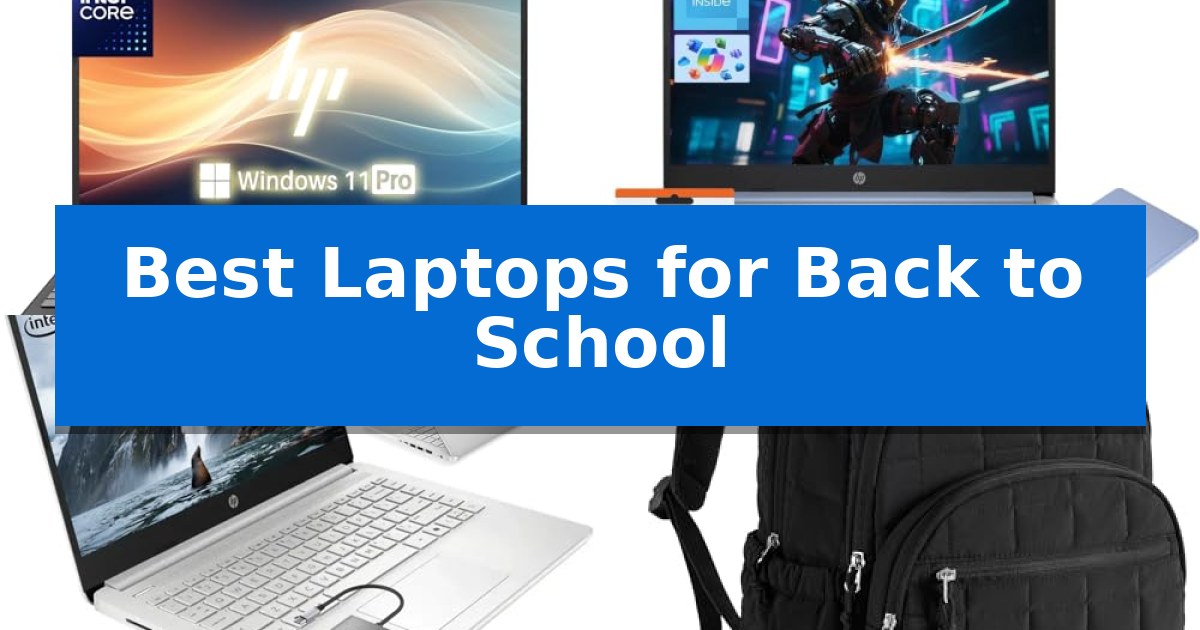
Preparing for the academic year requires the right tools to manage your workload efficiently. Whether you are attending lectures, conducting research, or collaborating on group projects, having a dependable device is essential for staying organized and productive throughout the semester.

Selecting the Best Laptops for Back to School involves balancing processing power, portability, and battery life to match your specific study habits. In this guide, we evaluate several options to help you find a setup that fits your campus lifestyle and academic requirements.

Best Laptops for Back to School in 2026

Our Top Picks
  1. Best Overall HP 15.6 Laptop
  2. Long Battery Life for Lectures HP 14 Laptop
  3. Compact Design for Daily Commutes HP 14 Student Laptop
  4. Ergonomic Support for Heavy Books BAGSMART Travel Laptop Backpack
  5. TSA Friendly for Campus Travel LIWAG Travel Laptop Backpack

Quick Comparison

Product Best For Key Strength Score
HP 15.6 Laptop Best Overall Full HD IPS display with anti-glare coating for clear viewing. 4.9
HP 14 Laptop Long Battery Life for Lectures Portable 3.24 lb design for easy transport. 4.3
HP 14 Student Laptop Compact Design for Daily Commutes Lightweight and portable design ideal for campus life. 4.4
BAGSMART Travel Laptop Backpack Ergonomic Support for Heavy Books Ergonomic padded straps for weight distribution 4.5
LIWAG Travel Laptop Backpack TSA Friendly for Campus Travel 50L high-capacity storage with 20 independent pockets. 4.7

How We Chose

  • Processing capability for multitasking between research papers and web applications.
  • Display quality and screen resolution for comfortable reading and document editing.
  • Portability factors including overall weight and physical dimensions for easy transport.
  • Battery longevity to ensure consistent operation during long lecture days.
  • Connectivity options such as HDMI and USB ports for external peripheral support.

1 HP 15.6 Laptop — Full HD Display for Clear Studies

Equipped with a 15.6-inch Full HD IPS display featuring an anti-glare coating, the HP 15.6 Laptop provides a clear, high-resolution workspace for academic assignments and research. This model is designed for students who require a reliable, portable machine that balances screen real estate with a slim 0.78-inch profile.

Under the hood, the device is powered by an Intel Celeron N4020 processor, reaching speeds up to 2.8GHz, which is suited for multitasking across productivity applications. It comes pre-installed with Windows 11 Pro, offering an updated interface that supports intuitive navigation for daily school tasks.

Connectivity is a primary focus of this build, featuring a comprehensive array of ports including HDMI, USB-C, and an RJ-45 Ethernet port. These options allow for seamless integration with campus networks, external monitors, and various peripherals, while the integrated 720p HD webcam and dual microphones facilitate clear communication during remote lectures.

With a battery life rated for up to 8 hours and a full-size keyboard, this machine is built to handle extended study sessions without frequent recharging. The Obsidian Black finish offers a professional aesthetic suitable for any classroom environment, making it a practical choice for students seeking a functional, all-in-one computing solution.

Best for: Students requiring a dedicated, portable device for word processing, web research, and remote learning.

Skip if: Users needing high-performance hardware for video editing, 3D rendering, or intensive gaming.

PROS

  • Full HD IPS display with anti-glare coating for clear viewing.
  • Comprehensive connectivity including HDMI, USB-C, and RJ-45 Ethernet.
  • Windows 11 Pro pre-installed for enhanced productivity features.
  • Portable design at only 0.78 inches thick.

CONS

  • Intel Celeron N4020 processor is limited to basic multitasking and everyday computing tasks.
  • 128GB SSD provides limited local storage capacity for large media files.

2 HP 14 Laptop — Long Battery Life for Lectures

Navigating a busy academic schedule requires a reliable machine that balances portability with consistent performance. The HP 14 Laptop is designed for students who need to transition quickly between lecture halls and study spaces, weighing only 3.24 pounds to ensure it remains a manageable addition to any backpack.

At the core of this device is an Intel Quad-Core processor capable of reaching speeds up to 3.6GHz, providing the necessary responsiveness for document editing and web research. The system is equipped with 4GB of RAM and 128GB of UFS storage, creating a stable environment for managing coursework and digital assignments without unnecessary lag.

Visual clarity is provided by a 14-inch HD LED display, which serves as a functional workspace for reviewing documents or streaming educational content. The inclusion of Windows 11 Home in S Mode, paired with integrated Copilot AI, offers a streamlined interface that helps students stay organized and efficient throughout their daily tasks.

Connectivity remains a priority for modern learning environments, featuring WiFi6 for stable internet access during virtual meetings or online classes. The device also includes a 720p front-facing camera and a versatile array of ports, including USB-C 3.1, USB-A 3.0, and HDMI 1.4, allowing for easy integration with external displays or peripherals.

For those long days on campus, the HP 14 Laptop offers a battery life of up to 11 hours, reducing the need to carry a charger between classes. This combination of portability, connectivity, and endurance makes it a practical tool for students focused on maintaining productivity throughout the academic year.

Best for: Students and mobile professionals requiring a lightweight, portable device for document editing, web research, and long study sessions.

Skip if: Users who require high-performance hardware for intensive tasks like video editing, 3D rendering, or heavy gaming will find the 4GB RAM and 128GB storage capacity insufficient.

PROS

  • Portable 3.24 lb design for easy transport.
  • Up to 11 hours of battery life for all-day use.
  • Stable WiFi6 connectivity for reliable online learning.
  • Versatile port selection including USB-C and HDMI.

CONS

  • Limited 4GB RAM may restrict multitasking capabilities.
  • 128GB storage may require external solutions for large media libraries.

3 HP 14 Student Laptop — Compact Design for Daily Commutes

Navigating a busy academic schedule requires a reliable machine that balances portability with everyday utility. The HP 14 Student Laptop addresses this by integrating a quad-core processor designed to handle multiple browser tabs, video calls, and document editing without unnecessary friction. This device is built for efficiency, ensuring that students can transition between research and coursework without hardware-induced delays.

This 14-inch device features a HD BrightView screen with an anti-glare coating, which is specifically intended to minimize eye strain during long study sessions. Its compact, lightweight chassis—weighing just 3.24 pounds—makes it a practical choice for students who need to move between classrooms or library study spaces frequently. The screen resolution provides clear, sharp details for reading and media consumption.

Connectivity and efficiency are central to its design, utilizing WiFi 6 for stable, high-speed internet access and including a 1-Year Microsoft 365 Copilot AI subscription to assist with workflow management and document organization. The inclusion of a 45W PD fast charger supports the energy-efficient hardware, helping to maintain productivity throughout the day without requiring constant tethering to a wall outlet.

While it is built for standard academic tasks and home entertainment, the system is optimized for power efficiency rather than heavy-duty creative rendering or intensive gaming. It arrives with Windows 11 pre-installed, providing a secure and familiar environment for immediate use, making it a straightforward tool for students who prioritize reliability and ease of use in their daily academic life.

Best for: Students and professionals needing a lightweight, portable device for daily academic tasks, web browsing, and document management.

Skip if: Users requiring high-performance hardware for professional-grade video editing, 3D rendering, or demanding gaming will find the processor and memory limitations restrictive.

PROS

  • Lightweight and portable design ideal for campus life.
  • WiFi 6 integration for fast and reliable connectivity.
  • Anti-glare screen helps reduce eye strain during extended use.
  • Includes 1-Year Microsoft 365 Copilot AI for productivity assistance.

CONS

  • 4GB RAM may limit heavy multitasking performance.
  • 128GB storage capacity is relatively modest for large media libraries.

4 BAGSMART Travel Laptop Backpack — Ergonomic Support for Heavy Books

Carrying a heavy load of textbooks and a laptop across campus requires a bag that prioritizes both weight distribution and organization. The BAGSMART Travel Laptop Backpack features padded straps designed to ensure an even distribution of weight, making it a practical choice for students navigating long days on campus.

Beyond its ergonomic design, the backpack includes thoughtfully designed compartments that allow for the separation of a 15.6-inch laptop, books, and various supplies. This structure helps keep items secure and accessible, reducing the time spent searching for essentials during a busy school day.

Durability and versatility are central to its construction, as the bag is crafted from soft and durable Taslon fabric. The material is water-resistant, providing an extra layer of protection for electronics and notes. Additionally, the TSA-friendly design and a trolley sleeve allow the bag to slide over suitcase handles, which is useful for students who travel frequently.

The breathable mesh on the backside is a key functional element, intended to keep the wearer cool while providing necessary support. With its smooth and sturdy zipper and a capacity tailored for standard 15.6-inch devices, the backpack balances daily utility with a focus on long-term reliability.

Best for: Students and professionals who need an organized, ergonomic, and water-resistant bag for carrying a 15.6-inch laptop and heavy textbooks.

Skip if: Users who require a specialized, ruggedized hiking pack or those who prefer a minimalist, ultra-slim sleeve without organizational compartments.

PROS

  • Ergonomic padded straps for weight distribution
  • Water-resistant Taslon fabric for durability
  • TSA-friendly design with a trolley sleeve for travel
  • Breathable mesh back panel for cooling

CONS

  • Specific 15.6-inch size constraint may not fit larger workstation laptops
  • Quilted style may not appeal to those seeking a purely utilitarian or tactical aesthetic

5 LIWAG Travel Laptop Backpack — TSA Friendly for Campus Travel

Navigating a busy academic schedule requires reliable organization, and the LIWAG Travel Laptop Backpack offers a high-capacity solution designed to streamline the daily commute. With a substantial 50L capacity and 20 independent pockets, this bag provides dedicated space for textbooks, supplies, and electronics, making it a practical choice for students managing heavy course loads.

The backpack features a separate padded laptop compartment capable of housing devices from 13 to 17 inches. Its TSA-friendly design allows the bag to unfold flat between 90 and 180 degrees, enabling quick passage through security checkpoints without requiring the removal of the laptop. For tech-heavy setups, the integrated USB charging port with a built-in cable allows for convenient device charging while on the move.

Durability and comfort are prioritized through the use of high-quality polyester fabric with a high-density nylon lining, providing tear and water resistance. The rear panel is constructed with padded, breathable mesh to facilitate airflow and heat elimination during long walks across campus. Wide, sponge-padded shoulder straps help distribute weight, while a hidden anti-theft pocket on the back provides a secure location for valuables.

Practicality extends to travel and daily utility with a luggage strap that secures the bag to suitcase handles. Side mesh pockets accommodate water bottles or umbrellas, and the front compartment ensures quick access to essentials. This versatile bag is well-suited for students who need a single, robust carrier for school, weekend trips, or international travel.

Best for: Students and travelers who require a high-capacity, TSA-friendly bag to organize a large laptop and multiple daily essentials.

Skip if: Users who prefer a slim, minimalist profile or those who do not need to carry a laptop larger than 13 inches may find this 50L bag unnecessarily bulky.

PROS

  • 50L high-capacity storage with 20 independent pockets.
  • TSA-friendly design for quick checkpoint clearance.
  • Integrated USB charging port for on-the-go power.
  • Water and tear-resistant polyester construction.

CONS

  • Large physical footprint may be cumbersome for users with minimal gear.
  • Weight of the bag itself is a factor to consider when fully loaded.

Best Laptops for Back to School Buying Guide

Prioritizing Processing Power

A laptop's processor is the engine that drives your academic tasks. For most students, an efficient CPU allows for smooth multitasking, such as keeping multiple browser tabs open while running word processing software. Look for processors that offer a balance of speed and energy efficiency to handle your daily workload without significant lag.

Consider how you use your computer. If your studies involve heavy document editing or extensive web research, a responsive processor is vital. While high-end gaming chips are often unnecessary for standard coursework, a reliable quad-core or dual-core processor will keep your workflow steady and efficient.

Display Quality and Eye Comfort

Students spend hours looking at screens, making display quality a critical factor for comfort. A Full HD (1920 x 1080) resolution provides sharp text and clear images, which helps reduce eye strain during long study sessions. Anti-glare coatings are also beneficial, especially when working in brightly lit classrooms or libraries.

Screen size is a trade-off between workspace and portability. A 15.6-inch display offers more room for side-by-side document viewing, while a 14-inch screen is often more compact and easier to fit into a standard backpack. Choose the size that best aligns with your need for screen real estate versus carrying convenience.

Portability and Weight

Campus life involves moving between classrooms, libraries, and dorms, so the weight of your equipment matters. A lightweight laptop reduces the physical burden on your shoulders, especially when paired with heavy textbooks. Aim for a device that feels substantial enough for daily use but light enough to carry without fatigue.

The physical dimensions of your laptop also dictate how it fits into your bag. Slim profiles are easier to slide into dedicated laptop sleeves, protecting your device from bumps and scratches. Always check that your chosen laptop fits comfortably within your backpack's designated compartment.

Battery Life for Long Days

Access to power outlets in lecture halls is not always guaranteed. A laptop with long battery life allows you to attend back-to-back classes without worrying about finding a charging station. Look for devices that offer at least 8 hours of battery life to cover a typical day of campus activities.

Keep in mind that real-world battery performance can vary based on screen brightness and the number of active applications. Efficient power management settings and modern hardware help extend your usage time, ensuring you stay connected and productive until you return to your room.

Essential Connectivity

A versatile selection of ports is crucial for connecting to external tools. HDMI ports are necessary for presenting projects in class, while USB-C and USB-A ports allow you to connect flash drives, mice, or external keyboards. Ethernet ports provide a stable, wired connection for high-speed internet in dorms.

Wireless connectivity, such as Wi-Fi 6, ensures fast and stable internet access across campus networks. Bluetooth support is also important for pairing wireless headphones or other accessories. Having a good mix of wired and wireless options ensures you are prepared for any academic scenario.

Frequently Asked Questions

How much RAM do I need for college?

For basic word processing, web research, and streaming, 4GB of RAM is often sufficient. However, if you plan to multitask with many browser tabs or run more demanding applications, 8GB or more is recommended for a smoother experience.

Is a 14-inch or 15.6-inch laptop better for students?

A 14-inch laptop is generally more portable and fits easily into smaller bags, making it ideal for students who move around campus frequently. A 15.6-inch laptop provides a larger screen that is better for viewing multiple windows at once, which is helpful for research and writing.

Why is an anti-glare screen important?

An anti-glare screen reduces reflections from overhead lights and windows. This makes the display easier to read in various environments, such as bright classrooms or outdoor study areas, and helps reduce eye strain during long periods of use.

What should I look for in a student backpack?

Look for a backpack with a dedicated, padded laptop compartment to protect your device. Ergonomic features like padded shoulder straps and breathable back panels are essential for comfort when carrying heavy books and supplies.

Do I need an Ethernet port on my laptop?

While Wi-Fi is standard, an Ethernet port is useful for a more stable and faster wired internet connection in dorm rooms or libraries where wireless signals might be crowded or weak.

Conclusion: Our Top Pick

Choosing the right technology can significantly impact your academic success. For those seeking a balance of screen clarity, performance, and connectivity, the HP 15.6 Laptop stands out as a reliable choice. Its Full HD display and robust port selection make it well-suited for a variety of student tasks, from writing papers to presenting projects.

While other models offer specific advantages like enhanced portability or longer battery life, the HP 15.6 Laptop provides a solid foundation for most students. Consider your specific daily needs—such as how much travel you do on campus—to decide if this model or one of our other featured options is the best fit for your back-to-school setup.
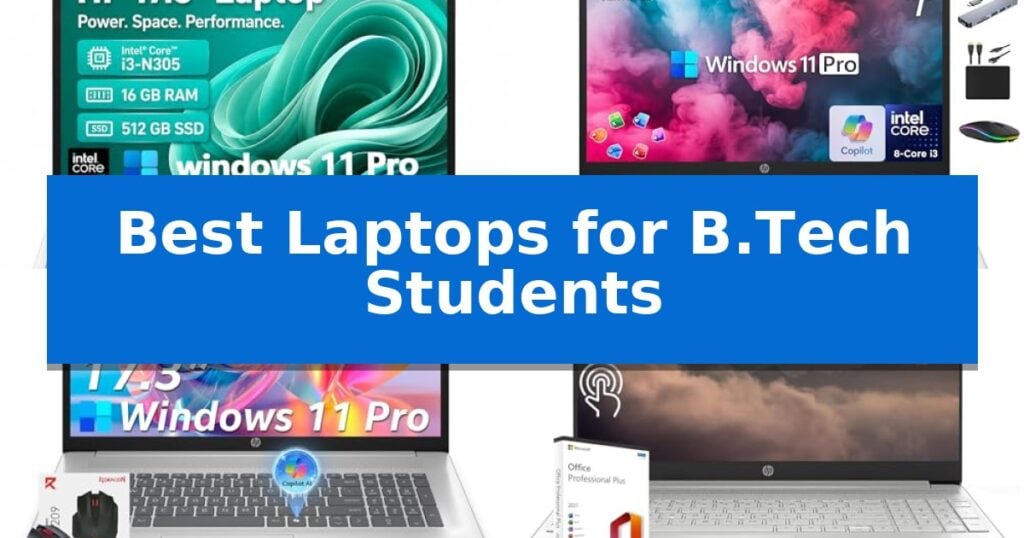
Best Laptops for B.Tech Students in 2026: Engineered for Engineering

Best Laptops for B.Tech Students

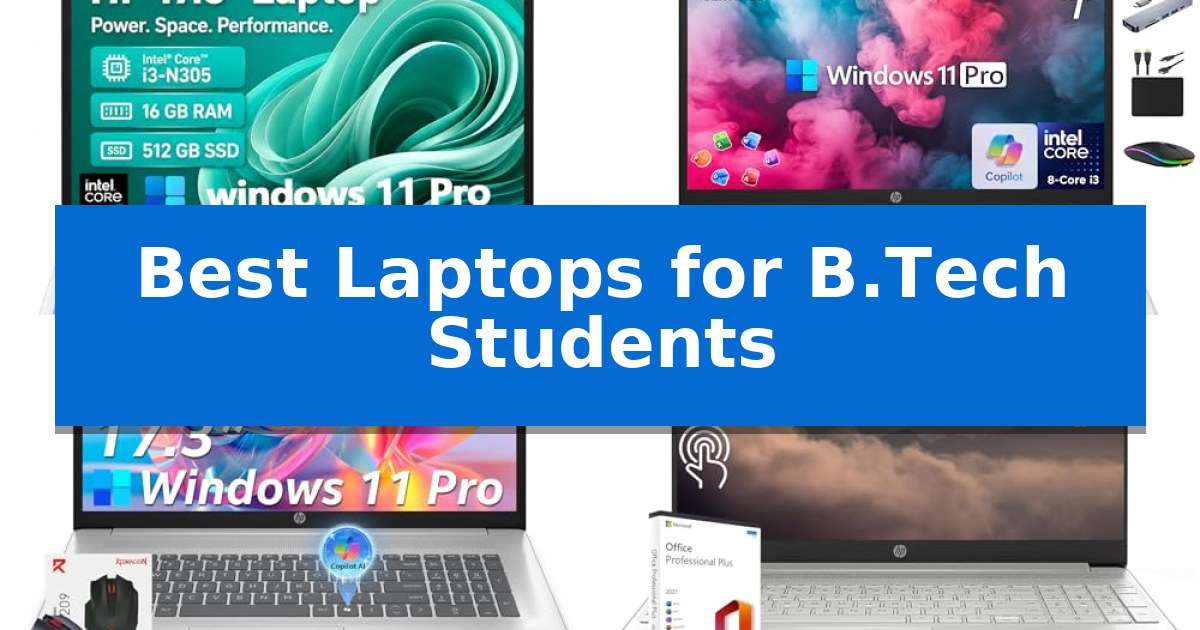
Navigating the rigorous demands of an engineering curriculum requires a machine that balances raw computational power with reliable daily performance. Finding the Best Laptops for B.Tech Students involves identifying hardware capable of handling complex software, simulations, and coding projects without compromising on portability or battery life.

Our selection focuses on laptops that offer the essential technical specifications—such as multi-core processors, ample RAM, and high-speed storage—to ensure your academic workflow remains uninterrupted. Whether you are compiling code, running CAD software, or managing extensive research, these devices are designed to support your technical journey.

Best Laptops for B.Tech Students in 2026: Engineered for Engineering

Our Top Picks
  1. Best Overall HP 17.3 Laptop
  2. Balanced Performance for Engineering Tasks HP 17 Laptop
  3. Reliable Multitasking for Daily Studies HP 17.3" Laptop
  4. Interactive Touchscreen for Easy Navigation HP 15.6 Laptop
  5. Backlit Keyboard for Late-Night Coding WISESWAN 15.6 Laptop

Quick Comparison

Product Best For Key Strength Score
HP 17.3 Laptop Best Overall Spacious 17.3-inch HD+ display reduces eye strain during long study sessions. 4.9
HP 17 Laptop Balanced Performance for Engineering Tasks 8-Core Intel i3-N305 processor provides efficient multitasking for academic applications. 4.8
HP 17.3" Laptop Reliable Multitasking for Daily Studies 17.3-inch anti-glare display offers significant screen space for multitasking. 4.8
HP 15.6 Laptop Interactive Touchscreen for Easy Navigation 16GB of RAM supports smooth multitasking across multiple applications. 4.7
WISESWAN 15.6 Laptop Backlit Keyboard for Late-Night Coding 12GB RAM provides a smooth multitasking experience for office and academic applications. 4.3

How We Chose

  • Processor performance and core count for handling multitasking and software simulations.
  • Memory and storage capacity to ensure smooth operation of demanding applications.
  • Display size and anti-glare technology to reduce eye strain during long study sessions.
  • Connectivity options including Wi-Fi 6 and various ports for peripheral compatibility.
  • Battery efficiency and charging speed for reliable use throughout the campus day.

1 HP 17.3 Laptop — Spacious Display for Complex Projects

Managing complex engineering projects and academic coursework requires a machine that balances screen real estate with reliable processing power. The HP 17.3 Laptop addresses this demand by pairing an 8-core Intel Core i3-N305 processor with a expansive 17.3-inch HD+ anti-glare display, providing a stable foundation for multitasking across technical documentation, coding environments, and research materials.

For students who frequently juggle multiple applications, the inclusion of 16GB of DDR4 memory and a 1TB SSD ensures that system responsiveness remains consistent during heavy workloads. The large display is specifically engineered to minimize eye strain during long study sessions, while the integrated numeric keypad simplifies data entry for engineering calculations and spreadsheet management.

Portability and connectivity are essential for campus life, and this model integrates Wi-Fi 6 and Bluetooth 5.3 to maintain stable network links in crowded lecture halls or libraries. The device also features HP Fast Charge, which restores up to 50% of the battery in approximately 45 minutes, allowing for quick power top-ups between classes.

The laptop comes preloaded with Windows 11 Pro, which includes built-in Copilot AI assistance to help streamline research and content organization. With a slim profile and a weight of 3.52 pounds, it offers a practical balance between a large-format workstation and the mobility required for a student's daily commute.

Best for: Students who prioritize a large, comfortable display and significant local storage for multitasking and data-heavy coursework.

Skip if: Students who require a highly compact, lightweight device for frequent travel or those needing dedicated high-performance graphics for intensive 3D rendering.

PROS

  • Spacious 17.3-inch HD+ display reduces eye strain during long study sessions.
  • 16GB RAM and 1TB SSD configuration supports smooth multitasking and large file storage.
  • HP Fast Charge capability restores 50% battery in about 45 minutes.
  • Integrated numeric keypad enhances efficiency for data-heavy engineering tasks.

CONS

  • Large 17.3-inch form factor may be less portable than standard 13-inch or 15-inch laptops.
  • HD+ resolution is lower than Full HD, which may impact visual detail for high-resolution design work.

2 HP 17 Laptop — Balanced Performance for Engineering Tasks

Navigating the rigorous demands of engineering coursework requires a machine that balances processing capability with reliable multitasking. The HP 17 Laptop addresses this by pairing an 8-Core Intel Core i3-N305 processor with 16GB of high-bandwidth DDR4 RAM, providing the necessary overhead to manage complex browser-based research, simulation software, and document editing simultaneously.

The device features a expansive 17.3-inch HD+ display designed with a non-reflective, low-gloss finish to minimize glare during extended study sessions. For remote learning and collaborative projects, the integrated HP True Vision 720p HD camera and dual-array digital microphones ensure clear communication during virtual lectures.

Storage management is handled through a hybrid approach, combining a 512GB M.2 NVMe SSD for fast system responsiveness with an additional 500GB portable external drive for archival needs. The inclusion of Windows 11 Pro provides built-in hardware-based encryption and security features, which are essential for protecting sensitive academic and project data.

This bundle includes the MarxsolAccessory kit, which adds a 6-in-1 USB-C docking station featuring 4K-HDMI output and an SD/TF card reader. This expansion capability allows students to connect to external monitors or peripherals easily, effectively turning the laptop into a more versatile workstation for technical projects.

While the large screen size offers a spacious workspace, it contributes to a total weight of 4.6 pounds, which may be a consideration for students who prioritize extreme portability for daily campus transit. However, for those who value screen real estate and integrated accessories, this configuration provides a comprehensive out-of-the-box solution for academic productivity.

Best for: B.Tech students who require a large display and a comprehensive accessory bundle for multitasking and remote learning.

Skip if: Students who prioritize a lightweight, highly portable device for frequent travel between classrooms will likely find the 17.3-inch form factor and 4.6-pound weight cumbersome.

PROS

  • 8-Core Intel i3-N305 processor provides efficient multitasking for academic applications.
  • 16GB DDR4 RAM supports running multiple programs and browser tabs simultaneously.
  • Comprehensive accessory bundle includes a 6-in-1 USB-C docking station and additional 500GB external storage.
  • Non-reflective 17.3-inch display reduces glare for improved visibility during long study sessions.

CONS

  • 4.6-pound weight and large dimensions may limit portability for students on the move.
  • HD+ resolution may be less sharp than higher-density displays for detailed CAD or design work.

3 HP 17.3" Laptop — Reliable Multitasking for Daily Studies

Balancing academic workloads requires a machine that prioritizes screen real estate and multitasking efficiency. The HP 17.3" Laptop features a expansive 17.3-inch HD+ anti-glare display, providing a wider workspace for managing multiple documents, research tabs, and technical software simultaneously during long study sessions.

At the core of this device is the Intel Core i3-N305 processor, which utilizes 8 cores to handle everyday computing tasks such as web browsing, document editing, and video streaming. With 16GB of DDR4 RAM, the system maintains responsiveness during multitasking, while the 512GB PCIe SSD ensures quick access to essential files and course materials.

Designed for the modern student environment, the laptop includes Windows 11 Pro with integrated Microsoft Copilot for AI-assisted productivity. Connectivity is managed through a versatile array of ports, including USB-C and USB-A, alongside Wi-Fi 6 and Bluetooth 5.3 for reliable network and peripheral integration.

Privacy and portability are also addressed with a built-in HD webcam featuring a physical privacy shutter and microphone mute controls. Weighing approximately 4.6 lbs, it offers a balance between a large-format display and the mobility required for moving between classrooms and study spaces.

Best for: Students who require a large display for intensive multitasking and document management in a home or office setting.

Skip if: Students who prioritize extreme portability or compact dimensions for frequent travel, as the 17.3-inch form factor is larger than standard ultrabooks.

PROS

  • 17.3-inch anti-glare display offers significant screen space for multitasking.
  • 16GB RAM provides ample memory for smooth operation of daily student applications.
  • Integrated privacy features including a webcam shutter and microphone mute.
  • Windows 11 Pro includes built-in AI tools for productivity assistance.

CONS

  • Larger footprint may be cumbersome for students who commute with a small backpack.
  • HD+ resolution is lower than Full HD, which may impact visual sharpness for high-detail creative work.

4 HP 15.6 Laptop — Interactive Touchscreen for Easy Navigation

Navigating complex engineering coursework requires a reliable machine, and the HP 15.6 Laptop provides a functional foundation with its Intel 6-Core i3-1215U processor. This hardware configuration, featuring 6 cores and 8 threads, is designed to handle everyday academic tasks, from managing research documents to running essential software applications efficiently.

The device features a 15.6-inch touchscreen display, which offers an interactive interface for managing files and navigating digital content during study sessions. Visual output is supported by Intel UHD Graphics, ensuring clear display quality for multimedia projects and general computing needs.

For multitasking, the laptop includes 16GB of high-bandwidth DDR4 RAM, allowing students to keep multiple programs and browser tabs open simultaneously. Storage is managed by a 512GB SSD, providing sufficient space for academic files, software, and personal data while maintaining quick access times.

Connectivity is a priority for modern learning environments, and this model includes integrated WiFi and Bluetooth for wireless access. The physical interface is well-equipped with two USB-A 3.0 ports, one USB-C 3.0 port, and an HDMI output, facilitating connections to external monitors, peripherals, and classroom projectors.

Designed for versatility, the unit incorporates an integrated HP TrueVision 720p HD camera with a privacy shutter and dual array digital microphones for clear communication during remote lectures or group meetings. Its compact design, weighing approximately 3.75 pounds, allows for easy transport between classrooms and study spaces.

Best for: Students who need a versatile, touchscreen-enabled laptop for general coursework, research, and remote collaboration.

Skip if: Users requiring high-performance dedicated graphics for intensive 3D modeling, CAD software, or heavy computational simulations.

PROS

  • 16GB of RAM supports smooth multitasking across multiple applications.
  • 15.6-inch touchscreen provides an intuitive, interactive interface.
  • Comprehensive port selection including USB-C and HDMI for external displays.
  • Integrated privacy shutter on the HD webcam for enhanced security.

CONS

  • Integrated Intel UHD Graphics may limit performance in graphics-intensive engineering software.
  • 1.2GHz base processor speed is optimized for general productivity rather than high-load computational tasks.

5 WISESWAN 15.6 Laptop — Backlit Keyboard for Late-Night Coding

Navigating the demanding requirements of engineering coursework requires a machine that balances portability with reliable multitasking. The WISESWAN 15.6 Laptop addresses this with an Intel Core i3 processor and 12GB of RAM, providing the necessary overhead for running office software, managing online classes, and handling technical documentation simultaneously.

Designed for the late-night study sessions common in B.Tech programs, this device features a backlit keyboard that ensures visibility in low-light environments. The 15.6-inch Full HD (1920×1080) anti-glare display utilizes a thin-bezel design to maximize screen real estate, which is useful when referencing multiple windows or technical diagrams during research.

Connectivity is a priority for modern campus life. The laptop integrates WiFi 6 (802.11ax) for stable network access and includes a versatile port selection, featuring 3 x USB 3.0, HDMI 2.1, and a Type-C port that supports PD3.0 fast charging. This allows students to easily connect to external monitors or peripherals without needing multiple adapters.

Portability remains a key factor for students moving between lecture halls and libraries. Weighing 1.63kg (3.6 lbs) and measuring 19.5mm thin, the device is built to fit into standard backpacks. The internal 57.75Wh battery is rated for approximately 7 hours of mixed-use, providing sufficient endurance for a typical day of academic tasks.

Best for: Engineering students who need a portable, well-connected laptop for daily coursework, research, and online learning.

Skip if: Users requiring high-performance dedicated graphics for intensive 3D rendering, CAD modeling, or complex simulation software should look for workstations with discrete GPUs.

PROS

  • 12GB RAM provides a smooth multitasking experience for office and academic applications.
  • WiFi 6 and Bluetooth 5.2 support ensure modern, high-speed wireless connectivity.
  • Type-C port with PD3.0 allows for convenient and fast charging capabilities.
  • Backlit keyboard enhances usability during late-night study sessions.

CONS

  • Integrated Intel UHD Graphics 620 is not suitable for heavy 3D modeling or intensive gaming.
  • 256GB SSD may require external storage expansion for large project files or media libraries.

Best Laptops for B.Tech Students Buying Guide

Processor and Performance

The processor is the heart of any engineering laptop. For B.Tech students, an 8-core processor provides the necessary overhead to handle multiple programs simultaneously, such as running a web browser, a coding environment, and a simulation tool at the same time.

Look for modern Intel Core i3 or higher series chips that offer a balance between power and efficiency. A higher core count ensures that your system remains responsive even when performing intensive tasks like compiling code or rendering basic models.

Memory and Storage Requirements

RAM is critical for multitasking. We recommend at least 16GB of DDR4 memory to ensure that your system does not lag when switching between heavy applications. This capacity allows for a smoother workflow when working on complex projects.

For storage, a Solid State Drive (SSD) is essential. It provides significantly faster boot times and file access compared to traditional hard drives. A 512GB or 1TB SSD is generally sufficient for storing large engineering software suites, project files, and research data.

Display Quality and Ergonomics

Engineering students spend significant time looking at screens. A 17.3-inch or 15.6-inch HD+ anti-glare display is highly beneficial as it provides more screen real estate for viewing schematics, spreadsheets, and code simultaneously.

Features like anti-glare coatings help minimize reflections, which is particularly useful in bright library or classroom environments. A larger display also helps reduce the need for constant scrolling, allowing you to focus on the details of your work.

Connectivity and Portability

Reliable connectivity is vital for collaborative projects and online classes. Modern laptops should feature Wi-Fi 6 for stable internet speeds and a variety of ports, including USB-C and HDMI, to connect to external monitors, projectors, or lab equipment.

While larger screens are great for productivity, consider the weight and battery life if you plan to carry your laptop between lectures. Look for models that offer fast charging capabilities, which can be a lifesaver when you have limited time between classes.

Operating System and Security

Windows 11 Pro is often preferred for engineering students due to its robust security features and compatibility with a wide range of professional software. It provides a stable environment for managing files and running enterprise-grade applications.

Integrated tools like Copilot AI can assist with organizing information and summarizing research, adding an extra layer of efficiency to your daily academic tasks. Ensure your chosen model includes these modern productivity enhancements to stay ahead in your studies.

Frequently Asked Questions

How much RAM do I really need for B.Tech studies?

For most engineering disciplines, 16GB of RAM is the recommended standard to ensure smooth multitasking and the ability to run simulation or design software without performance bottlenecks.

Is a 17.3-inch laptop too heavy for a student?

While 17.3-inch laptops are larger and heavier than 15.6-inch models, they offer superior screen real estate which is often preferred for complex engineering projects. If portability is your top priority, a 15.6-inch model may be more suitable.

Why is an SSD better than a traditional hard drive?

An SSD uses flash memory, making it significantly faster at reading and writing data than a traditional mechanical hard drive. This results in faster system boot times, quicker application launches, and better overall system responsiveness.

Do I need a touchscreen for my engineering laptop?

A touchscreen is a convenient feature for navigation and interactive tasks, but it is not strictly necessary for core engineering work. It is a matter of personal preference and how you interact with your software.

What is the benefit of Wi-Fi 6?

Wi-Fi 6 offers faster data transfer speeds, lower latency, and better performance in crowded network environments, such as a busy campus or library, ensuring a more stable connection for online research and video meetings.

Conclusion: Our Top Pick

Selecting the right laptop is a foundational step in your engineering education. After reviewing the available options, the HP 17.3 Laptop stands out as the most balanced choice for students who prioritize screen space and reliable performance for complex projects.

With its 8-core processor, 16GB of RAM, and spacious 17.3-inch display, this laptop provides the necessary tools to handle demanding academic workloads efficiently. While its larger size is a consideration for travel, the performance benefits it offers for multitasking and detailed work make it a highly effective companion for your B.Tech studies.

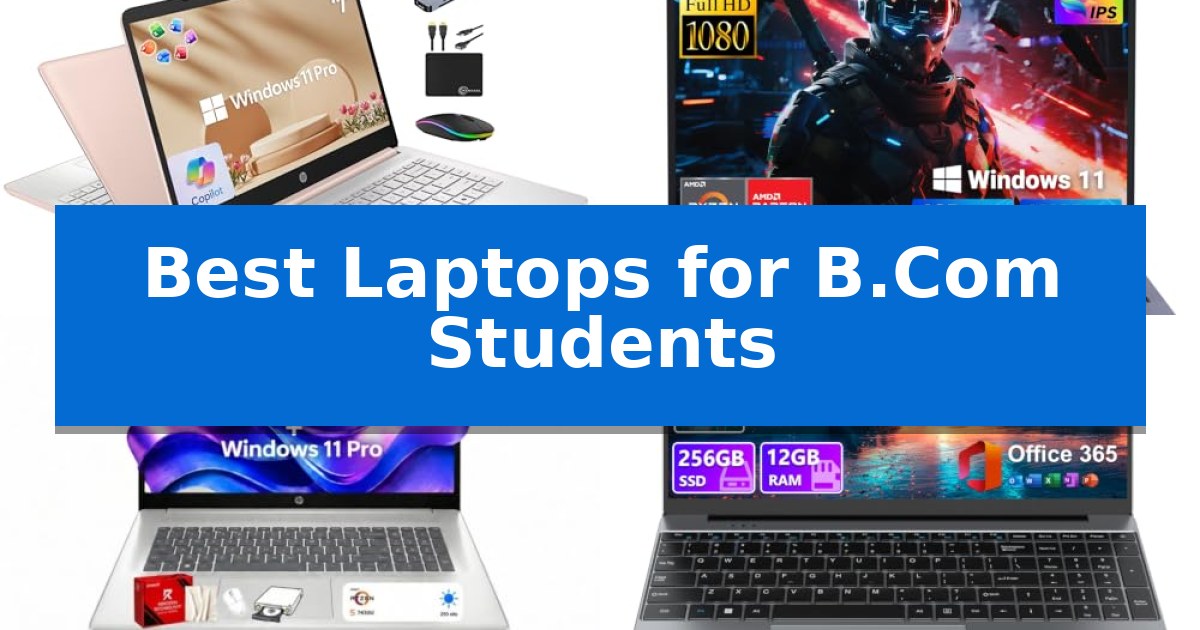
Best Laptops for B.Com Students in 2026

Best Laptops for B.Com Students

Navigating the academic demands of a commerce degree requires a machine that balances reliability with the ability to handle complex spreadsheets and accounting software. Finding the Best Laptops for B.Com Students means prioritizing hardware that supports multitasking and efficient data management without unnecessary complexity.

Whether you are running financial models, managing large datasets, or attending remote lectures, your choice of hardware directly impacts your daily productivity. This guide evaluates current options to help you identify a device that fits your specific study requirements and budget constraints.

Best Laptops for B.Com Students in 2026

Our Top Picks
  1. Best Overall HP 14 Laptop
  2. Expandable Storage for Large Datasets NIMO 15.6 FHD Student Laptop
  3. Spacious Screen for Complex Spreadsheets HP 17 FHD Laptop
  4. Productive Layout for Group Projects DRKAKO 15.6 FHD Student Laptop
  5. Comfortable Typing for Long Assignments Trygood 15.6 FHD Student Laptop

Quick Comparison

Product Best For Key Strength Score
HP 14 Laptop Best Overall 16GB DDR4 RAM for smooth multitasking across multiple applications. 4.9
NIMO 15.6 FHD Student Laptop Expandable Storage for Large Datasets Highly expandable with support for up to 32GB RAM and 4TB SSD storage. 4.7
HP 17 FHD Laptop Spacious Screen for Complex Spreadsheets Expansive 17.3-inch Full HD IPS display for improved workspace visibility. 4.7
DRKAKO 15.6 FHD Student Laptop Productive Layout for Group Projects 180° lay-flat hinge facilitates easy screen sharing during group projects. 4.5
Trygood 15.6 FHD Student Laptop Comfortable Typing for Long Assignments Full-size layout with a dedicated numeric keypad for efficient data entry. 4.8

How We Chose

  • Processing capability for handling accounting software and multiple browser tabs.
  • Memory capacity to ensure smooth performance during data-heavy analysis.
  • Storage speed and volume for managing large financial datasets and project files.
  • Display clarity and screen real estate for viewing complex spreadsheets.
  • Portability and build quality for moving between lectures and study sessions.

1 HP 14 Laptop — Multitasking Power for Accounting Students

Managing complex financial spreadsheets, research papers, and collaborative projects requires a machine that balances processing power with consistent multitasking capabilities. The HP 14 Laptop addresses these demands by pairing a quad-core Intel processor with 16GB of high-bandwidth DDR4 RAM, ensuring that multiple browser tabs and data-heavy applications remain responsive throughout the academic day.

Designed for portability and efficiency, this 14-inch device features an ultra-wide, near-bezel-less display that facilitates a clean workspace. The inclusion of Windows 11 Pro provides hardware-based security features, which are essential for protecting sensitive academic data and research files. Users benefit from a comprehensive bundle that includes a 6-in-1 USB-C docking station, an external 500GB drive, and pre-installed Microsoft Office 2024, creating a ready-to-use environment for business studies.

The hardware configuration is optimized for productivity, utilizing 128GB of UFS storage for fast read and write operations alongside the included external drive for expanded capacity. With Wi-Fi 6 connectivity and an integrated 720p HD camera, the laptop is well-equipped for remote learning and virtual collaboration, ensuring students stay connected during online lectures or group meetings.

While the device offers significant utility for students, it is important to note its focus on productivity and general business applications. The compact 14-inch form factor and included accessories prioritize mobility and organization, making it a practical choice for students who need to transition between classrooms, libraries, and home study spaces.

Best for: Business students requiring a portable, all-in-one computing solution for multitasking and document management.

Skip if: Users who require a dedicated high-end GPU for intensive 3D rendering or professional-grade video production.

PROS

  • 16GB DDR4 RAM for smooth multitasking across multiple applications.
  • Comprehensive accessory bundle including a docking station and external storage.
  • Pre-installed Microsoft Office 2024 for immediate academic use.
  • Windows 11 Pro for enhanced security and data protection.

CONS

  • Limited internal storage capacity relying on external drives for larger file sets.

2 NIMO 15.6 FHD Student Laptop — Expandable Storage for Large Datasets

Managing the heavy workload of a B.Com degree requires a reliable machine that balances document processing with the flexibility to grow alongside your academic needs. The NIMO 15.6" FHD R5 AI Student Laptop distinguishes itself with a highly upgradeable architecture, featuring two DDR4 SO-DIMM slots and an M.2 PCIe 3.0 x4 2280 SSD slot that supports expansion up to 4TB, ensuring you have ample space for large datasets and research files as your coursework progresses.

Powered by an AMD Ryzen 5 processor with 4 cores and 8 threads, this laptop provides a stable foundation for everyday multitasking, from drafting complex spreadsheets to managing presentations. The integrated Radeon Vega 8 graphics handle visual tasks efficiently, while the 15.6-inch display offers a practical workspace for reviewing class notes and balancing accounts. Its 175-degree hinge allows for flexible positioning, which is particularly useful when working in shared dorm or library environments.

Design considerations for students include a backlit keyboard for late-night study sessions and a fingerprint reader integrated into the touchpad for secure, quick access to your workspace. The device is built for mobility, weighing under 1.7kg, and includes a 65W PD adapter with a 2-meter cable to provide reach in varied study locations. Connectivity is well-supported by a range of ports, including USB-C, USB-A, and HDMI, reducing the need for constant peripheral swaps.

This laptop is backed by a 2-year manufacturer's warranty, providing a clear support structure for your academic years. With its combination of expandable storage, reliable processing power, and portable design, it serves as a practical tool for students who need a machine that can adapt to both basic document editing and more intensive data management tasks.

Best for: B.Com students who require a portable laptop with significant potential for long-term storage and memory upgrades.

Skip if: Users who require a high-performance dedicated GPU for professional video editing or intensive 3D rendering tasks.

PROS

  • Highly expandable with support for up to 32GB RAM and 4TB SSD storage.
  • Integrated fingerprint reader for secure and efficient system access.
  • Versatile connectivity including full-function USB-C, HDMI, and multiple USB-A ports.
  • Portable design weighing under 1.7kg for easy daily transport.

CONS

  • Plastic body construction paired with a metal lid may feel less robust than full-metal alternatives.
  • Standard 8GB RAM configuration requires immediate upgrades for heavy multitasking.

3 HP 17 FHD Laptop — Spacious Screen for Complex Spreadsheets

Navigating complex financial data and extensive coursework requires a display that minimizes scrolling and maximizes clarity. The HP 17 FHD Laptop addresses this need with its expansive 17.3-inch Full HD IPS anti-glare display, providing a wide 178° viewing angle that is well-suited for side-by-side spreadsheet analysis and detailed financial reporting.

Under the hood, the device is powered by the AMD Ryzen 5 7430U processor, featuring 6 cores and 12 threads. This configuration is designed to maintain smooth responsiveness when managing multiple business applications, video conferencing, and research tasks simultaneously. The inclusion of 16GB of RAM and a 512GB SSD supports efficient multitasking and fast data access, which are essential for academic productivity.

For students focused on workflow efficiency, the laptop integrates a dedicated Copilot AI Key. This feature provides direct access to intelligent assistance for drafting emails, organizing research, and managing complex projects. The system also includes a full-size keyboard with a dedicated numeric keypad, a practical design choice for students frequently performing data entry or working with accounting software.

Connectivity and portability are balanced through the inclusion of Wi-Fi 6 and Bluetooth 5.4, ensuring reliable network performance in campus environments. The chassis is equipped with multiple ports, including USB-C and HDMI, allowing for easy integration with external monitors or peripherals. Additionally, the HP Fast Charge technology provides a convenient way to restore up to 50% battery in approximately 45 minutes, helping to keep the device ready for back-to-back lectures.

Running on Windows 11 Pro, this laptop offers professional-grade management and security features suitable for business-oriented studies. With a weight of 3.52 pounds, it offers a large-screen experience while remaining portable enough for transport between classrooms and study spaces.

Best for: Students requiring a large, high-resolution display for intensive spreadsheet work and multitasking.

Skip if: Users who prioritize maximum portability and a compact form factor over screen real estate.

PROS

  • Expansive 17.3-inch Full HD IPS display for improved workspace visibility.
  • Dedicated numeric keypad for efficient data entry and accounting tasks.
  • AMD Ryzen 5 7430U processor provides reliable multitasking performance.
  • HP Fast Charge capability for quick battery replenishment.

CONS

  • Larger 17.3-inch footprint may be less convenient for small desks or tight travel bags.

4 DRKAKO 15.6 FHD Student Laptop — Productive Layout for Group Projects

The DRKAKO 15.6 FHD Student Laptop features a versatile 180° lay-flat hinge, making it a practical choice for B.Com students who frequently collaborate on group projects or need to share screen content during presentations. This design choice, combined with its 3.7 lb weight and 0.79" thin profile, ensures it remains portable for daily commutes between classrooms and study sessions.

Equipped with a J4105 quad-core processor and 12GB of DDR4 RAM, this device is configured for essential academic tasks such as managing spreadsheets, drafting documents, and conducting online research. It comes with a 1-year subscription to Office 365 pre-installed, providing immediate access to Word, Excel, and PowerPoint. The inclusion of an AI assistant further aids in summarizing readings and organizing meeting notes.

The 15.6-inch FHD IPS display offers a 1920×1080 resolution with ultra-narrow bezels, providing a clear workspace for viewing complex financial data or streaming educational content. Storage is handled by a 256GB SSD, which supports fast startup times, with the added benefit of expandability up to 2TB via SSD or 1TB via microSD for students with larger file requirements.

Connectivity options include dual-band Wi-Fi 5, Bluetooth, and a variety of ports such as USB 3.2, USB-C, and Mini HDMI, allowing for seamless integration with external monitors and peripherals. The 53.2Wh battery is rated for up to 6 hours of use, providing sufficient power for standard lecture blocks and library study periods.

Best for: B.Com students requiring a portable, budget-friendly device for document processing, spreadsheet management, and collaborative group work.

Skip if: Students who require high-performance hardware for intensive data modeling, video editing, or specialized accounting software that demands advanced processing power.

PROS

  • 180° lay-flat hinge facilitates easy screen sharing during group projects.
  • Pre-installed Office 365 provides immediate access to essential academic software.
  • Expandable storage allows for future upgrades up to 2TB SSD.
  • Lightweight and thin design enhances portability for daily campus use.

CONS

  • 6-hour battery life may require carrying a charger for long days on campus.
  • J4105 processor is optimized for everyday productivity rather than intensive multitasking or heavy software.

5 Trygood 15.6 FHD Student Laptop — Comfortable Typing for Long Assignments

Balancing academic coursework with daily productivity requires a reliable machine that handles essential tasks without unnecessary clutter. The Trygood 15.6 FHD Student Laptop provides a dedicated 15.6-inch full-size layout, offering a spacious environment for managing spreadsheets, drafting reports, and multitasking across side-by-side windows during long study sessions.

Under the hood, this device utilizes a Quad-Core Intel Celeron N5100 processor capable of reaching speeds up to 2.8GHz. Paired with 8GB of RAM and a 256GB SSD, it is configured to handle routine business applications and web-based research efficiently. The inclusion of a backlit keyboard with a dedicated numpad is particularly useful for students frequently working with numerical data or financial modeling in dim environments.

Practicality is integrated into the design through a built-in fingerprint reader for secure, quick access. The 1920 x 1080 FHD IPS display ensures consistent color and clarity, which is beneficial when reviewing complex documents or participating in video calls. For connectivity, the laptop features USB 3.0 ports, a Mini HDMI output, and a microSD/TF card slot that supports expansion up to 128GB.

The chassis measures 0.7 inches in height and weighs 4 pounds, maintaining a portable profile for campus use. While it includes WiFi 5 and Bluetooth 5.0 for wireless needs, users should ensure their peripheral devices are compatible with the provided port selection. This model offers a straightforward, functional approach for students who prioritize screen real estate and comfortable input methods for their daily academic requirements.

Best for: Students needing a full-sized display and numeric keypad for data-heavy coursework and general productivity.

Skip if: Users requiring high-performance hardware for intensive video editing, complex 3D rendering, or heavy gaming.

PROS

  • Full-size layout with a dedicated numeric keypad for efficient data entry.
  • 1920 x 1080 FHD IPS display provides consistent viewing angles for documents.
  • Integrated fingerprint reader for quick and secure authentication.
  • Backlit keyboard supports comfortable typing in low-light conditions.

CONS

  • Limited port selection requires adapters for certain external displays or accessories.
  • Fixed 256GB SSD may require reliance on the microSD slot for additional storage needs.

Best Laptops for B.Com Students Buying Guide

Prioritizing RAM for Multitasking

For commerce students, RAM is arguably the most critical component. Accounting software and web-based financial tools often require significant memory to run simultaneously with research browsers and communication apps.

We recommend a minimum of 16GB of RAM to ensure your system remains responsive when you have multiple large spreadsheets open. This prevents the system lag that often occurs when switching between heavy applications.

Storage Solutions for Datasets

Managing large datasets requires both fast storage and sufficient capacity. Solid State Drives (SSDs) are essential for quick boot times and rapid file access, which is vital when working under tight deadlines.

Look for devices that offer at least 256GB of internal storage, with the potential for expansion. External storage options can supplement your capacity for long-term project archiving without slowing down your primary operating drive.

The Importance of Display Real Estate

A 15.6-inch or 17-inch display provides the necessary screen real estate to view complex financial statements and ledger entries without excessive scrolling. High-resolution panels ensure that text and numerical data remain crisp and legible.

Consider the aspect ratio and bezel design, as thinner bezels allow for a larger screen in a more compact chassis, making it easier to fit your laptop into a standard student backpack.

Processor Performance for Data Analysis

Your processor handles the calculations and data processing tasks inherent in commerce studies. A Quad-Core processor is generally sufficient for standard accounting tasks, providing the necessary speed for data entry and basic financial modeling.

Focus on processors with Turbo Boost technology to handle occasional spikes in demand, such as running complex macros or generating large-scale reports, ensuring your workflow remains uninterrupted.

Connectivity and Peripheral Support

A robust selection of ports is essential for connecting to external monitors, projectors for presentations, and external storage drives. Look for a mix of USB-A and USB-C ports to ensure compatibility with both legacy and modern peripherals.

Reliable Wi-Fi 6 connectivity is also vital for stable video conferencing and accessing cloud-based resources during online classes or collaborative group projects.

Frequently Asked Questions

How much RAM do I actually need for a B.Com degree?

While 8GB is the entry-level standard, 16GB is highly recommended for commerce students to handle complex spreadsheets and multiple browser tabs without performance degradation.

Is a 17-inch laptop too heavy for a student?

A 17-inch laptop offers superior screen space for spreadsheets but is heavier. If you prioritize portability, a 14-inch or 15.6-inch model may be a better balance for daily commuting.

Do I need a dedicated graphics card?

For standard B.Com coursework, integrated graphics are sufficient. You do not need a dedicated GPU unless your studies involve specialized data visualization or video editing.

Why is Windows 11 Pro preferred over Home?

Windows 11 Pro offers enhanced security features, such as hardware-based isolation and encryption, which are beneficial for protecting sensitive financial data and academic projects.

Can I upgrade the storage later?

Some laptops feature expandable storage slots, such as M.2 PCIe slots or microSD card readers. Always check the specific model specifications to see if internal upgrades are supported.

Conclusion: Our Top Pick

Selecting the right laptop for your commerce studies involves balancing performance, screen size, and portability. After reviewing the available options, the HP 14 Laptop stands out as the most balanced choice for students who need reliable multitasking power for accounting and data-heavy assignments.

With its 16GB of RAM and included accessory bundle, it provides a comprehensive solution for students looking to maximize their productivity immediately. While larger screens offer more space for complex spreadsheets, the efficiency and portability of this model make it an excellent daily driver for the academic environment.

Best Laptops for Average Use in 2026

Best Laptops for Average Use

Finding the right machine for daily tasks shouldn't feel like an overwhelming technical challenge. Whether you are managing spreadsheets, attending virtual meetings, or simply browsing the web, the Best Laptops for Average Use must balance responsive performance with reliable build quality to keep your workflow moving without interruption.

Our guide cuts through the noise to highlight laptops that prioritize essential features like memory capacity and storage speed. By focusing on practical specifications, we help you identify a device that fits your specific routine, ensuring you get the right tools for your school, work, or home computing needs.

Best Laptops for Average Use in 2026

Our Top Picks
  1. Best Overall EvoSpan 15.6 Laptop
  2. Faster Multitasking with 12GB RAM TRHRO 15.6 Laptop
  3. High Memory for Seamless Switching VIGSENUP 15.6 Laptop
  4. Reliable Performance for Students KINOBUC 15.6 Laptop
  5. Compact Design for Easy Travel HP 14 Laptop

Quick Comparison

Product Best For Key Strength Score
EvoSpan 15.6 Laptop Best Overall 16GB RAM enables smooth multitasking for everyday applications. 4.9
TRHRO 15.6 Laptop Faster Multitasking with 12GB RAM 12GB of RAM provides a performance advantage for multitasking. 4.3
VIGSENUP 15.6 Laptop High Memory for Seamless Switching 16GB RAM enables smooth multitasking across multiple applications. 4.8
KINOBUC 15.6 Laptop Reliable Performance for Students 12GB RAM provides improved multitasking capacity compared to standard 8GB models. 4.3
HP 14 Laptop Compact Design for Easy Travel Lightweight and slim design for easy travel. 4.7

How We Chose

  • Memory and Multitasking: We prioritized laptops with at least 12GB to 16GB of RAM to ensure smooth switching between browser tabs and office applications.
  • Storage Efficiency: We looked for solid-state drive (SSD) configurations that provide both sufficient capacity and quick system boot times.
  • Display Quality: We assessed the Full HD IPS panels for color accuracy and anti-glare properties to reduce eye strain during long work sessions.
  • Portability and Build: We considered the weight and dimensions to ensure these devices are easy to transport between home, office, or school environments.
  • Connectivity: We verified the inclusion of essential ports like USB-C, HDMI, and USB 3.0 to eliminate the need for extra adapters.

1 EvoSpan 15.6 Laptop — Ample Storage for Daily Files

The EvoSpan 15.6 Laptop provides a balanced foundation for daily computing by pairing a Pentium Gold 6500Y processor with 16GB of RAM. This combination is intended to handle routine multitasking, such as managing office applications, browsing the web, and participating in online meetings, without the complexity of high-end workstation hardware.

Visual clarity is supported by a 15.6-inch Full HD IPS display, which offers wide viewing angles suitable for streaming media or reviewing documents. The inclusion of a 512GB SSD serves to improve system responsiveness, offering faster boot times and file access compared to traditional mechanical drives, while providing sufficient capacity for typical student or professional file storage.

Designed with a focus on portability and utility, this unit weighs 3.5 pounds and maintains a slim profile at 0.78 inches in height. It includes essential connectivity options like USB-C and Wi-Fi 5, ensuring compatibility with standard peripherals and wireless networks for home or school environments.

This laptop functions as a practical tool for users who prioritize reliable performance for standard productivity tasks. Its straightforward design and hardware configuration make it a functional choice for those who need a dedicated device for work and study without unnecessary overhead.

Best for: Students and professionals requiring a reliable, portable device for everyday office tasks, web browsing, and academic assignments.

Skip if: Users who require high-performance hardware for intensive tasks like video editing, 3D rendering, or modern gaming.

PROS

  • 16GB RAM enables smooth multitasking for everyday applications.
  • 512GB SSD provides fast file access and ample storage for documents.
  • Full HD IPS display offers clear visuals and wide viewing angles.
  • Slim and lightweight design enhances portability for travel or commuting.

CONS

  • Pentium Gold processor is limited to basic productivity and is not suitable for demanding computational workloads.

2 TRHRO 15.6 Laptop — Faster Multitasking with 12GB RAM

Efficient multitasking often hinges on having the right hardware, and the TRHRO 15.6 Laptop addresses this by integrating 12GB of high-speed memory. This configuration is designed to provide a smoother experience when handling multiple browser tabs, document editing, and streaming compared to standard entry-level models equipped with 8GB of RAM.

At the heart of the device is a Pentium Gold 6500Y processor capable of reaching speeds up to 3.4GHz. This is paired with a 128GB SSD, which facilitates faster boot-up times and responsive everyday operation. The 15.6-inch Full HD IPS display features a 1920×1080 resolution and an anti-glare coating, which helps minimize eye strain during extended work or study sessions.

For users who require versatile connectivity, the laptop includes a comprehensive array of ports, including 2x USB 3.2, a full-function USB-C port, and an HDMI output. This allows for direct connection to external monitors and peripherals without the need for additional adapters. The inclusion of a full-size keyboard with a numeric keypad further supports productivity for data entry and spreadsheet tasks.

Portability remains a priority, with the device weighing just 3.5 lbs and measuring 0.8 inches thin. For added privacy, a physical camera privacy slider is built into the bezel, ensuring the webcam can be covered when not in use. These features combine to create a balanced tool for students and home users who need a reliable, lightweight machine for daily computing.

Best for: Students and home users who need a lightweight, capable device for multitasking and everyday document-based productivity.

Skip if: Users who require high-capacity internal storage for large media libraries or intensive processing power for professional video editing or gaming.

PROS

  • 12GB of RAM provides a performance advantage for multitasking.
  • Full-function USB-C and HDMI ports allow for easy peripheral and monitor connectivity.
  • Physical camera privacy slider enhances security for video calls.
  • FHD IPS anti-glare screen offers wide viewing angles and reduced eye strain.

CONS

  • 128GB SSD capacity is relatively limited for users with large file storage needs.

3 VIGSENUP 15.6 Laptop — High Memory for Seamless Switching

Managing daily digital tasks requires a reliable machine that balances processing power with efficient memory management. The VIGSENUP 15.6 Laptop addresses this need by pairing a Dual-Core 6500Y Processor capable of reaching 3.4GHz with 16GB of RAM, ensuring that users can toggle between browser tabs, office documents, and streaming media without experiencing significant slowdowns.

Designed for versatility, this laptop features a 15.6-inch 1080p IPS display that provides clear visuals for both professional presentations and entertainment. Privacy is prioritized through a physical shutter integrated into the centrally located front camera, giving users manual control over their visual security during video calls.

Portability is a key aspect of the VIGSENUP 15.6 Laptop, which measures just 21mm in thickness and weighs 1.7kg. This lightweight profile, combined with a 38Wh battery, makes it a practical choice for students or professionals who need to transition between home, office, or classroom environments throughout the day.

Connectivity options are extensive, featuring WiFi 5 and Bluetooth 5.0 for wireless needs, alongside a robust physical port selection. Users have access to two USB 3.2 ports, one USB 2.0 port, an HDMI 1.4 output for external monitors, a TF card reader, and a Kensington lock slot for added security in shared spaces.

Best for: Students and professionals requiring a lightweight, responsive device for multitasking, document management, and general web-based productivity.

Skip if: Users who require high-performance hardware for intensive video editing, 3D rendering, or modern gaming will find the dual-core processor and integrated graphics insufficient for those workloads.

PROS

  • 16GB RAM enables smooth multitasking across multiple applications.
  • Physical privacy shutter provides immediate control over camera security.
  • Lightweight 1.7kg design enhances portability for mobile users.
  • Versatile port selection includes HDMI and multiple USB connections.

CONS

  • Dual-core processor limits performance in resource-heavy professional software.
  • 256GB SSD may require external storage for users with large media libraries.

4 KINOBUC 15.6 Laptop — Reliable Performance for Students

Equipped with 12GB of RAM, the KINOBUC 15.6 Laptop provides a noticeable memory buffer over standard entry-level models, supporting smoother multitasking for daily web browsing, document editing, and video conferencing. This device is designed for users who need a reliable, portable machine for school or office tasks without the performance bottlenecks often found in lower-memory configurations.

The laptop features a 15.6-inch FHD IPS display with a 1920×1080 resolution, offering clear visuals for streaming and extended work sessions. Its anti-glare coating is intended to reduce reflections, while the inclusion of a privacy shutter on the webcam adds a layer of security for virtual meetings. Connectivity is managed through a versatile port selection, including USB 3.0, USB 2.0, dual USB-C, HDMI, and a TF card slot, eliminating the need for external dongles.

Portability is a key focus, with the unit measuring 0.8 inches thin and weighing 3.5 lbs. The internal hardware, centered around the Pentium Gold 6500Y processor, is optimized for power efficiency, supporting up to 5 hours of battery life. With integrated WiFi 5 and Bluetooth 5.0, the system maintains stable wireless connections for everyday productivity.

This machine balances essential features for students and professionals who prioritize functional connectivity and multitasking capacity. While it is built for efficiency, users should note the 5-hour battery limit, which may necessitate carrying a charger for longer days away from a power outlet.

Best for: Students and professionals needing a lightweight, multitasking-capable laptop for daily work and study.

Skip if: Users who require long-duration battery life away from power sources or high-performance computing for intensive creative tasks.

PROS

  • 12GB RAM provides improved multitasking capacity compared to standard 8GB models.
  • Comprehensive port selection including dual USB-C and HDMI removes the need for dongles.
  • 15.6-inch FHD IPS display offers clear, anti-glare visuals suitable for long work sessions.
  • Privacy shutter included on the webcam for enhanced security.

CONS

  • 5-hour battery life may be restrictive for full-day use without access to a charger.

5 HP 14 Laptop — Compact Design for Easy Travel

Finding a reliable machine for daily tasks often comes down to balancing portability with essential processing power. The HP 14 Laptop addresses this by integrating an Intel N150 processor with 4 cores and 4 threads, providing the necessary efficiency for multitasking across school assignments, web browsing, and media consumption.

Designed with a focus on mobility, this device features a slim 0.71-inch profile and a lightweight 3.24 lb chassis. These dimensions allow it to transition easily between home, office, or classroom environments without adding significant bulk to a bag or backpack.

The visual experience is supported by a 14-inch HD display that includes an anti-glare coating and 250 nits of brightness, helping to maintain clarity in various lighting conditions. For connectivity, the laptop is equipped with a versatile array of ports, including USB 3.0 Type-C, USB 3.0 Type-A, and HDMI, alongside integrated Wi-Fi and Bluetooth for wireless networking.

To support productivity out of the box, the system includes Windows 11 and a one-year subscription to Microsoft 365. This combination ensures that users have access to essential software tools immediately upon setup, making it a practical choice for students and general users alike.

Best for: Students and professionals who prioritize portability and essential multitasking capabilities for everyday productivity.

Skip if: Users requiring high-performance computing for intensive tasks like video editing or gaming will find the processor and memory configuration insufficient.

PROS

  • Lightweight and slim design for easy travel.
  • Versatile connectivity including USB-C and HDMI ports.
  • Anti-glare display reduces eye strain in bright environments.
  • Includes one year of Microsoft 365 for immediate productivity.

CONS

  • Limited RAM and storage capacity may restrict heavy multitasking or large file management.
  • HD resolution is standard and may not satisfy users seeking high-definition media consumption.

Best Laptops for Average Use Buying Guide

Understanding Memory Requirements

For most users, RAM is the most critical factor in preventing system slowdowns. While 8GB was once the standard, modern web browsers and office suites benefit significantly from 12GB or 16GB of memory.

Choosing a laptop with higher memory allows you to keep more applications open simultaneously. This is essential for students or professionals who frequently switch between video conferencing software, research documents, and cloud-based tools.

The Importance of SSD Storage

A Solid State Drive (SSD) is vastly superior to older mechanical hard drives in terms of speed and durability. An SSD ensures that your laptop boots up in seconds rather than minutes.

When selecting your device, consider your storage needs for local files. While cloud storage is popular, having at least 256GB of internal space provides a comfortable buffer for applications and essential documents.

Display Technology and Eye Comfort

A Full HD (1920×1080) IPS display is the gold standard for average use. IPS technology offers wider viewing angles, meaning colors remain consistent even when you aren't looking at the screen head-on.

Look for anti-glare coatings if you plan to work in brightly lit offices or near windows. This feature significantly reduces reflections and minimizes eye fatigue during extended periods of screen time.

Portability and Connectivity

The best daily drivers are thin and light enough to carry without strain. A weight of around 3.5 lbs is often considered the sweet spot for a 15.6-inch laptop that remains portable.

Don't overlook port selection. Having built-in HDMI and multiple USB ports means you can connect to external monitors, projectors, or peripherals without relying on expensive dongles or hubs.

Privacy and Security Features

Modern laptops often include physical webcam privacy shutters. This simple mechanical feature provides peace of mind by ensuring your camera is covered when not in use.

Some models also include security slots, such as a Kensington Lock, which is particularly useful for students or professionals working in shared spaces or public libraries.

Frequently Asked Questions

How much RAM do I actually need for daily tasks?

For average use including web browsing and office work, 12GB to 16GB of RAM is recommended to ensure smooth multitasking without system lag.

Is a 15.6-inch screen too large for travel?

A 15.6-inch laptop is a standard size that balances screen real estate for productivity with portability. Most modern models in this size are thin enough to fit in standard laptop bags.

Why is an IPS display better than other types?

IPS (In-Plane Switching) displays offer superior color reproduction and wider viewing angles, making them more comfortable for reading and watching videos compared to standard TN panels.

Can I use these laptops for video calls?

Yes, all the models listed are suitable for video conferencing. Features like integrated webcams, privacy shutters, and stable Wi-Fi connectivity make them ideal for remote work and online classes.

What is the benefit of a physical camera shutter?

A physical camera shutter provides a tactile, reliable way to ensure your privacy during video calls, offering a higher level of security than software-based camera disabling.

Conclusion: Our Top Pick

Selecting the right laptop for your daily needs comes down to balancing performance with your specific usage habits. For those who prioritize multitasking and ample storage, the EvoSpan 15.6 Laptop stands out as a highly capable option. Its combination of 16GB of RAM and a 512GB SSD provides a responsive foundation for both work and study, ensuring you have the speed and space required for your daily files.

While other models offer specific advantages like lighter chassis or unique port configurations, the EvoSpan provides a well-rounded experience that addresses the most common pain points of everyday computing. By choosing a device with these specifications, you ensure a reliable and efficient workflow for years to come.

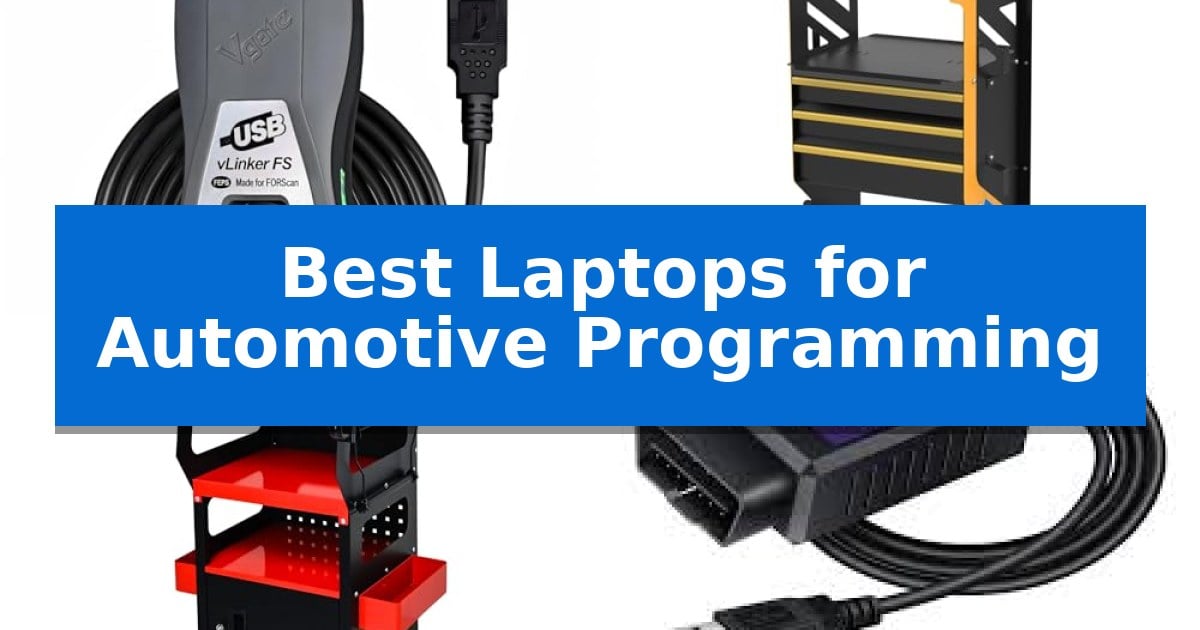
Best Laptops for Automotive Programming in 2026

Best Laptops for Automotive Programming

Automotive programming requires a precise balance of reliable hardware and stable data connections to ensure ECU flashes and diagnostic sessions proceed without interruption. Whether you are performing complex module coding or routine maintenance, having the right tools is essential for maintaining system integrity.

Selecting the Best Laptops for Automotive Programming involves more than just raw processing power; it requires a setup that supports specialized diagnostic interfaces and provides a stable, mobile workspace. This guide evaluates the critical hardware components and connectivity solutions necessary to build a professional-grade diagnostic environment.

Best Laptops for Automotive Programming in 2026

Our Top Picks
  1. Mobile workstation for programming setups AUTOOL Diagnostic Service Cart
  2. Organized storage for programming hardware YooUmiLife Automotive Diagnostic Computer Cart
  3. Reliable wired connection for coding Generic OBD2 to USB Diagnostic Cable
  4. Fast data transfer for radio modules Radioddity PC006 USB Programming Cable

Quick Comparison

Product Best For Key Strength Score
Vgate vLinker FS OBD2 USB Adapter Best Overall FORScan optimized for stable, lag-free ECU programming and diagnostics. 4.9
AUTOOL Diagnostic Service Cart Mobile workstation for programming setups Heavy-duty SPCC cold-rolled steel construction for high impact resistance. 4.6
YooUmiLife Automotive Diagnostic Computer Cart Organized storage for programming hardware Durable metal construction with rust and corrosion-resistant coating. 4.3
Generic OBD2 to USB Diagnostic Cable Reliable wired connection for coding Dedicated MS-CAN / HS-CAN switch for accessing advanced vehicle modules. 4.6
Radioddity PC006 USB Programming Cable Fast data transfer for radio modules Precision-fit Type-C connector ensures a secure link during in-vehicle use. 4.6

How We Chose

  • Protocol Compatibility: Ensuring the hardware supports essential standards like ELM327, HS-CAN, and MS-CAN for broad vehicle coverage.
  • Data Transfer Reliability: Prioritizing wired connections and high-speed interfaces to prevent data truncation or session crashes during sensitive ECU flashing.
  • Workflow Ergonomics: Assessing the utility of mobile carts for organizing laptops, power supplies, and diagnostic cables in tight shop spaces.
  • Build Quality: Selecting materials that withstand the harsh, oily, and corrosive environments typical of automotive repair facilities.
  • Connectivity Standards: Verifying that cables and adapters offer secure, reliable physical connections to prevent signal dropouts.

1 Vgate vLinker FS OBD2 USB Adapter — Optimized for stable ECU programming

Reliable ECU programming requires a stable connection that prevents data corruption during critical flashing sequences. The Vgate vLinker FS OBD2 USB Adapter provides this stability by utilizing a wired USB 2.0/3.0 connection, ensuring consistent communication between your laptop and the vehicle's diagnostic port without the risk of wireless signal interference.

Engineered specifically for FORScan diagnostic software, this adapter features an automatic electronic switch that seamlessly toggles between HS-CAN and MS-CAN buses. This intelligent design allows for multi-module access without requiring manual intervention or additional hardware, making it a practical choice for automotive technicians and enthusiasts performing deep system diagnostics.

For older vehicle platforms, the adapter supports 18V ECU programming, providing the necessary voltage output for specific flashing requirements. It is built to handle high-speed data transfer up to 3 Mbps with full 4095-byte packets, which minimizes truncation errors during large data transfers and ensures stable performance during extended live data streaming sessions.

Compatibility extends across 12V and 24V gasoline and diesel vehicles, covering a broad range of OBD-II compliant models. While the hardware is robust, users should note that the device relies on third-party software like FORScan, AlfaOBD, or VCTool to execute specific programming tasks. Always verify your vehicle's network architecture and service documentation before initiating any ECU modifications.

Best for: Automotive technicians and enthusiasts requiring a stable, wired connection for FORScan-based ECU programming and multi-module diagnostics.

Skip if: Users who prioritize wireless mobility or those whose diagnostic software requirements are not compatible with ELM327-based hardware.

PROS

  • FORScan optimized for stable, lag-free ECU programming and diagnostics.
  • Automatic electronic switching between HS-CAN and MS-CAN buses.
  • 18V output support for specialized ECU flashing on older vehicles.
  • High-speed 3 Mbps data transfer with full 4095-byte packet support.

CONS

  • Wired-only connection limits physical mobility around the vehicle compared to Bluetooth alternatives.
  • Software-dependent functionality requires separate installation and configuration of compatible diagnostic apps.

2 AUTOOL Diagnostic Service Cart — Mobile workstation for programming setups

Maintaining an organized and efficient workspace is critical when performing complex automotive programming and diagnostic tasks. The AUTOOL Diagnostic Service Cart provides a dedicated, mobile solution designed to keep sensitive equipment and tools within reach, featuring a multi-zone diagnostic workflow design that separates your laptop, power supplies, and diagnostic tools into specific, accessible areas.

Constructed from heavy-duty SPCC cold-rolled steel, this cart is built to withstand the rigors of a busy workshop. It supports a 100kg load capacity, ensuring it can safely hold heavy diagnostic hardware and power supplies without compromising stability. The oil and corrosion-resistant powder-coated finish protects the unit from the harsh chemicals and fluids commonly found in automotive environments.

Usability is enhanced through thoughtful design elements like the convenient cable management system, which utilizes top cable holes and built-in hooks to prevent cord tangles during programming sessions. Maneuvering the station is simplified by an ergonomic push handle and 360° swivel casters, allowing you to glide the cart across concrete floors and lock it securely in place once you reach the vehicle.

The 4-tier drawer system offers categorized storage for small parts and diagnostic accessories, featuring wear-resistant aluminum alloy edges for long-term durability. With its compact footprint, this cart maximizes efficiency in tight shop bays, ensuring that your programming setup remains organized and professional without consuming excessive floor space.

Best for: Automotive technicians who require a durable, mobile, and highly organized workstation for diagnostic and programming equipment.

Skip if: Technicians who need a larger, stationary workbench or those who do not require integrated cable management and specialized storage for diagnostic tools.

PROS

  • Heavy-duty SPCC cold-rolled steel construction for high impact resistance.
  • Multi-zone design specifically optimized for automotive programming workflows.
  • Integrated cable management to reduce clutter and prevent tangles.
  • 4-tier drawer system with aluminum edges for organized tool storage.

CONS

  • Compact footprint may limit storage capacity for exceptionally large diagnostic equipment.

3 YooUmiLife Automotive Diagnostic Computer Cart — Organized storage for programming hardware

Managing complex automotive programming tasks requires a dedicated workspace that keeps sensitive diagnostic hardware and cables organized. The YooUmiLife Automotive Diagnostic Computer Cart addresses this need with a specialized metal plate structure designed to serve as a mobile workstation for laptops, testers, and battery chargers.

This cart is engineered for the rigors of a workshop environment, featuring a surface treated with electrostatic spraying technology to provide effective rust and corrosion prevention. This protective film ensures the unit maintains its integrity even when exposed to the moisture, dust, and oils commonly found in automotive maintenance settings.

Efficiency is central to its design, which includes a two-layer top rack for displays or laptops and a convenient pull-out tray for mini keyboards. For cable management, the unit provides 4 side-mounted cable supports with fixing rods, ensuring that diagnostic wires remain untangled and accessible during programming sessions.

Security and storage flexibility are also prioritized. The cart features an adjustable shelf and a lockable door storage compartment underneath, providing a secure location to store expensive testing instruments and parts when not in use. Additionally, the unit includes 2 side mounting brackets for spray cans or bottles, further streamlining the technician's workflow.

Best for: Professional automotive technicians and mechanics who need a secure, mobile, and organized workstation for diagnostic laptops and programming hardware.

Skip if: Users who require a lightweight, portable desk or those who do not have the floor space for a dedicated, heavy-duty metal tool cart.

PROS

  • Durable metal construction with rust and corrosion-resistant coating.
  • Integrated cable management system with four side-mounted supports.
  • Lockable storage compartment for securing sensitive equipment.
  • Ergonomic design featuring a pull-out keyboard tray and adjustable shelving.

CONS

  • Fixed metal structure lacks the portability of lightweight, folding laptop stands.

4 Generic OBD2 to USB Diagnostic Cable — Reliable wired connection for coding

Programming automotive modules requires a stable, interference-free connection to ensure data integrity during critical tasks. The Generic OBD2 to USB Diagnostic Cable provides a wired USB design that eliminates the signal dropouts often associated with wireless adapters, ensuring reliable communication during live-monitoring and vehicle programming sessions.

This adapter is specifically engineered for compatibility with popular diagnostic software like FORScan, Config, and FoCCCus. Its standout feature is the dedicated MS-CAN / HS-CAN switch, which allows users to toggle between different communication protocols. This capability is essential for accessing hidden vehicle modules, such as ABS, Airbag, and Body Control systems, which are typically inaccessible to standard, non-switched code readers.

Beyond its specialized programming functions, the device serves as a universal OBD2 scanner. It is capable of reading and clearing engine codes across a wide range of OBD2-compliant vehicles, including SUVs, pickups, and sedans from manufacturers like Ford, GM, Chevy, Toyota, and Honda. Its compact dimensions of 3.54 x 0.98 x 0.74 inches make it a portable addition to any technician's toolkit.

While the wired interface offers superior stability for programming, it does require a physical connection to a laptop, which may limit mobility compared to Bluetooth alternatives. However, for users prioritizing lightning-fast data transfer and consistent performance during complex automotive coding, this cable provides a robust and focused solution.

Best for: Automotive enthusiasts and technicians requiring a stable, wired connection for module programming and deep diagnostics on Ford and Mazda vehicles.

Skip if: Users who prioritize wireless mobility and convenience over the stability and protocol-switching capabilities required for advanced module programming.

PROS

  • Dedicated MS-CAN / HS-CAN switch for accessing advanced vehicle modules.
  • Wired USB design ensures zero signal dropouts during critical programming.
  • Broad compatibility with specialized software like FORScan.
  • Functions as a universal OBD2 scanner for standard code reading.

CONS

  • Wired connection limits physical distance between the laptop and the vehicle diagnostic port.

5 Radioddity PC006 USB Programming Cable — Fast data transfer for radio modules

Efficient radio management requires a reliable interface, and the Radioddity PC006 USB Programming Cable provides a dedicated solution for the QT30 mobile transceiver. This cable features a precision-fit Type-C connector engineered to maintain a stable data link even during in-vehicle use, ensuring that your configuration process remains uninterrupted by vibrations or movement.

The cable includes an advanced smart chipset that facilitates quick driver installation, offering seamless compatibility with Windows 10 and 11. Once the driver is initialized, it integrates directly with the official QT30 CPS software, allowing for precise management of frequency, channel settings, and CTCSS/DCS tones from your computer.

Measuring 3.44 ft (105 cm), the cable provides sufficient length to bridge the gap between a laptop and a dashboard-mounted radio without creating excessive slack. The construction utilizes a flexible, wear-resistant PVC material, which is intended to withstand the rigors of frequent programming tasks in mobile or stationary environments.

This accessory is specifically engineered for the Radioddity QT30 transceiver. By providing a secure, stable data path, it serves as a practical tool for users who need to perform regular radio configuration updates. The inclusion of an 18-month warranty further supports its role as a durable component for your communication setup.

Best for: Users needing a secure, dedicated data connection for programming the Radioddity QT30 mobile radio via Windows-based computers.

Skip if: Users who require a universal programming cable for multiple radio brands or those who need a significantly longer cable reach for complex workstation setups.

PROS

  • Precision-fit Type-C connector ensures a secure link during in-vehicle use.
  • Advanced smart chipset enables quick driver setup on Windows 10/11.
  • Flexible, wear-resistant PVC construction for long-term durability.
  • Official CPS compatibility for seamless channel and tone management.

CONS

  • Specific compatibility limited to the Radioddity QT30 transceiver.

Best Laptops for Automotive Programming Buying Guide

Understanding Diagnostic Connectivity

The foundation of any automotive programming setup is the connection between your computer and the vehicle's OBD2 port. Wired USB connections are generally preferred over wireless alternatives for programming tasks because they offer a consistent, low-latency data stream that is less susceptible to interference.

When choosing an adapter, look for support for both HS-CAN and MS-CAN protocols. Many modern vehicles use multiple CAN buses to manage different modules, and an adapter that cannot automatically switch between these buses will limit your ability to access features like ABS, airbag, or body control modules.

The Importance of a Mobile Workstation

Automotive programming often requires keeping a laptop, a stable power supply, and various diagnostic tools within reach. A dedicated diagnostic cart serves as a centralized hub, reducing the risk of tripping over cables or damaging sensitive equipment by keeping everything organized.

Look for carts with integrated cable management and dedicated trays for laptops. A stable, elevated surface for your computer not only improves ergonomics during long coding sessions but also keeps the screen at a readable angle while you work under the hood or inside the cabin.

Power Stability During Flashing

ECU programming is a power-intensive process. If a vehicle's battery voltage drops below a certain threshold during a flash, it can lead to corrupted firmware or bricked modules. Many professional technicians use a stabilized power supply mounted on their diagnostic cart to maintain a constant voltage throughout the procedure.

Ensure your workstation setup has enough space to accommodate a dedicated battery charger or power supply. A cart with a lower shelf for heavy batteries or power units helps keep the center of gravity low, preventing the cart from tipping during movement.

Durability in Workshop Environments

The workshop is a hostile environment for electronics. Tools and furniture should be constructed from heavy-duty steel with oil- and corrosion-resistant finishes. Powder-coated surfaces are particularly effective at resisting the chemicals and fluids commonly found in automotive shops.

Check for features like lockable casters and reinforced drawer edges. These small details ensure that your equipment remains secure and functional even after years of exposure to dust, moisture, and the physical demands of daily repair work.

Selecting the Right Cables

Not all USB cables are created equal, especially when used for data-sensitive programming. A high-quality cable with a secure, precision-fit connector prevents accidental disconnections that could interrupt a critical data transfer.

Consider the length of the cable relative to your typical workspace. A cable that is too short may put tension on the port, while one that is too long can become a clutter hazard. Always prioritize cables that are rated for fast data transfer to ensure compatibility with modern diagnostic software.

Frequently Asked Questions

Why is a wired USB connection better than Bluetooth for programming?

Wired USB connections provide a more stable, consistent data stream with lower latency. This is critical for ECU programming, where a momentary signal dropout could potentially corrupt the module's firmware.

What is the difference between HS-CAN and MS-CAN?

HS-CAN (High-Speed CAN) is typically used for powertrain and safety systems, while MS-CAN (Medium-Speed CAN) is often used for comfort and body control modules. A compatible adapter must be able to communicate with both to access all vehicle systems.

Do I need a special cart for automotive programming?

While not strictly required, a diagnostic cart helps organize your laptop, cables, and power supplies. This organization prevents equipment damage and creates a safer, more efficient workflow in the shop.

Can I use any laptop for automotive programming?

Most programming software requires a Windows-based environment. Ensure your laptop has enough ports for your diagnostic adapters and sufficient battery life or access to a stable power source.

How do I prevent bricking a module during a flash?

Always ensure your vehicle's battery voltage is stable throughout the process. Using a stabilized power supply is the best way to prevent voltage drops that can lead to programming failures.

Conclusion: Our Top Pick

For technicians and enthusiasts seeking the most reliable connection for their diagnostic work, the Vgate vLinker FS OBD2 USB Adapter stands out as the essential tool. Its optimization for FORScan, combined with automatic protocol switching and high-speed data transfer, provides the stability required for sensitive ECU programming tasks.

While the adapter handles the data, pairing it with a robust mobile workstation ensures your entire setup remains organized and protected. By prioritizing stable power and secure connections, you can perform complex automotive programming with confidence.

Best Laptops for Audio Streaming in 2026

Best Laptops for Audio Streaming

Achieving high-quality audio output requires more than just a powerful computer; it demands a reliable signal chain that minimizes noise and maximizes clarity. Whether you are broadcasting live on social platforms or recording professional-grade podcasts, the right hardware setup is essential to ensure your voice remains the focal point of every stream.

Finding the Best Laptops for Audio Streaming involves balancing processing power with the right peripheral support. By integrating dedicated audio interfaces and studio-grade microphones, you can transform your portable workstation into a fully functional recording studio. This guide explores the essential components needed to elevate your audio production and ensure your listeners experience crisp, clear, and professional sound.

Best Laptops for Audio Streaming in 2026

Our Top Picks
  1. Complete vocal recording solution Sktome Podcast Equipment Bundle
  2. Simple plug-and-play vocal capture Tonor TC-777 USB Microphone
  3. Balanced sound for monitoring Nylavee Computer Speakers

Quick Comparison

Product Best For Key Strength Score
Brvomussy Podcast Equipment Bundle Best Overall Plug-and-play USB-C connectivity for seamless cross-platform use. 4.9
Sktome Podcast Equipment Bundle Complete vocal recording solution Complete recording studio package includes microphone, stand, pop filter, and sound card. 4.6
Tonor TC-777 USB Microphone Simple plug-and-play vocal capture Plug-and-play USB 2.0 connectivity requires no drivers. 4.7
Nylavee Computer Speakers Balanced sound for monitoring Dual passive radiators for enhanced, balanced sound. 4.9

How We Chose

  • Signal Clarity: Evaluation of noise reduction capabilities and microphone sensitivity.
  • Connectivity Standards: Assessment of plug-and-play compatibility via USB-C and standard audio interfaces.
  • Versatility: Analysis of built-in sound processing features and multi-device support.
  • Build Quality: Review of physical durability and ergonomic design for studio or mobile use.
  • Compatibility: Verification of support across Windows, macOS, and mobile platforms.

1 Brvomussy Podcast Equipment Bundle — All-in-one studio audio interface

The Brvomussy Podcast Equipment Bundle provides an all-in-one audio interface solution, featuring a professional DSP audio processing chip designed for real-time sound optimization. This setup centers on a mixer console that integrates hybrid controls, allowing creators to manage vocal precision through a smart noise reduction system and 360° omnidirectional capture technology.

Designed for versatility, the bundle includes two broadcast-grade condenser microphones equipped with anti-vibration suspension arms. The dual-layer defense system, consisting of an outer metal mesh to filter plosive sounds and inner windproof foam to mitigate ambient noise, ensures clean audio capture. Connectivity is handled via USB-C, facilitating direct integration with PCs, smartphones, and iPads without requiring complex configuration.

The audio interface offers creative flexibility with four sound variations—Female, Male, Child, and Monster—alongside ten distinct sound effects. Beyond vocal recording, the system supports direct input from electric guitars, bass, and electronic drums, maintaining the original dynamic response of instruments. This makes the unit suitable for diverse applications, including live streaming, podcasting, and remote work.

Compatibility is a core strength of this system, supporting Windows, Mac OS, Android, iOS, and Chrome OS, as well as gaming consoles like the PS5 and Xbox. The plug-and-play architecture allows for immediate use across various platforms. Users should ensure the device is fully charged before initial operation to maintain optimal performance during extended broadcast sessions.

Best for: Content creators and podcasters requiring an all-in-one interface that supports both vocal and instrument inputs across multiple platforms.

Skip if: Users who require high-end, dedicated XLR audio interfaces with phantom power for professional studio-grade microphones or those needing advanced multi-track recording software integration.

PROS

  • Plug-and-play USB-C connectivity for seamless cross-platform use.
  • Integrated DSP audio processing with real-time noise reduction.
  • Multi-instrument support for direct connection of guitars and electronic drums.
  • Comprehensive bundle including two condenser microphones and suspension arms.

CONS

  • Battery-dependent operation requires charging before use.
  • Limited to four sound variations and ten fixed sound effects.

2 Sktome Podcast Equipment Bundle — Complete vocal recording solution

Achieving professional-grade audio capture for streaming requires more than just a standard laptop microphone. The Sktome Podcast Equipment Bundle provides a comprehensive solution by including a high-sensitivity BM-800 condenser microphone paired with a dedicated live sound card to manage your audio inputs effectively.

This bundle is designed for versatility, featuring a cardioid pickup pattern that focuses on the sound source directly in front of the mic while minimizing background noise. The inclusion of an adjustable suspension scissor arm stand, shock mount, and pop filter ensures that your setup remains stable and free from unwanted vibrations or plosive sounds during long recording sessions.

Compatibility is a primary strength of this kit, as the audio interface connects seamlessly with Windows and Mac OS computers, as well as mobile devices and gaming consoles like the PS4, Xbox, and Switch. The integrated voice changer functionality adds a layer of creative control, allowing users to apply various sound effects for live broadcasts on platforms like YouTube, TikTok, or during casual chats.

Setting up the system is straightforward, though users should note the requirement to charge the unit before initial use. With its 36-month warranty and robust component list, this package offers a practical, all-in-one approach for creators looking to upgrade their broadcast quality without sourcing individual components separately.

Best for: Creators and streamers who need an all-in-one, plug-and-play audio solution compatible with both computers and mobile gaming consoles.

Skip if: Users who require high-end XLR connectivity for professional studio-grade interfaces or those who prefer a compact, portable microphone without a dedicated stand and sound card setup.

PROS

  • Complete recording studio package includes microphone, stand, pop filter, and sound card.
  • High compatibility across Windows, Mac, mobile devices, and gaming consoles.
  • Integrated voice changer with multiple sound effects for creative streaming.
  • Cardioid pickup pattern for focused, detailed vocal capture.

CONS

  • Requires initial charging before the sound card can be used.
  • Multi-component setup requires more desk space than a standalone USB microphone.

3 Tonor TC-777 USB Microphone — Simple plug-and-play vocal capture

Achieving clear vocal capture for online broadcasts requires reliable hardware that integrates seamlessly with your existing setup. The Tonor TC-777 USB Microphone simplifies this process by utilizing a plug-and-play USB 2.0 interface, which eliminates the need for complex driver installations or external audio interfaces.

Designed specifically for vocal clarity, the microphone features a cardioid pickup pattern. This directional design focuses on capturing sound directly in front of the capsule while actively suppressing ambient background noise, making it suitable for podcasting, teleconferencing, and streaming. The inclusion of a pop filter and shock mount helps mitigate unwanted plosives and vibrations that can otherwise degrade audio quality during active recording sessions.

The hardware includes a foldable tripod stand that provides a stable base while maintaining a small desktop footprint. For operational convenience, the device is equipped with one-click mute and volume controls, allowing for immediate adjustments without navigating software menus. The unit is compatible with Windows, macOS, and gaming consoles like the PS4 and PS5, ensuring broad utility across various streaming and communication platforms.

With a 180 cm (70-inch) cable, the microphone offers sufficient reach for most desktop configurations. While the unit is versatile, it is important to note that it is not compatible with Xbox systems. The Tonor TC-777 USB Microphone is backed by a two-year warranty, providing long-term support for your streaming setup.

Best for: Content creators and streamers seeking a simple, driver-free USB microphone solution for vocal recording on PC, Mac, or PlayStation.

Skip if: Users who require an Xbox-compatible microphone or those who need an XLR-based professional audio interface for complex studio setups.

PROS

  • Plug-and-play USB 2.0 connectivity requires no drivers.
  • Cardioid pickup pattern effectively isolates voice from background noise.
  • Includes shock mount and pop filter to reduce recording interference.
  • One-click mute and volume controls for quick adjustments.

CONS

  • Not compatible with Xbox consoles.
  • Fixed USB cable limits hardware modularity.

4 Nylavee Computer Speakers — Balanced sound for monitoring

Achieving clear, balanced audio for your desktop setup often requires more than just standard built-in hardware. The Nylavee Computer Speakers utilize dual full-range drivers paired with dual passive radiators to provide a more detailed sound profile, adding necessary warmth and body to your audio output for streaming or media consumption.

Designed for versatility, these speakers feature a slim, space-saving form factor that allows for flexible placement, whether you prefer them standing vertically beside your monitor or tucked horizontally underneath. With a 4.5 ft cable, they provide enough reach for wider desk configurations or dual-monitor setups without cluttering your workspace.

Integration is straightforward with a plug-and-play design that uses a USB connection for power and a 3.5mm AUX cable for audio, ensuring compatibility with laptops, desktops, and gaming consoles like the PS5 or Xbox without the need for additional software or drivers. You can also customize your environment using the 9 integrated RGB lighting modes, which include breathing effects and solid color options to match your aesthetic.

Built for reliable daily use, the system includes a lifetime warranty and dedicated support. These speakers offer a practical balance between functional audio enhancement and desktop personalization for those who need a simple, effective upgrade to their existing audio setup.

Best for: Users seeking a compact, plug-and-play audio upgrade for desktops or gaming consoles with integrated lighting options.

Skip if: Users who require wireless Bluetooth connectivity or high-fidelity professional studio monitoring equipment.

PROS

  • Dual passive radiators for enhanced, balanced sound.
  • 9 customizable RGB lighting modes for aesthetic control.
  • Plug-and-play compatibility with USB and 3.5mm AUX.
  • Flexible placement options due to slim, space-saving design.

CONS

  • Wired-only connection lacks Bluetooth or wireless capabilities.

Best Laptops for Audio Streaming Buying Guide

Understanding Audio Interfaces

An audio interface acts as the bridge between your microphone and your laptop. It converts analog signals from your microphone into digital data that your computer can process. High-quality interfaces often include DSP audio processing chips that handle real-time optimization, reducing the load on your laptop's CPU.

When selecting an interface, prioritize models that offer zero-configuration connectivity. This ensures that your setup remains stable during live broadcasts, preventing audio dropouts or synchronization issues that can plague complex streaming environments.

Microphone Selection and Polar Patterns

The cardioid pickup pattern is the industry standard for streaming because it focuses on sound directly in front of the microphone while suppressing ambient noise from the sides and rear. This is crucial for streamers working in home offices or non-soundproofed environments.

Look for bundles that include shock mounts and pop filters. These physical accessories are just as important as the microphone itself, as they eliminate mechanical vibrations and plosive sounds that can distort your audio quality.

Compatibility and Ecosystem Integration

Your streaming gear must be compatible with your existing operating system, whether it is Windows, macOS, or Chrome OS. Many modern audio bundles utilize USB-C interfaces to provide broad compatibility with laptops, tablets, and even gaming consoles like the PS5 or Xbox.

Check for multi-device support if you plan to stream from different sources. A flexible interface allows you to switch between a PC and a mobile device without needing to reconfigure your entire audio chain.

Monitoring and Sound Balance

Accurate monitoring is essential for maintaining consistent audio levels. Using dedicated computer speakers with dual passive radiators provides a balanced sound profile, allowing you to hear subtle details in your voice or background music that smaller, integrated laptop speakers might miss.

Proper placement of your monitoring equipment is key. Flexible designs that allow for both vertical and horizontal positioning help you optimize your desk space while ensuring the audio output is directed toward your ears for the most accurate representation of your stream.

Advanced Features for Creative Streaming

Modern audio bundles often include voice changers and sound effects to enhance engagement. These features are typically managed through the interface hardware, allowing you to trigger sound effects or modify your vocal pitch in real-time without needing additional software.

For musicians or those hosting radio-style shows, look for multi-instrument access. The ability to directly input an electric guitar or electronic drum kit into your interface ensures that you can capture high-fidelity instrument audio alongside your vocal performance.

Frequently Asked Questions

Do I need a separate audio interface if my laptop has a microphone jack?

Yes, a dedicated audio interface provides superior signal processing, lower noise floors, and phantom power for professional condenser microphones that standard 3.5mm jacks cannot support.

What is the benefit of a cardioid microphone for streaming?

A cardioid pattern captures sound primarily from the front, which helps isolate your voice and minimize unwanted background noise from your keyboard, fans, or room acoustics.

Are these audio bundles compatible with gaming consoles?

Many modern podcast bundles are designed with broad compatibility in mind and can connect to devices like the PS5 or Xbox, though you should always verify specific port requirements.

How do I prevent plosive sounds in my recordings?

Using a pop filter is the most effective way to prevent plosive sounds (like 'p' and 'b' noises) from hitting the microphone capsule and causing distortion.

Why is real-time audio optimization important?

Real-time optimization, often handled by a DSP chip, ensures that your audio is processed instantly, preventing latency issues where your voice might be out of sync with your video.

Conclusion: Our Top Pick

For those seeking a comprehensive solution, the Brvomussy Podcast Equipment Bundle stands out as a versatile choice. It integrates a professional-grade mixer with dual condenser microphones, providing a robust foundation for high-quality audio streaming across multiple platforms.

This bundle is particularly effective for creators who need a plug-and-play ecosystem that supports both vocal and instrument inputs. While it offers significant functionality, ensure your laptop has an available USB-C port for optimal connectivity and remember to fully charge the internal battery before your first long-form broadcast.

Best Laptops for Audio Recording and Editing in 2026

Best Laptops for Audio Recording and Editing

Finding the right hardware for professional sound production requires balancing processing power with reliable input options. Whether you are tracking vocals or mixing complex arrangements, the Best Laptops for Audio Recording and Editing must handle high-fidelity data streams without introducing latency or system noise.

Selecting a machine involves more than just raw speed; it requires careful consideration of port availability, thermal management, and compatibility with external interfaces. This guide examines the critical components and accessories that transform a standard computer into a capable mobile recording workstation.

Best Laptops for Audio Recording and Editing in 2026

Our Top Picks
  1. Reduces Room Noise for Vocals SwaykTech Microphone Isolation Shield
  2. Direct Instrument Input for PCs Mediorays Guitar Audio Interface
  3. High-Fidelity Microphone Connection Tisino XLR to USB-C Cable
  4. Digitize Analog Audio Archives DigitNow Cassette to MP3 Converter

Quick Comparison

Product Best For Key Strength Score
Sktome Podcast Equipment Bundle Best Overall Comprehensive all-in-one bundle includes arm stand, shock mount, and pop filter. 4.9
SwaykTech Microphone Isolation Shield Reduces Room Noise for Vocals 5-panel foldable design for effective noise reduction and portability. 4.8
Mediorays Guitar Audio Interface Direct Instrument Input for PCs Plug-and-play functionality requires no drivers or battery power. 4.6
Tisino XLR to USB-C Cable High-Fidelity Microphone Connection High-resolution 32-bit/384kHz DAC for clear signal conversion. 4.6
DigitNow Cassette to MP3 Converter Digitize Analog Audio Archives Portable design with built-in battery or USB power options 4.6

How We Chose

  • Processor performance for multi-track mixing and plugin processing.
  • Availability of high-speed ports for external audio interface connectivity.
  • System memory capacity to support large sample libraries and complex projects.
  • Thermal efficiency to prevent throttling during long recording sessions.
  • Compatibility with industry-standard digital audio workstations (DAWs).

1 Sktome Podcast Equipment Bundle — Complete Studio Recording Setup

Capturing professional-grade audio for podcasts or streaming requires a reliable signal chain, and the Sktome Podcast Equipment Bundle provides an all-in-one solution designed to simplify the recording process. This package centers on the BM-800 condenser microphone, which utilizes a 2021 professional sound chipset to ensure high-detail voice capture through a cardioid pickup pattern.

The bundle is built for versatility, featuring a live sound card that acts as an audio interface, allowing for seamless connectivity with computers, smartphones, and gaming consoles like the PS4, Xbox, and Switch. This makes it a practical choice for creators who need to switch between platforms for live streaming, music recording, or video production on platforms like TikTok and YouTube.

Usability is enhanced by the inclusion of essential accessories, such as an adjustable suspension scissor arm stand, a shock mount, and a pop filter. These components help manage microphone placement and reduce unwanted noise, providing a more stable recording environment for vocal work.

The system supports creative flexibility through its built-in voice changer functionality, which offers multiple sound effects for live broadcasts. Users should note that the unit requires an initial charge before use, and the system is compatible with both Windows and Mac OS environments, ensuring broad integration with standard recording software.

Best for: Creators and podcasters looking for a comprehensive, plug-and-play starter kit that works across multiple devices including PCs, consoles, and smartphones.

Skip if: Professional studio engineers requiring high-end XLR interfaces with phantom power for studio-grade large-diaphragm microphones will find this entry-level bundle insufficient for their needs.

PROS

  • Comprehensive all-in-one bundle includes arm stand, shock mount, and pop filter.
  • High cross-platform compatibility with Windows, Mac, mobile devices, and gaming consoles.
  • Integrated voice changer and sound effects for creative live streaming.
  • Cardioid pickup pattern designed to isolate the sound source directly in front of the mic.

CONS

  • Requires initial charging of the sound card before the system can be used.
  • Entry-level hardware may not meet the requirements of professional studio recording environments.

2 SwaykTech Microphone Isolation Shield — Reduces Room Noise for Vocals

Achieving professional-grade audio capture requires more than just a high-quality microphone; it demands an environment that minimizes unwanted reflections and ambient noise. The SwaykTech Studio Recording Microphone Isolation Shield addresses this by utilizing a 5-panel foldable design lined with high-density absorbent foam, specifically engineered to dampen sound reflections and environmental interference during vocal sessions.

This comprehensive kit simplifies the setup process for creators by including a plug-and-play recording microphone that functions without the need for additional drivers. The microphone features a cardioid pickup pattern, which is optimized to focus on sound sources directly in front of the capsule, ensuring clear vocal reproduction for singing, podcasting, or live streaming.

Versatility is a core component of this system, as it provides multiple mounting options to suit various recording spaces. Users can utilize the included height-adjustable metal tripod for desktop use or mount the shield onto a standard microphone stand. The package also includes a double-layer pop filter, which can be adjusted in angle and distance to further refine audio clarity by reducing plosives.

Designed for broad compatibility, the system connects seamlessly to PCs, laptops, and smartphones via the provided USB cable and Type-C adapter. The foldable panels allow for easy storage and portability, making it a practical solution for those who need to move their recording setup between different locations without sacrificing acoustic control.

Best for: Home studio creators and podcasters who need an all-in-one, portable solution to improve vocal clarity by reducing room noise.

Skip if: Professional studio engineers requiring high-end XLR-based interfaces or those who need a permanent, large-scale acoustic treatment solution for a dedicated sound booth.

PROS

  • 5-panel foldable design for effective noise reduction and portability.
  • Plug-and-play compatibility with PC, laptop, and smartphone via USB.
  • Comprehensive kit includes a tripod, pop filter, and necessary adapters.
  • Cardioid pickup pattern focuses on the primary sound source.

CONS

  • Desktop tripod footprint may take up significant space on smaller work surfaces.
  • Shield mounting requires a separate stand for non-desktop configurations.

3 Mediorays Guitar Audio Interface — Direct Instrument Input for PCs

Capturing clean instrument audio directly to a mobile device or laptop requires a reliable bridge between analog signals and digital inputs. The Mediorays Guitar Audio Interface simplifies this process by offering a plug-and-play design that eliminates the need for complex driver installations, making it an accessible choice for musicians who need to record or stream on the go.

This compact interface supports 24bit/48KHz high-resolution recording, ensuring that the nuances of electric guitars and basses are captured with clarity. Designed specifically for live streaming and portable recording, it features low-latency digital audio processing to maintain synchronization between your instrument and video output, which is essential for professional-looking content.

Usability is a core focus of this device, evidenced by the inclusion of dedicated volume buttons for monitoring. An integrated indicator light provides real-time feedback on signal levels, glowing green for optimal input and red to warn of potential distortion. This visual aid helps users manage gain staging without needing additional software.

Compatibility is broad, as the unit includes both USB-C and Lightning adapters to connect with modern smartphones, tablets, and laptops. While it is built for straightforward recording, users should note that the device is designed for direct input and does not include internal mixing or editing software, nor is it compatible with GarageBand.

Best for: Musicians and content creators who need a simple, portable, and low-latency solution for recording or live streaming electric instruments directly to mobile devices or computers.

Skip if: Users who require advanced onboard mixing, multi-track editing capabilities, or specific compatibility with GarageBand will find this basic interface too limited for their needs.

PROS

  • Plug-and-play functionality requires no drivers or battery power.
  • Includes USB-C and Lightning adapters for wide mobile and laptop compatibility.
  • Features 24bit/48KHz high-resolution audio capture for clear instrument sound.
  • Integrated visual indicator light helps prevent signal distortion during recording.

CONS

  • No internal editing or mixing features included.
  • Not compatible with GarageBand software.

4 Tisino XLR to USB-C Cable — High-Fidelity Microphone Connection

Achieving professional-grade audio capture on a mobile device or laptop often requires bypassing standard internal sound cards. The Tisino Female XLR to USB C Recording Microphone Cable provides a direct, high-fidelity bridge between 3-pin XLR microphones and modern USB-C enabled hardware, utilizing an integrated 32-bit/384kHz digital-to-analogue converter chip to maintain signal integrity.

Designed for versatility, this 10-foot cable supports a wide range of applications, including music recording, interviews, and live broadcasting. The construction features an Oxygen Free Copper (OFC) centre conductor paired with high-density stranded copper shielding, which works to suppress noise and ensure quiet operation during critical recording sessions.

Usability is a primary focus, as the cable functions as a plug-and-play solution that requires no driver installation. The exterior is protected by a nylon and cotton braided jacket, which balances flexibility with durability to prevent tangling. Heavy-duty metal-shell XLR plugs provide a secure connection for dynamic microphones, though users should note that condenser microphones will require an external 48V phantom power source.

This cable is strictly unidirectional, designed exclusively to output audio from an XLR source to a USB-C input device. It is fully compatible with modern hardware, including the iPhone 15 and 16 series, making it a practical tool for creators who need to integrate studio-quality microphones into a mobile or laptop-based workflow.

Best for: Content creators and musicians who need to connect a dynamic XLR microphone directly to a USB-C laptop, tablet, or smartphone for high-resolution audio recording.

Skip if: Users who rely on condenser microphones that require phantom power, as this cable does not provide the necessary 48V supply.

PROS

  • High-resolution 32-bit/384kHz DAC for clear signal conversion.
  • Plug-and-play operation with no driver requirements.
  • Durable nylon and cotton braided jacket for tangle resistance.
  • Effective noise suppression via OFC conductor and copper shielding.

CONS

  • Unidirectional design limits the cable to input-only use.
  • Requires external 48V phantom power for condenser microphones.

5 DigitNow Cassette to MP3 Converter — Digitize Analog Audio Archives

Preserving analog audio archives requires a reliable bridge between legacy hardware and modern digital workstations. The DigitNow Cassette to MP3 Converter serves this purpose by providing a direct USB interface to capture audio from cassette tapes onto a computer, allowing users to digitize collections for playback on contemporary devices or for archival purposes.

This device functions as a portable cassette player, featuring a 3.5mm headphone jack for monitoring audio during the conversion process. It operates via a USB-powered connection or a built-in battery, offering flexibility for both desktop setups and mobile use. The unit is designed with a compact form factor, measuring approximately 3.94 by 1.97 by 0.79 inches, making it easy to integrate into existing audio recording environments.

Software integration is handled through the included Audacity software, which facilitates the recording and conversion of analog signals into digital MP3 files. The system is compatible with Windows XP, Vista, and Windows 7, as well as Mac systems older than version 10.5. Because it requires no installation or drivers, the setup process remains straightforward for users looking to quickly begin their digitization projects.

The package includes the necessary USB cable, a pair of earphones, and a user manual to assist with the workflow. While it simplifies the transition from tape to digital, users should ensure their computer operating system meets the specified compatibility requirements to maintain a stable connection during the transfer process.

Best for: Users looking to digitize legacy cassette tape collections into MP3 format using a simple, portable USB interface.

Skip if: Users requiring high-fidelity professional audio interfaces or those operating on modern Windows 10/11 or recent macOS versions that may not support the included software.

PROS

  • Portable design with built-in battery or USB power options
  • Includes Audacity software for streamlined digital conversion
  • No driver installation required for basic operation
  • Integrated 3.5mm headphone jack for real-time audio monitoring

CONS

  • Limited OS compatibility restricted to older Windows and Mac versions
  • Relies on legacy USB connectivity for data transfer

Best Laptops for Audio Recording and Editing Buying Guide

Processing Power and RAM

The CPU is the engine of your studio, responsible for running virtual instruments and real-time effects. For audio tasks, a processor with high single-core clock speeds is often more beneficial than one with a high core count, as many audio plugins rely on serial processing.

Equally important is RAM, which allows your system to load large sample libraries into memory for instant playback. Aim for at least 16GB of memory to avoid disk-streaming bottlenecks when working with orchestral templates or high-track-count projects.

Connectivity and Ports

Reliable I/O connectivity is non-negotiable for audio engineers. You need dedicated ports for your audio interface, MIDI controllers, and external storage drives. USB-C and Thunderbolt ports are preferred for their high bandwidth and low-latency data transfer capabilities.

If your laptop lacks sufficient ports, consider a high-quality powered hub. Ensure that any hub you choose supports the necessary data throughput to prevent dropouts or synchronization errors during critical recording sessions.

Storage Solutions

Audio files, especially uncompressed formats like WAV or AIFF, consume significant disk space. A fast NVMe SSD is essential for quick project loading and smooth scrubbing through long audio timelines.

We recommend keeping your operating system and applications on a primary internal drive, while storing your active project files and sample libraries on a secondary high-speed external drive to maximize system responsiveness.

Thermal Management

Audio recording requires a quiet environment, making fan noise a significant concern. Laptops that throttle under heavy loads can cause audible pops and clicks in your recordings due to buffer underruns.

Look for machines with robust cooling systems that maintain steady performance without ramping up fan speeds excessively. Proper ventilation and a stable workspace help ensure your hardware remains cool and silent during tracking.

Display and Workflow

A high-resolution display provides the screen real estate needed to view multiple tracks, mixer channels, and plugin windows simultaneously. A larger screen or the ability to connect to external monitors can significantly improve your editing efficiency.

Consider the aspect ratio and color accuracy if you also perform video editing alongside your audio work. A clear, flicker-free display reduces eye strain during long mixing sessions.

Frequently Asked Questions

How much RAM do I need for professional audio editing?

For basic recording, 16GB is typically sufficient. However, if you work with complex virtual instruments or large orchestral libraries, 32GB or more is recommended to ensure smooth performance.

Is a dedicated GPU necessary for audio production?

Generally, no. Audio processing is primarily CPU and RAM intensive. A dedicated GPU is only necessary if you are also performing heavy video editing or 3D rendering.

Why is my audio interface causing system noise?

System noise, such as hum or buzz, is often caused by ground loops. Using a high-quality, shielded cable and ensuring your equipment is plugged into a clean power source can help mitigate these issues.

Can I use a USB hub for my audio interface?

It is generally recommended to connect your audio interface directly to the laptop's built-in ports. If you must use a hub, ensure it is a powered, high-speed model to maintain signal integrity.

What is the benefit of Thunderbolt ports for audio?

Thunderbolt ports offer extremely high bandwidth and low latency, which are critical for professional audio interfaces that handle high-channel-count recording and real-time monitoring.

Conclusion: Our Top Pick

Choosing the right setup for your studio depends on your specific workflow and the scale of your projects. For those starting out or needing a versatile mobile solution, the Sktome Podcast Equipment Bundle provides a comprehensive entry point that integrates easily with most modern laptop configurations.

While the laptop serves as the core of your studio, remember that the quality of your signal chain—from the microphone to the interface—is equally vital. Always prioritize equipment that offers stable drivers and low-latency performance to ensure your creative process remains uninterrupted.

Best Laptops for Audio Recording in 2026

Best Laptops for Audio Recording

Capturing high-fidelity audio requires more than just a powerful computer; it demands a stable bridge between your microphone, instruments, and software. Finding the Best Laptops for Audio Recording often involves balancing raw processing power with the right external hardware to ensure clean, low-latency signal paths.

Whether you are tracking vocals in a home studio or recording instruments on the move, the right interface acts as the foundation of your workflow. We have analyzed current recording solutions to help you identify the hardware that best complements your existing setup and creative goals.

Best Laptops for Audio Recording in 2026

Our Top Picks
  1. Compact mobile recording for instruments KYXAIN Pocket Audio Interface
  2. Lossless recording for USB-C laptops Cubilux USB-C Audio Adapter
  3. All-in-one studio recording solution Brvomussy Podcast Equipment Bundle
  4. Plug-and-play vocal recording TONOR TC-777 USB Microphone

Quick Comparison

Product Best For Key Strength Score
XTUGA Q-12 Audio Interface Best Overall Plug-and-play USB connectivity requires no external power adapter. 4.9
KYXAIN Pocket Audio Interface Compact mobile recording for instruments Battery-free operation via plug-and-play connectivity. 4.3
Cubilux USB-C Audio Adapter Lossless recording for USB-C laptops Hi-Res chipset supporting up to 48KHz/24-bit studio-grade recording. 4.5
Brvomussy Podcast Equipment Bundle All-in-one studio recording solution Plug-and-play USB-C connectivity for seamless cross-platform integration. 4.7
TONOR TC-777 USB Microphone Plug-and-play vocal recording Plug and play USB 2.0 connectivity requires no drivers. 4.7

How We Chose

  • Signal Clarity: Assessing the resolution and noise-reduction capabilities of each interface.
  • Connectivity Standards: Verifying compatibility with USB-C and standard XLR/instrument inputs.
  • Latency Performance: Prioritizing hardware that minimizes delay during real-time monitoring.
  • Portability and Build: Evaluating the physical footprint and durability for mobile or desktop use.
  • Ease of Setup: Focusing on plug-and-play functionality for immediate studio integration.

1 XTUGA Q-12 Audio Interface — Low-latency XLR recording for beginners

The XTUGA Q-12 Audio Interface provides a dedicated solution for those seeking to capture high-quality audio directly into a computer setup. It features a professional 16-Bit/48kHz resolution and an upgraded internal chip designed to minimize background noise, ensuring that vocal and instrument recordings remain clear for music production or streaming.

This interface is built for efficiency, offering both XLR and 3.5mm inputs to accommodate various microphone types. It includes switchable 48V phantom power, which is essential for driving condenser microphones that require extra voltage. The unit is engineered for zero-latency monitoring, allowing creators to track their audio in real-time without the distraction of signal delays.

Designed with a focus on portability and ease of use, the device operates as a plug-and-play solution. It draws power directly from a computer via a USB connection, eliminating the need for bulky external power adapters. This makes it a practical choice for mobile recording setups or home studios where space and simplicity are prioritized.

The XTUGA Q-12 Audio Interface features a durable build that stands up to the demands of daily use, whether for home karaoke, podcasting, or music creation. Its compact form factor and stable signal transmission provide a reliable foundation for beginners and students who need a straightforward, frustration-free workflow for their audio projects.

Best for: Students and beginners building a 2-channel home studio who need a portable, bus-powered audio interface for vocal and instrument recording.

Skip if: Users who require multi-track recording capabilities beyond two channels or those needing higher than 16-bit/48kHz resolution for professional-grade mastering.

PROS

  • Plug-and-play USB connectivity requires no external power adapter.
  • Switchable 48V phantom power supports condenser microphones.
  • Zero-latency monitoring enables real-time vocal tracking.
  • Compact and durable design suited for mobile recording.

CONS

  • 16-bit/48kHz resolution may not meet the needs of high-end professional studio production.

2 KYXAIN Pocket Audio Interface — Compact mobile recording for instruments

Capturing clean audio on the go requires a reliable bridge between your instrument and recording device, and the KYXAIN Pocket Audio Interface serves this purpose with a highly portable, clip-on design. This compact unit simplifies the signal chain for musicians and content creators by providing a direct connection for electric guitars and basses, ensuring high-quality input without the need for bulky external hardware.

The device features a 24bit/48KHz internal recording capability, designed to deliver clear audio fidelity for live streaming and mobile recording. It utilizes a plug-and-play architecture that functions without batteries, drawing power directly from the connected smartphone or laptop. With its Type-C USB interface and an included Lightning adapter, it maintains broad compatibility across modern mobile devices and computers.

Usability is centered on straightforward controls, including dedicated volume buttons for monitoring. An integrated indicator light provides visual feedback on signal levels, turning green for normal operation and red to warn of potential distortion. While the unit excels at capturing original audio with low latency, it is strictly a recording solution and does not include onboard mixing or editing functions.

Designed for flexibility, the KYXAIN Pocket Audio Interface includes a back clip for secure attachment during mobile use. It supports monitoring via a standard 1/8" 3.5mm headphone output, allowing users to track their input in real-time. This interface is a practical choice for those who need a lightweight, instrument-ready recording solution that fits easily into a pocket or gear bag.

Best for: Musicians and content creators needing a compact, battery-free interface for direct instrument recording on mobile devices or laptops.

Skip if: Users who require advanced onboard mixing, multi-track recording, or XLR microphone inputs for professional studio production.

PROS

  • Battery-free operation via plug-and-play connectivity.
  • Compact back-clip design for maximum portability.
  • Visual signal monitoring with a clear indicator light.
  • Includes Lightning to Type-C adapter for broad device compatibility.

CONS

  • No onboard mixing or editing functions.
  • Limited to 1/4" instrument input only.

3 Cubilux USB-C Audio Adapter — Lossless recording for USB-C laptops

Capturing studio-quality audio on a portable machine requires reliable signal management, and the Cubilux USB-C Audio Adapter addresses this by providing a dedicated interface for USB-C laptops. This compact adapter functions as a bridge for musicians and content creators, enabling the connection of external microphones and line-level sources directly to modern devices that lack legacy audio ports.

The device features a versatile Mic-in and Line-in configuration, allowing users to record singing or capture audio from external hardware. It utilizes a Hi-Res chipset capable of reproducing audio streams up to 96KHz/24-bit for playback, while supporting studio-grade recording at 48KHz/24-bit. This ensures that your vlogs, interviews, or musical projects maintain high fidelity during the capture process.

For monitoring purposes, the adapter includes a dedicated 3.5mm headphone jack. This allows for real-time audio feedback, ensuring that levels are monitored accurately during recording sessions. The unit is designed specifically for laptop and PC compatibility, offering a streamlined solution for those who need to integrate professional-style audio workflows into their mobile setups.

Measuring just over 2.5 inches in length and weighing less than 0.04 pounds, the adapter is built for portability. Its small form factor ensures it does not add significant bulk to a laptop bag, making it a practical tool for creators who frequently record on the go.

Best for: Musicians and content creators needing a portable, high-resolution audio input solution for USB-C laptops.

Skip if: Users requiring multi-channel professional audio interfaces or those working with devices other than laptops and PCs.

PROS

  • Hi-Res chipset supporting up to 48KHz/24-bit studio-grade recording.
  • Integrated 3.5mm headphone jack for real-time audio monitoring.
  • Supports both Mic-in and Line-in for versatile audio capture.
  • Compact and lightweight design ideal for mobile recording setups.

CONS

  • Limited to laptop and PC use; not compatible with all USB-C devices.

4 Brvomussy Podcast Equipment Bundle — All-in-one studio recording solution

The Brvomussy Podcast Equipment Bundle provides a comprehensive, all-in-one solution for creators by integrating a professional DJ mixer console with dual-layer noise reduction technology. This setup is designed to streamline the recording process through its plug-and-play USB-C interface, which ensures immediate connectivity across PC, Mac, and mobile devices.

At the core of the system is a professional DSP audio processing chip that works alongside 360° omnidirectional condenser microphones to maintain vocal precision. The inclusion of an anti-vibration suspension arm system helps stabilize the recording environment, while the integrated mixer offers real-time optimization with four distinct sound modes and ten built-in sound effects.

Versatility is a primary focus of this bundle, as it supports direct input for electric guitars, bass, and electronic drums without compromising dynamic response. The system is compatible with a wide range of platforms including Windows, Mac OS, Android, and iOS, making it suitable for diverse production environments ranging from live streaming to remote work.

To maintain optimal performance, the unit features an internal battery that requires a full charge before initial use. While the system is designed for zero-configuration, one-click integration, users requiring technical assistance can access support through the manufacturer's dedicated engineering team.

Best for: Content creators and podcasters seeking an all-in-one, plug-and-play audio interface that supports both vocal and instrument recording.

Skip if: Professional studio engineers requiring high-fidelity, multi-channel XLR inputs or advanced DAW-integrated hardware control surfaces.

PROS

  • Plug-and-play USB-C connectivity for seamless cross-platform integration.
  • Integrated DSP audio processing for real-time vocal optimization.
  • Direct instrument input support for guitars and electronic drums.
  • Comprehensive bundle including microphones and anti-vibration arms.

CONS

  • Battery-dependent operation requiring charging before use.
  • Limited to specific sound effects and voice-changing presets.

5 TONOR TC-777 USB Microphone — Plug-and-play vocal recording

Capturing clear audio for podcasts or vocal projects requires a reliable input source, and the TONOR TC-777 USB Microphone simplifies this process with its plug and play design. By utilizing a USB 2.0 data port, this microphone eliminates the need for additional drivers or complex assembly, allowing users to connect directly to a PC or laptop and begin recording immediately.

The device features a cardioid pickup pattern, which is specifically engineered to focus on sound sources directly in front of the mic while suppressing unwanted background noise. This directional sensitivity is ideal for podcasting, streaming, and teleconferencing, ensuring that the primary voice remains crisp and distinct during operation.

Usability is enhanced by the included non-slip tripod stand, which provides stability while maintaining a small desktop footprint. The package also includes a shock mount and pop filter to minimize disturbances from vibrations and plosives. Users can adjust the angle of both the microphone and the pop filter to optimize the audio capture for their specific recording environment.

Compatibility is a core strength of the TONOR TC-777 USB Microphone, as it is designed to work across Windows and Mac operating systems, as well as PS4 and PS5 consoles. It integrates seamlessly with common communication software like Zoom, Skype, and Discord, making it a versatile tool for both content creation and remote communication.

Best for: Best for entry-level podcasters and streamers who need a simple, plug-and-play audio solution for PC or console setups.

Skip if: Skip if you require an Xbox-compatible microphone or need professional-grade XLR connectivity for complex studio interfaces.

PROS

  • Plug and play USB 2.0 connectivity requires no drivers.
  • Cardioid pickup pattern effectively isolates voice from background noise.
  • Includes essential shock mount and pop filter accessories.
  • Wide compatibility with Windows, Mac, and PlayStation consoles.

CONS

  • Not compatible with Xbox consoles.
  • Fixed USB cable limits placement options compared to detachable designs.

Best Laptops for Audio Recording Buying Guide

Understanding Audio Interfaces

An audio interface is the essential link between your analog gear and your digital workstation. It converts the electrical signals from microphones or instruments into digital data that your computer can process. When choosing an interface, consider the number of inputs you need simultaneously; a solo artist may only require one XLR input, while a band might need multiple channels.

Look for devices that support 48V phantom power, which is necessary for using professional-grade condenser microphones. Additionally, ensure the interface offers zero-latency monitoring, allowing you to hear your performance in real-time without the distracting delay often caused by software processing.

The Importance of Connectivity

Modern laptops have shifted heavily toward USB-C connectivity, making it vital to choose an interface that matches your computer's ports. While many devices include adapters, native USB-C compatibility often provides a more stable connection and better power delivery for your external hardware.

If you frequently record on the go, prioritize compact interfaces that draw power directly from your laptop via the USB bus. This eliminates the need for bulky external power adapters, making your mobile studio setup significantly more efficient and easier to manage.

Signal Quality and Resolution

Audio resolution is typically measured in bit depth and sample rate, such as 16-bit/48kHz or 24-bit/96kHz. Higher numbers generally indicate a more detailed capture of your sound. For most home recording and podcasting needs, 24-bit/48kHz is considered the industry standard for high-quality, professional-sounding results.

Beyond raw specs, look for interfaces that emphasize noise reduction and clean preamps. A high-quality preamp ensures that your recordings remain free of unwanted hiss or popping noises, which is critical when capturing quiet vocal passages or delicate acoustic instruments.

Microphone Selection and Compatibility

The microphone you choose should match the type of recording you are doing. Cardioid microphones are excellent for isolating your voice and rejecting background noise, making them ideal for podcasting and vocal recording in less-than-perfect acoustic environments.

Always check the mounting options and accessories included with your microphone. Features like shock mounts and pop filters are not just extras; they are essential for preventing vibrations and plosive sounds from ruining an otherwise perfect take.

Workflow and Ease of Use

A complex setup can stifle creativity. Prioritize hardware that offers a plug-and-play experience, allowing you to focus on your performance rather than troubleshooting driver issues or complex software configurations.

Consider the physical layout of your recording gear. Accessible volume knobs, clear indicator lights for signal clipping, and intuitive controls for sound effects can significantly speed up your workflow, especially during live streaming or rapid-fire recording sessions.

Frequently Asked Questions

Do I need an audio interface if I have a USB microphone?

No, a USB microphone has a built-in interface, allowing you to plug it directly into your laptop. However, an external audio interface is required if you want to use professional XLR microphones or record instruments like electric guitars.

What is 48V phantom power?

48V phantom power is an electrical current provided by an audio interface to power condenser microphones. It is essential for these mics to function, as they require an external power source to operate their internal circuitry.

How can I reduce latency while recording?

Latency is often caused by the processing time between your input and output. Using an interface with a 'direct monitor' feature allows you to hear your signal before it hits the computer, effectively eliminating audible delay.

Can I use these interfaces with a tablet?

Many modern audio interfaces are compatible with tablets, provided you have the correct adapter (such as a Lightning or USB-C to USB-A adapter). Always check the manufacturer's specifications for mobile device support.

What is the difference between line-in and mic-in?

A mic-in input is designed for the low-level signal of a microphone and includes a preamp to boost that signal. A line-in input is for devices that already have a strong signal, such as synthesizers or external mixers, and does not require the same level of amplification.

Conclusion: Our Top Pick

Selecting the right hardware for your recording needs depends on your specific goals, whether you are a beginner looking for an all-in-one bundle or a musician needing a reliable, low-latency interface. For most users, the XTUGA Q-12 Audio Interface stands out as the best choice due to its balance of professional 16-bit/48kHz resolution, zero-latency monitoring, and durable, plug-and-play design.

While other options like the Cubilux adapter or the Brvomussy bundle offer specialized benefits for specific workflows, the XTUGA Q-12 provides the most versatile foundation for a home studio. Its ability to handle both XLR and 3.5mm inputs without the common popping noise found in cheaper alternatives makes it a reliable partner for your creative projects.

Best Laptops for Audio Quality in 2026: Enhance Your Studio Setup

Best Laptops for Audio Quality

Achieving professional sound from a portable computer often requires more than just the built-in hardware. While modern laptops are powerful, they frequently lack the dedicated components necessary for high-fidelity recording or clean headphone output, making the search for the Best Laptops for Audio Quality a common priority for musicians and enthusiasts alike.

Whether you are looking to record vocals with studio-grade clarity or simply want to drive high-impedance headphones with a cleaner signal, external hardware can transform your experience. We have evaluated several solutions that bridge the gap between standard laptop audio and professional requirements, ensuring you find the right fit for your specific creative workflow.

Best Laptops for Audio Quality in 2026: Enhance Your Studio Setup

Our Top Picks
  1. Cleaner Sound for Wired Headphones KB EAR USB C DAC
  2. Immersive Multi-Driver Surround Sound Razer Leviathan V2 Soundbar
  3. Space-Saving Stereo Audio XKX Monitor Soundbar
  4. Compact Plug-and-Play Audio Lielongren Computer Speaker

Quick Comparison

Product Best For Key Strength Score
Piyone Audio Interface Best Overall 24-bit/192kHz studio-grade resolution for high-fidelity audio capture. 4.9
KB EAR USB C DAC Cleaner Sound for Wired Headphones Upgraded USB C DAC for cleaner analog conversion. 4.5
Razer Leviathan V2 Soundbar Immersive Multi-Driver Surround Sound Multi-driver system with a dedicated down-firing subwoofer for enhanced audio range. 4.7
XKX Monitor Soundbar Space-Saving Stereo Audio Adaptive-Channel-Switching ensures correct stereo orientation regardless of mounting position. 4.8
Lielongren Computer Speaker Compact Plug-and-Play Audio Plug and play USB connectivity for simple setup. 4.6

How We Chose

  • Signal Fidelity: Evaluating the resolution and dynamic range capabilities of each device.
  • Connectivity Standards: Assessing the use of modern interfaces like USB-C for broad compatibility.
  • Form Factor and Portability: Considering how well the hardware fits into mobile or space-constrained studio environments.
  • Feature Set: Identifying specialized functions such as zero-latency monitoring, phantom power, or spatial audio support.
  • Ease of Use: Prioritizing plug-and-play functionality that avoids complex driver installations.

1 Piyone Audio Interface — Professional Studio-Grade Fidelity

Achieving professional-grade audio capture on a portable setup requires more than just a laptop; it demands a dedicated interface to handle signal conversion and phantom power. The Piyone Audio Interface addresses this by providing a compact, 2-channel XLR/TRS combo solution that bridges the gap between professional studio hardware and mobile computing.

Designed for versatility, the Piyone Audio Interface features 24-bit/192kHz fidelity to ensure high-resolution audio capture. Its class-compliant USB-C connectivity allows for a true plug-and-play experience, drawing power directly from the laptop to eliminate the need for external power bricks. This makes it an efficient choice for creators who need to move their studio setup between locations without sacrificing sound quality.

The hardware includes fixed LED light rings on the gain knobs, providing clear visual feedback in low-light environments. For monitoring, the device offers zero-latency direct monitoring and a dedicated 3.5mm headphone jack, allowing users to track their input in real-time without the delays often associated with software-based processing. The inclusion of 48V phantom power ensures compatibility with high-end condenser microphones.

While the interface is built for portability, users should note that it occupies a USB-C port on the host machine. It is best suited for those who prioritize a streamlined, one-cable workflow for vocal or instrument recording. For users requiring more than two simultaneous inputs or complex multi-track routing, a larger rack-mount interface may be necessary.

Best for: Solo creators and musicians requiring a portable, high-fidelity 2-channel recording solution for vocals or instruments.

Skip if: Users who require more than two simultaneous inputs or advanced multi-track routing capabilities.

PROS

  • 24-bit/192kHz studio-grade resolution for high-fidelity audio capture.
  • Zero-latency direct monitoring for real-time tracking.
  • Bus-powered USB-C connectivity for a simplified one-cable setup.
  • Integrated 48V phantom power for condenser microphone support.

CONS

  • Limited to two input channels, which may restrict complex multi-instrument recording sessions.

2 KB EAR USB C DAC — Cleaner Sound for Wired Headphones

Achieving high-fidelity output from modern devices often requires bypassing internal components that may introduce interference. The KB EAR USB C DAC addresses this by utilizing an upgraded USB C DAC to convert digital audio into clean analog sound, providing a more refined listening experience than standard integrated ports.

Designed for versatility, this adapter features an integrated headphone amplifier that provides consistent volume and the necessary driving power for most wired 3.5mm headphones. This addition ensures that your audio remains stable, whether you are listening to music, participating in voice calls, or streaming media.

The KB EAR USB C DAC is built for modern hardware, functioning as a seamless USB C to 3.5mm audio adapter for smartphones, tablets, and laptops that lack dedicated headphone jacks. Its low noise architecture is specifically engineered to minimize background interference, which is particularly beneficial for maintaining clarity during gaming or calls.

Portability is a core aspect of its design, as the plug and play functionality requires no drivers or complex setup. This compact, lightweight dongle allows you to carry improved sound quality between your workspace and home without adding significant bulk to your gear.

Best for: Users seeking to improve audio clarity and driving power on devices lacking a 3.5mm headphone jack.

Skip if: Users who require specialized high-impedance amplification for professional-grade studio monitors or high-end audiophile equipment.

PROS

  • Upgraded USB C DAC for cleaner analog conversion.
  • Integrated headphone amplifier for improved driving power.
  • Low noise design reduces background interference.
  • Plug and play convenience with no driver requirements.

CONS

  • Limited to USB-C connectivity for input.

3 Razer Leviathan V2 Soundbar — Immersive Multi-Driver Surround Sound

Achieving high-fidelity audio output from a laptop often requires external hardware to overcome the limitations of integrated speakers. The Razer Leviathan V2 Soundbar addresses this by providing a dedicated, all-in-one audio system that connects seamlessly to your desktop or laptop setup.

This soundbar features a multi-driver configuration that includes two full-range drivers paired with a down-firing subwoofer. This hardware combination is engineered to deliver a broader frequency response than standard laptop speakers. For immersive media, it utilizes THX Spatial Audio, which provides 7.1 surround sound to enhance directional accuracy in games and movies.

Designed for a clutter-free workspace, the unit features a compact desktop form factor that fits beneath most monitors. It includes detachable rubber feet that allow you to angle the soundbar upward toward your ears, minimizing audio obstruction and ensuring clear sound delivery.

Connectivity is handled through Bluetooth 5.2, which supports low-latency audio transmission. The system is compatible with up to 8 devices, managed via the Razer Audio App. Additionally, the device integrates with Razer Chroma RGB, offering 18 lighting zones that can be customized through Razer Synapse software to match your existing lighting ecosystem.

Best for: Users seeking a compact, multi-driver audio upgrade for desktop or laptop setups that supports both wired and low-latency Bluetooth connectivity.

Skip if: Users who require a portable, battery-powered audio solution, as this soundbar is designed for stationary desktop use and requires external power.

PROS

  • Multi-driver system with a dedicated down-firing subwoofer for enhanced audio range.
  • THX Spatial Audio support for detailed 7.1 surround sound.
  • Bluetooth 5.2 connectivity for low-latency switching between multiple devices.
  • Compact, angled design that fits easily under monitors.

CONS

  • Stationary design requires a dedicated power source and desk space.
  • No internal battery, limiting use to locations with accessible power outlets.

4 XKX Monitor Soundbar — Space-Saving Stereo Audio

Achieving clear, immersive audio on a desktop setup often requires moving beyond standard internal laptop speakers. The XKX Monitor Soundbar offers a specialized solution by utilizing a clip-on design that attaches directly to your monitor, effectively reclaiming valuable desk space while providing a more direct sound projection toward the listener.

Engineered for versatility, this soundbar features Adaptive-Channel-Switching powered by an integrated G-sensor. This technology automatically adjusts the left and right audio channels to ensure correct stereo orientation, regardless of whether you choose to mount the unit at the top or bottom of your display. The hardware includes dual ultra-magnetic drivers and dual passive radiators, which work in tandem to deliver stereo sound with enhanced volume and low-end response.

Connectivity is streamlined through a USB interface, ensuring broad compatibility with Windows, macOS, ChromeOS, and Linux systems. For users with modern hardware, the package includes a USB-C to USB adapter, allowing for seamless connection to devices that exclusively utilize USB-C ports, such as newer MacBooks, iPads, and tablets. The unit is managed via intuitive touch controls located on the front panel, providing quick access to volume adjustments and muting.

While this soundbar excels in space-saving and ease of use, it is important to note that it is designed specifically for computer monitors and is not compatible with standalone TVs or projectors. Users should ensure their computer's audio drivers are current and that the playback device is correctly configured in the system settings to achieve optimal output.

Best for: Users looking to improve desktop audio quality and save desk space by mounting a stereo soundbar directly to their monitor.

Skip if: Users who require audio output for televisions, projectors, or devices that do not support standard USB audio input.

PROS

  • Adaptive-Channel-Switching ensures correct stereo orientation regardless of mounting position.
  • Space-saving clip-on design reduces desktop clutter.
  • USB-C adapter included for broad compatibility with modern laptops and tablets.
  • Dual passive radiators support enhanced bass performance.

CONS

  • Incompatible with TVs and projectors, limiting its use to computer-based setups.
  • Requires USB interface availability and proper driver configuration for operation.

5 Lielongren Computer Speaker — Compact Plug-and-Play Audio

The Lielongren Computer Speaker provides a direct audio upgrade for desktop setups through its integrated dual 3W high-sensitive drivers and a dedicated passive radiator. This compact soundbar is engineered to deliver enhanced bass and stereo sound, offering a more immersive listening experience than typical built-in laptop speakers.

Designed for immediate usability, the device features plug and play convenience via a single USB connection. This eliminates the need for external power adapters, additional drivers, or complex software installations, making it compatible with Windows PCs, laptops, and select gaming consoles like the Xbox and PlayStation 4.

The unit prioritizes a clean workspace with its compact and portable design, measuring just 7.17 inches in width and 1.81 inches in height. This small footprint ensures it fits easily under most monitors or into a laptop bag for travel, while the lightweight construction maintains portability without sacrificing structural integrity.

Interaction is streamlined through a touch control method located on the device, allowing users to adjust volume levels without navigating through operating system menus. This tactile approach provides a quick and intuitive way to manage audio output during music playback or gaming sessions.

Best for: Users seeking a space-saving, USB-powered audio solution for desktops or laptops that requires no external power or software setup.

Skip if: Users requiring high-fidelity studio-grade audio, deep sub-bass performance, or those who need wireless Bluetooth connectivity.

PROS

  • Plug and play USB connectivity for simple setup.
  • Compact dimensions ideal for small desk footprints.
  • Integrated touch controls for seamless volume adjustment.
  • Dual 3W drivers with passive radiator for enhanced bass.

CONS

  • Wired-only connection limits placement flexibility.
  • Limited power output compared to larger, dedicated bookshelf speakers.

Best Laptops for Audio Quality Buying Guide

Understanding Digital-to-Analog Conversion

The Digital-to-Analog Converter (DAC) is the heart of any audio setup. It translates the binary data from your laptop into the electrical signals that drive your speakers or headphones. A high-quality external DAC often bypasses the noisy internal circuitry of a laptop, resulting in a cleaner, more detailed soundstage.

When choosing an external audio device, look for support for high-resolution formats. Devices that offer 24-bit/192kHz fidelity ensure that you are capturing or reproducing audio with professional-grade precision, which is essential for critical listening and music production.

Connectivity and Compatibility

Modern laptops have largely transitioned to USB-C connectivity. Ensuring your audio hardware supports this standard is crucial for a seamless, one-cable setup that handles both data transfer and power delivery. This eliminates the need for bulky external power bricks, making your setup more portable.

Always verify that your chosen device is class-compliant, meaning it works with your operating system without requiring proprietary drivers. This ensures long-term compatibility across Windows, macOS, and even mobile devices like tablets.

Monitoring and Input Versatility

For creators, the ability to hear your input in real-time is vital. Zero-latency monitoring allows you to track vocals or instruments without the distracting delay often caused by software processing. This feature is a hallmark of professional-grade audio interfaces.

If you plan to record, consider the type of inputs available. XLR/TRS combo jacks provide the flexibility to connect professional condenser microphones—which may require 48V phantom power—as well as line-level instruments like guitars directly into your computer.

Optimizing Your Desktop Space

Audio hardware doesn't have to take up valuable desk real estate. Many modern solutions, such as monitor-mounted soundbars or compact DAC dongles, are designed to integrate into your existing workspace without adding clutter.

Look for features like adaptive-channel-switching or touch-based volume controls if you prefer a streamlined, minimalist aesthetic. These features allow you to maintain high-quality audio output while keeping your workstation organized and efficient.

Immersive Audio and Surround Sound

For gaming and media consumption, spatial audio technologies can significantly enhance the sense of depth and directionality. Advanced soundbars that utilize multi-driver arrays and spatial processing can create a more realistic soundstage than standard stereo speakers.

When selecting a soundbar, consider the physical dimensions and mounting options. A compact form factor that fits beneath your monitor, combined with Bluetooth 5.2 or other wireless connectivity, offers a versatile solution for both desktop and mobile entertainment.

Frequently Asked Questions

Do I need an audio interface if I just want to listen to music?

If your goal is only to improve playback quality for headphones, a compact USB-C DAC is usually sufficient. Audio interfaces are primarily designed for those who also need to record microphones or instruments.

What is the benefit of 48V phantom power?

Phantom power is required to operate professional condenser microphones. If your interface does not provide this, you will not be able to use these types of microphones for recording.

Can I use these audio devices with my smartphone?

Many modern USB-C audio devices are designed to be class-compliant and portable, making them compatible with smartphones and tablets that feature a USB-C port, provided the device supports external audio hardware.

What does zero-latency monitoring mean?

Zero-latency monitoring allows you to hear your input signal directly through the interface's headphone output before it is processed by your computer, preventing the delay that can disrupt your timing while recording.

Are these devices compatible with all operating systems?

Most modern, class-compliant audio hardware is designed to work with major operating systems like Windows, macOS, and Linux without needing specific drivers, but it is always best to check the manufacturer's specifications.

Conclusion: Our Top Pick

For those seeking the most versatile and high-fidelity solution, the Piyone Audio Interface stands out as the top choice. Its combination of 24-bit/192kHz resolution, zero-latency monitoring, and bus-powered USB-C connectivity makes it an excellent tool for both recording and high-quality playback.

While other options like the KB EAR USB C DAC are perfect for simple headphone upgrades, the Piyone provides the professional-grade inputs and controls necessary for a complete audio workstation. It is a reliable, portable, and aesthetically pleasing addition to any laptop setup.

Best Laptops for Artificial Intelligence Students in 2026

Best Laptops for Artificial Intelligence Students

Selecting the right hardware for a demanding field like AI requires balancing raw computational power with the practical needs of a student lifestyle. As you navigate complex coursework, you need a machine that can handle local model development, data processing, and everyday academic tasks without slowing you down.

The Best Laptops for Artificial Intelligence Students must offer reliable performance, sufficient memory, and the flexibility to grow alongside your projects. Whether you are coding in Python, running local environments, or managing large datasets, finding a laptop that fits your specific workflow is essential for academic success.

Best Laptops for Artificial Intelligence Students in 2026

Our Top Picks
  1. Reliable Multitasking for Coursework KAIGERR 15.6-Inch Laptop
  2. Core i3 Power for Daily Study LPNAWZ 15.6-Inch Student Laptop
  3. Includes Integrated AI Assistant DRKAKO 15.6-Inch Student Laptop
  4. Upgradeable Memory for Growing Needs Phatom 15.6-Inch Laptop

Quick Comparison

Product Best For Key Strength Score
NIMO 15.6-Inch R5 Student Laptop Best Overall Highly expandable memory and storage slots allow for future hardware upgrades. 4.9
KAIGERR 15.6-Inch Laptop Reliable Multitasking for Coursework Upgradable storage up to 2TB allows for long-term data growth. 4.9
LPNAWZ 15.6-Inch Student Laptop Core i3 Power for Daily Study Slim and lightweight design for easy portability. 4.4
DRKAKO 15.6-Inch Student Laptop Includes Integrated AI Assistant Integrated AI assistant for automated essay drafting and note-taking 4.3
Phatom 15.6-Inch Laptop Upgradeable Memory for Growing Needs Upgradeable RAM up to 16GB allows for future performance improvements. 4.8

How We Chose

  • Processing power and thread count for multitasking and code compilation.
  • Memory capacity and upgradeability to support growing project requirements.
  • Storage speed and expandability for handling large datasets.
  • Portability and battery life for campus mobility.
  • Connectivity options for peripheral integration and external displays.

1 NIMO 15.6-Inch R5 Student Laptop — Strongest CPU for Coding Students

Managing complex datasets and coding projects requires a machine that balances processing power with the flexibility to grow alongside your academic requirements. The NIMO 15.6" FHD R5 AI Student Laptop distinguishes itself with a highly adaptable architecture, featuring two DDR4 SO-DIMM slots that allow memory expansion up to 32GB and an M.2 PCIe 3.0 x4 2280 slot that supports storage upgrades up to 4TB.

At its core, the device is powered by an AMD Ryzen 5 processor with 4 cores and 8 threads, capable of reaching a 3.7GHz boost. This hardware foundation is paired with integrated AMD Radeon Vega 8 graphics, providing a stable environment for presentation visuals, basic image editing, and everyday multitasking. The 15.6-inch display, featuring a 175-degree hinge, offers a practical workspace for reviewing class notes or managing multiple application windows.

For students working in shared environments or late-night study sessions, the backlit US-layout keyboard ensures visibility, while the integrated fingerprint reader on the touchpad provides a secure and efficient way to access your workspace. The inclusion of a 65W PD adapter with a 2-meter cable adds convenience for those moving between dorms, libraries, and cafes.

Connectivity is well-supported with a variety of ports, including two USB-C ports—one dedicated to PD charging and one full-function port for data and display—alongside three USB-A ports and an HDMI 1.4 output. Weighing under 1.7kg, this laptop maintains a balance between a large viewing area and the portability needed for daily campus carry.

Best for: Students who need an expandable, budget-conscious laptop for coding, document management, and general academic multitasking.

Skip if: Users requiring dedicated high-performance discrete GPUs for advanced machine learning model training or heavy 3D rendering.

PROS

  • Highly expandable memory and storage slots allow for future hardware upgrades.
  • Versatile connectivity including multiple USB-C and USB-A ports for peripherals.
  • Integrated fingerprint reader for secure and quick system access.
  • 65W PD charging with a long 2-meter cable for flexible desk setups.

CONS

  • Integrated graphics are limited to light creative tasks and basic visuals.
  • Plastic body construction paired with a metal lid may not offer the durability of premium all-metal chassis.

2 KAIGERR 15.6-Inch Laptop — Reliable Multitasking for Coursework

Navigating the computational demands of machine learning coursework requires a balance of processing power and reliable storage. The KAIGERR 15.6-Inch Laptop addresses these needs with an Intel i3 8109U Processor capable of reaching speeds up to 3.6GHz, providing the necessary overhead for multitasking across development environments and data analysis tools.

For students managing large datasets or multiple virtual environments, the device comes equipped with 8GB of high-speed memory. While the base model includes a 256GB solid-state drive for responsive boot times, the system offers significant longevity through its upgradable storage capacity of up to 2TB, allowing the machine to grow alongside a student's evolving project requirements.

The visual experience is centered around a 15.6-inch Full HD thin-bezel display, which maximizes screen real estate for coding and documentation. Portability remains a focus, as the slim chassis design incorporates a larger display into a compact frame, weighing approximately 3.5 pounds, making it a practical choice for carrying between lecture halls and study sessions.

Connectivity is robust for a modern student workflow, featuring a Full-Function USB-C port, two USB 3.2 ports, and an HDMI 2.0 output for external monitor setups. Security is integrated via a physical webcam privacy shutter, and the inclusion of WiFi 5 and Bluetooth 5.0 ensures stable network access for cloud-based research and collaborative projects.

Best for: Students requiring an affordable, portable laptop with expandable storage for general coursework and introductory programming.

Skip if: Users needing high-end dedicated GPU performance for intensive deep learning model training or complex neural network simulations.

PROS

  • Upgradable storage up to 2TB allows for long-term data growth.
  • Full-Function USB-C and HDMI 2.0 provide versatile external connectivity.
  • Physical webcam privacy shutter enhances user security.
  • Compact, lightweight design suitable for campus mobility.

CONS

  • Intel i3 processor may limit performance in highly demanding computational tasks.
  • 8GB RAM is standard and may require careful management for memory-intensive AI development.

3 LPNAWZ 15.6-Inch Student Laptop — Core i3 Power for Daily Study

Navigating the demands of academic coursework requires a reliable machine, and the LPNAWZ 15.6-Inch Student Laptop offers a balanced approach for students managing research, online classes, and daily productivity. Its Intel Core i3 processor provides the necessary speed for multitasking across common educational applications, ensuring that students can transition between browsing, video calls, and document creation without significant friction.

Designed with the mobile student in mind, this laptop features a slim, lightweight profile that fits easily into a backpack for transport between dorms, libraries, and classrooms. The inclusion of a backlit keyboard is a practical addition for late-night study sessions, while the fingerprint unlock sensor provides a secure and efficient way to access files without the need for constant password entry.

Power management is a core focus of this device, utilizing a smart battery system equipped with multiple charging protections. This design helps prevent overcharging and overheating, promoting stable performance during long study sessions. The battery is engineered to support all-day use, which is particularly beneficial for students who spend significant time away from power outlets.

While this laptop excels in portability and essential productivity, it is best suited for standard academic tasks rather than resource-intensive computational workloads. The 8GB of RAM and 256GB SSD provide a solid foundation for typical student requirements, offering a straightforward, no-nonsense experience for those focused on completing assignments and staying organized throughout the school year.

Best for: Students needing a portable, reliable laptop for daily academic tasks, research, and online coursework.

Skip if: Users requiring high-performance hardware for intensive AI model training, complex simulations, or professional-grade video editing.

PROS

  • Slim and lightweight design for easy portability.
  • Backlit keyboard enhances usability in low-light environments.
  • Fingerprint unlock for quick, secure access.
  • Smart battery system with integrated charging protections.

CONS

  • Core i3 processor may limit performance in heavy multitasking or specialized software environments.

4 DRKAKO 15.6-Inch Student Laptop — Includes Integrated AI Assistant

The DRKAKO 15.6-Inch Student Laptop integrates an AI assistant directly into the workflow, providing a specialized tool for drafting essays, summarizing complex readings, and organizing meeting notes. This focus on efficiency is supported by a 15.6-inch FHD IPS display, which utilizes ultra-narrow bezels to maximize screen real estate for immersive study sessions.

Under the hood, the device is powered by a J4105 quad-core processor paired with 12GB of DDR4 RAM, ensuring responsiveness for everyday academic tasks like web browsing, streaming online classes, and document management. The 256GB SSD facilitates fast startup times, while the storage remains flexible with expandability options up to 2TB via SSD or 1TB through the microSD slot.

Designed for the mobile student, the laptop weighs 3.7 lbs and features a 0.79-inch thin profile. The 53.2Wh battery is rated for up to 6 hours of use, and the 180-degree lay-flat hinge allows for convenient screen sharing during group projects. Connectivity is handled through a versatile array of ports, including USB 3.2, USB-C for data and charging, and Mini HDMI.

The inclusion of a 1-year Office 365 subscription ensures that essential productivity software is ready out of the box. With dual-band Wi-Fi 5 and Bluetooth support, the system maintains stable connections for video calls and peripheral pairing, making it a functional choice for students balancing coursework and research.

Best for: Students requiring a portable, budget-conscious device with integrated AI tools for document management and academic research.

Skip if: Users who need high-performance hardware for intensive machine learning model training, video editing, or heavy gaming.

PROS

  • Integrated AI assistant for automated essay drafting and note-taking
  • 180-degree lay-flat hinge for easy collaboration
  • Expandable storage up to 2TB SSD
  • Pre-installed Office 365 subscription

CONS

  • Limited battery life of up to 6 hours
  • Entry-level processor not suited for heavy computational tasks

5 Phatom 15.6-Inch Laptop — Upgradeable Memory for Growing Needs

The Phatom 15.6-Inch Laptop offers a practical foundation for students entering the field of artificial intelligence, featuring a 15.6-inch Full HD IPS display that provides clear, high-resolution visuals for coding, data visualization, and document review. Its design prioritizes utility, weighing only 3.8 lbs and including a versatile range of ports to support various peripherals.

Performance is driven by a 2-core, 4-thread processor with a 1.5GHz base frequency, suitable for foundational tasks like web browsing, document editing, and light multitasking. The system comes with 128GB M.2 SATA SSD storage for responsive operation and 4GB DDR3L RAM, which can be expanded up to 16GB via dual SO-DIMM slots to better accommodate growing project requirements.

Connectivity is well-supported with USB 3.0, USB-C, and HDMI ports, the latter supporting up to 4K@24Hz output for external monitor setups. The inclusion of Bluetooth 5.0 and dual-band WiFi ensures stable connections for online research and collaborative study sessions.

For mobile use, the 38.5Wh battery provides up to 4 hours of local video playback, allowing for focused study sessions without constant tethering to a power outlet. The device arrives pre-installed with a Windows operating system, making it a ready-to-use solution for students needing a reliable, upgradeable machine for their academic journey.

Best for: Students who need an affordable, upgradeable laptop for foundational coursework and light multitasking.

Skip if: Users requiring high-performance hardware for intensive machine learning model training or heavy data processing.

PROS

  • Upgradeable RAM up to 16GB allows for future performance improvements.
  • Crisp 1080P IPS display provides wide viewing angles for detailed work.
  • Versatile connectivity including USB-C, HDMI, and a microSD slot.
  • Lightweight 3.8 lb design makes it easy to transport between classes.

CONS

  • Limited base RAM of 4GB may require immediate upgrades for complex tasks.
  • 4-hour battery life may necessitate frequent charging during long study days.

Best Laptops for Artificial Intelligence Students Buying Guide

Processing Power for AI Development

For students, the CPU is the heart of your development environment. While high-end workstations are common in professional AI labs, students benefit from processors that offer a balance of multi-core performance and power efficiency. Look for chips that handle multi-threaded workloads effectively, as these are critical when running local scripts or managing virtual environments.

An efficient processor ensures that your IDE and local servers remain responsive. While you may eventually offload heavy training to cloud services, your laptop must be capable of handling the initial development, debugging, and data preprocessing stages without constant thermal throttling.

Memory and Storage Scalability

AI projects often involve loading large libraries and datasets into memory. Starting with at least 8GB of RAM is a baseline, but the ability to upgrade to 16GB or 32GB is a significant advantage for long-term academic use. Machines with accessible SO-DIMM slots allow you to scale your memory as your coursework becomes more data-intensive.

Similarly, storage needs grow quickly. An SSD is mandatory for fast boot times and rapid file access. Models that support M.2 PCIe upgrades provide a cost-effective path to increasing your storage capacity to 2TB or 4TB, ensuring you never have to delete old projects to make room for new ones.

Display and Ergonomics

Since you will spend hours reading documentation and writing code, the display quality and keyboard comfort are vital. A 15.6-inch Full HD (FHD) display provides enough screen real estate to view code side-by-side with your terminal or browser. Look for narrow bezels to keep the overall footprint compact.

Backlit keyboards are essential for late-night study sessions in libraries or dorms. Additionally, features like a fingerprint reader can save time during daily logins, allowing you to focus more on your work and less on repetitive security prompts.

Connectivity and Portability

A student laptop needs to be versatile enough to connect to projectors, external monitors, and various peripherals. A robust selection of ports, including USB-C, USB-A, and HDMI, reduces the need for cumbersome dongles. Full-function USB-C ports that support power delivery and data transfer are particularly useful for maintaining a clean desk setup.

Weight is another critical factor. A laptop weighing under 1.7kg is generally easier to transport between lectures, study groups, and home. Balancing a sturdy build with a lightweight design ensures your machine is ready for the daily commute without becoming a burden.

Warranty and Support

Academic hardware is an investment, and having a clear warranty policy provides peace of mind. Look for manufacturers that offer defined support terms, such as 1-year or 2-year warranties, which protect against hardware defects during your studies.

Consider the return policy as well. A 90-day return window or accessible customer support can be the difference between a smooth semester and a stressful one if you encounter technical issues that require professional assistance.

Frequently Asked Questions

How much RAM do I really need for AI coursework?

While 8GB is sufficient for basic coding and document editing, 16GB is recommended for students who plan to run local AI models or handle larger datasets.

Is an SSD necessary for a student laptop?

Yes, an SSD is essential. It provides significantly faster boot times and application loading compared to traditional hard drives, which is crucial for staying productive.

Can I upgrade the storage on these laptops later?

Many of the models listed feature an M.2 PCIe slot, which allows you to upgrade your SSD capacity as your project files grow over time.

What is the benefit of a backlit keyboard?

A backlit keyboard makes it much easier to type accurately in low-light environments, such as dim dorm rooms or late-night study sessions in the library.

Why is a fingerprint reader useful for students?

It provides a quick, secure way to log into your computer, saving you time when you need to resume work quickly after a break or between classes.

Conclusion: Our Top Pick

For students seeking a balance of performance and long-term utility, the NIMO 15.6-Inch R5 Student Laptop stands out as the most versatile option. Its AMD Ryzen 5 processor provides a strong foundation for coding and multitasking, while the expandable memory and storage slots ensure the machine remains relevant as your technical requirements evolve throughout your degree.

While other models offer specific benefits like integrated AI assistants or compact designs, the NIMO laptop's combination of upgradeability and reliable daily performance makes it a practical choice for most AI students. Always verify your specific course requirements, as some advanced machine learning modules may eventually necessitate cloud-based computing resources regardless of your local hardware.