
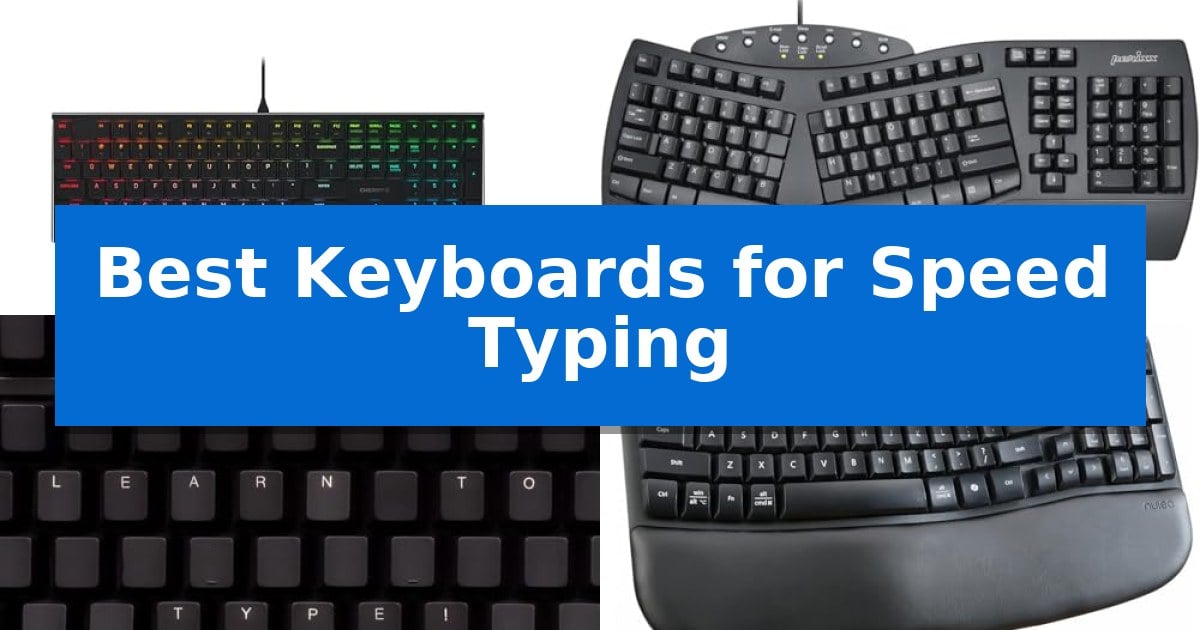
Achieving high words-per-minute counts requires more than just practice; it demands a hardware interface that minimizes resistance and physical strain. Finding the Best Keyboards for Speed Typing involves balancing tactile feedback, key travel distance, and ergonomic support to ensure your fingers move across the board with maximum efficiency.
Whether you are a professional writer, a coder, or a student, the right equipment can significantly reduce fatigue during long sessions. We have evaluated five distinct models to help you identify which design features—from low-profile mechanical switches to natural split layouts—best align with your specific typing style and workflow requirements.
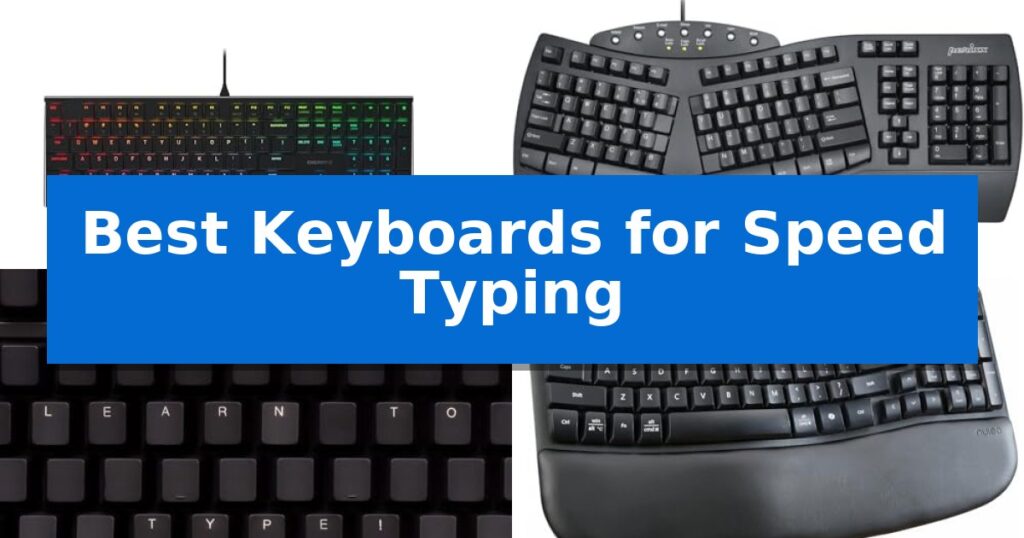
Best Keyboards for Speed Typing in 2026: Boost Your WPM Efficiency
Quick Comparison
| Product | Best For | Key Strength | Score |
|---|---|---|---|
| Cherry MX 10.0N RGB Mechanical Keyboard | Best Overall | Cherry MX Low Profile Speed switches provide a fast, linear, and quiet typing experience. | 4.9 |
| Perixx PERIBOARD-512B Ergonomic Keyboard | Natural layout reduces typing fatigue | Split-key ergonomic design helps reduce wrist bending. | 4.9 |
| KeyMaster Electronics Learn to Type Keyboard | Accelerates touch typing memorization | On/off backlighting allows for progressive training by hiding or showing keys. | 4.3 |
| Nulea Wave Keys Ergonomic Keyboard | Comfortable curve for efficient typing | Unique wave shape reduces strain by following natural hand curvature. | 4.8 |
| X9 Wired Ergonomic Keyboard | Full-size layout for office productivity | Integrated wrist rest for enhanced ergonomic support. | 4.7 |
How We Chose
- Switch responsiveness and actuation force for minimal input lag.
- Ergonomic design features that promote natural hand and wrist positioning.
- Layout efficiency including key spacing and tactile feedback consistency.
- Build quality and stability to ensure the device remains secure during high-speed bursts.
- Specialized features that assist in touch-typing accuracy and skill development.
1 Cherry MX 10.0N RGB Mechanical Keyboard — Low-profile speed for rapid input
Efficiency in typing often depends on the physical characteristics of your hardware, and the Cherry MX 10.0N RGB Mechanical Keyboard is engineered specifically to minimize travel time. By utilizing specialized Cherry MX Low Profile Speed switches, this keyboard provides a rapid, linear keystroke that is both quiet and highly responsive. This design choice is ideal for users who need to maintain high input speeds without the distraction of heavy resistance or audible clicks.
The keyboard features an ultra-thin 0.87-inch profile, which significantly reduces the distance your wrists need to bend, promoting a more natural hand position during long typing sessions. This slim form factor is encased in a sturdy aluminum housing, providing a premium, rigid feel that resists flexing. To further enhance ergonomics, the device includes an integrated fold-out aluminum support bar, allowing you to adjust the typing angle for improved comfort and stability on various desk surfaces.
Beyond its structural benefits, the keyboard incorporates customizable RGB backlighting, which allows for personalized illumination in both dim and bright lighting conditions. By combining high-performance mechanical switches with a modern, space-saving aesthetic, this model offers a distinct balance between traditional mechanical reliability and a sleek, contemporary design. It serves as a practical solution for those who require a consistent, reliable input device that maximizes desk real estate while supporting high-speed productivity.
Best for: Users who require a low-profile, responsive mechanical keyboard for high-speed typing and a sleek, durable desktop aesthetic.
Skip if: Users who prefer high-profile keycaps, tactile or clicky switch feedback, or a wireless connection, as this model is wired and features a low-profile design.
PROS
- Cherry MX Low Profile Speed switches provide a fast, linear, and quiet typing experience.
- Sturdy aluminum housing ensures long-term durability and a premium build quality.
- Integrated fold-out support bar allows for adjustable ergonomic typing angles.
- Ultra-thin 0.87-inch profile saves desk space while maintaining a professional look.
CONS
- Wired-only connectivity may limit cable management options for some users.
- Low-profile keycaps may not provide the same travel depth as traditional mechanical keyboards.
2 Perixx PERIBOARD-512B Ergonomic Keyboard — Natural layout reduces typing fatigue
The Perixx PERIBOARD-512B Ergonomic Keyboard utilizes a distinct one-piece split key layout designed to reduce wrist bending and encourage a more natural hand position during extended typing sessions. By separating the keys into dedicated left and right zones, this design aims to minimize physical strain for those who spend long hours at their desk.
Engineered for tactile responsiveness, the keyboard features long key travel of 4.2 mm, providing audible confirmation with each press. This mechanical-like feedback is paired with a durable build rated for up to 20 million keystrokes. The keys themselves are curved to match fingertip contours, which assists in maintaining control and comfort during rapid input.
The unit incorporates an old-school stepped, curved row design that promotes a natural posture. While the ergonomic shape is intended to reduce fatigue, it does involve a learning curve; most users typically adapt to the split layout within one to two weeks of consistent use.
This wired USB keyboard is built with high-quality ABS materials and includes a built-in wrist rest to support the hands. It is a straightforward, functional tool for those looking to prioritize ergonomic alignment over compact or wireless design features.
Best for: Users seeking an ergonomic split-key layout to reduce wrist strain during long typing sessions.
Skip if: Users who require a compact, wireless, or low-profile keyboard, or those who are unwilling to navigate a learning curve for a new layout.
PROS
- Split-key ergonomic design helps reduce wrist bending.
- Long 4.2 mm key travel provides tactile, responsive feedback.
- Durable construction rated for 20 million keystrokes.
- Integrated wrist rest supports a natural typing posture.
CONS
- Requires a learning curve of 1–2 weeks for adaptation.
- Wired-only connectivity limits desk placement options.
3 KeyMaster Electronics Learn to Type Keyboard — Accelerates touch typing memorization
Mastering touch typing requires consistent practice, and the KeyMaster Electronics Learn to Type Keyboard facilitates this through a unique on/off backlighting system. By allowing users to quickly show or hide keyboard lettering, this tool encourages muscle memory development, helping students transition away from looking down at their hands while they type.
Designed as a dedicated keyboarding mechanical training tool, this device measures 18 inches in length and 7 inches in width, providing a standard footprint for desktop use. The blank key caps feature serves as a primary mechanism for forcing users to rely on their tactile familiarity with key placement rather than visual cues, which is essential for increasing typing speed and accuracy.
The keyboard is built with a focus on educational utility, functioning as a practical alternative to traditional covers or skins. Its construction is straightforward, weighing approximately 1.625 pounds, and it includes a 1-year manufacturer warranty to support its use in learning environments.
While the device is specialized for training, it remains a functional peripheral for daily computer tasks. The ability to toggle the lighting ensures that users can switch between a learning mode and a standard typing mode, making it a versatile addition to any workstation focused on skill improvement.
Best for: Students and individuals looking to improve their touch typing speed and accuracy through visual memorization training.
Skip if: Users who require a specialized ergonomic layout, wireless connectivity, or advanced mechanical switches for professional gaming or high-speed data entry.
PROS
- On/off backlighting allows for progressive training by hiding or showing keys.
- Blank key caps design forces reliance on muscle memory.
- Dedicated mechanical training tool specifically built for touch typing education.
CONS
- Wired-only connection limits placement flexibility compared to wireless models.
- Specialized design may be less comfortable for general-purpose typing compared to ergonomic keyboards.
4 Nulea Wave Keys Ergonomic Keyboard — Comfortable curve for efficient typing
Maintaining a consistent rhythm during high-volume typing requires hardware that minimizes physical strain without forcing a steep learning curve. The Nulea Wave Keys Ergonomic Keyboard addresses this by utilizing a unique wave shape that mirrors the natural curvature of the human hand, allowing for a more relaxed finger stretch during extended sessions.
Efficiency is supported by a full key layout that retains the traditional configuration, ensuring that users do not need to relearn their typing habits to achieve productivity. The device features precise crater key positions, which are molded for uniform tactile feedback and consistent rebounding force, helping to prevent the common frustration of key jamming during rapid input.
Customization plays a vital role in comfort, and this model includes adjustable tilt legs that allow users to modify the typing angle to their specific preference. By offering a choice between a flatter surface or a slightly elevated tilt, the keyboard helps distribute hand pressure more effectively, which is essential for those who spend hours at their desks.
Designed for a clean workspace, the Nulea Wave Keys Ergonomic Keyboard utilizes a wireless connection, removing cable clutter while maintaining the reliability needed for professional software operation or document processing. It serves as a plug-and-play solution that balances ergonomic support with the familiarity of a standard office keyboard.
Best for: Users who want to reduce wrist and finger fatigue during long typing sessions without the learning curve associated with split-style ergonomic keyboards.
Skip if: Users who require a mechanical switch feel or a compact, tenkeyless footprint for limited desk space.
PROS
- Unique wave shape reduces strain by following natural hand curvature.
- Full key layout ensures no learning curve for traditional typists.
- Adjustable tilt legs allow for personalized typing angles.
- Wireless connectivity eliminates cable clutter for a cleaner workspace.
CONS
- Full-size footprint may be too large for users with limited desk space.
- Crater key design lacks the tactile customization of mechanical switches.
5 X9 Wired Ergonomic Keyboard — Full-size layout for office productivity
Maintaining a consistent rhythm during high-volume data entry requires hardware that minimizes physical strain. The X9 Wired Ergonomic Keyboard addresses this by incorporating an integrated wrist rest and an adjustable kickstand, which work in tandem to provide a more natural typing angle for extended sessions.
This full-size layout features 114 keys, including a dedicated number pad that is essential for accounting or spreadsheet management. Beyond standard input, the device offers 10 dedicated multimedia keys and 14 shortcut keys, allowing users to manage playback and system volume directly from the board without navigating through software menus.
Designed for immediate deployment, the keyboard utilizes a plug-and-play 5ft USB-A cable. This wired connection ensures reliable communication with desktops, laptops, and Chromebooks without the need for drivers or battery management. Its quiet key switches are intended to maintain a low-noise profile suitable for shared workspaces.
Measuring 17.25 inches by 7.25 inches, the unit provides a stable, full-sized footprint. The construction is focused on long-term utility, supported by a 2-year warranty to ensure consistent performance for office professionals.
Best for: Office professionals and home users who require a full-size, wired keyboard with integrated wrist support for comfortable, high-volume data entry.
Skip if: Users who require a compact, wireless, or mechanical keyboard with customizable backlighting or specialized gaming features will find this model too basic.
PROS
- Integrated wrist rest for enhanced ergonomic support.
- Dedicated multimedia and shortcut keys for efficient workflow control.
- Plug-and-play connectivity via a 5ft USB-A cable.
- Full-size layout including a dedicated number pad.
CONS
- Wired-only connection limits portability and cable-free desk setups.
- Lacks advanced features such as mechanical switches or programmable RGB lighting.
Best Keyboards for Speed Typing Buying Guide
Mechanical Switches vs. Membrane
The choice between mechanical switches and membrane keys is fundamental to your typing speed. Mechanical switches, such as the low-profile speed variants, offer a consistent actuation point and a distinct tactile response that allows for faster, lighter key presses. This predictability helps experienced typists 'bottom out' less frequently, saving energy and time.
Membrane keyboards are often quieter and have a softer feel, which some users prefer for office environments. However, they typically require a deeper press to register, which can introduce a slight delay or 'mushy' sensation that may hinder maximum speed for those accustomed to the crisp feedback of mechanical alternatives.
Ergonomics and Wrist Health
Speed typing is not just about the fingers; it is about the health of your wrists and forearms. Ergonomic keyboards often feature a split or curved layout designed to keep your hands in a neutral position. By reducing the angle at which your wrists bend, these designs help prevent fatigue and strain during extended periods of intense work.
When selecting an ergonomic model, consider whether you prefer a fixed-curve design or a fully split layout. While split designs offer the most customization for hand placement, they often require a learning period. A wave-shaped, one-piece keyboard provides a middle ground, offering improved posture without the steep learning curve of a fully separated board.
Key Travel and Actuation Distance
Key travel refers to the distance a key moves from its resting position to the point where it registers a character. For speed typing, shorter travel distances are generally preferred as they allow for quicker transitions between keys. Low-profile keyboards are specifically engineered to minimize this distance.
However, there is a trade-off: if the travel is too shallow, you may experience more typos due to accidental presses. Finding the 'sweet spot' depends on your personal touch; some typists prefer the deliberate feedback of a longer travel distance, while others thrive on the rapid-fire responsiveness of a low-profile setup.
Layout and Connectivity
A full-size layout is often essential for productivity, especially if your work involves heavy data entry or frequent use of the number pad. Ensure the keyboard provides dedicated multimedia keys or shortcuts if you frequently switch between applications, as these can save valuable seconds during your workflow.
Connectivity options also impact your setup. Wired USB connections provide a reliable, lag-free experience that is ideal for high-speed typing, as they eliminate the potential for wireless interference or battery-related latency. Wireless options offer a cleaner desk but require you to monitor battery levels to avoid mid-session interruptions.
Training and Skill Development
If your goal is to improve your touch-typing accuracy, some keyboards include features designed specifically for training. Backlit keys that can be toggled on or off allow you to transition from visual reliance to muscle memory. By hiding the labels, you force your brain to map the keyboard layout, which is a proven method for increasing speed and reducing errors.
Consistent practice on a keyboard that provides clear, tactile confirmation of every press will help you build the necessary muscle memory. Avoid keyboards with inconsistent key resistance, as this can confuse your fingers and lead to a plateau in your typing speed development.
Frequently Asked Questions
Do I need a mechanical keyboard to type faster?
Not necessarily, but many users find that the consistent, tactile feedback of mechanical switches allows for more precise and rapid input compared to standard membrane keyboards.
How long does it take to get used to an ergonomic keyboard?
Most users adapt to a curved or wave-style ergonomic keyboard within one to two weeks. Split keyboards may require a longer adjustment period depending on your existing typing habits.
Is a wired keyboard better for speed than wireless?
Wired keyboards are generally preferred for speed typing because they provide a direct, consistent connection without the risk of latency or interference that can occasionally affect wireless devices.
What is the benefit of low-profile switches?
Low-profile switches reduce the total travel distance of the key, allowing for faster actuation and less physical effort, which can help maintain high speeds over long sessions.
Can a keyboard help me stop looking at the keys?
Yes, keyboards with customizable or blank keycaps, or those with toggleable backlighting, are specifically designed to help you build muscle memory by removing the visual crutch of printed letters.
Conclusion: Our Top Pick
For those seeking the ultimate balance of responsiveness and comfort, the Cherry MX 10.0N RGB Mechanical Keyboard stands out as the premier choice. Its low-profile speed switches provide a linear, quiet, and highly responsive experience that is perfectly suited for rapid input, while the sturdy aluminum housing ensures the stability needed during high-speed typing sessions.
While other options like the Nulea Wave Keys offer superior ergonomic support for those concerned with wrist fatigue, the Cherry MX 10.0N remains our top recommendation for pure speed. Its combination of a slim, ultra-thin profile and high-quality mechanical internals provides the tactile consistency required to push your words-per-minute to the next level.