
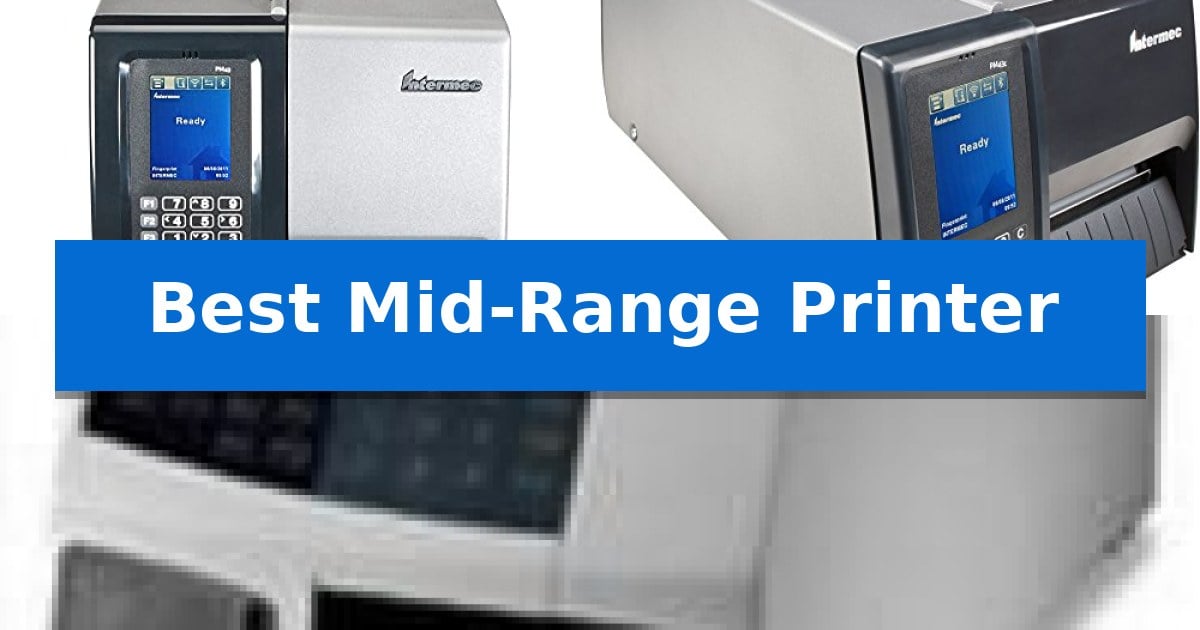
Finding the right hardware for demanding industrial environments requires balancing throughput with physical space constraints. Whether you are managing a warehouse or a specialized production line, selecting the Best Mid-Range Printer involves evaluating how well a device integrates into your existing network while maintaining consistent output quality.
Our analysis focuses on industrial-grade label printers that prioritize reliability and ease of use. By examining specific interface options, connectivity standards, and form factors, we aim to help you identify which machine aligns with your operational requirements and workflow volume.
You may also want to compare Best Mid-Range Powered Bookshelf Speakers, Best Mid-Range Podcasting Microphones, and Best Mid-Range Pioneer DJ Controller.
Best Mid-Range Printer
Quick Comparison
| Product | Best For | Key Strength | Score |
|---|---|---|---|
| Honeywell PM43 Industrial Printer | Best Overall | Tamper-proof color touch interface for secure and easy operation. | 4.9 |
| Intermec PM43C Industrial Printer | Compact Footprint for Tight Spaces | Compact footprint ideal for space-constrained industrial environments. | 4.5 |
| Intermec EasyCoder PF4i Thermal Printer | Proven Reliability for Industrial Tasks | Industrial-grade build quality designed for long-term reliability. | 4.6 |
How We Chose
- Connectivity and Network Integration: Assessing support for Ethernet, USB, and wireless standards to ensure seamless integration into existing IT infrastructure.
- Throughput and Volume Capacity: Evaluating the printer's ability to maintain performance during continuous high-volume label production.
- User Interface and Accessibility: Reviewing the complexity of the control panel, including touch-screen functionality and language support for simplified operator training.
- Physical Footprint and Design: Considering the dimensions and mounting options to determine suitability for various workspace configurations.
- Emulation and Compatibility: Checking for ZPL-II or other common printer language support to ensure easy replacement of legacy hardware.
1 Honeywell PM43 Industrial Printer — Ready for High-Volume Workflows
Industrial labeling demands hardware that balances consistent output with operational efficiency. The Honeywell PM43 Industrial Printer is engineered for high-volume environments, featuring a tamper-proof, 10-language color touch interface that simplifies navigation and reduces the need for extensive workforce training. By offering a localized user experience, this interface allows operators to manage complex tasks with minimal technical overhead.
Designed to handle demanding workflows, this mid-range industrial printer supports both direct thermal and thermal transfer printing methods. This versatility is essential for businesses that need to switch between short-term shipping labels and long-term, durable asset tags. With a resolution of 203 dpi, the unit ensures clear, readable text and barcodes across various logistics and manufacturing applications.
Connectivity and ease of use are central to its design, incorporating Ethernet for seamless network integration within existing facility infrastructures. The unit measures 15.6 inches in length and 17.4 inches in width, providing a stable, stationary footprint that remains secure during high-speed printing cycles. The inclusion of a US power cord ensures immediate compatibility with standard power outlets.
Choosing this model provides a balance between industrial-grade durability and user-friendly operation. By prioritizing a color touch interface and versatile printing capabilities, the Honeywell PM43 Industrial Printer serves as a practical solution for businesses looking to streamline their labeling processes without the complexity of higher-end, more cumbersome systems.
Best for: High-volume industrial labeling tasks that require a user-friendly, multi-language interface and reliable network connectivity.
Skip if: Users who require a compact, portable desktop printer or those who do not need industrial-grade thermal transfer capabilities.
PROS
- Tamper-proof color touch interface for secure and easy operation.
- Supports 10 languages to accommodate diverse workforces.
- Versatile direct thermal and thermal transfer printing options.
- Integrated Ethernet connectivity for network environments.
CONS
- Large footprint may not be suitable for small office desks.
- 90-day limited warranty is shorter than some consumer-grade alternatives.
2 Intermec PM43C Industrial Printer — Compact Footprint for Tight Spaces
Industrial environments require hardware that balances a small physical footprint with high-precision output. The Intermec PM43C Industrial Printer is engineered specifically for these tight-space requirements, offering a robust, compact design that does not sacrifice the functionality needed for heavy-duty labeling tasks.
This printer simplifies complex workflows through a large, color, tamper-proof touch screen or an icon-based interface, depending on your operational needs. It is designed for seamless integration into existing systems, featuring comprehensive printer emulation including ZSim2 and ZPL-II, which allows for an easy upgrade path from other printer brands without requiring a complete overhaul of your current setup.
Accuracy is a primary focus, supported by the Precision Print technology that ensures consistent bar-code output. For network administrators, the device stands out as the only CCX- and Wi-Fi-certified fixed printer that includes a standard IPv6 implementation, ensuring it remains compatible with modern, secure network infrastructures.
Maintenance and monitoring are streamlined via a multilingual webpage loaded directly on every unit, allowing for real-time device oversight. With a weight of 27.65 pounds, the Intermec PM43C Industrial Printer provides a stable, reliable platform for high-demand environments that require consistent, accurate, and network-integrated printing performance.
Best for: Industrial facilities and warehouses that require a compact, network-integrated label printer with high-precision bar-code output.
Skip if: Users who do not require industrial-grade durability or advanced network protocols like IPv6 and CCX-certified Wi-Fi will find this unit over-engineered for standard office tasks.
PROS
- Compact footprint ideal for space-constrained industrial environments.
- Comprehensive emulation support including ZSim2 and ZPL-II for easy system integration.
- Advanced network compatibility with CCX/Wi-Fi certification and standard IPv6.
- Precision Print technology for accurate, consistent bar-code generation.
CONS
- Heavy build at 27.65 pounds may limit portability compared to desktop-class printers.
3 Intermec EasyCoder PF4i Thermal Printer — Proven Reliability for Industrial Tasks
The Intermec EasyCoder PF4i Mid-Range Thermal Printer is engineered for demanding industrial environments where consistent label production is a necessity. This unit provides a robust solution for businesses requiring a reliable, mid-range printing platform that integrates into established Honeywell and Intermec workflows.
Designed with a focus on industrial utility, this device features a substantial build, weighing 21 pounds, which reflects its stationary, heavy-duty nature. As a thermal printer, it is built to handle the rigors of high-volume output, making it a staple for warehouse, logistics, or manufacturing labeling tasks where downtime must be minimized.
The Intermec EasyCoder PF4i serves as a specialized tool for those already invested in the Honeywell ecosystem. Its design prioritizes functional reliability over consumer-grade aesthetics, ensuring that it remains a stable asset on a packing station or production line. Users benefit from the manufacturer's extensive support network, which includes access to the full line of compatible parts and accessories.
When selecting a printer for mid-range industrial needs, compatibility with existing management software and label media is paramount. This model is best suited for professional settings that require a dedicated, high-durability printing solution rather than a portable or multi-purpose office device.
Best for: Industrial environments and warehouses requiring a dedicated, high-durability thermal printer for consistent, high-volume label production.
Skip if: Home or small office users who need a compact, lightweight printer for general document printing or occasional light-duty label tasks.
PROS
- Industrial-grade build quality designed for long-term reliability.
- Part of the Honeywell and Intermec ecosystem, ensuring broad compatibility.
- Robust construction suitable for demanding, high-volume environments.
CONS
- Heavy 21-pound footprint limits portability and placement options.
- Requires direct contact for volume pricing and availability, which may complicate immediate procurement.
Best Mid-Range Printer Buying Guide
Understanding Industrial Printer Connectivity
Connectivity is a critical factor when integrating a new printer into a warehouse or factory network. Most industrial models support Ethernet as a standard, which provides stable, high-speed communication for networked environments. Some units also offer Wi-Fi certification or IPv6 implementation, which are essential for modern, scalable network architectures.
Before purchasing, verify that the printer supports the specific network protocols used in your facility. Devices that offer multilingual web-based monitoring can significantly reduce downtime by allowing IT staff to check device status remotely without needing to be physically present at the printer.
Evaluating Throughput and Duty Cycles
The primary purpose of a mid-range industrial printer is to handle high-volume workflows without frequent interruptions. These printers are designed for direct thermal or thermal transfer printing, which are the industry standards for durable, high-contrast barcodes and labels.
When assessing these machines, consider the duty cycle and the ease of media loading. Printers that feature tamper-proof interfaces and intuitive touch screens help minimize operator error, ensuring that your production line continues to move efficiently throughout the shift.
The Importance of Printer Emulation
Upgrading existing hardware can be costly if it requires rewriting your entire labeling software. Look for printers that offer comprehensive ZPL-II emulation or other industry-standard languages. This allows the new printer to 'speak' the same language as your legacy equipment.
By choosing a device with strong emulation support, you can swap out an aging printer for a modern unit with minimal configuration changes. This fast and friendly emulation capability is a major time-saver for businesses looking to modernize their infrastructure without disrupting daily operations.
Space Constraints and Physical Design
Not every workspace is designed to accommodate large, floor-standing industrial printers. Many mid-range models are specifically engineered with a compact footprint to fit into tight spaces on packing tables or assembly lines.
Consider the physical dimensions and the door mechanism of the printer. Some models feature long doors or fixed hangers that allow for easier media access in cramped quarters. Always measure your available space to ensure the printer's dimensions allow for proper ventilation and easy access for ribbon and label roll changes.
Maintenance and Reliability
Industrial printers are workhorses, but they still require periodic maintenance. Features like Precision Print technology help maintain consistent barcode quality, which is vital for scanning accuracy in logistics and inventory management.
Look for models that offer easy access to the print head and platen roller. A design that simplifies routine cleaning and part replacement will extend the life of your printer and ensure that your labels remain clear and scannable over the long term.
Frequently Asked Questions
What is the difference between direct thermal and thermal transfer printing?
Direct thermal printing uses heat-sensitive paper and does not require a ribbon, making it ideal for short-term labels. Thermal transfer printing uses a ribbon to transfer ink onto the label, resulting in more durable, long-lasting prints suitable for harsh environments.
Can these printers replace my existing ZPL-based printers?
Yes, many mid-range industrial printers include robust ZPL-II emulation, allowing them to integrate into systems previously using other printer brands without requiring software changes.
Why is Ethernet connectivity important for industrial printers?
Ethernet provides a stable, wired connection that is less susceptible to interference than wireless networks, ensuring reliable communication for high-volume, mission-critical printing tasks.
How do I choose between a compact and a full-size industrial printer?
Choose a compact model if your workspace is limited, such as on a small packing station. Choose a full-size model if you need larger media capacity or if the printer will be placed in an area where space is not a limiting factor.
What does 'tamper-proof' mean in the context of printer interfaces?
A tamper-proof interface typically means the settings are protected by a password or restricted access, preventing unauthorized users from changing print configurations or network settings.
Conclusion: Our Top Pick
When selecting the right equipment for your facility, the Honeywell PM43 Industrial Printer stands out as a reliable choice for high-volume workflows. Its ability to integrate into diverse network environments while offering a user-friendly, multilingual interface makes it a versatile tool for various industrial applications.
While the Honeywell unit is highly capable, ensure that your specific media requirements—such as label width and thermal transfer needs—align with the model's specifications. For those with limited space, consider whether the compact footprint of alternative models might better suit your specific workstation layout.