
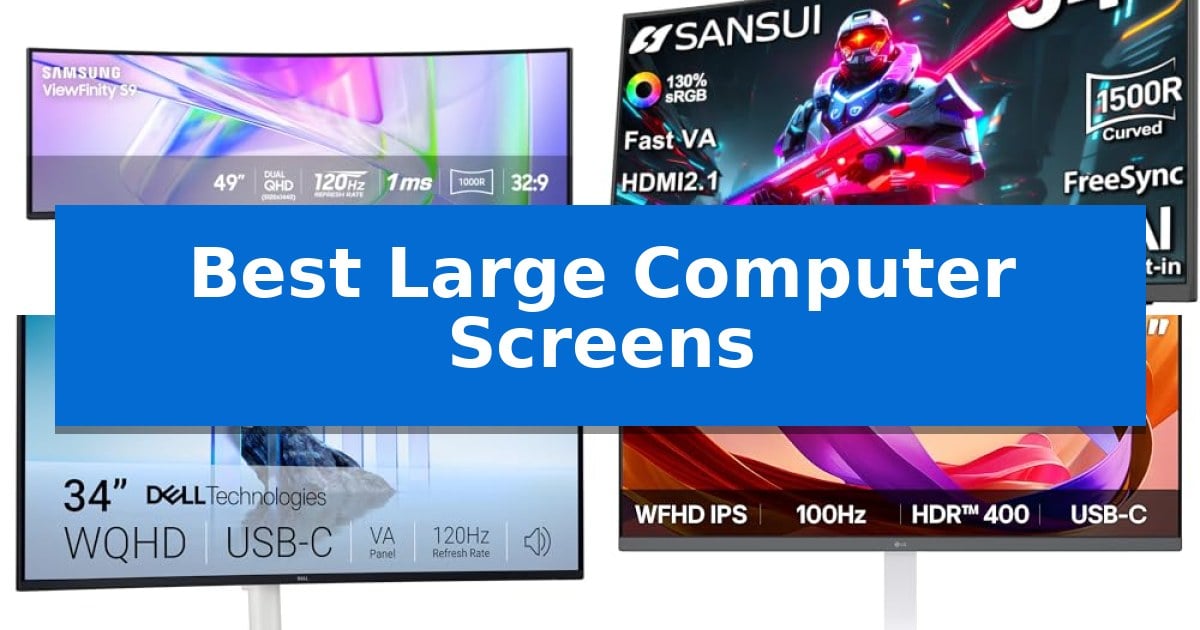
Finding the right display is essential when you need to manage complex workflows or immersive entertainment. The Best Large Computer Screens offer more than just physical size; they provide the extra screen real estate necessary to keep multiple applications visible simultaneously without the clutter of a dual-monitor setup.
Whether you are a professional designer requiring precise color accuracy or a multitasker looking to streamline your daily tasks, selecting the correct panel type and resolution is key. We have analyzed several leading models to help you understand how different features, such as curvature and connectivity, impact your daily productivity.
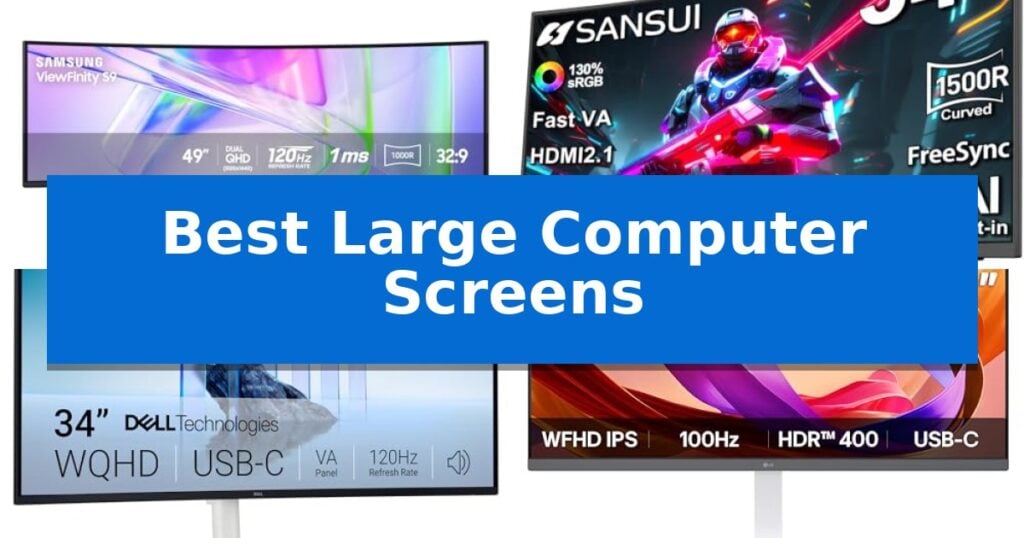
Best Large Computer Screens in 2026: Enhance Your Desktop Workflow
Quick Comparison
| Product | Best For | Key Strength | Score |
|---|---|---|---|
| Samsung 49-inch Business Curved Monitor | Best Overall | Integrated docking station with 90W USB-C charging. | 4.9 |
| SANSUI 34-inch Curved Gaming Monitor | High-Speed Ultrawide Immersion | 200Hz refresh rate for fluid motion in gaming. | 4.8 |
| Dell 34-inch S3425DW Monitor | Refined Color and Connectivity | Single-cable USB-C connectivity with 65W power delivery reduces desk clutter. | 4.6 |
| LG 34-inch UltraWide Monitor | Seamless Multitasking Hub | 21:9 UltraWide aspect ratio for superior multitasking space. | 4.3 |
| LG 32-inch Curved Monitor | Comfortable Large-Scale Viewing | 100Hz refresh rate for smoother visual motion. | 4.9 |
How We Chose
- Display dimensions and curvature radius for ergonomic viewing comfort.
- Resolution and panel technology for clarity and color consistency.
- Connectivity options including USB-C power delivery and port variety.
- Refresh rates and motion handling for both work and casual gaming.
- Integrated features like speakers and height-adjustable stands.
1 Samsung 49-inch Business Curved Monitor — Ultimate Panoramic Workspace
The Samsung 49-inch Business Curved Monitor centers your workspace around a massive 49-inch 1000R curved display, designed to mimic the natural field of view with a 32:9 aspect ratio. This expansive screen provides a Dual QHD resolution that effectively replaces multi-monitor setups, allowing for seamless multitasking across a single, continuous panel.
Connectivity is a primary focus for this model, which functions as a built-in docking station. It features a versatile array of inputs including DisplayPort, two HDMI ports, and USB-C with 90W power delivery. This hub-like capability reduces cable clutter by allowing users to connect peripherals and charge devices directly through the monitor.
For visual and performance-oriented tasks, the display supports a 120Hz refresh rate, which aids in smoother scrolling and responsive motion. The integration of VESA DisplayHDR 400 ensures a wider dynamic range, producing distinct contrast between deep blacks and bright whites, which is beneficial for design and video editing workflows.
The design prioritizes both efficiency and ergonomics. The inclusion of built-in speakers eliminates the need for external audio peripherals, saving desk space. Additionally, the unit features a height-adjustable stand to accommodate different viewing preferences, making it a comprehensive solution for professional environments.
Best for: Professionals and creators who require a massive, seamless digital canvas to replace multi-monitor setups and streamline desk connectivity.
Skip if: Users with limited desk space or those who prefer a traditional flat-panel display for specific color-critical work that requires a standard 16:9 aspect ratio.
PROS
- Integrated docking station with 90W USB-C charging.
- 120Hz refresh rate for fluid motion and scrolling.
- 1000R curvature provides an immersive, panoramic field of view.
- VESA DisplayHDR 400 support for enhanced contrast.
CONS
- Large physical footprint requires significant desk space.
- 32:9 aspect ratio may not be compatible with all legacy software applications.
2 SANSUI 34-inch Curved Gaming Monitor — High-Speed Ultrawide Immersion
The SANSUI 34-inch Curved Gaming Monitor centers your workspace around a 1500R curved display, designed to wrap your field of view in a 3440 x 1440 UWQHD resolution. This ultrawide configuration provides significant screen real estate, allowing for expansive multitasking or immersive gaming without the need for a secondary monitor.
Engineered for high-speed responsiveness, this display features a 200Hz refresh rate and an OD 1ms response time. It supports AdaptiveSync and VRR via HDMI 2.1, ensuring that frame delivery remains consistent during fast-paced motion. The Fast VA panel technology balances color accuracy with deep contrast, covering 130% sRGB and 97% DCI-P3 color gamuts.
Practicality is integrated through built-in AI tools, including an AI crosshair, AI blue light reduction, and AI picture quality enhancement. The monitor offers flexible connectivity with two HDMI 2.1 ports and a DP 1.4 port, all capable of supporting the 200Hz refresh rate. For professional workflows, the PBP (Picture-by-Picture) function allows you to display content from multiple sources simultaneously.
The ergonomic stand supports a -5° to 15° tilt, and the chassis is VESA compatible (100 x 100mm) for those preferring wall or arm mounts. While it lacks integrated speakers, it includes an earphone jack for direct audio output. The unit is backed by a 30-day money-back and free replacement warranty, along with lifetime technical support.
Best for: Gamers and professionals who require an ultrawide, high-refresh-rate display for immersive gaming or side-by-side multitasking.
Skip if: Users who require built-in speakers or a monitor with a smaller footprint for limited desk space.
PROS
- 200Hz refresh rate for fluid motion in gaming.
- UWQHD resolution provides expansive screen real estate.
- HDMI 2.1 support for high-bandwidth connectivity.
- PBP functionality enables multi-source viewing.
CONS
- No integrated speakers require external audio solutions.
- Curved 1500R design may not suit users who prefer flat panels for precise graphic design work.
3 Dell 34-inch S3425DW Monitor — Refined Color and Connectivity
Maximizing screen real estate for complex workflows requires a display that balances high-resolution clarity with efficient connectivity. The Dell 34-inch S3425DW Monitor addresses this by integrating a curved WQHD VA panel that provides a wide, immersive field of view, ideal for managing multiple windows side-by-side without the need for a secondary display.
Engineered for both productivity and entertainment, this monitor features a 120Hz refresh rate paired with AMD FreeSync Premium technology to ensure fluid motion. The VA panel architecture delivers a 3,000:1 contrast ratio, which enhances depth and detail in dark scenes, while the 95% DCI-P3 color coverage ensures accurate, vibrant visuals for creative tasks.
Usability is a core focus of this design, highlighted by the Improved ComfortView Plus technology. This built-in hardware solution reduces harmful blue light emissions to 35% or less, maintaining color accuracy during extended sessions. Additionally, the re-engineered sound system includes integrated speakers with improved frequency response, reducing the need for external audio hardware.
Connectivity is streamlined through a single USB-C port that supports up to 65W power delivery, allowing users to charge laptops and transfer data through one cable. This setup minimizes desk clutter while providing a reliable interface for modern workstations. The monitor is backed by a 1-Year Advanced Exchange Service, ensuring support for the panel.
Best for: Professionals and multitaskers who require a wide, immersive workspace with integrated power delivery and blue-light reduction features.
Skip if: Users who require professional-grade color accuracy for high-end print production or those who prefer a flat display panel over a curved design.
PROS
- Single-cable USB-C connectivity with 65W power delivery reduces desk clutter.
- High 120Hz refresh rate provides smooth motion for both work and media.
- Improved ComfortView Plus hardware reduces blue light while maintaining color fidelity.
- VA panel with 3,000:1 contrast delivers deep blacks and high-detail imagery.
CONS
- Curved form factor may not be suitable for users requiring perfectly straight lines for design or drafting work.
4 LG 34-inch UltraWide Monitor — Seamless Multitasking Hub
The LG 34-inch UltraWide Monitor (34U530A-W) prioritizes desktop efficiency through its expansive 21:9 aspect ratio, which provides significantly more horizontal workspace than traditional 16:9 displays. This design choice allows users to manage multiple windows side-by-side without the need for a dual-monitor setup, streamlining complex workflows and multitasking.
Equipped with a 100Hz refresh rate, this monitor ensures smooth motion for everyday tasks, video conferencing, and streaming. The IPS panel technology maintains color consistency and clarity across wide viewing angles, while VESA DisplayHDR 400 certification enhances contrast and brightness for more dynamic visuals. With 99% sRGB color coverage, it provides the color precision necessary for creative projects.
Connectivity is centered around a versatile USB Type-C port, which enables single-cable display output and data transfer to reduce cable clutter. The monitor also includes integrated Waves MaxxAudio stereo speakers, eliminating the need for external audio hardware. Users can further optimize their screen real estate using the Switch App, which allows for splitting the display into up to six customized sections.
The physical design emphasizes ergonomic flexibility and space management. The monitor features a slim L-shaped stand with a compact base that supports height, tilt, and swivel adjustments, allowing users to tailor their viewing position. Additionally, Reader Mode is available to reduce eye strain during long periods of document work by adjusting color tones and brightness.
Best for: Professionals and creators who require a wide, single-screen workspace for multitasking and streamlined connectivity.
Skip if: Users who require higher than Full HD (2560 x 1080) resolution for professional-grade photo editing or high-density text work.
PROS
- 21:9 UltraWide aspect ratio for superior multitasking space.
- USB Type-C connectivity for simplified single-cable setups.
- 100Hz refresh rate for smoother motion than standard 60Hz monitors.
- Fully adjustable stand supporting height, tilt, and swivel.
CONS
- WFHD (2560 x 1080) resolution may appear less sharp on a 34-inch screen compared to higher-resolution alternatives.
5 LG 32-inch Curved Monitor — Comfortable Large-Scale Viewing
The LG 32MR50C-B Curved Monitor prioritizes user comfort during extended screen time through its integrated Reader Mode, which actively reduces blue light to create a more sustainable viewing experience. This 32-inch display is built for those who need a large, immersive workspace without sacrificing desk ergonomics.
Engineered with a 100Hz refresh rate, the monitor provides smooth motion for both streaming and casual gaming, effectively minimizing stuttering and blur. The inclusion of AMD FreeSync technology further ensures fluid movement, while the Black Stabilizer feature enhances visibility in dark scenes, allowing users to see details that might otherwise remain hidden in shadows.
Usability is a core focus of this design, featuring an ergonomic stand that allows for flexible tilt adjustments to achieve an optimal viewing angle. For multitasking, the OnScreen Control interface simplifies workspace management by enabling users to split the display or adjust monitor settings directly through mouse clicks.
With its VA panel and Full HD resolution, this monitor balances color vibrancy with practical clarity for daily projects. While the curved form factor is designed to provide a more comfortable field of view, potential users should ensure their desk space accommodates the 27.9-inch width and 9.2-inch depth of the unit.
Best for: Users seeking a large, comfortable display for mixed-use productivity, streaming, and casual gaming.
Skip if: Users requiring 4K resolution for professional-grade creative work or those with limited desk space for a 32-inch curved footprint.
PROS
- 100Hz refresh rate for smoother visual motion.
- Reader Mode reduces blue light for extended comfort.
- AMD FreeSync support for fluid, tear-free gameplay.
- Ergonomic tilt stand for customizable viewing angles.
- OnScreen Control software for easy interface management.
CONS
- 1080p resolution may appear less sharp on a 32-inch screen compared to higher-density displays.
- Curved design requires a wider footprint than flat-panel alternatives.
Best Large Computer Screens Buying Guide
Understanding Panel Types
Most large displays utilize either IPS or VA panel technology. IPS panels are generally favored for their superior color accuracy and wide viewing angles, making them a standard choice for creative professionals who need consistent visuals from every angle.
VA panels, by contrast, typically offer higher contrast ratios, which can result in deeper blacks and more vibrant images in dim environments. Choosing between them depends on whether your priority is color precision or high-contrast immersion.
The Role of Curvature
A curved screen is designed to match the natural arc of your field of view, which can help reduce eye strain when using a very wide monitor. The curvature radius, often measured in 'R' (e.g., 1000R or 1500R), indicates how aggressive the curve is.
For a 49-inch display, a tighter curve like 1000R helps keep the edges of the screen within your peripheral vision. Smaller 34-inch models often use a more subtle curve, which provides an immersive experience without distorting straight lines for design work.
Connectivity and Desk Management
Modern large monitors often double as docking stations. Look for USB-C with Power Delivery if you want to connect your laptop with a single cable that handles video, data, and charging simultaneously.
This approach significantly reduces cable clutter on your desk. Ensure the monitor's power delivery wattage is sufficient for your specific laptop model to avoid slow charging or the need for a secondary power brick.
Refresh Rates for Smoothness
While 60Hz is standard for office work, higher refresh rates like 100Hz or 120Hz make a noticeable difference in how smooth the interface feels. Scrolling through long documents or web pages becomes much more fluid at these higher rates.
If you also use your monitor for gaming, a higher refresh rate combined with FreeSync or similar adaptive sync technology helps prevent screen tearing, ensuring that motion remains crisp during fast-paced sequences.
Ergonomics and Adjustability
Because large screens take up significant space, the quality of the stand is vital. A stand that offers height, tilt, and swivel adjustments allows you to position the screen at the correct eye level, which is critical for preventing neck strain during long sessions.
If your desk space is limited, check if the monitor is VESA compatible. This allows you to mount the display on a monitor arm, freeing up the entire surface area of your desk for other equipment.
Frequently Asked Questions
Do I need a curved monitor for productivity?
A curved monitor is particularly helpful on very wide screens (34 inches and above) as it keeps the edges of the display closer to your eyes, reducing the need to turn your head constantly.
Can I use a large monitor as a laptop dock?
Yes, many modern monitors feature USB-C ports that support power delivery and video transmission, allowing you to connect your laptop and peripherals with one cable.
What is the difference between 100Hz and 60Hz?
A 100Hz refresh rate updates the screen more frequently than a 60Hz rate, resulting in smoother motion when scrolling, moving windows, or playing games.
Are built-in speakers good enough for daily use?
Built-in speakers are convenient for basic system sounds and video calls, but they generally lack the depth and bass of dedicated external speakers or headphones.
How do I know if my desk can support a large monitor?
Check the monitor's base dimensions and weight. If your desk is small, consider a monitor arm that mounts to the back of the desk to save surface space.
Conclusion: Our Top Pick
Selecting the right display depends on balancing your need for screen real estate with your specific desk setup. For those requiring the most expansive workspace, the Samsung 49-inch Business Curved Monitor stands out as a top choice due to its massive 32:9 aspect ratio and integrated docking capabilities.
This monitor effectively replaces multiple smaller screens, simplifying your cable management while providing a highly immersive, curved viewing experience. It is an excellent solution for professionals who need to keep several windows open side-by-side to maintain maximum efficiency throughout the workday.